PDF Tool
Merge, split & sign PDFs
Được thiết kế cho iPhone, iPad, Mac, iPod touch
Miễn phí
- Độ tuổi4+
- Danh mụcHiệu Suất
- Nhà phát triểnEachut Incorporation
- Ngôn ngữTiếng Anh
- Kích thước29,9 MB
Liên kết đến trang App Store chính thức
Download.org không lưu trữ tệp nào của PDF Tool. Nút này mở trang ứng dụng trên App Store, nơi Eachut Incorporation phát hành ứng dụng. Trang được kiểm tra lần cuối: 12/11/2026.
Ảnh chụp màn hình
Giới thiệu
Nhà phát triển chưa cung cấp nội dung này bằng ngôn ngữ của bạn.
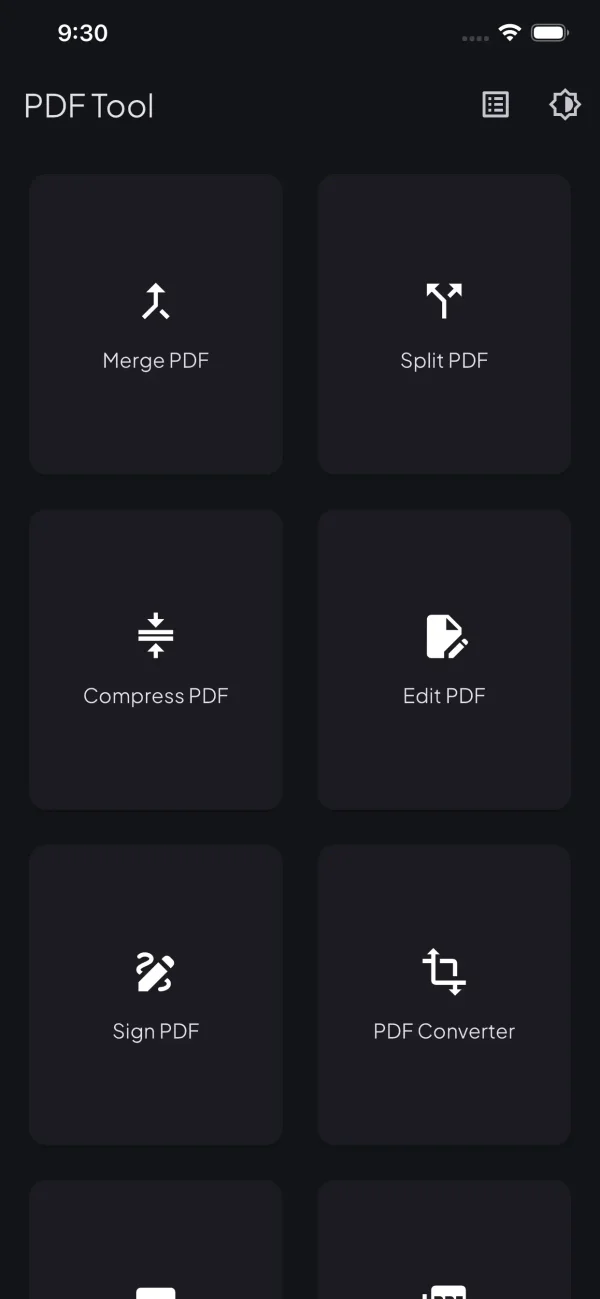
PDF Tool puts essential PDF tools in one app. Merge, split, compress, protect, sign, and edit PDFs on your device—no account, no ads, and your files stay private.
WHAT YOU CAN DO
• Merge PDFs – Combine multiple PDFs into one file
• Split PDF – Extract pages or split by range into separate files
• Compress PDF – Reduce file size
• Protect PDF – Add a password to lock your document
• Unlock PDF – Remove password protection (when you know the password)
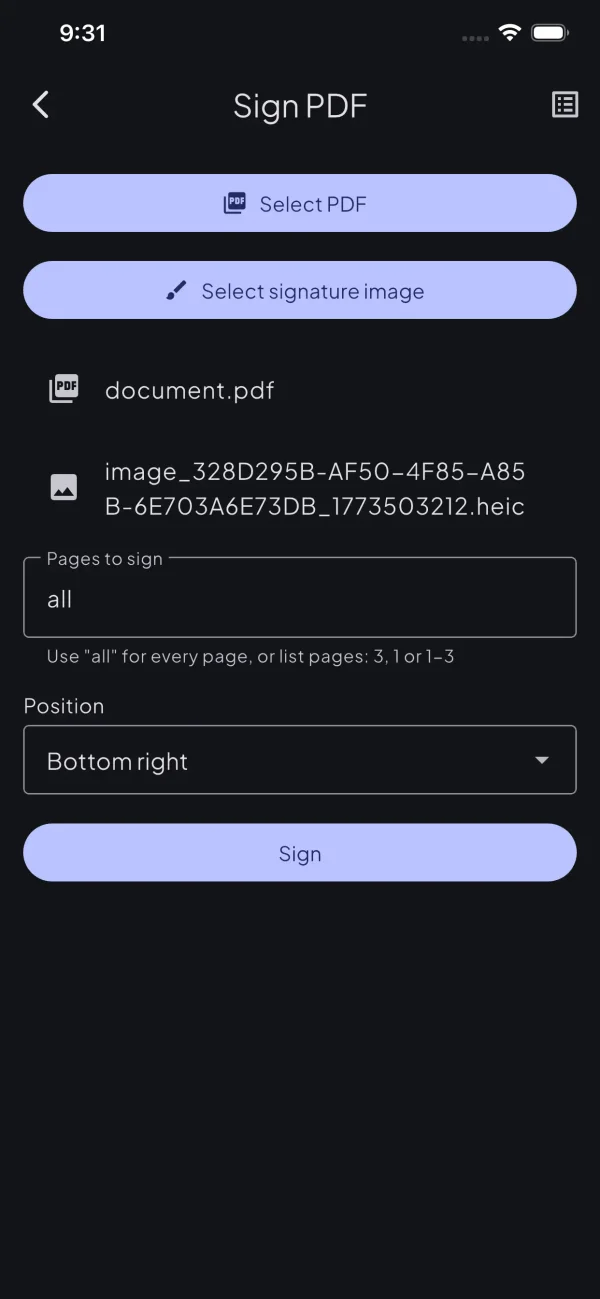
• Sign PDF – Draw or add your signature to documents
• Edit PDF – Remove, extract, or rearrange pages
• Rotate PDF pages – Fix orientation
• Add watermark – Text or image watermarks
• Add page numbers – Number your pages
• Images to PDF – Turn photos or images into a PDF
• PDF to Images – Export PDF pages as images
• Extract PDF images – Pull out embedded images
• Webpage to PDF – Save a webpage as a PDF
• PDF OCR – Extract text from scanned PDFs (where supported)
• Redact PDF – Permanently remove sensitive text
• Compare PDFs – See differences between two PDFs
• Web optimize PDF – Optimize for web viewing
• PDF Overlay – Overlay one PDF on another
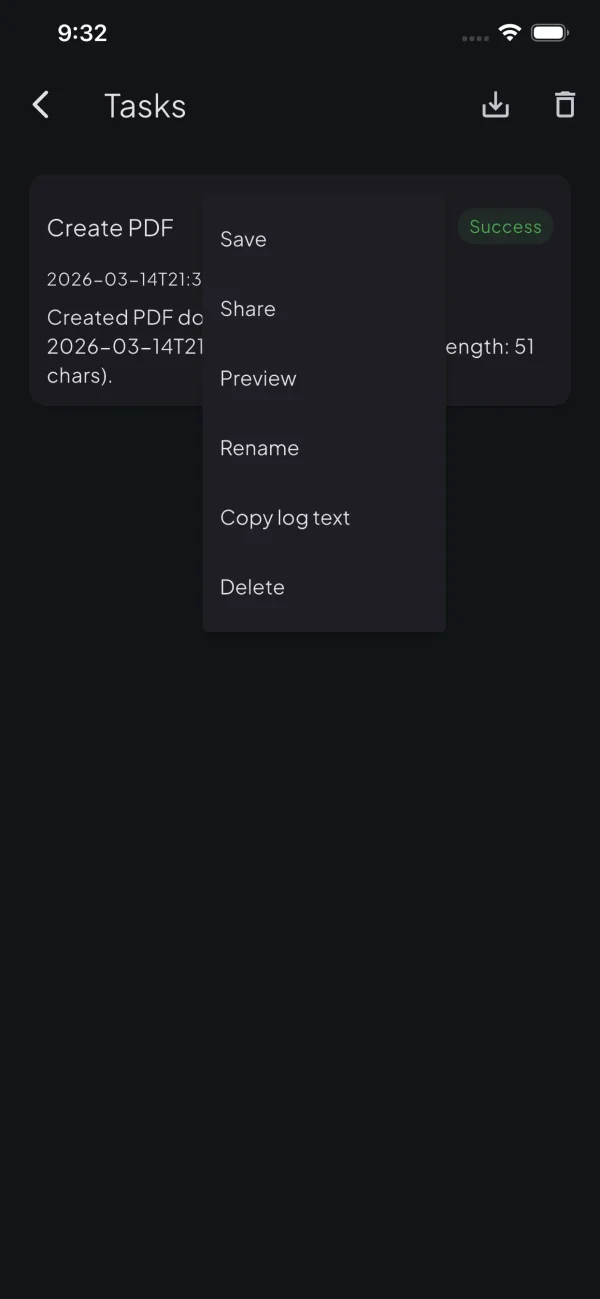
• Create PDF – Create a new PDF from scratch
PRIVACY & OFFLINE
• No account required – use the app immediately
• Your files stay on your device – we don’t upload or store your PDFs
• Works offline – most tools run without internet
• No ads – focus on your documents
• No watermark – clean document as you like
• No tracking – we don’t collect analytics or sell your data
Internet is only used when you choose features that need it (e.g. Webpage to PDF or loading fonts). Passwords for Protect/Unlock PDF are used only on your device and are never sent to us.
Built for everyday PDF tasks: contracts, forms, reports, and personal documents. No subscriptions—just the tools you need, when you need them.
Có gì mới
Phiên bản 1.2 · 27/07/2026
Compress and Web Optimize now produce noticeably sharper PDFs — no more blurry text or muddy images, even at high compression.
Quyền riêng tư của ứng dụng
Những gì Eachut Incorporation khai báo trên App Store về cách ứng dụng này xử lý dữ liệu.
-
Dữ liệu không được thu thập
Nhà phát triển không thu thập bất kỳ dữ liệu nào từ ứng dụng này.
Phương thức đảm bảo quyền riêng tư có thể khác nhau, chẳng hạn như tuỳ theo các tính năng bạn sử dụng hoặc độ tuổi của bạn.
Thông tin
- Người bán
- Eachut Incorporation
- Danh mục
- Hiệu Suất
- Phiên bản
- 1.2
- Cập nhật
- 27/07/2026
- Phát hành
- 18/03/2026
- Kích thước
- 29,9 MB
- Yêu cầu
- iOS 13.0 trở lên
- Độ tuổi
- 4+
- Giá
- Miễn phí
- Ngôn ngữ
- Tiếng Anh
- Bản quyền
- © @Eachut
Có thể bạn cũng thích
-
 PDF Genius: Sửa PDF bằng AIĐiền biểu mẫu và ký PDF
-
 PDF Scanner & Editor: PrivioHiệu Suất
-
 Booklet Maker: Sách nhỏ PDFIn Sổ, Áp Đặt PDF
-
 PDF Tool - Edit, Convert, SignConvert, Compress & File Maker
-
 PDF Editor: Scanner & SignMerge, Split, Compress, OCR
-
 Chuyển PDF sang Word OfflineDOCX và OCR: Quét ảnh ra chữ
-
 Inkfluence - eBook MakerHiệu Suất
-
 Self Care TrackerHiệu Suất
-
 Chuyển ảnh sang PDF Converter.Word, JPG, Image to PDF Editor
-
 Split: Web Browser ViewHiệu Suất