PDF2box - PDF Editor
Sign, Merge, Compress Offline
Conçue pour iPhone, iPad, Mac
Gratuit · Achats intégrés
- Classification d’âge4+
- CatégorieProductivité
- DéveloppeurYung Kei Simon MA
- LanguesAnglais+ 6 de plus
- Taille23,8 Mo
Renvoie vers la page App Store officielle
Download.org n’héberge aucun fichier de PDF2box - PDF Editor. Le bouton ouvre la page de l’application sur App Store, où Yung Kei Simon MA la publie. Fiche vérifiée pour la dernière fois le 25/11/2026.
Captures d’écran
À propos
Le développeur n’a pas fourni ce texte dans votre langue.
PDF Toolbox is now PDF2box.
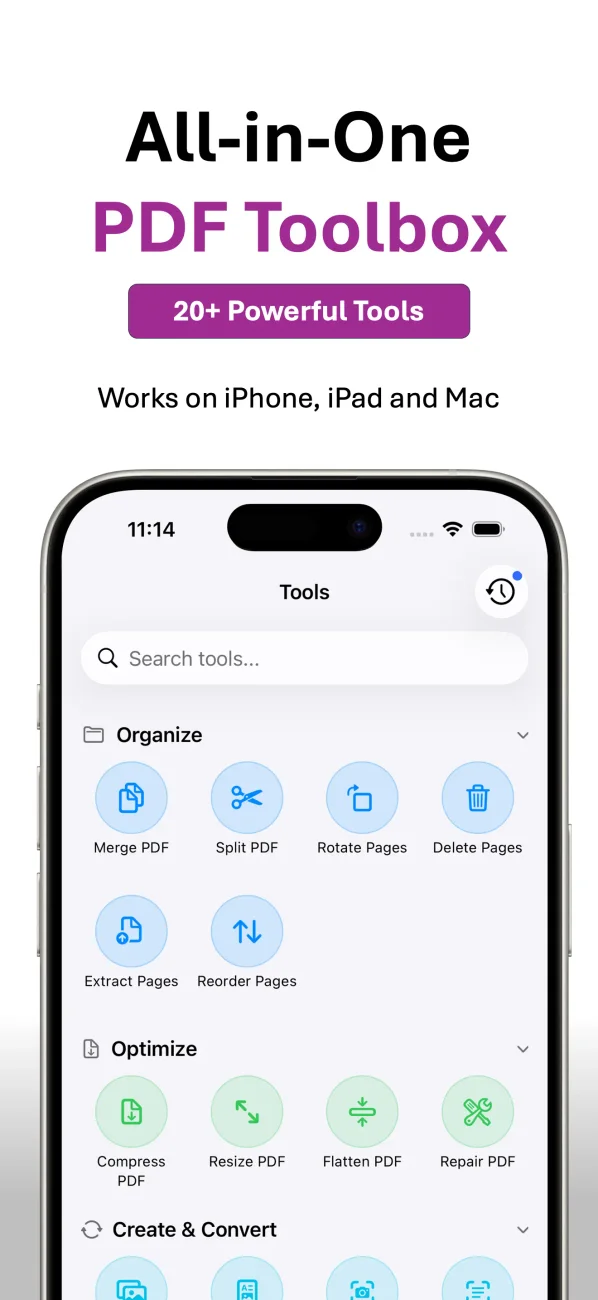
PDF2box is a free, all in one PDF toolkit for iPhone, iPad, and Mac. Merge, split, compress, sign, scan, watermark, OCR, flatten, redact, and convert to PDF/A. All tools work offline with zero data collection. More than 20 tools, no subscriptions, no ads.
EDITOR (iPhone and iPad)
• Edit what is already on a page: move, resize, recolor, or delete text, shapes, and images
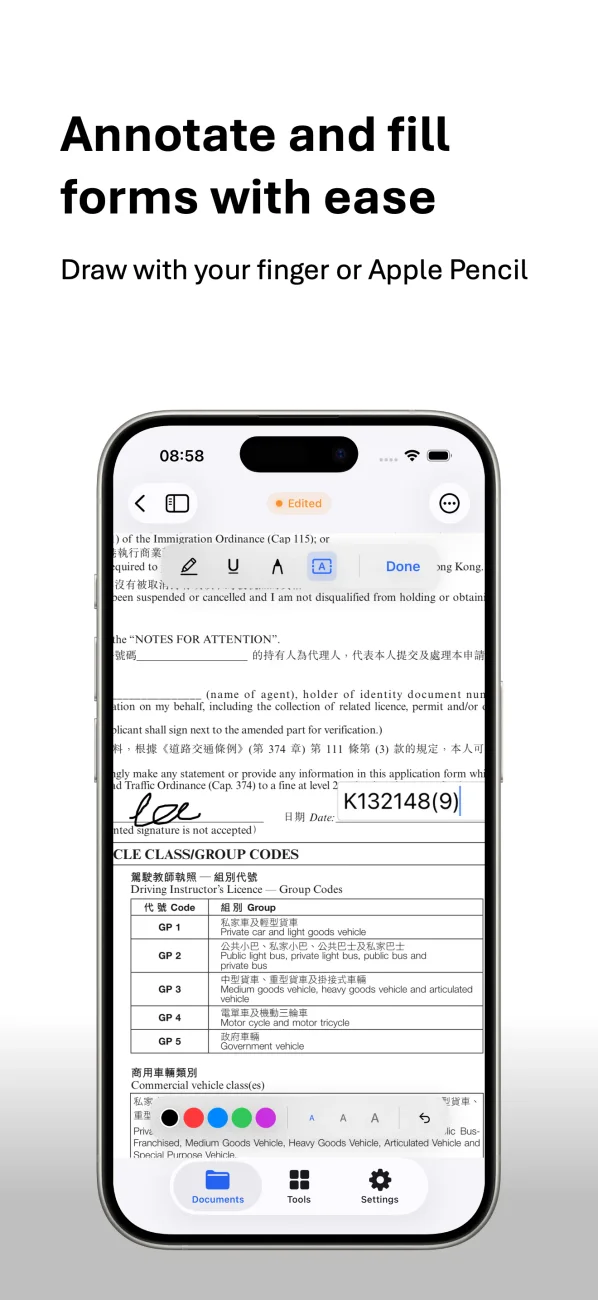
• Highlight, underline, draw, and add text notes
• Fill in forms with text fields, check boxes, radio buttons, and drop down lists
• Select text, search with highlighted results, and have pages read aloud
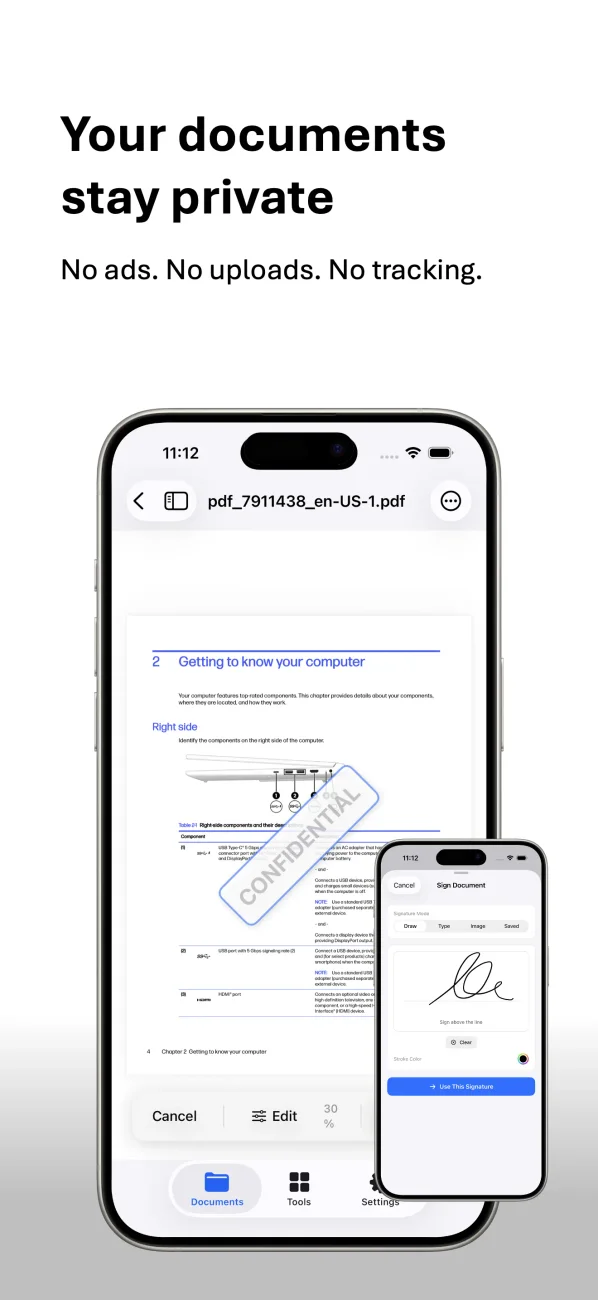
• Sign, add watermarks, and insert page numbers without leaving the editor
ORGANIZE
• Merge multiple PDFs into one document
• Split PDFs by page range or individual pages
• Rotate, reorder, extract, or delete pages
OPTIMIZE
• Compress PDFs, with annotations, links, and forms kept in place
• Resize pages to standard or custom dimensions, also keeping annotations, links, and forms
• Flatten annotations and form fields
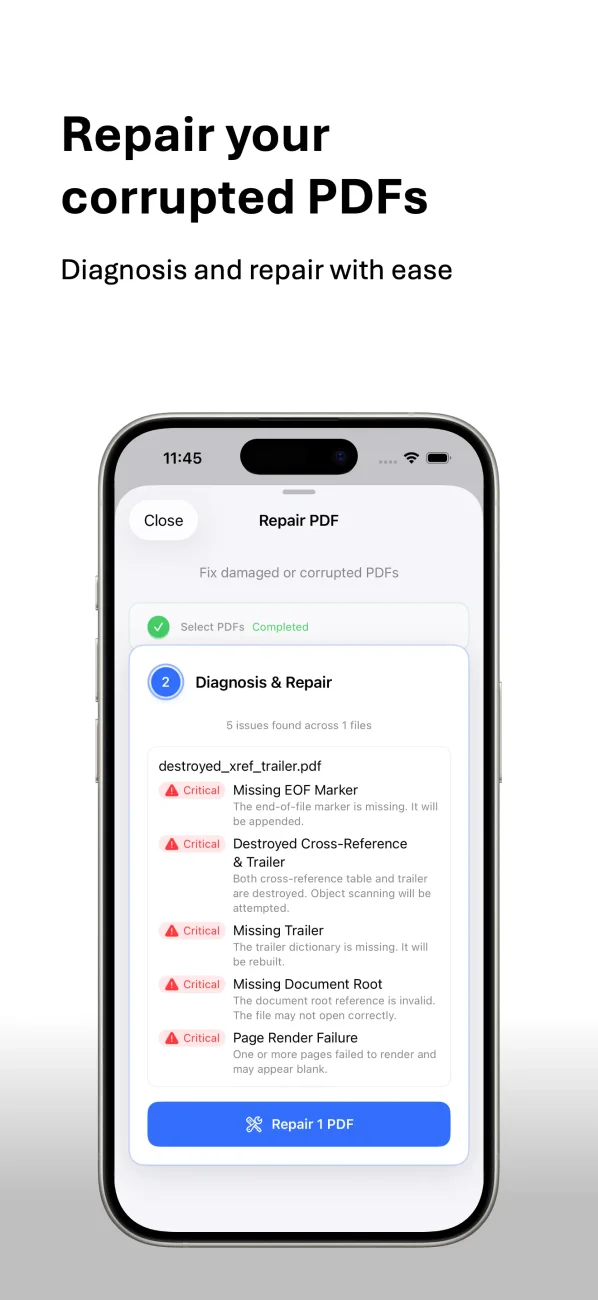
• Repair damaged or malformed PDFs
CREATE & CONVERT
• PDF to Images (PNG, JPEG)
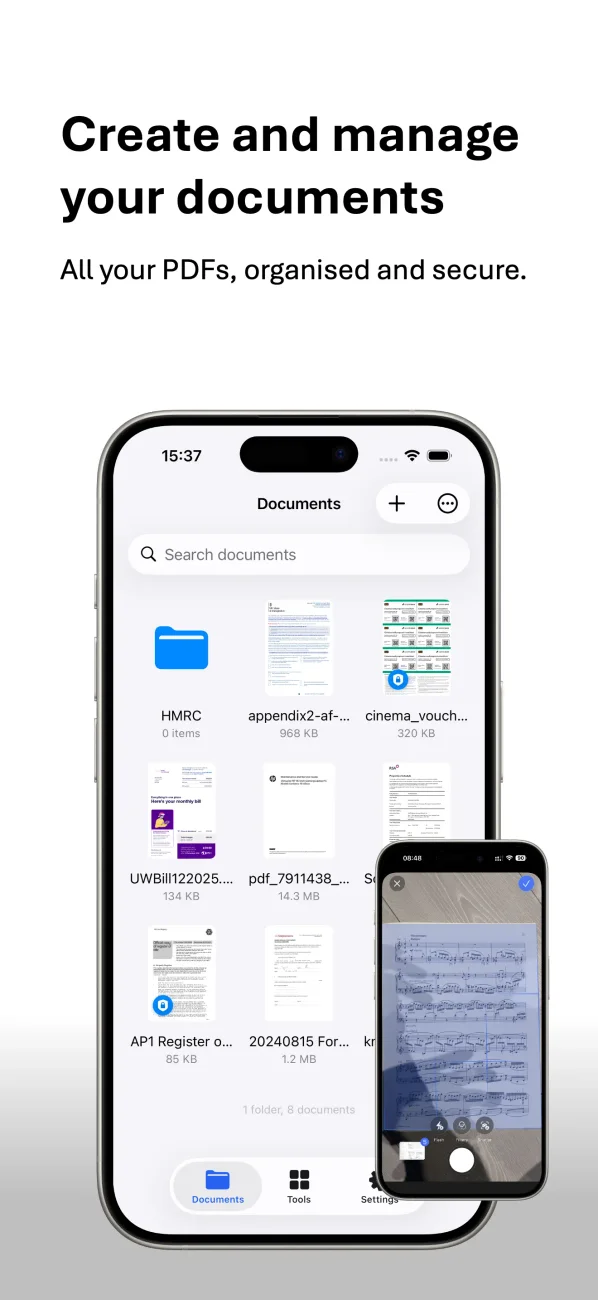
• Images to PDF and Camera to PDF
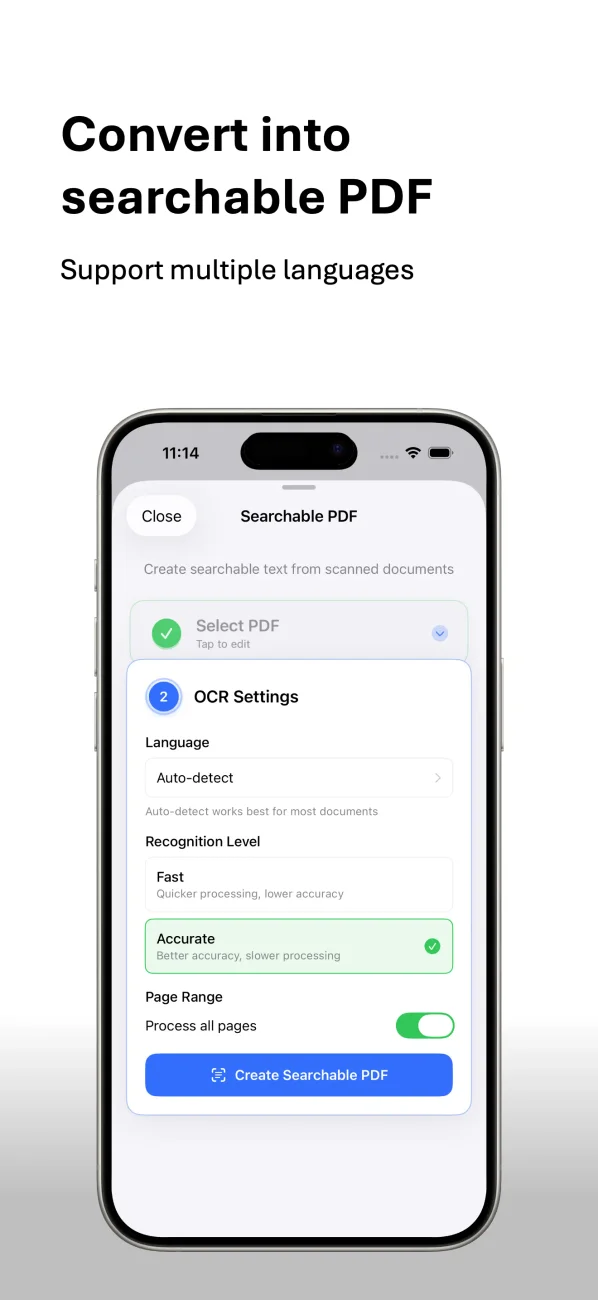
• OCR to make scanned documents searchable, with the original pages left untouched
• PDF/A Converter for archival compliance
SECURE
• Unlock PDFs that are protected with a password
• Add password protection with permissions
• Edit or remove document metadata
• Redact sensitive text for good: the covered content is removed from the file, not just hidden
Every tool runs entirely on your device. PDF2box uses PDFium, the open source PDF engine from the Chromium project, together with Apple's CoreGraphics. No uploads, no servers, no analytics, no tracking. Your documents never leave your hands.
Nouveautés
Version 2027.2 · 23/11/2026
1. Choose colour, thickness and opacity for every mark. Draw with a pen or marker, add shapes, erase strokes, and tap any mark to change it.
2. Crop a single page with drag handles. Undo restores it.
3. Edit now holds Edit Content, Text, Image and Redact. Annotate keeps Highlight, Underline and Draw.
4. Bug fixes and performance improvements.
Confidentialité de l’application
Ce que Yung Kei Simon MA déclare sur l’App Store au sujet du traitement des données par cette application.
-
Données non collectées
Le développeur ne collecte aucune donnée à partir de cette application.
Les pratiques en matière de confidentialité peuvent varier, notamment en fonction des fonctionnalités que vous utilisez ou de votre âge.
Informations
- Vendeur
- Yung Kei Simon MA
- Catégorie
- Productivité
- Version
- 2027.2
- Mis à jour
- 23/11/2026
- Publié
- 05/01/2026
- Taille
- 23,8 Mo
- Nécessite
- iOS 18.1 ou version ultérieure
- Classification d’âge
- 4+
- Prix
- Gratuit
- Achats intégrés
- Oui
- Langues
- Anglais, Français, Allemand, Japonais, Coréen, Chinois simplifié, Chinois traditionnel
- Copyright
- © Simon Ma
Vous aimerez peut-être aussi
-
 Scanner et Éditeur PDFSigner, OCR, Fusionner PDF
-
 Clipboard Manager: Quick PasteGestionnaire presse-papiers
-
 PDF doc scanner & converterScan documents convertisseur
-
 PDF ToolBoxProductivité
-
 Shelver : Organisation maisonInventaire domestique
-
 JustSummarize - Résumé IARésumez articles, PDF, images
-
 Nyblit 2 : Tâches et planningLa productivité mieux pensée
-
 NoteCalc - Notes CalculatriceListes, Voix et Scan
-
 Nottely: Dictaphone IA & NotesTranscription Audio en Texte