PDF2box - PDF Editor
Sign, Merge, Compress Offline
Designed for iPhone, iPad, Mac
Free · In-app purchases
- Age rating4+
- CategoryProductivity
- DeveloperYung Kei Simon MA
- LanguagesEnglish+ 6 more
- Size23.4 MB
Links to the official App Store page
Download.org hosts no file of PDF2box - PDF Editor. The button opens its official App Store page, published by Yung Kei Simon MA. Listing last checked on Nov 22, 2026.
Screenshots
About
PDF Toolbox is now PDF2box.
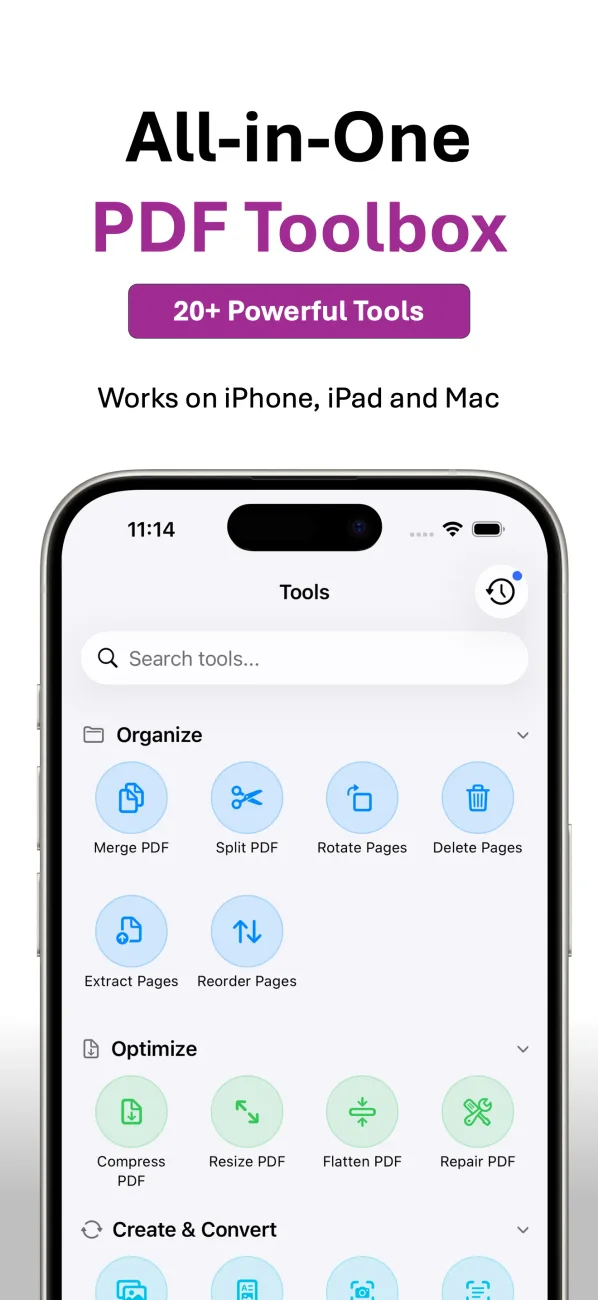
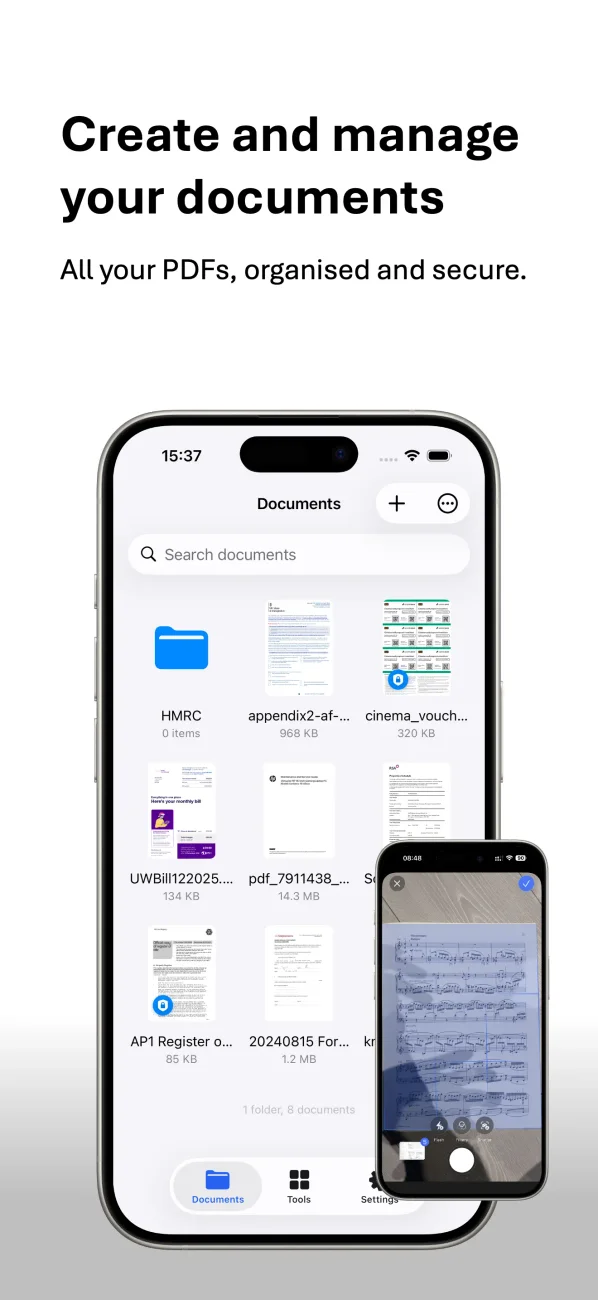
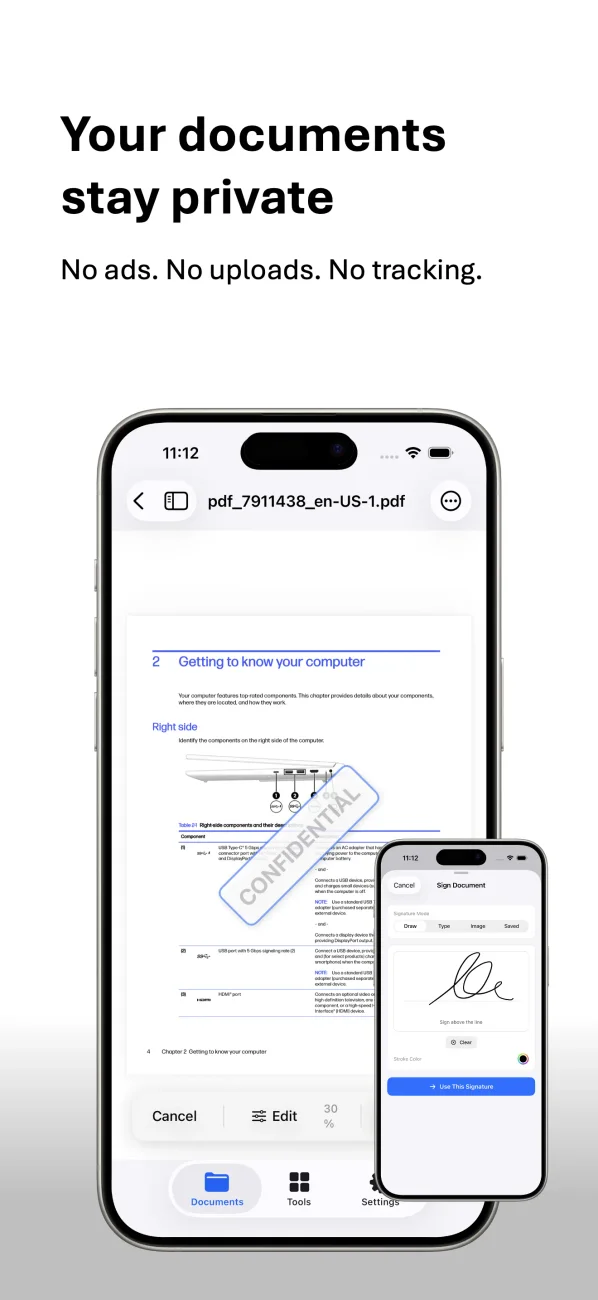
PDF2box is a free, all in one PDF toolkit for iPhone, iPad, and Mac. Merge, split, compress, sign, scan, watermark, OCR, flatten, redact, and convert to PDF/A. All tools work offline with zero data collection. More than 20 tools, no subscriptions, no ads.
EDITOR (iPhone and iPad)
• Edit what is already on a page: move, resize, recolor, or delete text, shapes, and images
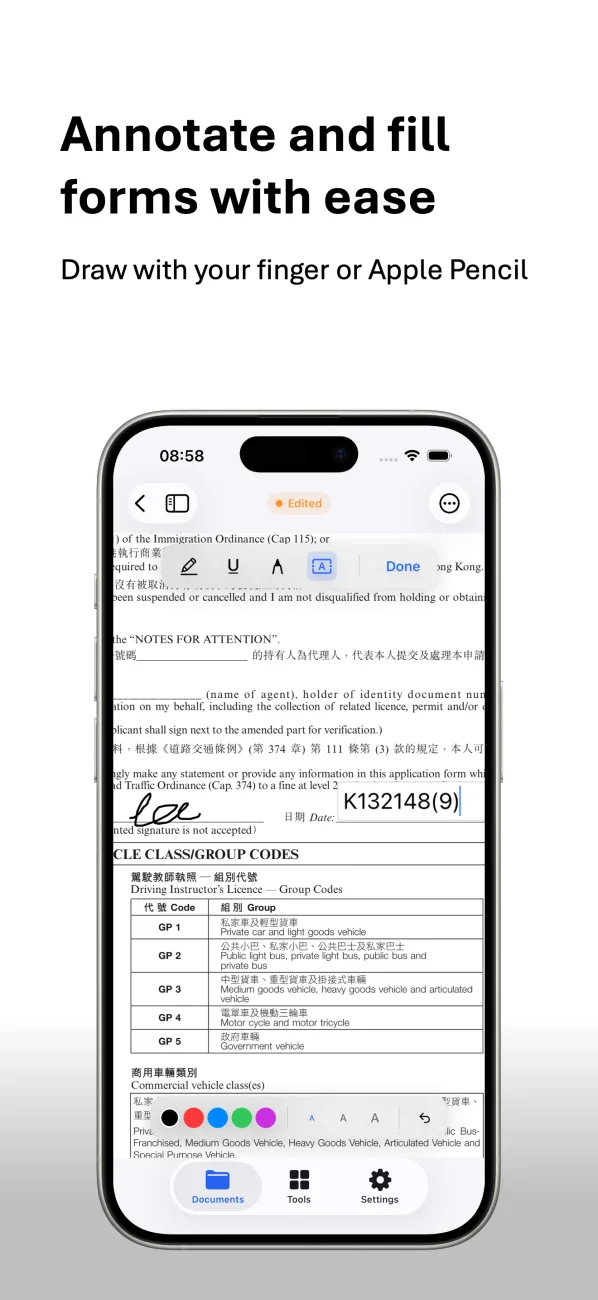
• Highlight, underline, draw, and add text notes
• Fill in forms with text fields, check boxes, radio buttons, and drop down lists
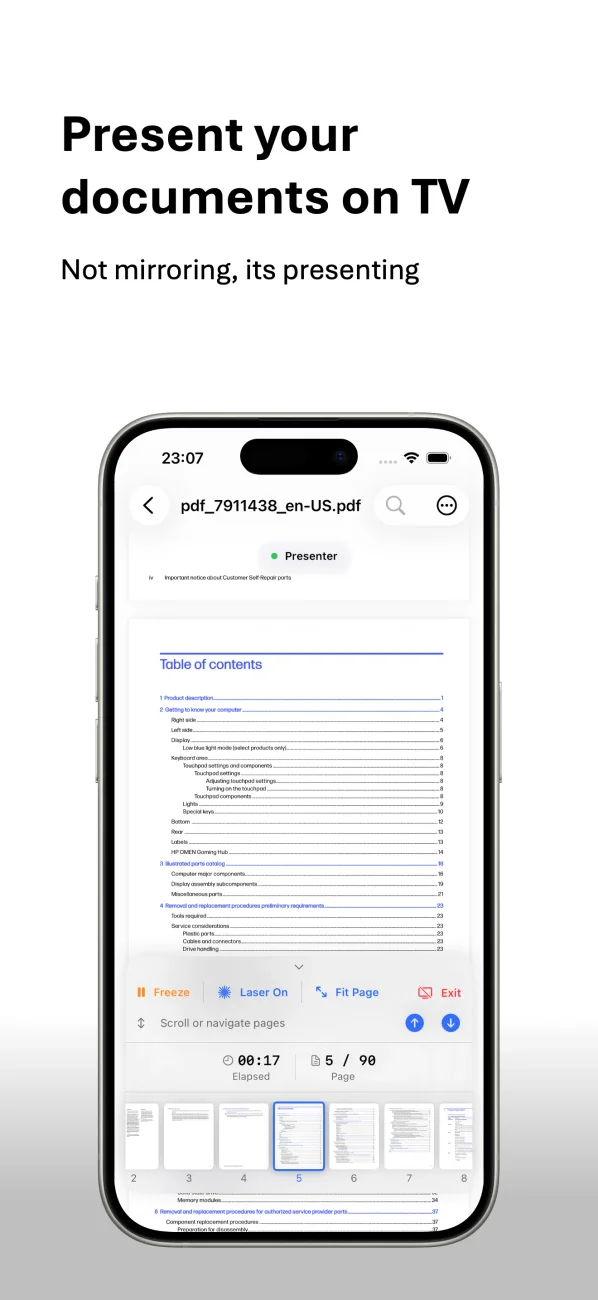
• Select text, search with highlighted results, and have pages read aloud
• Sign, add watermarks, and insert page numbers without leaving the editor
ORGANIZE
• Merge multiple PDFs into one document
• Split PDFs by page range or individual pages
• Rotate, reorder, extract, or delete pages
OPTIMIZE
• Compress PDFs, with annotations, links, and forms kept in place
• Resize pages to standard or custom dimensions, also keeping annotations, links, and forms
• Flatten annotations and form fields
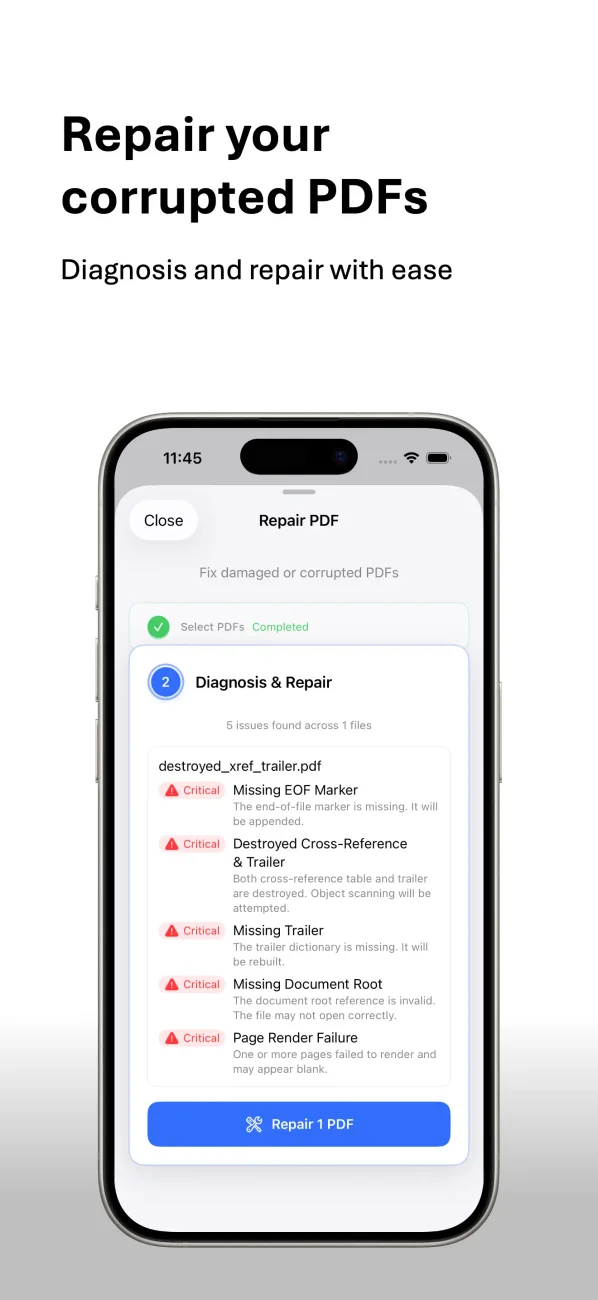
• Repair damaged or malformed PDFs
CREATE & CONVERT
• PDF to Images (PNG, JPEG)
• Images to PDF and Camera to PDF
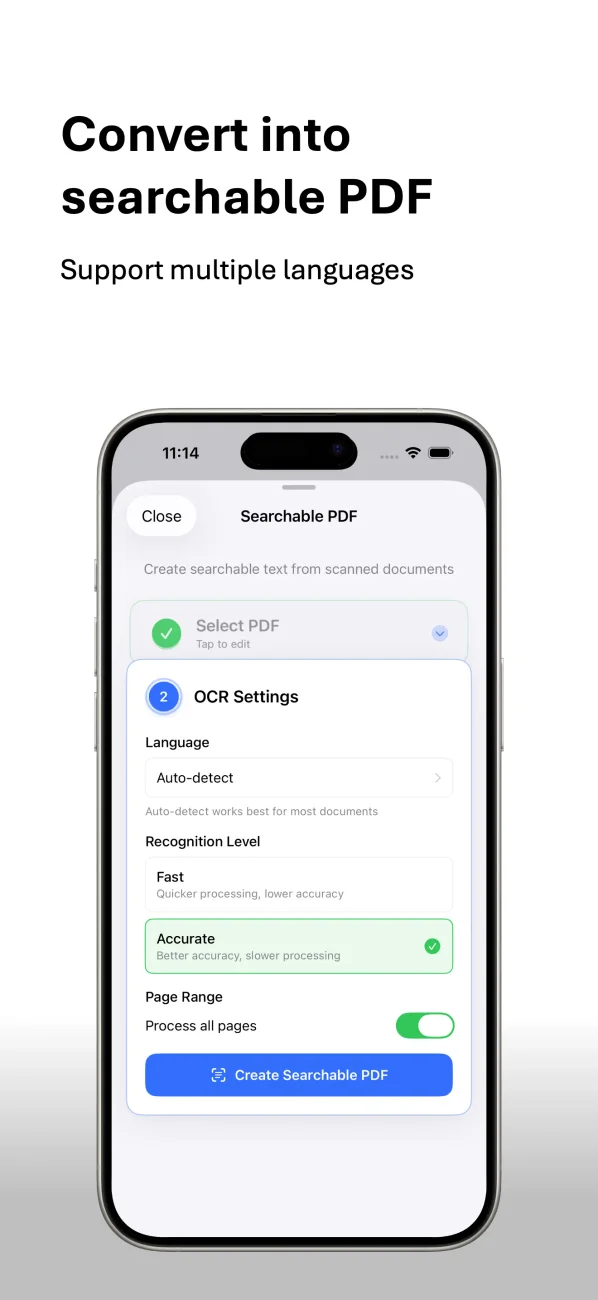
• OCR to make scanned documents searchable, with the original pages left untouched
• PDF/A Converter for archival compliance
SECURE
• Unlock PDFs that are protected with a password
• Add password protection with permissions
• Edit or remove document metadata
• Redact sensitive text for good: the covered content is removed from the file, not just hidden
Every tool runs entirely on your device. PDF2box uses PDFium, the open source PDF engine from the Chromium project, together with Apple's CoreGraphics. No uploads, no servers, no analytics, no tracking. Your documents never leave your hands.
What’s new
Version 2027.1 · Nov 20, 2026
1. PDF2box now runs on PDFium, a PDF engine that works entirely on your device, for more consistent results.
2. A rebuilt editor with smoother page scrolling and zoom, and one floating Dock of tools. On iPad, drag the Dock to any edge.
3. Cleaner tool screens: the main button stays in view and extra options sit behind a row. Rotate, Delete, Extract and Reorder Pages share one screen.
4. Searchable PDF recognises text faster, turns sideways pages upright and helps fix unclear words.
5. The PDF/A Converter adds PDF/A-2u, keeps bookmarks, links and form fields, and gives you a shareable check report.
6. Bug fixes and performance improvements.
App privacy
What Yung Kei Simon MA declares on the App Store about how this app handles data.
-
Data not collected
The developer does not collect any data from this app.
Privacy practices may vary, for example with the features you use or your age.
Information
- Seller
- Yung Kei Simon MA
- Category
- Productivity
- Version
- 2027.1
- Updated
- Nov 20, 2026
- Released
- Jan 5, 2026
- Size
- 23.4 MB
- Requires
- iOS 18.1 or later
- Age rating
- 4+
- Price
- Free
- In-app purchases
- Yes
- Languages
- English, French, German, Japanese, Korean, Simplified Chinese, Traditional Chinese
- Copyright
- © Simon Ma
You might also like
-
 Document Scan, Edit & MergeSign, OCR & Merge Documents
-
 Clipboard Manager: Quick PasteCopy Text & Keyboard History
-
 PDF Scanner Document Convert +Scan Reader, Sign, Converter
-
 Habit Tracker - RiseYour Simple Streaks Tracker
-
 PDF ToolBoxScan, merge, split PDFs
-
 Shelver: Home OrganizationHome Inventory Tracker
-
 JustSummarize - AI SummarizerTLDR: Article & PDF Summary
-
 Nyblit 2: To-Do List & PlannerState-Based Productivity
-
 NoteCalc - Notepad CalculatorCalculate while you write note
-
 Nottely: Voice TranscriptionAI Note Taker & Memo Recorder