- 対象年齢4+
- カテゴリ仕事効率化
- 開発元Yung Kei Simon MA
- 言語英語ほか6言語
- サイズ23.8 MB
App Storeの公式ページにリンクしています
Download.orgはPDF2box - PDF Editorのファイルを一切ホストしていません。ボタンを押すと、Yung Kei Simon MAが公開しているApp Storeのアプリページが開きます。ページの最終確認:2026/11/25。
スクリーンショット
概要
開発元はこのテキストをお使いの言語で提供していません。
PDF Toolbox is now PDF2box.
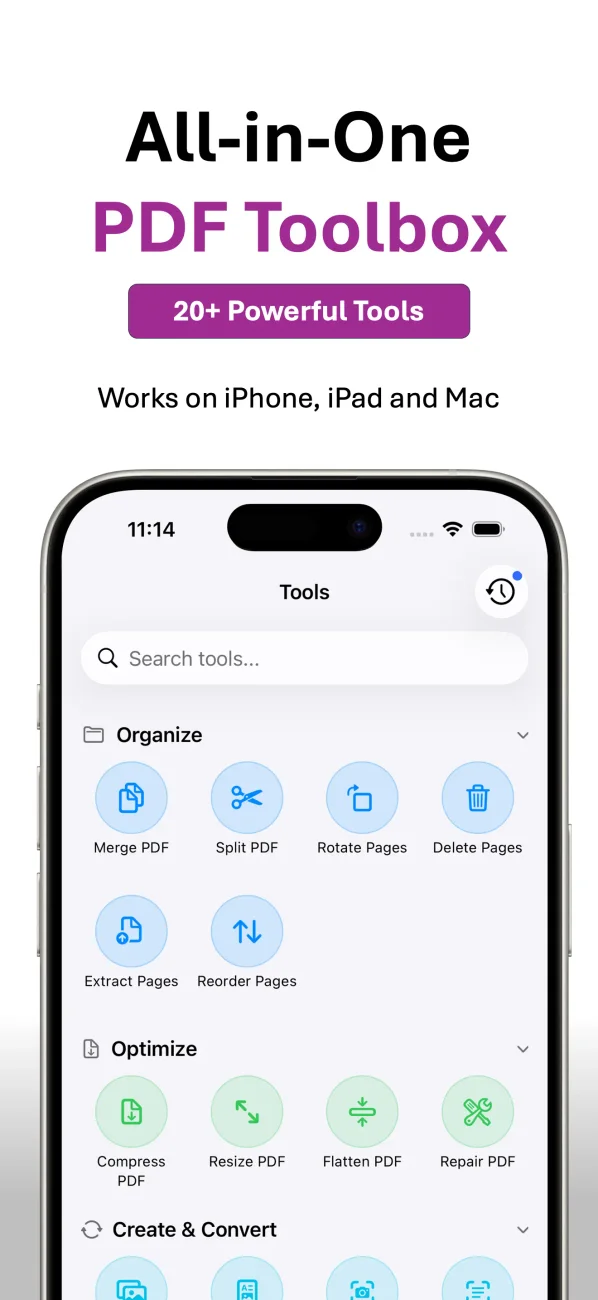
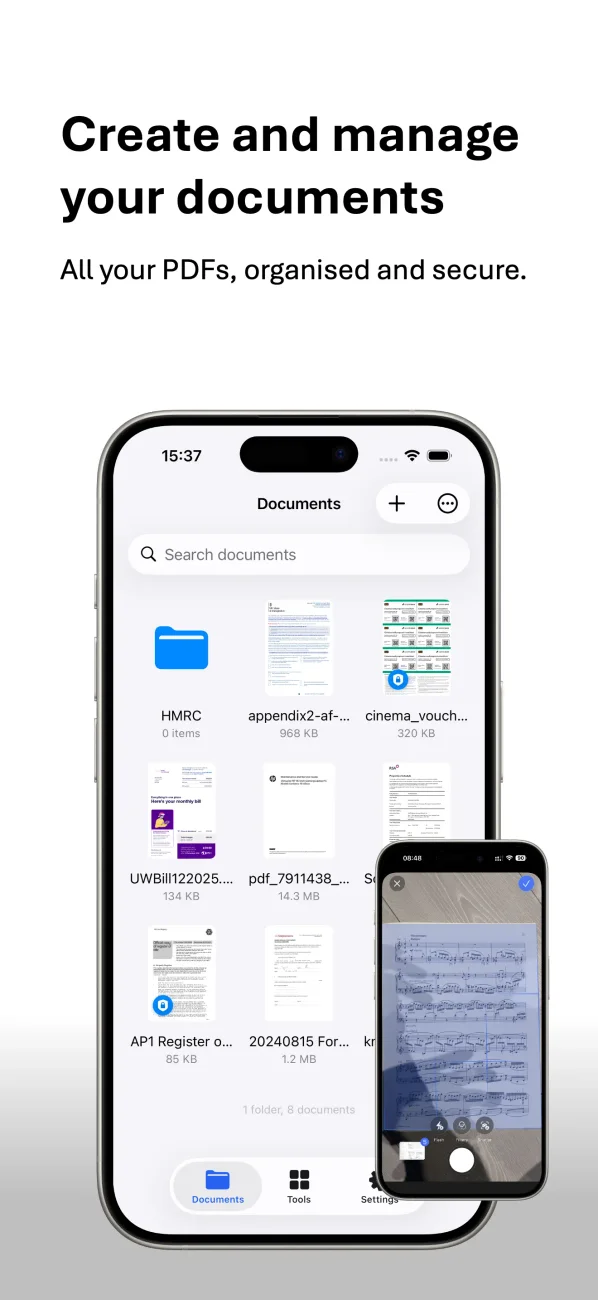
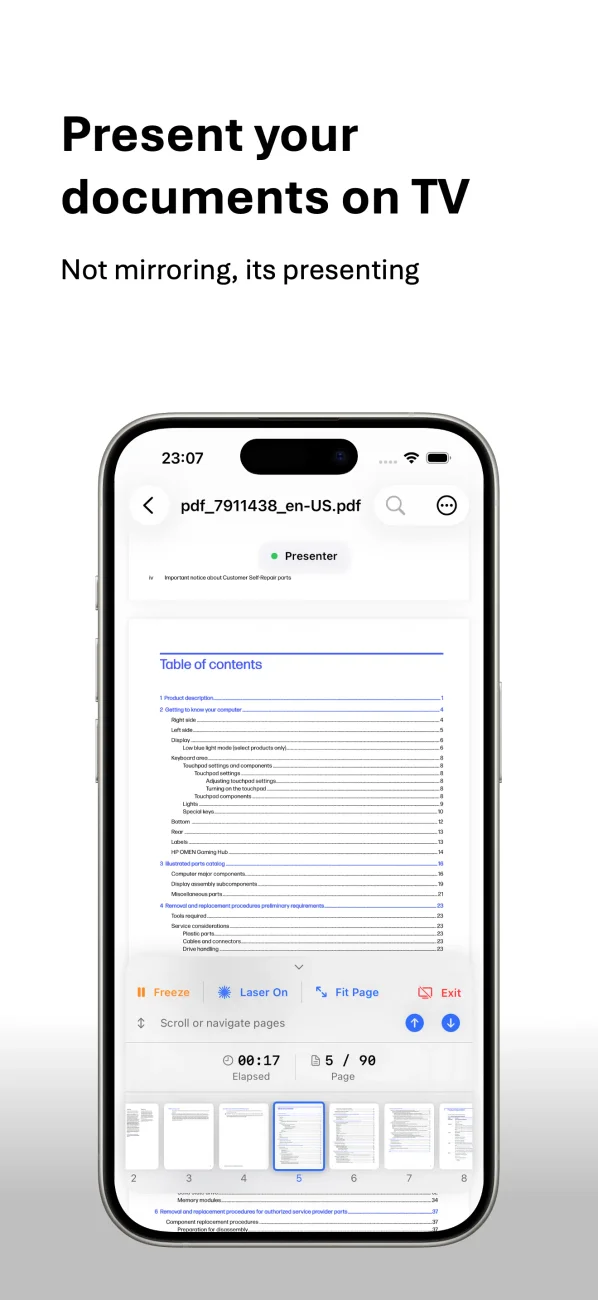
PDF2box is a free, all in one PDF toolkit for iPhone, iPad, and Mac. Merge, split, compress, sign, scan, watermark, OCR, flatten, redact, and convert to PDF/A. All tools work offline with zero data collection. More than 20 tools, no subscriptions, no ads.
EDITOR (iPhone and iPad)
• Edit what is already on a page: move, resize, recolor, or delete text, shapes, and images
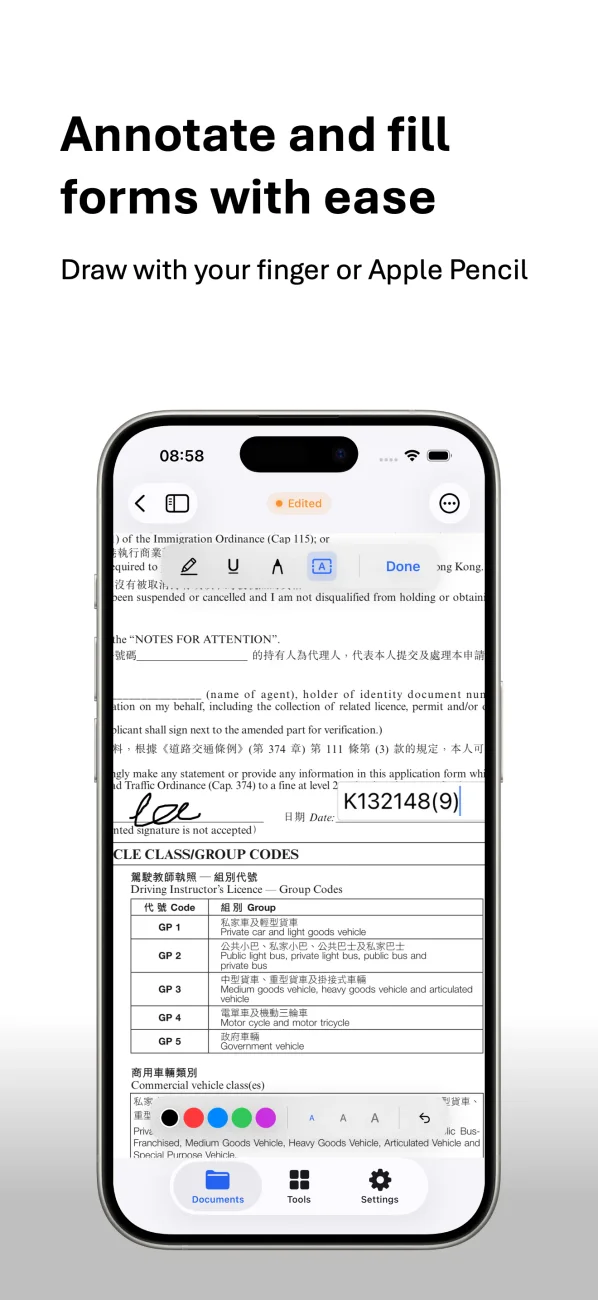
• Highlight, underline, draw, and add text notes
• Fill in forms with text fields, check boxes, radio buttons, and drop down lists
• Select text, search with highlighted results, and have pages read aloud
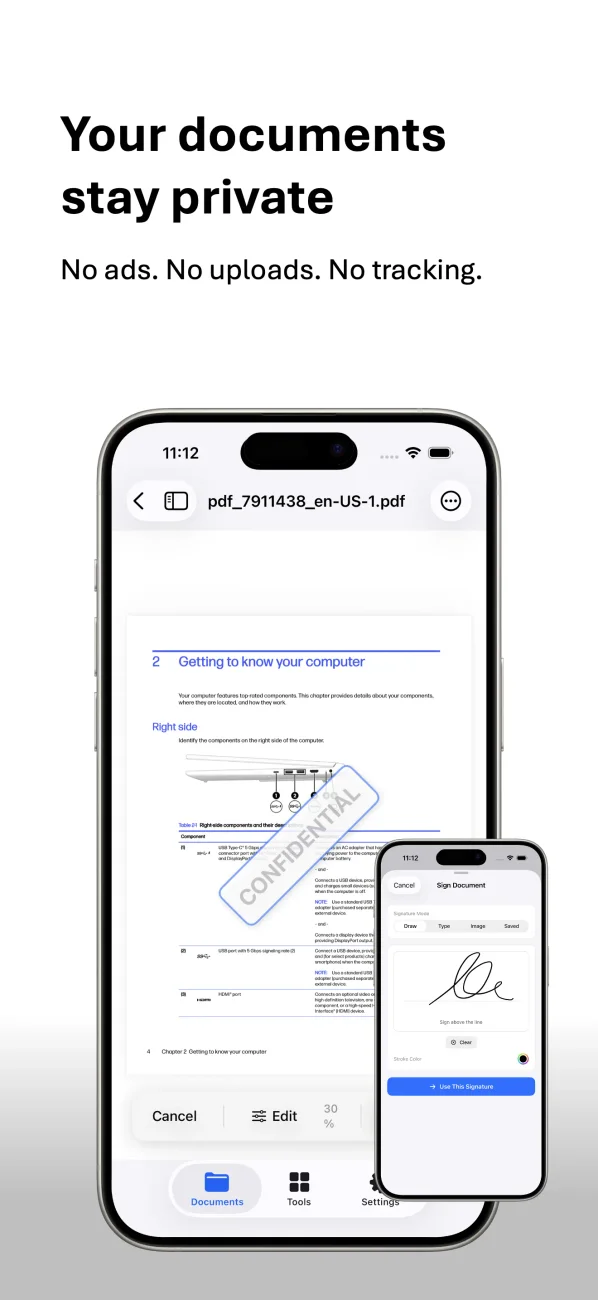
• Sign, add watermarks, and insert page numbers without leaving the editor
ORGANIZE
• Merge multiple PDFs into one document
• Split PDFs by page range or individual pages
• Rotate, reorder, extract, or delete pages
OPTIMIZE
• Compress PDFs, with annotations, links, and forms kept in place
• Resize pages to standard or custom dimensions, also keeping annotations, links, and forms
• Flatten annotations and form fields
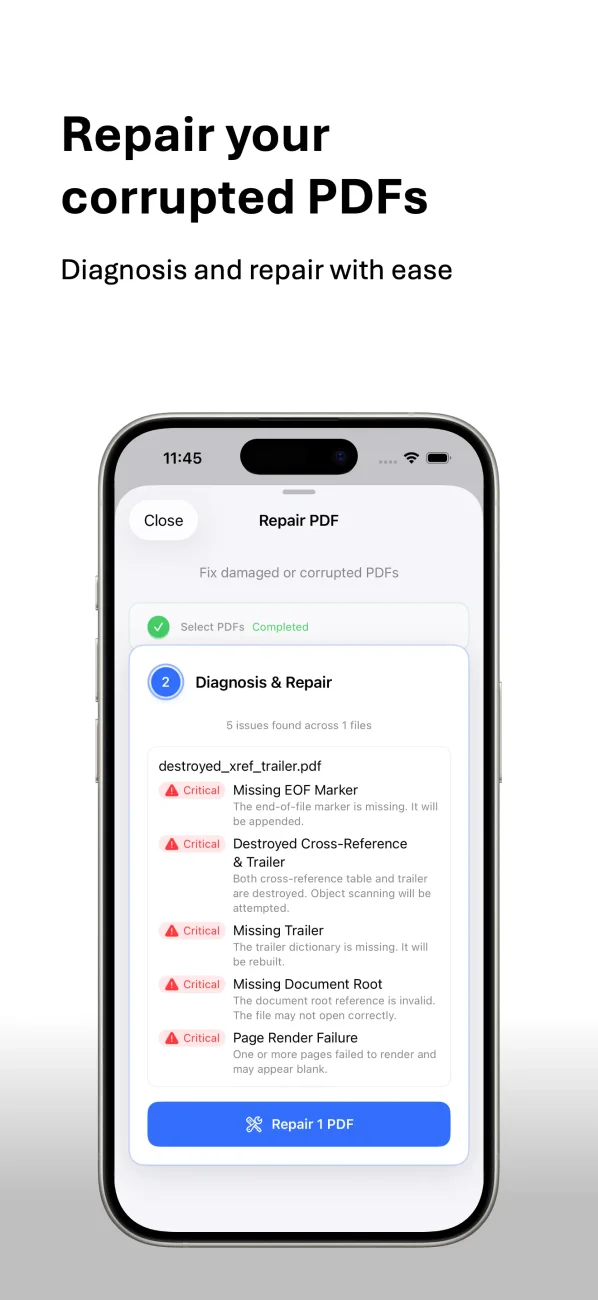
• Repair damaged or malformed PDFs
CREATE & CONVERT
• PDF to Images (PNG, JPEG)
• Images to PDF and Camera to PDF
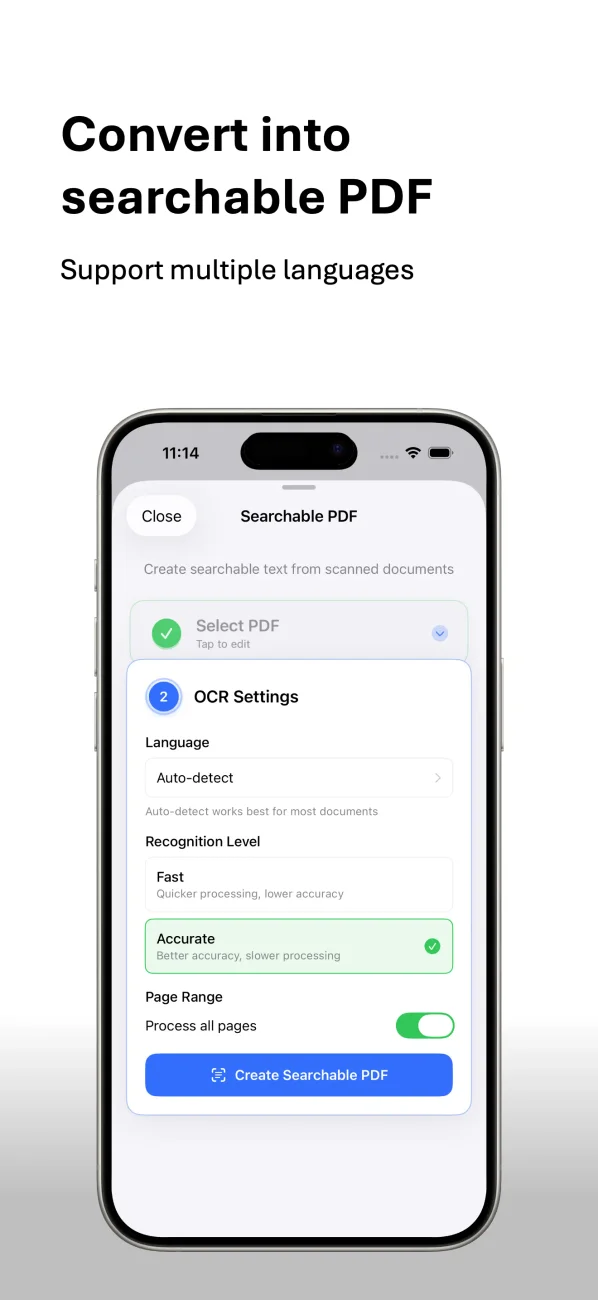
• OCR to make scanned documents searchable, with the original pages left untouched
• PDF/A Converter for archival compliance
SECURE
• Unlock PDFs that are protected with a password
• Add password protection with permissions
• Edit or remove document metadata
• Redact sensitive text for good: the covered content is removed from the file, not just hidden
Every tool runs entirely on your device. PDF2box uses PDFium, the open source PDF engine from the Chromium project, together with Apple's CoreGraphics. No uploads, no servers, no analytics, no tracking. Your documents never leave your hands.
新機能
バージョン 2027.2 · 2026/11/23
1. Choose colour, thickness and opacity for every mark. Draw with a pen or marker, add shapes, erase strokes, and tap any mark to change it.
2. Crop a single page with drag handles. Undo restores it.
3. Edit now holds Edit Content, Text, Image and Redact. Annotate keeps Highlight, Underline and Draw.
4. Bug fixes and performance improvements.
アプリのプライバシー
このアプリのデータの取り扱いについて、Yung Kei Simon MAがApp Storeで申告している内容です。
-
データの収集なし
開発元はこのアプリからデータを収集しません。
プライバシーの取り扱いは、ご利用の機能やお客様の年齢などに応じて異なる場合があります。
情報
- 販売元
- Yung Kei Simon MA
- カテゴリ
- 仕事効率化
- バージョン
- 2027.2
- 更新日
- 2026/11/23
- リリース
- 2026/1/5
- サイズ
- 23.8 MB
- 必要条件
- iOS 18.1以降
- 対象年齢
- 4+
- 価格
- 無料
- アプリ内課金
- あり
- 言語
- 英語, フランス語, ドイツ語, 日本語, 韓国語, 簡体字中国語, 繁体字中国語
- 著作権
- © Simon Ma
こちらもおすすめ
-
 PDFスキャナー・編集署名・OCR・PDF結合
-
 Quick Paste: Clipboard Historyコピー, クリップボード履歴&キーボード,Copy Text
-
 PDFスキャナーとドキュメントリーダー写真をスキャンしてファイルをモデレートする
-
 PDF ToolBox仕事効率化
-
 Shelver:家の整理家庭在庫トラッカー
-
 JustSummarize - AI自動要約記事・PDF・画像を10秒でまとめ
-
 Nyblit 2:ToDoリスト&プランナースマートな設計で、もっと効率的に
-
 NoteCalc - メモ電卓リスト 音声メモ スキャン
-
 Nottely: Voice Transcription仕事効率化