PenDate Notes: Digital Planner
Calendar, Journal & To-Do List
Conçue pour iPhone, iPad, iPod touch
Gratuit · Achats intégrés
- Classification d’âge4+
- CatégorieProductivité
- DéveloppeurSAMUEL NANA ESHUN
- LanguesAnglais
- Taille157,9 Mo
Renvoie vers la page App Store officielle
Download.org n’héberge aucun fichier de PenDate Notes: Digital Planner. Le bouton ouvre la page de l’application sur App Store, où SAMUEL NANA ESHUN la publie. Fiche vérifiée pour la dernière fois le 15/11/2026.
Captures d’écran
À propos
Le développeur n’a pas fourni ce texte dans votre langue.
A digital planner, calendar notes and journal in one app. Plan by date, write by hand, and keep every note with the day it matters.
PenDate Notes brings your calendar, notes, to-do lists and handwritten pages together. Keep a meeting note with the day it happened, a packing list with your trip, or a sketch beside the date you want to come back to.
PLAN BY DATE
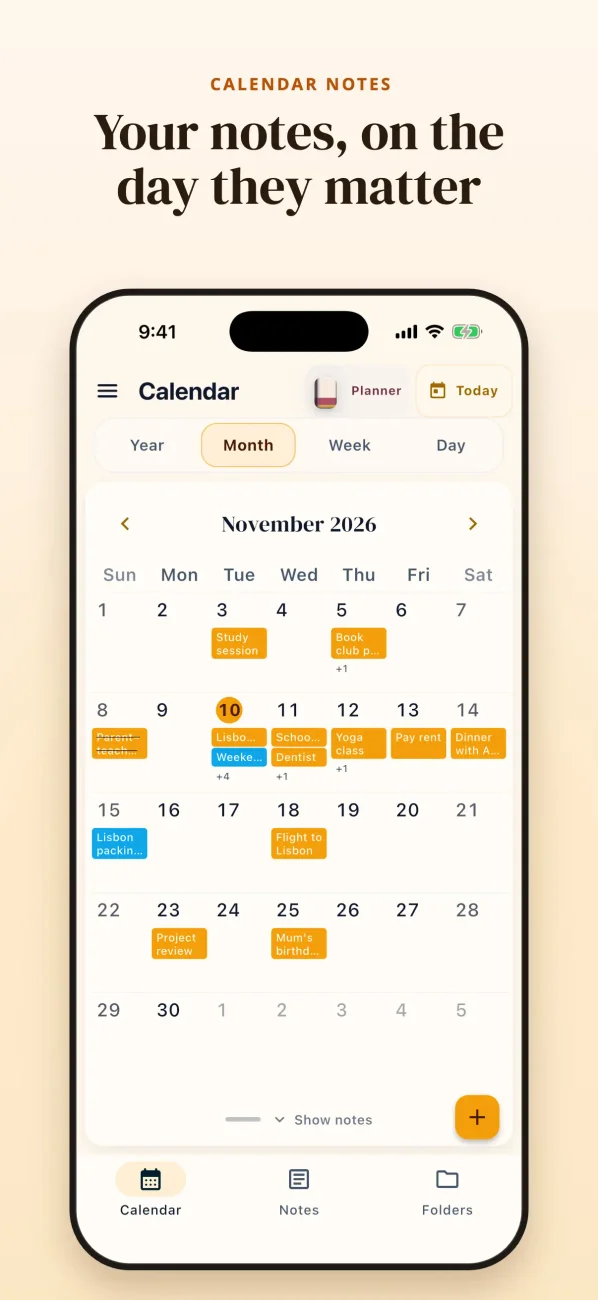
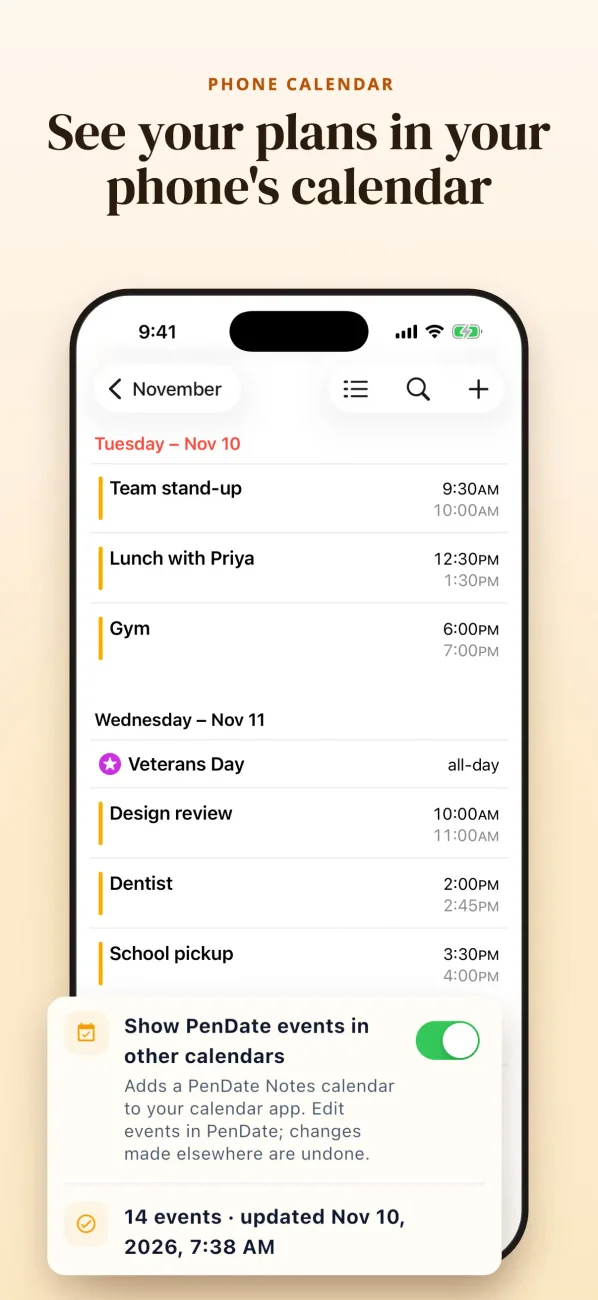
Move between year, month, week and day views. Add events with times, repeats and reminders, and see your PenDate events in your phone's calendar app if you choose.
WRITE, CHECK OFF OR SKETCH
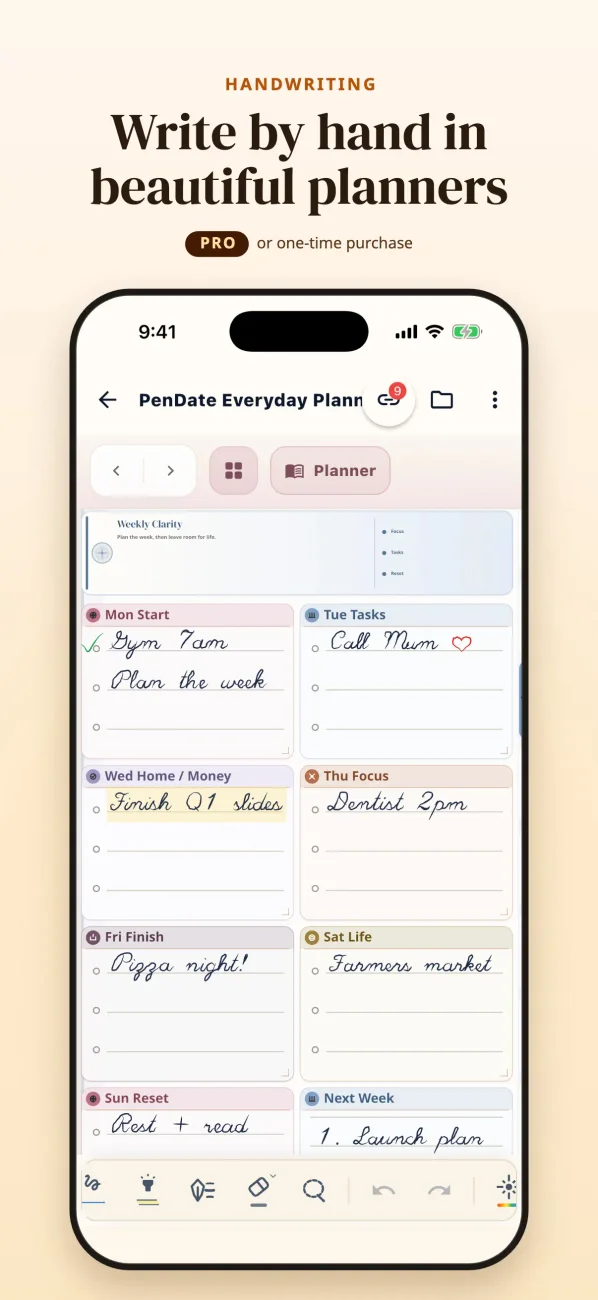
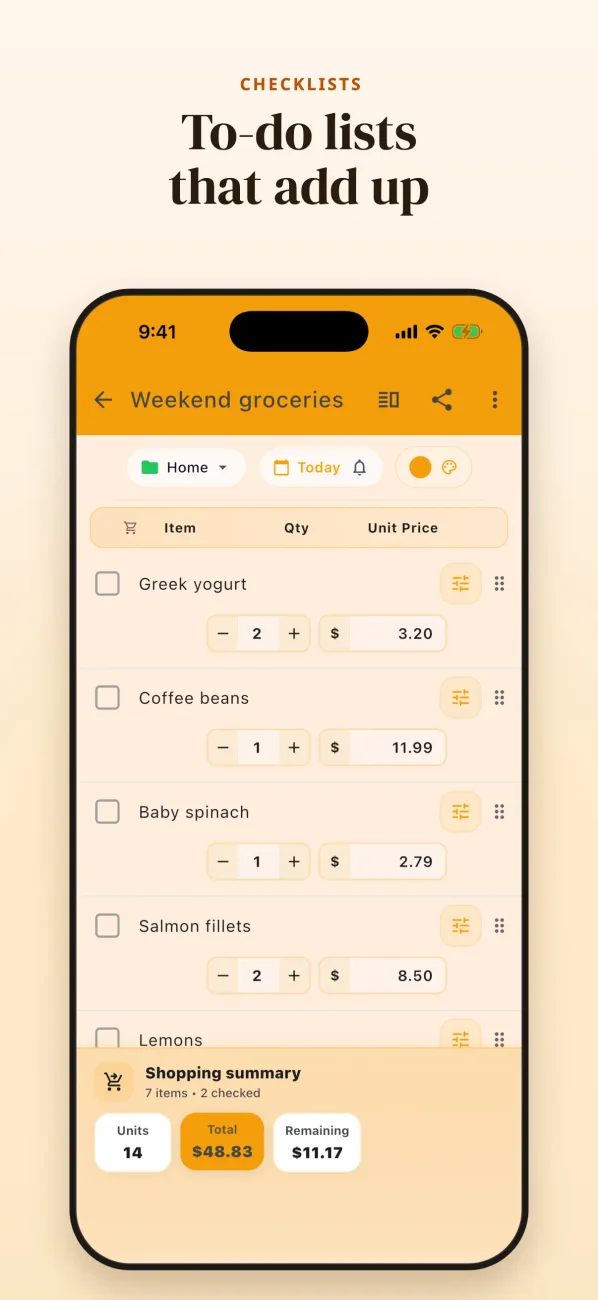
Choose a text note, a checklist or a handwriting canvas. Take study notes, plan meals, sketch ideas or keep a shopping list with quantities and totals. Write with a stylus or your finger, with pens, highlighters and a smooth eraser.
FOCUS ON WHAT MATTERS
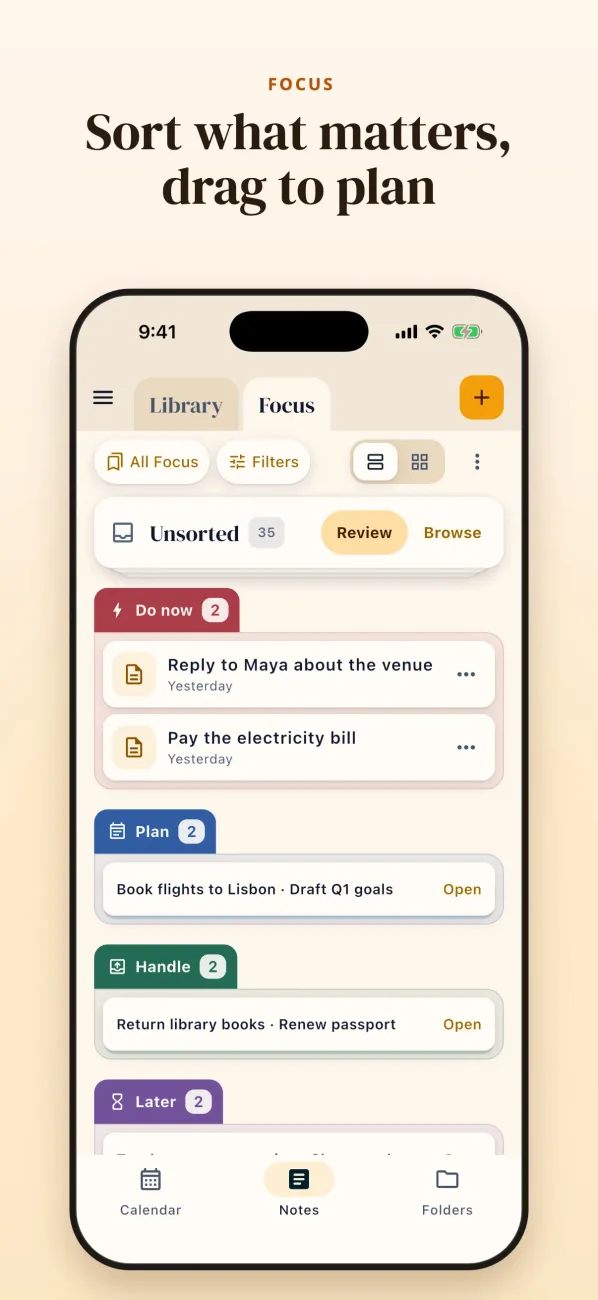
Sort notes and tasks into Do now, Plan, Handle and Later. Drag them between categories, switch between Cards and Compact views, and use filters to see one folder, tag or kind of note at a time.
DIGITAL PLANNERS AND JOURNALS
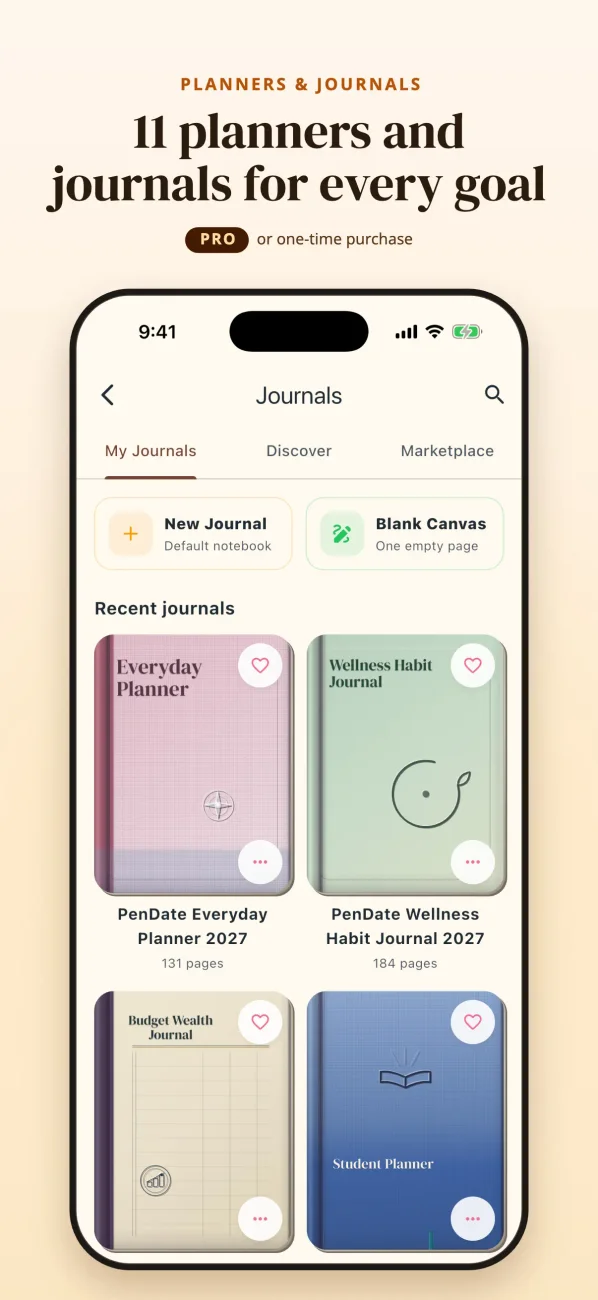
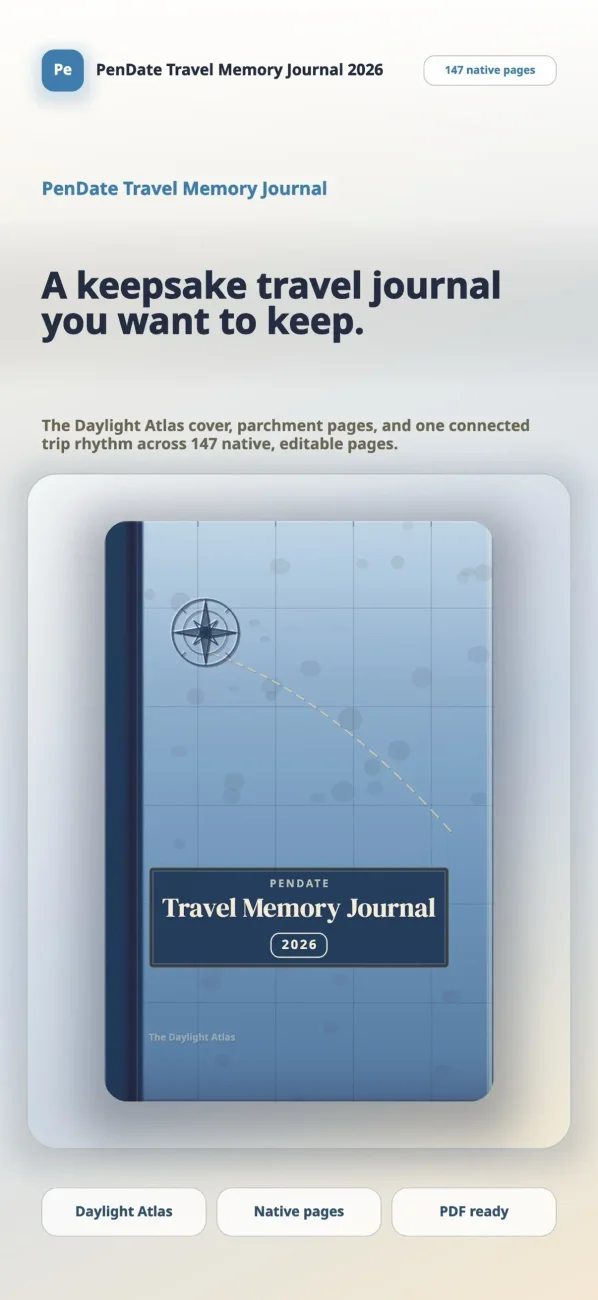
Write in beautiful planner and journal pages for every part of life: everyday planning, daily life, work sprints, study, wellness and habits, budget and savings, fitness, travel, gratitude, creative work, home and meals. Tappable links jump straight to the page you need.
FIND IT AGAIN
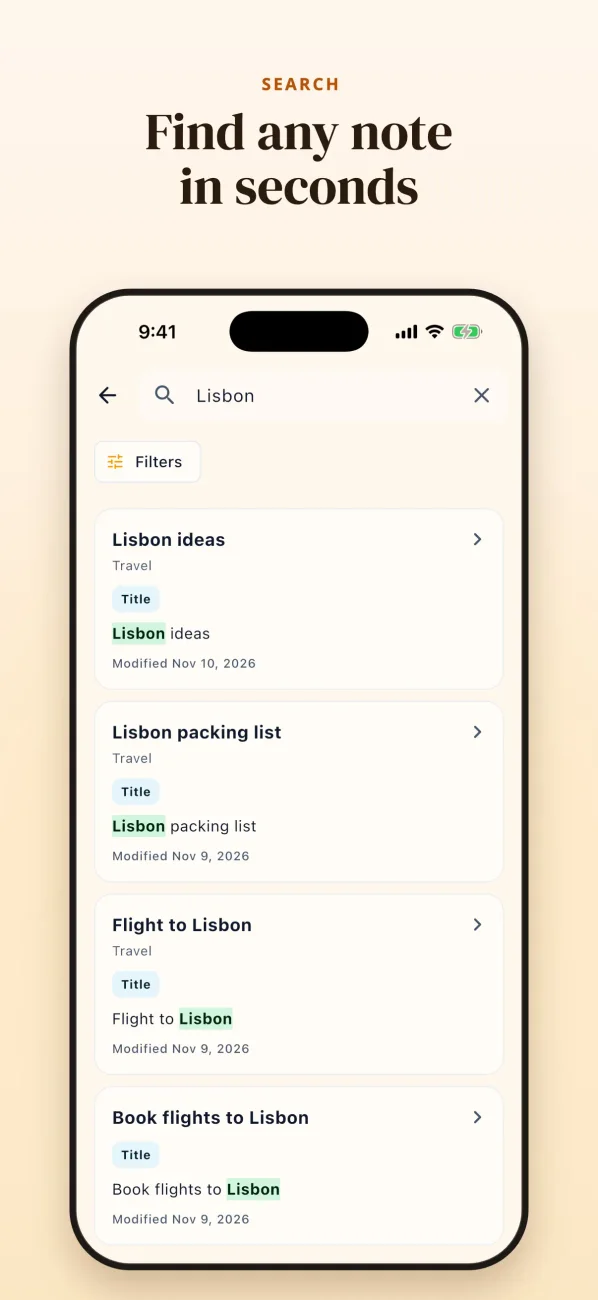
Search your notes, checklists and canvas text. Organise with folders, tags, covers and Archive, and restore deleted notes from the Recycle Bin.
SYNC AND BACK UP
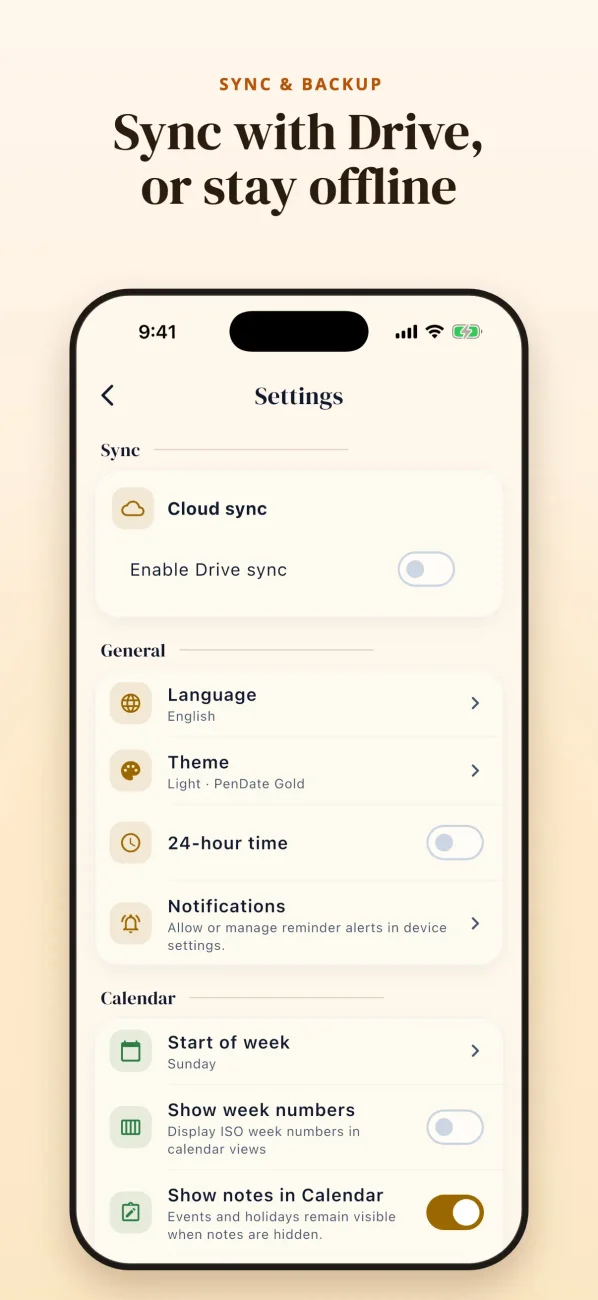
Turn on optional Google Drive sync to keep your library on your other devices. Prefer to stay offline? PenDate works fully without an account.
SHARE AND EXPORT
Export notes and planner pages as PDF or images to print or share.
FREE EVERYDAY NOTES, OPTIONAL PRO
Everyday notes, checklists, the calendar and handwriting are free. PenDate Pro, a monthly or yearly auto-renewing subscription or a one-time Lifetime purchase, adds every planner and journal family, Signature stickers and covers, saved Focus views, Split Workspace for two notes side by side on tablets and wide screens, and selected-page PDF export. Individual planners and Signature packs are also available as one-time purchases.
Subscription prices and billing periods are shown in the app before purchase. Payment is charged to your Apple Account at confirmation. Subscriptions renew automatically unless canceled at least 24 hours before the current period ends. Your account is charged for renewal within 24 hours before that period ends. Manage or cancel subscriptions in your App Store account settings. Canceling renewal keeps access until the end of the paid period.
Terms of Use (Apple Standard EULA): https://www.apple.com/legal/internet-services/itunes/dev/stdeula/
Privacy Policy: https://pendatenotes.com/privacy-policy.html
Nouveautés
Version 1.0.5 · 11/11/2026
See your PenDate events in your phone's calendar app with the new PenDate calendar. Sort notes and tasks in a redesigned Focus with priorities, Cards and Compact views, drag and drop, filters and Pro saved views. Work on two notes side by side on tablets and wide screens in Pro Split Workspace, and see real covers on your journals. Plus faster, more reliable Drive sync and PDF export, large-text, tablet and stability fixes.
Confidentialité de l’application
Ce que SAMUEL NANA ESHUN déclare sur l’App Store au sujet du traitement des données par cette application.
-
Données établissant un lien avec vous
Peuvent être collectées et liées à votre identité.
- Achats
- Coordonnées
- Contenu utilisateur
- Identifiants
Les pratiques en matière de confidentialité peuvent varier, notamment en fonction des fonctionnalités que vous utilisez ou de votre âge.
Informations
- Vendeur
- SAMUEL NANA ESHUN
- Catégorie
- Productivité
- Version
- 1.0.5
- Mis à jour
- 11/11/2026
- Publié
- 11/05/2026
- Taille
- 157,9 Mo
- Nécessite
- iOS 15.5 ou version ultérieure
- Classification d’âge
- 4+
- Prix
- Gratuit
- Achats intégrés
- Oui
- Langues
- Anglais
- Copyright
- © 2026 Samuel Nana Eshun
Vous aimerez peut-être aussi
-
 InkThink - Handwritten PlannerProductivité
-
 Scribble Calendar & PlannerProductivité
-
 Kalendera – Calendar & EventsProductivité
-
 DaysAgo: Last DoneProductivité
-
 Calendar Notes ProProductivité
-
 Visual Mind Map & GTD - VisuelProductivité
-
 iPlan Today - Pencil PlannerProductivité
-
 Clog - Calendar, Notes, TasksProductivité
-
 Calendrier Annuel & AgendaPlanning & Emploi du temps
-
 AivelleProductivité