PenDate Notes: Digital Planner
Calendar, Journal & To-Do List
Được thiết kế cho iPhone, iPad, iPod touch
Miễn phí · Mua hàng trong ứng dụng
- Độ tuổi4+
- Danh mụcHiệu Suất
- Nhà phát triểnSAMUEL NANA ESHUN
- Ngôn ngữTiếng Anh
- Kích thước157,9 MB
Liên kết đến trang App Store chính thức
Download.org không lưu trữ tệp nào của PenDate Notes: Digital Planner. Nút này mở trang ứng dụng trên App Store, nơi SAMUEL NANA ESHUN phát hành ứng dụng. Trang được kiểm tra lần cuối: 15/11/2026.
Ảnh chụp màn hình
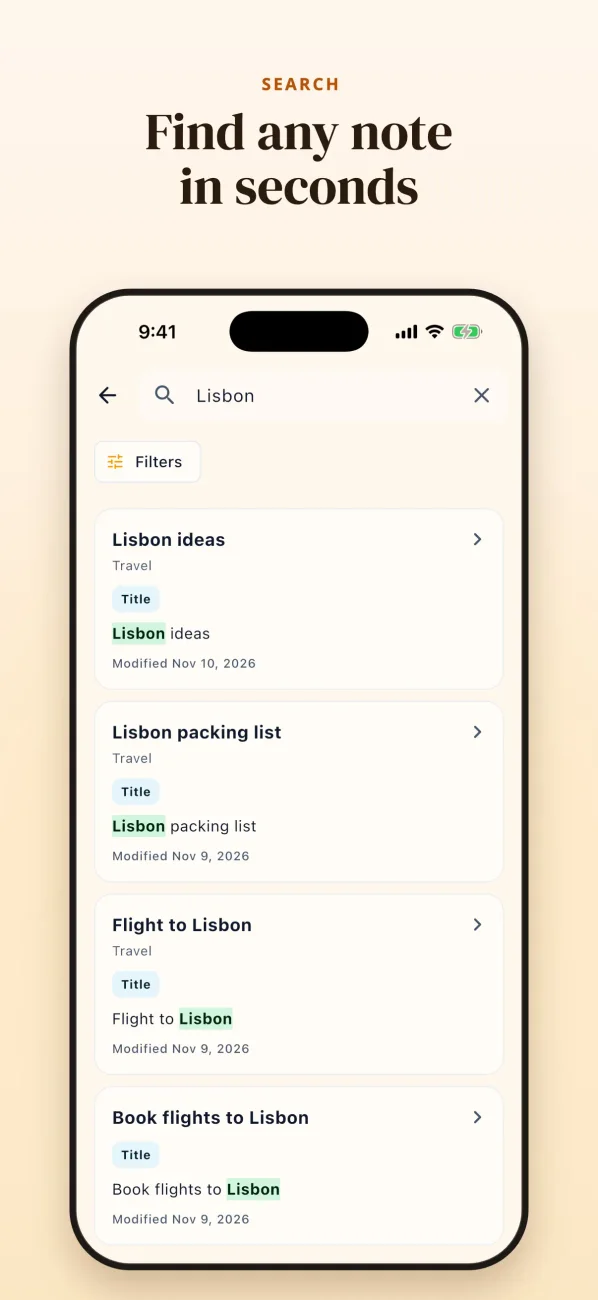
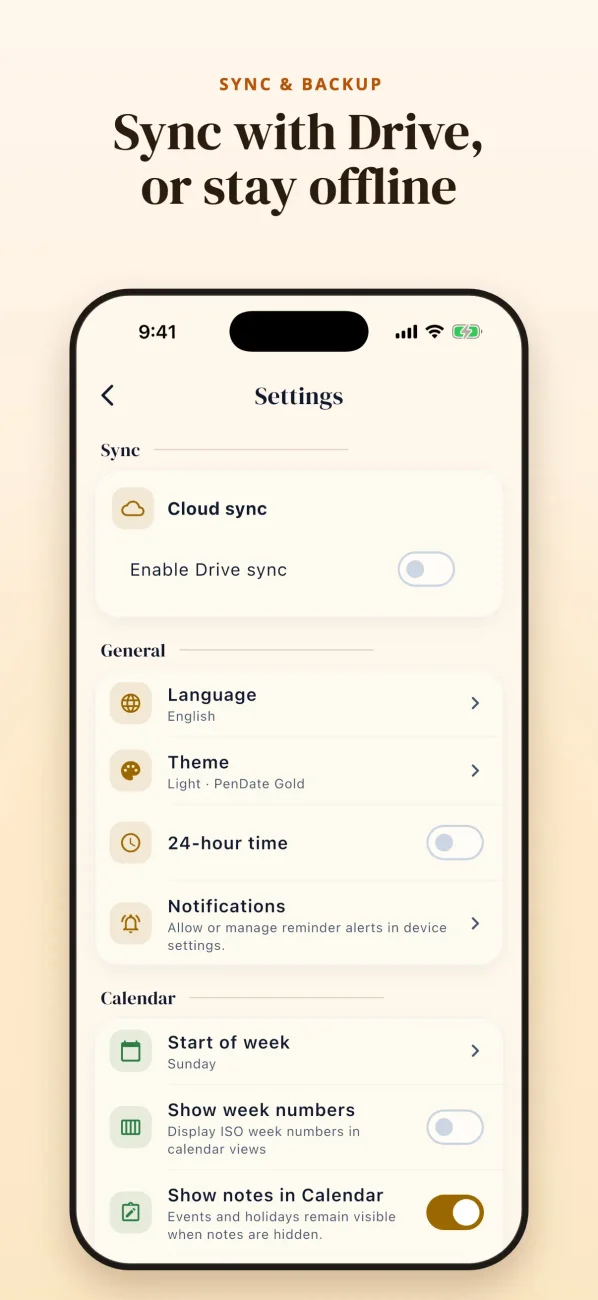
Giới thiệu
Nhà phát triển chưa cung cấp nội dung này bằng ngôn ngữ của bạn.
A digital planner, calendar notes and journal in one app. Plan by date, write by hand, and keep every note with the day it matters.
PenDate Notes brings your calendar, notes, to-do lists and handwritten pages together. Keep a meeting note with the day it happened, a packing list with your trip, or a sketch beside the date you want to come back to.
PLAN BY DATE
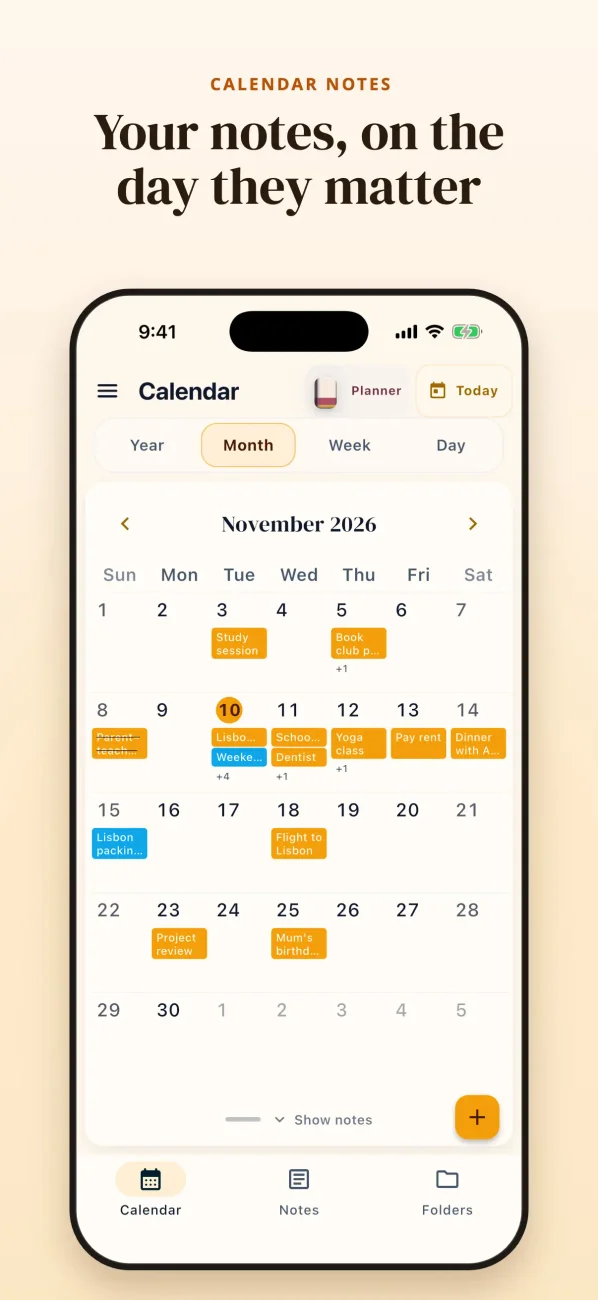
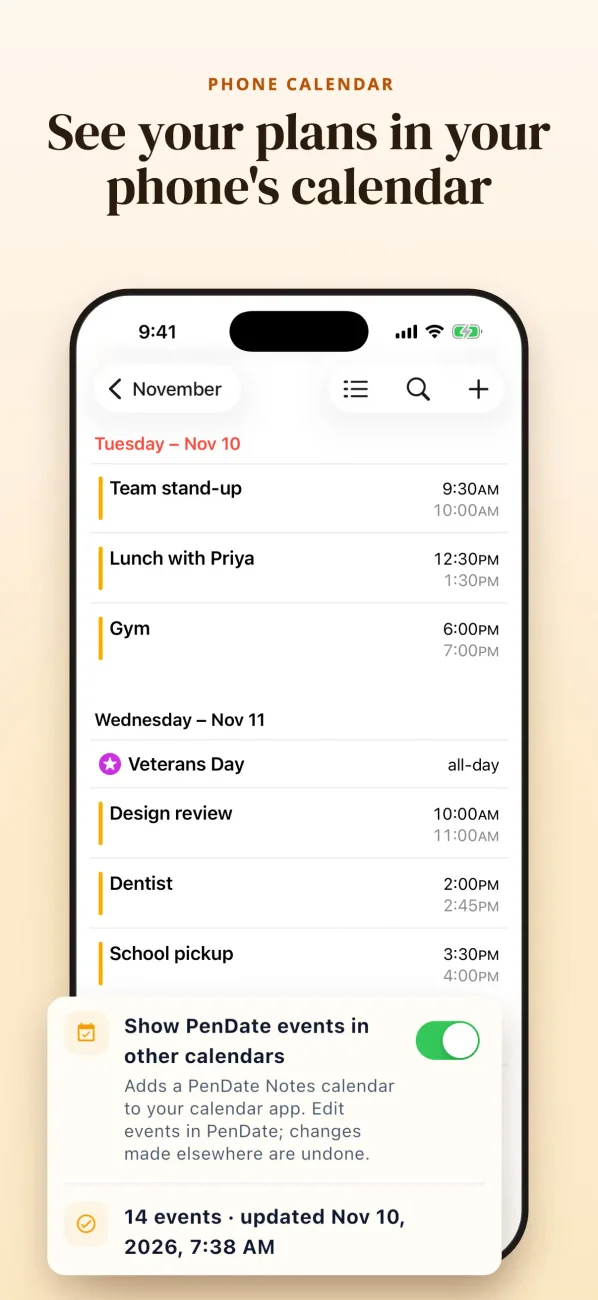
Move between year, month, week and day views. Add events with times, repeats and reminders, and see your PenDate events in your phone's calendar app if you choose.
WRITE, CHECK OFF OR SKETCH
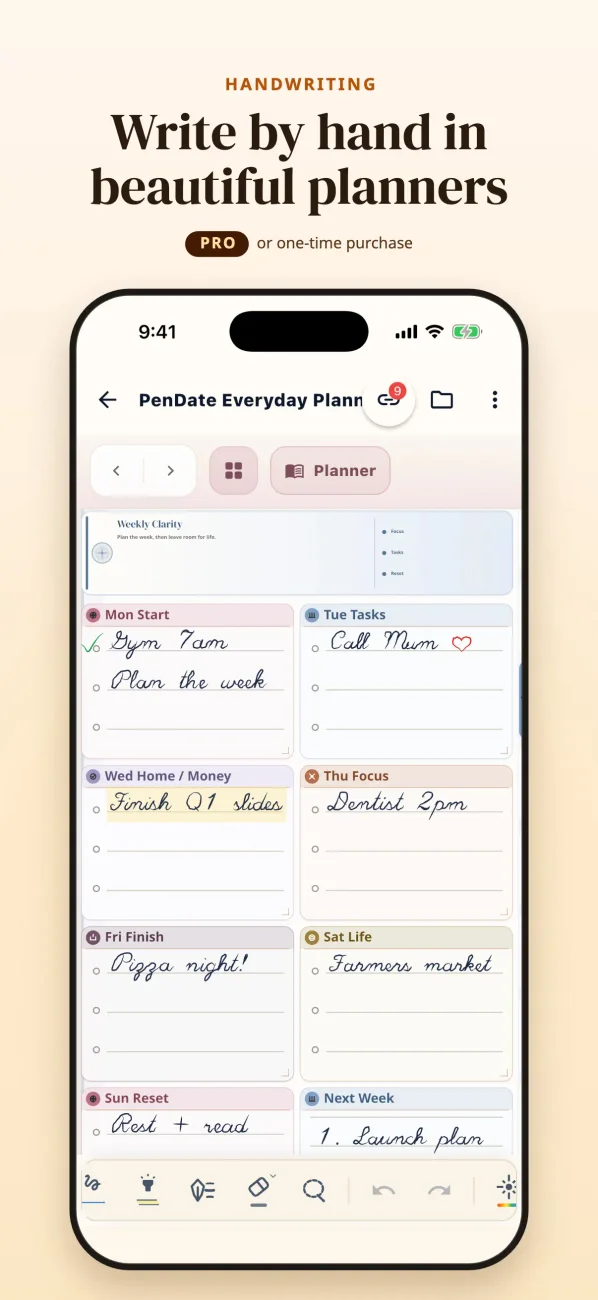
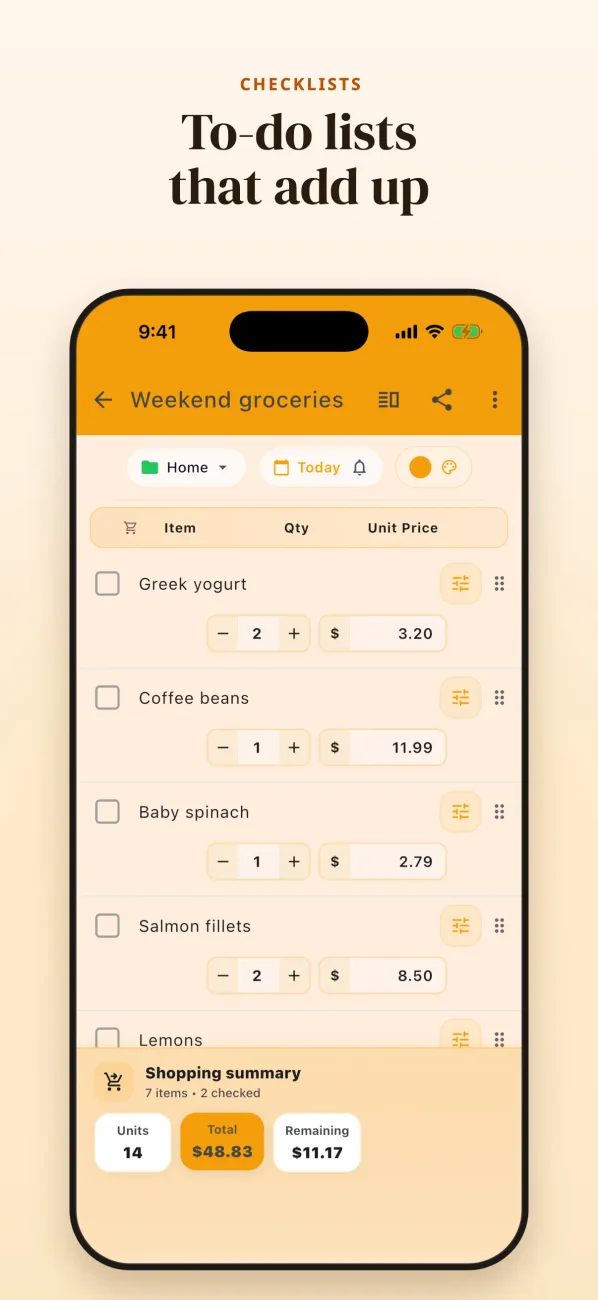
Choose a text note, a checklist or a handwriting canvas. Take study notes, plan meals, sketch ideas or keep a shopping list with quantities and totals. Write with a stylus or your finger, with pens, highlighters and a smooth eraser.
FOCUS ON WHAT MATTERS
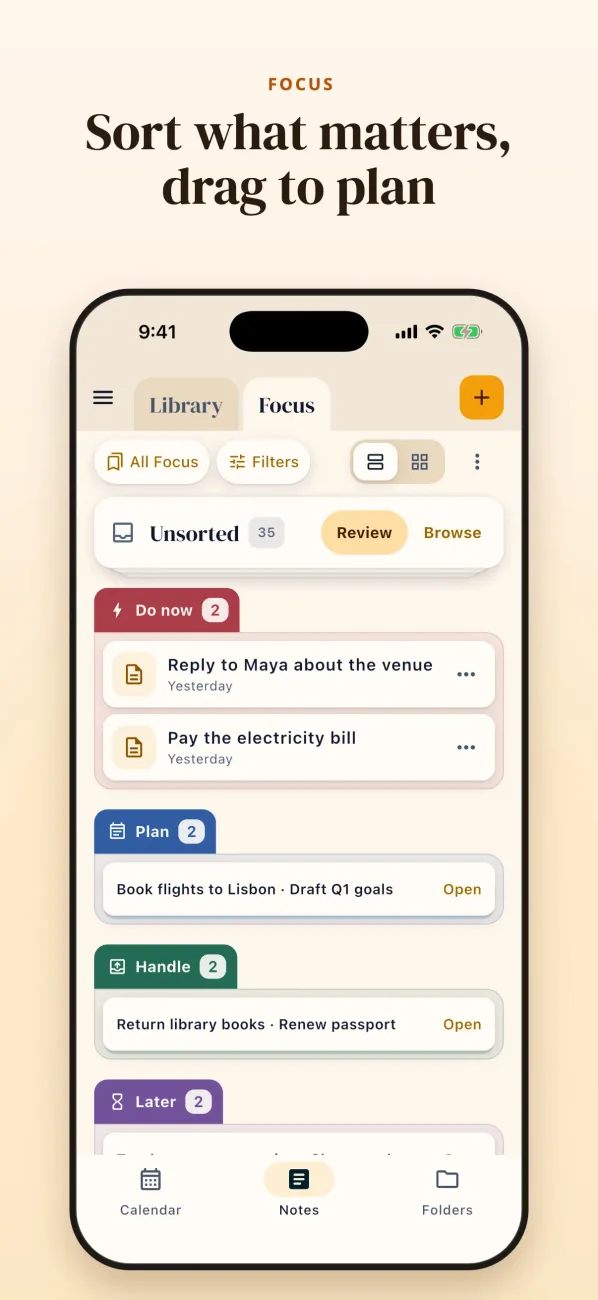
Sort notes and tasks into Do now, Plan, Handle and Later. Drag them between categories, switch between Cards and Compact views, and use filters to see one folder, tag or kind of note at a time.
DIGITAL PLANNERS AND JOURNALS
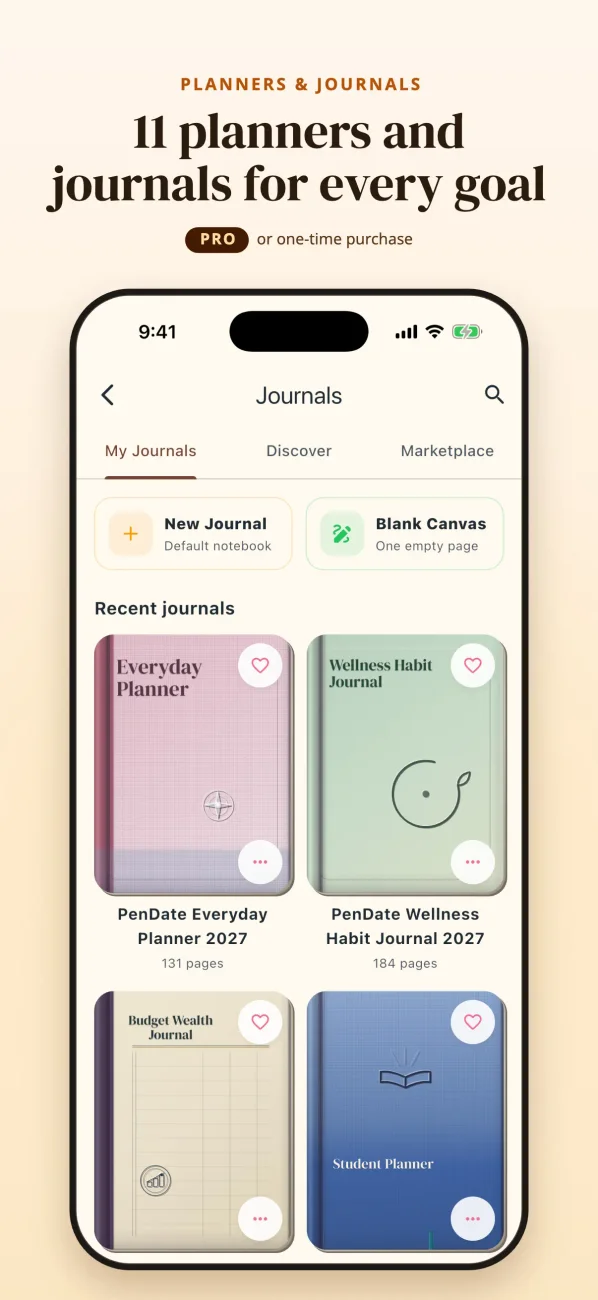
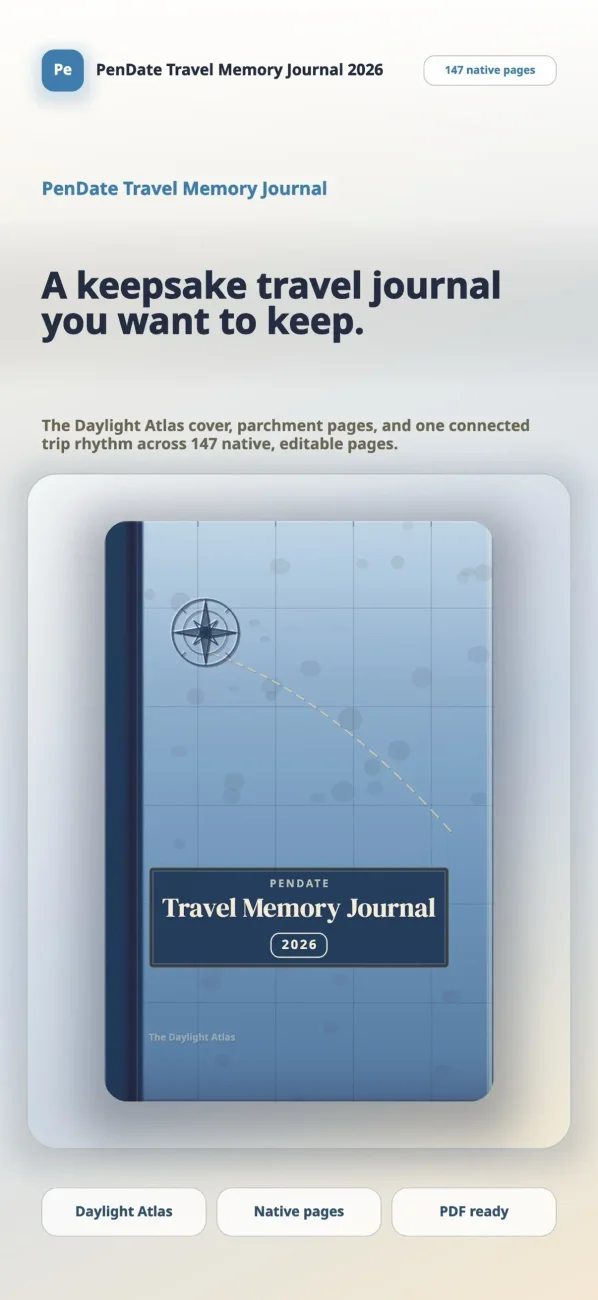
Write in beautiful planner and journal pages for every part of life: everyday planning, daily life, work sprints, study, wellness and habits, budget and savings, fitness, travel, gratitude, creative work, home and meals. Tappable links jump straight to the page you need.
FIND IT AGAIN
Search your notes, checklists and canvas text. Organise with folders, tags, covers and Archive, and restore deleted notes from the Recycle Bin.
SYNC AND BACK UP
Turn on optional Google Drive sync to keep your library on your other devices. Prefer to stay offline? PenDate works fully without an account.
SHARE AND EXPORT
Export notes and planner pages as PDF or images to print or share.
FREE EVERYDAY NOTES, OPTIONAL PRO
Everyday notes, checklists, the calendar and handwriting are free. PenDate Pro, a monthly or yearly auto-renewing subscription or a one-time Lifetime purchase, adds every planner and journal family, Signature stickers and covers, saved Focus views, Split Workspace for two notes side by side on tablets and wide screens, and selected-page PDF export. Individual planners and Signature packs are also available as one-time purchases.
Subscription prices and billing periods are shown in the app before purchase. Payment is charged to your Apple Account at confirmation. Subscriptions renew automatically unless canceled at least 24 hours before the current period ends. Your account is charged for renewal within 24 hours before that period ends. Manage or cancel subscriptions in your App Store account settings. Canceling renewal keeps access until the end of the paid period.
Terms of Use (Apple Standard EULA): https://www.apple.com/legal/internet-services/itunes/dev/stdeula/
Privacy Policy: https://pendatenotes.com/privacy-policy.html
Có gì mới
Phiên bản 1.0.5 · 11/11/2026
See your PenDate events in your phone's calendar app with the new PenDate calendar. Sort notes and tasks in a redesigned Focus with priorities, Cards and Compact views, drag and drop, filters and Pro saved views. Work on two notes side by side on tablets and wide screens in Pro Split Workspace, and see real covers on your journals. Plus faster, more reliable Drive sync and PDF export, large-text, tablet and stability fixes.
Quyền riêng tư của ứng dụng
Những gì SAMUEL NANA ESHUN khai báo trên App Store về cách ứng dụng này xử lý dữ liệu.
-
Dữ liệu liên kết với bạn
Có thể được thu thập và liên kết với danh tính của bạn.
- Mục mua
- Thông tin liên hệ
- Nội dung của người dùng
- Mã định danh
Phương thức đảm bảo quyền riêng tư có thể khác nhau, chẳng hạn như tuỳ theo các tính năng bạn sử dụng hoặc độ tuổi của bạn.
Thông tin
- Người bán
- SAMUEL NANA ESHUN
- Danh mục
- Hiệu Suất
- Phiên bản
- 1.0.5
- Cập nhật
- 11/11/2026
- Phát hành
- 11/05/2026
- Kích thước
- 157,9 MB
- Yêu cầu
- iOS 15.5 trở lên
- Độ tuổi
- 4+
- Giá
- Miễn phí
- Mua hàng trong ứng dụng
- Có
- Ngôn ngữ
- Tiếng Anh
- Bản quyền
- © 2026 Samuel Nana Eshun
Có thể bạn cũng thích
-
 InkThink - Handwritten PlannerHiệu Suất
-
 Scribble Calendar & PlannerHiệu Suất
-
 Kalendera – Calendar & EventsHiệu Suất
-
 DaysAgo: Last DoneHiệu Suất
-
 Calendar Notes ProHiệu Suất
-
 Visual Mind Map & GTD - VisuelHiệu Suất
-
 iPlan Today - Pencil PlannerHiệu Suất
-
 Clog - Calendar, Notes, TasksHiệu Suất
-
 Year Calendar & Weekly PlannerHiệu Suất
-
 AivelleHiệu Suất