Quick Voice Recorder & Notes
Instant Record & Dark Screen
Conçue pour iPhone, iPad, iPod touch
Gratuit
- Classification d’âge4+
- CatégorieUtilitaires
- DéveloppeurStedyWorks
- LanguesAnglais+ 2 de plus
- Taille32,2 Mo
Renvoie vers la page App Store officielle
Download.org n’héberge aucun fichier de Quick Voice Recorder & Notes. Le bouton ouvre la page de l’application sur App Store, où StedyWorks la publie. Fiche vérifiée pour la dernière fois le 16/11/2026.
Captures d’écran

À propos
Le développeur n’a pas fourni ce texte dans votre langue.
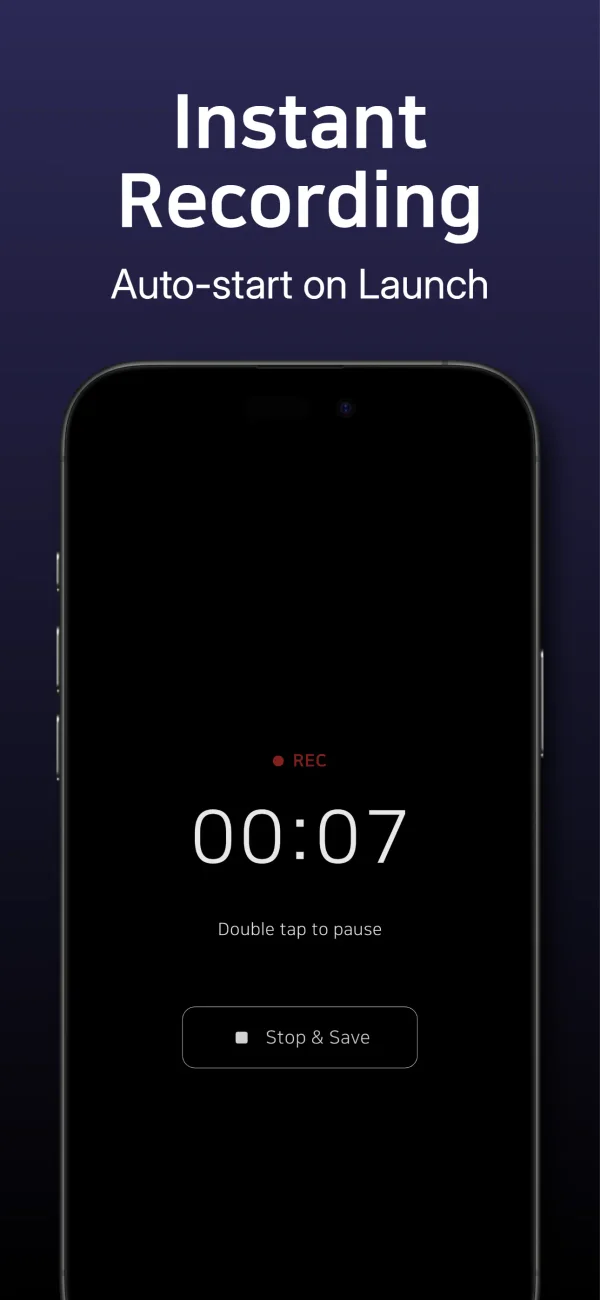
Launch and record instantly.
Quick Voice Recorder & Notes features a dim screen and clock overlay mode to safely document critical moments, disputes, and events without distraction. It is the fastest tool for capturing high-quality audio in urgent or sensitive situations.
Why Quick Voice Recorder?
When you need to capture a conversation, dispute, or fleeting idea immediately, you cannot afford to fumble through menus or wait for animations. This app launches ready to record and features a specialized low-profile interface that respects your need for privacy and focus.
Key Features
• Instant Auto-Record: Configure the app to start recording audio the split-second you launch it. Ensure you capture the very beginning of an interaction without delay.
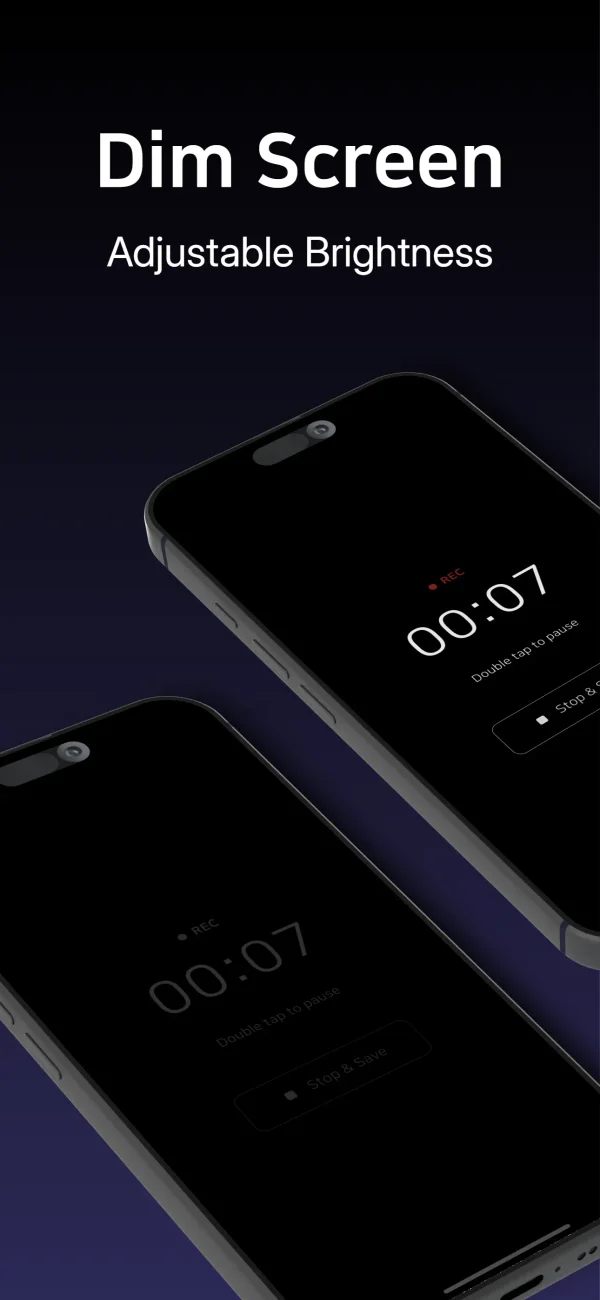
• Distraction-Free "Dim" Mode: Significantly reduce screen brightness with a dedicated dark interface. This allows you to record in theaters, dark rooms, or at night without screen glare giving away your position or distracting others.
• Clock Overlay Mode: Switch the recording screen to a functional digital clock. This allows you to keep the app active and visible on a table to track time during meetings or interviews without a flashing animation, maintaining a neutral, professional appearance.
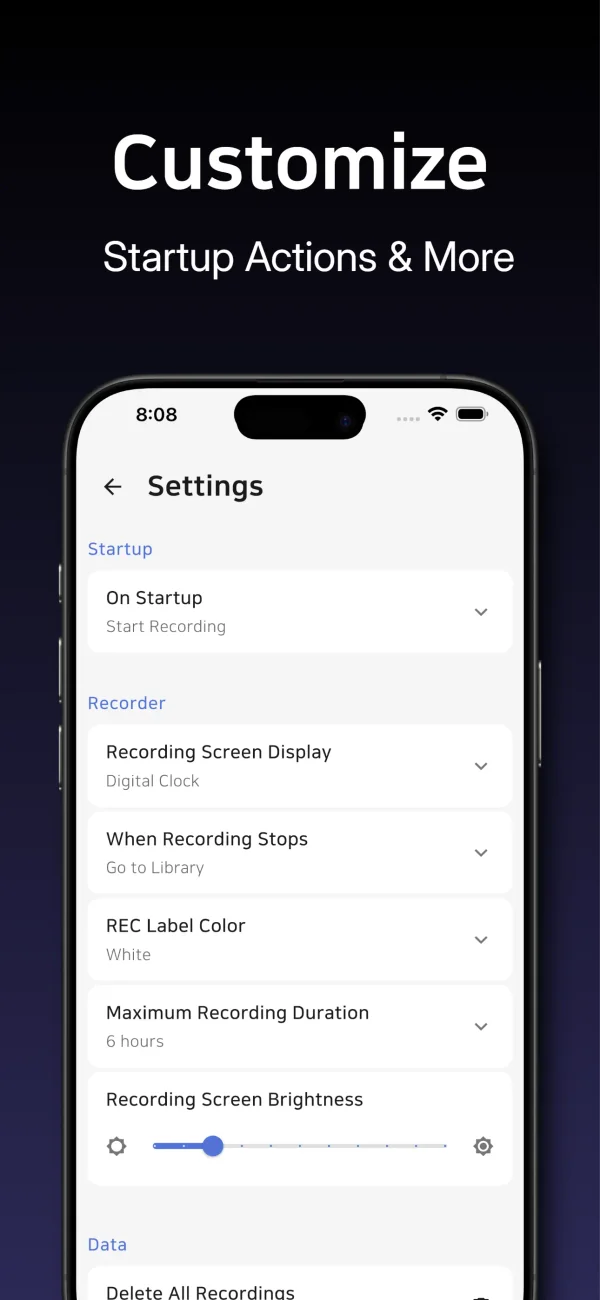
• Customizable Interface: Tailor the app’s visibility to your environment. Toggle the recording label between a standard Red or a subtle White to blend seamlessly with the black background.
• Secure Library & Playback: Your recordings are automatically saved to your device only. Customize your startup flow to jump straight into recording for urgency, or open the library first to manage, rename, and share your files.
Perfect For:
• Documentation & Proof: Create an accurate audio record of service interactions, workplace disputes, or important conversations to ensure accountability.
• Urgent Situations: The "Auto-Start" feature ensures you never miss a critical moment while trying to open the app.
• Discreet Safety: Use the dim screen or clock mode to keep the app running in the background of a social setting, acting as a silent witness.
• Night Recording: Capture sleep talk or ideas in the dark without waking yourself up with a bright screen.
Privacy Notice
This application is designed for personal note-taking, professional documentation, and safety. Please ensure you comply with all local laws and regulations regarding audio recording and consent in your jurisdiction.
Nouveautés
Version 2.0.1 · 06/01/2026
UX improvement (v2.1)
Confidentialité de l’application
Ce que StedyWorks déclare sur l’App Store au sujet du traitement des données par cette application.
-
Données utilisées pour vous suivre
Peuvent être utilisées pour vous suivre sur des applications et des sites web appartenant à d’autres sociétés.
- Identifiants
- Données d’utilisation
-
Données n’établissant aucun lien avec vous
Peuvent être collectées, mais ne sont pas liées à votre identité.
- Identifiants
- Données d’utilisation
Les pratiques en matière de confidentialité peuvent varier, notamment en fonction des fonctionnalités que vous utilisez ou de votre âge.
Informations
- Vendeur
- StedyWorks
- Catégorie
- Utilitaires
- Version
- 2.0.1
- Mis à jour
- 06/01/2026
- Publié
- 15/12/2025
- Taille
- 32,2 Mo
- Nécessite
- iOS 15.0 ou version ultérieure
- Classification d’âge
- 4+
- Prix
- Gratuit
- Langues
- Anglais, Japonais, Coréen
- Copyright
- © 2025 StedyWorks
Vous aimerez peut-être aussi
-
 Voice Note Taker - Memo AIUtilitaires
-
 Enregistreur Vocal: DictaphoneEnregistrement Audio & Editeur
-
 Recorder PlusVoice Recorder & Audio Editor
-
 Voice Memos & Sound RecorderUtilitaires
-
 NoCam: Vidéo Réaction & VlogFace cam pendant le scroll
-
 Enregistreur vocal - VozÉditeur audio
-
 Dictaphone ProVoice Recorder Pro
-
 Secure Folder - My Photo VaultCaméra Thermique - Audio Boost
-
 Enregistreur Vocal ◉Record, Dictate & Transcribe
-
 Screen Recorder: Go RecordUtilitaires