Quick Voice Recorder & Notes
Instant Record & Dark Screen
Designed for iPhone, iPad, iPod touch
Free
- Age rating4+
- CategoryUtilities
- DeveloperStedyWorks
- LanguagesEnglish+ 2 more
- Size32.2 MB
Links to the official App Store page
Download.org hosts no file of Quick Voice Recorder & Notes. The button opens its official App Store page, published by StedyWorks. Listing last checked on Nov 16, 2026.
Screenshots
About
Launch and record instantly.
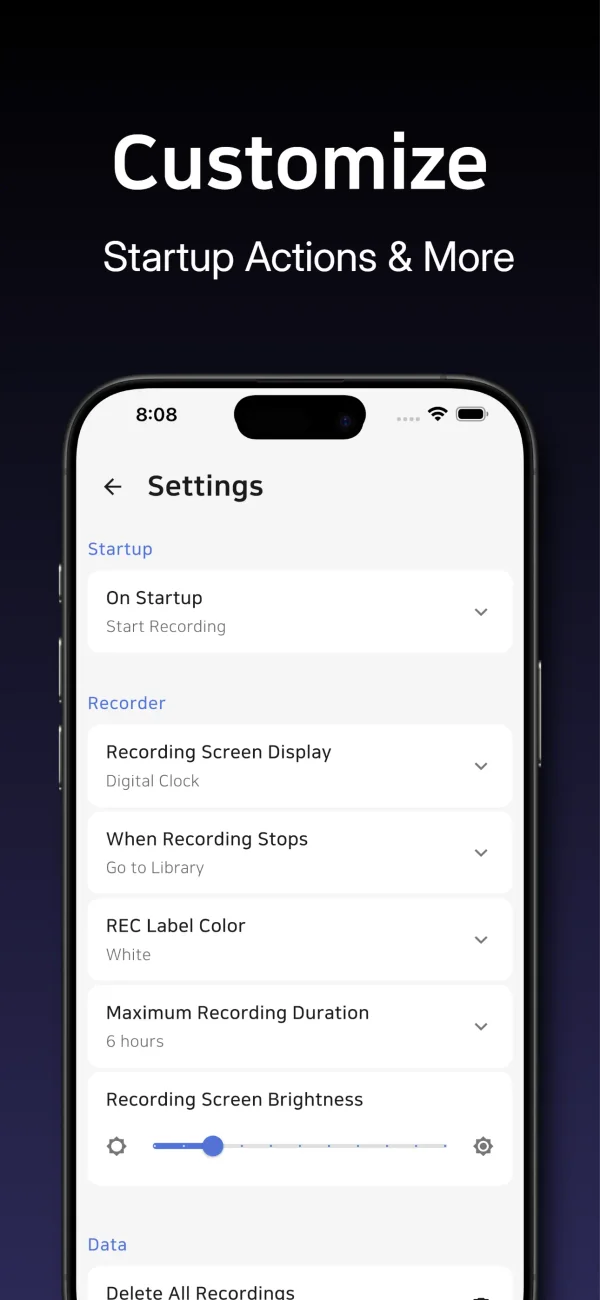
Quick Voice Recorder & Notes features a dim screen and clock overlay mode to safely document critical moments, disputes, and events without distraction. It is the fastest tool for capturing high-quality audio in urgent or sensitive situations.
Why Quick Voice Recorder?
When you need to capture a conversation, dispute, or fleeting idea immediately, you cannot afford to fumble through menus or wait for animations. This app launches ready to record and features a specialized low-profile interface that respects your need for privacy and focus.
Key Features
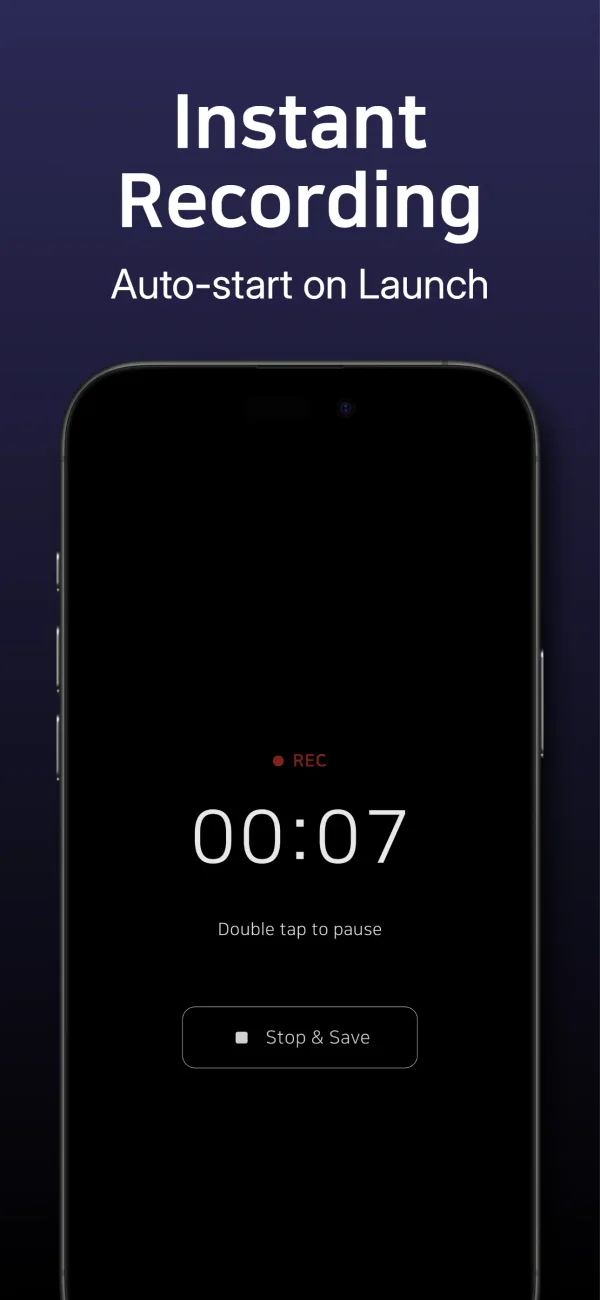
• Instant Auto-Record: Configure the app to start recording audio the split-second you launch it. Ensure you capture the very beginning of an interaction without delay.
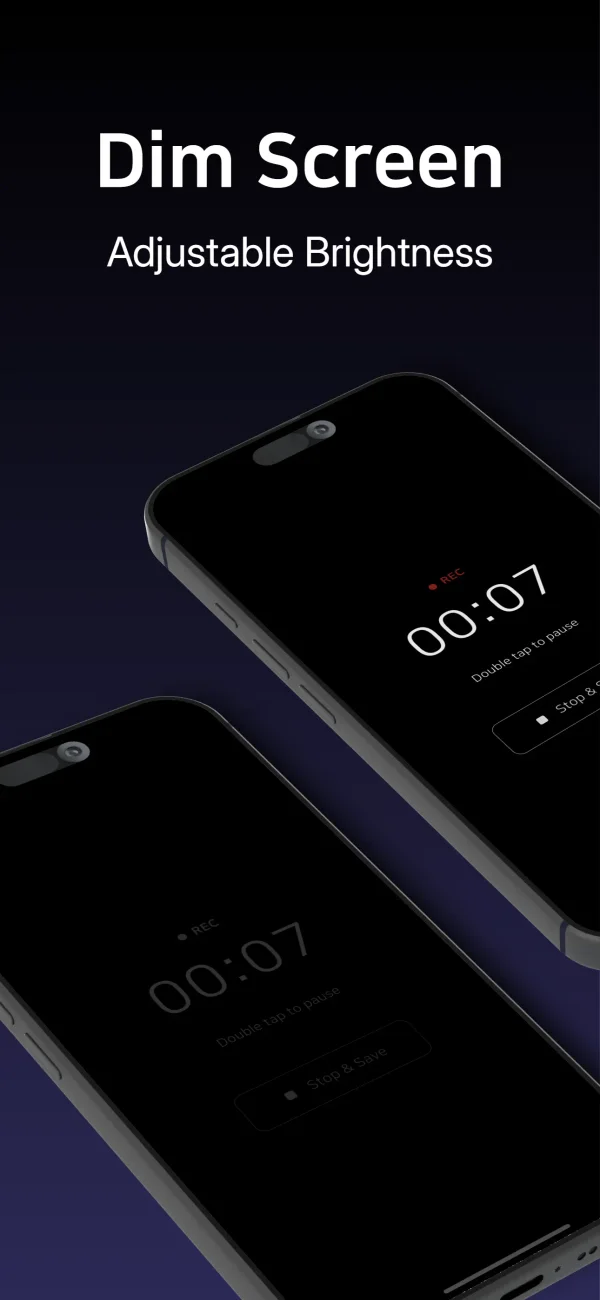
• Distraction-Free "Dim" Mode: Significantly reduce screen brightness with a dedicated dark interface. This allows you to record in theaters, dark rooms, or at night without screen glare giving away your position or distracting others.
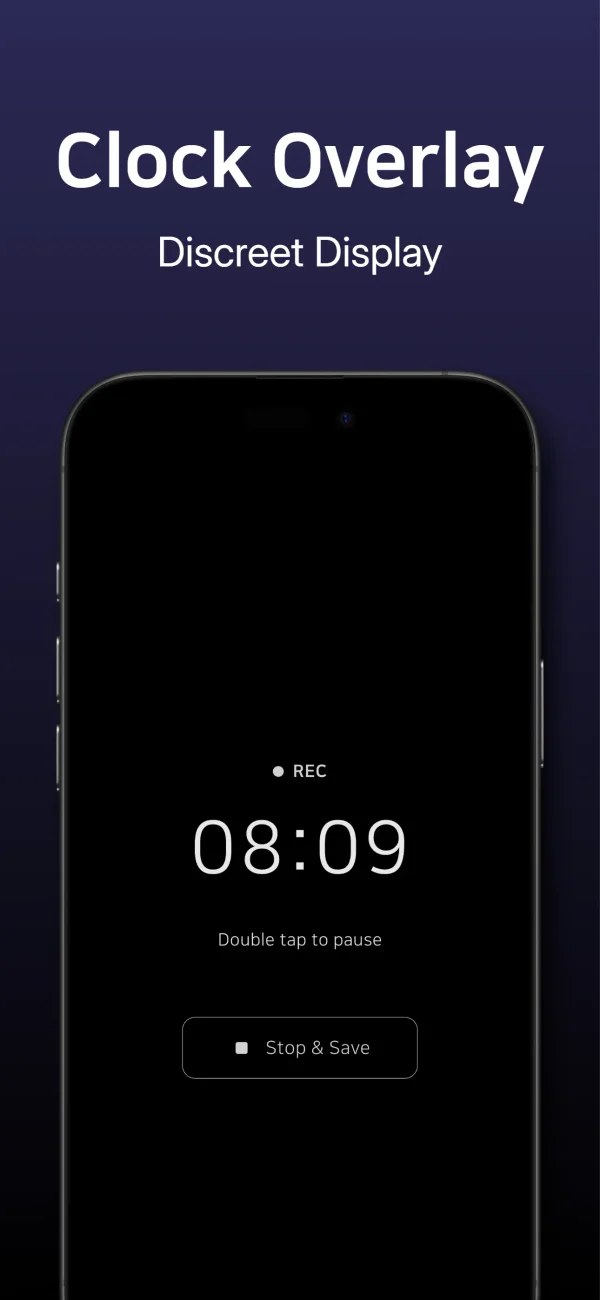
• Clock Overlay Mode: Switch the recording screen to a functional digital clock. This allows you to keep the app active and visible on a table to track time during meetings or interviews without a flashing animation, maintaining a neutral, professional appearance.
• Customizable Interface: Tailor the app’s visibility to your environment. Toggle the recording label between a standard Red or a subtle White to blend seamlessly with the black background.
• Secure Library & Playback: Your recordings are automatically saved to your device only. Customize your startup flow to jump straight into recording for urgency, or open the library first to manage, rename, and share your files.
Perfect For:
• Documentation & Proof: Create an accurate audio record of service interactions, workplace disputes, or important conversations to ensure accountability.
• Urgent Situations: The "Auto-Start" feature ensures you never miss a critical moment while trying to open the app.
• Discreet Safety: Use the dim screen or clock mode to keep the app running in the background of a social setting, acting as a silent witness.
• Night Recording: Capture sleep talk or ideas in the dark without waking yourself up with a bright screen.
Privacy Notice
This application is designed for personal note-taking, professional documentation, and safety. Please ensure you comply with all local laws and regulations regarding audio recording and consent in your jurisdiction.
What’s new
Version 2.0.1 · Jan 6, 2026
UX improvement (v2.1)
App privacy
What StedyWorks declares on the App Store about how this app handles data.
-
Data used to track you
May be used to track you across apps and websites owned by other companies.
- Identifiers
- Usage data
-
Data not linked to you
May be collected but is not linked to your identity.
- Identifiers
- Usage data
Privacy practices may vary, for example with the features you use or your age.
Information
- Seller
- StedyWorks
- Category
- Utilities
- Version
- 2.0.1
- Updated
- Jan 6, 2026
- Released
- Dec 15, 2025
- Size
- 32.2 MB
- Requires
- iOS 15.0 or later
- Age rating
- 4+
- Price
- Free
- Languages
- English, Japanese, Korean
- Copyright
- © 2025 StedyWorks
You might also like
-
 Voice Note Taker - Memo AITranscribe voice to text
-
 Recorder : Voice RecorderThe Voice Memos Apр
-
 Recorder Plus - Audio Editorvoice record, edit, transcribe
-
 Voice Memos & Sound RecorderFast & Convenient Voice Record
-
 Secret video recorder - NoCamDiscreet hidden camera record
-
 Voice recorder - VozVoice recorder
-
 Voice Recorder & Notes ProTranscribe Voice Notes
-
 Ear Spy Apps - Super HearingListening Device - Hear Boost
-
 Voice Recorder & Audio EditorRecord, Dictate & Transcribe
-
 Screen Recorder: Go RecordFace Cam Reaction Video Editor