- Classification d’âge4+
- CatégorieProductivité
- DéveloppeurYutaka Kato
- LanguesAnglais+ 4 de plus
- Taille4,9 Mo
Quick Widget Memo n’est peut-être pas disponible sur App Store pour le moment
La fiche de la boutique était inaccessible lors de notre dernière vérification. Le lien mène toujours à la page App Store officielle.
Captures d’écran
À propos
Le développeur n’a pas fourni ce texte dans votre langue.
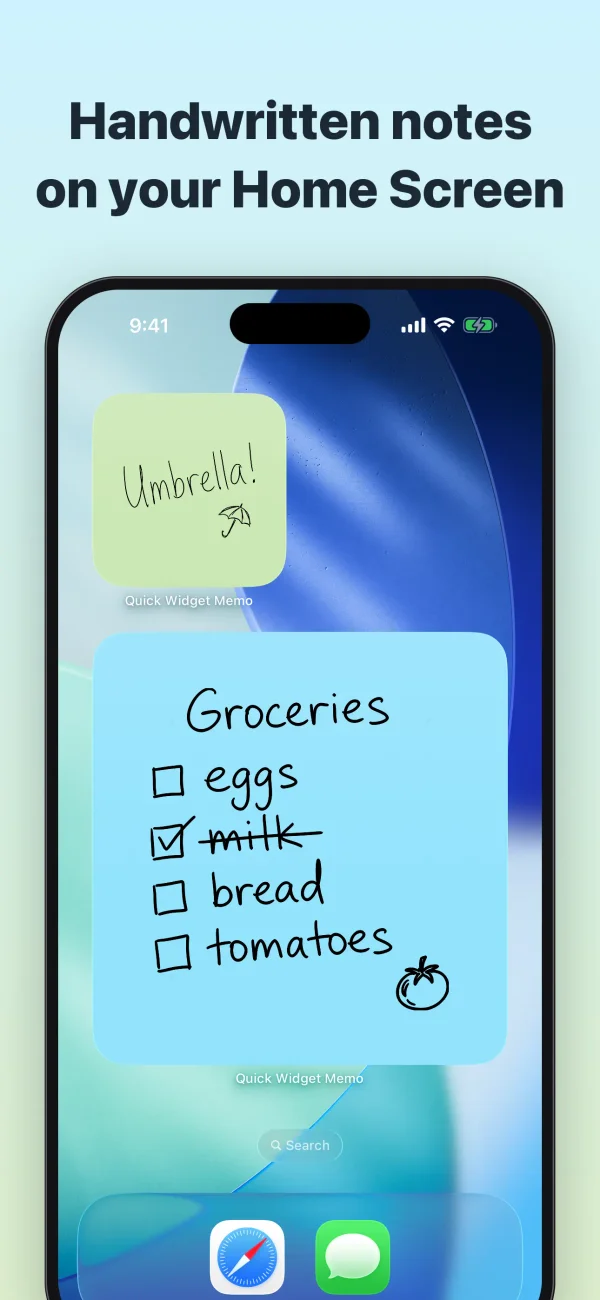
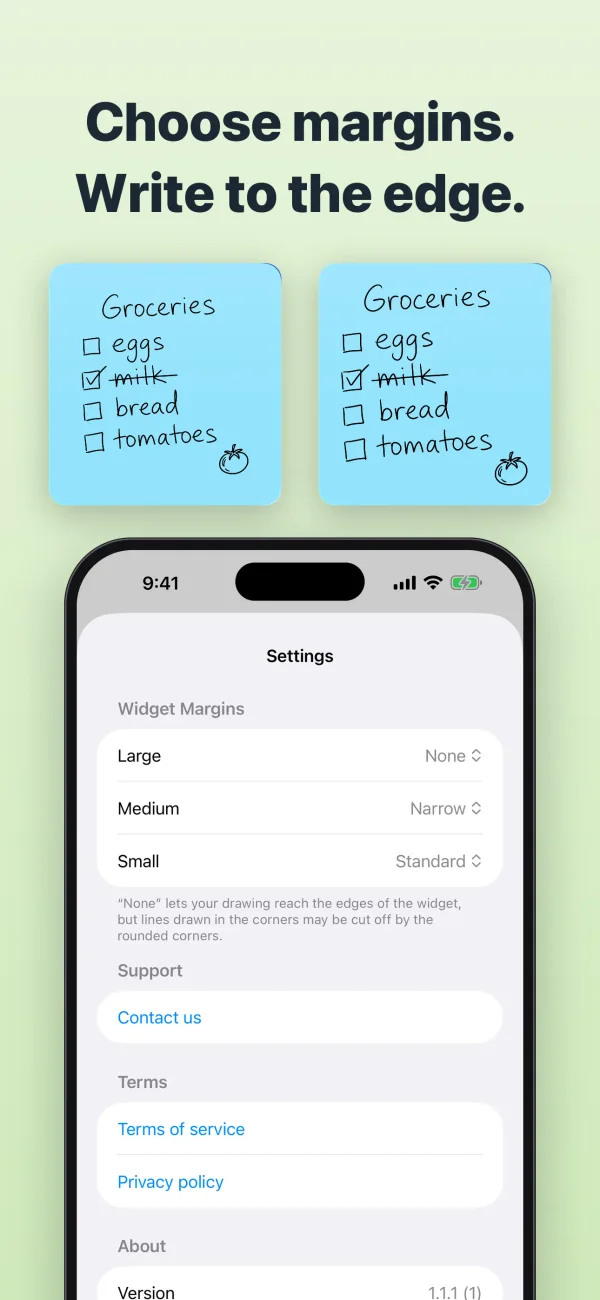
Capture your ideas on the go with ease! With our iOS app, you can add a widget to your home screen for quick note-taking without even having to open the app. Simply tap the widget and start jotting down your thoughts right away! Never miss a brilliant idea again.
This app allows you to quickly capture your ideas and plans, making it easy to remember them even when you're busy. By tapping the widget on your Home screen, you can easily start writing your notes.
Here's how to create your own notes:
1. Long-press on your Home screen
2. Tap the "+" button and search for the "Quick Widget Memo" widget
3. Add the widget of your choice (large, medium, or small)
4. Tap the added widget
5. The "Quick Widget Memo" app will launch
6. Save your note and it will be reflected on the widget
Here are some of the features and benefits of the app:
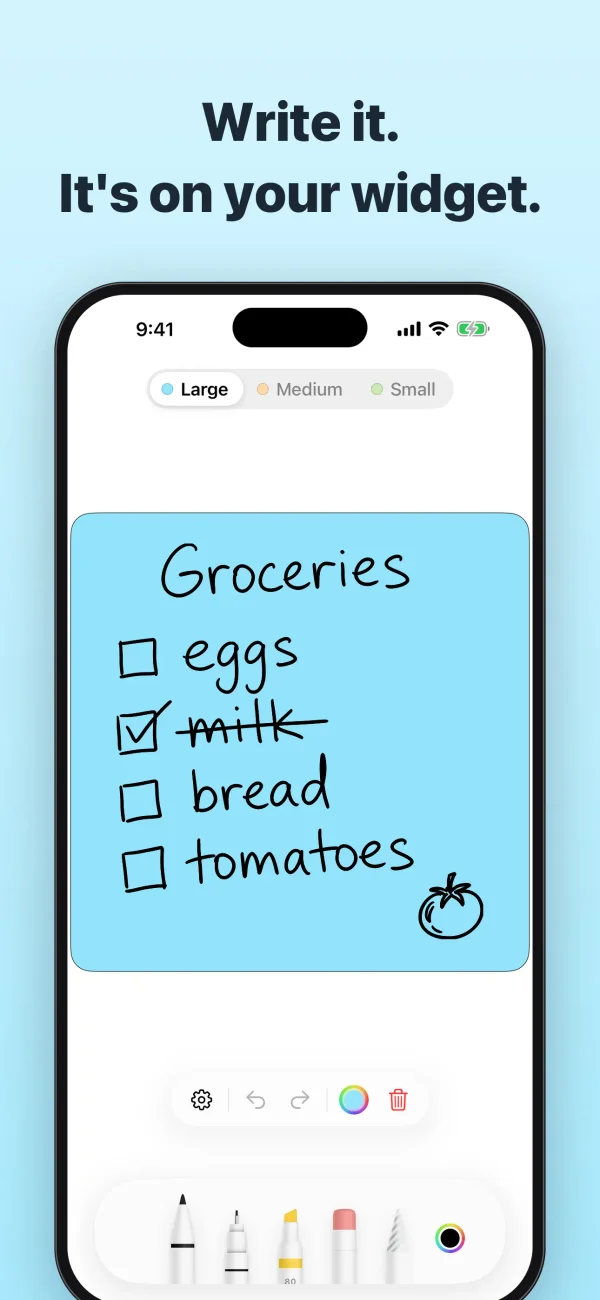
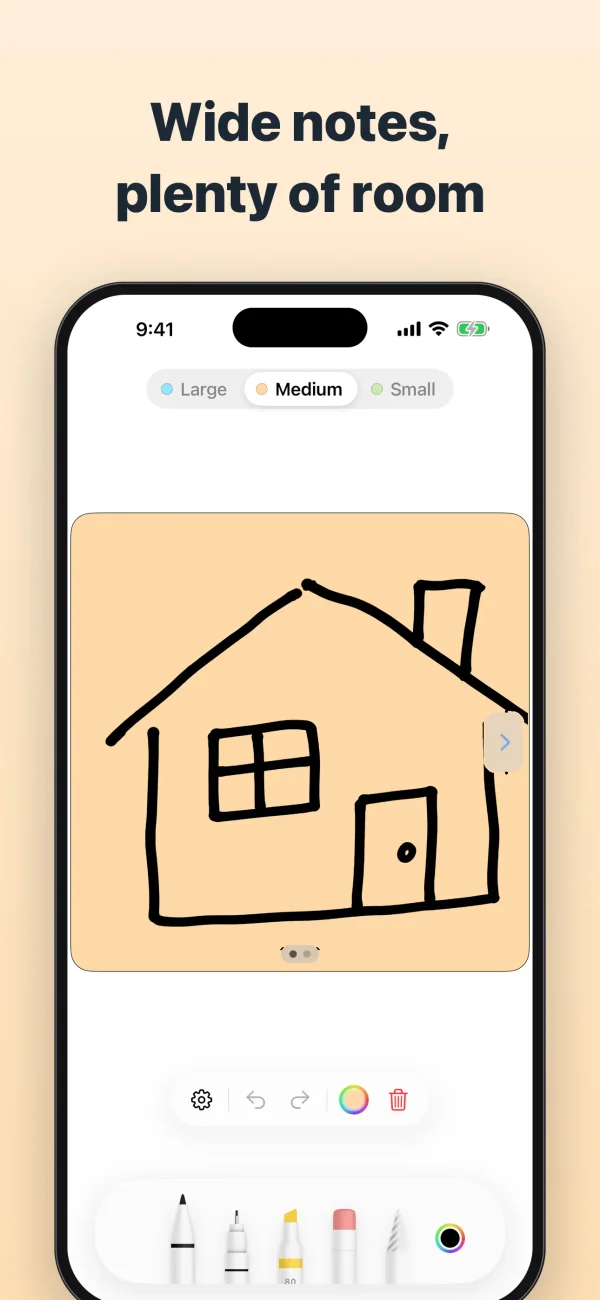
* You can create only three types of notes (large, medium, and small), making it easy to manage them without any hassle
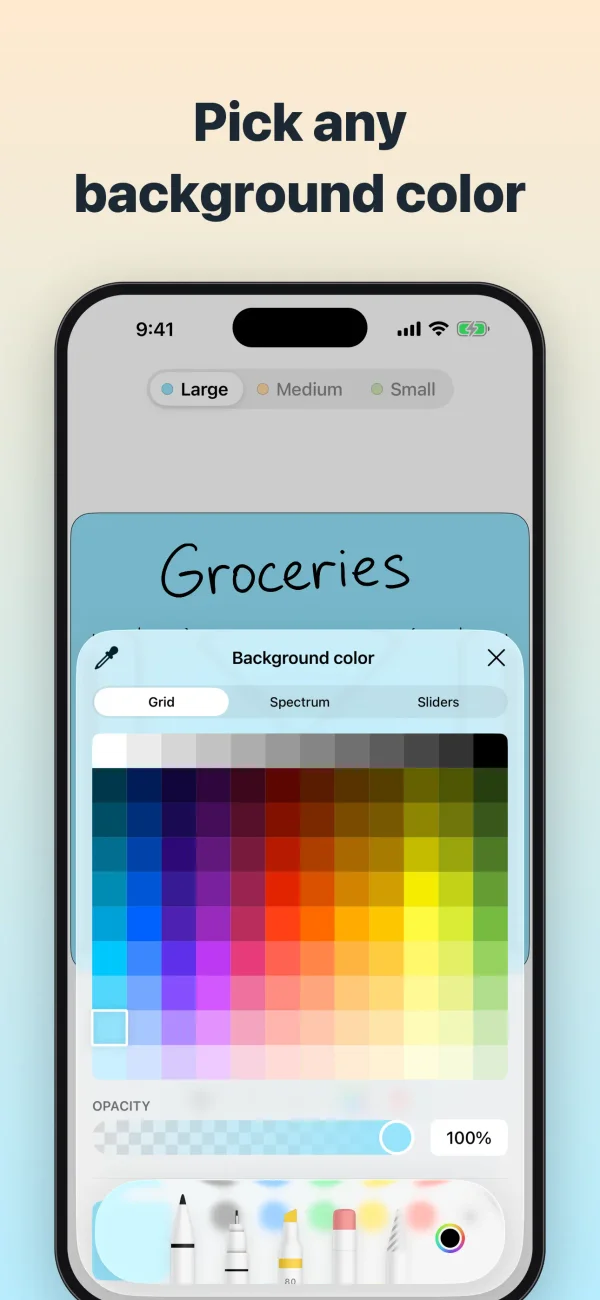
* You can use an Apple Pencil to choose the pen type and color
* You can easily modify your handwritten notes using the eraser, undo, and redo features
* You can personalize your handwritten notes by changing the background color or using the Dark Mode feature
Best of all, "Quick Widget Memo" is completely free with no hidden fees or in-app purchases. Whether you're a busy person or simply enjoy handwritten notes, give "Quick Widget Memo" a try today!
Terms: https://mozkzki.github.io/apps/tegakimemo/terms_and_conditions/english
Privacy Policy: https://mozkzki.github.io/apps/tegakimemo/privacy_policy/english
Nouveautés
Version 1.3.0 · 11/11/2026
* In Dark Mode, you can now show black ink as white (for dark backgrounds; turn it on in Settings)
Confidentialité de l’application
Ce que Yutaka Kato déclare sur l’App Store au sujet du traitement des données par cette application.
-
Données utilisées pour vous suivre
Peuvent être utilisées pour vous suivre sur des applications et des sites web appartenant à d’autres sociétés.
- Identifiants
-
Données n’établissant aucun lien avec vous
Peuvent être collectées, mais ne sont pas liées à votre identité.
- Identifiants
- Données d’utilisation
- Diagnostic
Les pratiques en matière de confidentialité peuvent varier, notamment en fonction des fonctionnalités que vous utilisez ou de votre âge.
Informations
- Vendeur
- Yutaka Kato
- Catégorie
- Productivité
- Version
- 1.3.0
- Mis à jour
- 11/11/2026
- Publié
- 31/03/2023
- Taille
- 4,9 Mo
- Nécessite
- iOS 18.0 ou version ultérieure
- Classification d’âge
- 4+
- Langues
- Anglais, Japonais, Coréen, Chinois simplifié, Espagnol
- Copyright
- © 2023-2026 Yutaka Kato
Vous aimerez peut-être aussi
-
 Sticky Note Widget Memo PadProductivité
-
 MemoWidget (todo&photo widget)Productivité
-
 Pencil Calendar: CalendarPadProductivité
-
 Notes - Bloc Note, Liste UtileAgenda rapide, rappels, dessin
-
 Sticky Board with WidgetProductivité
-
 Pense-bête: Sticky Note WidgetChecklist et mémo sur l'écran
-
 Sticky Notes + Widget MemoProductivité
-
 Meeting Notes & Work PlannerProductivité
-
 Sticky Notes: Free Note TakingProductivité
-
 To Do List Widget - SimpleProductivité