- Age rating4+
- CategoryProductivity
- DeveloperYutaka Kato
- LanguagesEnglish+ 4 more
- Size4.9 MB
Links to the official App Store page
Download.org hosts no file of Quick Widget Memo. The button opens its official App Store page, published by Yutaka Kato. Listing last checked on Nov 16, 2026.
Screenshots
About
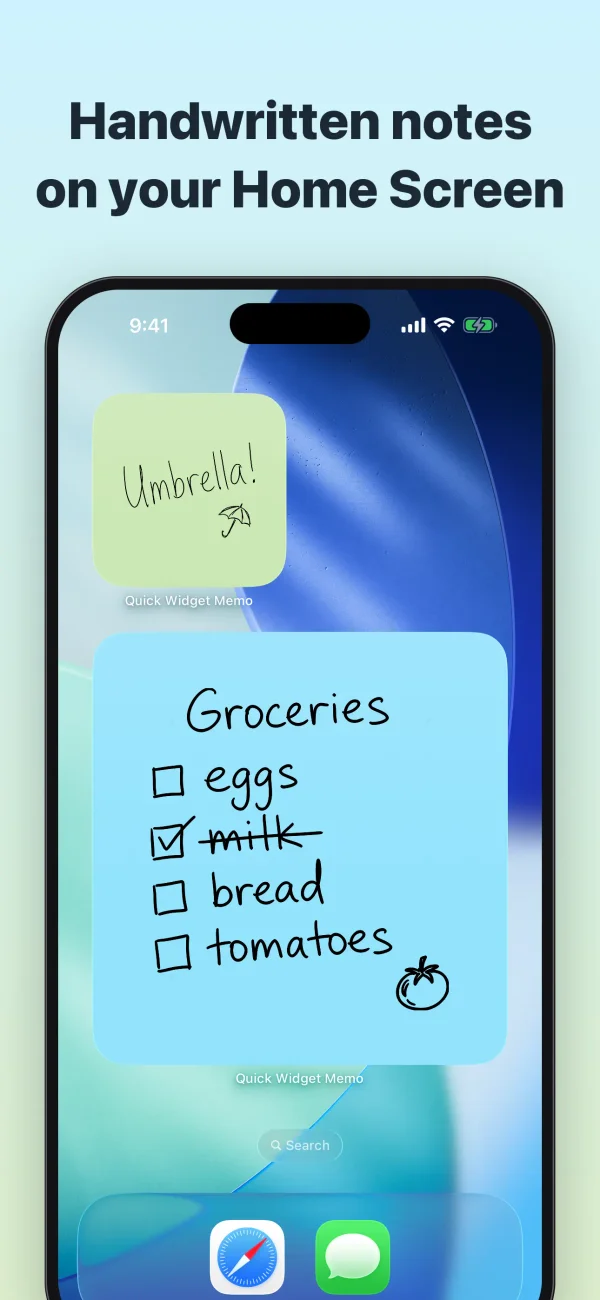
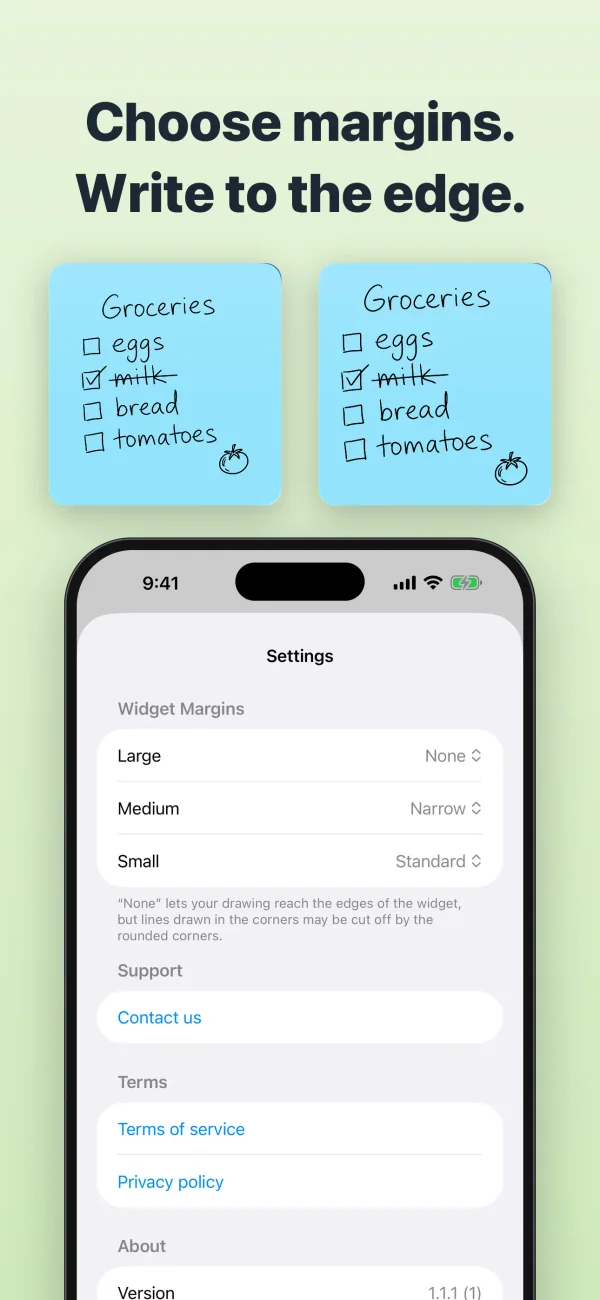
Capture your ideas on the go with ease! With our iOS app, you can add a widget to your home screen for quick note-taking without even having to open the app. Simply tap the widget and start jotting down your thoughts right away! Never miss a brilliant idea again.
This app allows you to quickly capture your ideas and plans, making it easy to remember them even when you're busy. By tapping the widget on your Home screen, you can easily start writing your notes.
Here's how to create your own notes:
1. Long-press on your Home screen
2. Tap the "+" button and search for the "Quick Widget Memo" widget
3. Add the widget of your choice (large, medium, or small)
4. Tap the added widget
5. The "Quick Widget Memo" app will launch
6. Save your note and it will be reflected on the widget
Here are some of the features and benefits of the app:
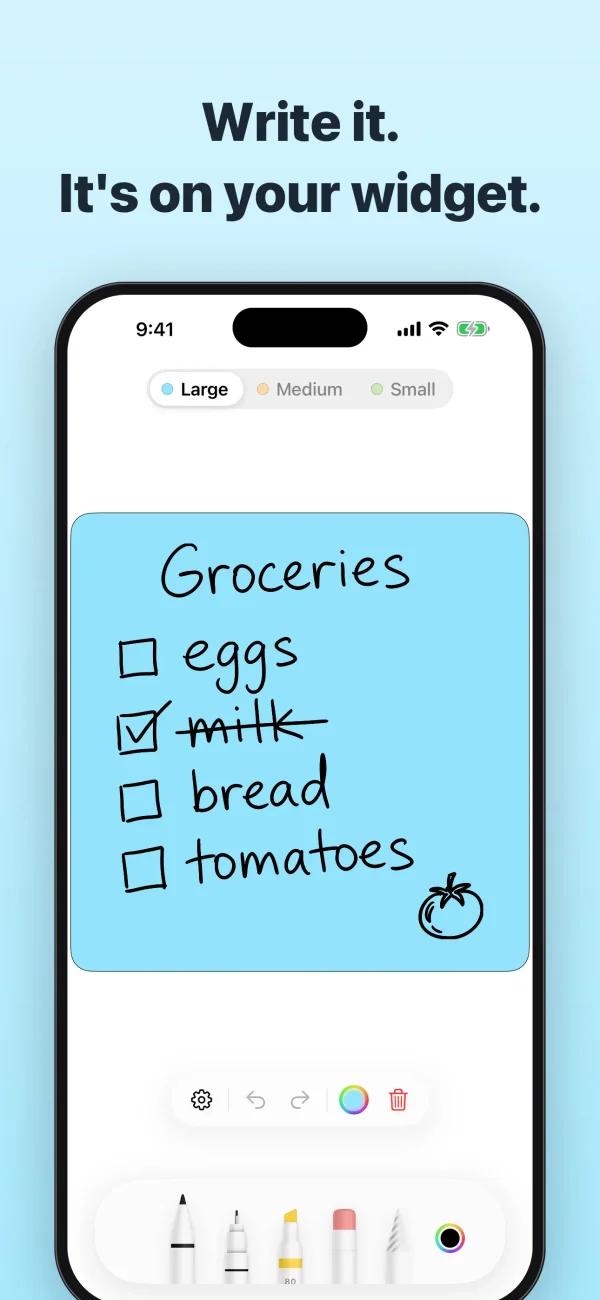
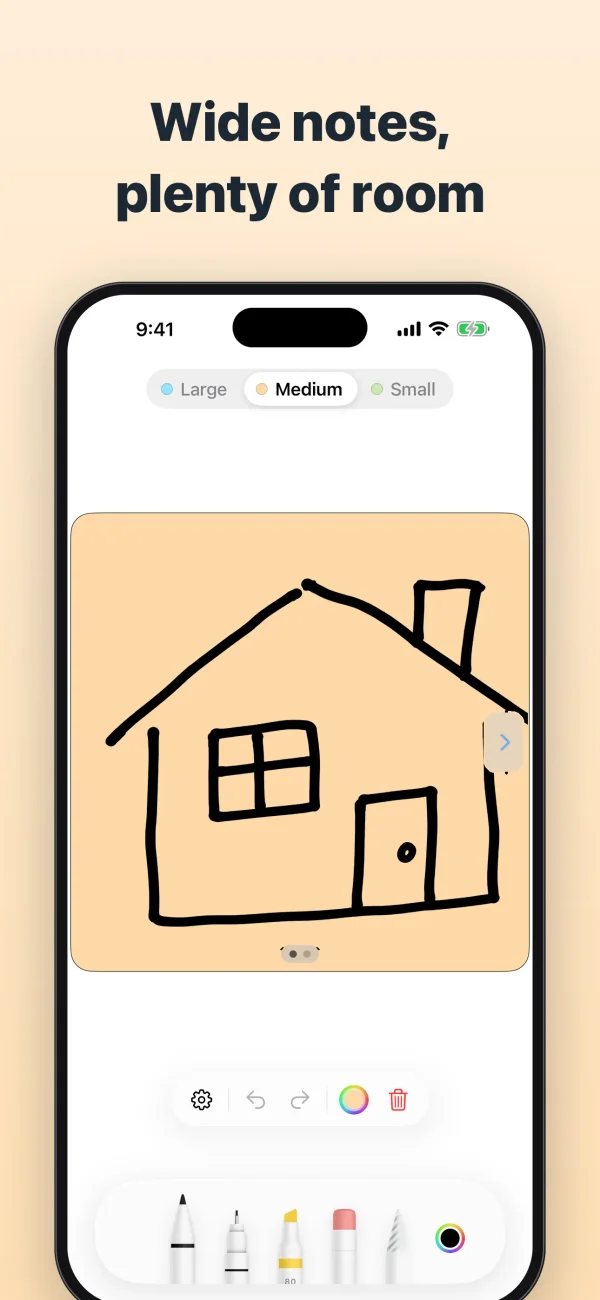
* You can create only three types of notes (large, medium, and small), making it easy to manage them without any hassle
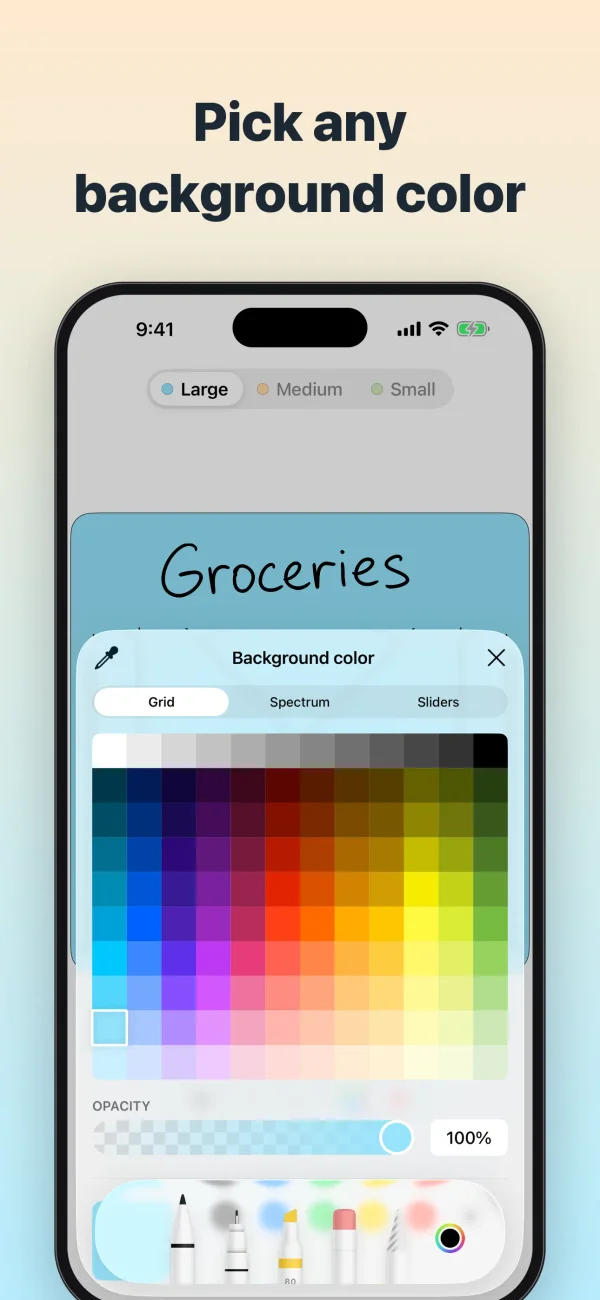
* You can use an Apple Pencil to choose the pen type and color
* You can easily modify your handwritten notes using the eraser, undo, and redo features
* You can personalize your handwritten notes by changing the background color or using the Dark Mode feature
Best of all, "Quick Widget Memo" is completely free with no hidden fees or in-app purchases. Whether you're a busy person or simply enjoy handwritten notes, give "Quick Widget Memo" a try today!
Terms: https://mozkzki.github.io/apps/tegakimemo/terms_and_conditions/english
Privacy Policy: https://mozkzki.github.io/apps/tegakimemo/privacy_policy/english
What’s new
Version 1.3.0 · Nov 11, 2026
* In Dark Mode, you can now show black ink as white (for dark backgrounds; turn it on in Settings)
App privacy
What Yutaka Kato declares on the App Store about how this app handles data.
-
Data used to track you
May be used to track you across apps and websites owned by other companies.
- Identifiers
-
Data not linked to you
May be collected but is not linked to your identity.
- Identifiers
- Usage data
- Diagnostics
Privacy practices may vary, for example with the features you use or your age.
Information
- Seller
- Yutaka Kato
- Category
- Productivity
- Version
- 1.3.0
- Updated
- Nov 11, 2026
- Released
- Mar 31, 2023
- Size
- 4.9 MB
- Requires
- iOS 18.0 or later
- Age rating
- 4+
- Price
- Free
- Languages
- English, Japanese, Korean, Simplified Chinese, Spanish
- Copyright
- © 2023-2026 Yutaka Kato
You might also like
-
 Sticky Note Widget Memo PadHandwriting Fonts, Lock Screen
-
 MemoWidget (todo&photo widget)Todo Widget & Photo Widget
-
 Pencil Calendar: CalendarPadHandwritten Planner & Notes
-
 Sticky Notes Widget. StickiesMemo papers plus color drawing
-
 Sticky Board with WidgetCute notes & Color memo
-
 Sticky Notes: Notepad WidgetHome & Lock Screen To-Do List
-
 Sticky Notes + Widget MemoColor Stickies with iCloud
-
 Meeting Notes & Work PlannerTake Notes & Track Work Tasks
-
 Sticky Notes: Free Note TakingTo Do List & Notepad Reminders
-
 To Do List Widget - SimpleHome Screen ToDo Lists & Tasks