- Altersfreigabe4+
- KategorieProduktivität
- EntwicklerYutaka Kato
- SprachenEnglisch+ 4 weitere
- Größe4,9 MB
Quick Widget Memo ist bei App Store derzeit möglicherweise nicht verfügbar
Bei unserer letzten Prüfung war der Store-Eintrag nicht erreichbar. Der Link führt weiterhin zur offiziellen App Store-Seite.
Screenshots
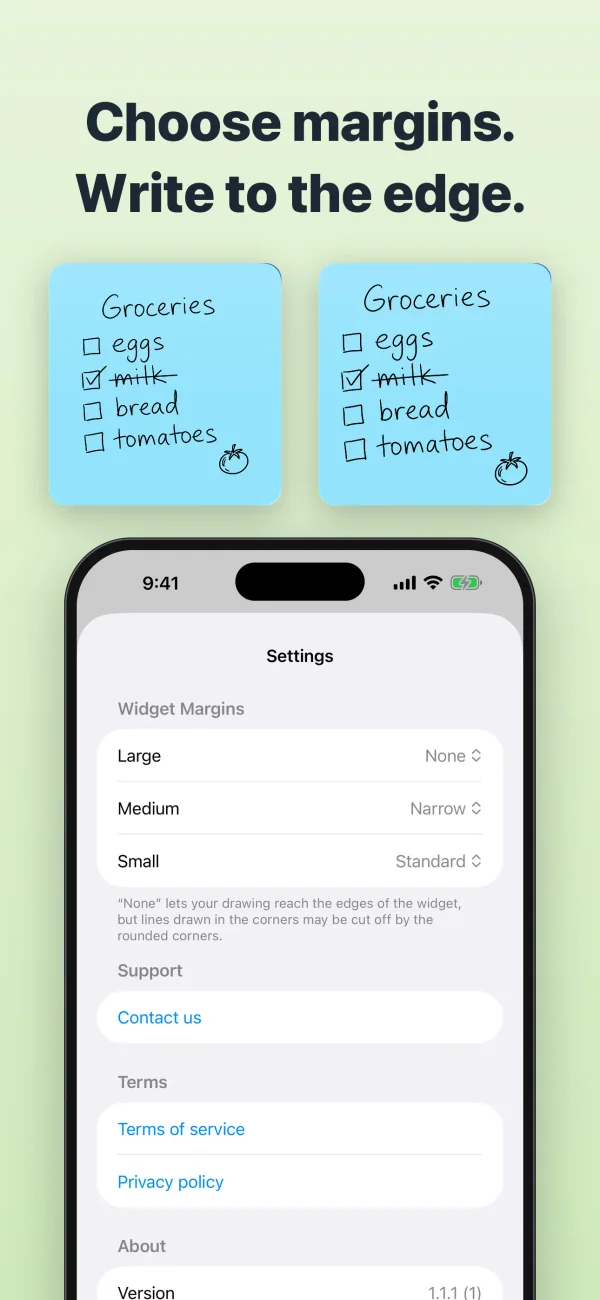
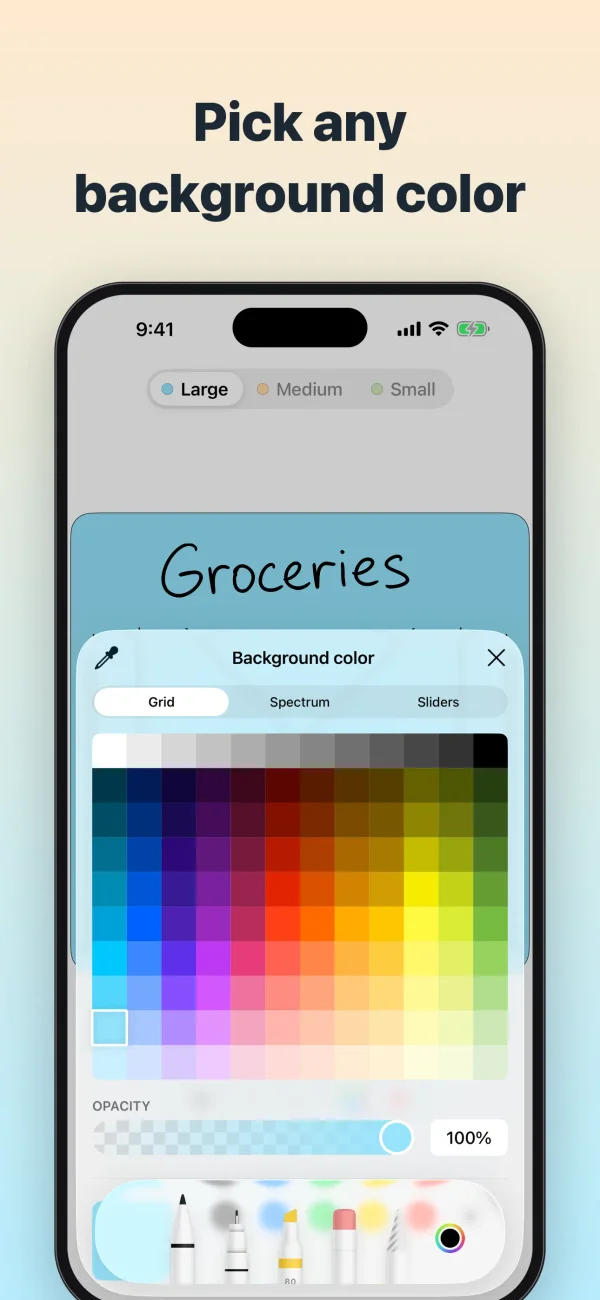
Info
Der Entwickler hat diesen Text nicht in Ihrer Sprache bereitgestellt.
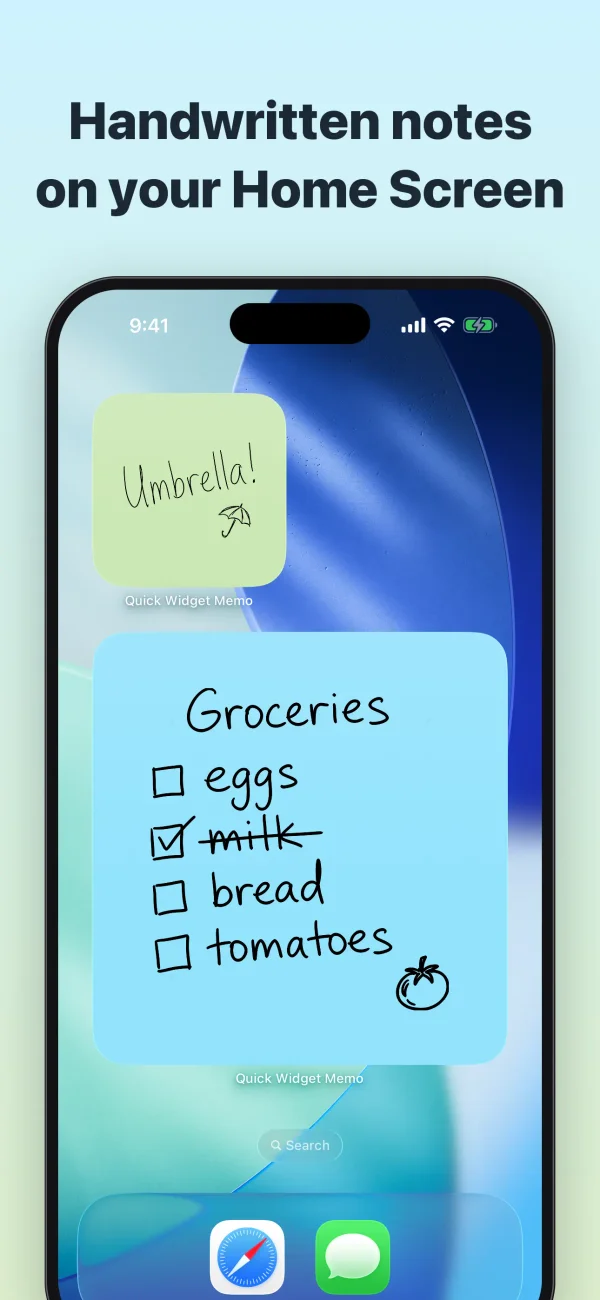
Capture your ideas on the go with ease! With our iOS app, you can add a widget to your home screen for quick note-taking without even having to open the app. Simply tap the widget and start jotting down your thoughts right away! Never miss a brilliant idea again.
This app allows you to quickly capture your ideas and plans, making it easy to remember them even when you're busy. By tapping the widget on your Home screen, you can easily start writing your notes.
Here's how to create your own notes:
1. Long-press on your Home screen
2. Tap the "+" button and search for the "Quick Widget Memo" widget
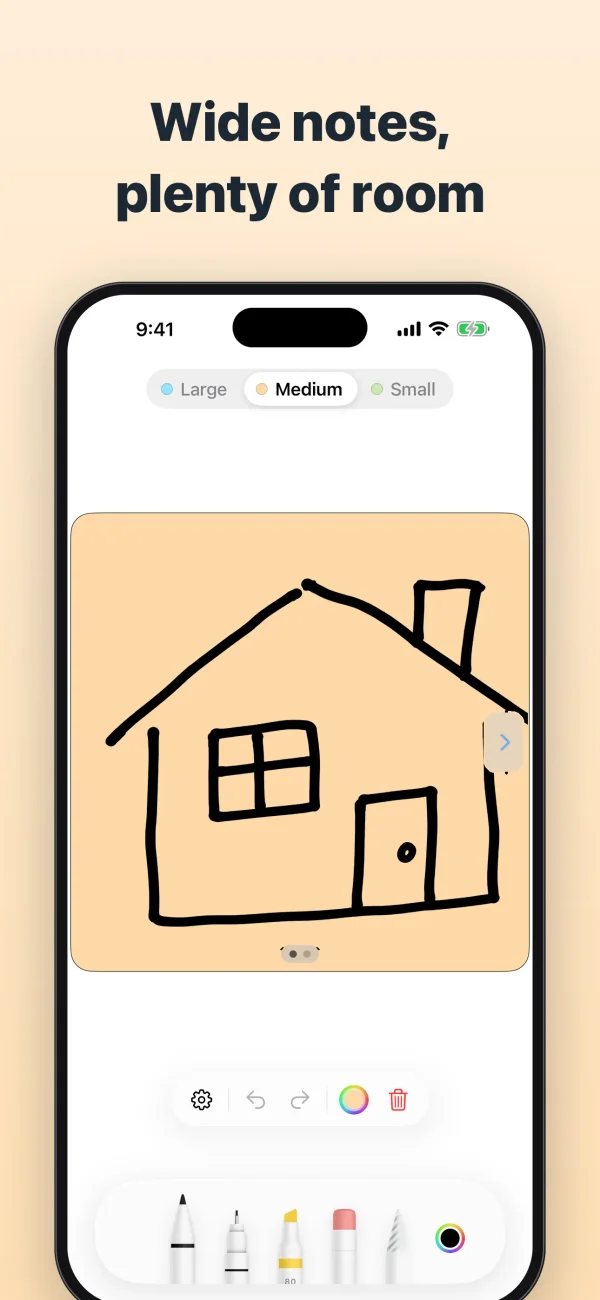
3. Add the widget of your choice (large, medium, or small)
4. Tap the added widget
5. The "Quick Widget Memo" app will launch
6. Save your note and it will be reflected on the widget
Here are some of the features and benefits of the app:
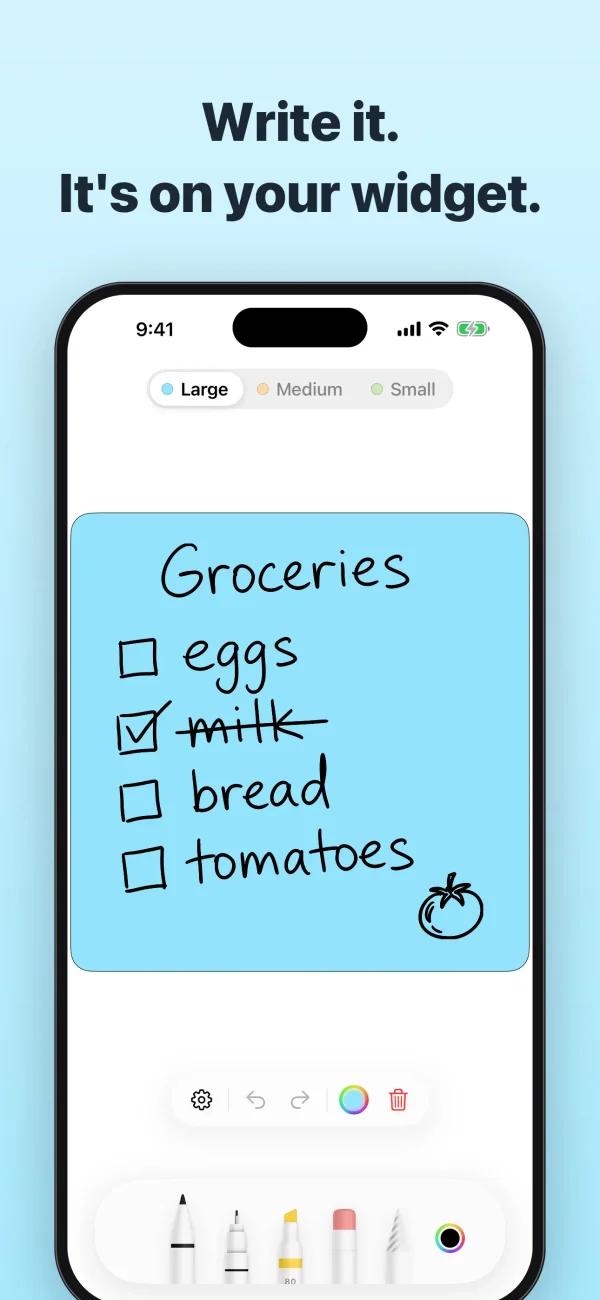
* You can create only three types of notes (large, medium, and small), making it easy to manage them without any hassle
* You can use an Apple Pencil to choose the pen type and color
* You can easily modify your handwritten notes using the eraser, undo, and redo features
* You can personalize your handwritten notes by changing the background color or using the Dark Mode feature
Best of all, "Quick Widget Memo" is completely free with no hidden fees or in-app purchases. Whether you're a busy person or simply enjoy handwritten notes, give "Quick Widget Memo" a try today!
Terms: https://mozkzki.github.io/apps/tegakimemo/terms_and_conditions/english
Privacy Policy: https://mozkzki.github.io/apps/tegakimemo/privacy_policy/english
Neue Funktionen
Version 1.3.0 · 11.11.2026
* In Dark Mode, you can now show black ink as white (for dark backgrounds; turn it on in Settings)
App-Datenschutz
Was Yutaka Kato im App Store zum Umgang dieser App mit Daten angibt.
-
Daten, die zum Tracking Ihrer Person verwendet werden
Können verwendet werden, um Sie über Apps und Websites anderer Unternehmen hinweg zu verfolgen.
- Kennungen
-
Nicht mit Ihnen verknüpfte Daten
Können erfasst werden, sind aber nicht mit Ihrer Identität verknüpft.
- Kennungen
- Nutzungsdaten
- Diagnose
Die Datenschutzpraktiken können variieren, zum Beispiel je nach den von Ihnen verwendeten Funktionen oder Ihrem Alter.
Informationen
- Anbieter
- Yutaka Kato
- Kategorie
- Produktivität
- Version
- 1.3.0
- Aktualisiert
- 11.11.2026
- Veröffentlicht
- 31.03.2023
- Größe
- 4,9 MB
- Erfordert
- iOS 18.0 oder neuer
- Altersfreigabe
- 4+
- Sprachen
- Englisch, Japanisch, Koreanisch, Vereinf. Chinesisch, Spanisch
- Copyright
- © 2023-2026 Yutaka Kato
Das könnte Ihnen auch gefallen
-
 Sticky Note Widget Memo PadProduktivität
-
 MemoWidget (todo&photo widget)Produktivität
-
 Pencil Calendar: CalendarPadProduktivität
-
 Notizzettel + Notizen WidgetSketchnotes und aufgabenliste
-
 Sticky Board with WidgetProduktivität
-
 Sticky Notes: Haftnotiz WidgetNotizen am Sperrbildschirm
-
 Sticky Notes + Widget MemoProduktivität
-
 Meeting Notes & Work PlannerProduktivität
-
 Sticky Notes: Free Note TakingProduktivität
-
 To Do List Widget - SimpleProduktivität