
- Classification d’âge4+
- CatégorieUtilitaires
- DéveloppeurKMWorks
- LanguesAnglais
- Taille5,0 Mo
Renvoie vers la page App Store officielle
Download.org n’héberge aucun fichier de Reach Remote. Le bouton ouvre la page de l’application sur App Store, où KMWorks la publie. Fiche vérifiée pour la dernière fois le 20/11/2026.
Captures d’écran


À propos
Le développeur n’a pas fourni ce texte dans votre langue.
Reach Remote is a remote desktop viewer for your own computer.
Install the Reach Host desktop companion on your computer, pair once on the same network, then start a secure low-latency session with video, touch, keyboard, pointer control, and system audio.
QUICK START
1. On your computer, download Reach Host from:
https://reachremote.app
2. Open the installer and move Reach Host to your Applications folder.
3. Launch Reach Host and grant the requested system permissions for screen capture and input control.
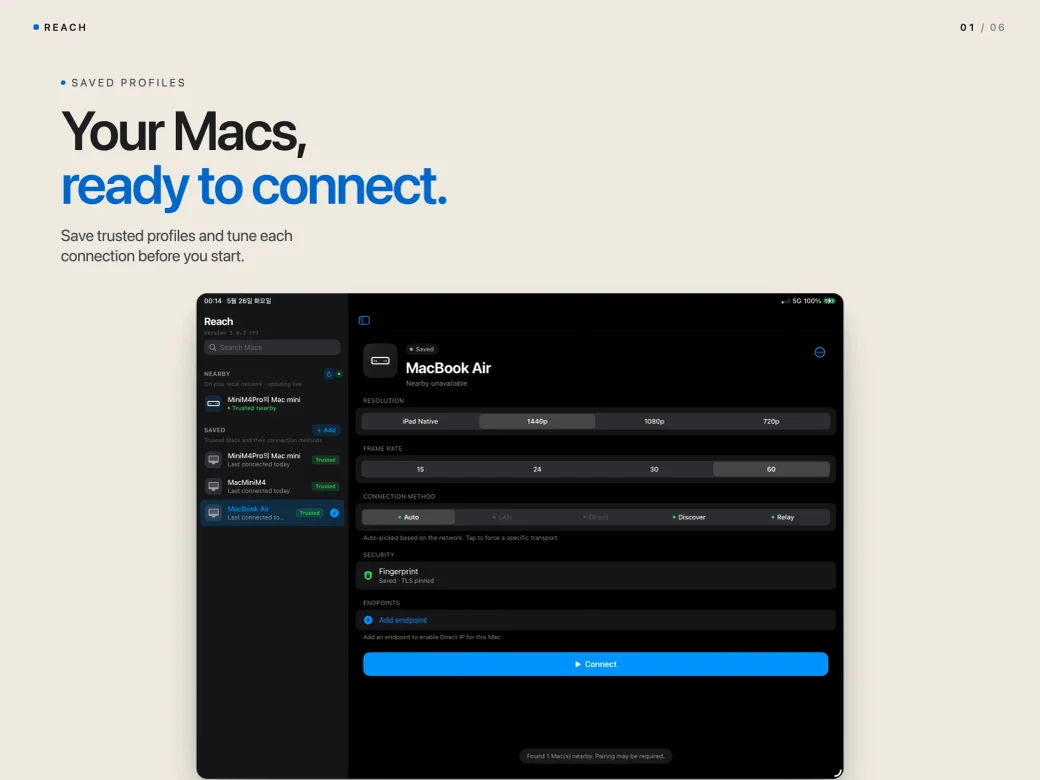
4. Open Reach Remote on your tablet. Your computer appears under Nearby when both devices are on the same Wi-Fi network.
5. Tap your computer, confirm the pairing code, choose a display, and start streaming.
KEY FEATURES
Remote Desktop Viewer
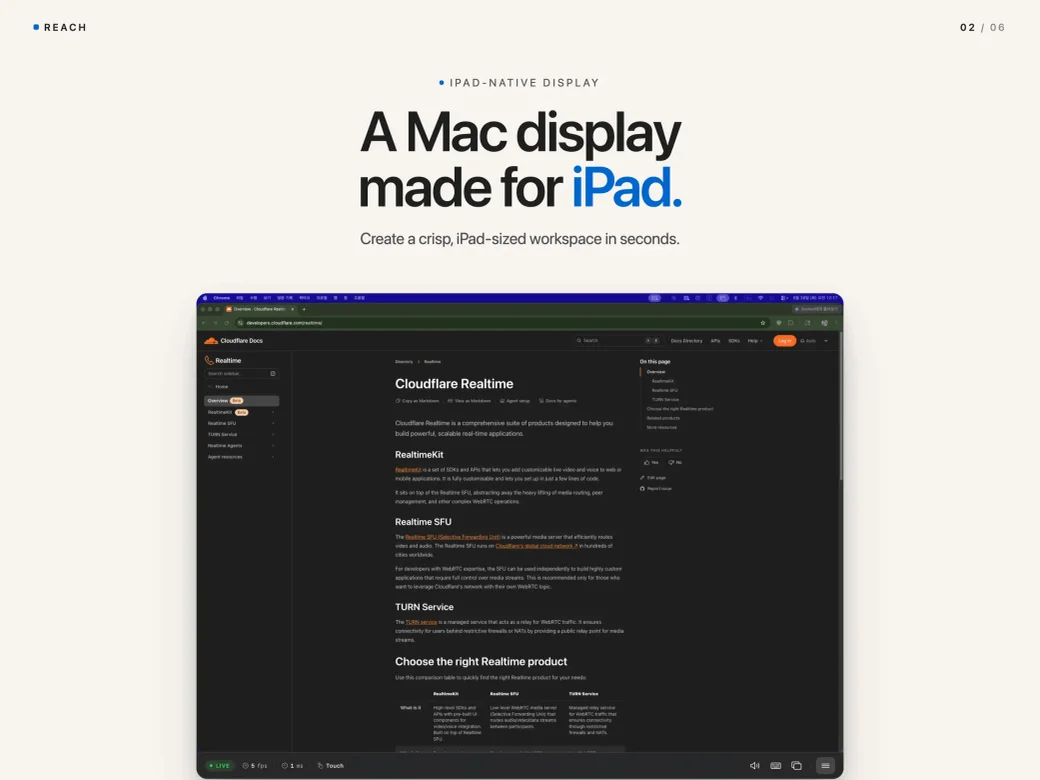
View and control your own desktop for work, monitoring, browsing, coding, design, and everyday access.
Display Picker
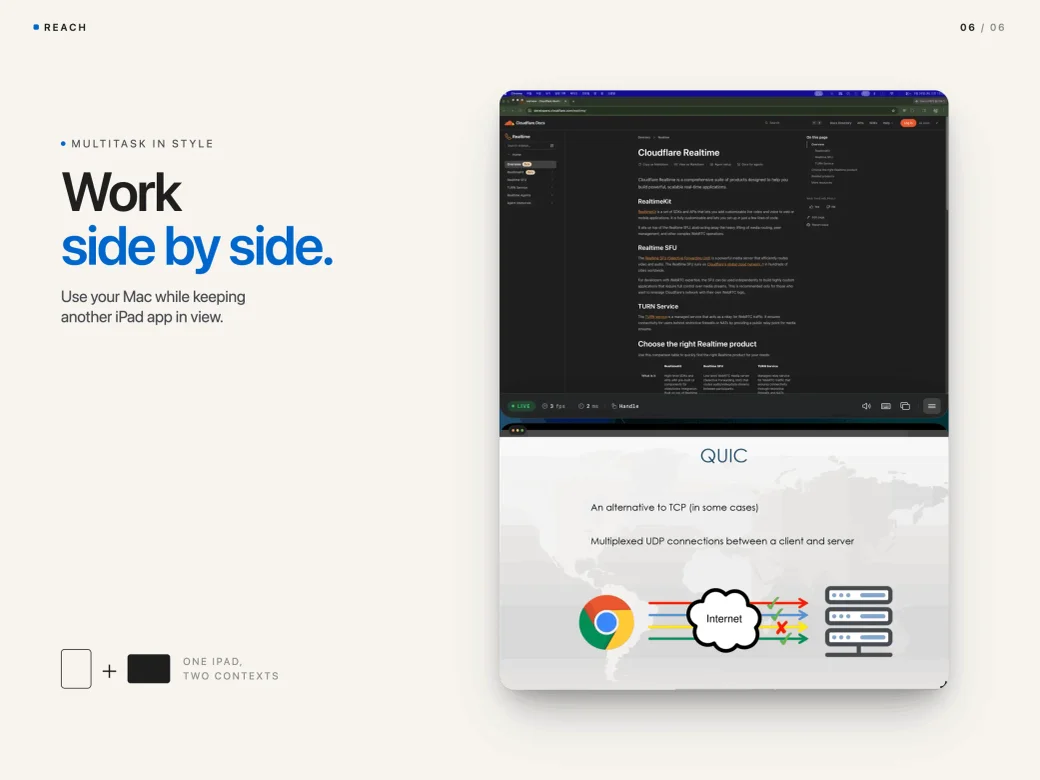
Choose an available display, reuse a tablet-sized display, or create a new virtual display for a clean extra workspace.
Touch, Keyboard, and Pointer Control
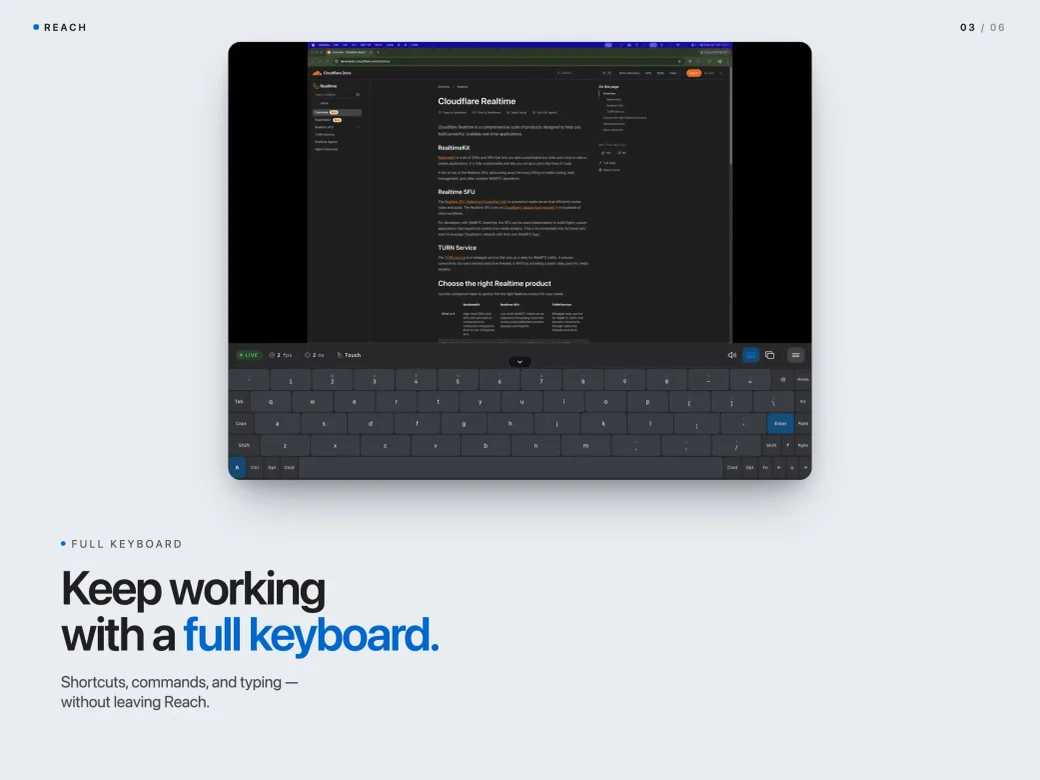
Tap, drag, type, use a hardware keyboard, and enable the cursor handle for more precise pointer movement.
System Audio
Hear system audio during an active remote session when audio sharing is enabled.
Low-Latency Streaming
Hardware-accelerated H.264/HEVC video, adaptive bitrate, and QUIC transport for responsive local and remote sessions.
Local and Remote Connections
Connect on the same network with Nearby discovery, save a Direct profile for known addresses, use Discover to find an internet path, or use Relay when direct connectivity is blocked.
Secure Pairing
Direct and relay sessions use TLS over QUIC with certificate pinning. Pairing helps ensure your device reconnects to the same trusted host.
No Reach Account
No signup, no subscriptions, and no tracking.
ABOUT REACH HOST
Reach Host is the desktop companion app for your computer. It is signed and notarized by the developer and is available at:
https://reachremote.app
It is distributed separately because remote desktop control requires system-level permissions for screen capture and input control.
SUPPORT
Setup guide:
https://reachremote.app/guide?lang=en
Troubleshooting and support:
https://reachremote.app/support
Privacy policy:
https://reachremote.app/privacy
Nouveautés
Version 1.1.0 · 25/05/2026
Reach Remote 1.1.0 improves remote connection setup, diagnostics, and pointer control.
- Added a cursor handle for more precise pointer movement during remote sessions.
- Added separate scroll direction settings for touch and trackpad input.
- Improved Relay and connection profile handling for restrictive networks.
- Improved connection status, failure reports, and troubleshooting details.
- Updated saved host cards to show last connected status more clearly.
- Fixed impossible A/V offset values in the connection status panel.
- Improved onboarding and setup copy for the desktop companion app.
Confidentialité de l’application
Ce que KMWorks déclare sur l’App Store au sujet du traitement des données par cette application.
-
Données établissant un lien avec vous
Peuvent être collectées et liées à votre identité.
- Coordonnées
- Identifiants
- Données d’utilisation
- Diagnostic
- Autres données
Les pratiques en matière de confidentialité peuvent varier, notamment en fonction des fonctionnalités que vous utilisez ou de votre âge.
Informations
- Vendeur
- KMWORKS, INC.
- Catégorie
- Utilitaires
- Version
- 1.1.0
- Mis à jour
- 25/05/2026
- Publié
- 06/05/2026
- Taille
- 5,0 Mo
- Nécessite
- iOS 17.0 ou version ultérieure
- Classification d’âge
- 4+
- Prix
- Gratuit
- Langues
- Anglais
- Copyright
- © KMWorks, Inc
Vous aimerez peut-être aussi
-
 GaLinkUtilitaires
-
 BaseCalc HVAC CalculatorUtilitaires
-
 BorgLensUtilitaires
-
 Remote Desktop - by ThreadmarkUtilitaires
-
 Network Monitor: WiFi ScannerUtilitaires
-
 Bookmark PRO: Link ManagerUtilitaires
-
 HVAC & Sheet Metal CalculatorUtilitaires
-
 QuickRemote - Desktop ManagerVNC, RDP et partage d'écran
-
 UpVPN - Serverless VPNUtilitaires
-
 ALClient - Alist File ManagerUtilitaires