
- Batasan usia4+
- KategoriKegunaan
- PengembangKMWorks
- BahasaInggris
- Ukuran5,0 MB
Tertaut ke halaman resmi App Store
Download.org tidak menyimpan file Reach Remote apa pun. Tombol ini membuka halaman aplikasi di App Store, tempat KMWorks menerbitkannya. Halaman terakhir diperiksa pada 20/11/2026.
Tangkapan layar


Tentang
Pengembang belum menyediakan teks ini dalam bahasa Anda.
Reach Remote is a remote desktop viewer for your own computer.
Install the Reach Host desktop companion on your computer, pair once on the same network, then start a secure low-latency session with video, touch, keyboard, pointer control, and system audio.
QUICK START
1. On your computer, download Reach Host from:
https://reachremote.app
2. Open the installer and move Reach Host to your Applications folder.
3. Launch Reach Host and grant the requested system permissions for screen capture and input control.
4. Open Reach Remote on your tablet. Your computer appears under Nearby when both devices are on the same Wi-Fi network.
5. Tap your computer, confirm the pairing code, choose a display, and start streaming.
KEY FEATURES
Remote Desktop Viewer
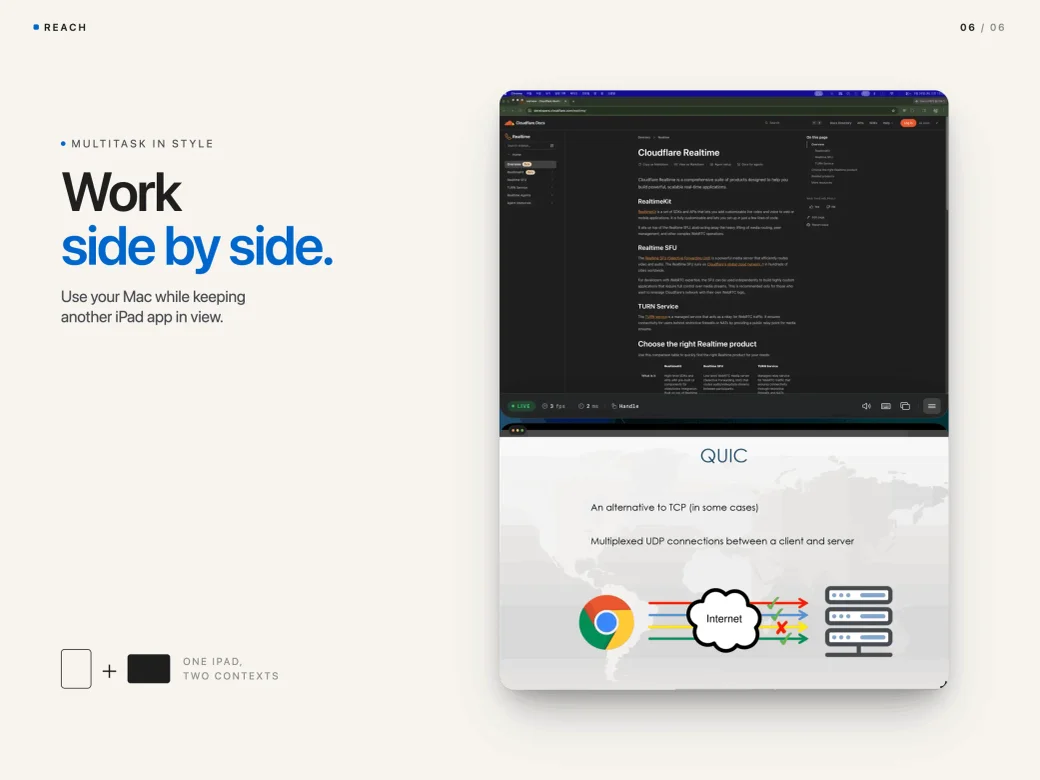
View and control your own desktop for work, monitoring, browsing, coding, design, and everyday access.
Display Picker
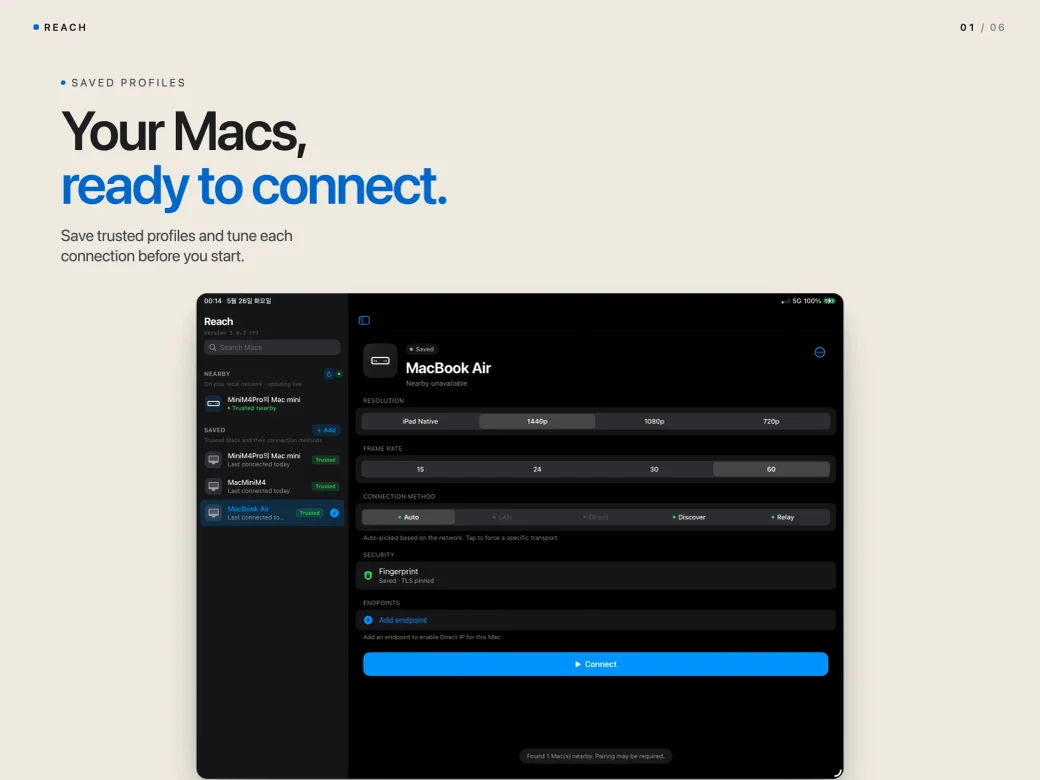
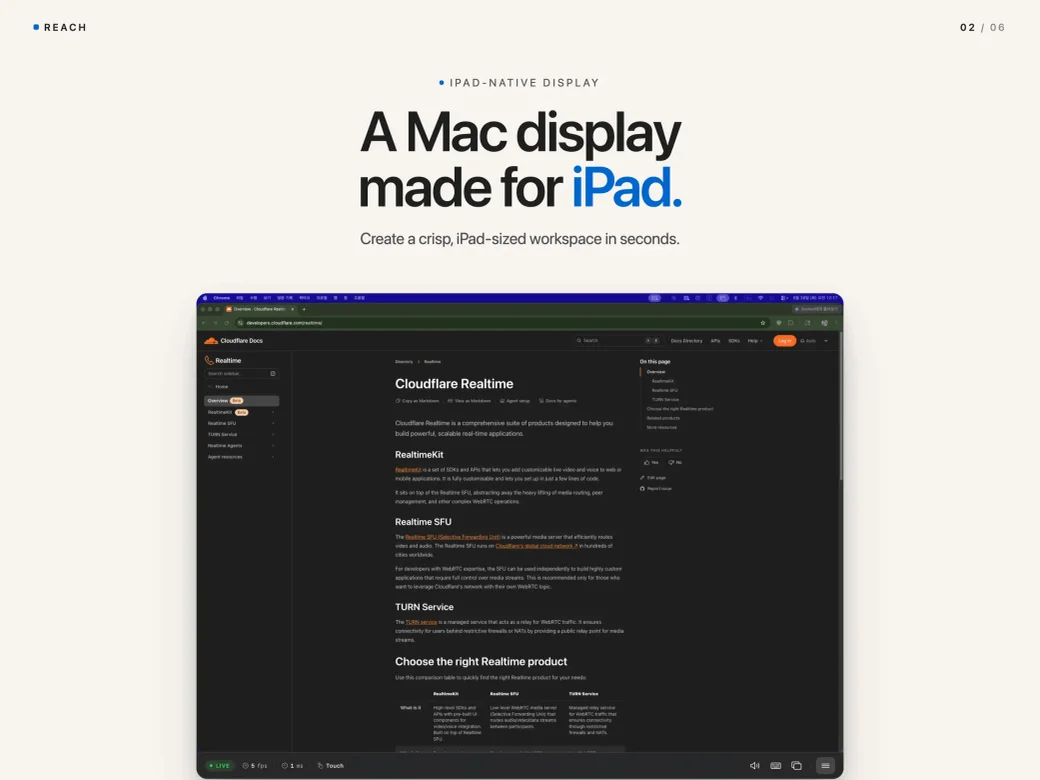
Choose an available display, reuse a tablet-sized display, or create a new virtual display for a clean extra workspace.
Touch, Keyboard, and Pointer Control
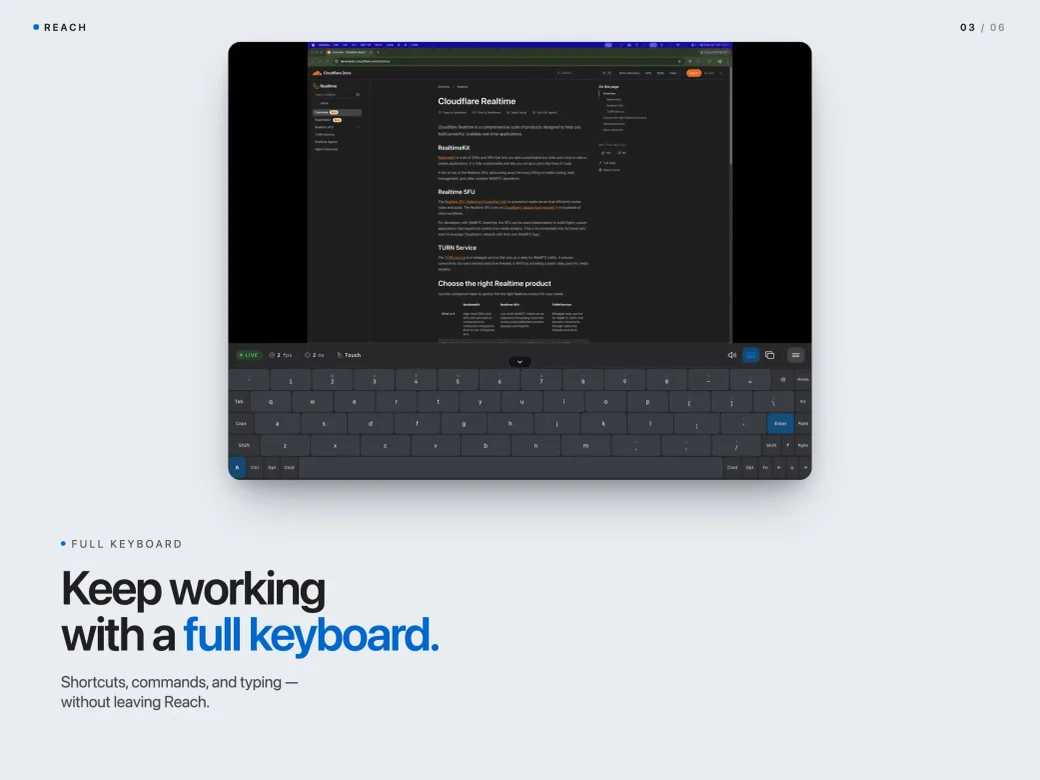
Tap, drag, type, use a hardware keyboard, and enable the cursor handle for more precise pointer movement.
System Audio
Hear system audio during an active remote session when audio sharing is enabled.
Low-Latency Streaming
Hardware-accelerated H.264/HEVC video, adaptive bitrate, and QUIC transport for responsive local and remote sessions.
Local and Remote Connections
Connect on the same network with Nearby discovery, save a Direct profile for known addresses, use Discover to find an internet path, or use Relay when direct connectivity is blocked.
Secure Pairing
Direct and relay sessions use TLS over QUIC with certificate pinning. Pairing helps ensure your device reconnects to the same trusted host.
No Reach Account
No signup, no subscriptions, and no tracking.
ABOUT REACH HOST
Reach Host is the desktop companion app for your computer. It is signed and notarized by the developer and is available at:
https://reachremote.app
It is distributed separately because remote desktop control requires system-level permissions for screen capture and input control.
SUPPORT
Setup guide:
https://reachremote.app/guide?lang=en
Troubleshooting and support:
https://reachremote.app/support
Privacy policy:
https://reachremote.app/privacy
Yang baru
Versi 1.1.0 · 25/5/2026
Reach Remote 1.1.0 improves remote connection setup, diagnostics, and pointer control.
- Added a cursor handle for more precise pointer movement during remote sessions.
- Added separate scroll direction settings for touch and trackpad input.
- Improved Relay and connection profile handling for restrictive networks.
- Improved connection status, failure reports, and troubleshooting details.
- Updated saved host cards to show last connected status more clearly.
- Fixed impossible A/V offset values in the connection status panel.
- Improved onboarding and setup copy for the desktop companion app.
Privasi aplikasi
Yang dinyatakan KMWorks di App Store tentang cara aplikasi ini menangani data.
-
Data yang ditautkan dengan Anda
Dapat dikumpulkan dan ditautkan dengan identitas Anda.
- Info kontak
- Pengenal
- Data penggunaan
- Diagnostik
- Data lainnya
Praktik privasi dapat bervariasi, misalnya berdasarkan fitur yang Anda gunakan atau usia Anda.
Informasi
- Penjual
- KMWORKS, INC.
- Kategori
- Kegunaan
- Versi
- 1.1.0
- Diperbarui
- 25/5/2026
- Dirilis
- 6/5/2026
- Ukuran
- 5,0 MB
- Memerlukan
- iOS 17.0 atau yang lebih baru
- Batasan usia
- 4+
- Harga
- Gratis
- Bahasa
- Inggris
- Hak cipta
- © KMWorks, Inc
Mungkin Anda juga suka
-
 GaLinkKegunaan
-
 BaseCalc HVAC CalculatorKegunaan
-
 BorgLensKegunaan
-
 Remote Desktop - by ThreadmarkKegunaan
-
 Network Monitor: WiFi ScannerKegunaan
-
 Bookmark PRO: Link ManagerKegunaan
-
 HVAC & Sheet Metal CalculatorKegunaan
-
 QuickRemote - Desktop ManagerVNC, RDP & Berbagi Layar Cepat
-
 UpVPN - Serverless VPNKegunaan
-
 ALClient - Alist File ManagerKegunaan