
Reader's Bench
PDF & ePub reader, notes
Conçue pour iPhone, iPad
Gratuit · Achats intégrés
- Classification d’âge4+
- CatégorieProductivité
- DéveloppeurRohmiapps Inc.
- LanguesAnglais+ 4 de plus
- Taille12,4 Mo
Renvoie vers la page App Store officielle
Download.org n’héberge aucun fichier de Reader's Bench. Le bouton ouvre la page de l’application sur App Store, où Rohmiapps Inc. la publie. Fiche vérifiée pour la dernière fois le 16/11/2026.
Captures d’écran

À propos
Le développeur n’a pas fourni ce texte dans votre langue.
Reader's Bench — Read, Annotate & Take Notes
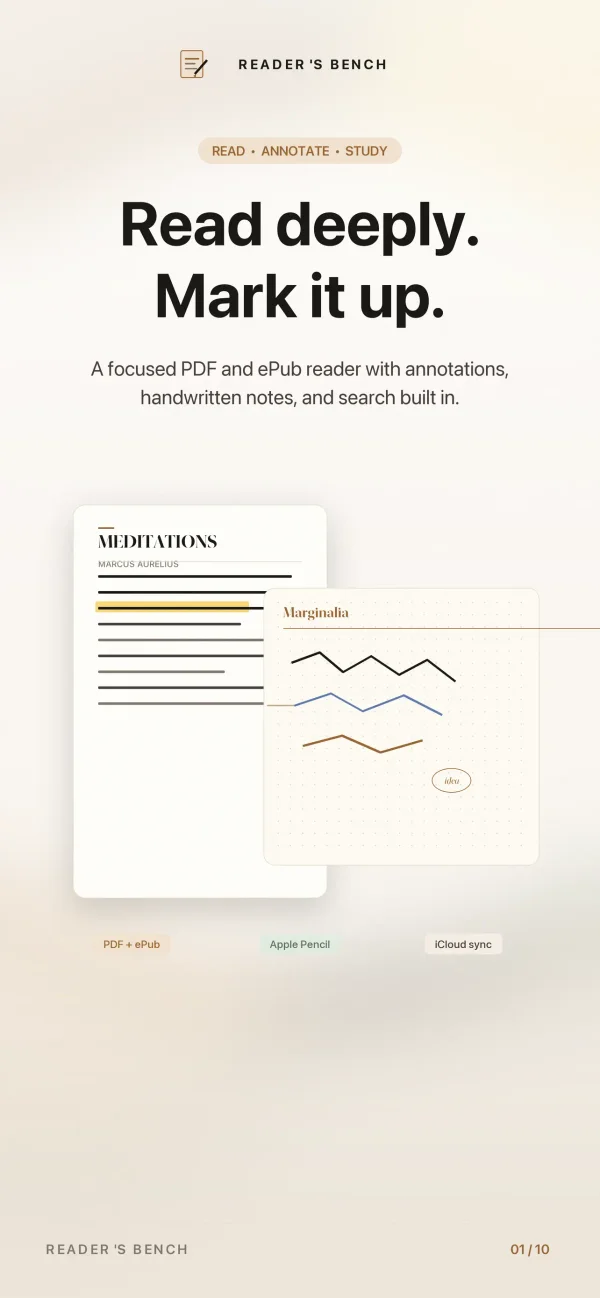
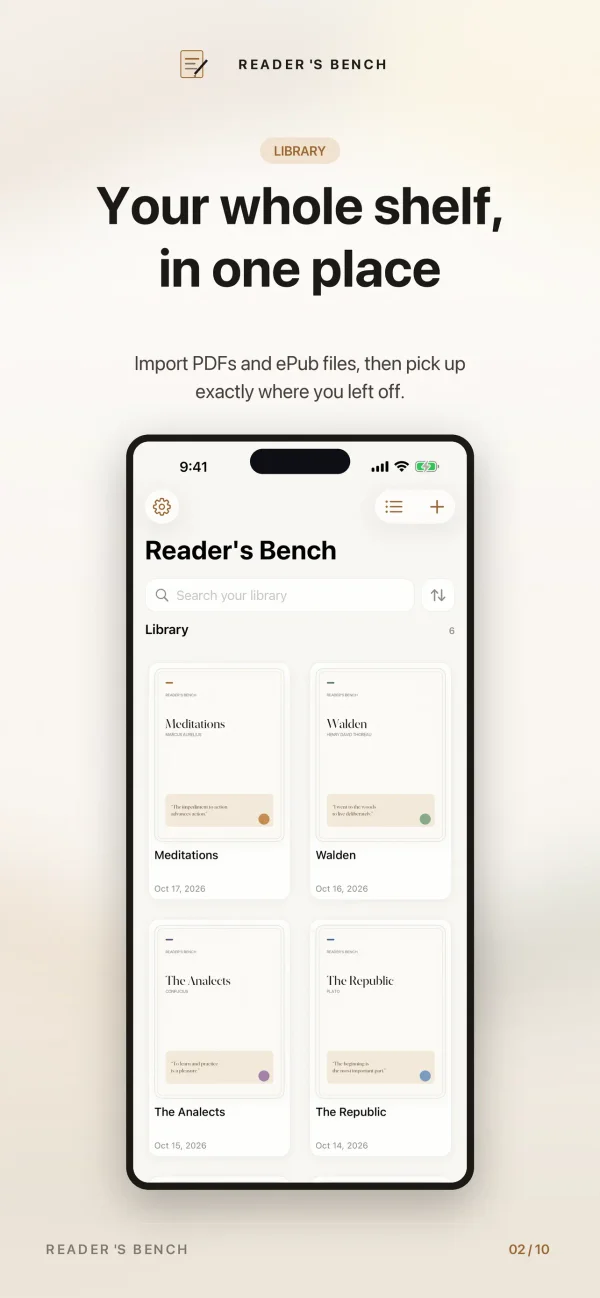
Reader's Bench is a powerful PDF and ePub reader built for students, researchers, and professionals who need to study documents deeply. Import PDFs and ePub files, annotate them with a rich set of tools, take handwritten notes side by side, and organize everything in one place.
KEY FEATURES
• PDF & ePub Reader
Import PDFs from the Files app, share sheet, or Safari. Supports vertical and horizontal scrolling, single-page and continuous page views, and a comfortable dark mode for reading in any lighting.
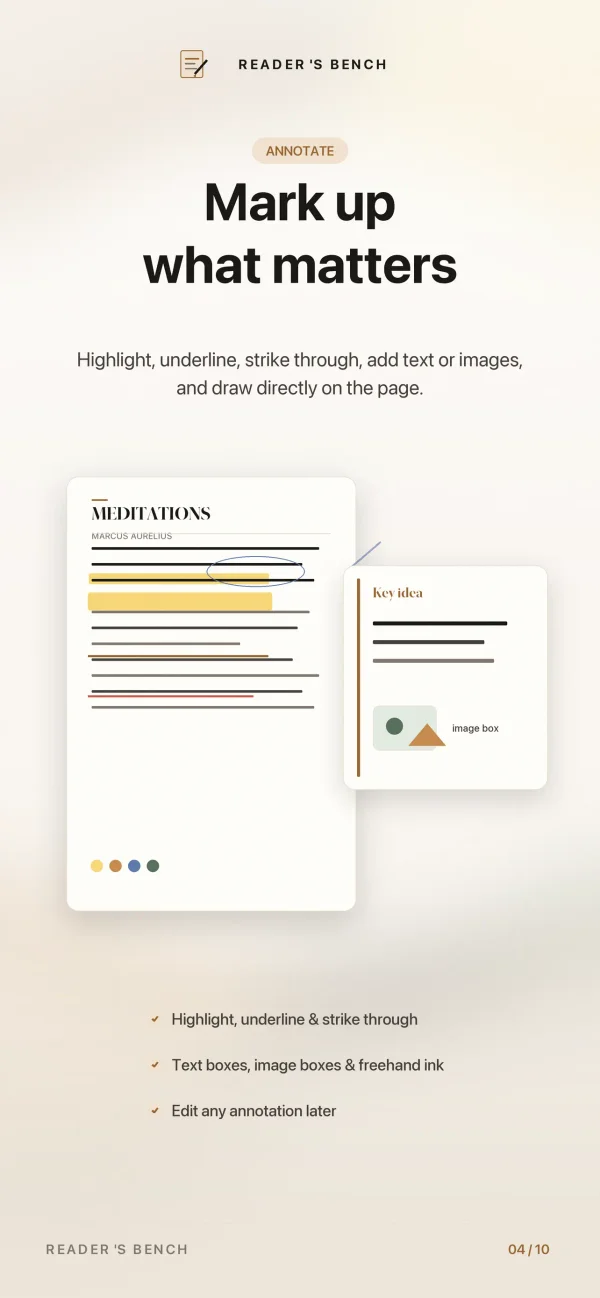
• Rich PDF Annotations
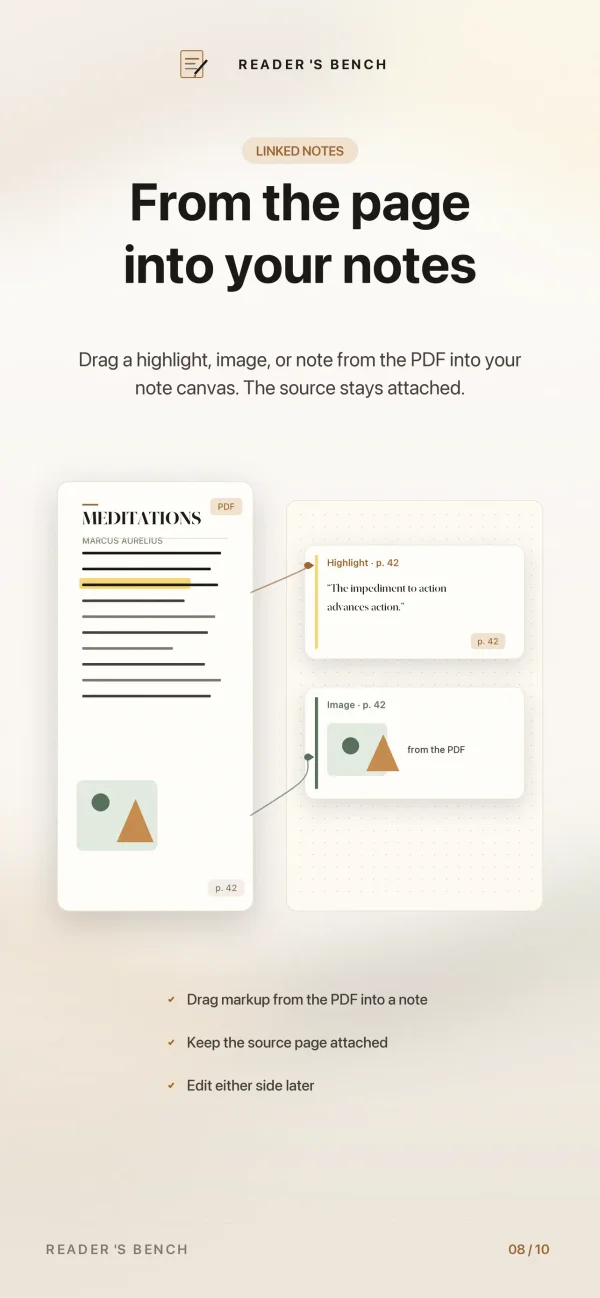
Highlight, underline, and strikethrough text. Add text boxes, image boxes, freehand drawings, and capture areas with Apple Pencil or your finger. Every annotation can be edited, moved, or deleted at any time.
• Annotation Review
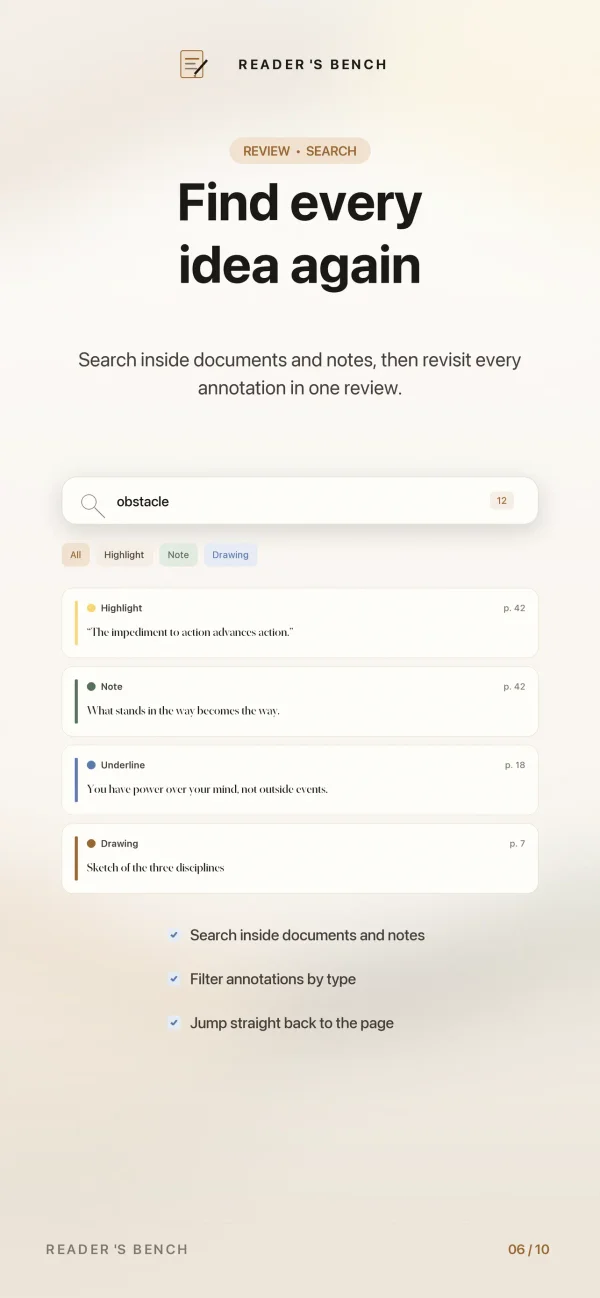
View all your annotations in a summary list, filter by type, and export the review as a separate PDF report. Revisit key points without re-reading the entire document.
• Handwritten Notes
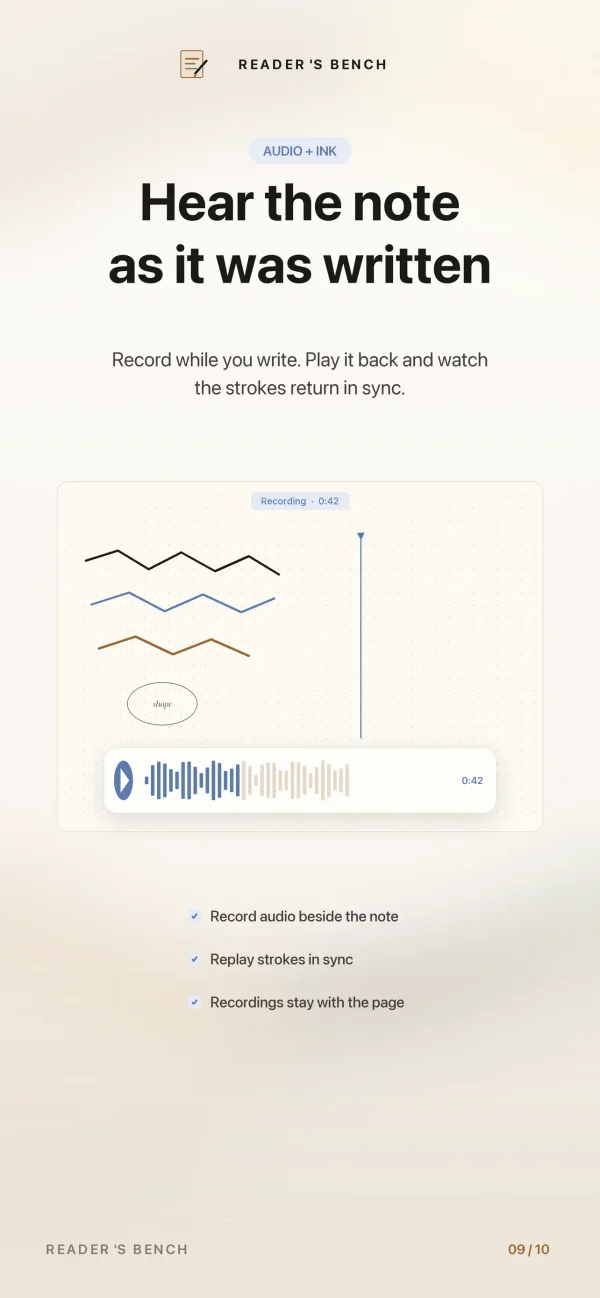
Take notes on a digital canvas with Apple Pencil. Switch between Canvas (infinite scroll) and Page (discrete pages) modes. Choose from dotted, squared, lined, or blank backgrounds and customize colors. Shape detection automatically perfects hand-drawn shapes.
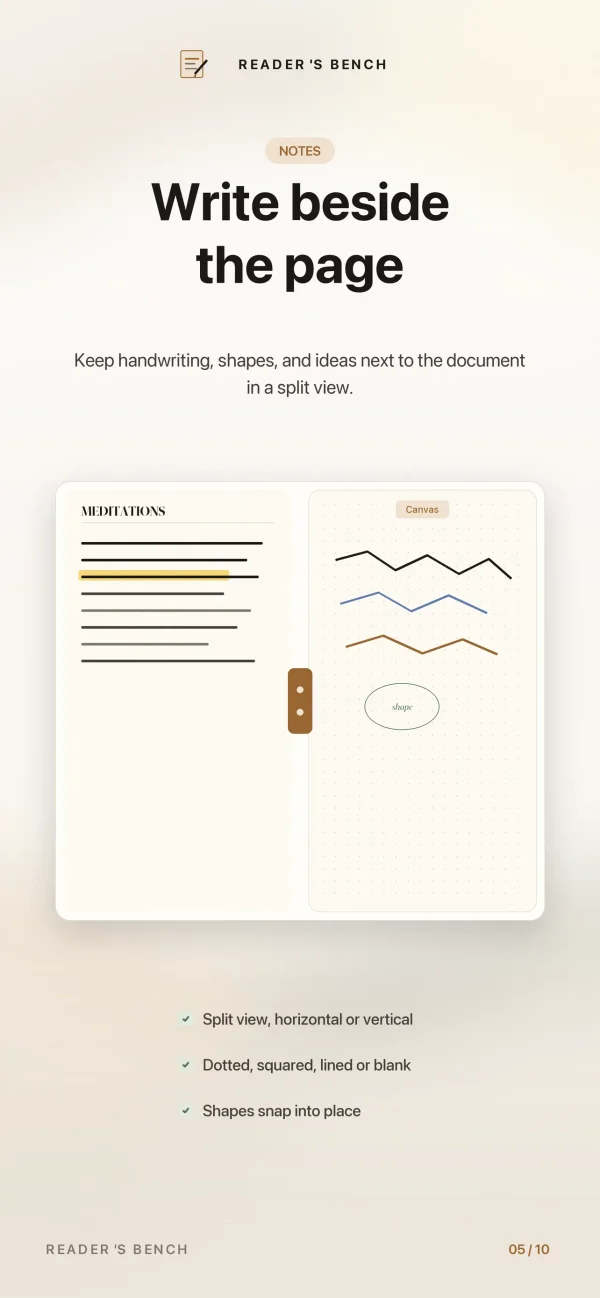
• Split View
Work with your PDF and notes side by side. Switch between horizontal and vertical layouts and resize panels with a draggable divider.
• Bookmarks & Search
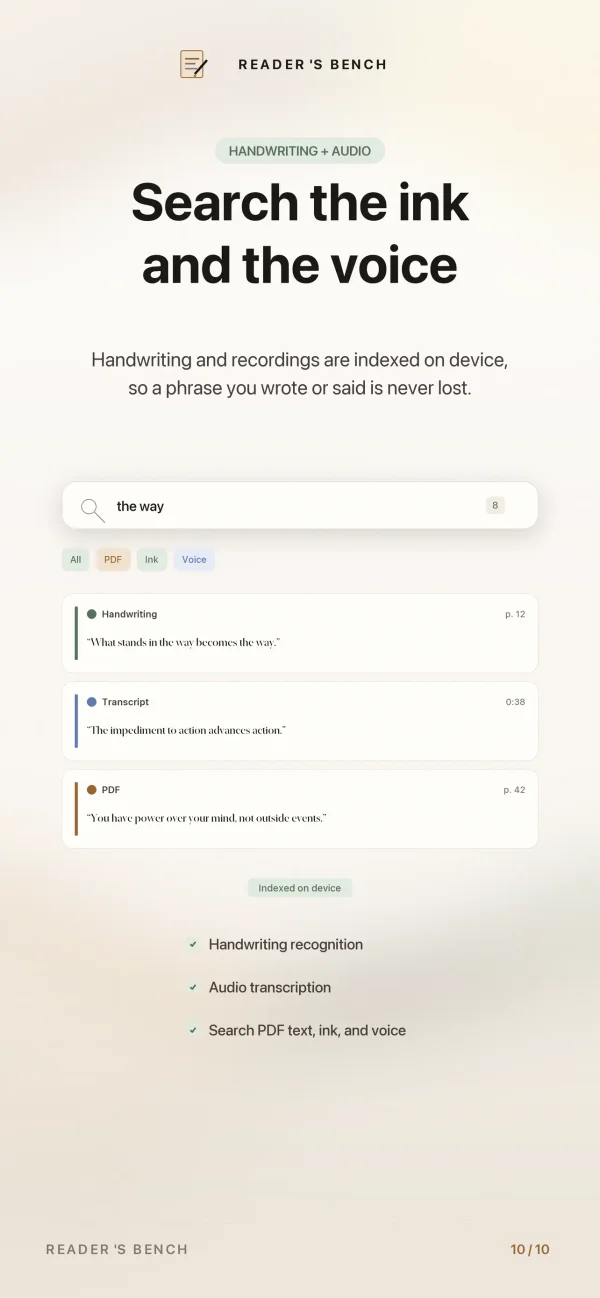
Bookmark pages for quick access and browse them in one place. Search inside documents and jump to results by page instantly.
• Export & Share
Export annotated PDFs, handwritten notes as PDFs, or annotation reviews as reports. Share via the iOS share sheet or print directly from the app.
• iCloud Sync
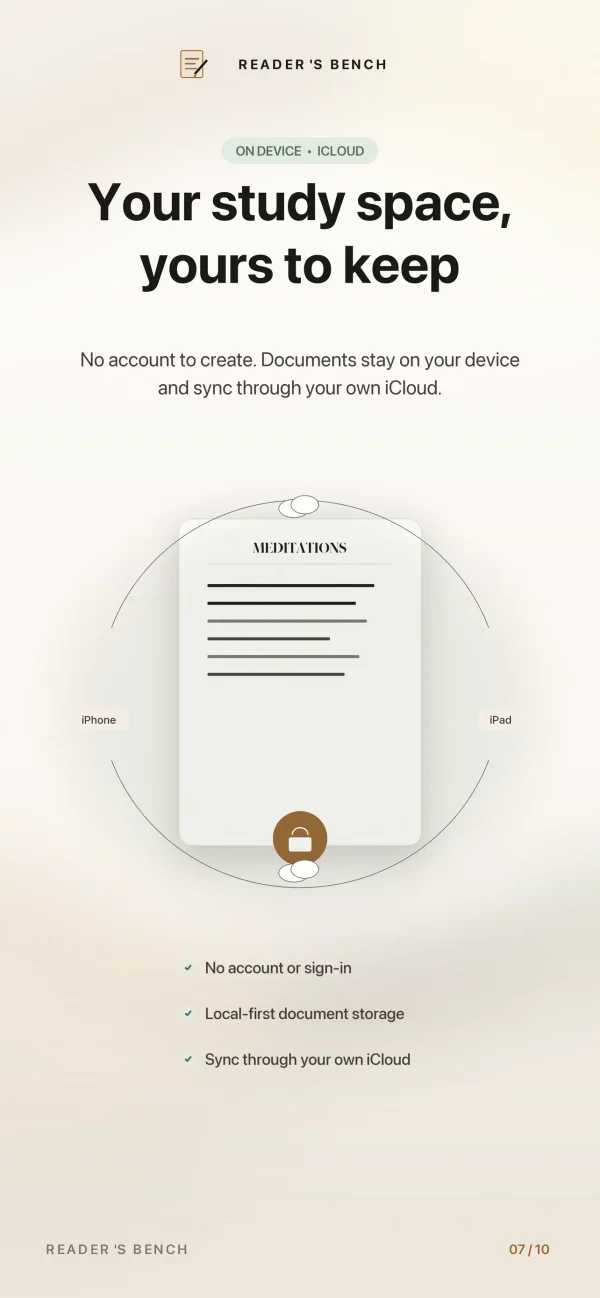
Documents and annotations sync across your devices via iCloud, so your work is always with you.
• ePub Support
Import ePub books and convert them to PDF for reading and annotation.
• Share Extension
Import PDFs directly from any app using the system share sheet.
Reader's Bench turns your iPad and iPhone into a complete study and research workstation.
Nouveautés
Version 1.8.3 · 11/11/2026
• Page-view notes now zoom around your current position instead of jumping to another spot.
• Notes reopen exactly where you left off — same page, zoom level, and position.
• Updated the Privacy Policy and Terms of Use with clearer information about analytics, advertising, and crash reporting.
• Translation and under-the-hood improvements.
Confidentialité de l’application
Ce que Rohmiapps Inc. déclare sur l’App Store au sujet du traitement des données par cette application.
-
Données établissant un lien avec vous
Peuvent être collectées et liées à votre identité.
- Emplacement
- Identifiants
- Données d’utilisation
-
Données n’établissant aucun lien avec vous
Peuvent être collectées, mais ne sont pas liées à votre identité.
- Achats
- Diagnostic
Les pratiques en matière de confidentialité peuvent varier, notamment en fonction des fonctionnalités que vous utilisez ou de votre âge.
Informations
- Vendeur
- Rohmiapps Inc.
- Catégorie
- Productivité
- Version
- 1.8.3
- Mis à jour
- 11/11/2026
- Publié
- 21/02/2023
- Taille
- 12,4 Mo
- Nécessite
- iOS 17.0 ou version ultérieure
- Classification d’âge
- 4+
- Prix
- Gratuit
- Achats intégrés
- Oui
- Langues
- Anglais, Japonais, Coréen, Chinois simplifié, Chinois traditionnel
- Copyright
- © 2026 Rohmiapps Inc.
Vous aimerez peut-être aussi
-
 Notator | Annotate DocumentsProductivité
-
 MXTNoteProductivité
-
 NoteWorkProductivité
-
 notototoProductivité
-
 AxNote: Note TakingProductivité
-
 PaintNotesProductivité
-
 StoneNote - Note d'étude vidéoNote vidéo & Manuscrit & PDF
-
 Right PDF ReaderProductivité
-
 Simple Notes Agenda JournalWidget: To Do List & Planner
-
 NoteEase-Cahier d'écritureManuel électronique、Notebook