Right PDF Reader
Annotate, Share, Manage
Conçue pour iPhone, iPad, iPod touch
Gratuit
- Classification d’âge4+
- CatégorieProductivité
- DéveloppeurZEON Corp
- LanguesAnglais+ 6 de plus
- Taille78,7 Mo
Renvoie vers la page App Store officielle
Download.org n’héberge aucun fichier de Right PDF Reader. Le bouton ouvre la page de l’application sur App Store, où ZEON Corp la publie. Fiche vérifiée pour la dernière fois le 14/11/2026.
Captures d’écran
À propos
Le développeur n’a pas fourni ce texte dans votre langue.
Right PDF Reader goes beyond a free PDF reader app. Created by a team of professionals in the PDF software business since 1993, Right PDF Reader has a simple UI that is easy to navigate and more features than average free readers.
PDF Viewing
- Fast document open speed
- Browse lets you view PDFs in the device or iCloud
- Supported thumbnail view
- View PDF portfolio, comment, attachment and protected document
- Single page view or continuous view available
- Fit page width or whole page are also available under single page view
- Use Day/Night mode to adjust brightness
- After tapping page number, you can enter a number and jump to that page directly.
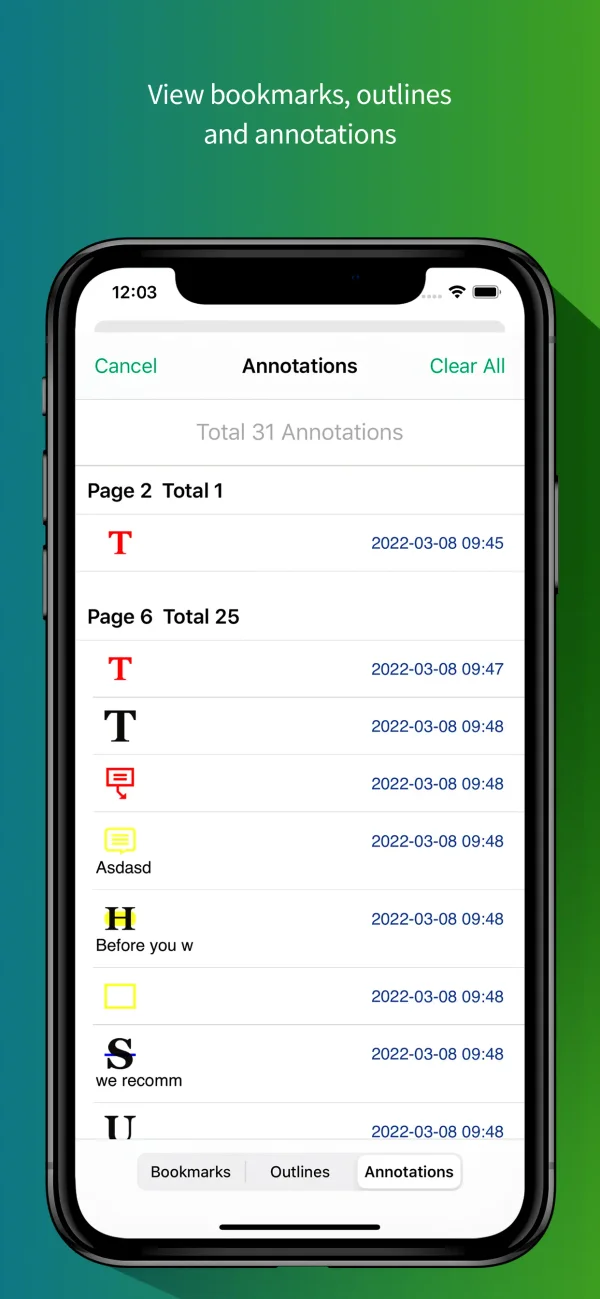
- Quickly add and edit Bookmarks and Marks
- Search document
Note and Comments
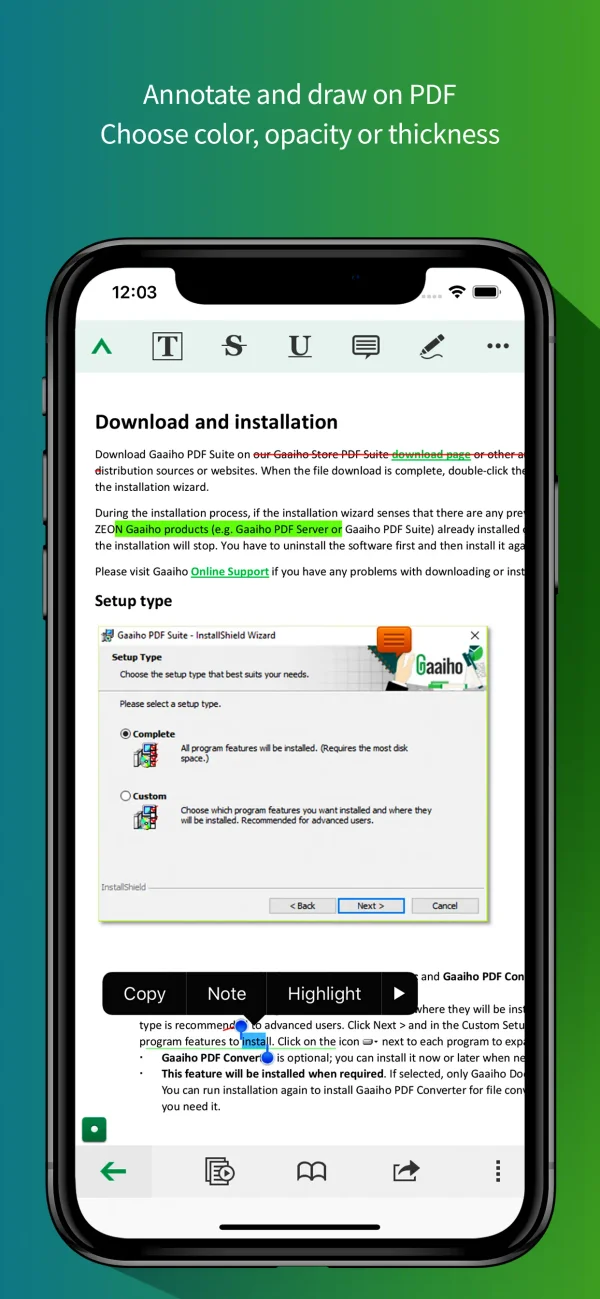
- Use highlight, cross-out and underline to annotate PDF with customizable color and opacity
- Note lets you to add text comment anywhere in PDF
- Use Draw Tools to mark up PDF with color, thickness and opacity of your choice. Move and undo are also supported
- Batch remove comments
Document Management
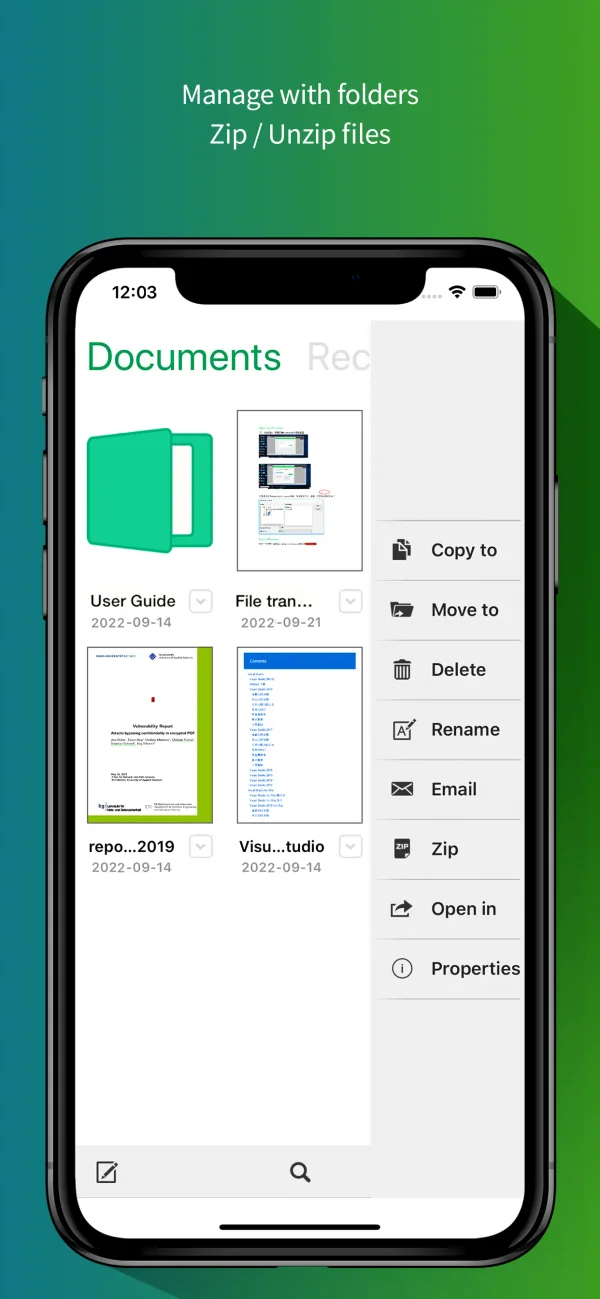
- Create folder to organize PDFs better
- Move or copy multiple documents to a folder
- Compress multiple documents or folders, or extract any package quickly
- Rename document
- Attach one or multiple PDFs to an e-mail
- Select and delete multiple documents
Online Sharing
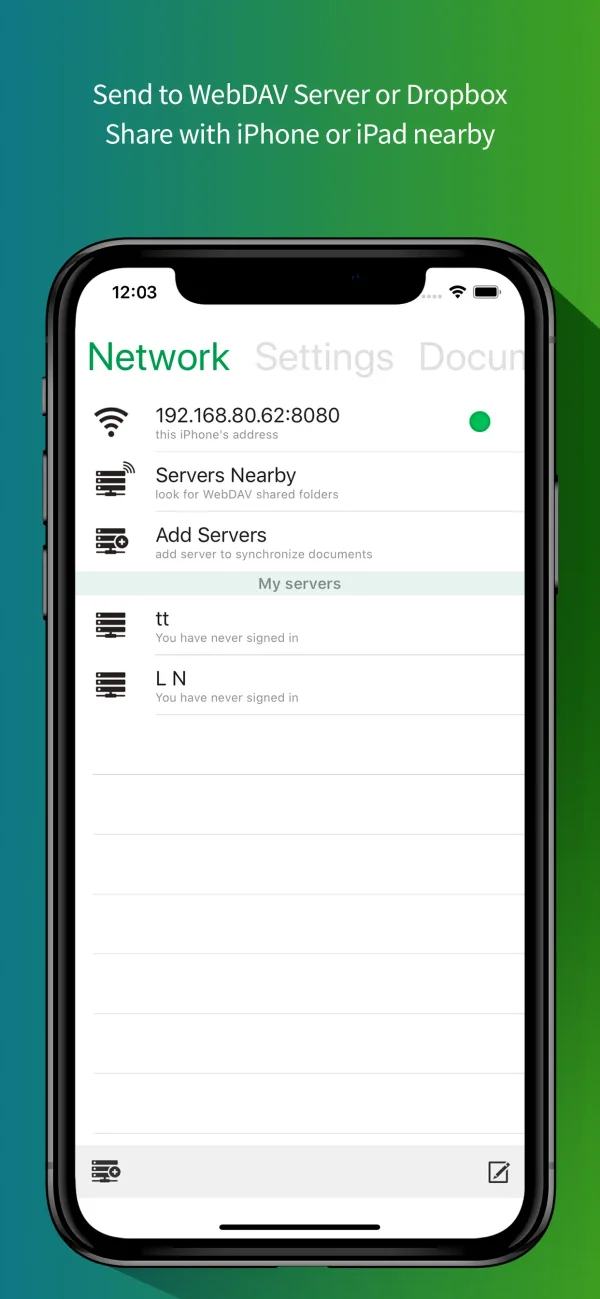
- Get documents in and out of Dropbox
- Add WebDAV servers to upload/download documents easily
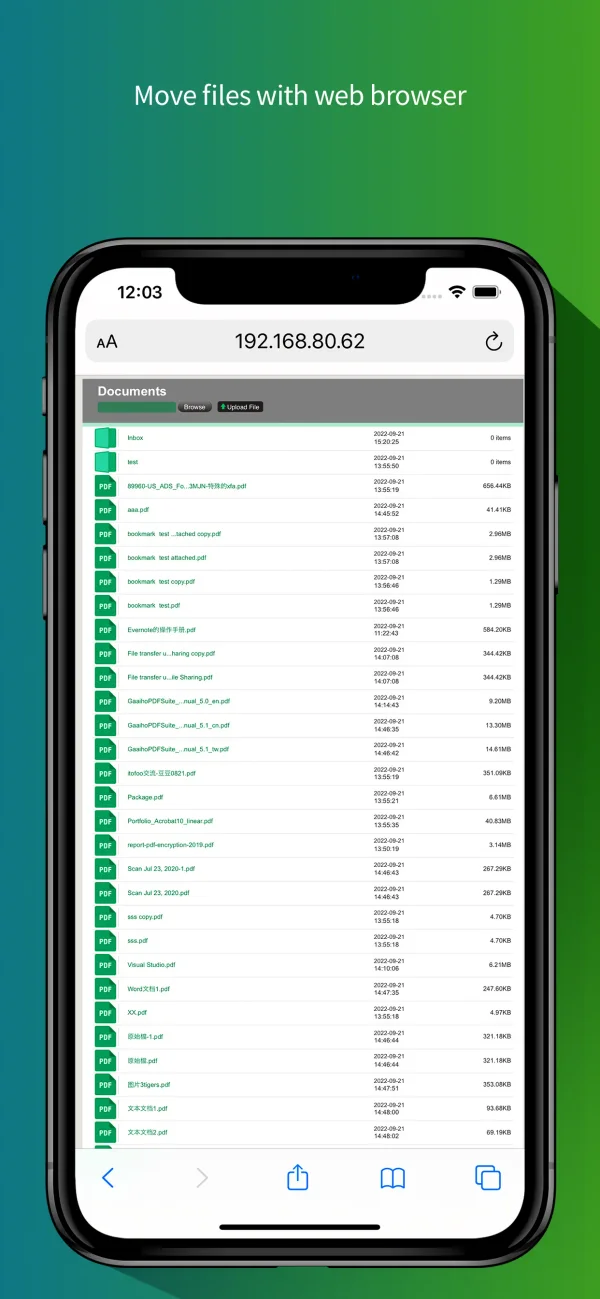
- Access documents in Gaaiho PDF online or upload documents directly to the app (permissions required), breaking the barrier between computer and your iPhone/iPad
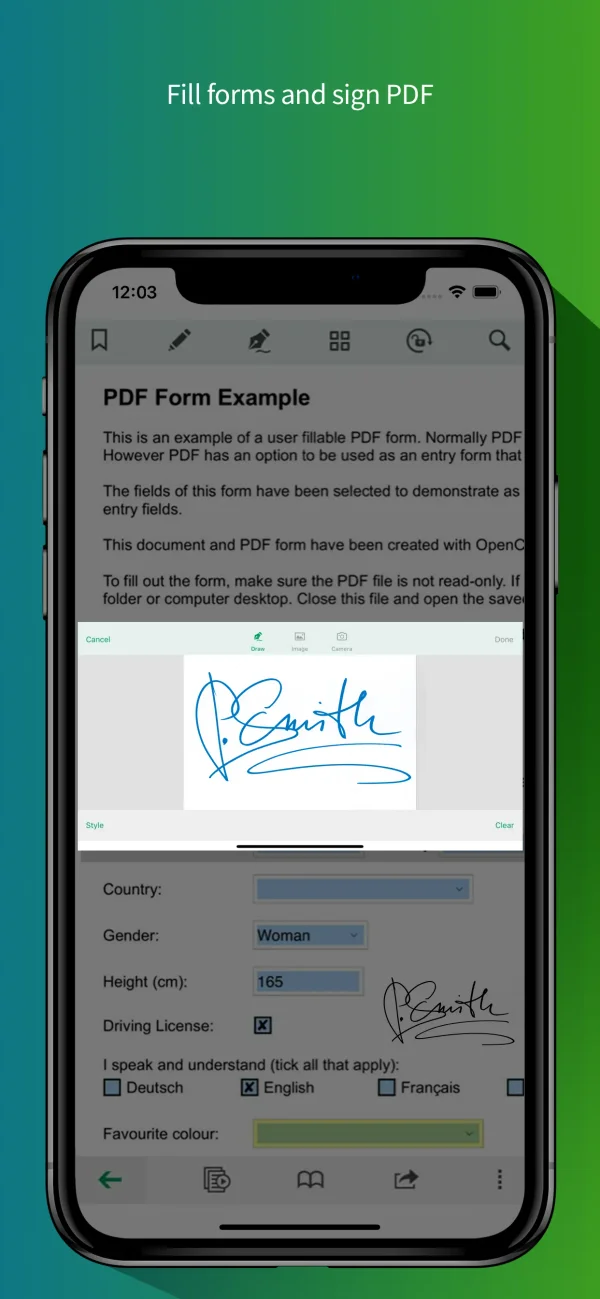
Handwritten signature
- You can create a handwritten signature by drawing, using an image, or taking a photo
- Sign anywhere in document
Other Features
- Fill a form
- Use “open in” to share PDF files with other applications
- Auto-memorize the point you quitted reading last time
- Protect PDF with an open password
- Print document
Nouveautés
Version 4.2.0 · 10/10/2025
1. Updated Dropbox SDK to improve integration security.
2. Adapted to the windowing system of iPadOS 26.
3. Various bug fixes.
Confidentialité de l’application
Ce que ZEON Corp déclare sur l’App Store au sujet du traitement des données par cette application.
-
Données non collectées
Le développeur ne collecte aucune donnée à partir de cette application.
Les pratiques en matière de confidentialité peuvent varier, notamment en fonction des fonctionnalités que vous utilisez ou de votre âge.
Informations
- Vendeur
- Zeon Corporation
- Catégorie
- Productivité
- Version
- 4.2.0
- Mis à jour
- 10/10/2025
- Publié
- 13/09/2013
- Taille
- 78,7 Mo
- Nécessite
- iOS 14.0 ou version ultérieure
- Classification d’âge
- 4+
- Prix
- Gratuit
- Langues
- Anglais, Français, Allemand, Japonais, Coréen, Chinois simplifié, Chinois traditionnel
- Copyright
- © ZEON Corporation
Vous aimerez peut-être aussi
-
 MXTNoteProductivité
-
 Reader's BenchProductivité
-
 PDF CabinetLa lecture améliorées
-
 PDF Vault - App de documentsVotre espace PDF privé
-
 Elegant PDF-Secure EditingProductivité
-
 myReach - AI AssistantProductivité
-
 PDF Max - Edit, Sign PDFsProductivité
-
 Noteflow: Simple NotesProductivité
-
 Lecteur PDF – PDFelementVisionneuse PDF,annoter le PDF
-
 PDF Book ReaderProductivité