Reader's Bench
PDF & ePub reader, notes
Designed for iPhone, iPad
Free · In-app purchases
- Age rating4+
- CategoryProductivity
- DeveloperRohmiapps Inc.
- LanguagesEnglish+ 4 more
- Size12.4 MB
Links to the official App Store page
Download.org hosts no file of Reader's Bench. The button opens its official App Store page, published by Rohmiapps Inc. Listing last checked on Nov 16, 2026.
Screenshots

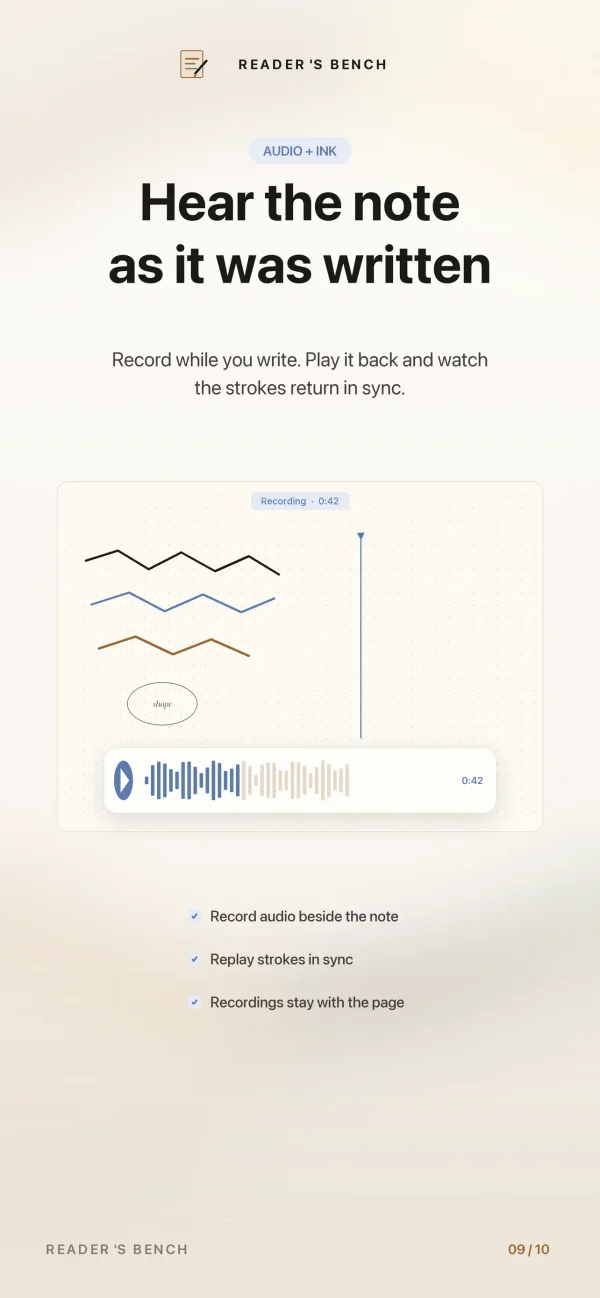
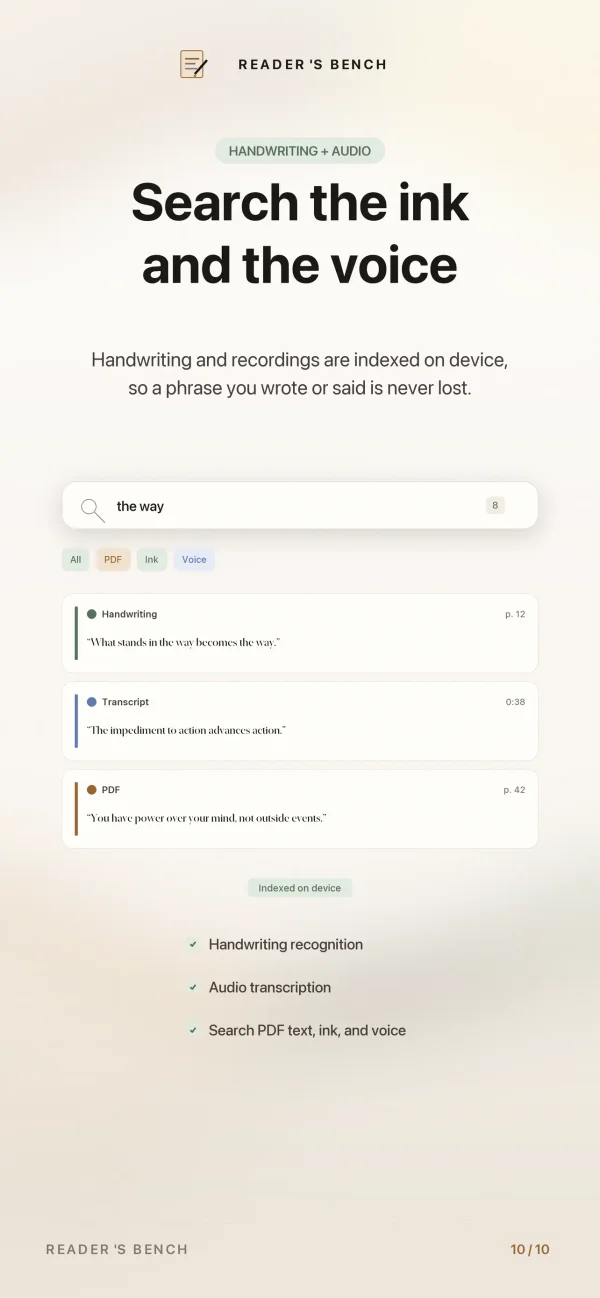
About
Reader's Bench — Read, Annotate & Take Notes
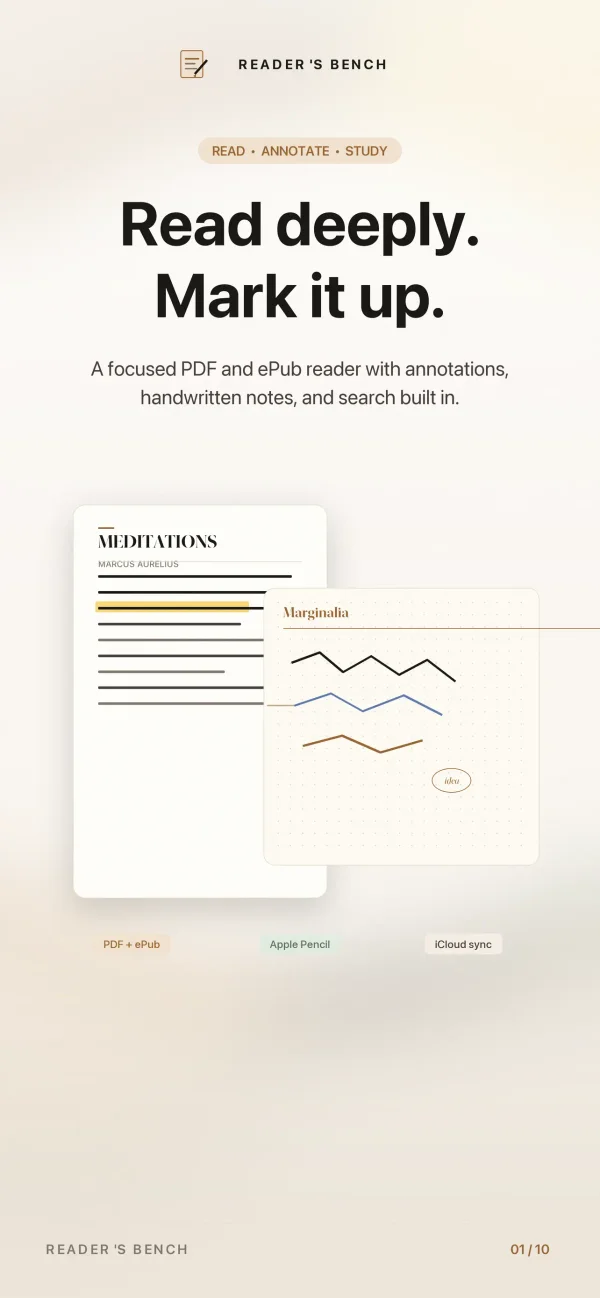
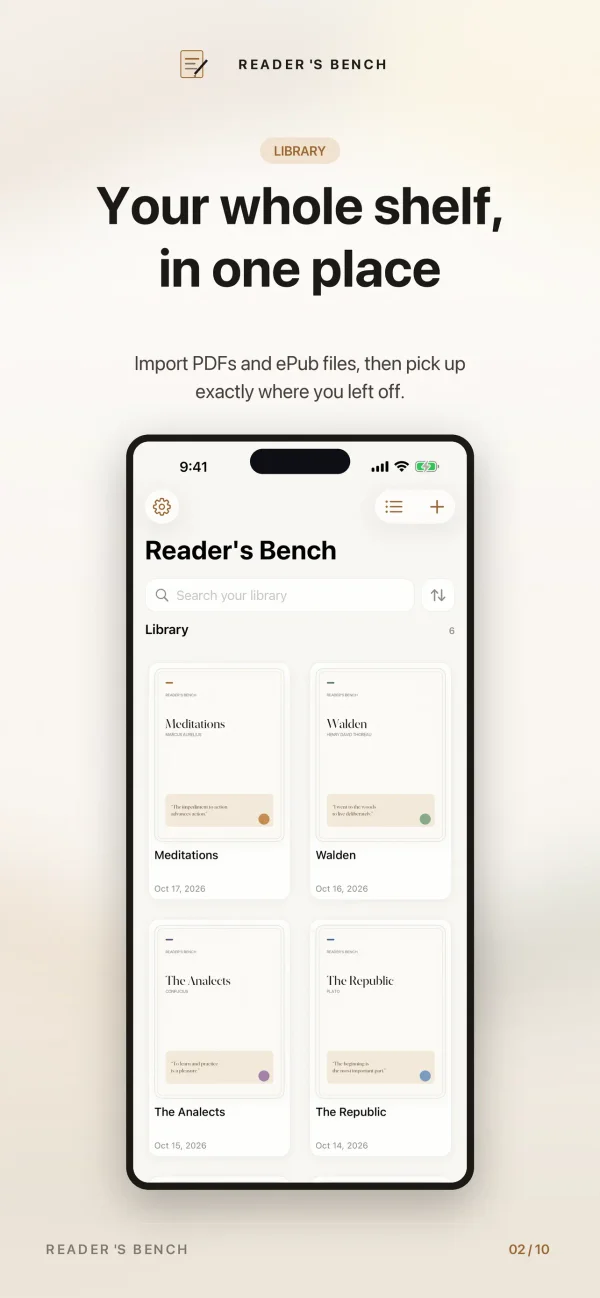
Reader's Bench is a powerful PDF and ePub reader built for students, researchers, and professionals who need to study documents deeply. Import PDFs and ePub files, annotate them with a rich set of tools, take handwritten notes side by side, and organize everything in one place.
KEY FEATURES
• PDF & ePub Reader
Import PDFs from the Files app, share sheet, or Safari. Supports vertical and horizontal scrolling, single-page and continuous page views, and a comfortable dark mode for reading in any lighting.
• Rich PDF Annotations
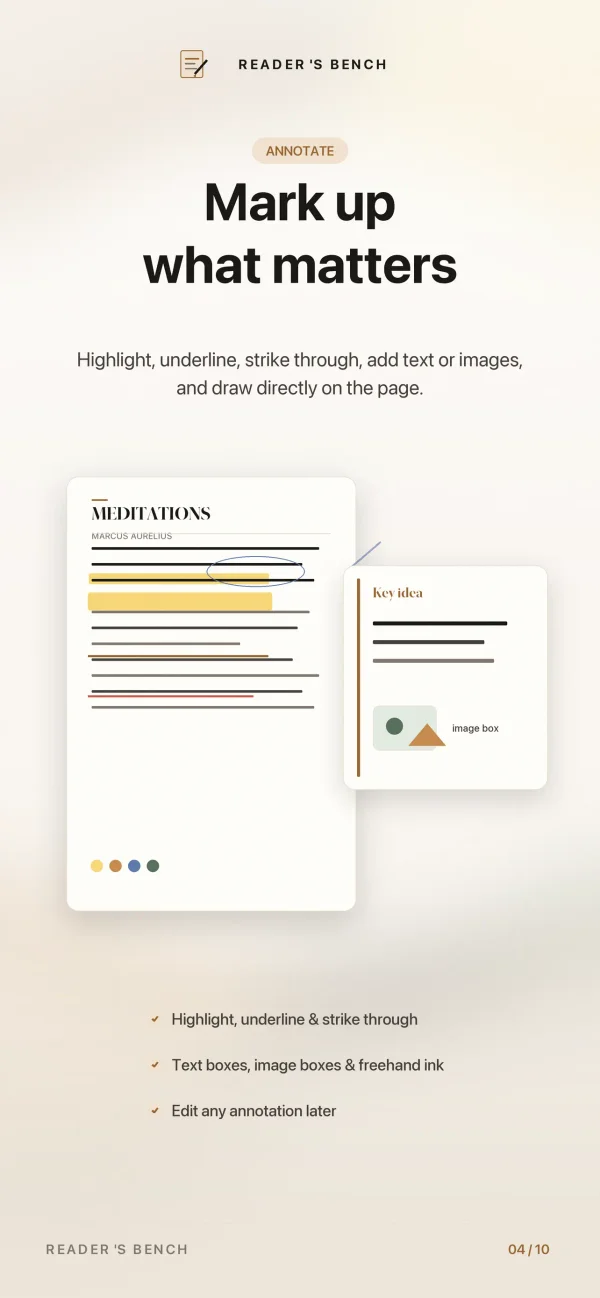
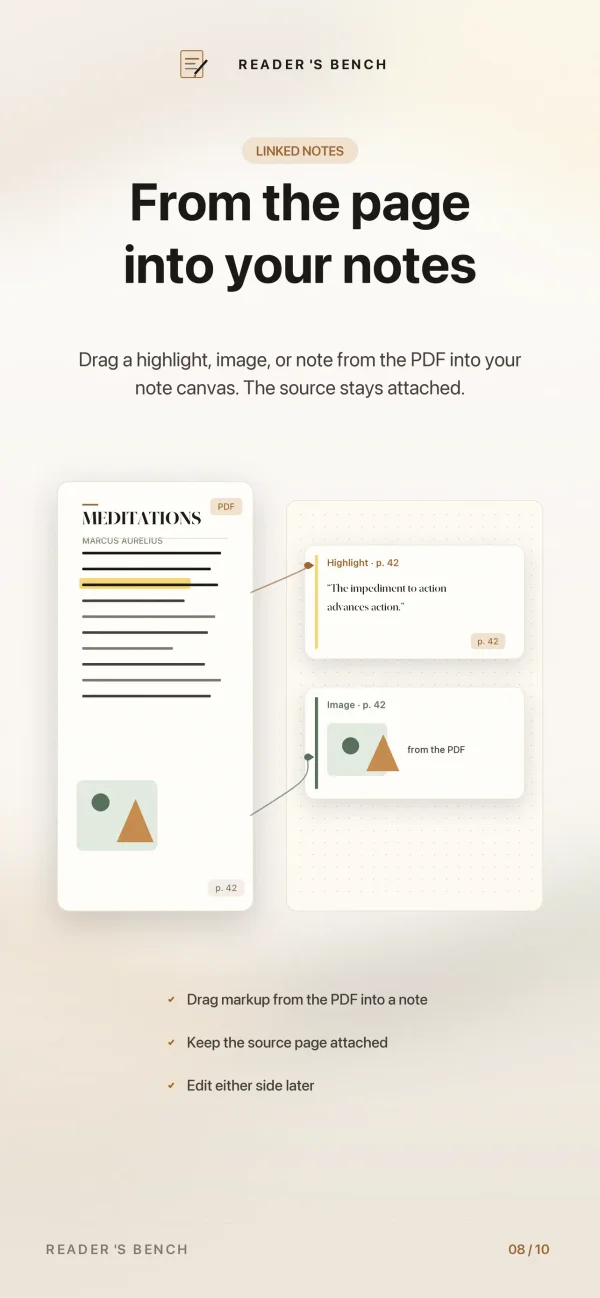
Highlight, underline, and strikethrough text. Add text boxes, image boxes, freehand drawings, and capture areas with Apple Pencil or your finger. Every annotation can be edited, moved, or deleted at any time.
• Annotation Review
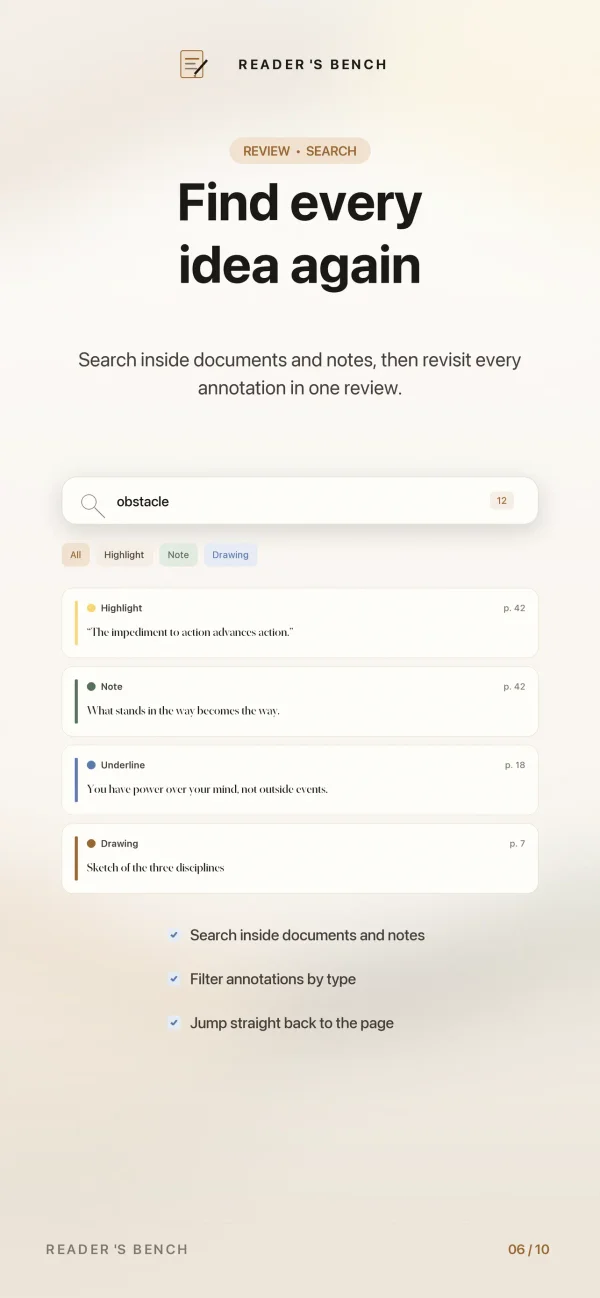
View all your annotations in a summary list, filter by type, and export the review as a separate PDF report. Revisit key points without re-reading the entire document.
• Handwritten Notes
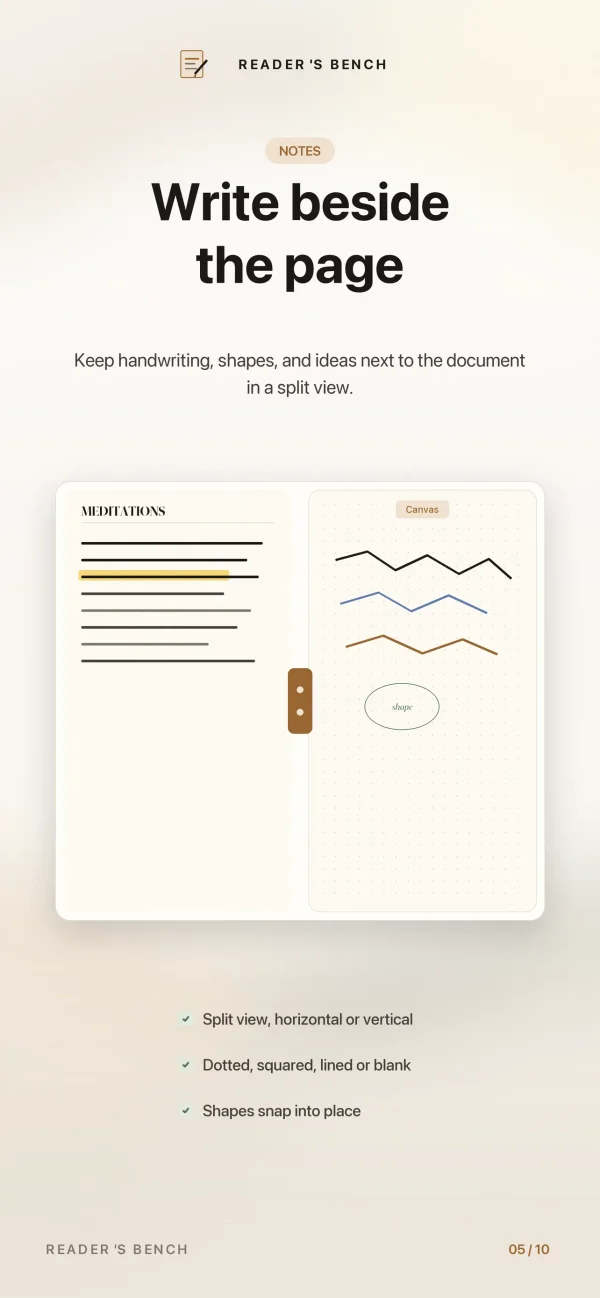
Take notes on a digital canvas with Apple Pencil. Switch between Canvas (infinite scroll) and Page (discrete pages) modes. Choose from dotted, squared, lined, or blank backgrounds and customize colors. Shape detection automatically perfects hand-drawn shapes.
• Split View
Work with your PDF and notes side by side. Switch between horizontal and vertical layouts and resize panels with a draggable divider.
• Bookmarks & Search
Bookmark pages for quick access and browse them in one place. Search inside documents and jump to results by page instantly.
• Export & Share
Export annotated PDFs, handwritten notes as PDFs, or annotation reviews as reports. Share via the iOS share sheet or print directly from the app.
• iCloud Sync
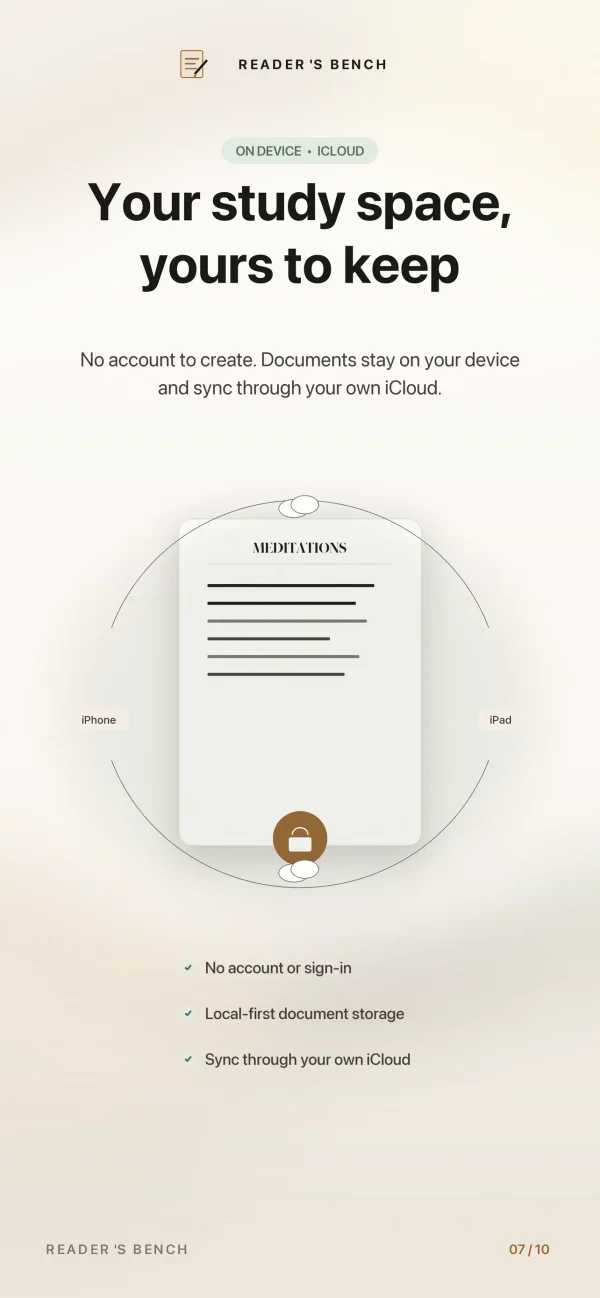
Documents and annotations sync across your devices via iCloud, so your work is always with you.
• ePub Support
Import ePub books and convert them to PDF for reading and annotation.
• Share Extension
Import PDFs directly from any app using the system share sheet.
Reader's Bench turns your iPad and iPhone into a complete study and research workstation.
What’s new
Version 1.8.3 · Nov 11, 2026
• Page-view notes now zoom around your current position instead of jumping to another spot.
• Notes reopen exactly where you left off — same page, zoom level, and position.
• Updated the Privacy Policy and Terms of Use with clearer information about analytics, advertising, and crash reporting.
• Translation and under-the-hood improvements.
App privacy
What Rohmiapps Inc. declares on the App Store about how this app handles data.
-
Data linked to you
May be collected and linked to your identity.
- Location
- Identifiers
- Usage data
-
Data not linked to you
May be collected but is not linked to your identity.
- Purchases
- Diagnostics
Privacy practices may vary, for example with the features you use or your age.
Information
- Seller
- Rohmiapps Inc.
- Category
- Productivity
- Version
- 1.8.3
- Updated
- Nov 11, 2026
- Released
- Feb 21, 2023
- Size
- 12.4 MB
- Requires
- iOS 17.0 or later
- Age rating
- 4+
- Price
- Free
- In-app purchases
- Yes
- Languages
- English, Japanese, Korean, Simplified Chinese, Traditional Chinese
- Copyright
- © 2026 Rohmiapps Inc.
You might also like
-
 Notator | Annotate DocumentsTaking notes, annotating PDFs
-
 MXTNotePDF reader, notes, arXiv
-
 NoteWorkSync regardless of device type
-
 notototoNote,pdf markup
-
 AxNote: Note TakingSketches, text & images
-
 PaintNotesInfinite canvas & good notes
-
 StoneNote - Video Study NotesHandwrite while watching
-
 Right PDF ReaderAnnotate, Share, Manage
-
 Simple Notes Daily PlannerReminders: Journal & Stickers
-
 NoteEase-Recording Made EasySticky notes, Hand-drawn notes