- Classification d’âge4+
- CatégorieÉconomie et entreprise
- LanguesAnglais
- Taille32,2 Mo
Renvoie vers la page App Store officielle
Download.org n’héberge aucun fichier de SecureAuth Authenticate. Le bouton ouvre la page de l’application sur App Store, où la publie. Fiche vérifiée pour la dernière fois le 12/11/2026.
Captures d’écran
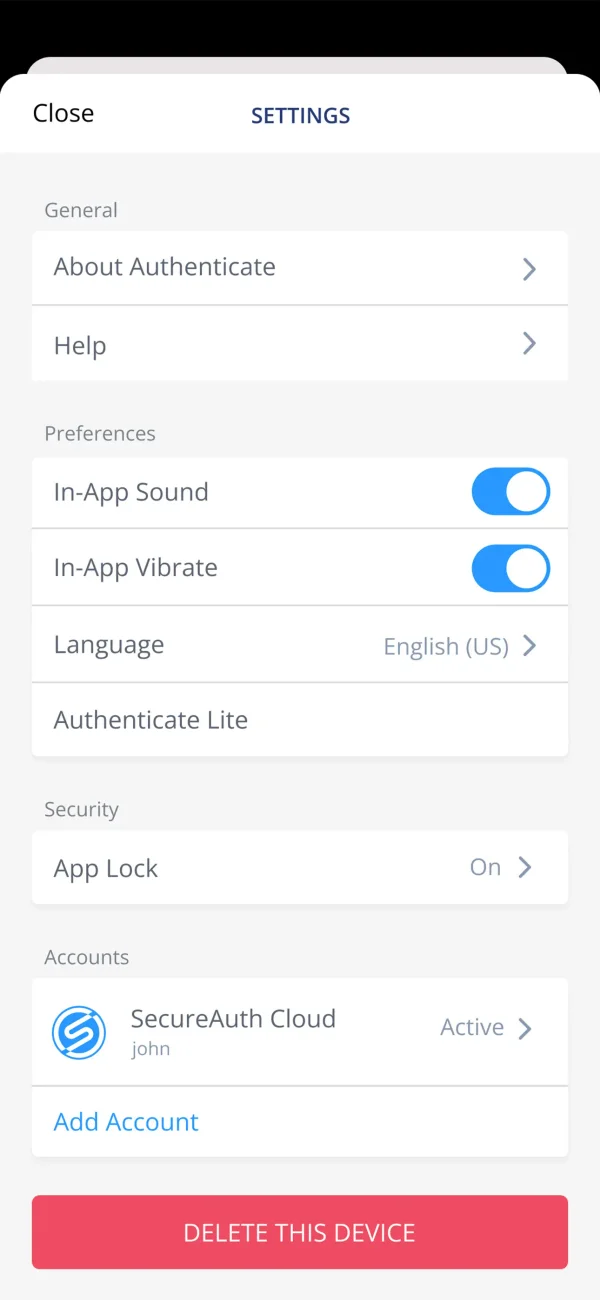
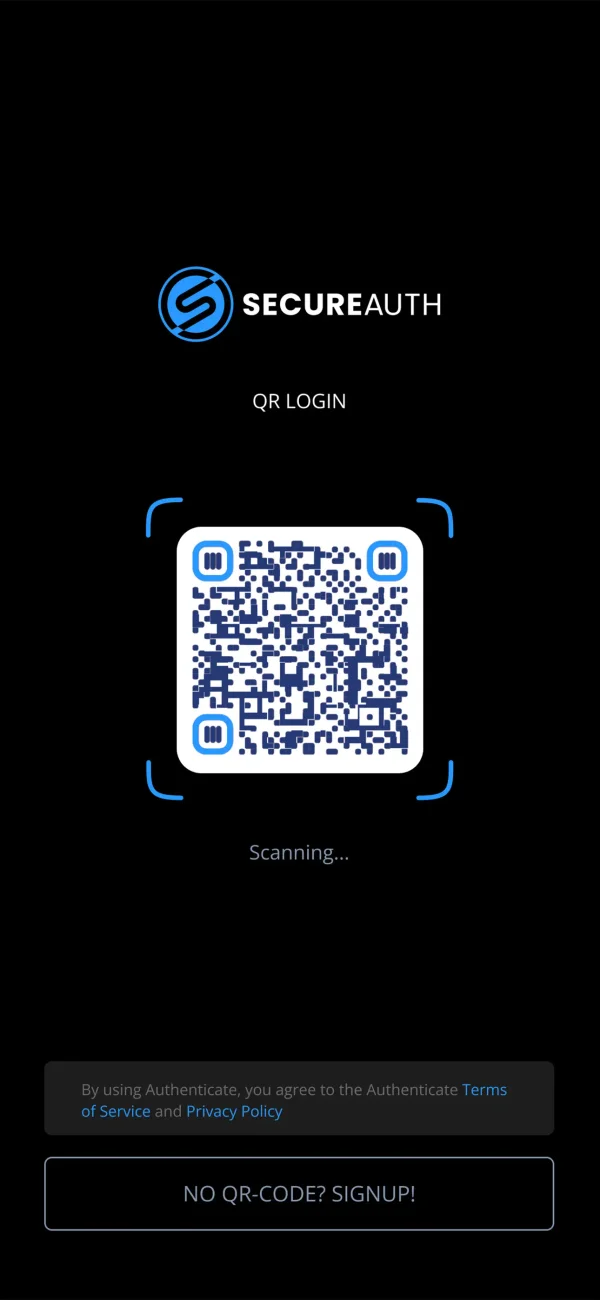
À propos
Le développeur n’a pas fourni ce texte dans votre langue.
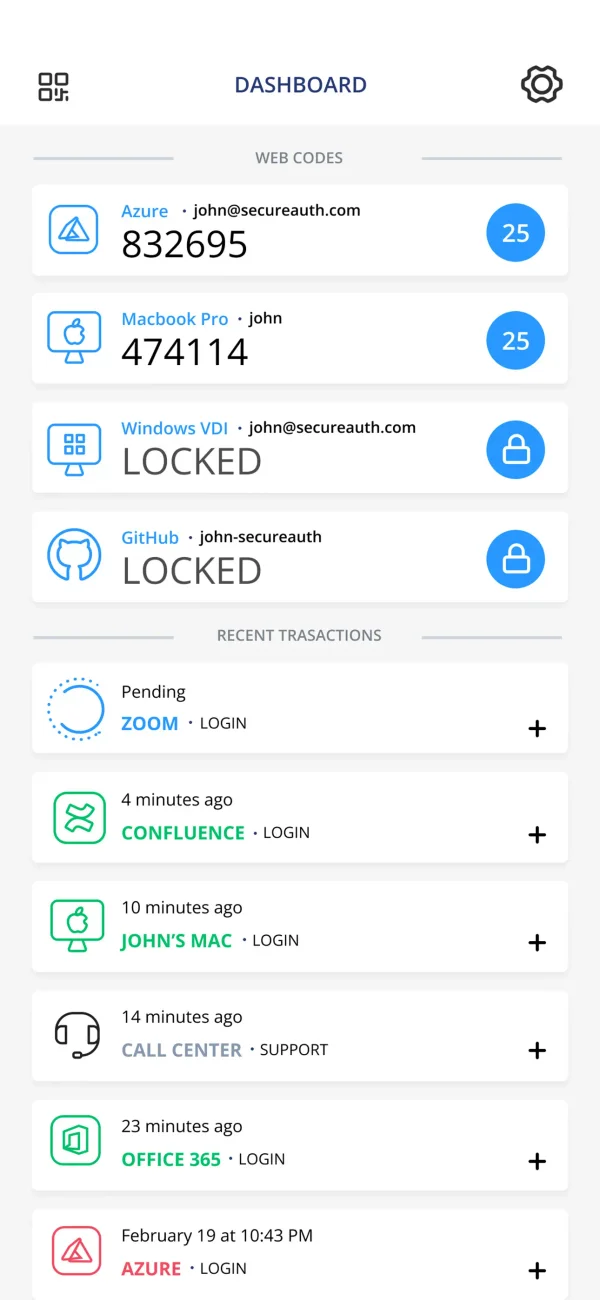
SecureAuth Authenticate is a modern mobile app that verifies your identity so you can securely access your apps. SecureAuth Authenticate supports multi-factor authentication (MFA) for personal, work, or school apps and accounts. The authenticator generates 6-digit one-time passcodes/tokens (OTP codes) used commonly in two-factor authentication (2FA) flows.
SecureAuth Authenticate for personal use
Secure your personal accounts from account takeover with 2-step verification. SecureAuth Authenticate lets you protect your personal Gmail, Outlook, LinkedIn, Dropbox, and thousands of other cloud apps.
Personal features:
• Supports multiple accounts
• Quick QR code set up
• Works offline without Wi-Fi or data connection
SecureAuth Authenticate for business use
SecureAuth Authenticate provides additional strong authentication benefits when paired with SecureAuth IDaaS in corporate deployments. The app is designed to work with adaptive and passwordless authentication for cloud/SaaS and on-prem app single sign-on (SSO) scenarios.
Business-critical features:
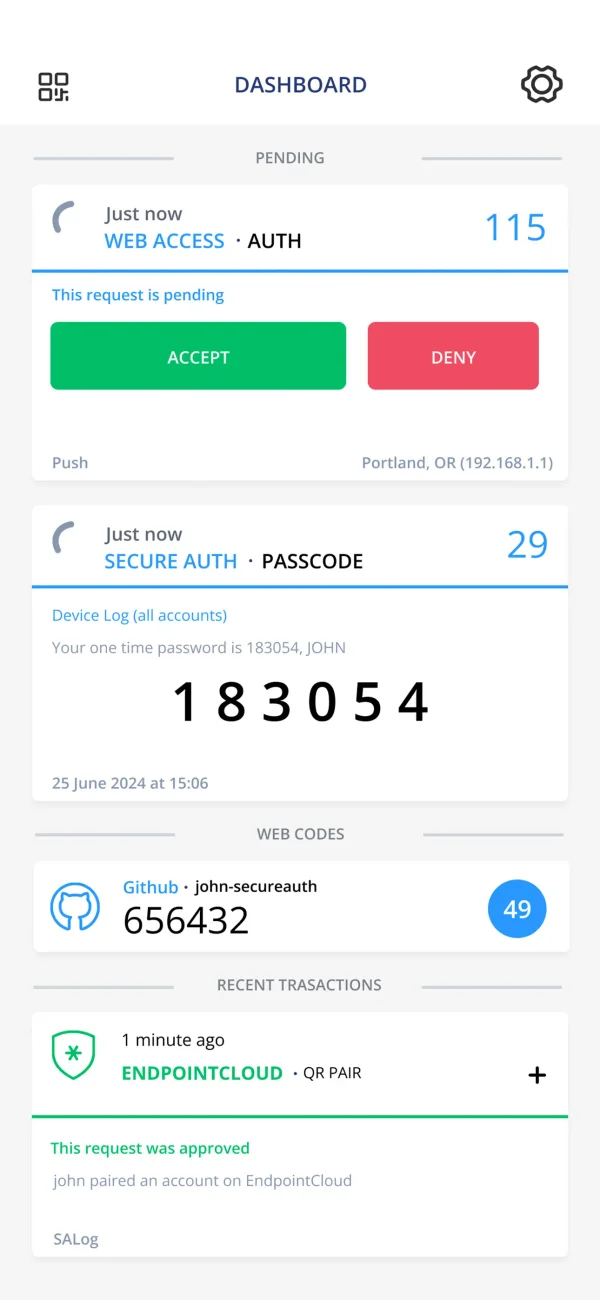
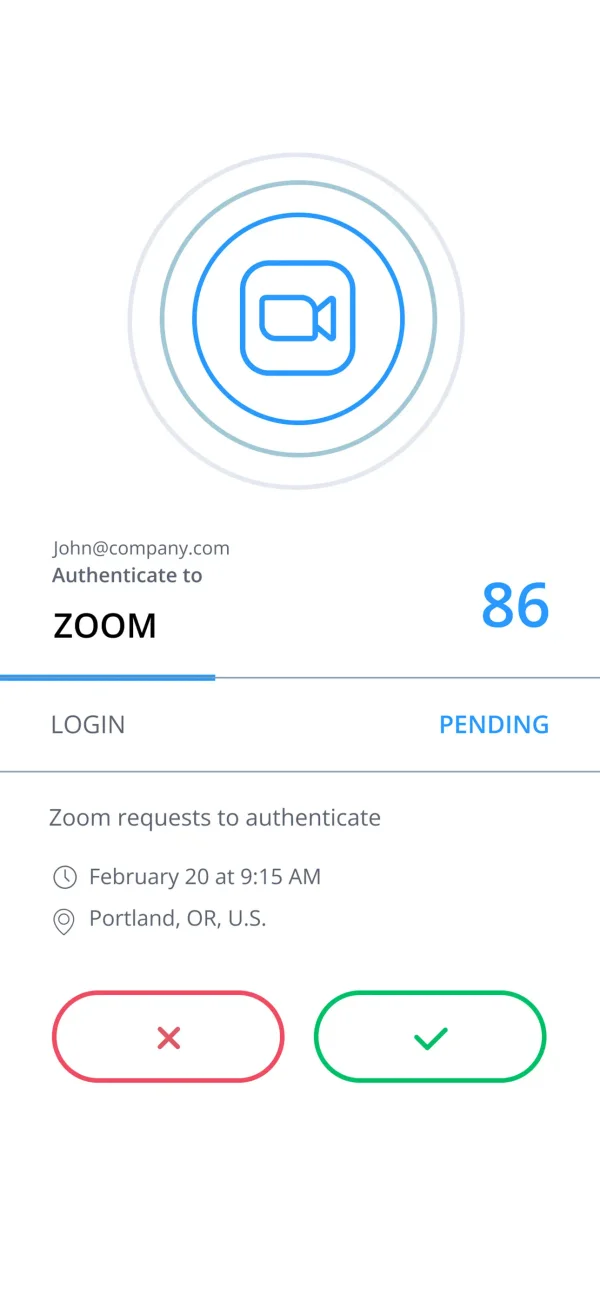
• Push notifications – Prompt to approve/deny a login that requires MFA
• Symbol-to-accept – High-security prompt requiring user to match a specific symbol
• Unlock detection – Security protection when phone lock protection is disabled
• Anti-cloning – Security protection when phone OS is cloned to another phone
• PIN protection – Prompt to enter PIN to display OTP code
• Offline mode – Generates OTP code for MFA-protected Windows or MacOS login
• QR code or activation link enrollment – Convenient methods to configure the app
Getting started
Follow 2FA or MFA setup steps in the app you want to protect. Once you scan the QR code or enter a setup code, your account will be set up for 2FA.
Visit https://www.secureauth.com/secureauth-authenticate to get started.
Nouveautés
Version 25.3.04 · 02/11/2026
- Improved stability
Confidentialité de l’application
Ce que déclare sur l’App Store au sujet du traitement des données par cette application.
-
Données non collectées
Le développeur ne collecte aucune donnée à partir de cette application.
Les pratiques en matière de confidentialité peuvent varier, notamment en fonction des fonctionnalités que vous utilisez ou de votre âge.
Informations
- Vendeur
- SecureAuth Corporation
- Catégorie
- Économie et entreprise
- Version
- 25.3.04
- Mis à jour
- 02/11/2026
- Publié
- 29/03/2013
- Taille
- 32,2 Mo
- Nécessite
- iOS 16.6 ou version ultérieure
- Classification d’âge
- 4+
- Prix
- Gratuit
- Langues
- Anglais
- Copyright
- © 2023 SecureAuth Corporation
Vous aimerez peut-être aussi
-
 Logile ConnectProductivité
-
 SecureAuth MFAÉconomie et entreprise
-
 Intelligent HubOmnissa Workspace ONE
-
 symplr WorkforceÉconomie et entreprise
-
 Optum FinancialFinance
-
 WorkJamGestion de quarts
-
 Web - Workspace ONEOmnissa Workspace ONE
-
 SIREN CARDFinance
-
 HCA InspireÉconomie et entreprise
-
 Idira IdentityÉconomie et entreprise