- Độ tuổi4+
- Danh mụcKinh Doanh
- Ngôn ngữTiếng Anh
- Kích thước32,2 MB
Liên kết đến trang App Store chính thức
Download.org không lưu trữ tệp nào của SecureAuth Authenticate. Nút này mở trang ứng dụng trên App Store, nơi phát hành ứng dụng. Trang được kiểm tra lần cuối: 12/11/2026.
Ảnh chụp màn hình
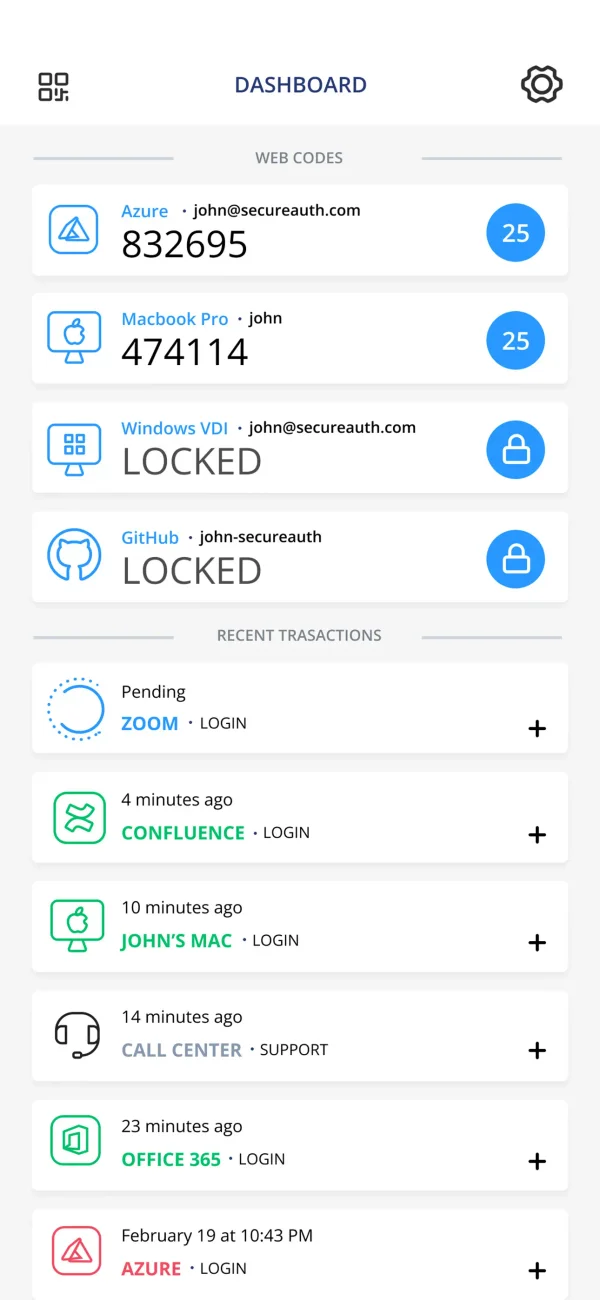
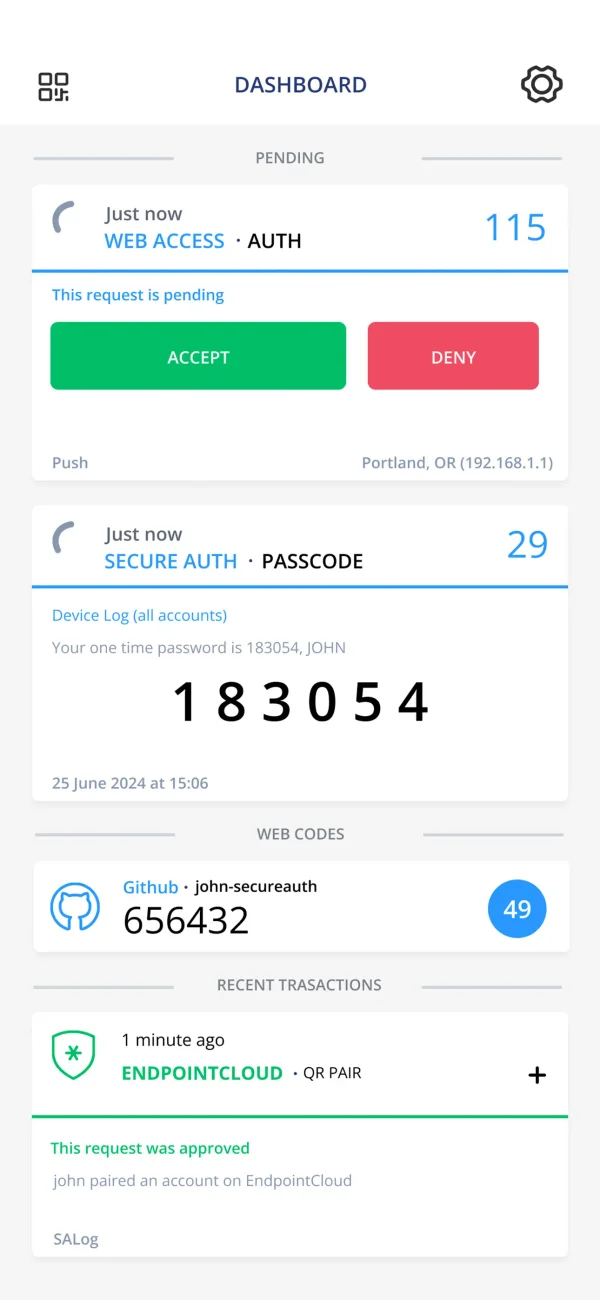
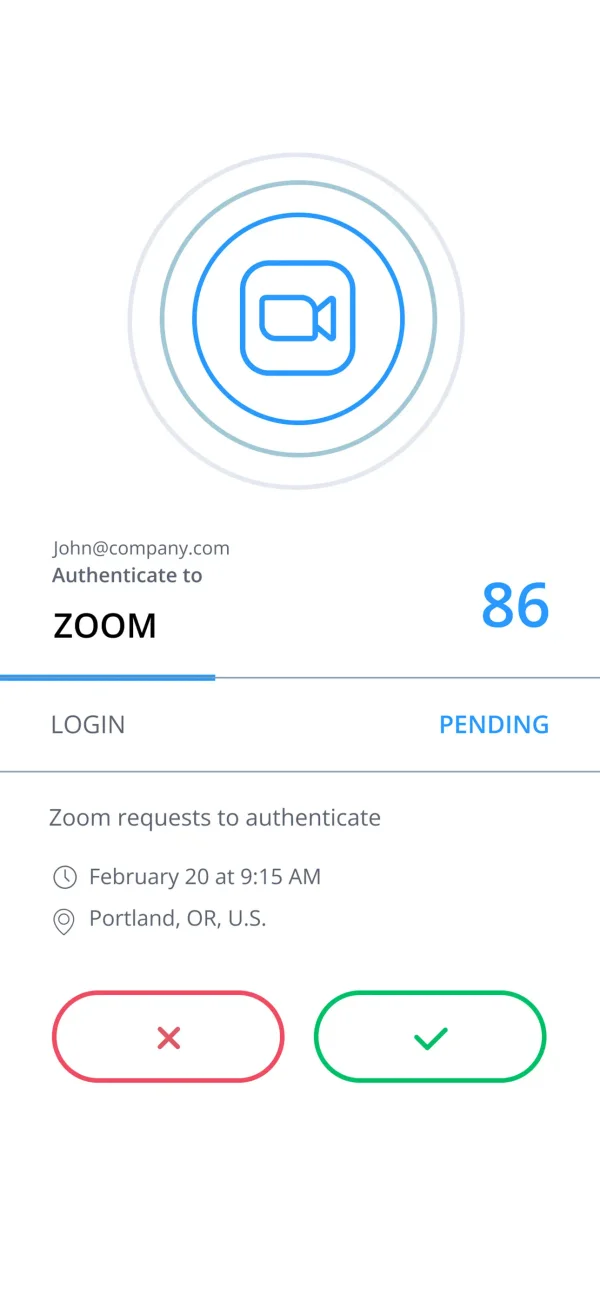
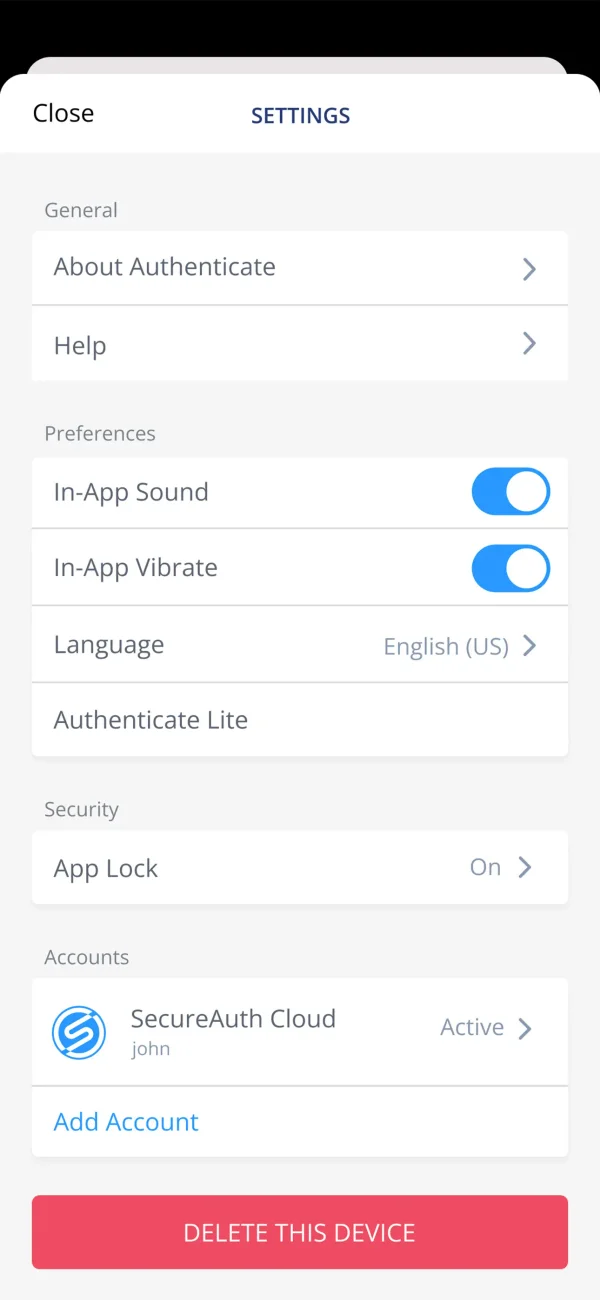
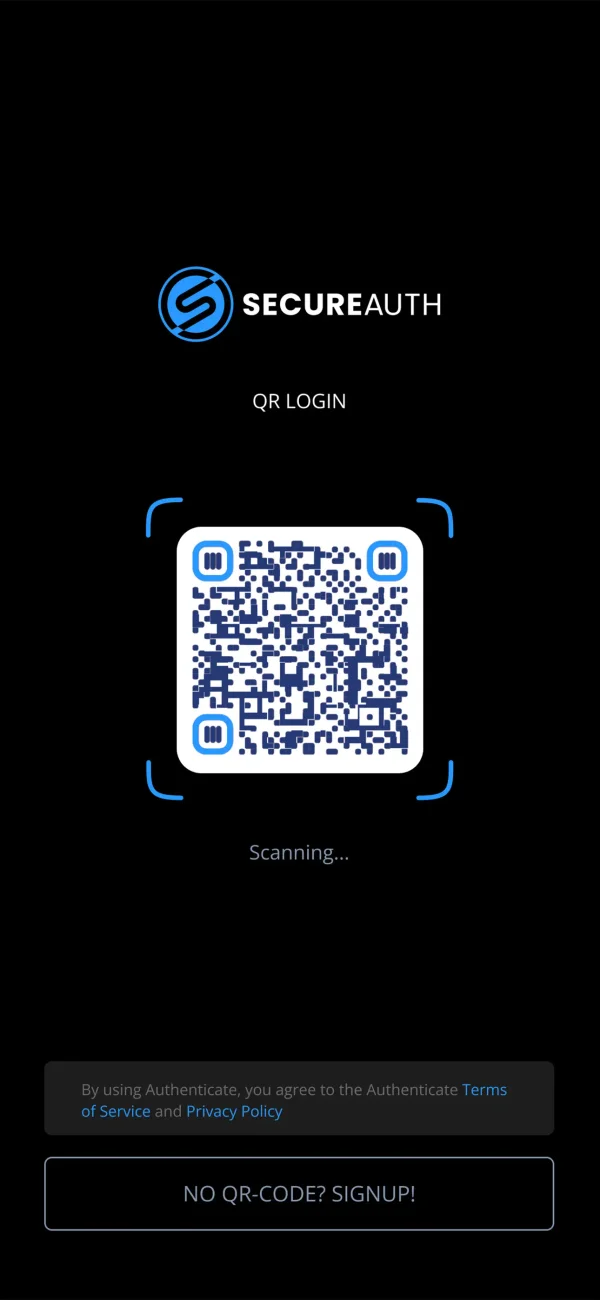
Giới thiệu
Nhà phát triển chưa cung cấp nội dung này bằng ngôn ngữ của bạn.
SecureAuth Authenticate is a modern mobile app that verifies your identity so you can securely access your apps. SecureAuth Authenticate supports multi-factor authentication (MFA) for personal, work, or school apps and accounts. The authenticator generates 6-digit one-time passcodes/tokens (OTP codes) used commonly in two-factor authentication (2FA) flows.
SecureAuth Authenticate for personal use
Secure your personal accounts from account takeover with 2-step verification. SecureAuth Authenticate lets you protect your personal Gmail, Outlook, LinkedIn, Dropbox, and thousands of other cloud apps.
Personal features:
• Supports multiple accounts
• Quick QR code set up
• Works offline without Wi-Fi or data connection
SecureAuth Authenticate for business use
SecureAuth Authenticate provides additional strong authentication benefits when paired with SecureAuth IDaaS in corporate deployments. The app is designed to work with adaptive and passwordless authentication for cloud/SaaS and on-prem app single sign-on (SSO) scenarios.
Business-critical features:
• Push notifications – Prompt to approve/deny a login that requires MFA
• Symbol-to-accept – High-security prompt requiring user to match a specific symbol
• Unlock detection – Security protection when phone lock protection is disabled
• Anti-cloning – Security protection when phone OS is cloned to another phone
• PIN protection – Prompt to enter PIN to display OTP code
• Offline mode – Generates OTP code for MFA-protected Windows or MacOS login
• QR code or activation link enrollment – Convenient methods to configure the app
Getting started
Follow 2FA or MFA setup steps in the app you want to protect. Once you scan the QR code or enter a setup code, your account will be set up for 2FA.
Visit https://www.secureauth.com/secureauth-authenticate to get started.
Có gì mới
Phiên bản 25.3.04 · 02/11/2026
- Improved stability
Quyền riêng tư của ứng dụng
Những gì khai báo trên App Store về cách ứng dụng này xử lý dữ liệu.
-
Dữ liệu không được thu thập
Nhà phát triển không thu thập bất kỳ dữ liệu nào từ ứng dụng này.
Phương thức đảm bảo quyền riêng tư có thể khác nhau, chẳng hạn như tuỳ theo các tính năng bạn sử dụng hoặc độ tuổi của bạn.
Thông tin
- Người bán
- SecureAuth Corporation
- Danh mục
- Kinh Doanh
- Phiên bản
- 25.3.04
- Cập nhật
- 02/11/2026
- Phát hành
- 29/03/2013
- Kích thước
- 32,2 MB
- Yêu cầu
- iOS 16.6 trở lên
- Độ tuổi
- 4+
- Giá
- Miễn phí
- Ngôn ngữ
- Tiếng Anh
- Bản quyền
- © 2023 SecureAuth Corporation