- Batasan usia4+
- KategoriBisnis
- BahasaInggris
- Ukuran32,2 MB
Tertaut ke halaman resmi App Store
Download.org tidak menyimpan file SecureAuth Authenticate apa pun. Tombol ini membuka halaman aplikasi di App Store, tempat menerbitkannya. Halaman terakhir diperiksa pada 12/11/2026.
Tangkapan layar
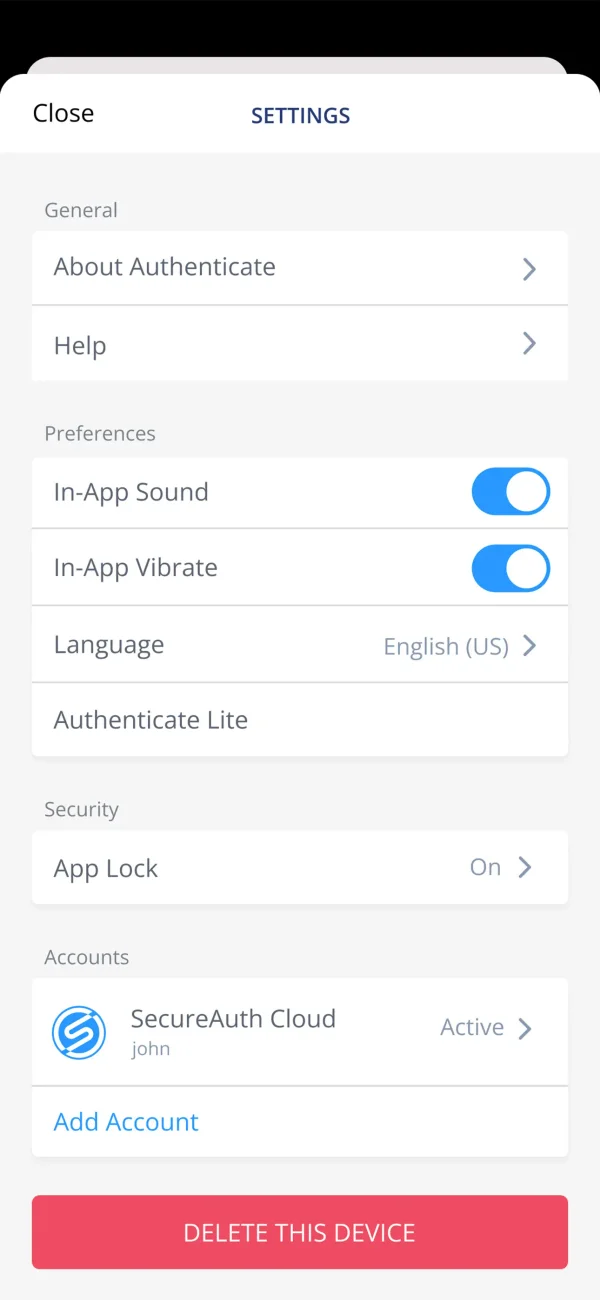
Tentang
Pengembang belum menyediakan teks ini dalam bahasa Anda.
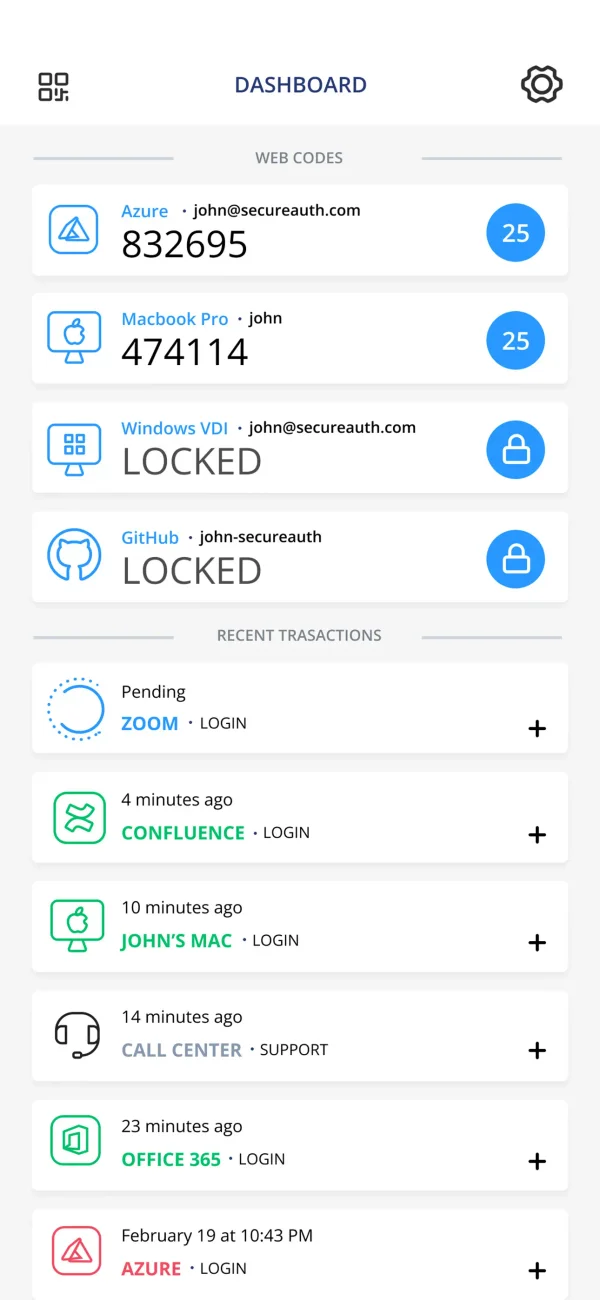
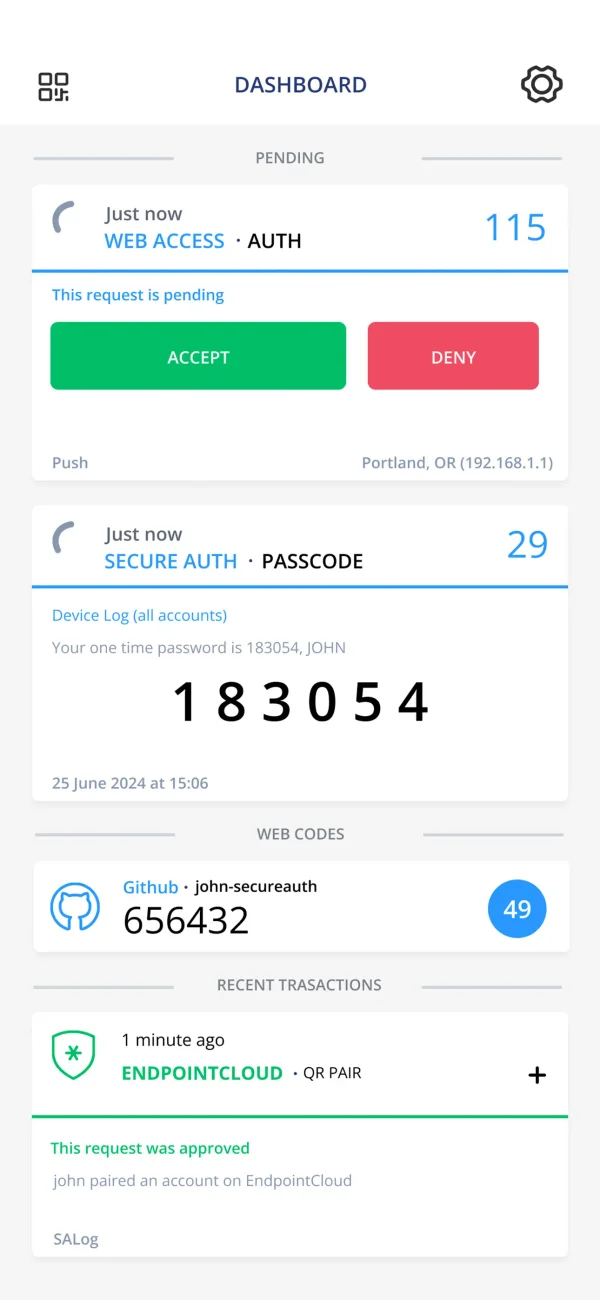
SecureAuth Authenticate is a modern mobile app that verifies your identity so you can securely access your apps. SecureAuth Authenticate supports multi-factor authentication (MFA) for personal, work, or school apps and accounts. The authenticator generates 6-digit one-time passcodes/tokens (OTP codes) used commonly in two-factor authentication (2FA) flows.
SecureAuth Authenticate for personal use
Secure your personal accounts from account takeover with 2-step verification. SecureAuth Authenticate lets you protect your personal Gmail, Outlook, LinkedIn, Dropbox, and thousands of other cloud apps.
Personal features:
• Supports multiple accounts
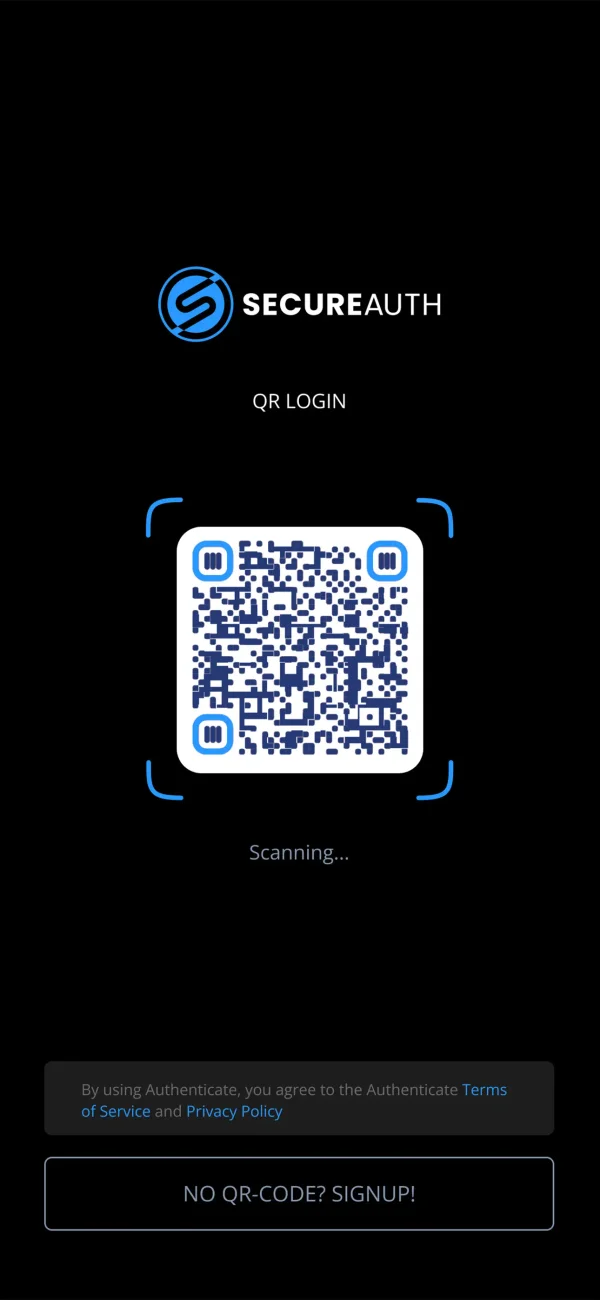
• Quick QR code set up
• Works offline without Wi-Fi or data connection
SecureAuth Authenticate for business use
SecureAuth Authenticate provides additional strong authentication benefits when paired with SecureAuth IDaaS in corporate deployments. The app is designed to work with adaptive and passwordless authentication for cloud/SaaS and on-prem app single sign-on (SSO) scenarios.
Business-critical features:
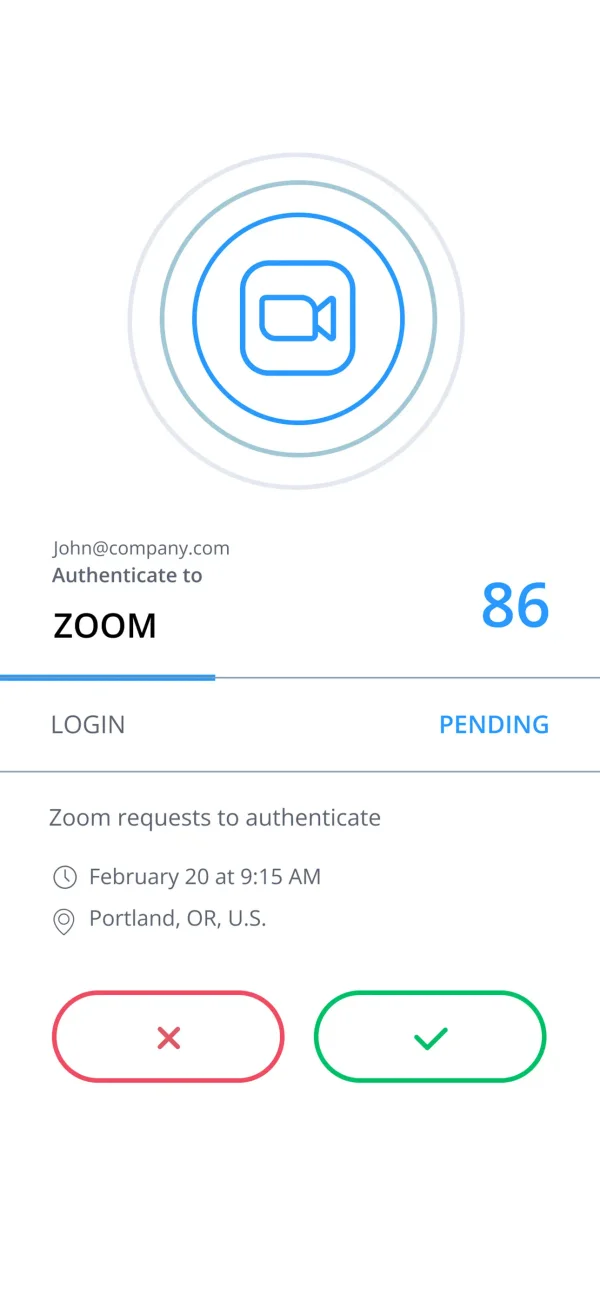
• Push notifications – Prompt to approve/deny a login that requires MFA
• Symbol-to-accept – High-security prompt requiring user to match a specific symbol
• Unlock detection – Security protection when phone lock protection is disabled
• Anti-cloning – Security protection when phone OS is cloned to another phone
• PIN protection – Prompt to enter PIN to display OTP code
• Offline mode – Generates OTP code for MFA-protected Windows or MacOS login
• QR code or activation link enrollment – Convenient methods to configure the app
Getting started
Follow 2FA or MFA setup steps in the app you want to protect. Once you scan the QR code or enter a setup code, your account will be set up for 2FA.
Visit https://www.secureauth.com/secureauth-authenticate to get started.
Yang baru
Versi 25.3.04 · 2/11/2026
- Improved stability
Privasi aplikasi
Yang dinyatakan di App Store tentang cara aplikasi ini menangani data.
-
Data tidak dikumpulkan
Pengembang tidak mengumpulkan data apa pun dari aplikasi ini.
Praktik privasi dapat bervariasi, misalnya berdasarkan fitur yang Anda gunakan atau usia Anda.
Informasi
- Penjual
- SecureAuth Corporation
- Kategori
- Bisnis
- Versi
- 25.3.04
- Diperbarui
- 2/11/2026
- Dirilis
- 29/3/2013
- Ukuran
- 32,2 MB
- Memerlukan
- iOS 16.6 atau yang lebih baru
- Batasan usia
- 4+
- Harga
- Gratis
- Bahasa
- Inggris
- Hak cipta
- © 2023 SecureAuth Corporation