Shot Clock – Billiards Timer
Shot time, breaks & extensions
Conçue pour iPhone, iPad, iPod touch
Gratuit
- Classification d’âge4+
- CatégorieSports
- DéveloppeurDaniel Sorger
- LanguesAnglais+ 1 de plus
- Taille51,4 Mo
Renvoie vers la page App Store officielle
Download.org n’héberge aucun fichier de Shot Clock – Billiards Timer. Le bouton ouvre la page de l’application sur App Store, où Daniel Sorger la publie. Fiche vérifiée pour la dernière fois le 15/11/2026.
Captures d’écran
À propos
Le développeur n’a pas fourni ce texte dans votre langue.
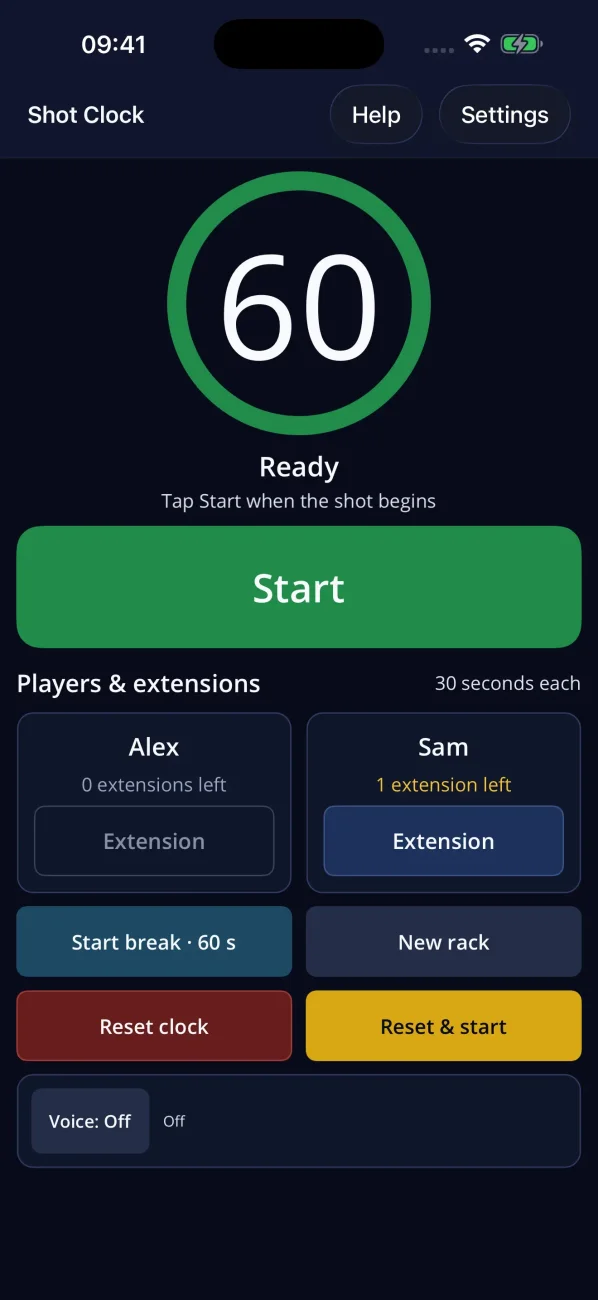
Shot Clock gives every billiards shot a clear time limit, whether you are practising or playing at the table with another player.
YOUR TIME AT THE TABLE
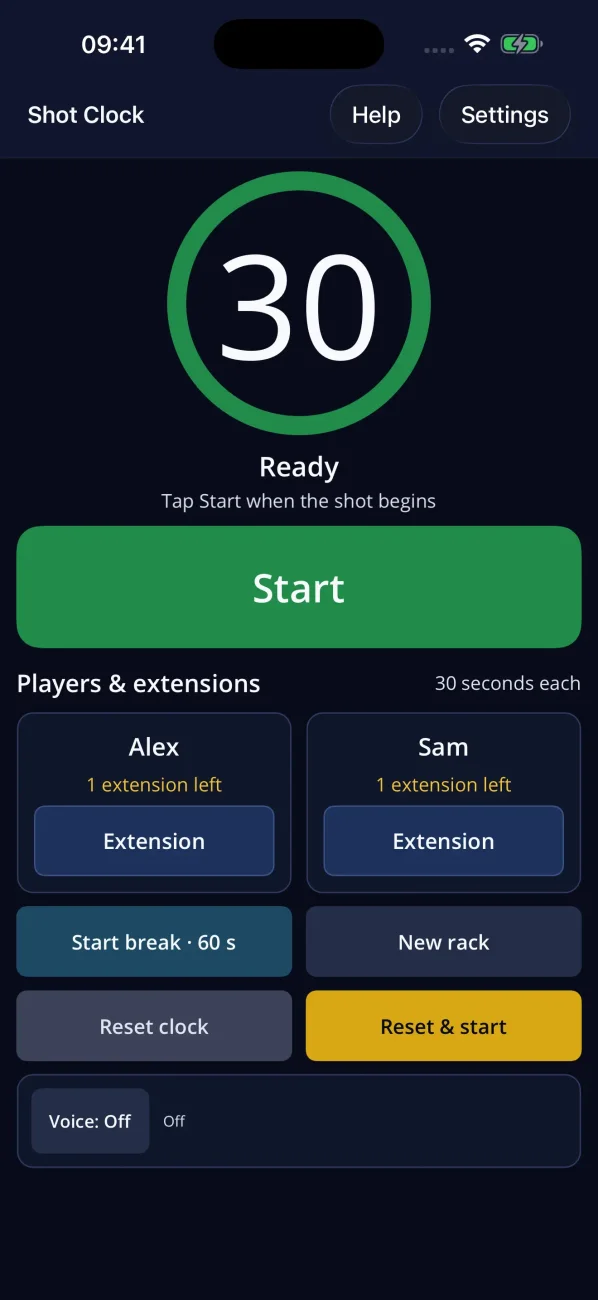
• Set your shot time and break countdown
• Start, pause and resume the clock
• Reset and immediately start the next shot
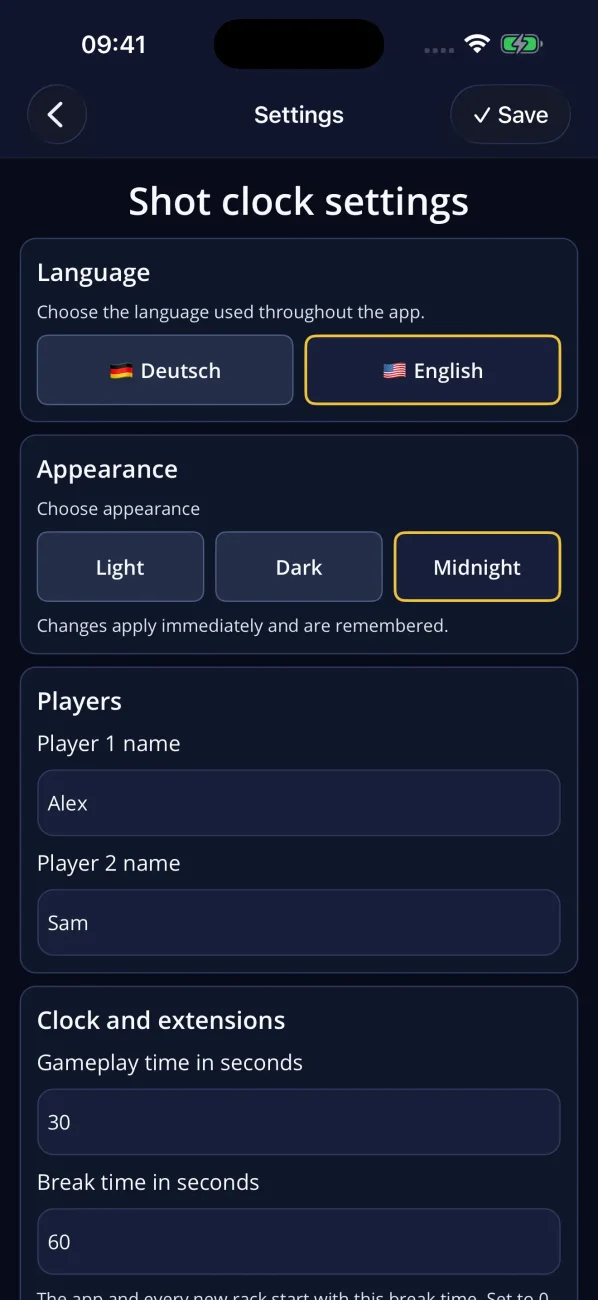
• Choose each extension’s duration and how many each player receives
• Personalise player names and restore extensions for a new rack
SEE AND HEAR THE COUNTDOWN
A large countdown and coloured ring show the remaining time. Signals sound at 10 seconds, during the final 5 seconds and when time expires. On iPhone and iPad, the countdown and signals continue when you switch apps or lock the screen.
LIVE ACTIVITIES
See the remaining time on the Lock Screen and in the Dynamic Island on compatible iPhones. From iOS 17.2, pause, resume, use either player’s extension, or reset and start the normal shot time from the Live Activity. iOS controls when the display updates; use the in-app buttons for the most immediate response.
OPTIONAL VOICE CONTROL
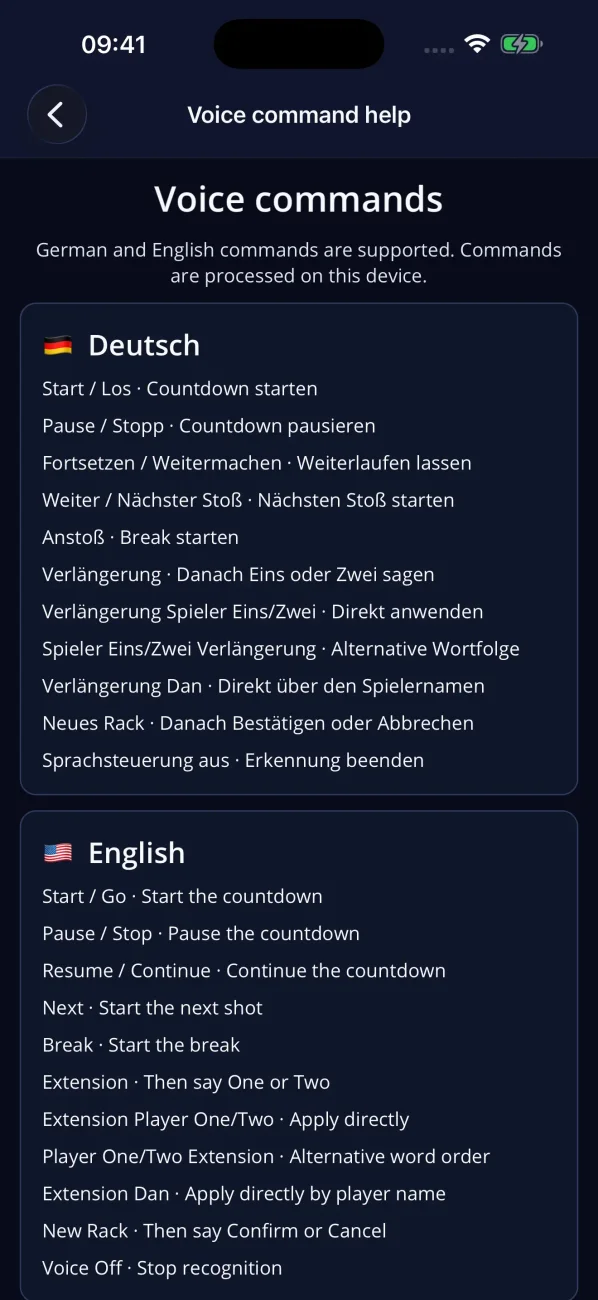
Control the clock in English or German with commands such as “Start”, “Pause”, “Resume” or “Extension Player One”. Recognition runs on the device and requires compatible local speech recognition plus microphone and speech permissions. The app must be active for voice control. Manual controls remain available without voice support.
YOUR STYLE
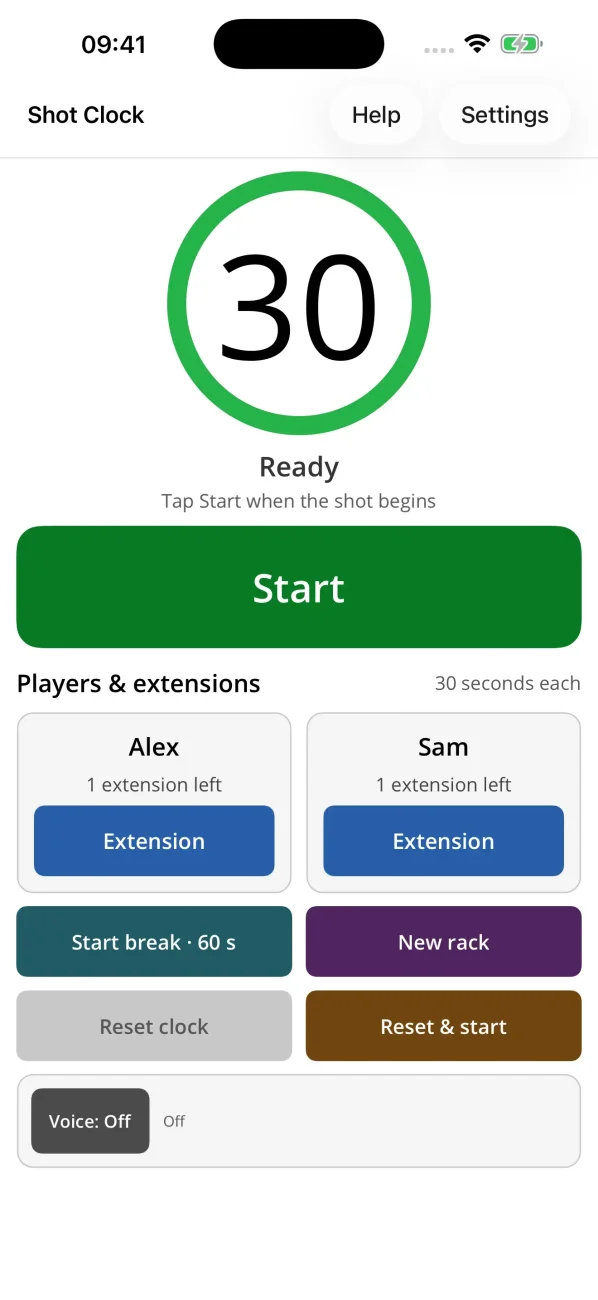
Choose English or German and a Light, Dark or Midnight appearance. Shot Clock supports iPhone and iPad in portrait and landscape.
NO ACCOUNT NEEDED
No account, advertising or in-app purchases. Settings stay local. The app does not save voice recordings or upload speech data to its own server.
PLEASE NOTE
Live Activities require iOS 16.2 or later; Dynamic Island requires a compatible iPhone. Signal sounds use media volume and the selected audio output. Audio interruptions pause the clock. Fully quitting the app stops playback; a fresh launch does not restore a running countdown.
Support: shotclock@danielsorger.de
Confidentialité de l’application
Ce que Daniel Sorger déclare sur l’App Store au sujet du traitement des données par cette application.
-
Données non collectées
Le développeur ne collecte aucune donnée à partir de cette application.
Les pratiques en matière de confidentialité peuvent varier, notamment en fonction des fonctionnalités que vous utilisez ou de votre âge.
Informations
- Vendeur
- Daniel Sorger
- Catégorie
- Sports
- Version
- 1.0
- Mis à jour
- 29/09/2026
- Publié
- 29/09/2026
- Taille
- 51,4 Mo
- Nécessite
- iOS 15.0 ou version ultérieure
- Classification d’âge
- 4+
- Prix
- Gratuit
- Langues
- Anglais, Allemand
- Copyright
- © 2026 Daniel Sorger