Shot Clock – Billiards Timer
Shot time, breaks & extensions
Được thiết kế cho iPhone, iPad, iPod touch
Miễn phí
- Độ tuổi4+
- Danh mụcThể Thao
- Nhà phát triểnDaniel Sorger
- Ngôn ngữTiếng Anh+ 1 ngôn ngữ khác
- Kích thước51,4 MB
Liên kết đến trang App Store chính thức
Download.org không lưu trữ tệp nào của Shot Clock – Billiards Timer. Nút này mở trang ứng dụng trên App Store, nơi Daniel Sorger phát hành ứng dụng. Trang được kiểm tra lần cuối: 15/11/2026.
Ảnh chụp màn hình
Giới thiệu
Nhà phát triển chưa cung cấp nội dung này bằng ngôn ngữ của bạn.
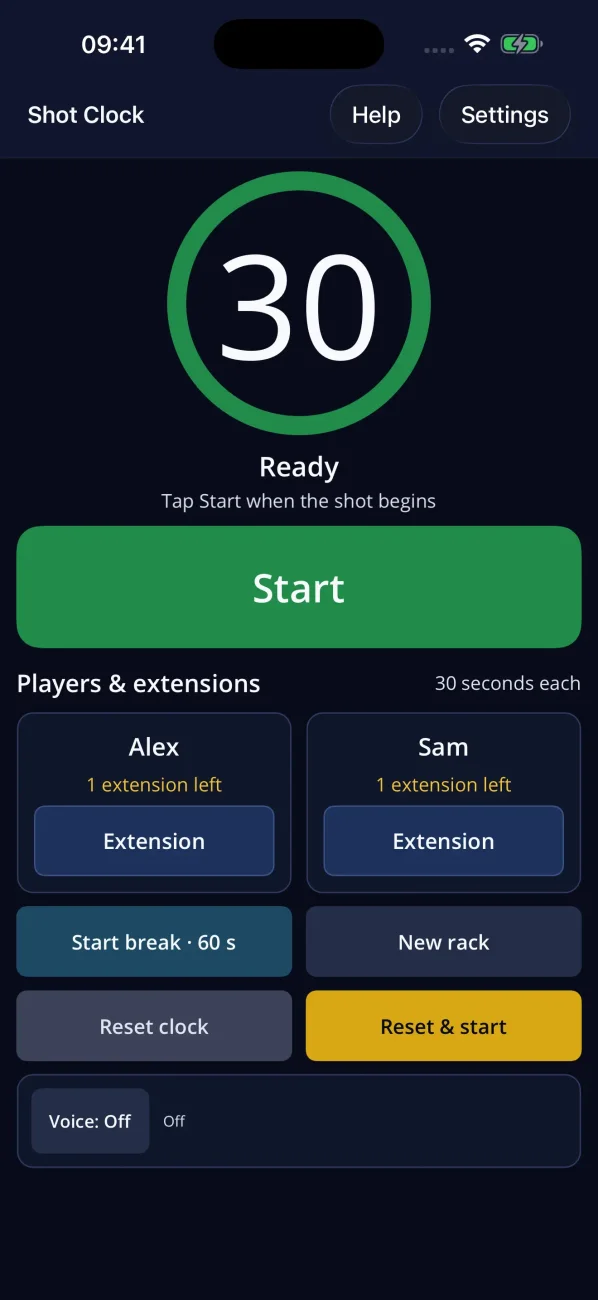
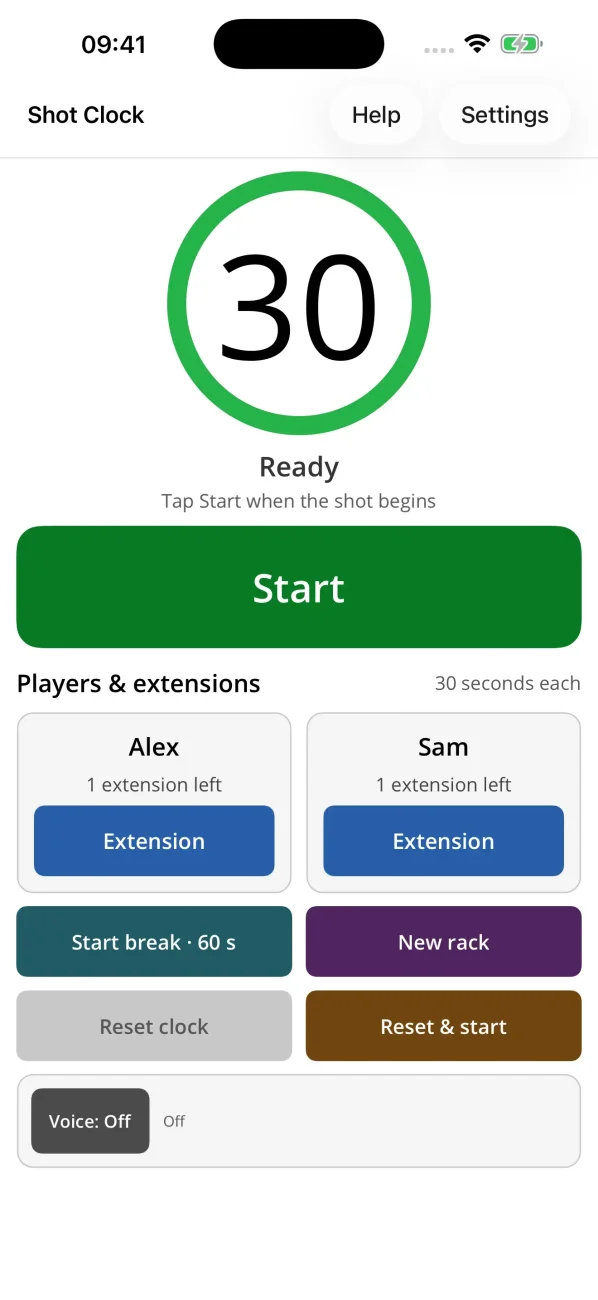
Shot Clock gives every billiards shot a clear time limit, whether you are practising or playing at the table with another player.
YOUR TIME AT THE TABLE
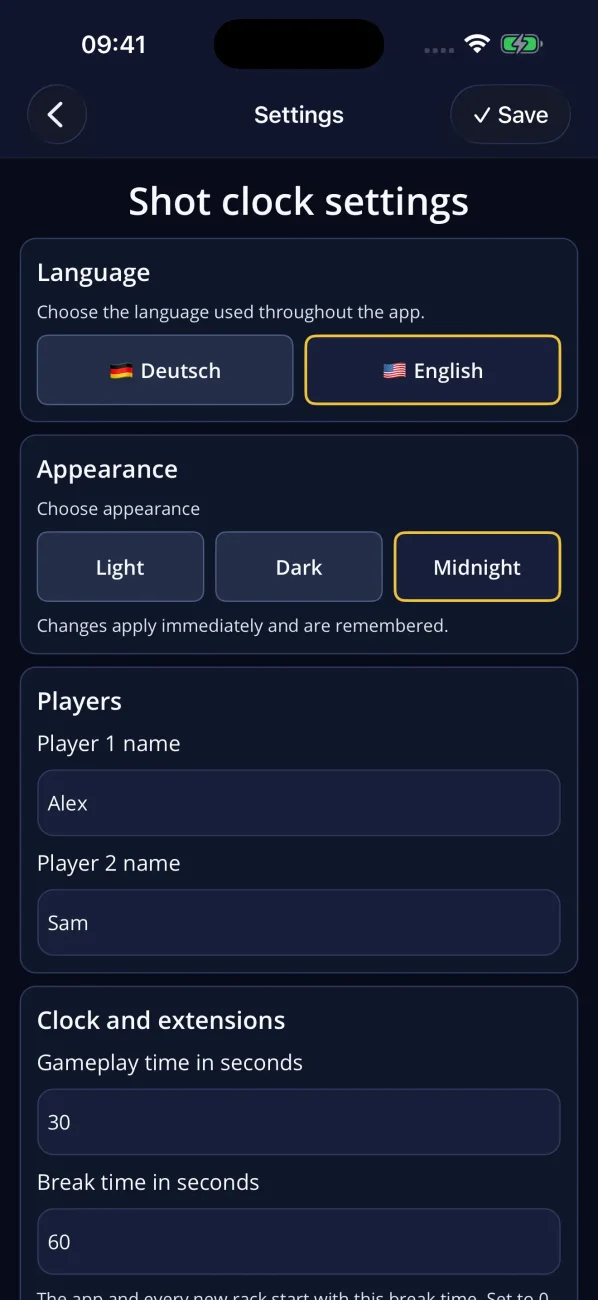
• Set your shot time and break countdown
• Start, pause and resume the clock
• Reset and immediately start the next shot
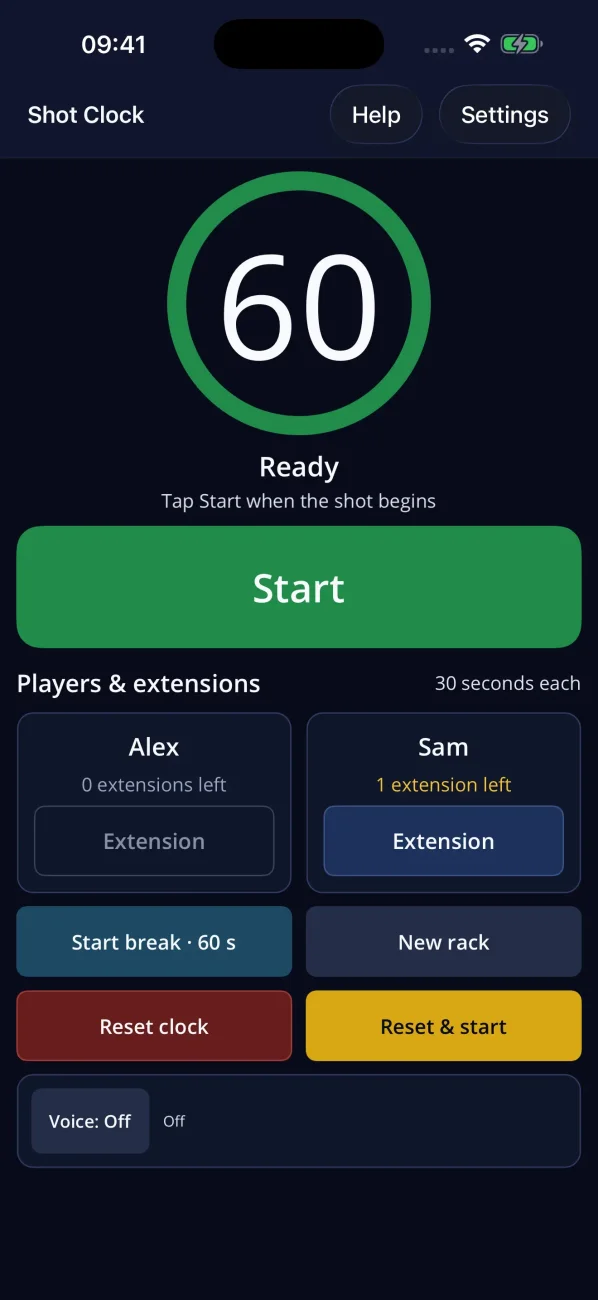
• Choose each extension’s duration and how many each player receives
• Personalise player names and restore extensions for a new rack
SEE AND HEAR THE COUNTDOWN
A large countdown and coloured ring show the remaining time. Signals sound at 10 seconds, during the final 5 seconds and when time expires. On iPhone and iPad, the countdown and signals continue when you switch apps or lock the screen.
LIVE ACTIVITIES
See the remaining time on the Lock Screen and in the Dynamic Island on compatible iPhones. From iOS 17.2, pause, resume, use either player’s extension, or reset and start the normal shot time from the Live Activity. iOS controls when the display updates; use the in-app buttons for the most immediate response.
OPTIONAL VOICE CONTROL
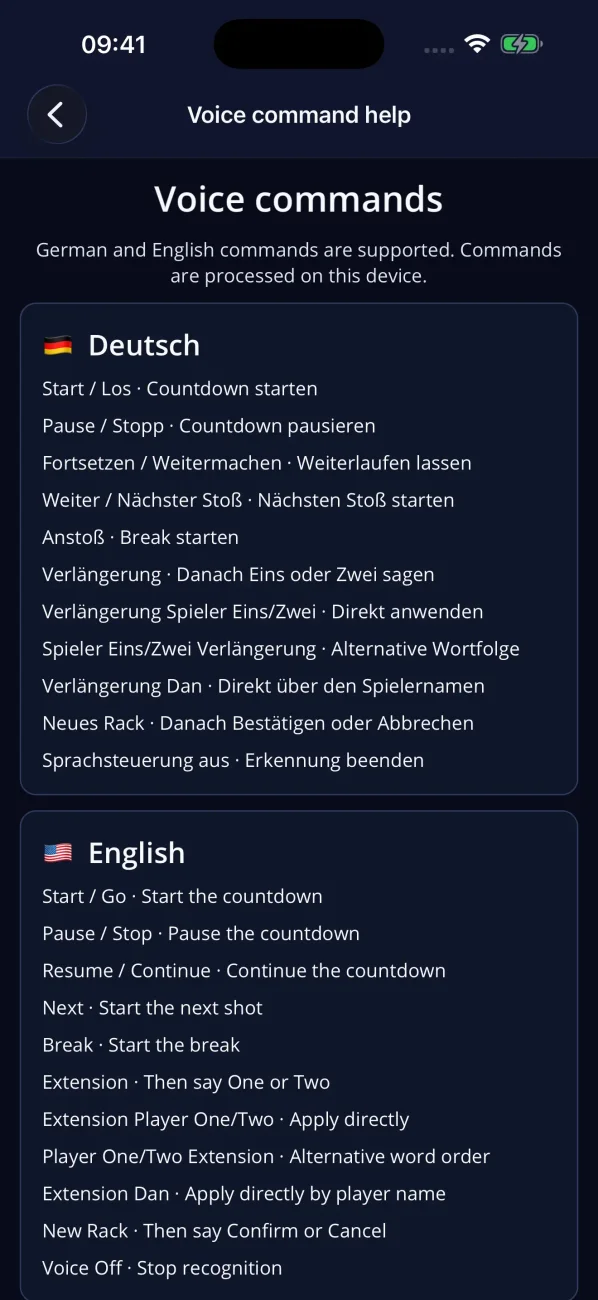
Control the clock in English or German with commands such as “Start”, “Pause”, “Resume” or “Extension Player One”. Recognition runs on the device and requires compatible local speech recognition plus microphone and speech permissions. The app must be active for voice control. Manual controls remain available without voice support.
YOUR STYLE
Choose English or German and a Light, Dark or Midnight appearance. Shot Clock supports iPhone and iPad in portrait and landscape.
NO ACCOUNT NEEDED
No account, advertising or in-app purchases. Settings stay local. The app does not save voice recordings or upload speech data to its own server.
PLEASE NOTE
Live Activities require iOS 16.2 or later; Dynamic Island requires a compatible iPhone. Signal sounds use media volume and the selected audio output. Audio interruptions pause the clock. Fully quitting the app stops playback; a fresh launch does not restore a running countdown.
Support: shotclock@danielsorger.de
Quyền riêng tư của ứng dụng
Những gì Daniel Sorger khai báo trên App Store về cách ứng dụng này xử lý dữ liệu.
-
Dữ liệu không được thu thập
Nhà phát triển không thu thập bất kỳ dữ liệu nào từ ứng dụng này.
Phương thức đảm bảo quyền riêng tư có thể khác nhau, chẳng hạn như tuỳ theo các tính năng bạn sử dụng hoặc độ tuổi của bạn.
Thông tin
- Người bán
- Daniel Sorger
- Danh mục
- Thể Thao
- Phiên bản
- 1.0
- Cập nhật
- 29/09/2026
- Phát hành
- 29/09/2026
- Kích thước
- 51,4 MB
- Yêu cầu
- iOS 15.0 trở lên
- Độ tuổi
- 4+
- Giá
- Miễn phí
- Ngôn ngữ
- Tiếng Anh, Tiếng Đức
- Bản quyền
- © 2026 Daniel Sorger
Có thể bạn cũng thích
-
 Blackball Timer ProThể Thao
-
 Time PoolThể Thao
-
 Billiards Shot ClockThể Thao
-
 19 Pockets: Pool ScoreThể Thao
-
 CueTrack — Pool ScoringThể Thao
-
 Pool Drill TrackerThể Thao
-
 Đồng hồ bidaBấm giờ bida + Apple Watch
-
 FlipScore - Sports ScoreboardThể Thao
-
 EightNine: Pool ScorekeeperThể Thao
-
 Straightpool 14.1Thể Thao