smalltype – Markdown Notes
Plain .md files, real folders
Conçue pour iPhone
Gratuit
- Classification d’âge4+
- CatégorieProductivité
- DéveloppeurHerman Haidin
- LanguesAnglais
- Taille8,0 Mo
Renvoie vers la page App Store officielle
Download.org n’héberge aucun fichier de smalltype – Markdown Notes. Le bouton ouvre la page de l’application sur App Store, où Herman Haidin la publie. Fiche vérifiée pour la dernière fois le 20/11/2026.
Captures d’écran


À propos
Le développeur n’a pas fourni ce texte dans votre langue.
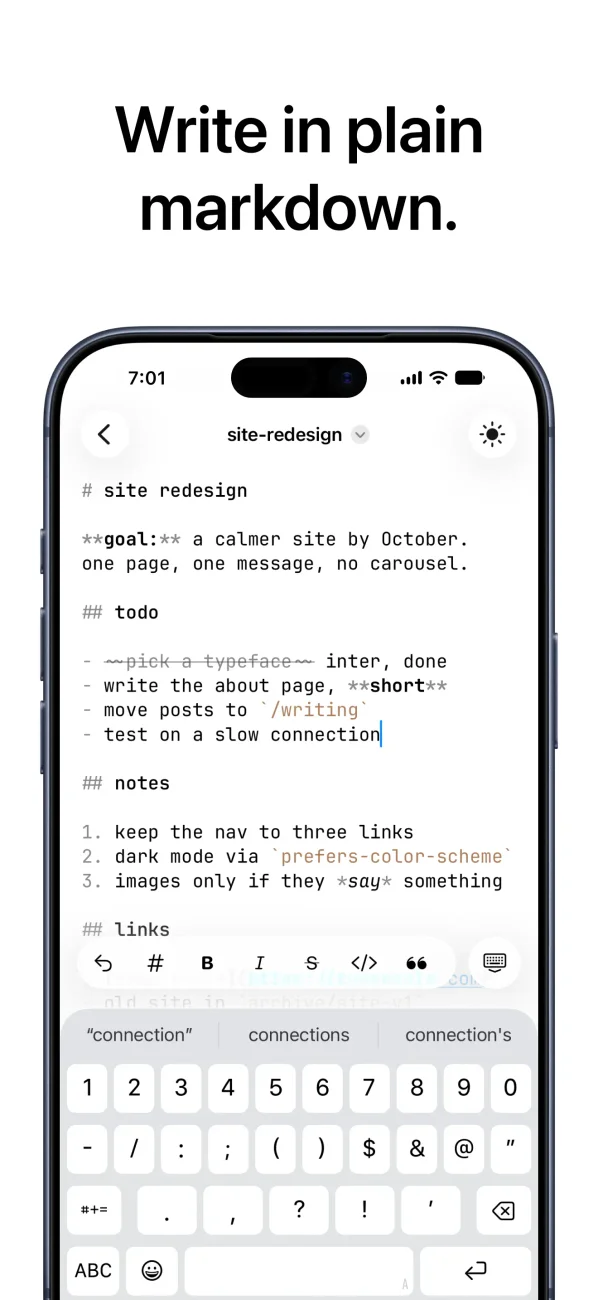
Short notes, many times a day, saved as plain .md files in real folders. Open the same folder on your Mac in VS Code, Vim, or any editor. Calm, minimal, and ready for iPhone Duo.
smalltype is for your notes. The small ones, the quick ones, the big ones, the unpolished ones. It's a fast, quiet place to type.
## Start
No tutorial, no setup screen. Tap New Note and start typing. Leave one empty and it quietly disappears, so you never end up with a pile of blank untitled notes. That's the whole app.
## Yours
Every note is a real .md file, sitting right there in the Files app. You can open it, copy it, or back it up yourself, anytime. Delete one and it still goes to Recently Deleted, same as any other file: nothing's gone for good.
## Sync or Don't
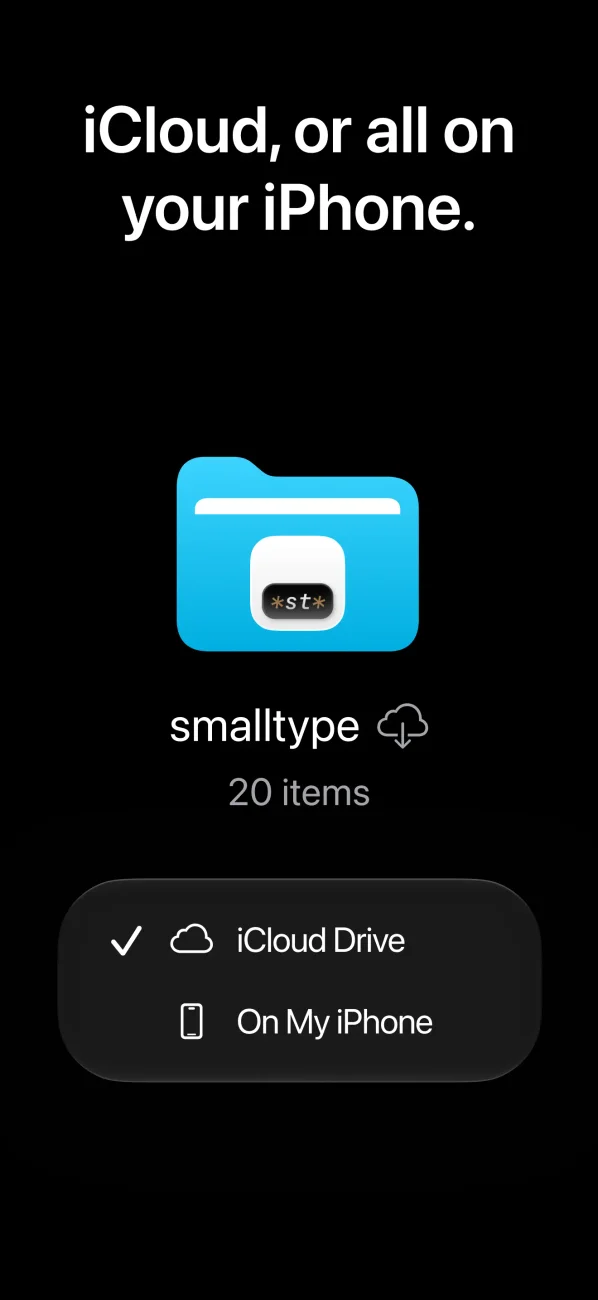
Keep notes in iCloud Drive to have them on every device. Or keep them On My iPhone, fully local, never leaving your device. Either way, you can switch anytime.
## Visible Markdown
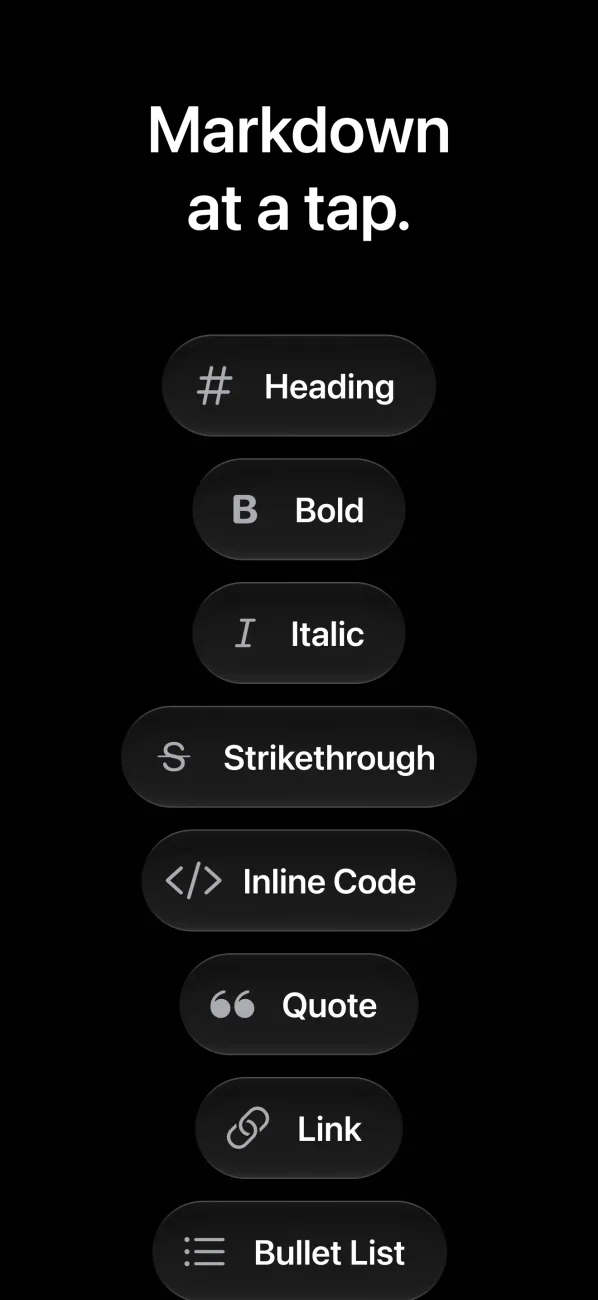
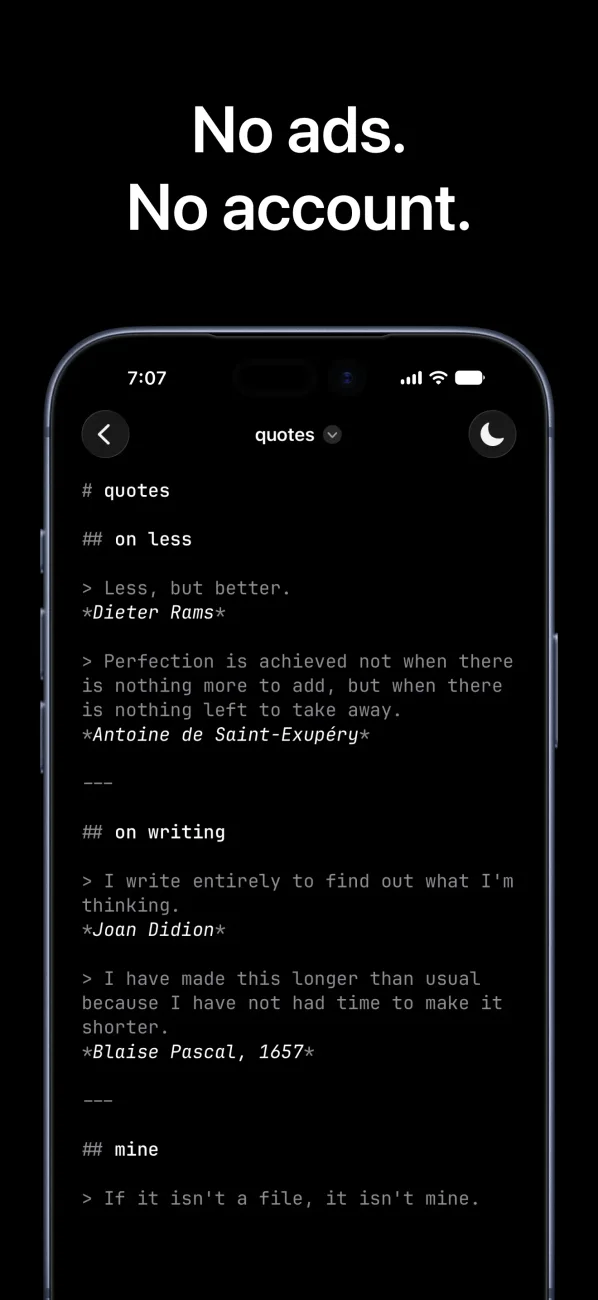
Markdown markers stay gently visible as you type. What you see is exactly what's in the file. A bar above the keyboard types the markers for you, with undo and redo a tap away.
## Organize
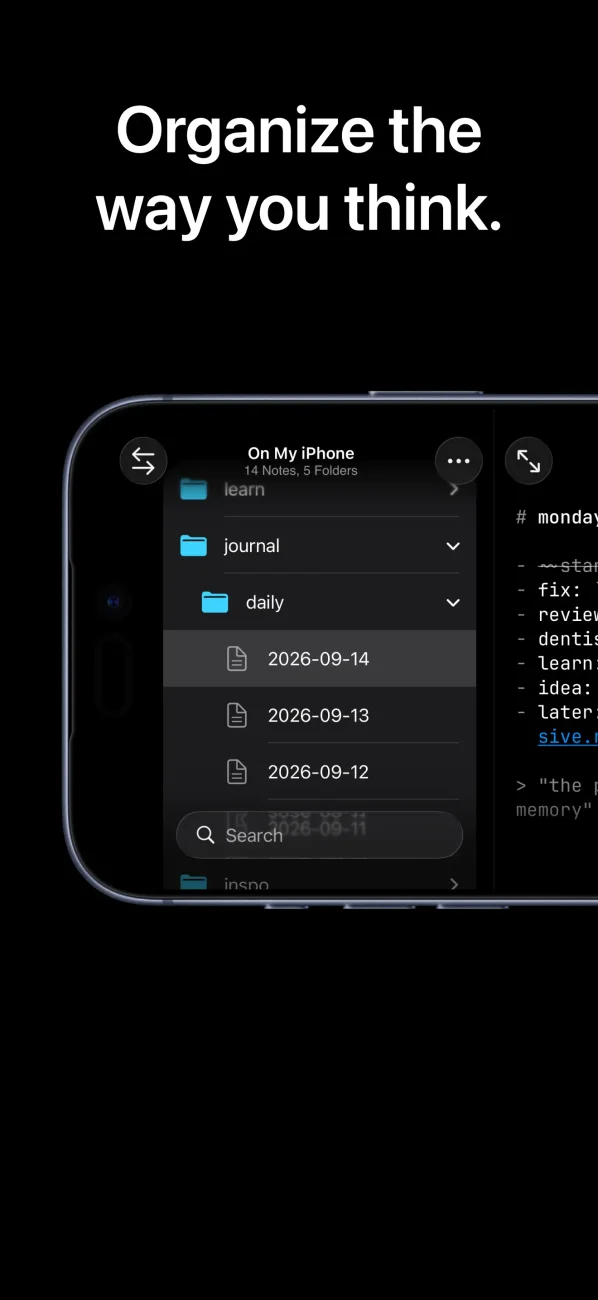
Folders, search, and quick note-making, all from one screen. Nothing to set up first. Put "daily" in a folder's name and new notes inside it get today's date as their name.
## No Catch
No ads. No subscription. No tracking. No account, ever.
Markdown notes. Yours to keep.
Nouveautés
Version 1.2.1 · 21/09/2026
## Fixes
- On iOS 27, the fade under the keyboard bar stopped short of the keyboard, and in landscape the fade under New Note was far too heavy. Both are gone: the note runs under the bar and shows through the keyboard.
- The keyboard bar keeps the same gap to the keyboard in portrait and landscape, and no longer drops onto it after Expand or Collapse.
- In landscape, "No Note Selected" sat above the middle of the note column after opening a folder or launching sideways. It is centered now.
- In landscape on iOS 27, an empty panel no longer slides in from the left edge.
- Long names stay on one line in the tree, in search results, and in the Move sheet, where the label of what you are moving no longer runs edge to edge.
Confidentialité de l’application
Ce que Herman Haidin déclare sur l’App Store au sujet du traitement des données par cette application.
-
Données non collectées
Le développeur ne collecte aucune donnée à partir de cette application.
Les pratiques en matière de confidentialité peuvent varier, notamment en fonction des fonctionnalités que vous utilisez ou de votre âge.
Informations
- Vendeur
- Herman Haidin
- Catégorie
- Productivité
- Version
- 1.2.1
- Mis à jour
- 21/09/2026
- Publié
- 20/08/2026
- Taille
- 8,0 Mo
- Nécessite
- iOS 26.0 ou version ultérieure
- Classification d’âge
- 4+
- Prix
- Gratuit
- Langues
- Anglais
- Copyright
- © 2026 Herman Haidin
Vous aimerez peut-être aussi
-
 Sift — Notes You Can FindProductivité
-
 HikkiProductivité
-
 Dazzy: Day Planner & To-DoProductivité
-
 Tuck : votre fil privéPublications, articles, vidéos
-
 Winter CalendarLa semaine écrite pour vous
-
 Jotei: Your Weekly PlannerProductivité
-
 Earful: Talk to your botsProductivité
-
 NoteManagerProNotes stylées avec des tags
-
 ZimeZumiProductivité
-
 Resecta: Redact PDFsProductivité