smalltype – Markdown Notes
Plain .md files, real folders
Được thiết kế cho iPhone
Miễn phí
- Độ tuổi4+
- Danh mụcHiệu Suất
- Nhà phát triểnHerman Haidin
- Ngôn ngữTiếng Anh
- Kích thước8,0 MB
Liên kết đến trang App Store chính thức
Download.org không lưu trữ tệp nào của smalltype – Markdown Notes. Nút này mở trang ứng dụng trên App Store, nơi Herman Haidin phát hành ứng dụng. Trang được kiểm tra lần cuối: 20/11/2026.
Ảnh chụp màn hình


Giới thiệu
Nhà phát triển chưa cung cấp nội dung này bằng ngôn ngữ của bạn.
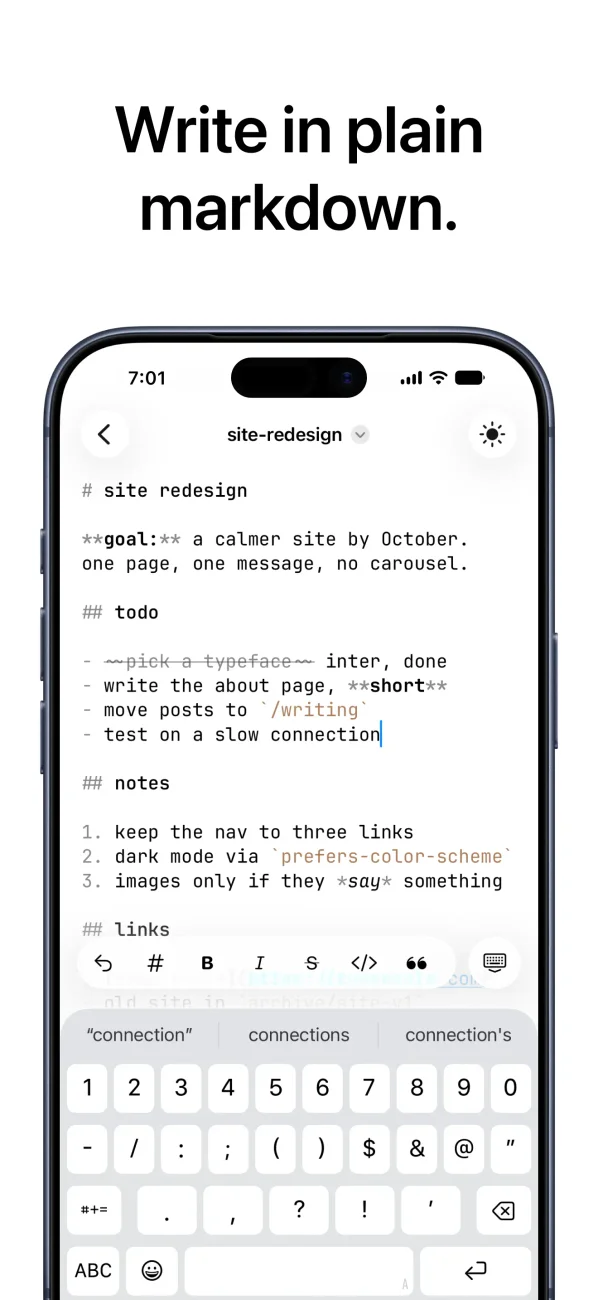
Short notes, many times a day, saved as plain .md files in real folders. Open the same folder on your Mac in VS Code, Vim, or any editor. Calm, minimal, and ready for iPhone Duo.
smalltype is for your notes. The small ones, the quick ones, the big ones, the unpolished ones. It's a fast, quiet place to type.
## Start
No tutorial, no setup screen. Tap New Note and start typing. Leave one empty and it quietly disappears, so you never end up with a pile of blank untitled notes. That's the whole app.
## Yours
Every note is a real .md file, sitting right there in the Files app. You can open it, copy it, or back it up yourself, anytime. Delete one and it still goes to Recently Deleted, same as any other file: nothing's gone for good.
## Sync or Don't
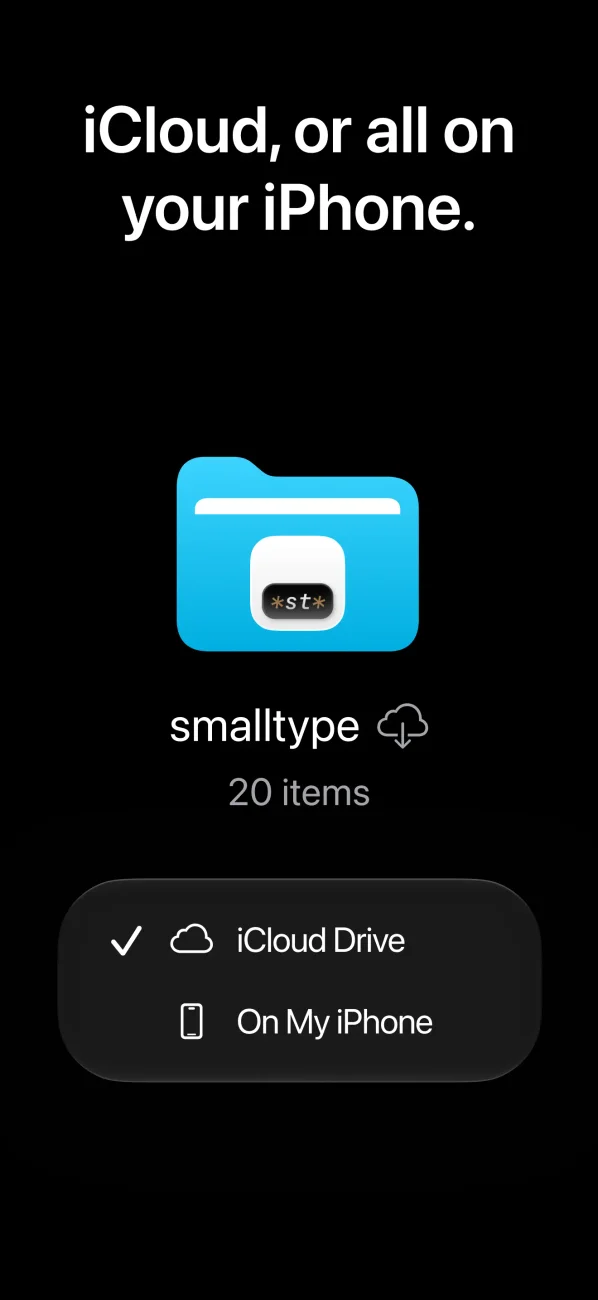
Keep notes in iCloud Drive to have them on every device. Or keep them On My iPhone, fully local, never leaving your device. Either way, you can switch anytime.
## Visible Markdown
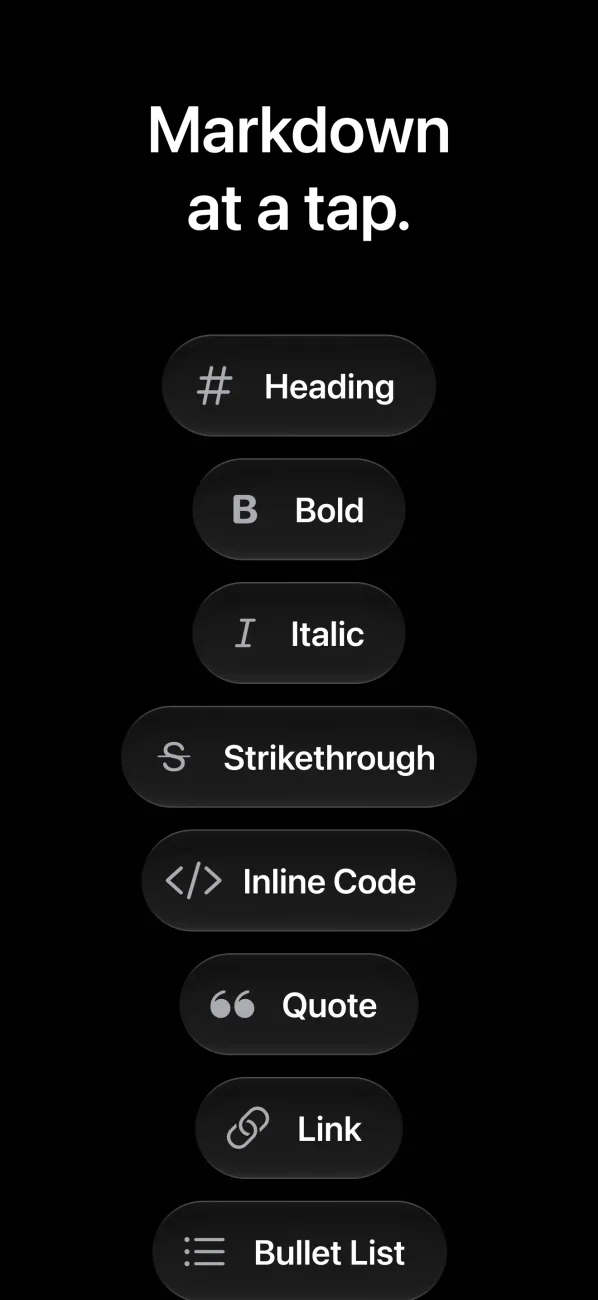
Markdown markers stay gently visible as you type. What you see is exactly what's in the file. A bar above the keyboard types the markers for you, with undo and redo a tap away.
## Organize
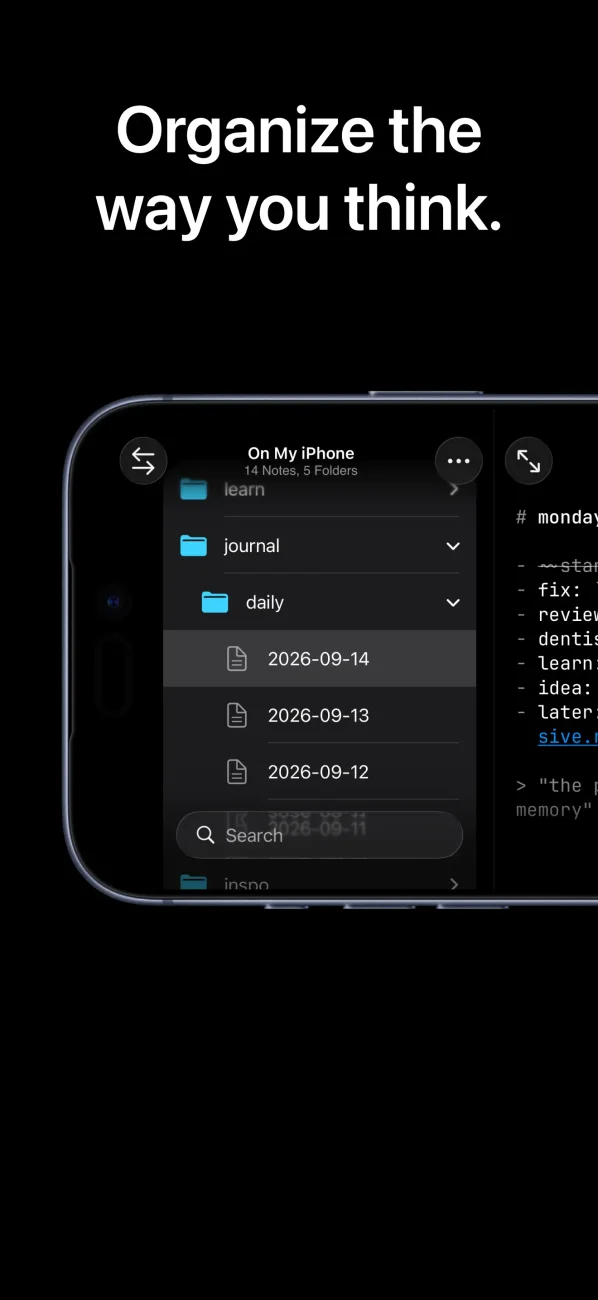
Folders, search, and quick note-making, all from one screen. Nothing to set up first. Put "daily" in a folder's name and new notes inside it get today's date as their name.
## No Catch
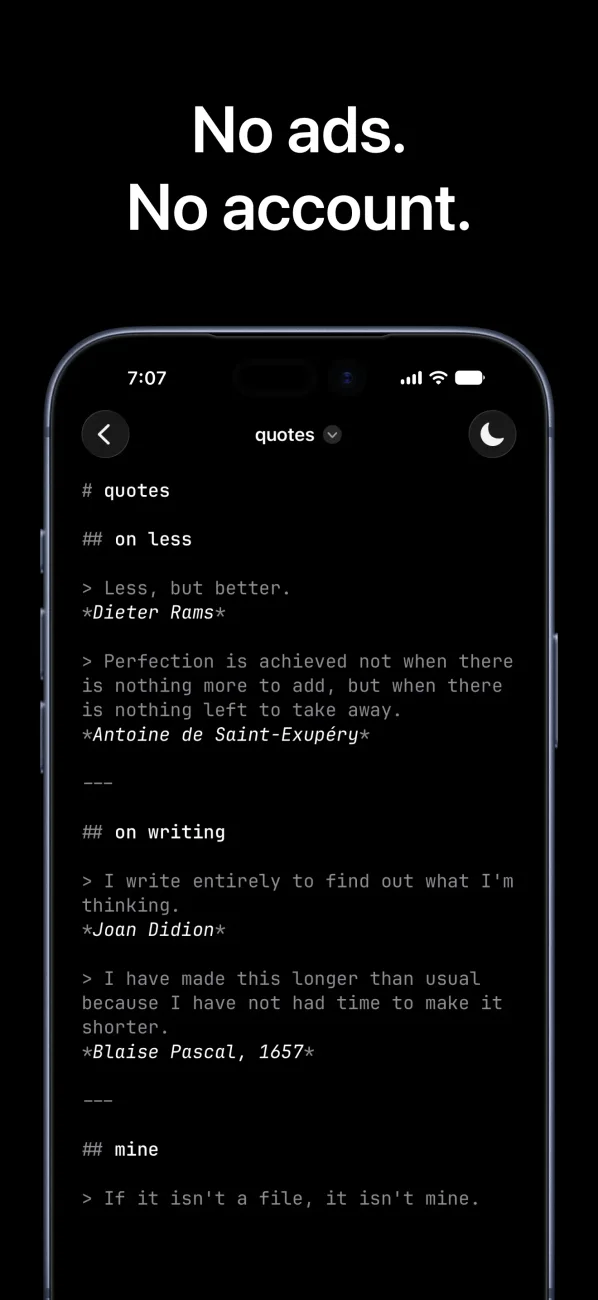
No ads. No subscription. No tracking. No account, ever.
Markdown notes. Yours to keep.
Có gì mới
Phiên bản 1.2.1 · 21/09/2026
## Fixes
- On iOS 27, the fade under the keyboard bar stopped short of the keyboard, and in landscape the fade under New Note was far too heavy. Both are gone: the note runs under the bar and shows through the keyboard.
- The keyboard bar keeps the same gap to the keyboard in portrait and landscape, and no longer drops onto it after Expand or Collapse.
- In landscape, "No Note Selected" sat above the middle of the note column after opening a folder or launching sideways. It is centered now.
- In landscape on iOS 27, an empty panel no longer slides in from the left edge.
- Long names stay on one line in the tree, in search results, and in the Move sheet, where the label of what you are moving no longer runs edge to edge.
Quyền riêng tư của ứng dụng
Những gì Herman Haidin khai báo trên App Store về cách ứng dụng này xử lý dữ liệu.
-
Dữ liệu không được thu thập
Nhà phát triển không thu thập bất kỳ dữ liệu nào từ ứng dụng này.
Phương thức đảm bảo quyền riêng tư có thể khác nhau, chẳng hạn như tuỳ theo các tính năng bạn sử dụng hoặc độ tuổi của bạn.
Thông tin
- Người bán
- Herman Haidin
- Danh mục
- Hiệu Suất
- Phiên bản
- 1.2.1
- Cập nhật
- 21/09/2026
- Phát hành
- 20/08/2026
- Kích thước
- 8,0 MB
- Yêu cầu
- iOS 26.0 trở lên
- Độ tuổi
- 4+
- Giá
- Miễn phí
- Ngôn ngữ
- Tiếng Anh
- Bản quyền
- © 2026 Herman Haidin