smalltype – Markdown Notes
Plain .md files, real folders
Dirancang untuk iPhone
Gratis
- Batasan usia4+
- KategoriProduktivitas
- PengembangHerman Haidin
- BahasaInggris
- Ukuran8,0 MB
Tertaut ke halaman resmi App Store
Download.org tidak menyimpan file smalltype – Markdown Notes apa pun. Tombol ini membuka halaman aplikasi di App Store, tempat Herman Haidin menerbitkannya. Halaman terakhir diperiksa pada 20/11/2026.
Tangkapan layar


Tentang
Pengembang belum menyediakan teks ini dalam bahasa Anda.
Short notes, many times a day, saved as plain .md files in real folders. Open the same folder on your Mac in VS Code, Vim, or any editor. Calm, minimal, and ready for iPhone Duo.
smalltype is for your notes. The small ones, the quick ones, the big ones, the unpolished ones. It's a fast, quiet place to type.
## Start
No tutorial, no setup screen. Tap New Note and start typing. Leave one empty and it quietly disappears, so you never end up with a pile of blank untitled notes. That's the whole app.
## Yours
Every note is a real .md file, sitting right there in the Files app. You can open it, copy it, or back it up yourself, anytime. Delete one and it still goes to Recently Deleted, same as any other file: nothing's gone for good.
## Sync or Don't
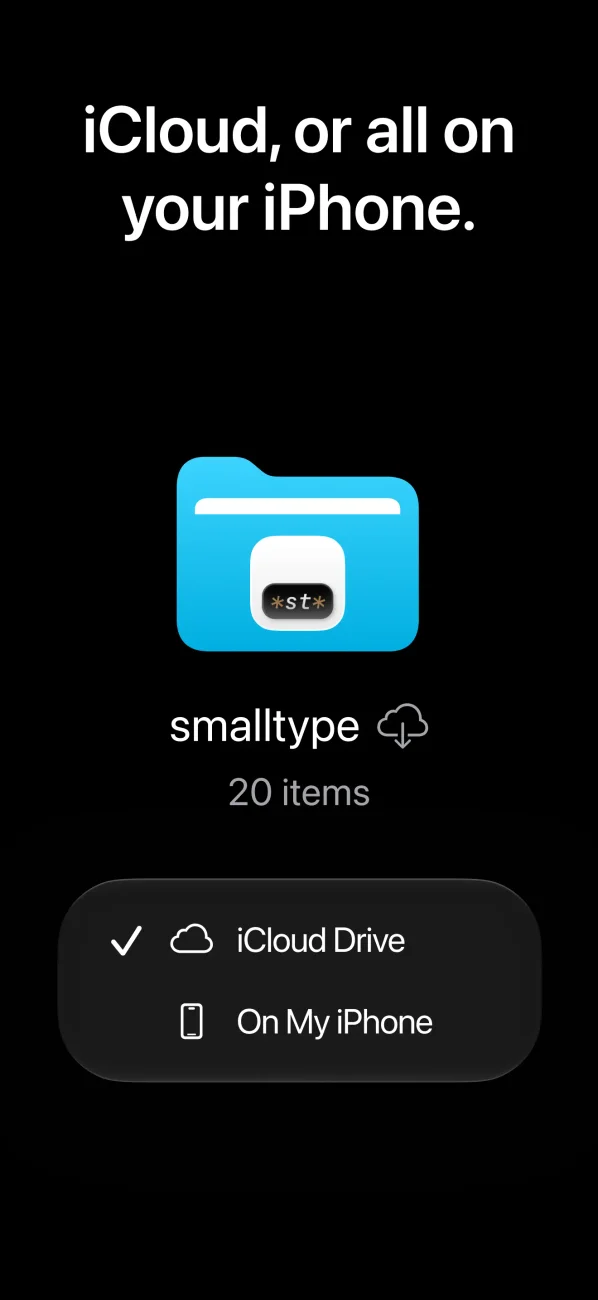
Keep notes in iCloud Drive to have them on every device. Or keep them On My iPhone, fully local, never leaving your device. Either way, you can switch anytime.
## Visible Markdown
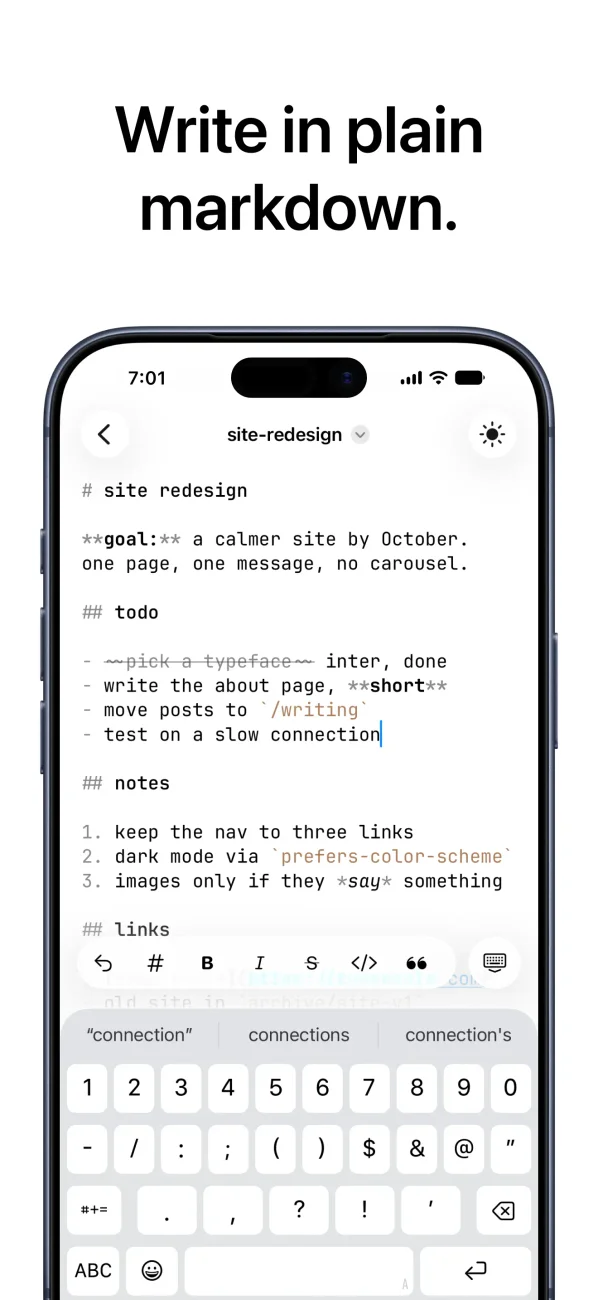
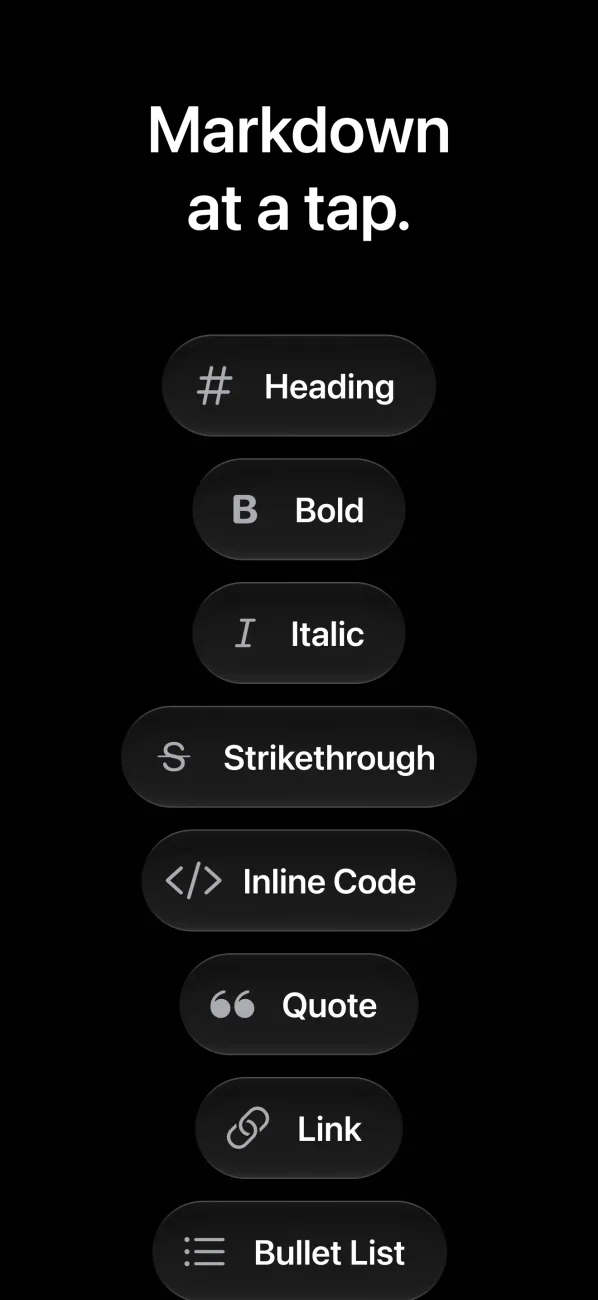
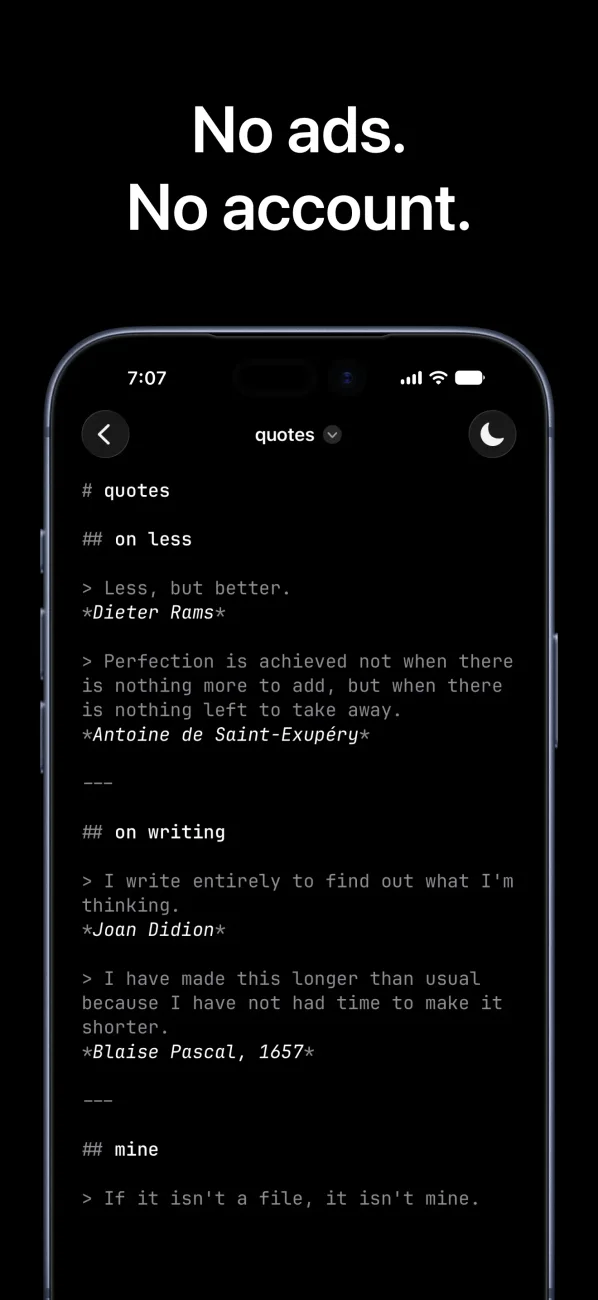
Markdown markers stay gently visible as you type. What you see is exactly what's in the file. A bar above the keyboard types the markers for you, with undo and redo a tap away.
## Organize
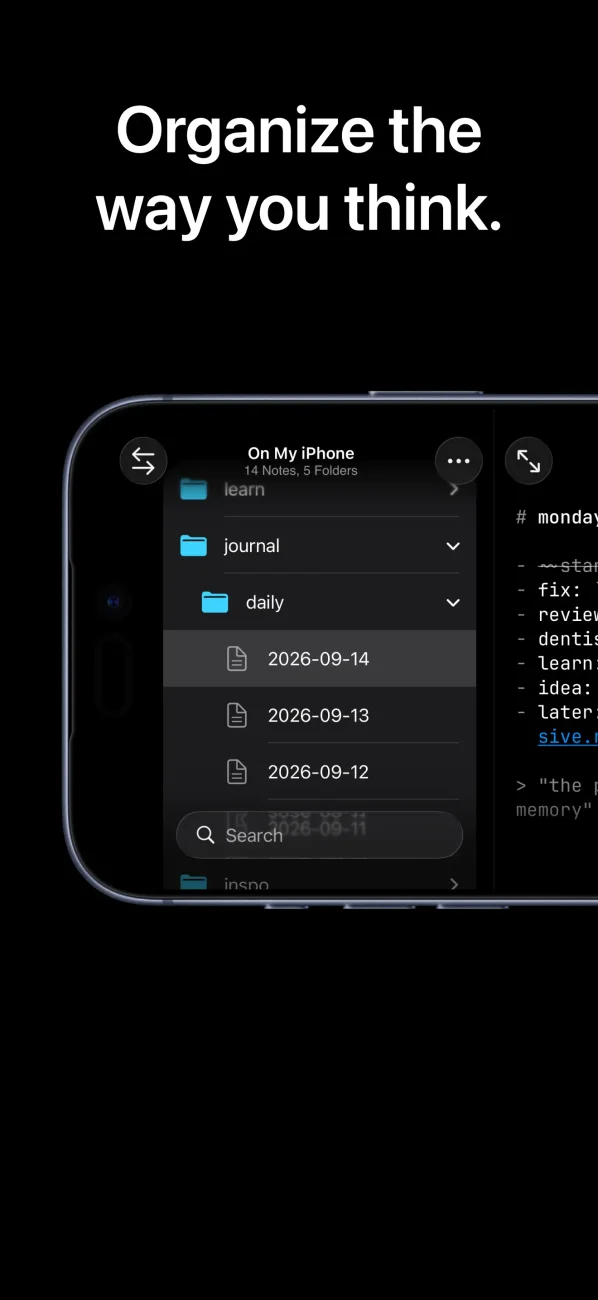
Folders, search, and quick note-making, all from one screen. Nothing to set up first. Put "daily" in a folder's name and new notes inside it get today's date as their name.
## No Catch
No ads. No subscription. No tracking. No account, ever.
Markdown notes. Yours to keep.
Yang baru
Versi 1.2.1 · 21/9/2026
## Fixes
- On iOS 27, the fade under the keyboard bar stopped short of the keyboard, and in landscape the fade under New Note was far too heavy. Both are gone: the note runs under the bar and shows through the keyboard.
- The keyboard bar keeps the same gap to the keyboard in portrait and landscape, and no longer drops onto it after Expand or Collapse.
- In landscape, "No Note Selected" sat above the middle of the note column after opening a folder or launching sideways. It is centered now.
- In landscape on iOS 27, an empty panel no longer slides in from the left edge.
- Long names stay on one line in the tree, in search results, and in the Move sheet, where the label of what you are moving no longer runs edge to edge.
Privasi aplikasi
Yang dinyatakan Herman Haidin di App Store tentang cara aplikasi ini menangani data.
-
Data tidak dikumpulkan
Pengembang tidak mengumpulkan data apa pun dari aplikasi ini.
Praktik privasi dapat bervariasi, misalnya berdasarkan fitur yang Anda gunakan atau usia Anda.
Informasi
- Penjual
- Herman Haidin
- Kategori
- Produktivitas
- Versi
- 1.2.1
- Diperbarui
- 21/9/2026
- Dirilis
- 20/8/2026
- Ukuran
- 8,0 MB
- Memerlukan
- iOS 26.0 atau yang lebih baru
- Batasan usia
- 4+
- Harga
- Gratis
- Bahasa
- Inggris
- Hak cipta
- © 2026 Herman Haidin
Mungkin Anda juga suka
-
 Sift — Notes You Can FindProduktivitas
-
 HikkiProduktivitas
-
 Dazzy: Day Planner & To-DoProduktivitas
-
 Tuck: Private FeedProduktivitas
-
 Winter CalendarProduktivitas
-
 Jotei: Your Weekly PlannerProduktivitas
-
 Earful: Talk to your botsProduktivitas
-
 NoteManagerProProduktivitas
-
 ZimeZumiProduktivitas
-
 Resecta: Redact PDFsProduktivitas