SnapScan: Document PDF Scanner
Mobile Scan, Sign & Edit Docs
Conçue pour iPhone
Gratuit · Achats intégrés
- Classification d’âge4+
- CatégorieÉconomie et entreprise
- DéveloppeurOleksiy Babich
- LanguesAnglais
- Taille3,6 Mo
Renvoie vers la page App Store officielle
Download.org n’héberge aucun fichier de SnapScan: Document PDF Scanner. Le bouton ouvre la page de l’application sur App Store, où Oleksiy Babich la publie. Fiche vérifiée pour la dernière fois le 17/11/2026.
Captures d’écran
À propos
Le développeur n’a pas fourni ce texte dans votre langue.
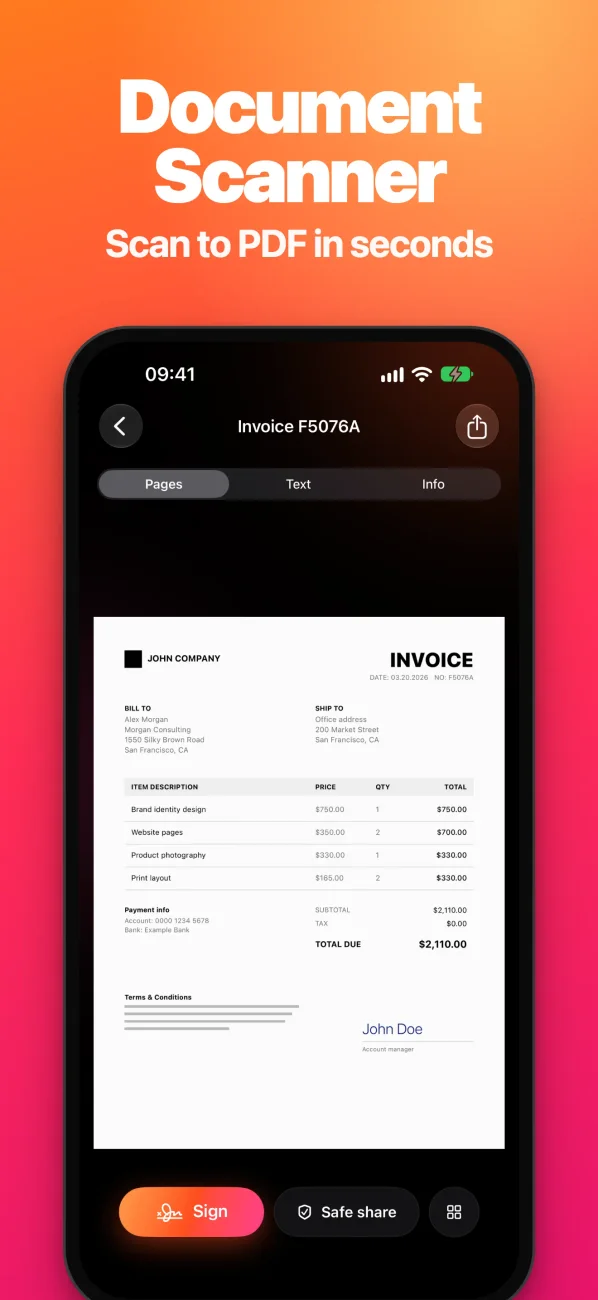
SnapScan turns your iPhone into a mobile PDF scanner for documents, IDs, invoices, receipts, contracts, warranties, manuals and business cards. Scan, edit, sign and share any document as a PDF in seconds.
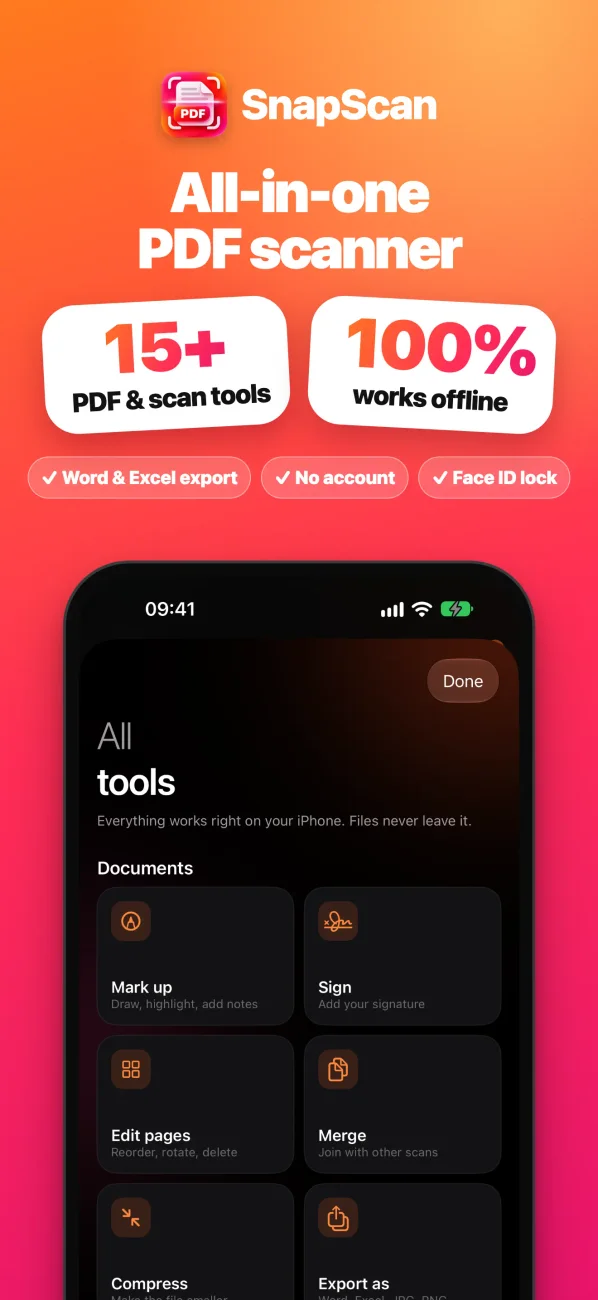
15+ tools in one app, and they all work offline. Your files stay on your phone. SnapScan does not collect any data and does not need an account.
SCAN
Scan many pages in a row. Edges are found and cropped automatically
Import photos and PDF files you already have
Smart folders sort scans for you: receipts, IDs, medical, warranty, car, home, work and travel
EDIT PDF
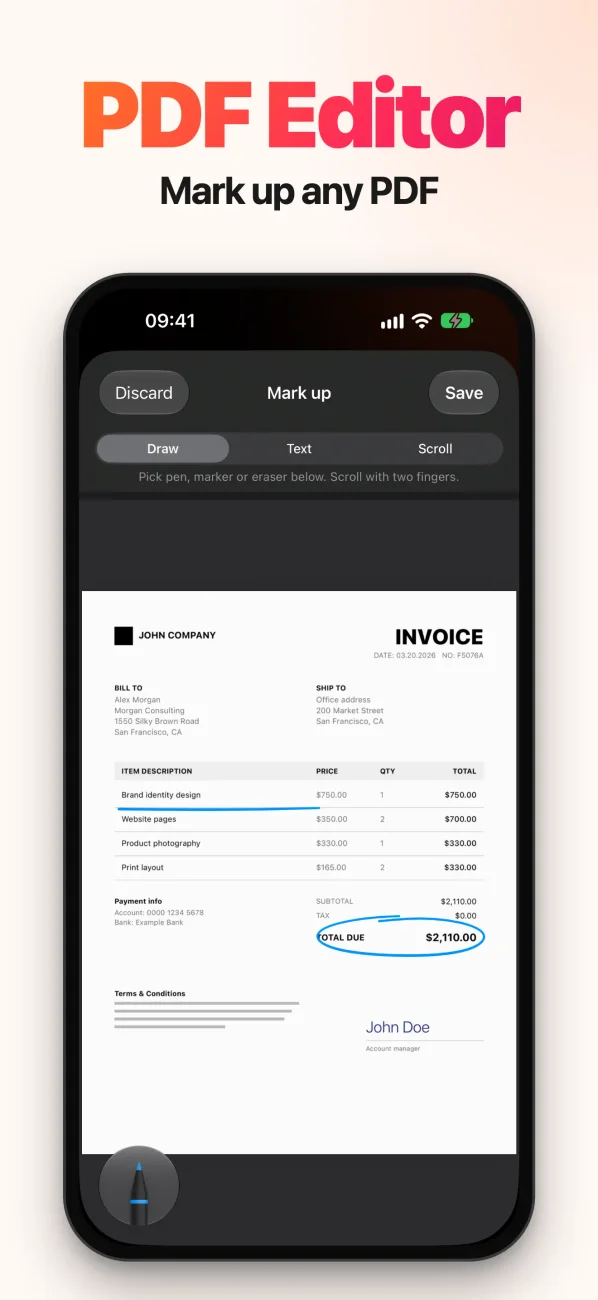
Mark up any PDF: draw, highlight and add notes
Reorder, rotate and delete pages
Merge several scans into one PDF
Crop, rotate and improve scans with filters
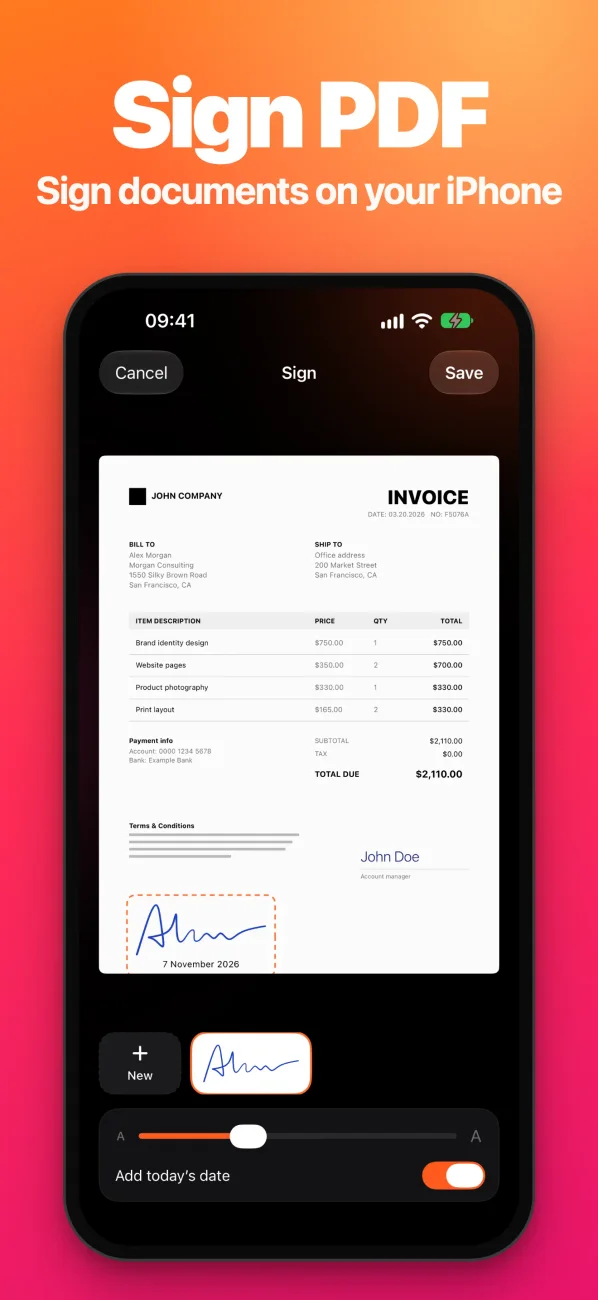
SIGN DOCUMENTS
Draw your signature once and place it on any document
Add today's date next to it
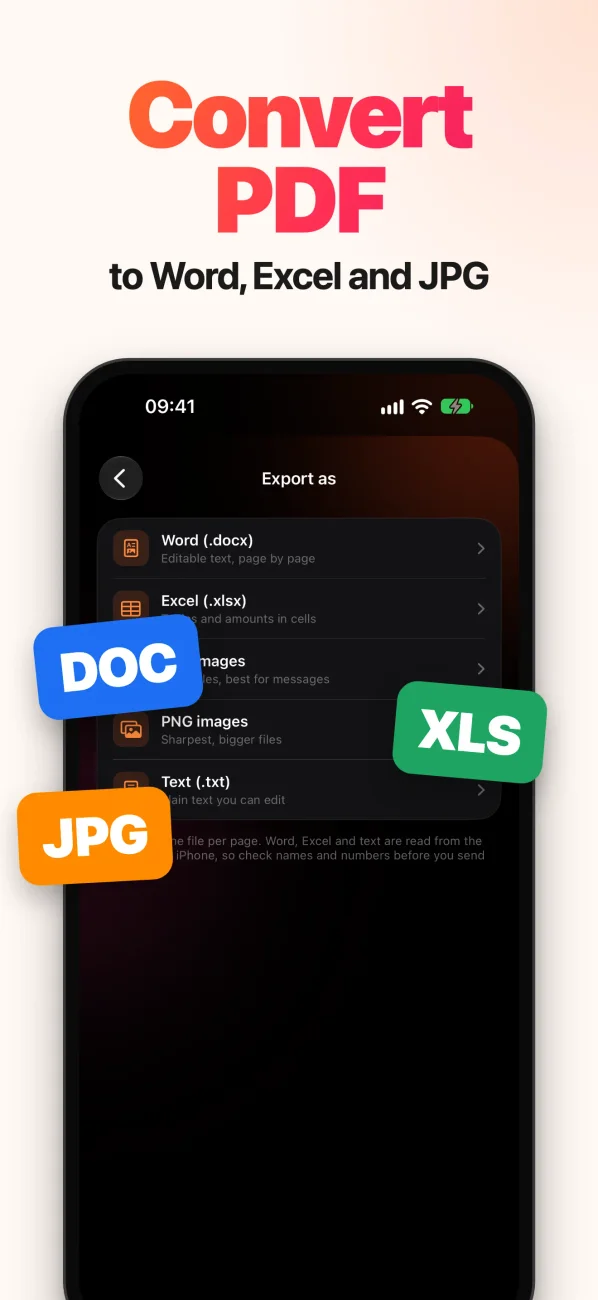
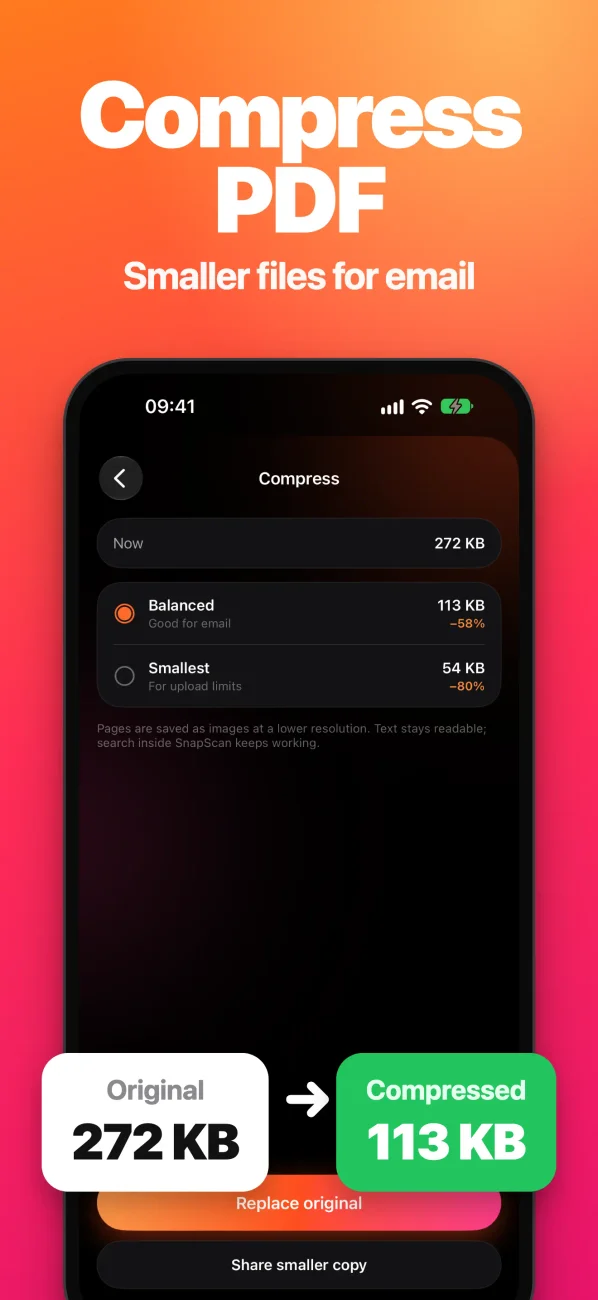
CONVERT AND COMPRESS
Export a PDF as Word, Excel, JPG, PNG or plain text
Compress a PDF so it fits email and upload limits
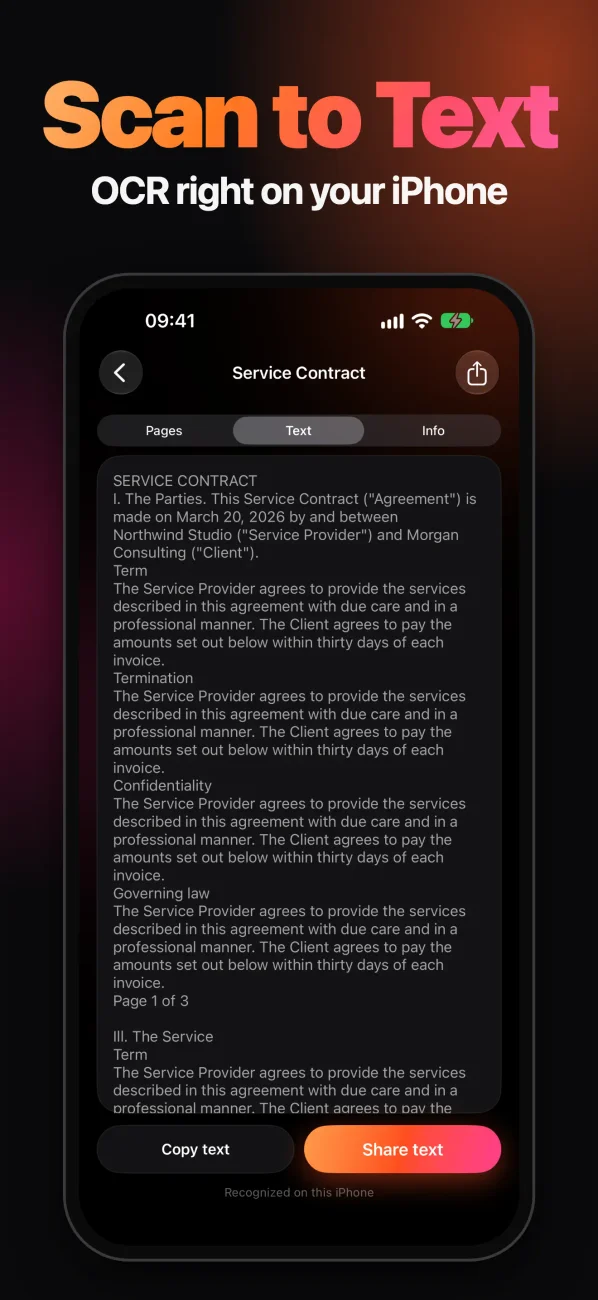
TEXT RECOGNITION (OCR)
Recognize text in your scans right on the iPhone
Copy or share the text
Search inside every scan to find a document by what it says
PRIVATE AND SAFE
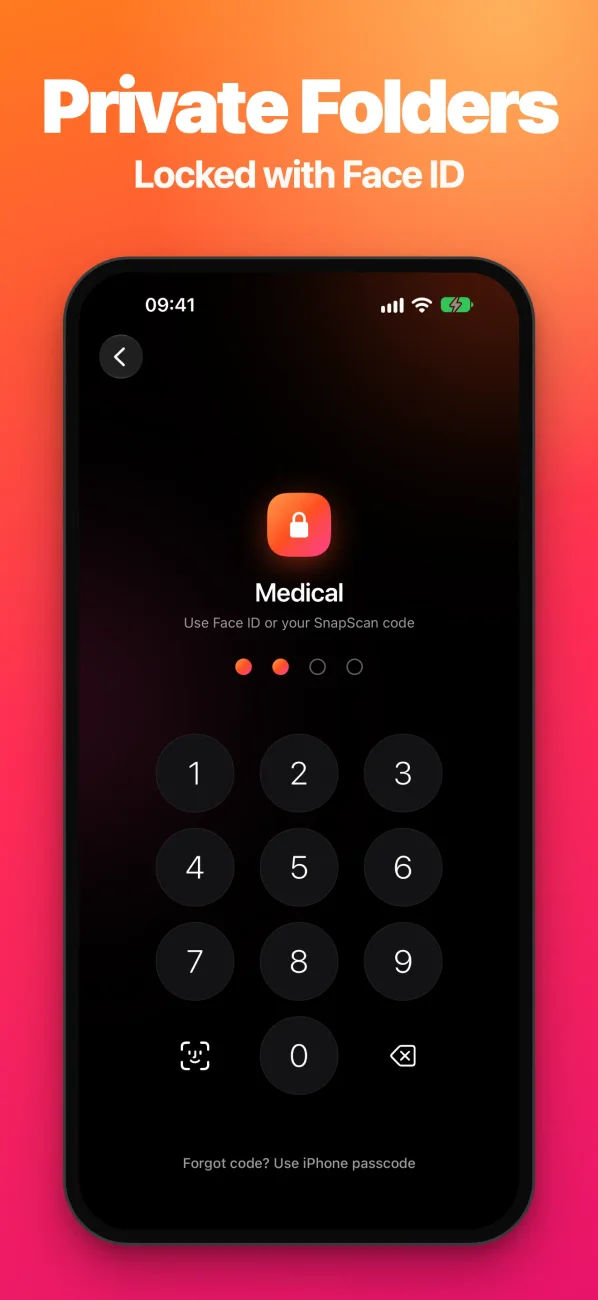
Lock folders with Face ID or your SnapScan code
Safe share: hide private details before you send a copy
No data collection, no account, no cloud of ours
REMINDERS
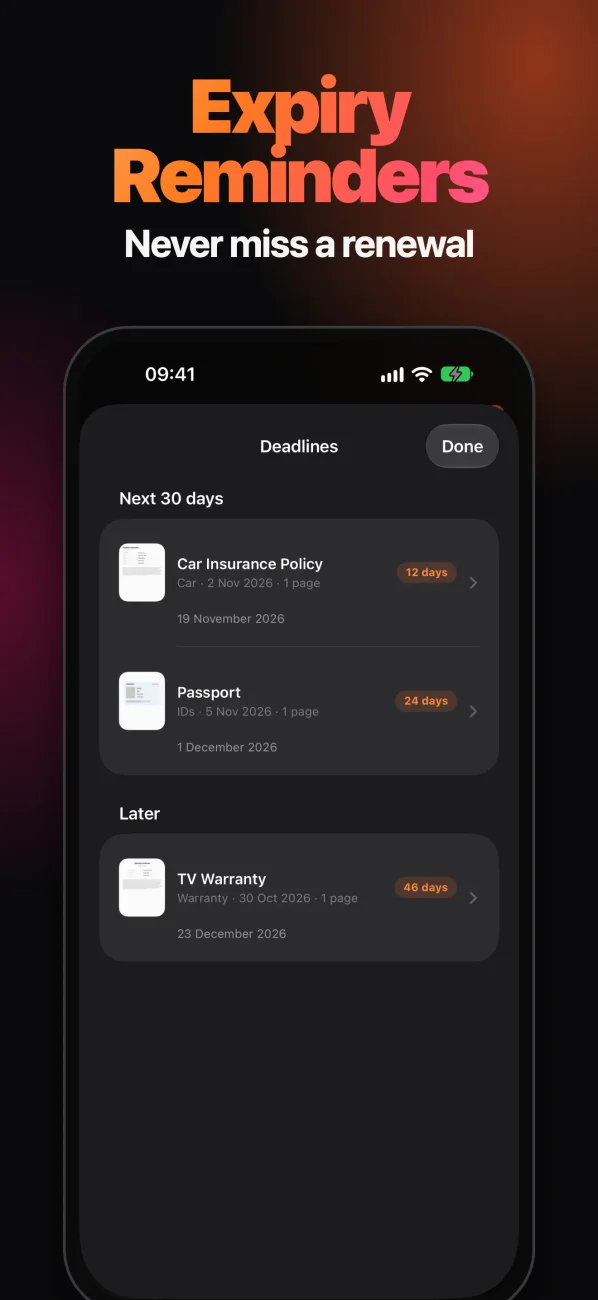
SnapScan finds expiry dates on passports, insurance and warranties and reminds you before they run out
BUSINESS CARDS AND QR CODES
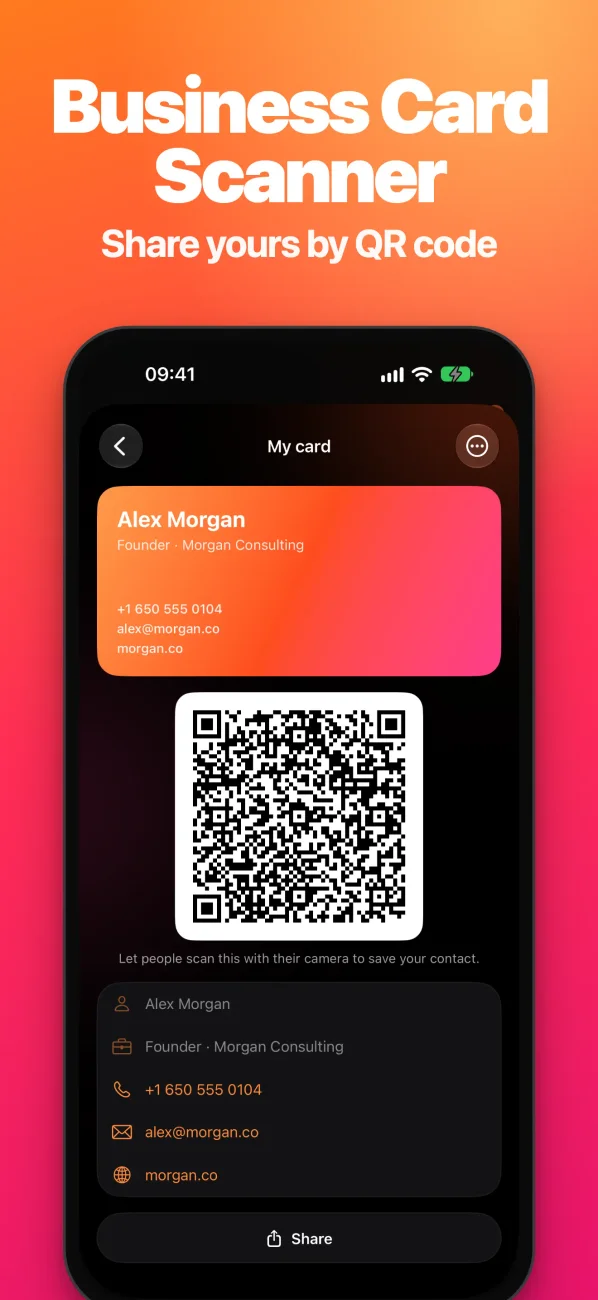
Scan business cards and save them as contacts
Share your own card as a QR code
Scan and create QR codes and barcodes
SHARE
Send PDFs by AirDrop, Mail and Messages, or save them to Files, iCloud Drive, Google Drive or Dropbox
SNAPSCAN PREMIUM SnapScan is free to download and use.
Premium unlocks:
Unlimited scans and folders
Copy text, Word and Excel export
Safe share and unlimited signatures
Merge and compress PDFs
Scan filters and page extract
Choose a weekly, monthly or yearly subscription. The price is shown in the app before you buy. Payment is charged to your Apple Account when you confirm the purchase. The subscription renews automatically unless you turn it off at least 24 hours before the end of the current period, and your account is charged for renewal within 24 hours before that. You can manage or cancel your subscription in your Apple Account settings after purchase.
Privacy Policy: https://feeltheskill.com/snapscan/privacy
Terms of Use: https://feeltheskill.com/snapscan/terms
Questions and support: https://feeltheskill.com/snapscan/
Nouveautés
Version 2.0 · 10/11/2026
SnapScan 2.0 is a whole new app
Edit PDFs: draw, highlight and add notes
Sign documents with your own signature
Convert PDFs to Word, Excel, JPG and PNG
Merge and compress PDF files
Smart folders that sort your scans
Lock folders with Face ID
Reminders before passports, insurance and warranties expire
Business cards with your own QR code
Light and dark mode, and a new design
Your documents, folders and passcode move over automatically.
Confidentialité de l’application
Ce que Oleksiy Babich déclare sur l’App Store au sujet du traitement des données par cette application.
-
Données non collectées
Le développeur ne collecte aucune donnée à partir de cette application.
Les pratiques en matière de confidentialité peuvent varier, notamment en fonction des fonctionnalités que vous utilisez ou de votre âge.
Informations
- Vendeur
- Oleksiy Babich
- Catégorie
- Économie et entreprise
- Version
- 2.0
- Mis à jour
- 10/11/2026
- Publié
- 27/06/2022
- Taille
- 3,6 Mo
- Nécessite
- iOS 17.0 ou version ultérieure
- Classification d’âge
- 4+
- Prix
- Gratuit
- Achats intégrés
- Oui
- Langues
- Anglais
- Copyright
- 2026 © OB
Vous aimerez peut-être aussi
-
 aSubnetÉconomie et entreprise
-
 TBA NowÉconomie et entreprise
-
 FastCalc liteRapide, lisible, efficace
-
 Busch AgÉconomie et entreprise
-
 The Tracking CompanyÉconomie et entreprise
-
 Scanner PDF - Document MakerScanner documents et photos
-
 PnP DriverÉconomie et entreprise
-
 Suivi des objectifs et desObjectifs quotidiens,
-
 FOXE: PDF Merger & SplitterProductivité
-
 Roth Conversion CalculatorFinance