SnapScan: Document PDF Scanner
Mobile Scan, Sign & Edit Docs
Được thiết kế cho iPhone
Miễn phí · Mua hàng trong ứng dụng
- Độ tuổi4+
- Danh mụcKinh Doanh
- Nhà phát triểnOleksiy Babich
- Ngôn ngữTiếng Anh
- Kích thước3,6 MB
Liên kết đến trang App Store chính thức
Download.org không lưu trữ tệp nào của SnapScan: Document PDF Scanner. Nút này mở trang ứng dụng trên App Store, nơi Oleksiy Babich phát hành ứng dụng. Trang được kiểm tra lần cuối: 17/11/2026.
Ảnh chụp màn hình
Giới thiệu
Nhà phát triển chưa cung cấp nội dung này bằng ngôn ngữ của bạn.
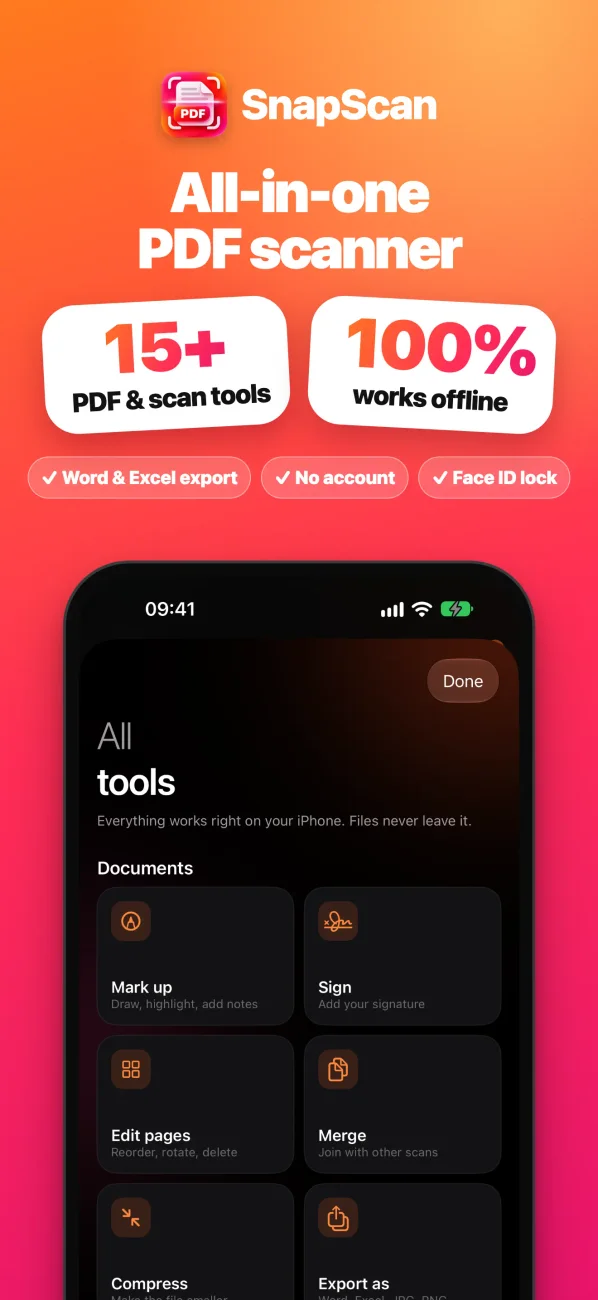
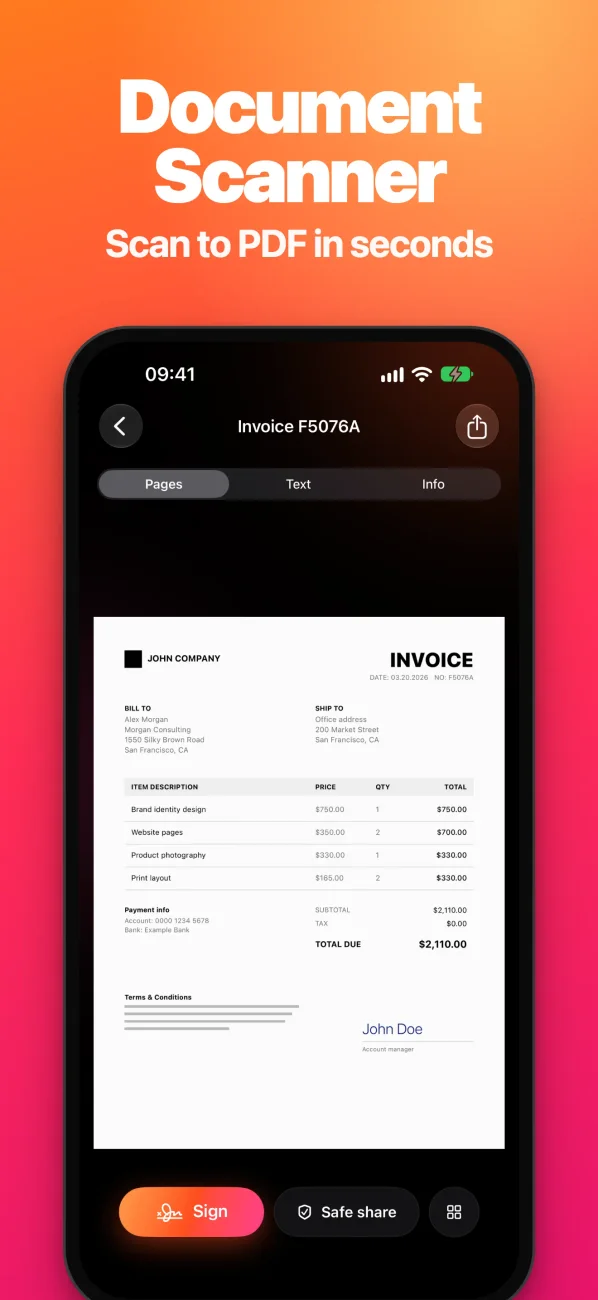
SnapScan turns your iPhone into a mobile PDF scanner for documents, IDs, invoices, receipts, contracts, warranties, manuals and business cards. Scan, edit, sign and share any document as a PDF in seconds.
15+ tools in one app, and they all work offline. Your files stay on your phone. SnapScan does not collect any data and does not need an account.
SCAN
Scan many pages in a row. Edges are found and cropped automatically
Import photos and PDF files you already have
Smart folders sort scans for you: receipts, IDs, medical, warranty, car, home, work and travel
EDIT PDF
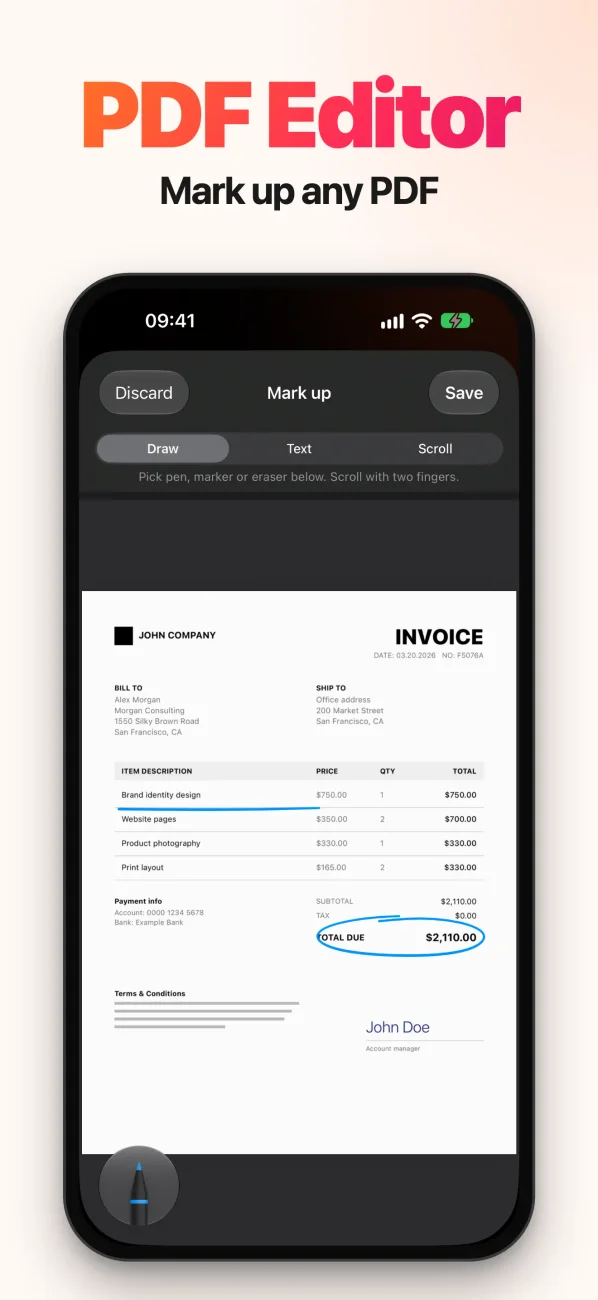
Mark up any PDF: draw, highlight and add notes
Reorder, rotate and delete pages
Merge several scans into one PDF
Crop, rotate and improve scans with filters
SIGN DOCUMENTS
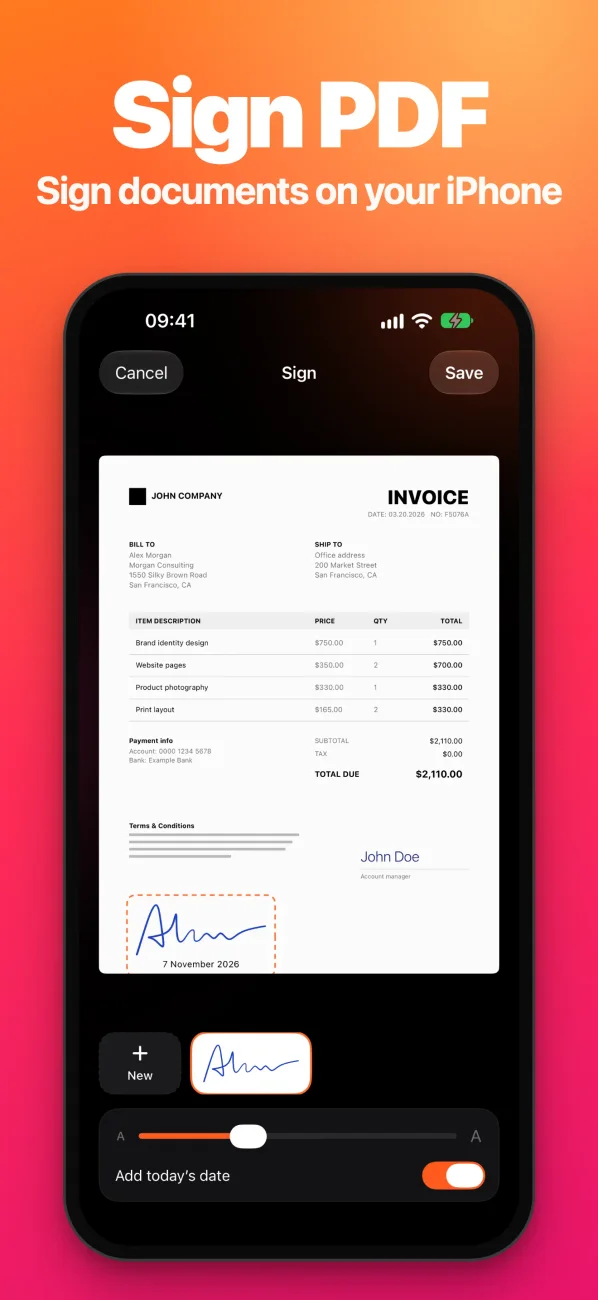
Draw your signature once and place it on any document
Add today's date next to it
CONVERT AND COMPRESS
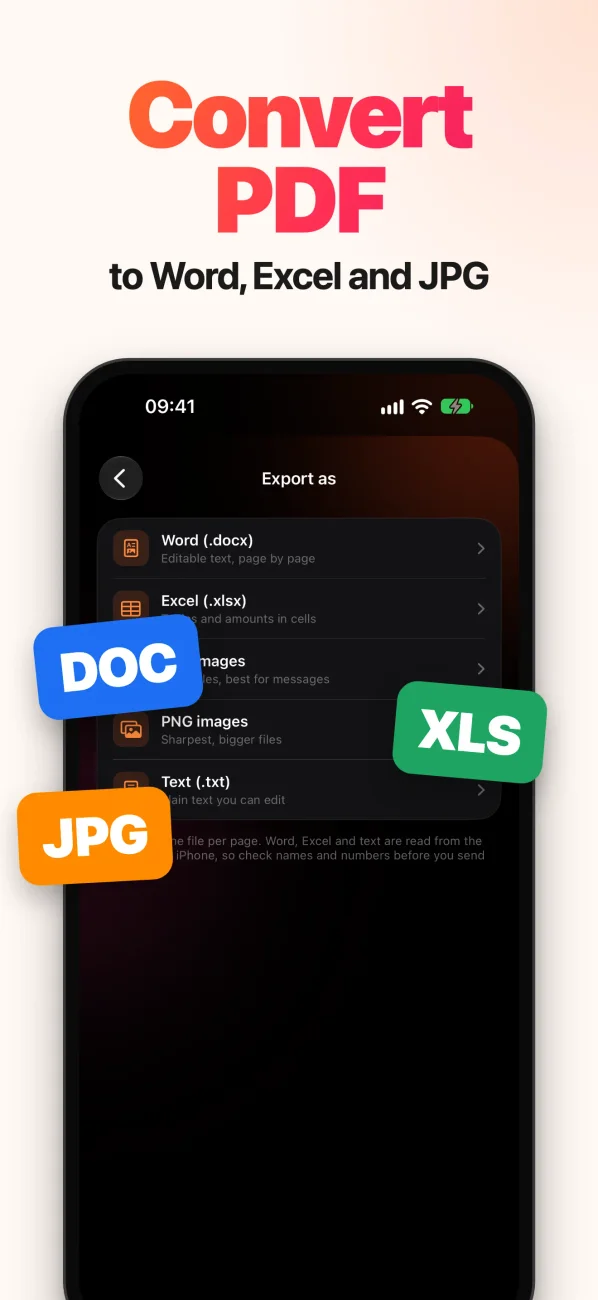
Export a PDF as Word, Excel, JPG, PNG or plain text
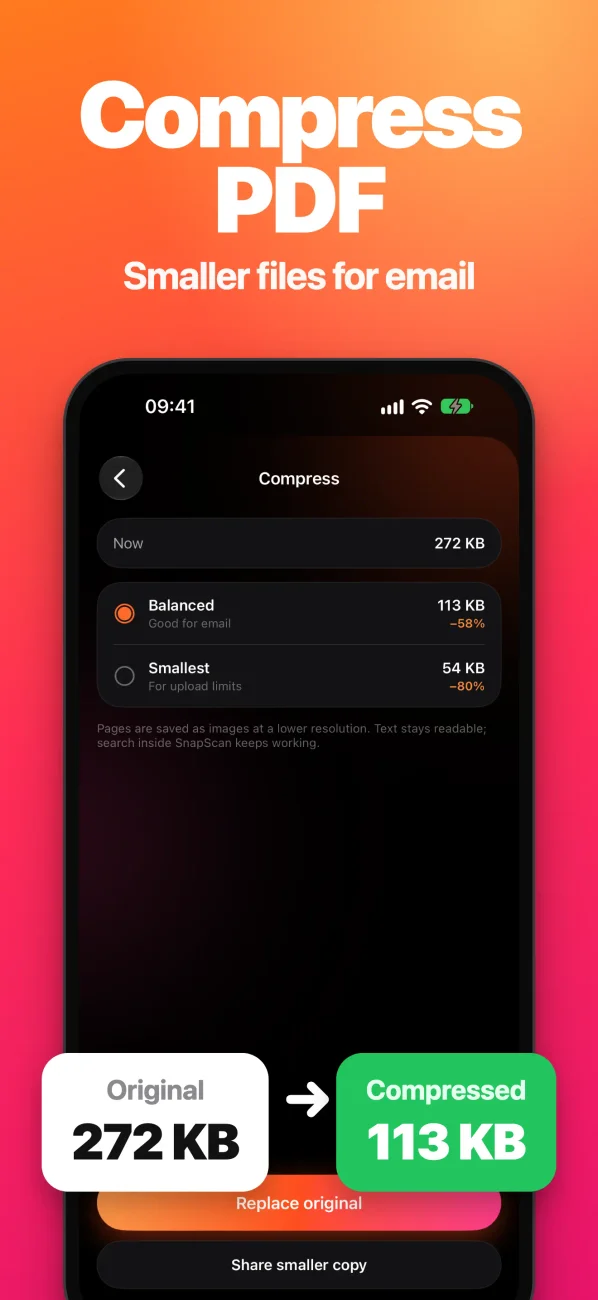
Compress a PDF so it fits email and upload limits
TEXT RECOGNITION (OCR)
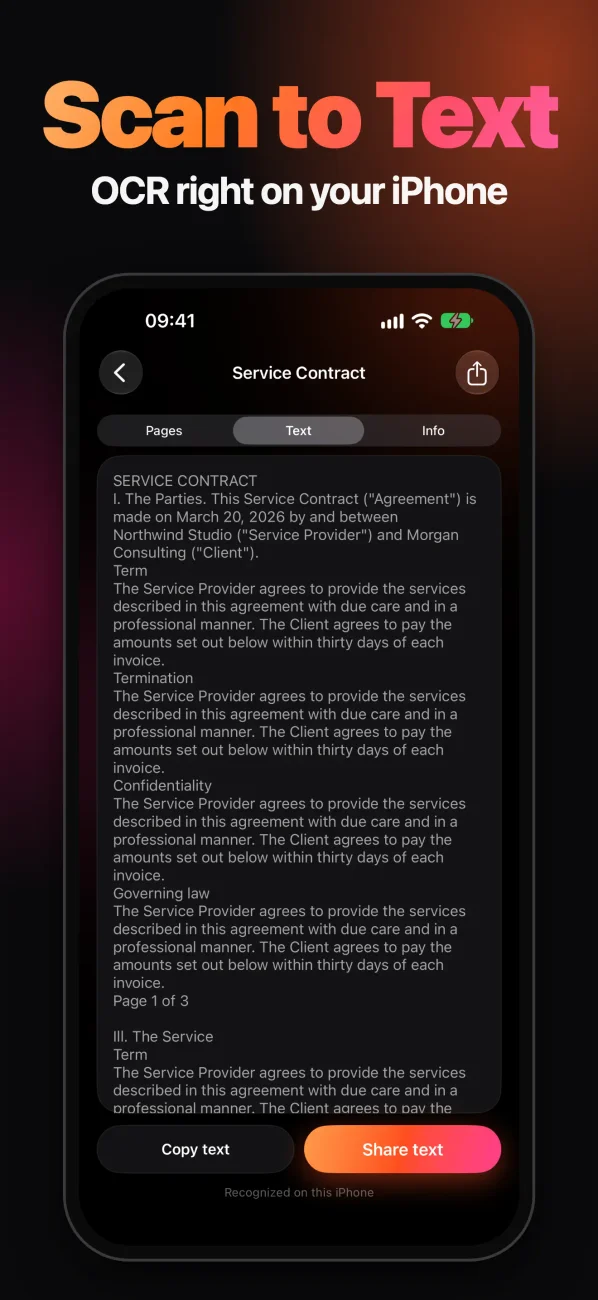
Recognize text in your scans right on the iPhone
Copy or share the text
Search inside every scan to find a document by what it says
PRIVATE AND SAFE
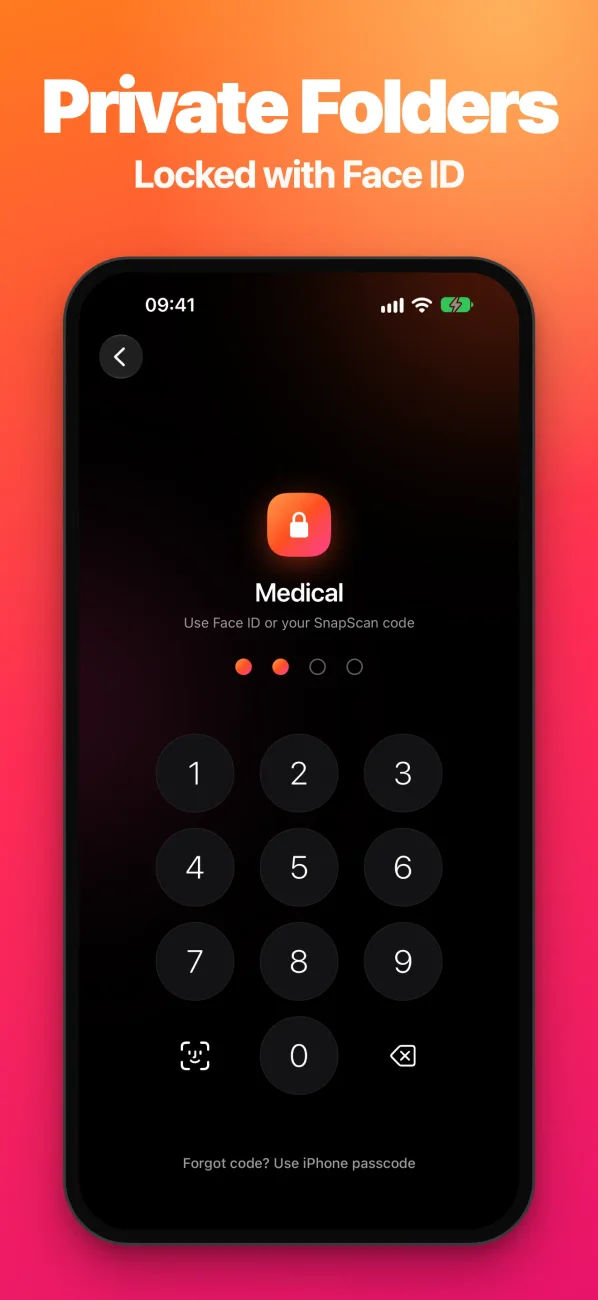
Lock folders with Face ID or your SnapScan code
Safe share: hide private details before you send a copy
No data collection, no account, no cloud of ours
REMINDERS
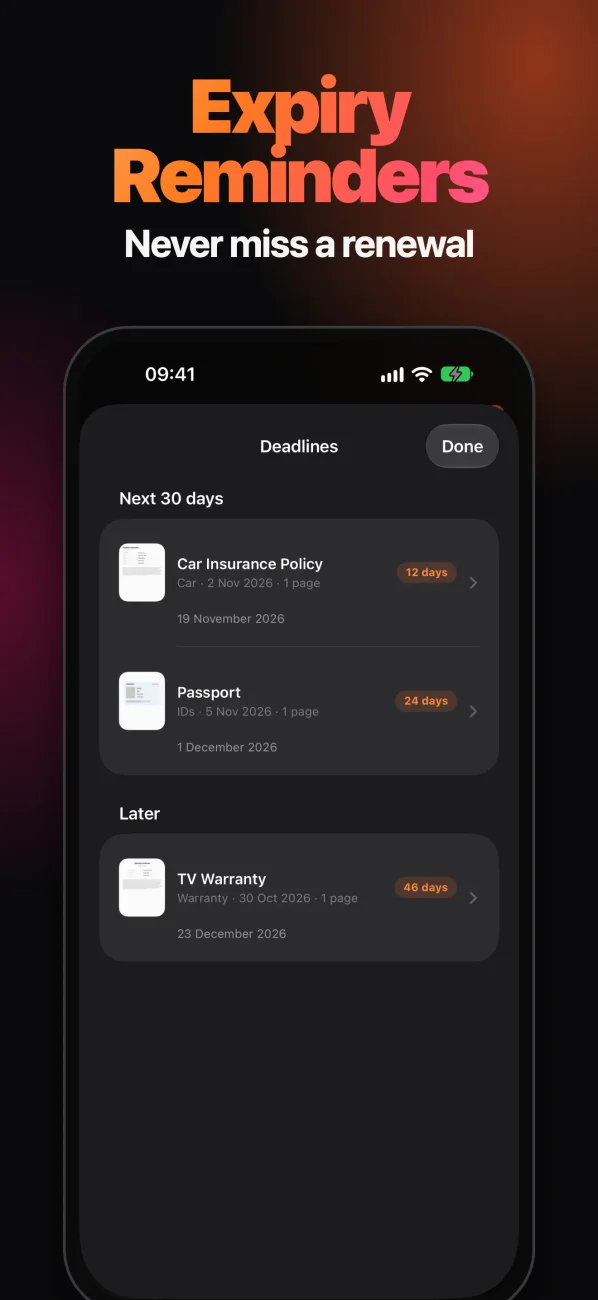
SnapScan finds expiry dates on passports, insurance and warranties and reminds you before they run out
BUSINESS CARDS AND QR CODES
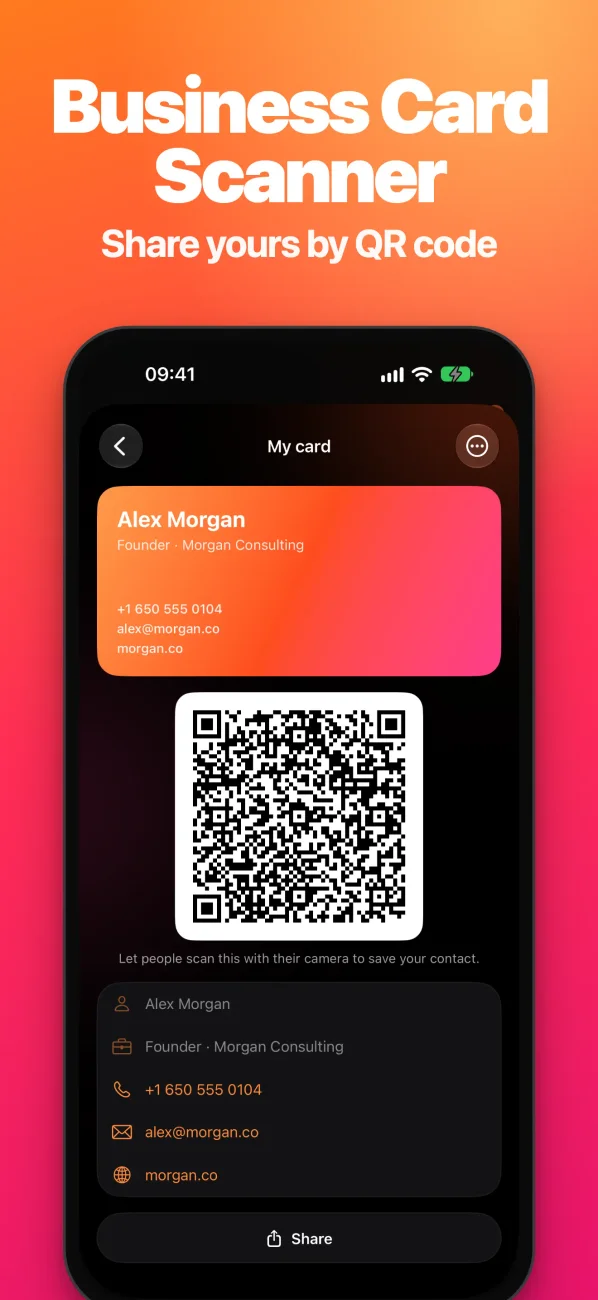
Scan business cards and save them as contacts
Share your own card as a QR code
Scan and create QR codes and barcodes
SHARE
Send PDFs by AirDrop, Mail and Messages, or save them to Files, iCloud Drive, Google Drive or Dropbox
SNAPSCAN PREMIUM SnapScan is free to download and use.
Premium unlocks:
Unlimited scans and folders
Copy text, Word and Excel export
Safe share and unlimited signatures
Merge and compress PDFs
Scan filters and page extract
Choose a weekly, monthly or yearly subscription. The price is shown in the app before you buy. Payment is charged to your Apple Account when you confirm the purchase. The subscription renews automatically unless you turn it off at least 24 hours before the end of the current period, and your account is charged for renewal within 24 hours before that. You can manage or cancel your subscription in your Apple Account settings after purchase.
Privacy Policy: https://feeltheskill.com/snapscan/privacy
Terms of Use: https://feeltheskill.com/snapscan/terms
Questions and support: https://feeltheskill.com/snapscan/
Có gì mới
Phiên bản 2.0 · 10/11/2026
SnapScan 2.0 is a whole new app
Edit PDFs: draw, highlight and add notes
Sign documents with your own signature
Convert PDFs to Word, Excel, JPG and PNG
Merge and compress PDF files
Smart folders that sort your scans
Lock folders with Face ID
Reminders before passports, insurance and warranties expire
Business cards with your own QR code
Light and dark mode, and a new design
Your documents, folders and passcode move over automatically.
Quyền riêng tư của ứng dụng
Những gì Oleksiy Babich khai báo trên App Store về cách ứng dụng này xử lý dữ liệu.
-
Dữ liệu không được thu thập
Nhà phát triển không thu thập bất kỳ dữ liệu nào từ ứng dụng này.
Phương thức đảm bảo quyền riêng tư có thể khác nhau, chẳng hạn như tuỳ theo các tính năng bạn sử dụng hoặc độ tuổi của bạn.
Thông tin
- Người bán
- Oleksiy Babich
- Danh mục
- Kinh Doanh
- Phiên bản
- 2.0
- Cập nhật
- 10/11/2026
- Phát hành
- 27/06/2022
- Kích thước
- 3,6 MB
- Yêu cầu
- iOS 17.0 trở lên
- Độ tuổi
- 4+
- Giá
- Miễn phí
- Mua hàng trong ứng dụng
- Có
- Ngôn ngữ
- Tiếng Anh
- Bản quyền
- 2026 © OB