- 対象年齢4+
- カテゴリビジネス
- 開発元Oleksiy Babich
- 言語英語
- サイズ3.6 MB
App Storeの公式ページにリンクしています
Download.orgはSnapScan: Document PDF Scannerのファイルを一切ホストしていません。ボタンを押すと、Oleksiy Babichが公開しているApp Storeのアプリページが開きます。ページの最終確認:2026/11/17。
スクリーンショット
概要
開発元はこのテキストをお使いの言語で提供していません。
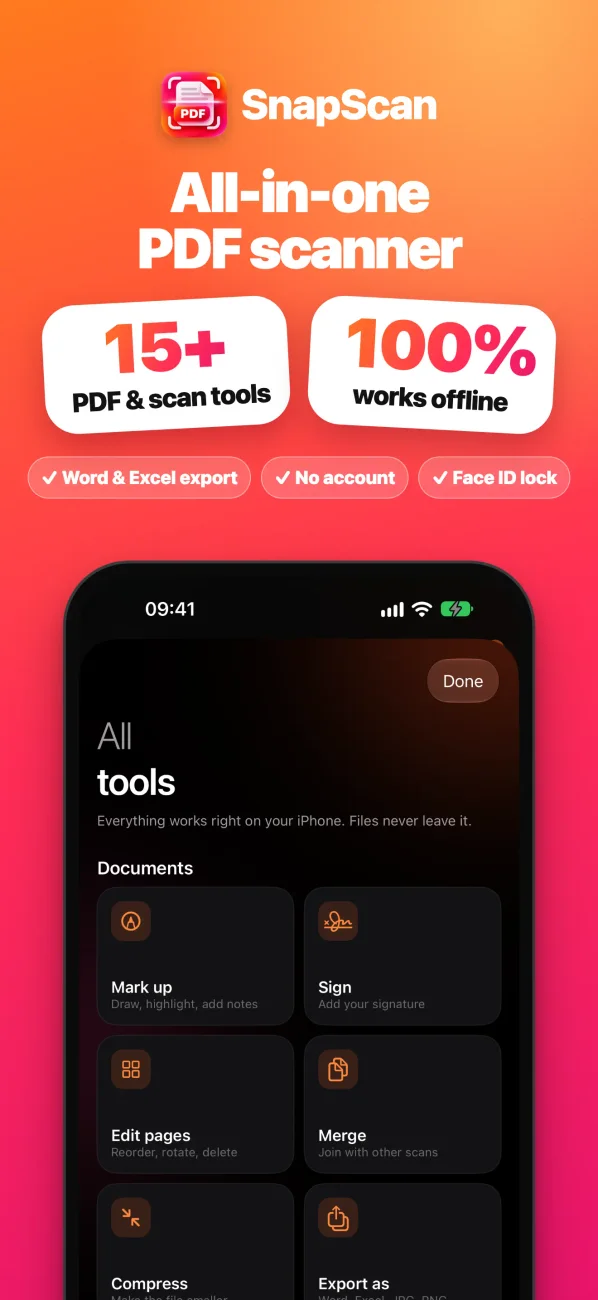
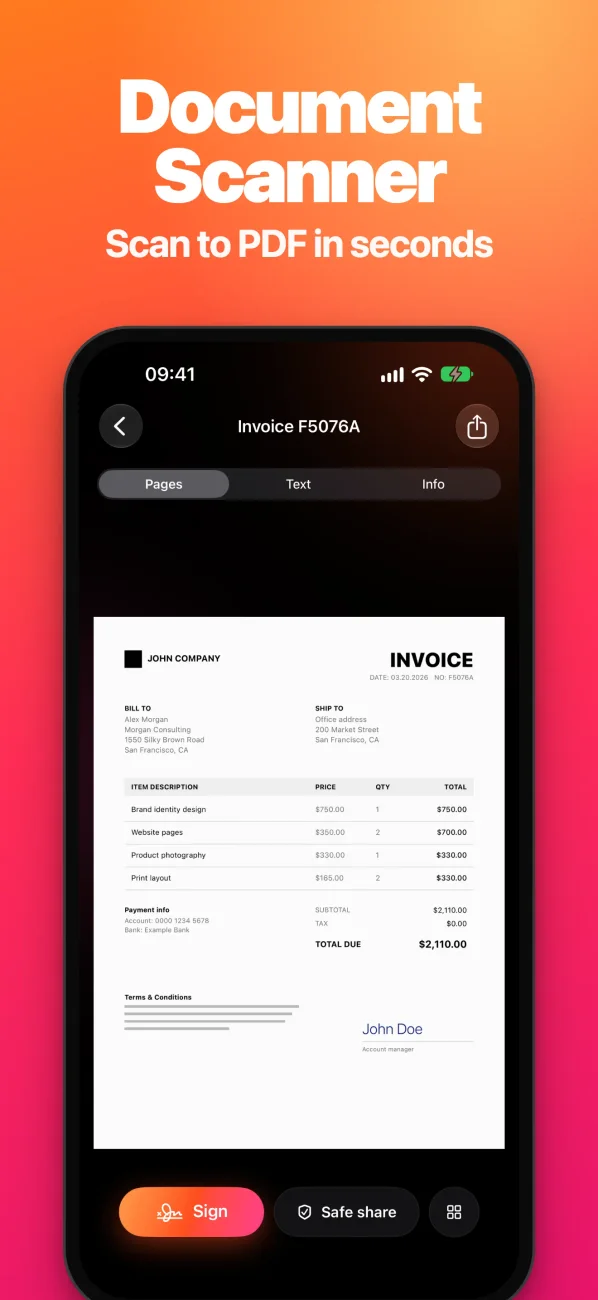
SnapScan turns your iPhone into a mobile PDF scanner for documents, IDs, invoices, receipts, contracts, warranties, manuals and business cards. Scan, edit, sign and share any document as a PDF in seconds.
15+ tools in one app, and they all work offline. Your files stay on your phone. SnapScan does not collect any data and does not need an account.
SCAN
Scan many pages in a row. Edges are found and cropped automatically
Import photos and PDF files you already have
Smart folders sort scans for you: receipts, IDs, medical, warranty, car, home, work and travel
EDIT PDF
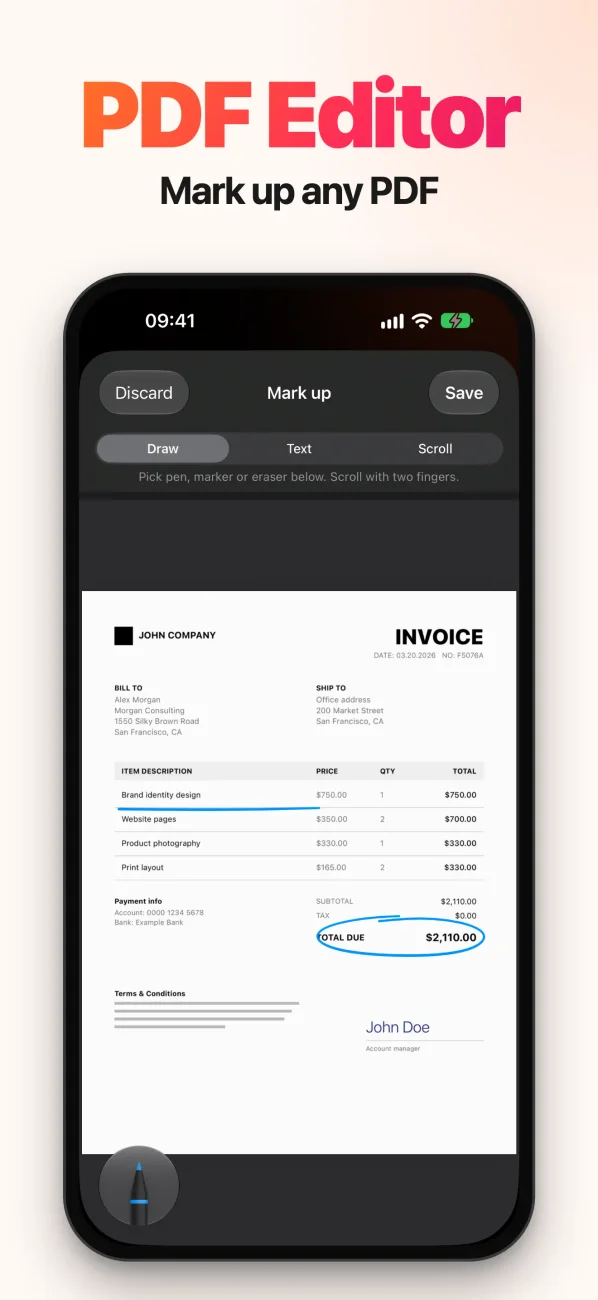
Mark up any PDF: draw, highlight and add notes
Reorder, rotate and delete pages
Merge several scans into one PDF
Crop, rotate and improve scans with filters
SIGN DOCUMENTS
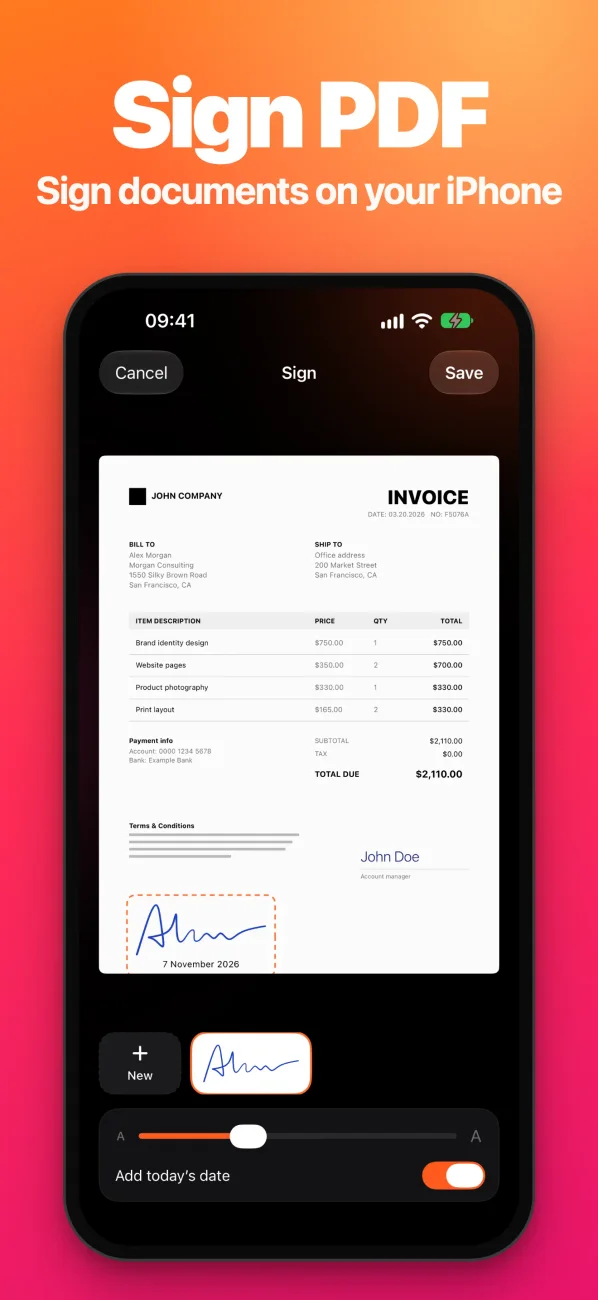
Draw your signature once and place it on any document
Add today's date next to it
CONVERT AND COMPRESS
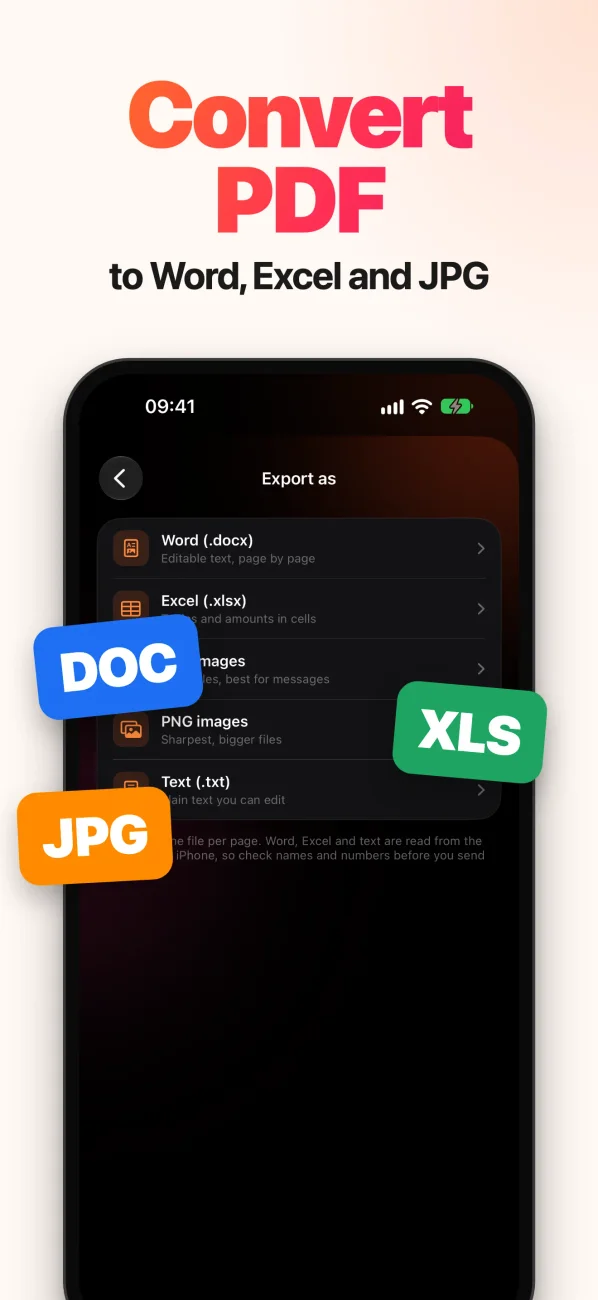
Export a PDF as Word, Excel, JPG, PNG or plain text
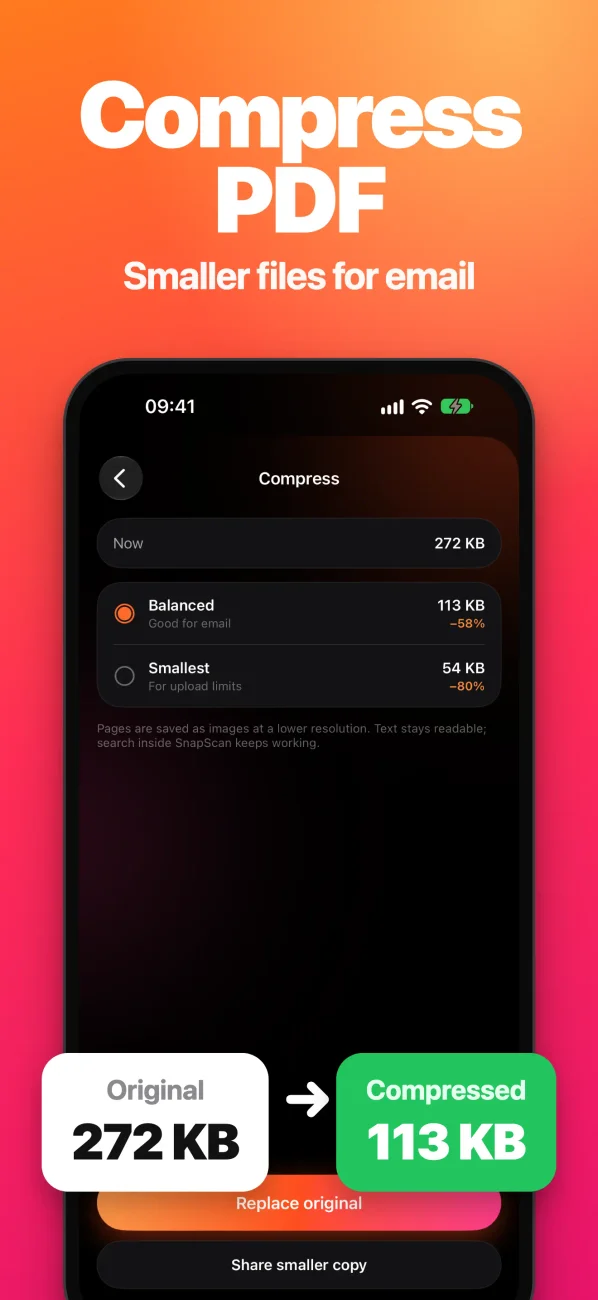
Compress a PDF so it fits email and upload limits
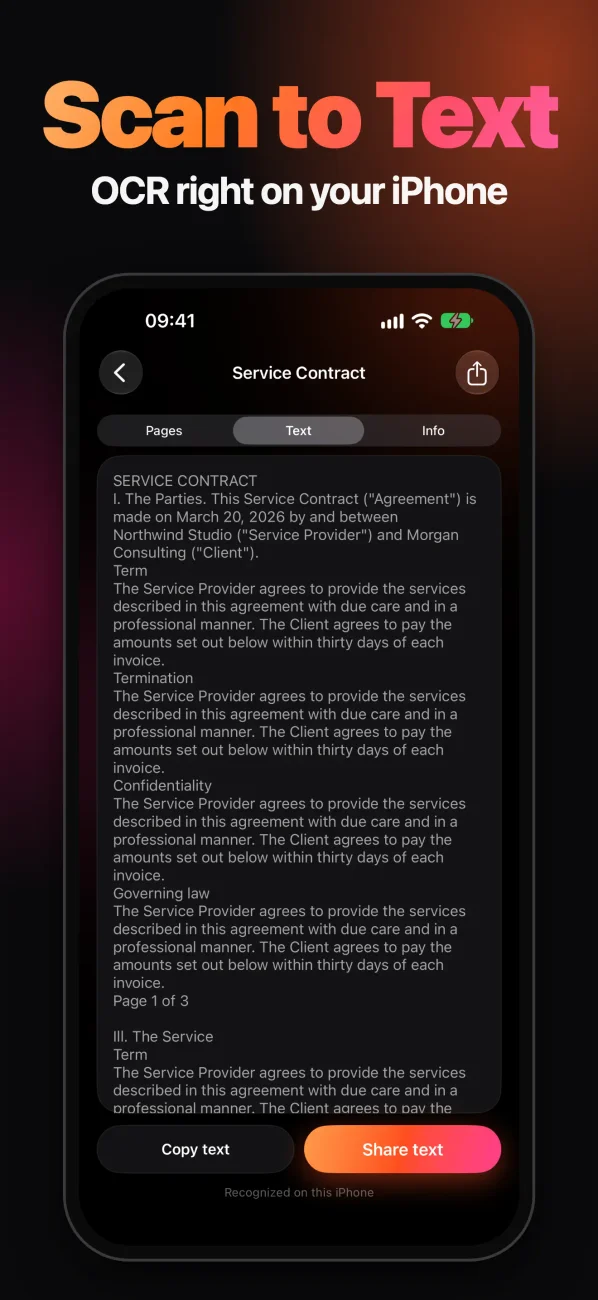
TEXT RECOGNITION (OCR)
Recognize text in your scans right on the iPhone
Copy or share the text
Search inside every scan to find a document by what it says
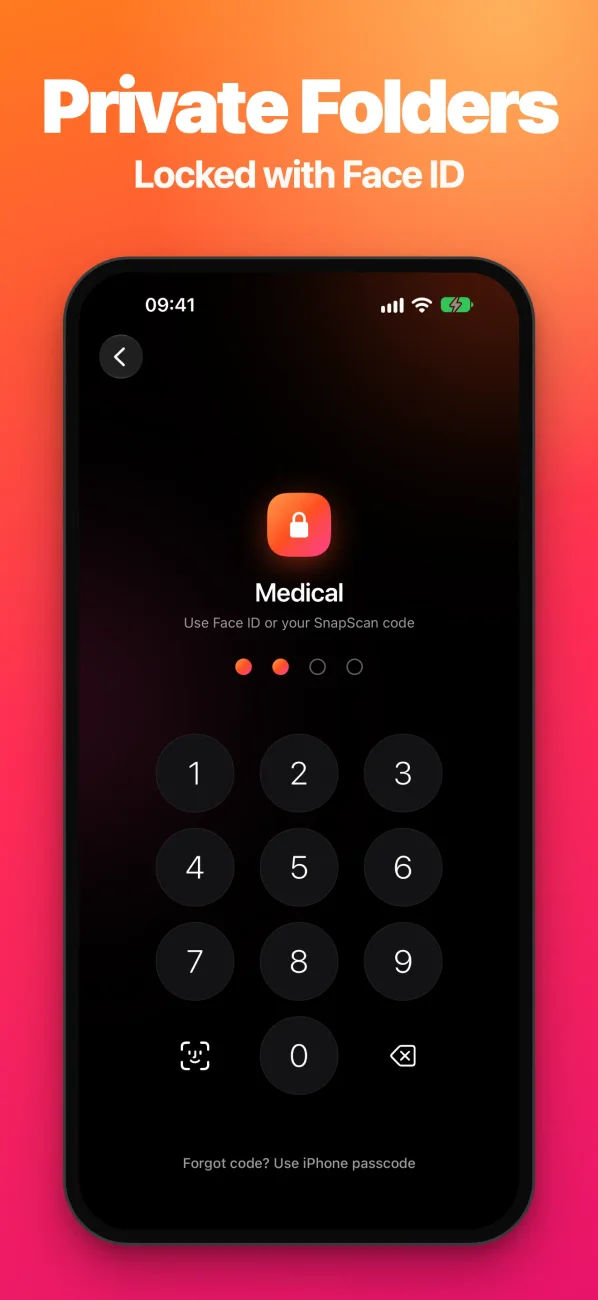
PRIVATE AND SAFE
Lock folders with Face ID or your SnapScan code
Safe share: hide private details before you send a copy
No data collection, no account, no cloud of ours
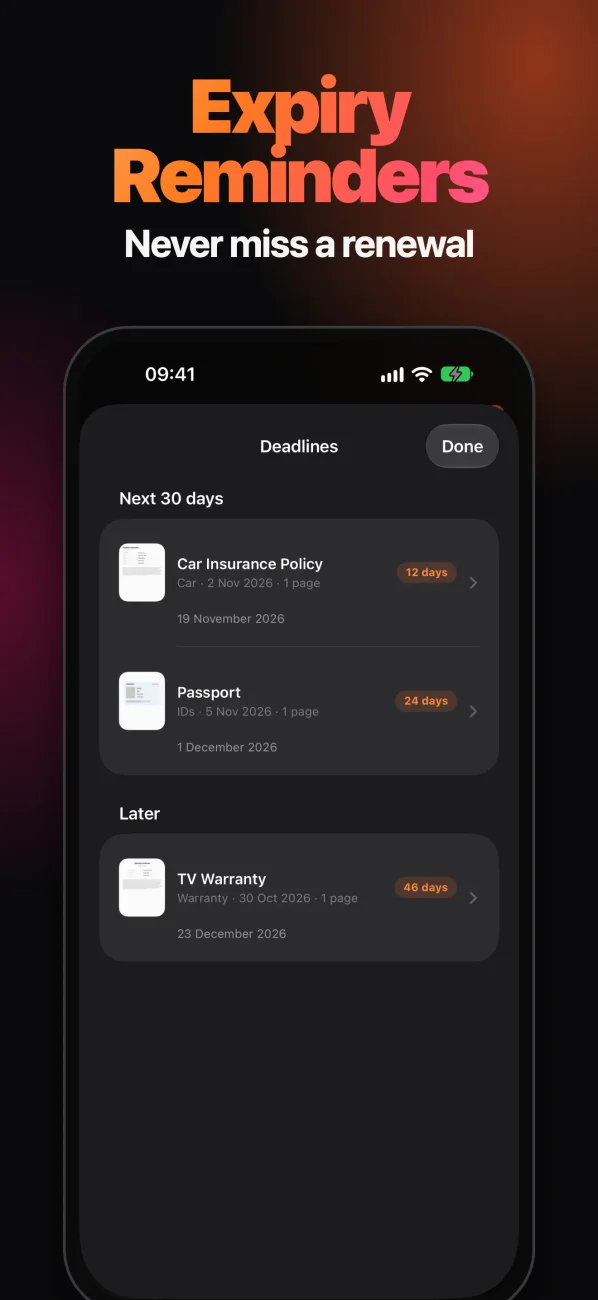
REMINDERS
SnapScan finds expiry dates on passports, insurance and warranties and reminds you before they run out
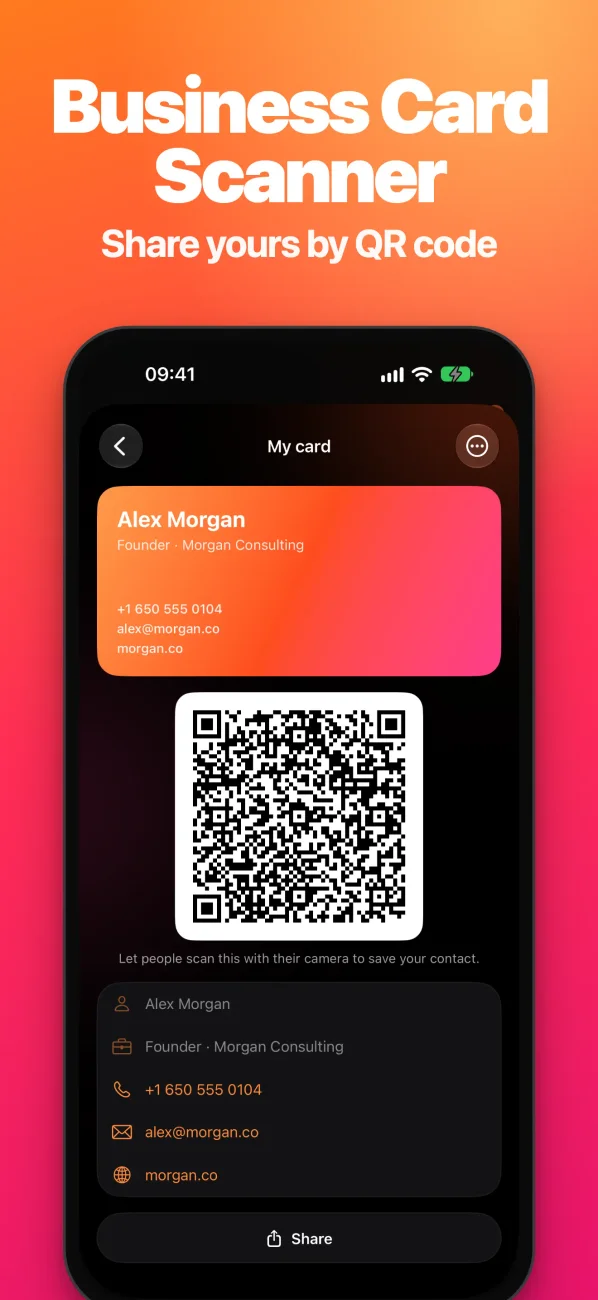
BUSINESS CARDS AND QR CODES
Scan business cards and save them as contacts
Share your own card as a QR code
Scan and create QR codes and barcodes
SHARE
Send PDFs by AirDrop, Mail and Messages, or save them to Files, iCloud Drive, Google Drive or Dropbox
SNAPSCAN PREMIUM SnapScan is free to download and use.
Premium unlocks:
Unlimited scans and folders
Copy text, Word and Excel export
Safe share and unlimited signatures
Merge and compress PDFs
Scan filters and page extract
Choose a weekly, monthly or yearly subscription. The price is shown in the app before you buy. Payment is charged to your Apple Account when you confirm the purchase. The subscription renews automatically unless you turn it off at least 24 hours before the end of the current period, and your account is charged for renewal within 24 hours before that. You can manage or cancel your subscription in your Apple Account settings after purchase.
Privacy Policy: https://feeltheskill.com/snapscan/privacy
Terms of Use: https://feeltheskill.com/snapscan/terms
Questions and support: https://feeltheskill.com/snapscan/
新機能
バージョン 2.0 · 2026/11/10
SnapScan 2.0 is a whole new app
Edit PDFs: draw, highlight and add notes
Sign documents with your own signature
Convert PDFs to Word, Excel, JPG and PNG
Merge and compress PDF files
Smart folders that sort your scans
Lock folders with Face ID
Reminders before passports, insurance and warranties expire
Business cards with your own QR code
Light and dark mode, and a new design
Your documents, folders and passcode move over automatically.
アプリのプライバシー
このアプリのデータの取り扱いについて、Oleksiy BabichがApp Storeで申告している内容です。
-
データの収集なし
開発元はこのアプリからデータを収集しません。
プライバシーの取り扱いは、ご利用の機能やお客様の年齢などに応じて異なる場合があります。
情報
- 販売元
- Oleksiy Babich
- カテゴリ
- ビジネス
- バージョン
- 2.0
- 更新日
- 2026/11/10
- リリース
- 2022/6/27
- サイズ
- 3.6 MB
- 必要条件
- iOS 17.0以降
- 対象年齢
- 4+
- 価格
- 無料
- アプリ内課金
- あり
- 言語
- 英語
- 著作権
- 2026 © OB