Tickwise
Time Management Made Simple
Conçue pour iPhone
Gratuit · Achats intégrés
- Classification d’âge4+
- CatégorieProductivité
- DéveloppeurIgor Igor
- LanguesAnglais
- Taille36,1 Mo
Renvoie vers la page App Store officielle
Download.org n’héberge aucun fichier de Tickwise. Le bouton ouvre la page de l’application sur App Store, où Igor Igor la publie. Fiche vérifiée pour la dernière fois le 19/11/2026.
Captures d’écran


À propos
Le développeur n’a pas fourni ce texte dans votre langue.
Tickwise – Track Your Time with Precision and Purpose
Tickwise is the ultimate personal time tracker built for those who demand clarity, efficiency, and control over their daily routines. Whether you're a busy professional, student, freelancer, or just optimizing your life, Tickwise helps you capture, analyze, and improve how you spend every moment.
Why Tickwise?
- No AI :) Only you and your time.
- Ultra-Fast Tracking – Start and stop tasks instantly with a single tap. No clutter, no friction.
- Custom Categories – Fully customizable tags for anything: Work, Sleep, Gym, Cooking, Reading, Meetings, or even Deep Focus.
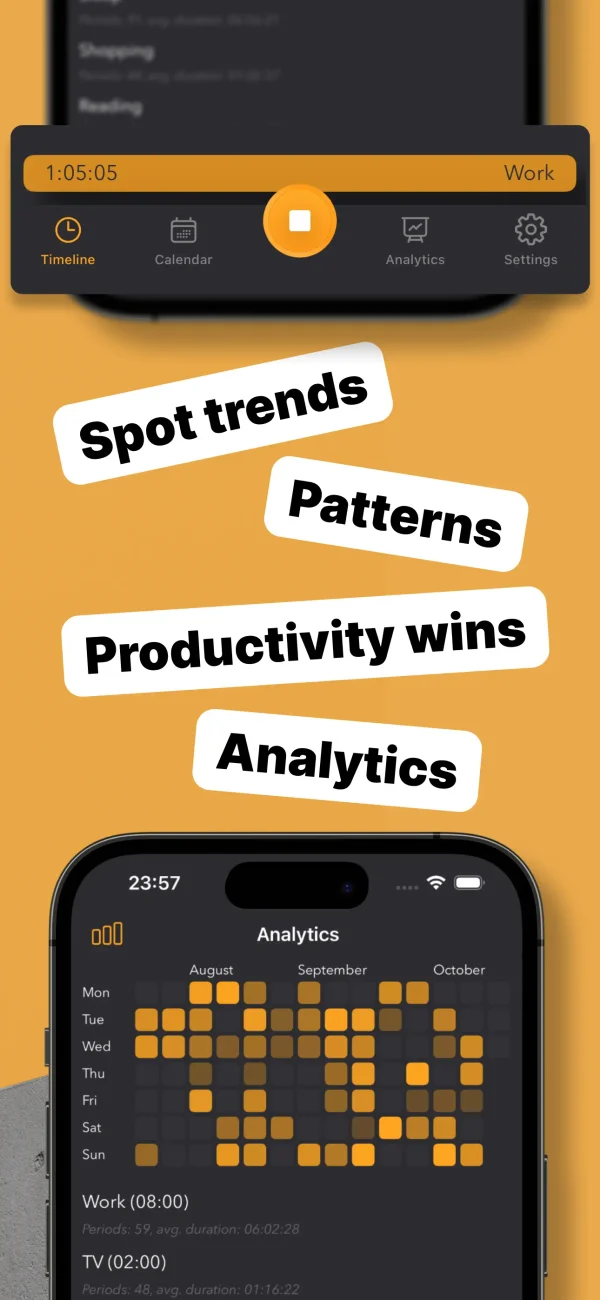
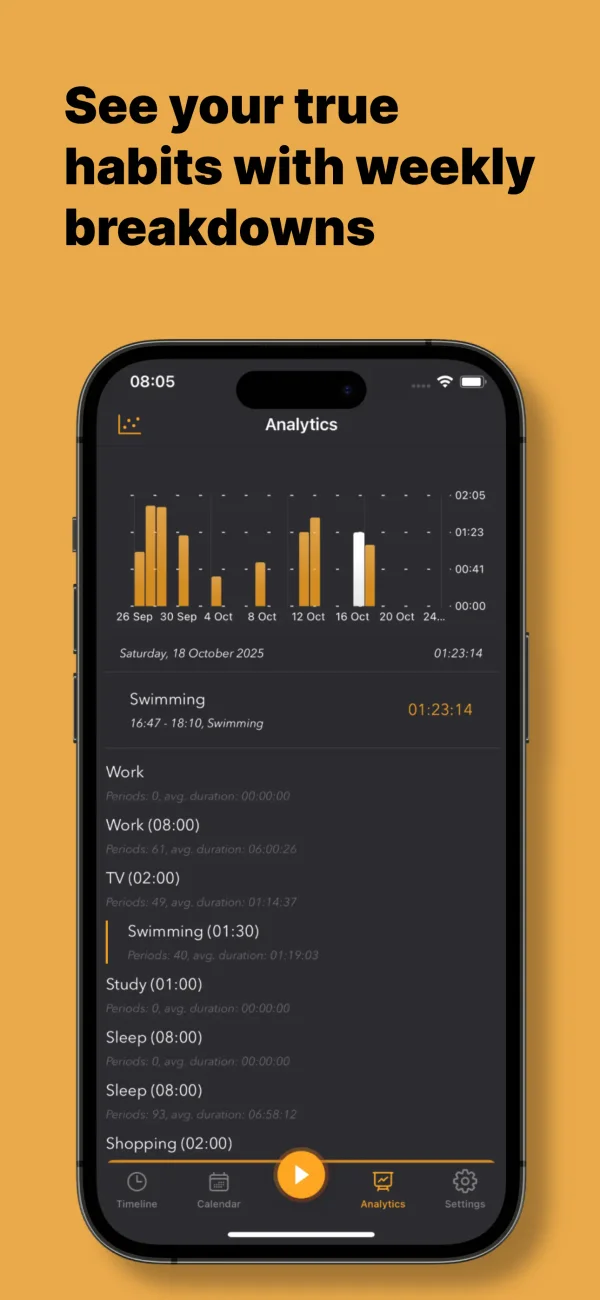
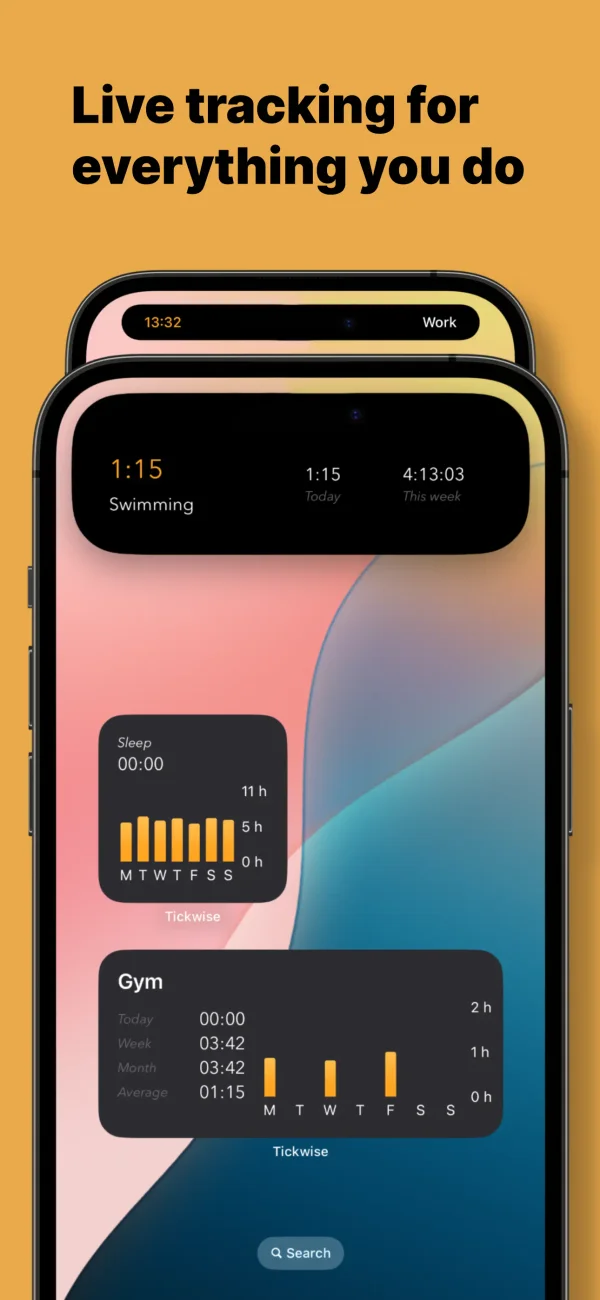
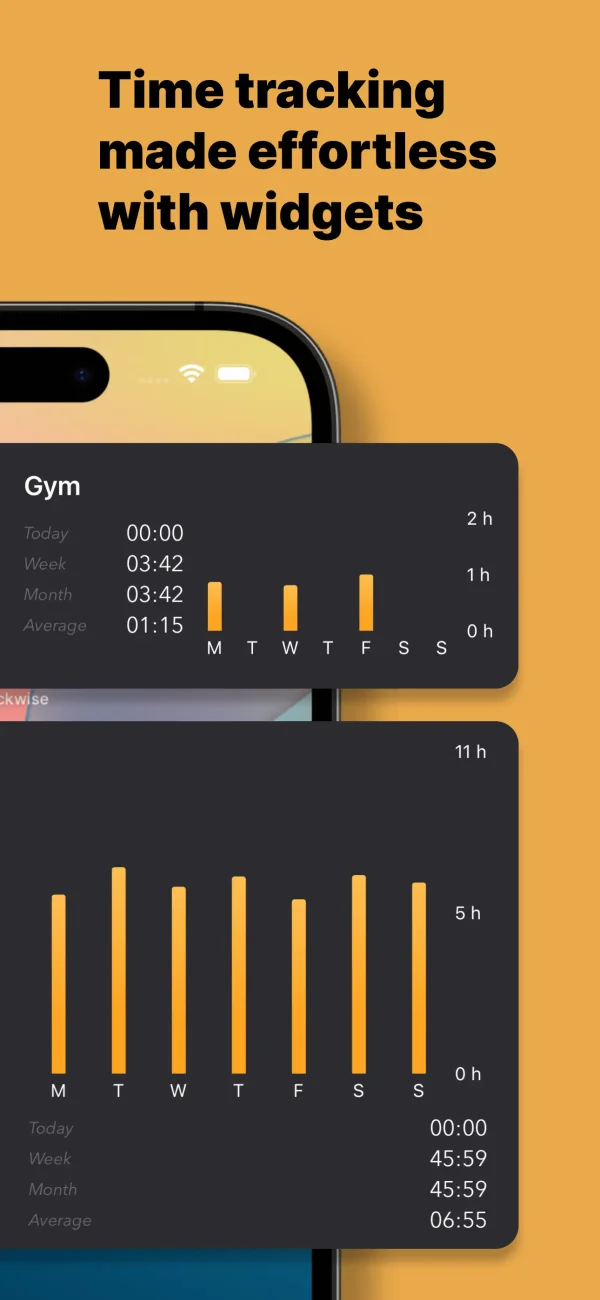
- Daily, Weekly, Monthly Views – Visualize your time with flexible summaries and intuitive charts.
- Offline First – All your data stays on-device. No account required. 100% private.
- Minimal UI – Built for speed and clarity. No ads, no distractions, no fluff.
Key Features:
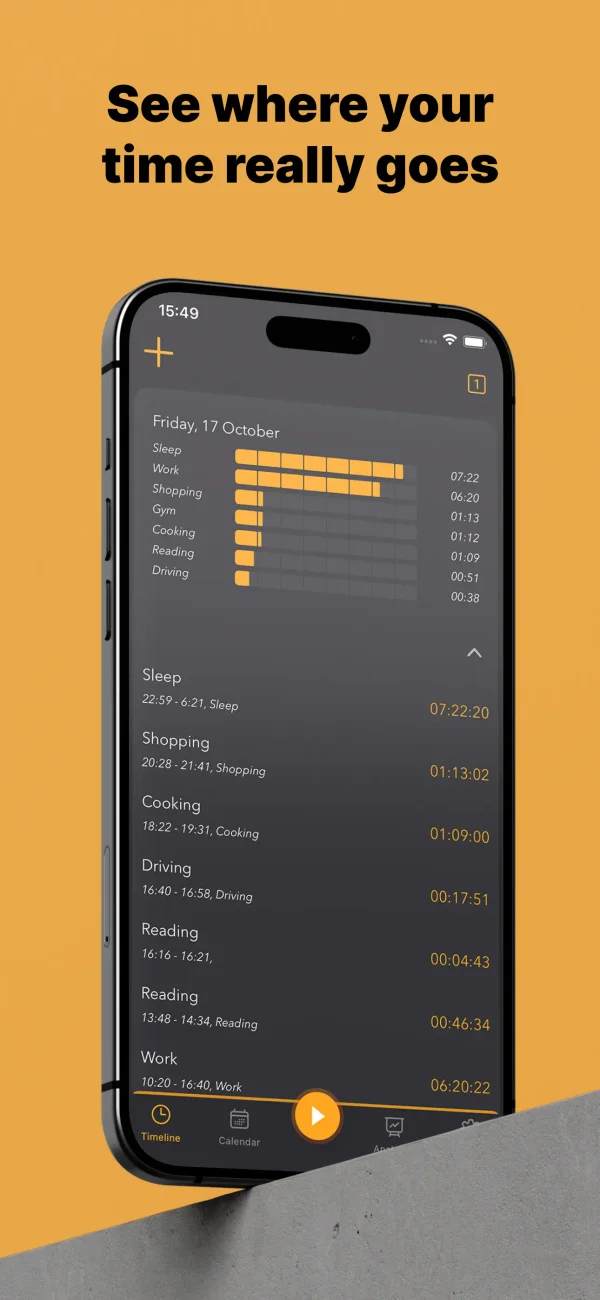
Timeline Overview – See your entire day at a glance. Tap to edit or create time blocks.
Analytics Dashboard – Real insights from real usage. Discover your average sleep time, screen time, work hours, and more.
Category Thresholds – Set a threshold for a category to check your goals
Widgets & Live activity – Check timers directly from your lock screen or home screen.
iCloud Sync – Sync to keep data safe across devices.
See our Privacy Policy and Terms here:
https://github.com/deszip/Tickwise/blob/main/PrivacyPolicy.md
https://github.com/deszip/Tickwise/blob/main/eula.md
Nouveautés
Version 1.1 · 07/05/2026
- Never lose track again — We now detect abandoned timers, so a session you forgot to stop won't ruin your stats. Configure your preference in Settings.
- Faster category switching — A brand-new category shortcut lets you jump straight to the category you need while logging time. Less tapping, more tracking.
- Smoother editing — Keyboard handling on the group form is now polished, so creating and editing groups feels effortless.
- Sharper analytics — Category details now display your stats more clearly and accurately, so you can trust the numbers behind your time.
Update now and make every minute count.
Confidentialité de l’application
Ce que Igor Igor déclare sur l’App Store au sujet du traitement des données par cette application.
-
Données n’établissant aucun lien avec vous
Peuvent être collectées, mais ne sont pas liées à votre identité.
- Données d’utilisation
- Diagnostic
Les pratiques en matière de confidentialité peuvent varier, notamment en fonction des fonctionnalités que vous utilisez ou de votre âge.
Informations
- Vendeur
- Igor Igor
- Catégorie
- Productivité
- Version
- 1.1
- Mis à jour
- 07/05/2026
- Publié
- 28/10/2025
- Taille
- 36,1 Mo
- Nécessite
- iOS 17.0 ou version ultérieure
- Classification d’âge
- 4+
- Prix
- Gratuit
- Achats intégrés
- Oui
- Langues
- Anglais
- Copyright
- © 2025, The Missing Bits
Vous aimerez peut-être aussi
-
 Time Tracking - TimenessProductivité
-
 DayTime - Track Your DayProductivité
-
 KBoard: Recursive KanbanProductivité
-
 DonutPomoProductivité
-
 This 60: To-Dos in Your RepoProductivité
-
 Hour MarkProductivité
-
 Scout: Zettelkasten NotesProductivité
-
 Timee: Suivi du tempsChronométrez vos activités
-
 Spone AI : Demandez et CréezJeux et visuels interactifs
-
 Naurra.aiProductivité