- 対象年齢4+
- カテゴリ仕事効率化
- 開発元Igor Igor
- 言語英語
- サイズ36.1 MB
App Storeの公式ページにリンクしています
Download.orgはTickwiseのファイルを一切ホストしていません。ボタンを押すと、Igor Igorが公開しているApp Storeのアプリページが開きます。ページの最終確認:2026/11/19。
スクリーンショット


概要
開発元はこのテキストをお使いの言語で提供していません。
Tickwise – Track Your Time with Precision and Purpose
Tickwise is the ultimate personal time tracker built for those who demand clarity, efficiency, and control over their daily routines. Whether you're a busy professional, student, freelancer, or just optimizing your life, Tickwise helps you capture, analyze, and improve how you spend every moment.
Why Tickwise?
- No AI :) Only you and your time.
- Ultra-Fast Tracking – Start and stop tasks instantly with a single tap. No clutter, no friction.
- Custom Categories – Fully customizable tags for anything: Work, Sleep, Gym, Cooking, Reading, Meetings, or even Deep Focus.
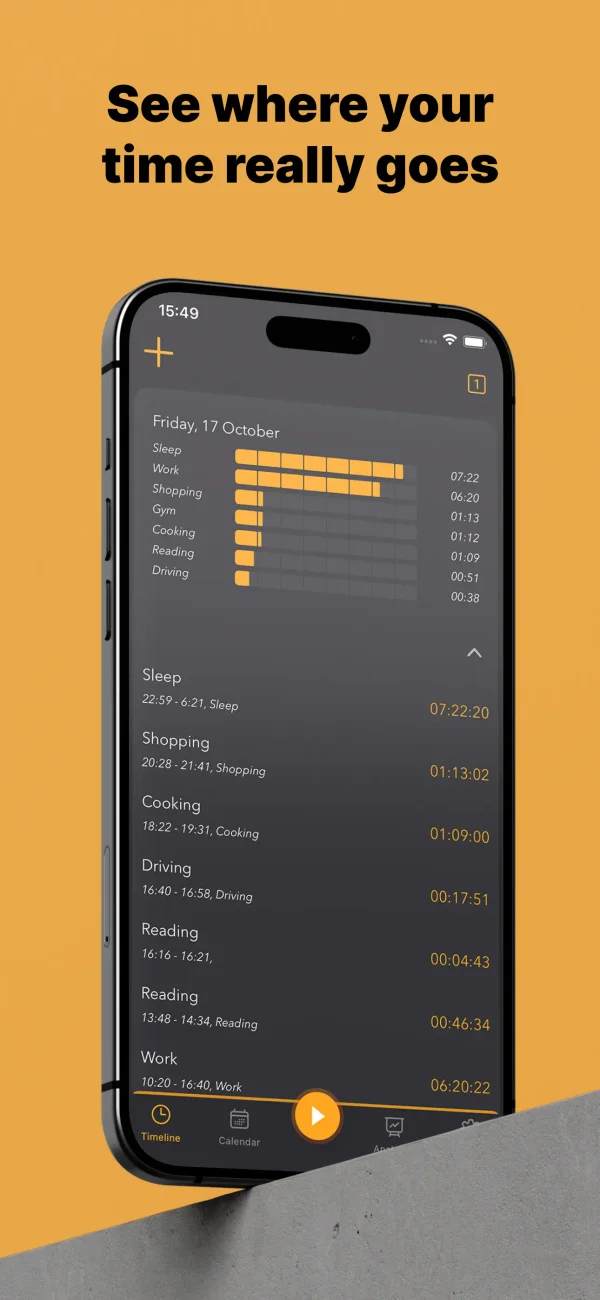
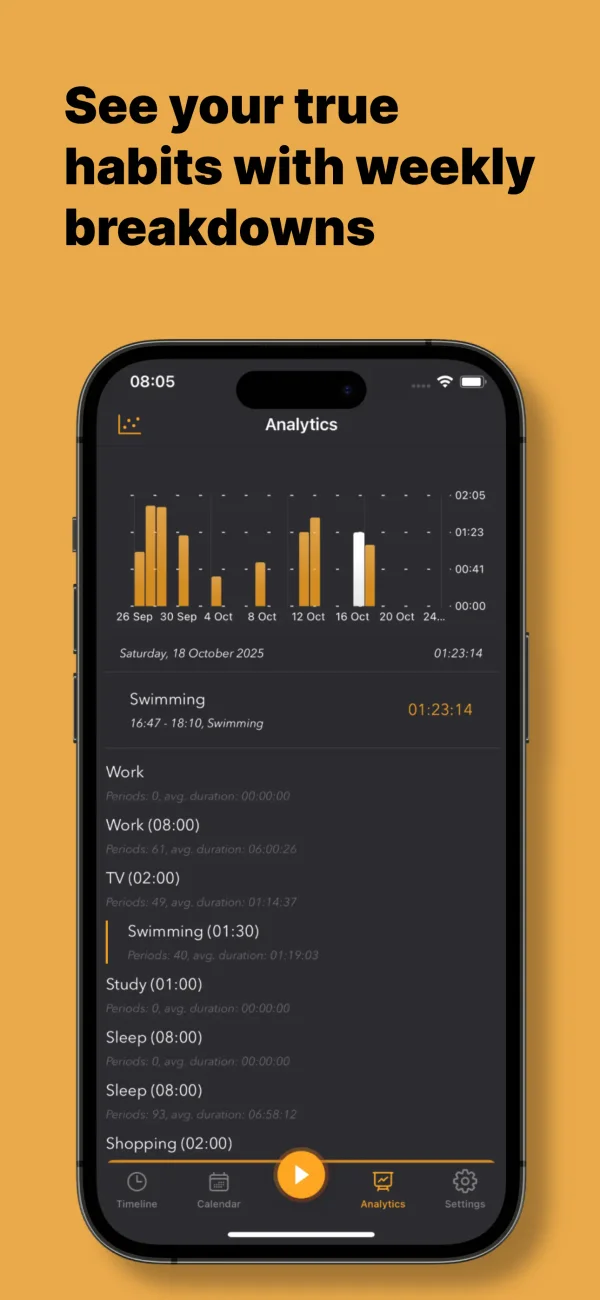
- Daily, Weekly, Monthly Views – Visualize your time with flexible summaries and intuitive charts.
- Offline First – All your data stays on-device. No account required. 100% private.
- Minimal UI – Built for speed and clarity. No ads, no distractions, no fluff.
Key Features:
Timeline Overview – See your entire day at a glance. Tap to edit or create time blocks.
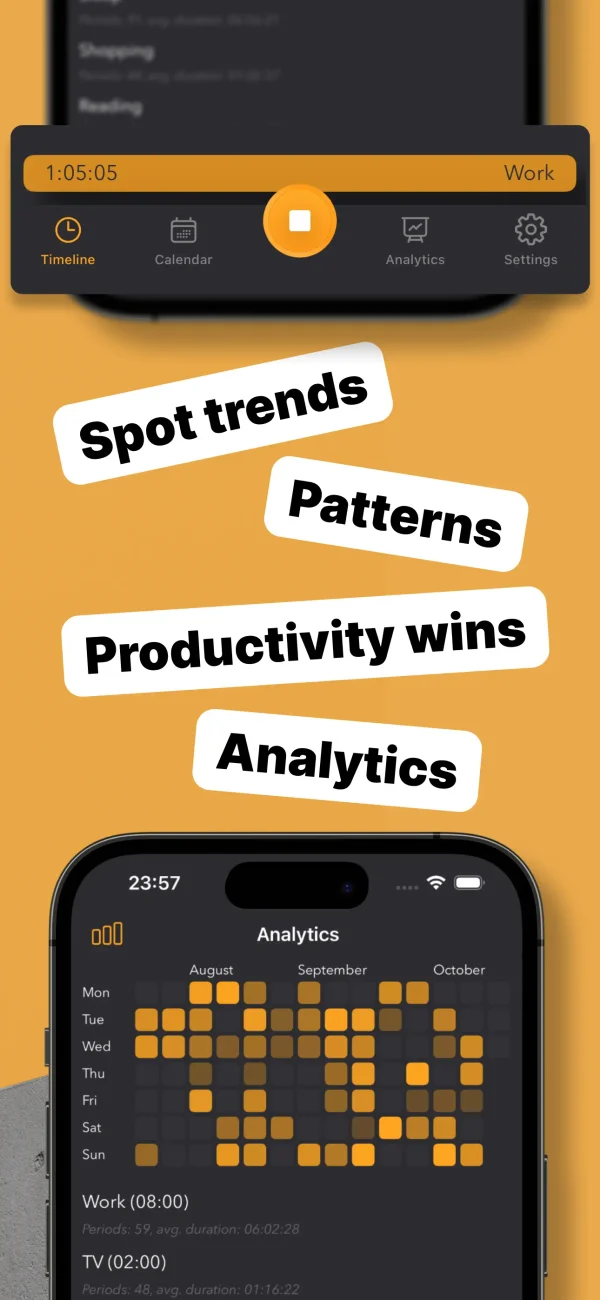
Analytics Dashboard – Real insights from real usage. Discover your average sleep time, screen time, work hours, and more.
Category Thresholds – Set a threshold for a category to check your goals
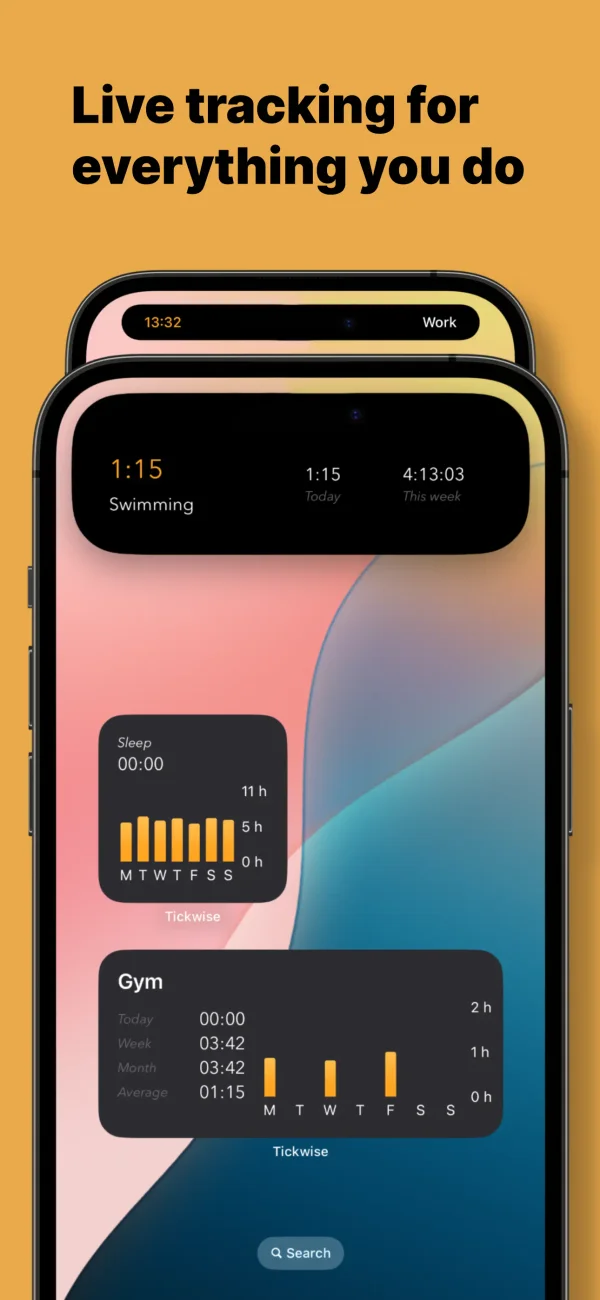
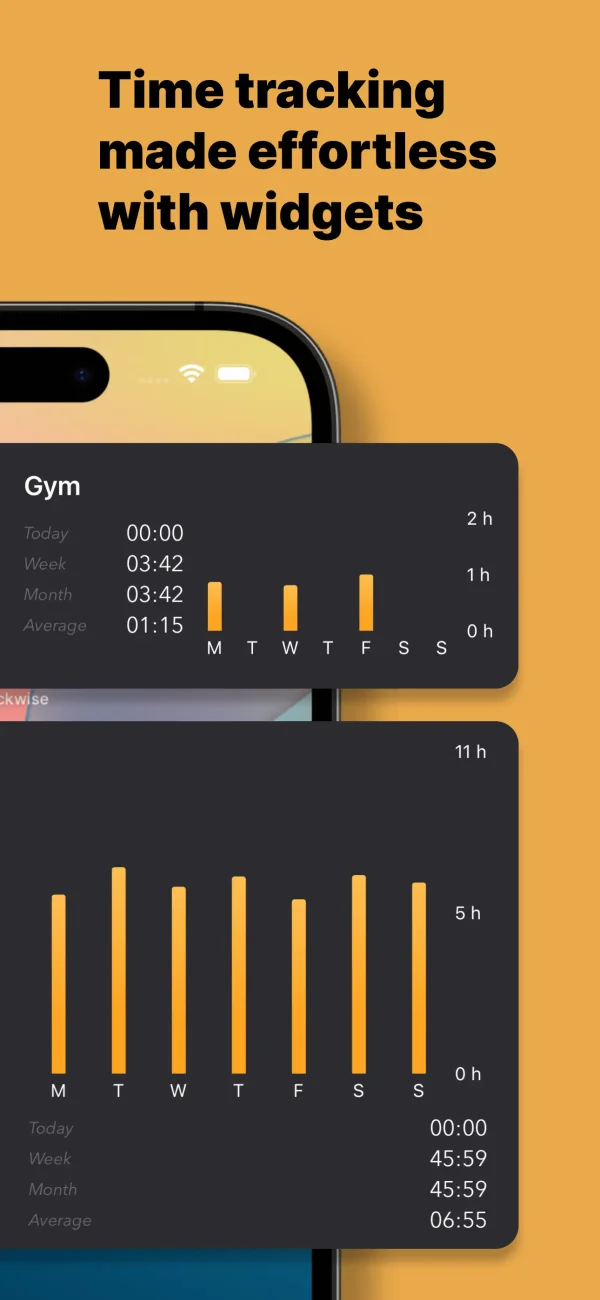
Widgets & Live activity – Check timers directly from your lock screen or home screen.
iCloud Sync – Sync to keep data safe across devices.
See our Privacy Policy and Terms here:
https://github.com/deszip/Tickwise/blob/main/PrivacyPolicy.md
https://github.com/deszip/Tickwise/blob/main/eula.md
新機能
バージョン 1.1 · 2026/5/7
- Never lose track again — We now detect abandoned timers, so a session you forgot to stop won't ruin your stats. Configure your preference in Settings.
- Faster category switching — A brand-new category shortcut lets you jump straight to the category you need while logging time. Less tapping, more tracking.
- Smoother editing — Keyboard handling on the group form is now polished, so creating and editing groups feels effortless.
- Sharper analytics — Category details now display your stats more clearly and accurately, so you can trust the numbers behind your time.
Update now and make every minute count.
アプリのプライバシー
このアプリのデータの取り扱いについて、Igor IgorがApp Storeで申告している内容です。
-
ユーザーに関連付けられないデータ
収集される場合がありますが、ユーザーの識別情報には関連付けられません。
- 使用状況データ
- 診断
プライバシーの取り扱いは、ご利用の機能やお客様の年齢などに応じて異なる場合があります。
情報
- 販売元
- Igor Igor
- カテゴリ
- 仕事効率化
- バージョン
- 1.1
- 更新日
- 2026/5/7
- リリース
- 2025/10/28
- サイズ
- 36.1 MB
- 必要条件
- iOS 17.0以降
- 対象年齢
- 4+
- 価格
- 無料
- アプリ内課金
- あり
- 言語
- 英語
- 著作権
- © 2025, The Missing Bits