- Classification d’âge4+
- CatégorieUtilitaires
- DéveloppeurSimon Greig
- LanguesAnglais
- Taille12,1 Mo
Renvoie vers la page App Store officielle
Download.org n’héberge aucun fichier de Watch Spring. Le bouton ouvre la page de l’application sur App Store, où Simon Greig la publie. Fiche vérifiée pour la dernière fois le 20/11/2026.
Captures d’écran



À propos
Le développeur n’a pas fourni ce texte dans votre langue.
Track. Analyse. Enjoy.
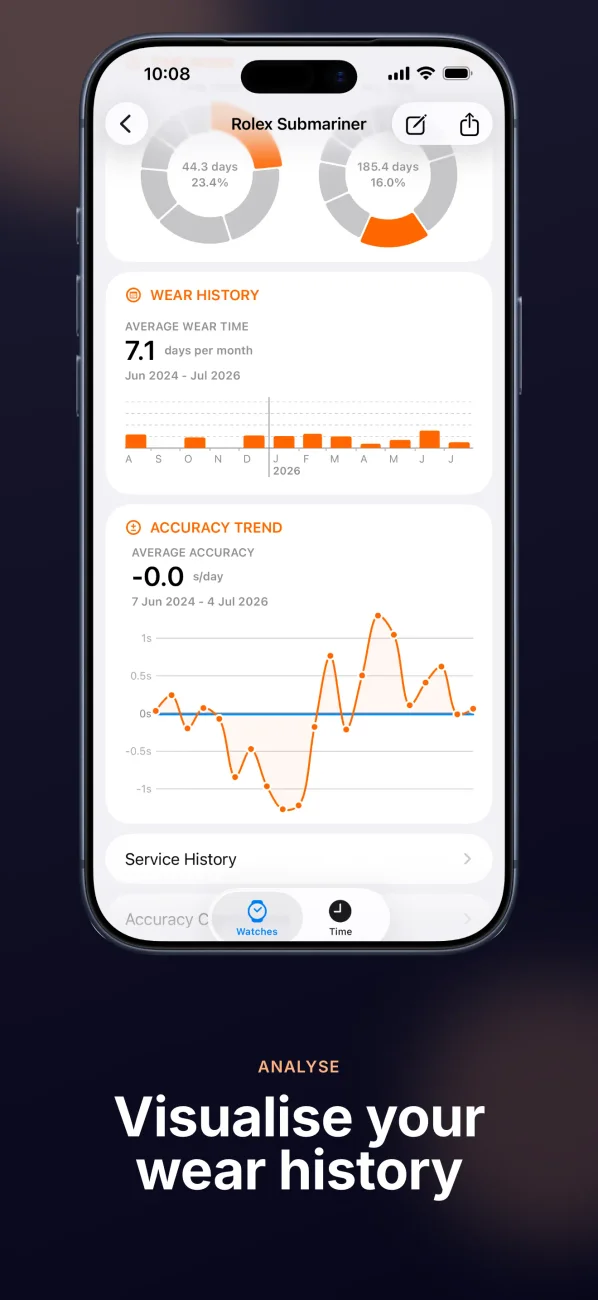
Track mechanical watch accuracy and see drift over time. Log quick time-points, visualise trends with simple charts, keep notes about watch details, track service history, and balance your wrist time across your collection.
Why it’s useful
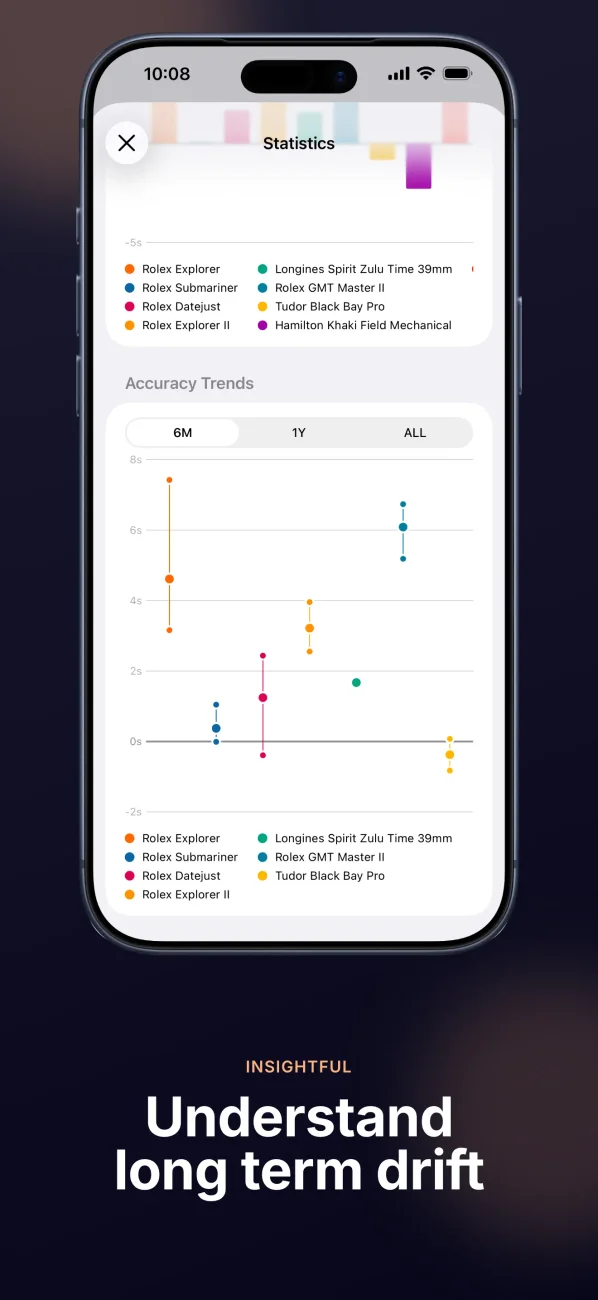
• Understand seconds-per-day accuracy and long-term behaviour
• Spot issues after knocks or before/after a service
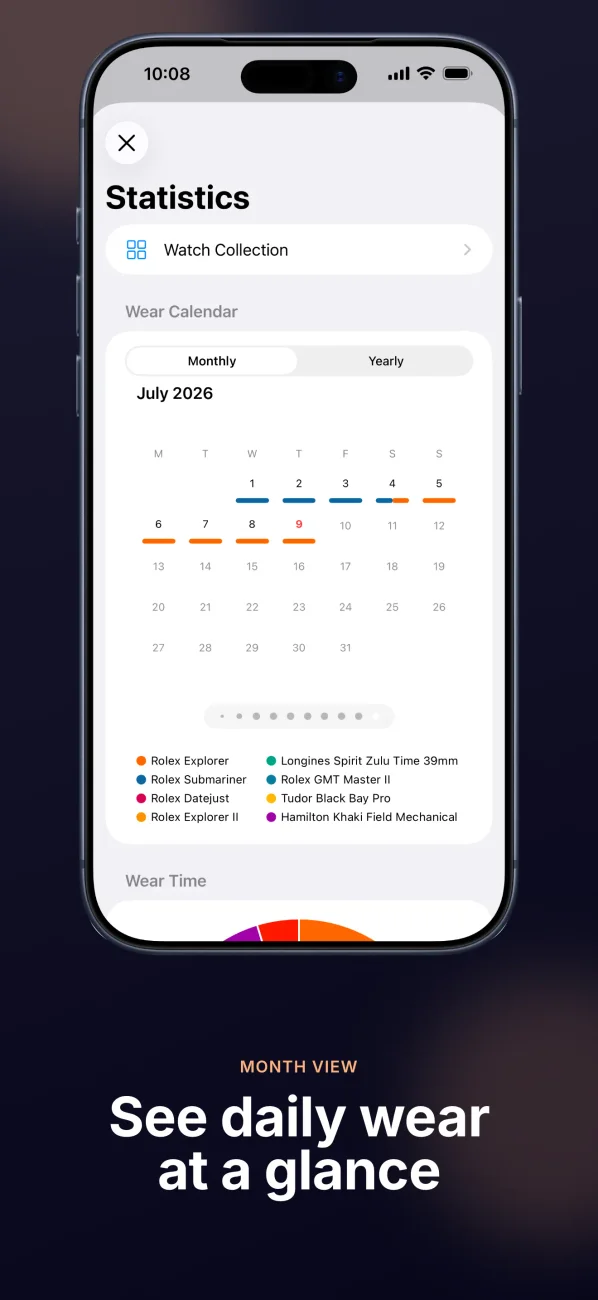
• See which watches get the most wear
• Keep track of key facts about your watches in one place
Features
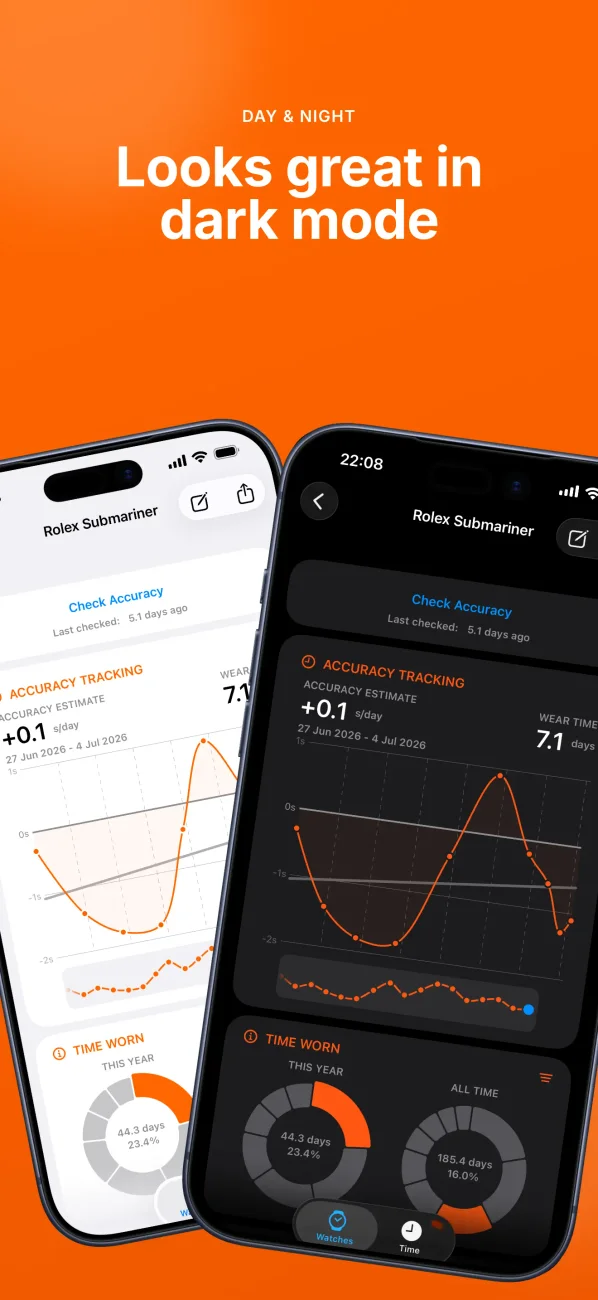
• Accuracy charts & trend
• Wear calendar & statistics
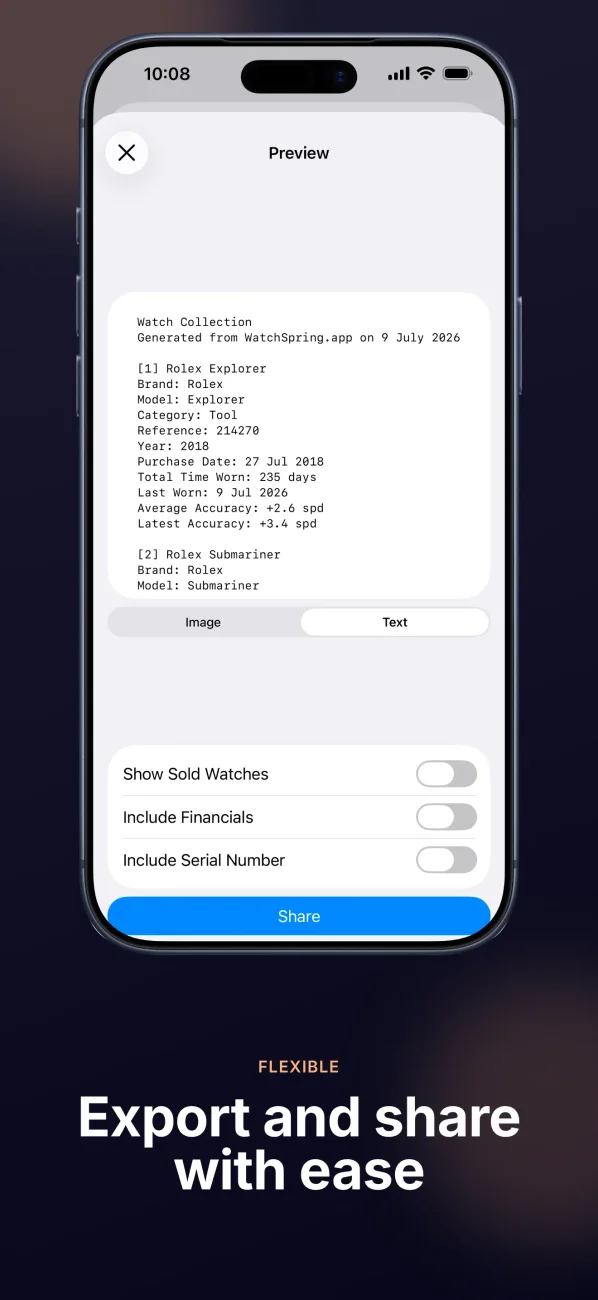
• Watch collection summary shown as info cards; for a quick snapshot of key facts
• Log servicing and repairs with notes and dates; see the before/after impact on accuracy
• View your watch ownership history timeline
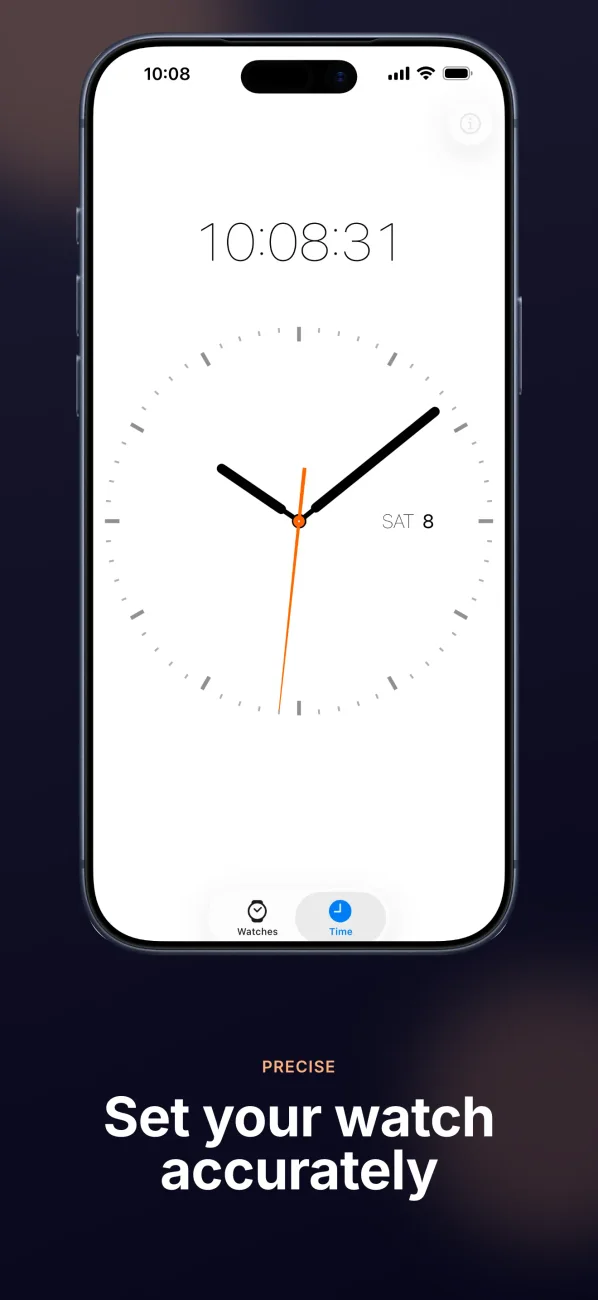
• Time-setting clock (seconds-accurate)
• Daily reminders
• Import/Export CSV; share charts
• iPhone-native, no ads, data stays on device
How it works
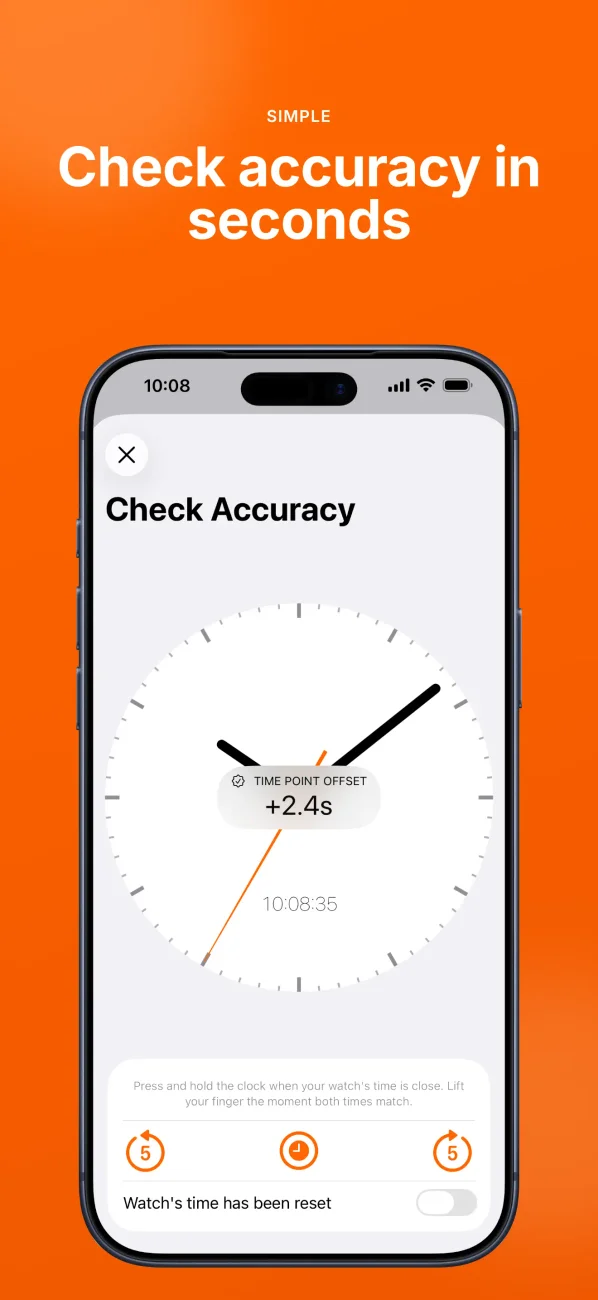
1. Press and hold on the on-screen clock
2. When your watch matches the time, lift your finger
3. Watch Spring logs the time-point, updates charts, and marks your wear
Nouveautés
Version 1.3.5 · 27/10/2026
A couple of layout adjustments and general bug fixes.
Watch list:
- **New Feature:** Added an experimental 'Large Photo List' option. When enabled, each watch in your list is represented by a larger version of your watch photo. Find the new toggle in the settings view to try it out. Feedback welcome.
Split view and foldables:
- Fixed a visual transition issue in split view where the accuracy graph would awkwardly swipe in or carry over visual state when changing watch selections.
- Fixed a crash that could occur on iPhone Duo split-screen when selecting a watch under certain conditions with service log entries.
Settings:
- Fixed an issue where the app's display mode (light/dark) would default back to Light on launch, ignoring your saved appearance preferences.
- Renamed the 'Lock to Portrait' setting to 'Portrait Orientation Lock' to better align with standard iOS Control Center terminology.
Confidentialité de l’application
Ce que Simon Greig déclare sur l’App Store au sujet du traitement des données par cette application.
-
Données non collectées
Le développeur ne collecte aucune donnée à partir de cette application.
Les pratiques en matière de confidentialité peuvent varier, notamment en fonction des fonctionnalités que vous utilisez ou de votre âge.
Informations
- Vendeur
- Simon Greig
- Catégorie
- Utilitaires
- Version
- 1.3.5
- Mis à jour
- 27/10/2026
- Publié
- 30/04/2022
- Taille
- 12,1 Mo
- Nécessite
- iOS 26.0 ou version ultérieure
- Classification d’âge
- 4+
- Prix
- 3,99 €
- Langues
- Anglais
- Copyright
- © Simon Greig 2026
Vous aimerez peut-être aussi
-
 Horologe - Watch CollectionUtilitaires
-
 Standby Réveil Table de chevetHorloge analogique, diaporama
-
 WristTime : Journal de montresRotation et port de montres
-
 Oscillo: Précision de montreMarche et amplitude
-
 Long Lasting Clock: HorlogePlein écran, message personnel
-
 WristTrackUtilitaires
-
 Calculateur d'inflationEuro, dollar américain et plus
-
 Ringy AlarmUtilitaires
-
 Clockwork - MontresTimegrapher de montre
-
 ChronoLog • Watch AccuracyUtilitaires