- Age rating4+
- CategoryUtilities
- DeveloperSimon Greig
- LanguagesEnglish
- Size12.1 MB
Links to the official App Store page
Download.org hosts no file of Watch Spring. The button opens its official App Store page, published by Simon Greig. Listing last checked on Nov 20, 2026.
Screenshots



About
Track. Analyse. Enjoy.
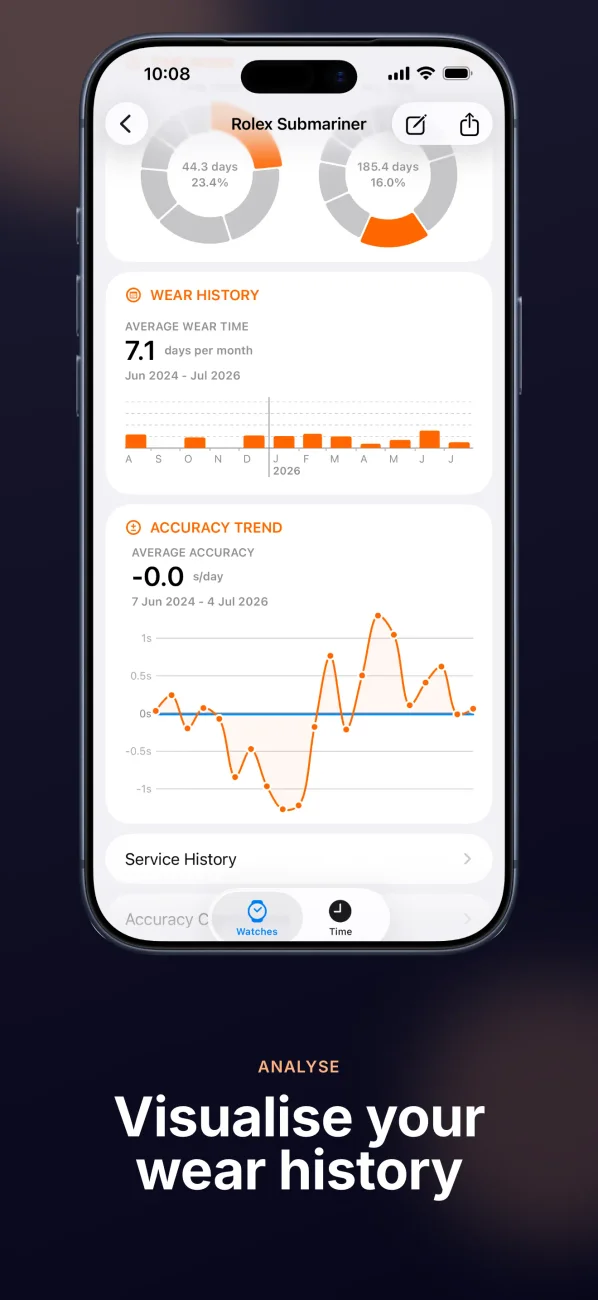
Track mechanical watch accuracy and see drift over time. Log quick time-points, visualise trends with simple charts, keep notes about watch details, track service history, and balance your wrist time across your collection.
Why it’s useful
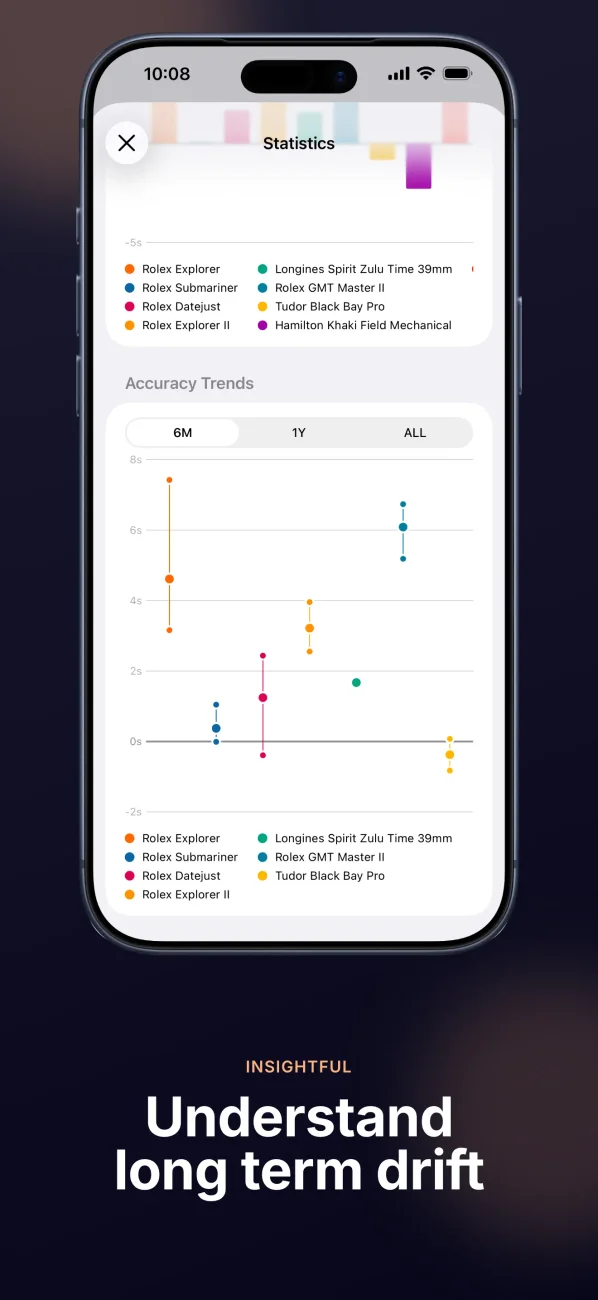
• Understand seconds-per-day accuracy and long-term behaviour
• Spot issues after knocks or before/after a service
• See which watches get the most wear
• Keep track of key facts about your watches in one place
Features
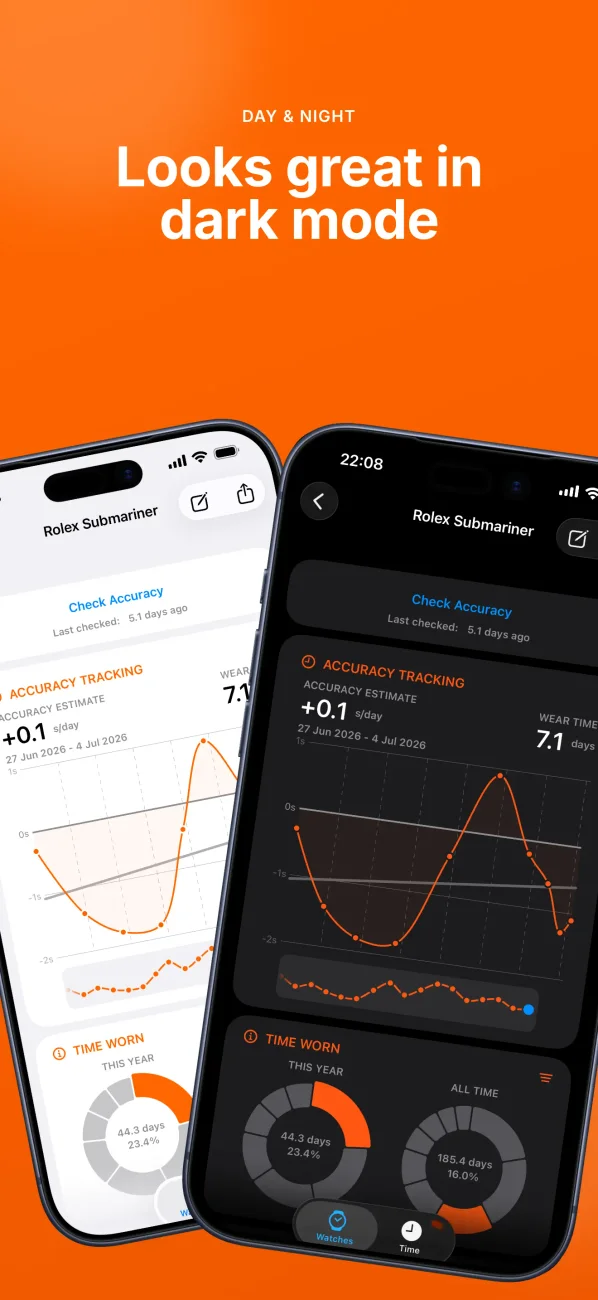
• Accuracy charts & trend
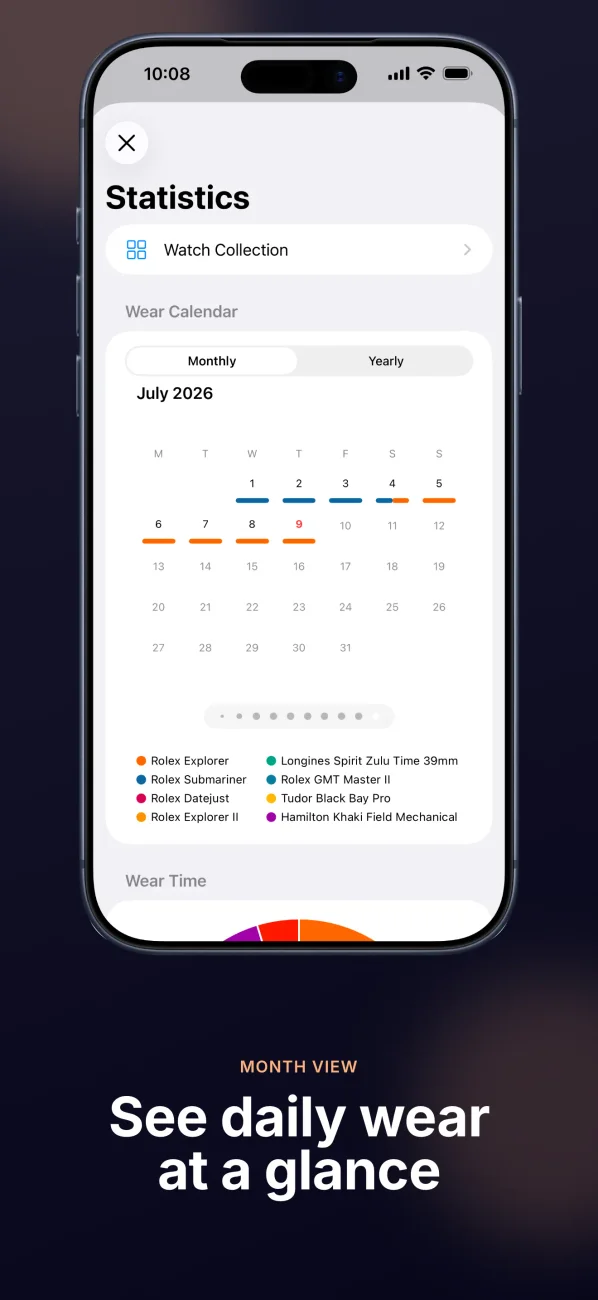
• Wear calendar & statistics
• Watch collection summary shown as info cards; for a quick snapshot of key facts
• Log servicing and repairs with notes and dates; see the before/after impact on accuracy
• View your watch ownership history timeline
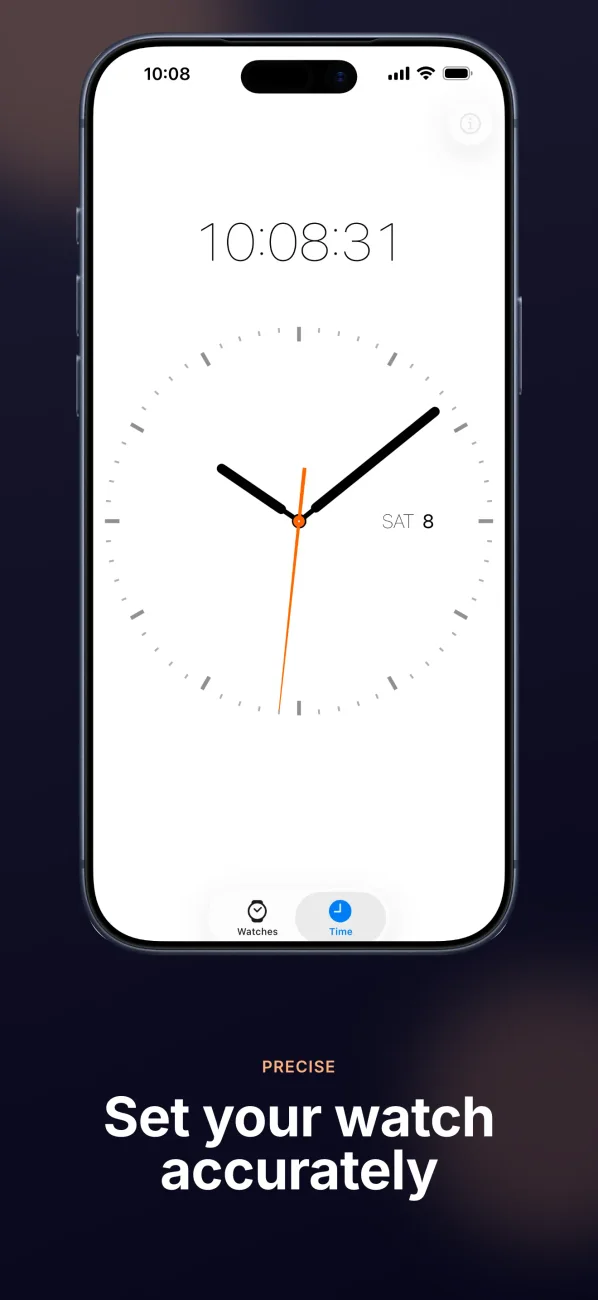
• Time-setting clock (seconds-accurate)
• Daily reminders
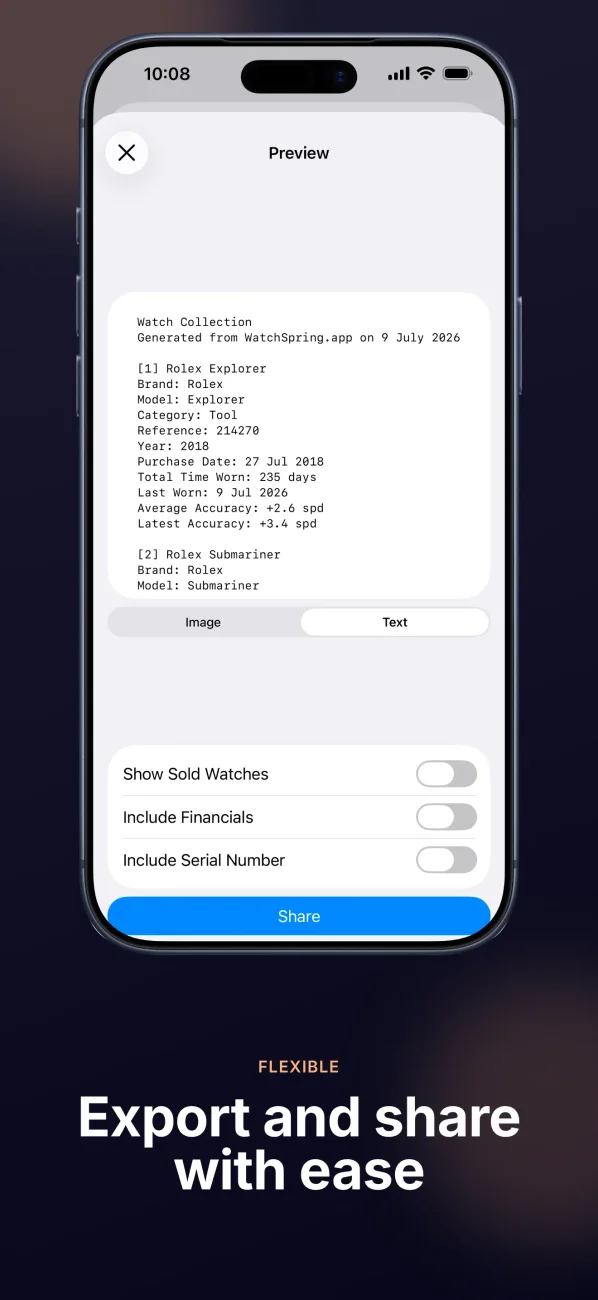
• Import/Export CSV; share charts
• iPhone-native, no ads, data stays on device
How it works
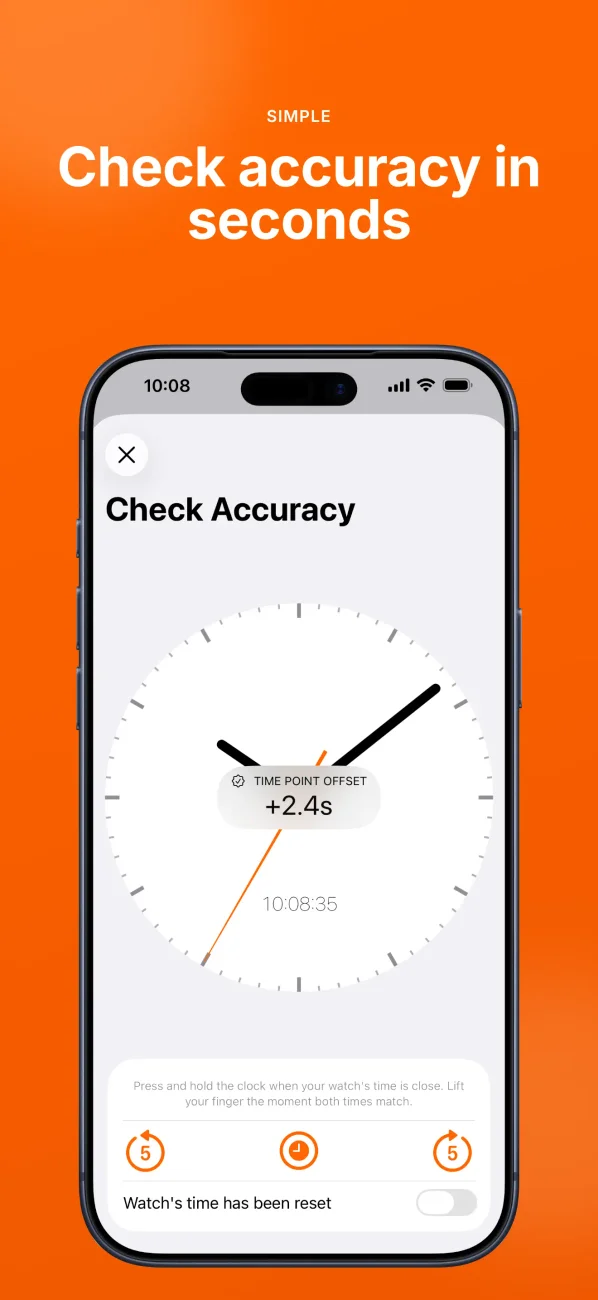
1. Press and hold on the on-screen clock
2. When your watch matches the time, lift your finger
3. Watch Spring logs the time-point, updates charts, and marks your wear
What’s new
Version 1.3.5 · Oct 27, 2026
A couple of layout adjustments and general bug fixes.
Watch list:
- **New Feature:** Added an experimental 'Large Photo List' option. When enabled, each watch in your list is represented by a larger version of your watch photo. Find the new toggle in the settings view to try it out. Feedback welcome.
Split view and foldables:
- Fixed a visual transition issue in split view where the accuracy graph would awkwardly swipe in or carry over visual state when changing watch selections.
- Fixed a crash that could occur on iPhone Duo split-screen when selecting a watch under certain conditions with service log entries.
Settings:
- Fixed an issue where the app's display mode (light/dark) would default back to Light on launch, ignoring your saved appearance preferences.
- Renamed the 'Lock to Portrait' setting to 'Portrait Orientation Lock' to better align with standard iOS Control Center terminology.
App privacy
What Simon Greig declares on the App Store about how this app handles data.
-
Data not collected
The developer does not collect any data from this app.
Privacy practices may vary, for example with the features you use or your age.
Information
- Seller
- Simon Greig
- Category
- Utilities
- Version
- 1.3.5
- Updated
- Oct 27, 2026
- Released
- Apr 30, 2022
- Size
- 12.1 MB
- Requires
- iOS 26.0 or later
- Age rating
- 4+
- Price
- $3.99
- Languages
- English
- Copyright
- © Simon Greig 2026
You might also like
-
 Horologe - Watch CollectionValue, servicing & wear log
-
 Standby Alarm Clock: BedsideDigital Photo Frame Nightstand
-
 WristTime: Watch Wear TrackerRotation & Collection Log
-
 Oscillo: Watch Accuracy MeterRate, Beat Error & Amplitude
-
 Long Lasting Clock: FullscreenDigital time & your message
-
 WristTrackData Driven Watch Collecting
-
 Inflation CalculatorCost of Living & Money Value
-
 Ringy AlarmLock screen widget & snooze
-
 Clockwork - Watch appTrack Mechanical Accuracy
-
 ChronoLog • Watch AccuracyTimegrapher & Collection Log