- Batasan usia4+
- KategoriKegunaan
- PengembangSimon Greig
- BahasaInggris
- Ukuran12,1 MB
Tertaut ke halaman resmi App Store
Download.org tidak menyimpan file Watch Spring apa pun. Tombol ini membuka halaman aplikasi di App Store, tempat Simon Greig menerbitkannya. Halaman terakhir diperiksa pada 20/11/2026.
Tangkapan layar



Tentang
Pengembang belum menyediakan teks ini dalam bahasa Anda.
Track. Analyse. Enjoy.
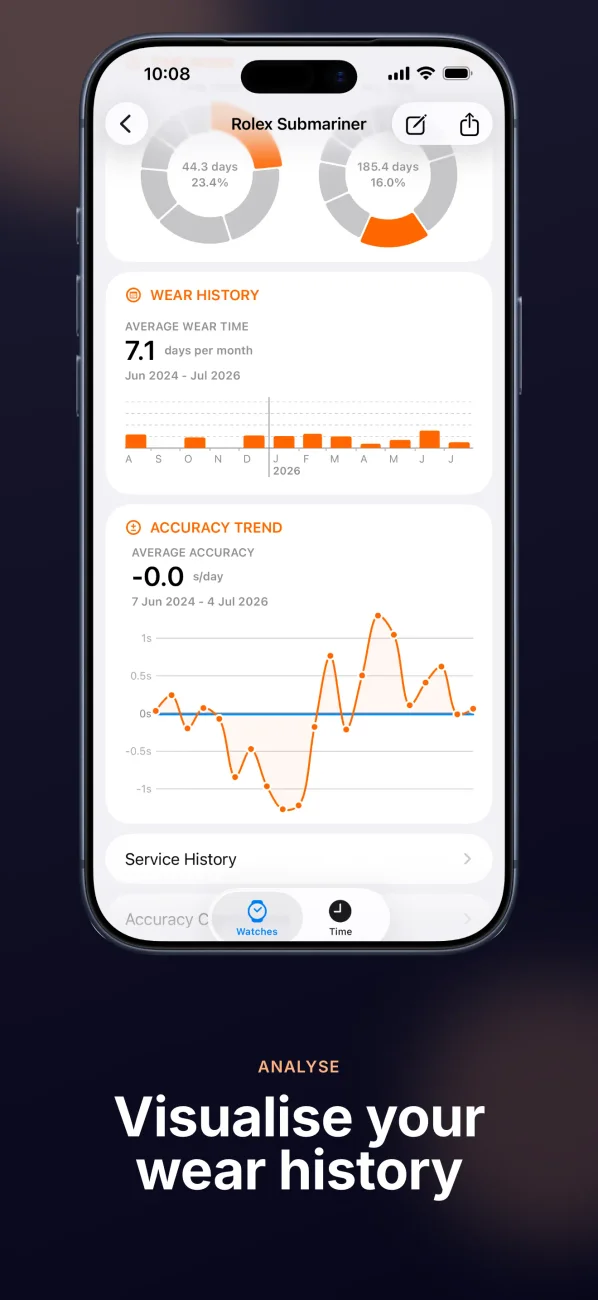
Track mechanical watch accuracy and see drift over time. Log quick time-points, visualise trends with simple charts, keep notes about watch details, track service history, and balance your wrist time across your collection.
Why it’s useful
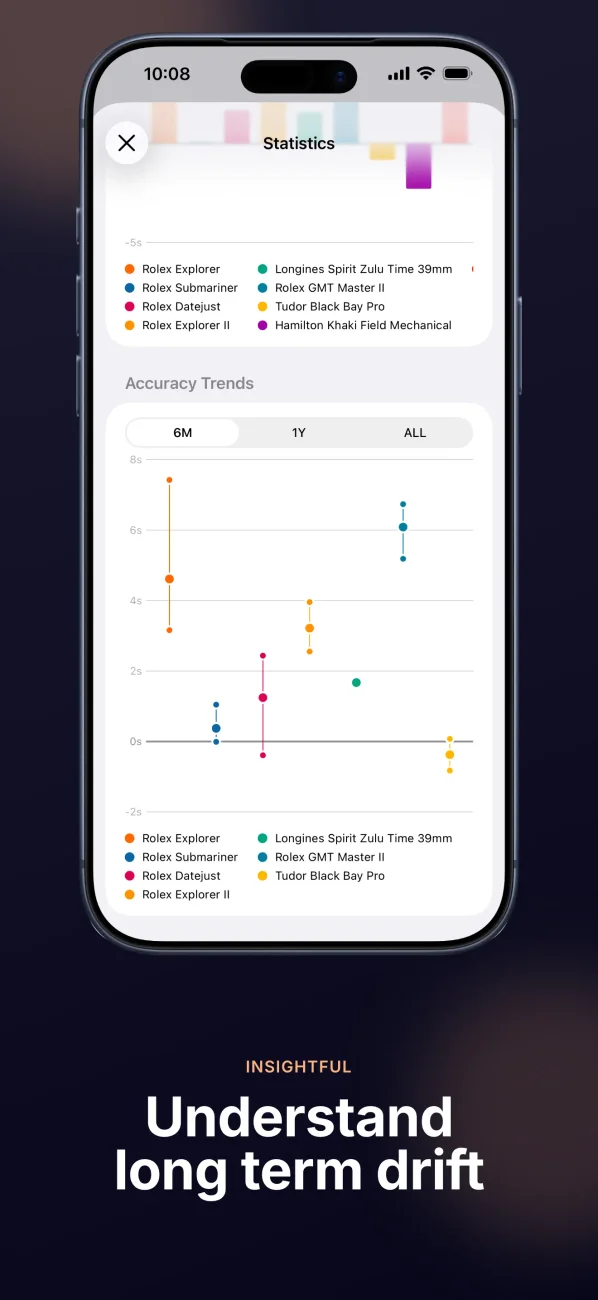
• Understand seconds-per-day accuracy and long-term behaviour
• Spot issues after knocks or before/after a service
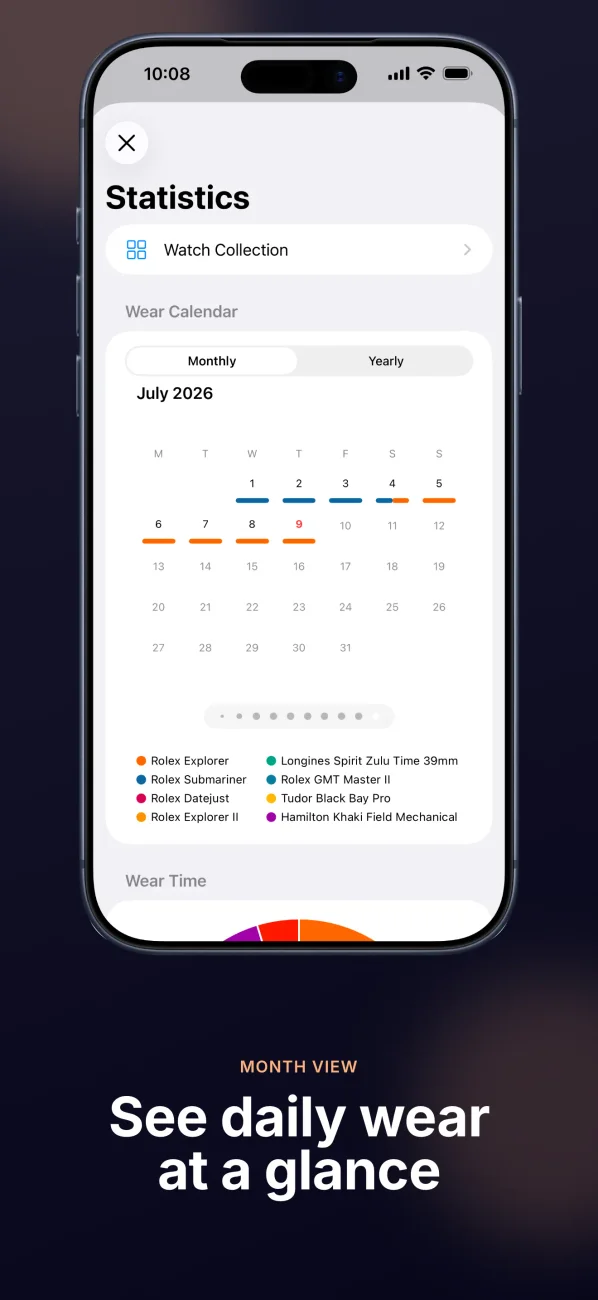
• See which watches get the most wear
• Keep track of key facts about your watches in one place
Features
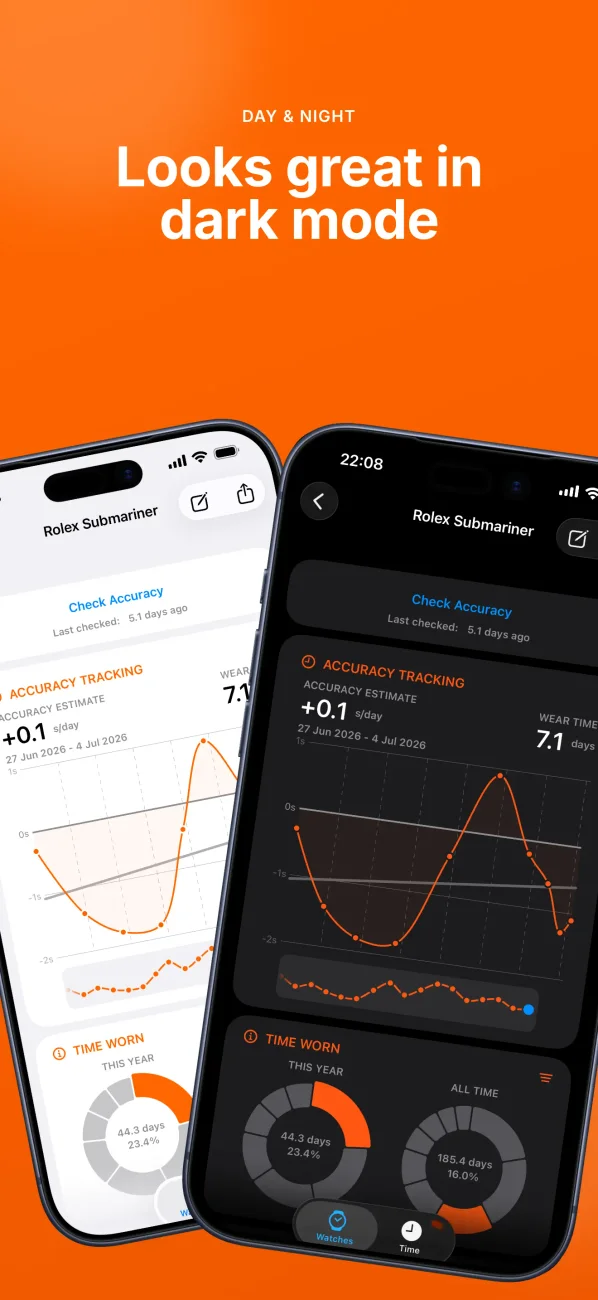
• Accuracy charts & trend
• Wear calendar & statistics
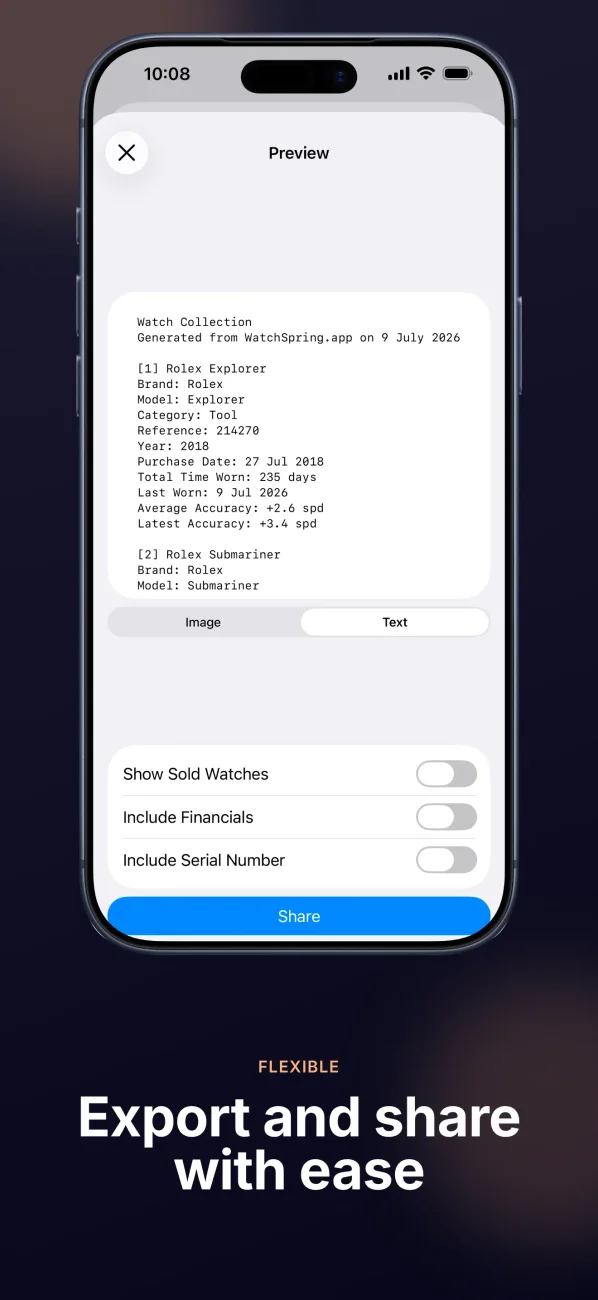
• Watch collection summary shown as info cards; for a quick snapshot of key facts
• Log servicing and repairs with notes and dates; see the before/after impact on accuracy
• View your watch ownership history timeline
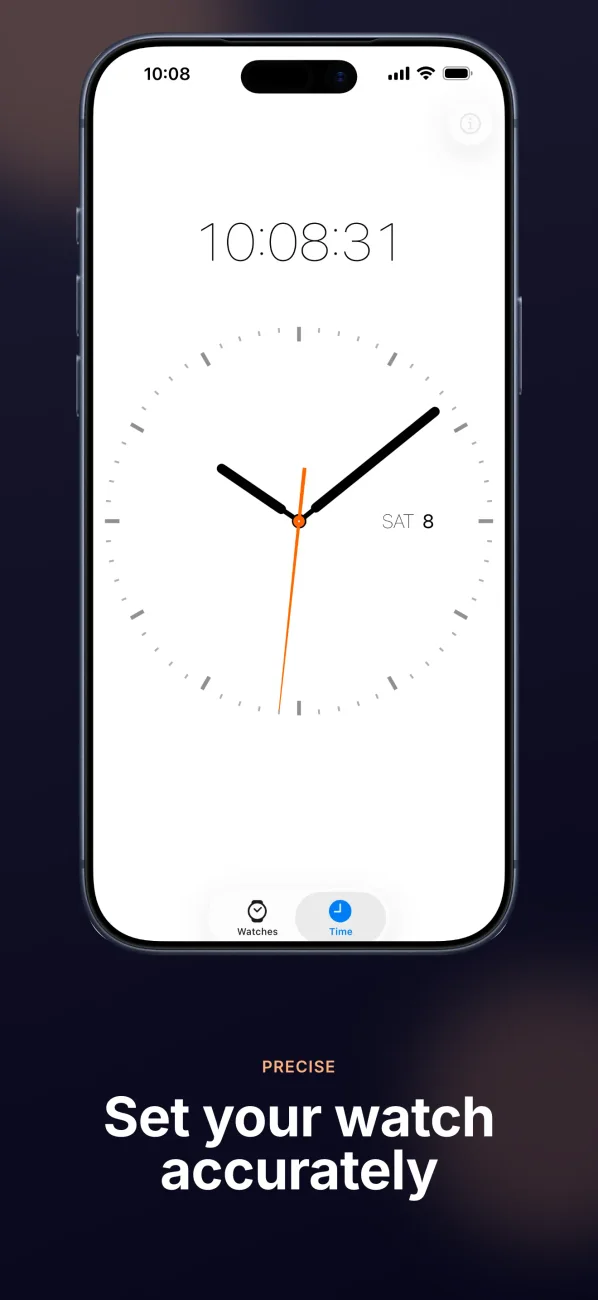
• Time-setting clock (seconds-accurate)
• Daily reminders
• Import/Export CSV; share charts
• iPhone-native, no ads, data stays on device
How it works
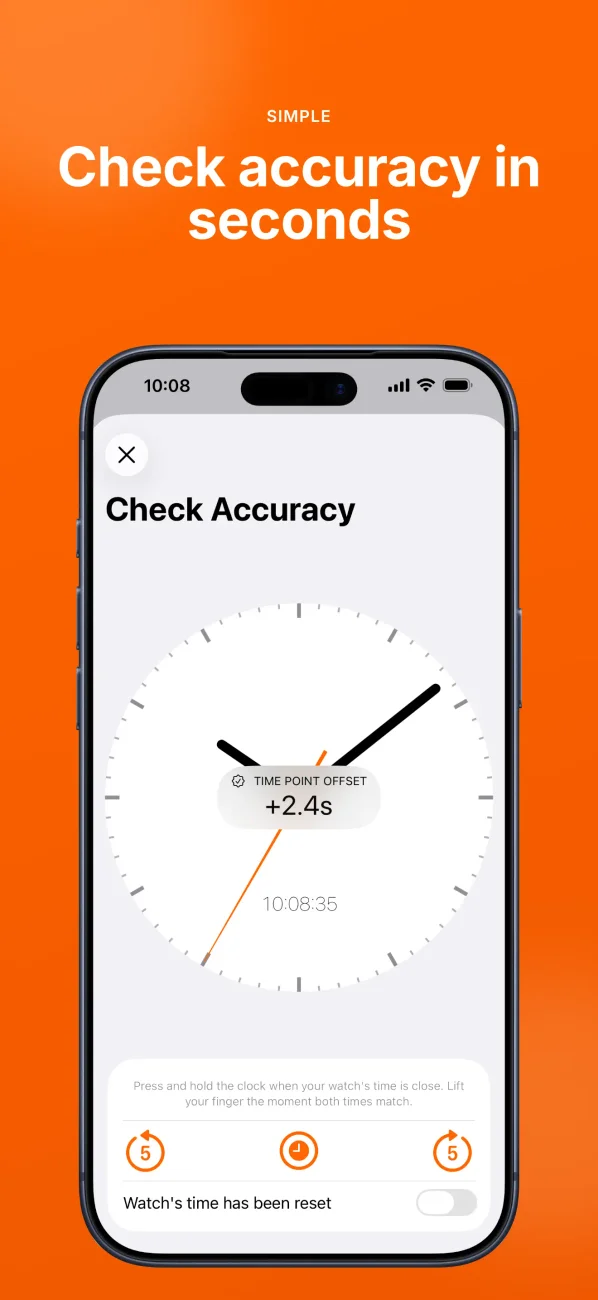
1. Press and hold on the on-screen clock
2. When your watch matches the time, lift your finger
3. Watch Spring logs the time-point, updates charts, and marks your wear
Yang baru
Versi 1.3.5 · 27/10/2026
A couple of layout adjustments and general bug fixes.
Watch list:
- **New Feature:** Added an experimental 'Large Photo List' option. When enabled, each watch in your list is represented by a larger version of your watch photo. Find the new toggle in the settings view to try it out. Feedback welcome.
Split view and foldables:
- Fixed a visual transition issue in split view where the accuracy graph would awkwardly swipe in or carry over visual state when changing watch selections.
- Fixed a crash that could occur on iPhone Duo split-screen when selecting a watch under certain conditions with service log entries.
Settings:
- Fixed an issue where the app's display mode (light/dark) would default back to Light on launch, ignoring your saved appearance preferences.
- Renamed the 'Lock to Portrait' setting to 'Portrait Orientation Lock' to better align with standard iOS Control Center terminology.
Privasi aplikasi
Yang dinyatakan Simon Greig di App Store tentang cara aplikasi ini menangani data.
-
Data tidak dikumpulkan
Pengembang tidak mengumpulkan data apa pun dari aplikasi ini.
Praktik privasi dapat bervariasi, misalnya berdasarkan fitur yang Anda gunakan atau usia Anda.
Informasi
- Penjual
- Simon Greig
- Kategori
- Kegunaan
- Versi
- 1.3.5
- Diperbarui
- 27/10/2026
- Dirilis
- 30/4/2022
- Ukuran
- 12,1 MB
- Memerlukan
- iOS 26.0 atau yang lebih baru
- Batasan usia
- 4+
- Harga
- Rp 79ribu
- Bahasa
- Inggris
- Hak cipta
- © Simon Greig 2026
Mungkin Anda juga suka
-
 Horologe - Watch CollectionKegunaan
-
 Standby Alarm Clock: BedsideKegunaan
-
 WristTime: Watch Wear TrackerKegunaan
-
 Oscillo: Watch Accuracy MeterKegunaan
-
 Long Lasting Clock: JamLayar penuh, pesan pribadi
-
 WristTrackKegunaan
-
 Inflation CalculatorKegunaan
-
 Ringy AlarmKegunaan
-
 Clockwork - Watch appKegunaan
-
 ChronoLog • Watch AccuracyKegunaan