Button Mapper: Remap your keys
flar2Pembelian dalam aplikasi
- Rating 3+Batasan usia
- PersonalisasiKategori
- 23/10/2026Diperbarui
- GratisHarga
Tertaut ke halaman resmi flar2.homebutton di Google Play. Terakhir diperiksa pada 20/11/2026.

Tangkapan layar


Tentang aplikasi ini
Terjemahan otomatis oleh Google. Bahasa asli: Inggris (Amerika Serikat).
tombol hardware remap untuk memulai setiap aplikasi, shortcut atau tindakan
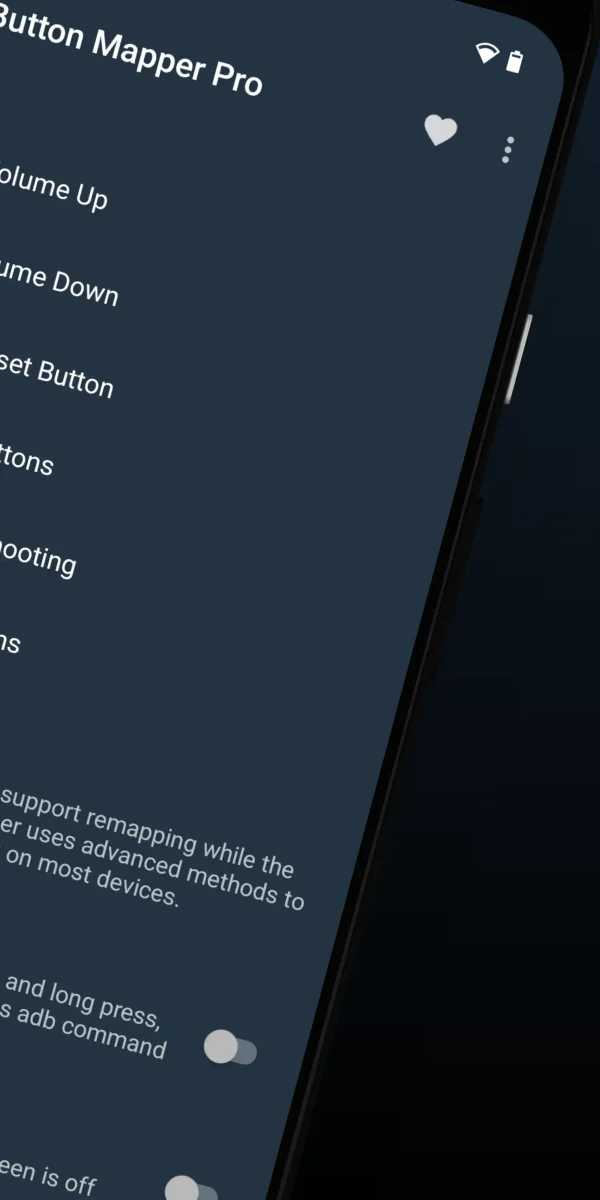
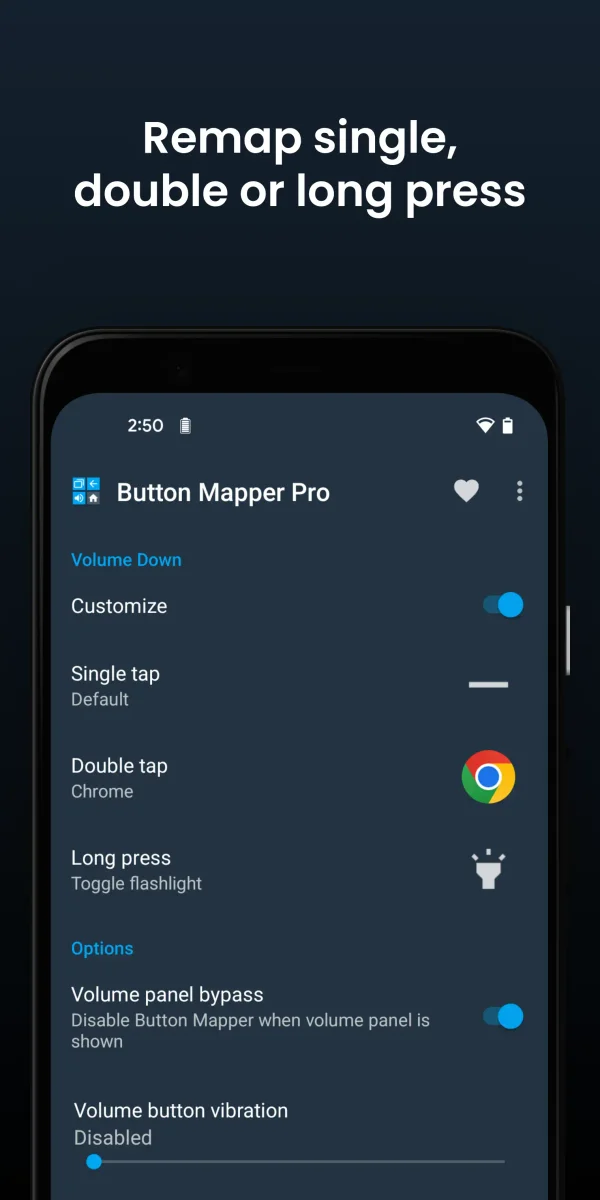
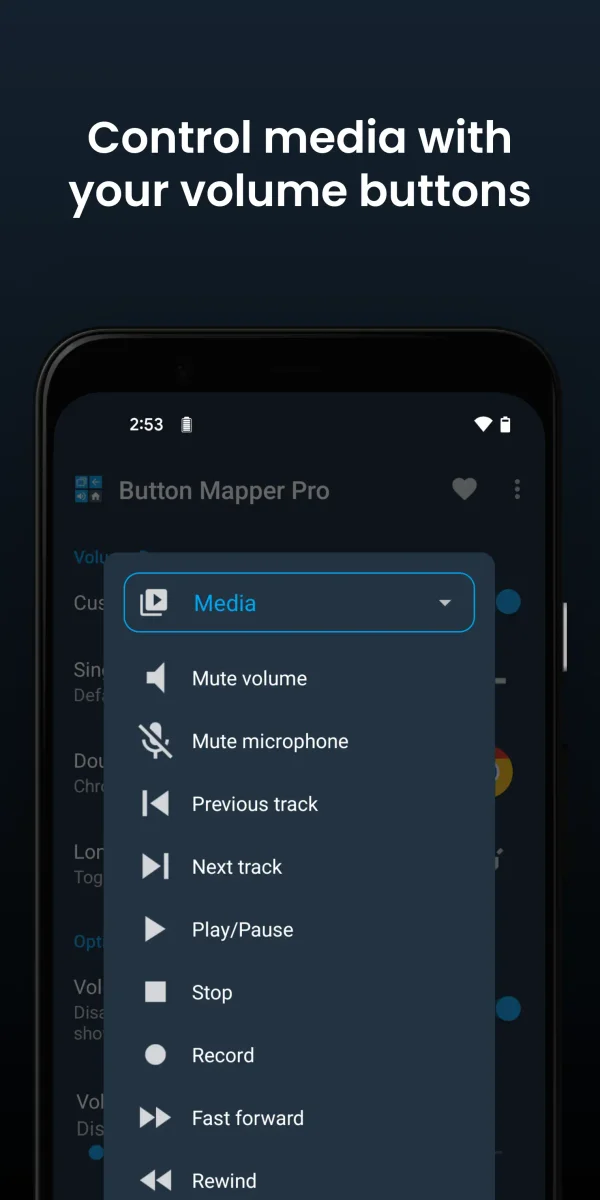
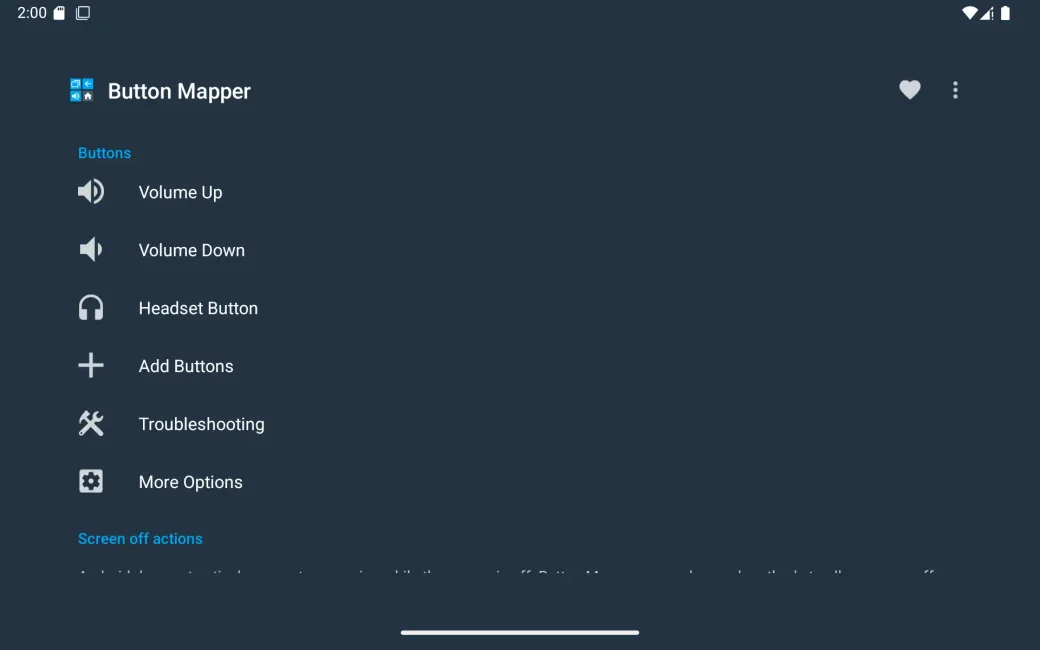
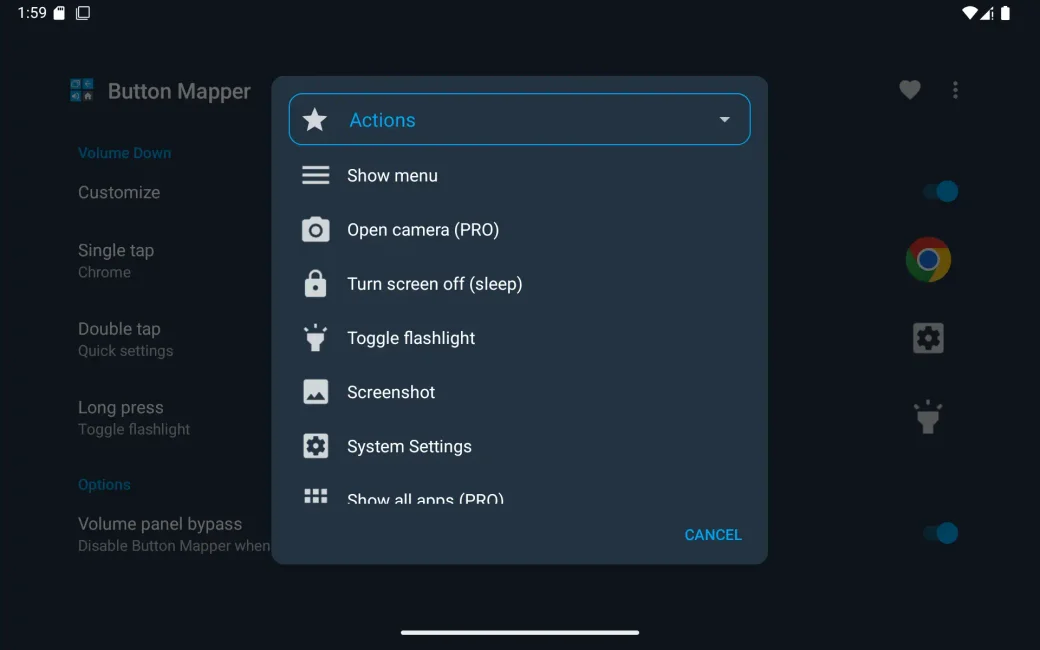
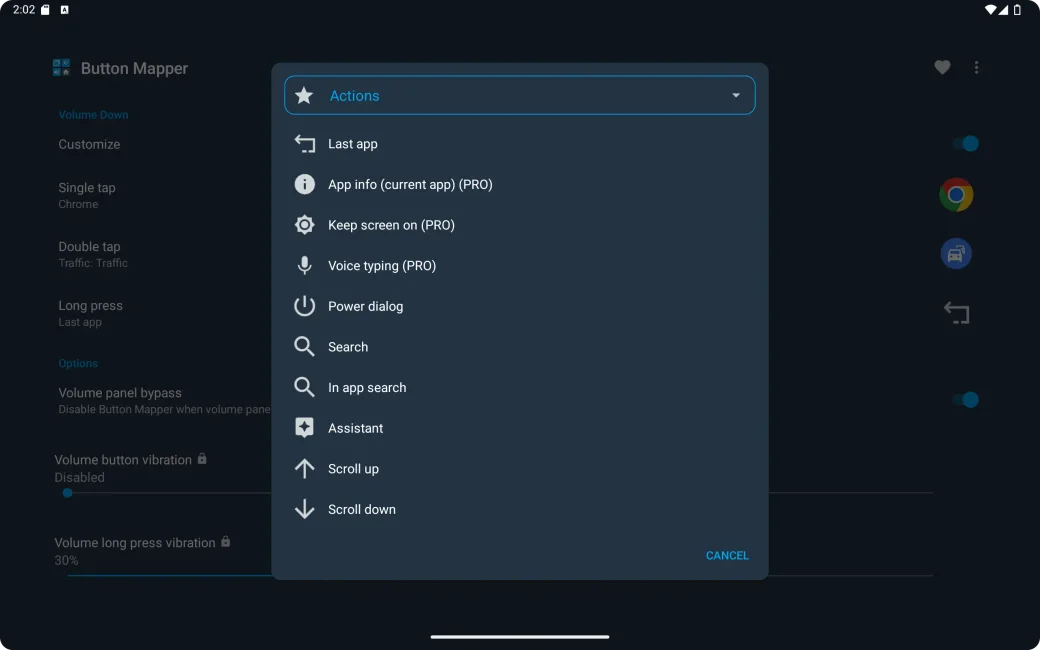
Button Mapper memudahkan untuk memetakan ulang tindakan kustom ke tombol volume dan tombol perangkat keras lainnya. Remap tombol untuk meluncurkan aplikasi, pintasan, atau tindakan kustom apa saja dengan sekali tekan ganda atau tekan lama.
Button Mapper dapat memetakan ulang sebagian besar tombol dan tombol fisik atau kapasitif, seperti tombol volume, beberapa tombol bantu, dan tombol home, back, dan baru aplikasi kapasitif. Button Mapper juga dapat memetakan kembali tombol pada banyak gamepad, remote dan perangkat periferal lainnya.
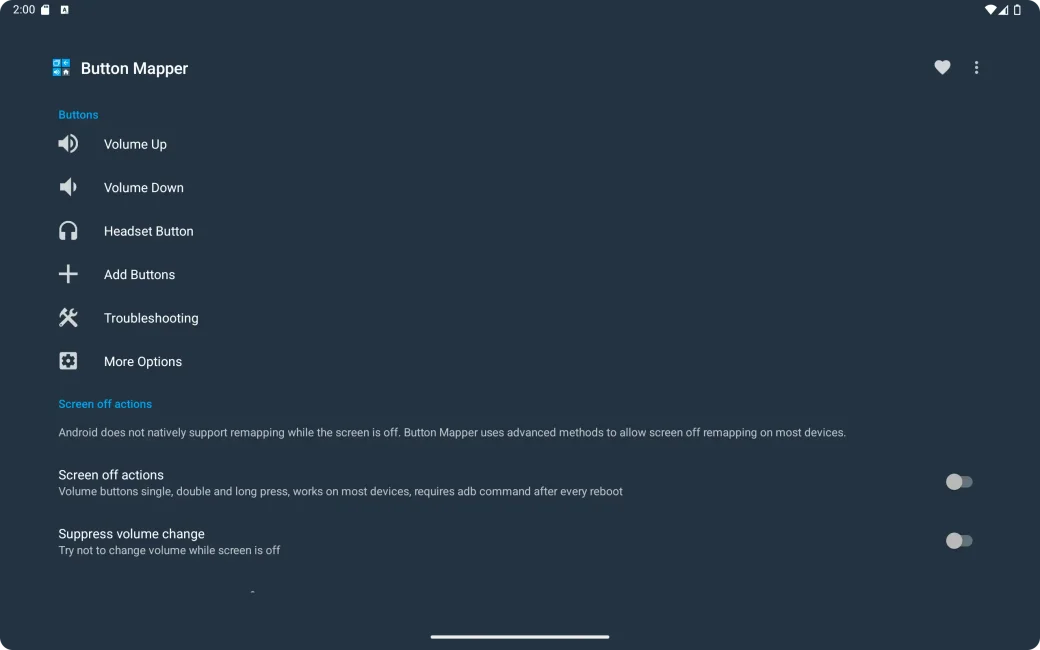
Root tidak diperlukan untuk sebagian besar tindakan, namun beberapa memerlukan perintah adb dari PC yang terhubung jika tidak di-root. Button Mapper tidak berfungsi saat layar mati kecuali perangkat Anda di-rooting atau Anda menjalankan perintah adb.
Beberapa contoh pemetaan ulang yang dapat Anda lakukan dengan Button Mapper:
-Tekan lama untuk mengaktifkan senter Anda
-Mengangkat remote control TV Anda
-Tekan untuk menyiarkan maksud khusus, skrip atau perintah
-Tekan lama untuk membuka kamera dan mengambil foto
-dua ketuk untuk meluncurkan aplikasi atau jalan pintas favorit Anda
-double ketuk untuk membuka notifikasi Anda
-Tukar tombol kembali dan aplikasi terbaru Anda (hanya tombol kapasitif!)
-Gunakan tombol volume Anda untuk mengatur kecerahan layar
-Tekan lama untuk mengaktifkan mode "jangan ganggu"
-dan banyak lagi
Fitur tambahan tidak dikunci dalam versi pro:
-Simulasi kode kunci (memerlukan perintah atau root adb)
Tombol volume -Tukar pada perubahan orientasi
-Kelemahan untuk menelepon volume pada Pie atau lambat
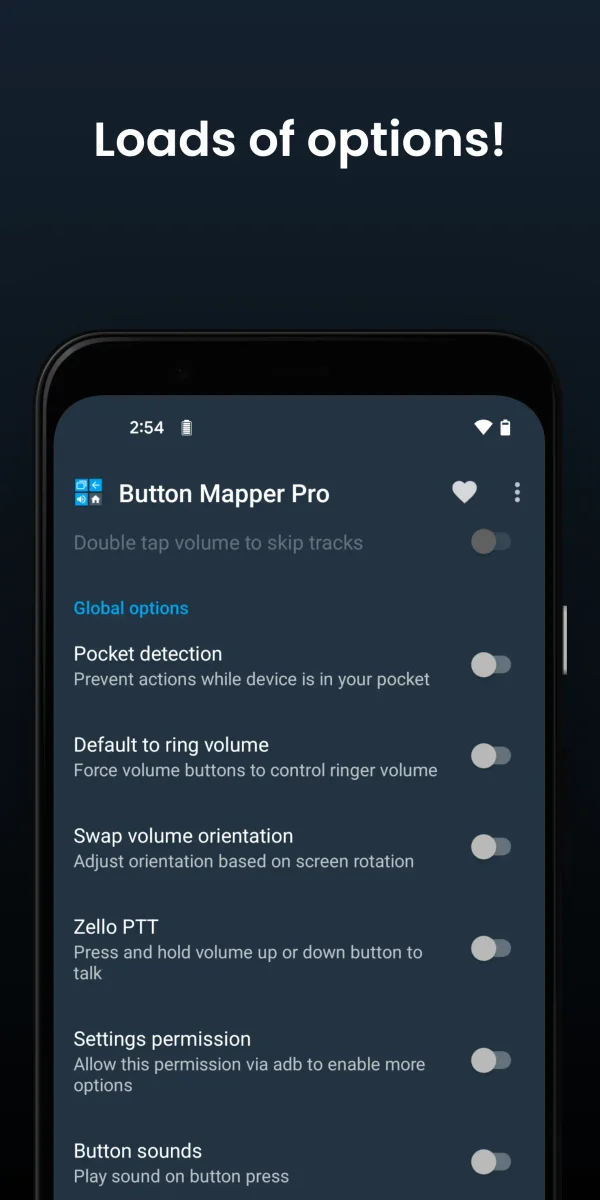
Deteksi -Pocket
-Tema
-Ubah tombol kembali dan mundur
-Kustomisasi umpan balik haptic (getaran) pada tombol tekan dan tekan lama
Tindakan yang dapat dipetakan ke tombol atau tombol:
-Meluncurkan aplikasi atau pintasan apa pun
-Menonaktifkan tombolnya
-Tujuan siaran (PRO)
-Baca skrip (PRO)
Rana kamera
-Matikan layar
-Toggle senter
Pengaturan -Cepat
-Tampilkan notifikasi
Dialog -Power
-Mengambil screenshot
-Musik: trek sebelumnya / berikutnya dan putar / jeda
Volume menyesuaikan atau bisu
Saklar aplikasi -Terakhir
-Toggle jangan ganggu
Kecerahan -Sesuaikan
-Sekarang di ketuk (root)
Tombol -Menu (root)
-Pilih kode kunci khusus (root dan PRO)
Perintah -Root (root dan PRO)
-Toggle WiFi
-Toggle Bluetooth
Rotasi-Beralih
Pemberitahuan -Clear
Layar -Split
-Scroll Atas / Bawah (root)
-Dan masih banyak lagi...
Tombol yang didukung:
-Fisik rumah, kembali dan tombol aplikasi / menu terbaru
-Volume
Turunkan
Tombol-kamera paling
Banyak tombol headset
-Kustom tombol: tambahkan tombol lain (aktif, bisu, dll) di ponsel, headphone, gamepad, remote TV dan perangkat periferal lainnya
Opsi tambahan:
-mengubah lama tekan atau ketuk dua kali
-tekan tombol awal tekan untuk operasi ketuk dua kali lebih baik
-Menonaktifkan Tombol Mapper saat menggunakan aplikasi tertentu
-Tambahkan banyak penyesuaian lainnya
Penyelesaian masalah:
-Pastikan Layanan aksesibilitas Button Mapper diaktifkan dan dibiarkan berjalan di latar belakang
-Tombol Mapper tidak berfungsi dengan tombol pada layar (seperti tombol lunak atau bilah navigasi) atau tombol daya.
-Pilihan yang ditampilkan di aplikasi tergantung pada tombol yang tersedia di ponsel Anda. Tidak semua ponsel memiliki tombol home, back, dan recents!
Aplikasi ini menggunakan layanan Aksesibilitas. Aksesibilitas digunakan untuk mendeteksi ketika tombol fisik atau kapasitif ditekan pada perangkat Anda sehingga dapat dipetakan kembali ke tindakan kustom untuk mengakomodasi kebutuhan Anda. Itu tidak digunakan untuk melihat apa yang Anda ketik. Button Mapper tidak mengumpulkan atau membagikan informasi pribadi Anda, itu aman dan privasi Anda dihormati.
Aplikasi ini menggunakan izin Administrator Perangkat. (BIND_DEVICE_ADMIN)
Izin ini digunakan untuk mengunci layar jika tindakan "Matikan layar" dipilih. Jika Anda ingin menghapus izin ini, buka Button Mapper, klik menu (tiga titik di sudut kanan atas) dan pilih "Copot"
Tampilkan teks asli
Button Mapper makes it easy to remap custom actions to your volume buttons and other hardware buttons. Remap buttons to launch any app, shortcut or custom action with a single, double press or long press.
Button Mapper can remap most physical or capacitive keys and buttons, such as volume buttons, some assist buttons, and capacitive home, back and recent apps keys. Button Mapper can also remap buttons on many gamepads, remotes and other peripheral devices.
Root is not required for most actions, however some require an adb command from a connected PC if not rooted. Button Mapper does not work when the screen is off unless your device is rooted or you run an adb command.
A few examples of remapping you can do with Button Mapper:
-long press to toggle your flashlight
-remap your TV remote control
-press to broadcast custom intents, scripts or commands
-long press to open camera and take a photo
-double tap to launch your favorite app or shortcut
-double tap to open your notifications
-swap your back and recent apps keys (capacitive buttons only!)
-use your volume buttons to adjust screen brightness
-long press to toggle "do not disturb" mode
-and much more
Additional features unlocked in the pro version:
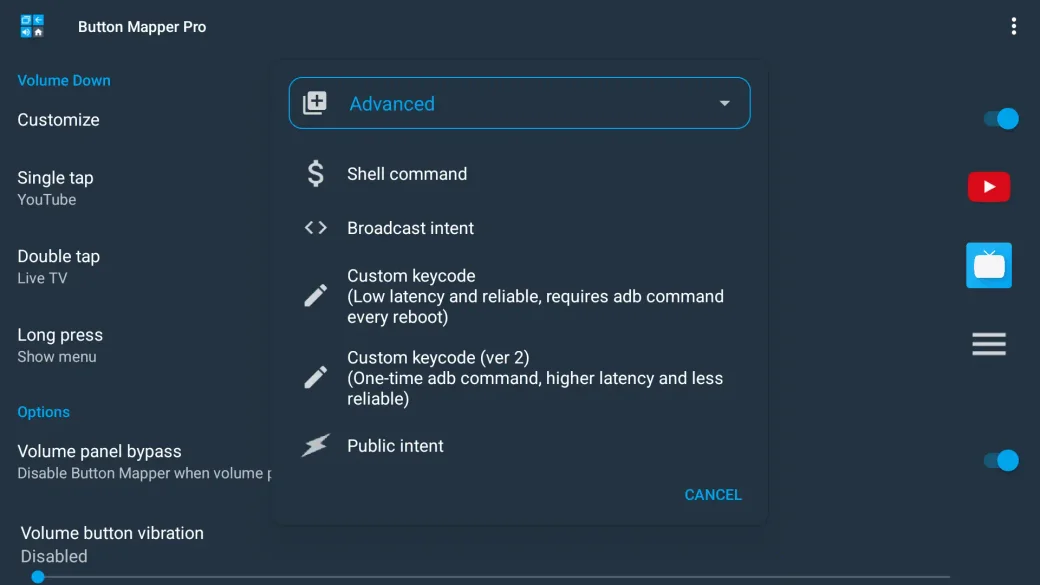
-Simulate keycodes (requires adb command or root)
-Swap volume keys on orientation change
-Default to ring volume on Pie or later
-Pocket detection
-Themes
-Change back and recents buttons
-Customization of haptic feedback (vibration) on button press and long press
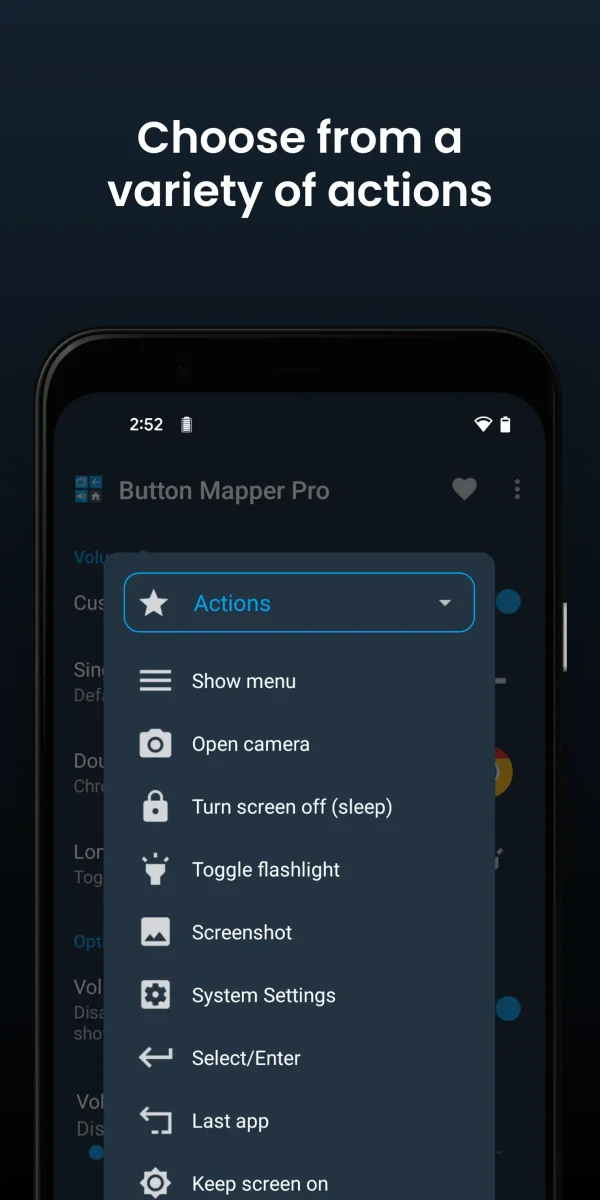
Actions that can be mapped to buttons or keys:
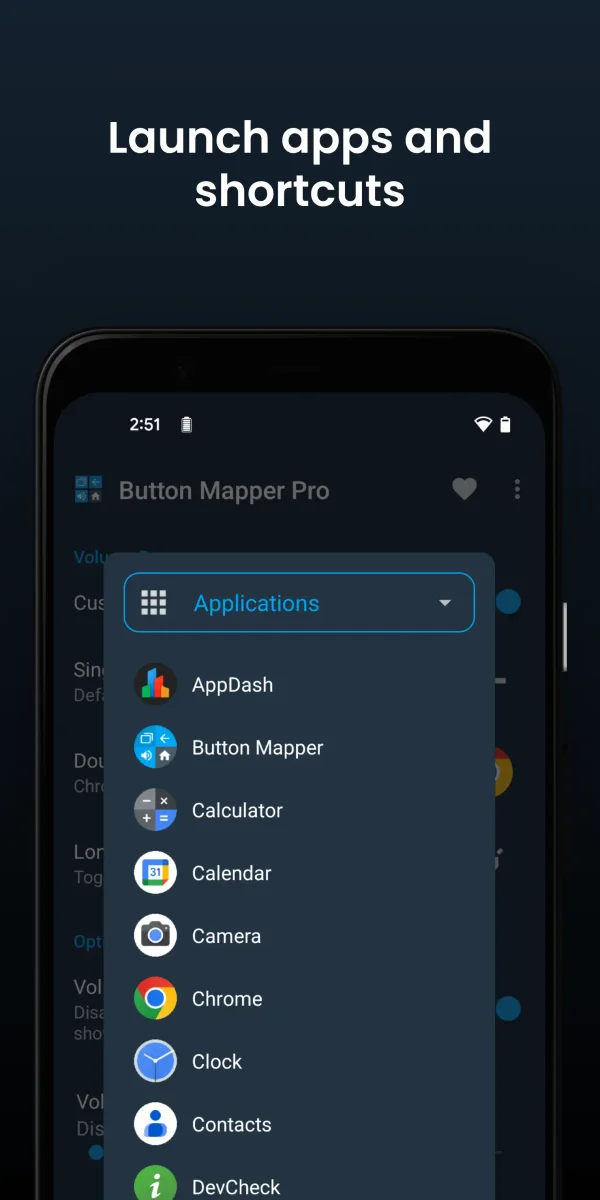
-Launch any app or shortcut
-Disable the button
-Broadcast intents (PRO)
-Run scripts (PRO)
-Camera shutter
-Turn screen off
-Toggle flashlight
-Quick settings
-Show notifications
-Power dialog
-Take screenshot
-Music: previous/next track and play/pause
-Adjust volume or mute
-Last app switch
-Toggle do not disturb
-Adjust brightness
-Now on tap (root)
-Menu button (root)
-Choose custom keycode (root and PRO)
-Root command (root and PRO)
-Toggle WiFi
-Toggle Bluetooth
-Toggle rotation
-Clear notifications
-Split screen
-Scroll up/down (root)
-And many more...
Buttons supported:
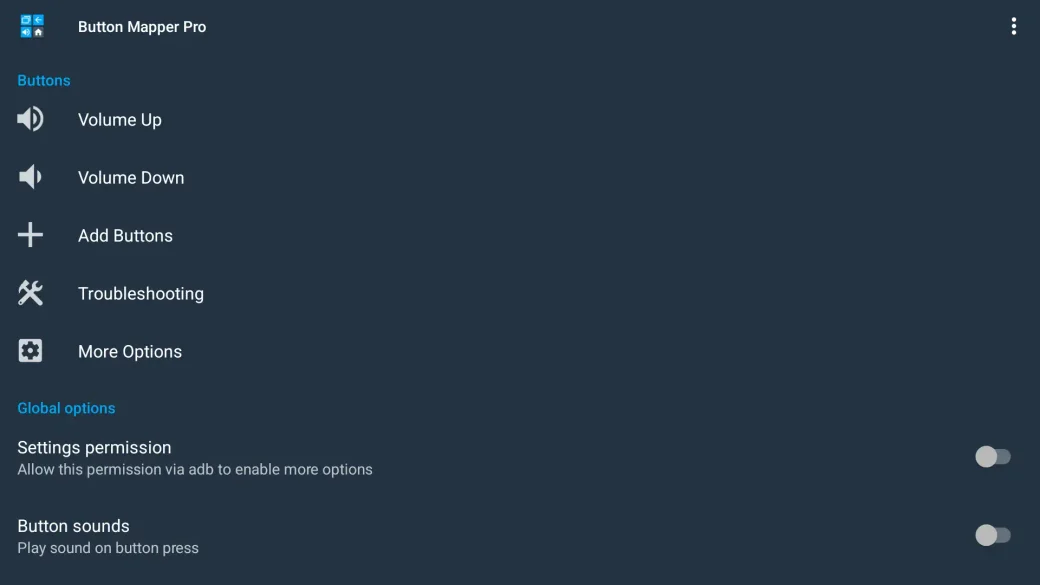
-Physical home, back and recent apps/menu buttons
-Volume up
-Volume down
-Most camera buttons
-Many headset buttons
-Custom buttons: add other buttons (active, mute, etc) on your phone, headphones, gamepads, TV remote and other peripheral devices
Additional options:
-change the long press or double tap duration
-delay initial button press for better double tap operation
-disable Button Mapper while using specific apps
-plus many more customizations
Troubleshooting:
-Make sure Button Mapper accessibility service is enabled and allowed to run in the background
-Button Mapper does not work with onscreen buttons (such as soft keys or the navigation bar) or the power button.
-The options shown in the app depend on the buttons available on your phone. Not all phones have home, back and recents buttons!
This app uses Accessibility services. Accessibility is used to detect when the physical or capacitive buttons are pressed on your device so they can be remapped to custom actions to accommodate your needs. It is not used to see what you type. Button Mapper does not collect or share any of your personal information, it is safe and your privacy is respected.
This app uses the Device Administrator permission. (BIND_DEVICE_ADMIN)
This permission is used to lock the screen if the "Turn screen off" action is chosen. If you want to remove this permission, open Button Mapper, click on the menu (three dots in the upper right corner) and select "Uninstall"
Keamanan data
Yang dinyatakan flar2 di Google Play tentang data yang dikumpulkan dan dibagikan aplikasi ini.
- Tidak ada data yang dibagikan kepada pihak ketigaPelajari lebih lanjut cara developer menyatakan pembagian data
- Tidak ada data yang dikumpulkanPelajari lebih lanjut cara developer menyatakan pengumpulan data
Yang baru
23/10/2026
4.09:
-bug fixes and optimizations
4.08:
-fix flashlight toggle
-other minor bug fixes
4.07:
-fix skip tracks on Xiaomi/Poco
-fix screenshot and flashlight notifications
-many other minor bug fixes
-update translations
4.05/4.06:
-modernize and update code
-improve backup/restore
-improve shell command, intent, and http actions
-remap moto AI key
-UI updates and improvements
-optimize and fix bugs
-update translations
Kontak pengembang
- Situs webbuttonmapper.com
- Emailasegaert@gmail.com
- Kebijakan Privasibuttonmapper.com
- Alamat9093 West Ridge Line Blenheim, ON N0P 1A0 Canada
Informasi
- Ditawarkan oleh
- flar2
- Kategori
- Personalisasi
- Diperbarui
- 23/10/2026
- Dirilis
- 23/10/2016
- Batasan usia
- Rating 3+
- Harga
- Gratis
- Pembelian dalam aplikasi
- Rp 9.000 - Rp 269.000 per item
- Nama paket
- flar2.homebutton
Aplikasi serupa
-
 Volume Styles - Kontrol Kustom
Personalisasi
-
 Gboard - Keyboard Google
Alat
-
 Typewise Custom Keyboard
Personalisasi
-
 YouTube for Android TV
Hiburan
-
 Cx File Explorer
Alat
-
 Xiaomi Home
Gaya Hidup
-
 Folder Widget - Large Folders
Personalisasi
-
 LocalSend: Transfer Files
Alat
-
 Good Lock
Alat
-
 Microsoft SwiftKey AI Keyboard
Personalisasi
-
 Touch Screen Test
Alat
-
 TeamViewer QuickSupport
Produktivitas