Button Mapper: Remap your keys
flar2アプリ内課金
- 3 歳以上対象年齢
- カスタマイズカテゴリ
- 2026/10/23更新日
- 無料価格
flar2.homebuttonのGoogle Play公式ページにリンクしています。最終確認:2026/11/20。

スクリーンショット


このアプリについて
Googleによる英語 (アメリカ合衆国)からの自動翻訳です。
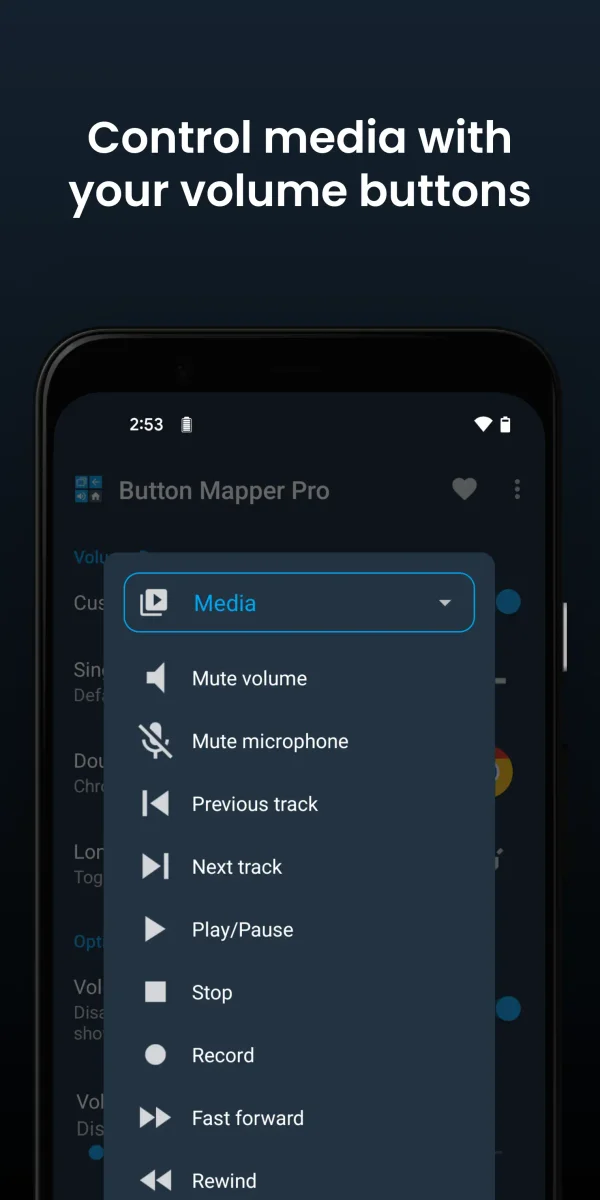
リマップハードウェアボタンは任意のアプリ、ショートカットまたはアクションを起動します
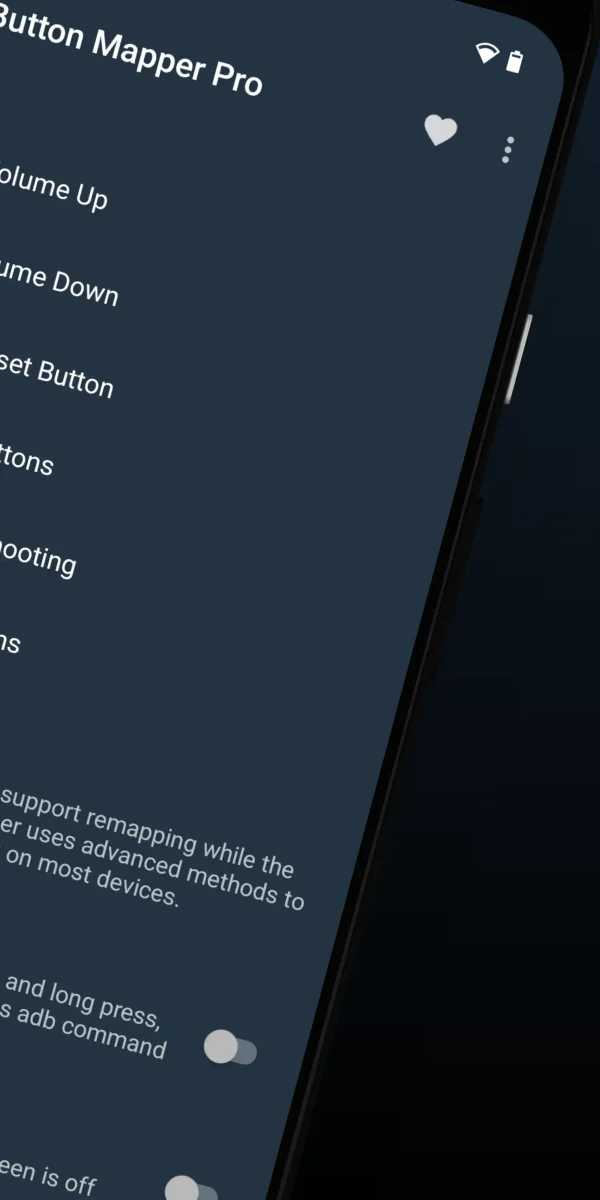
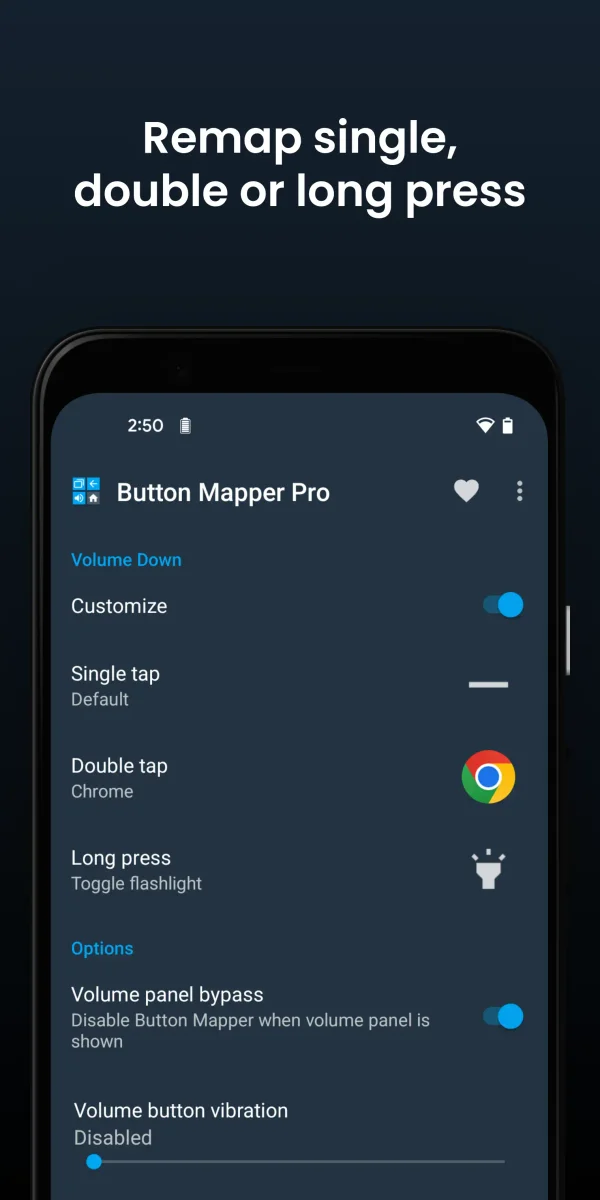
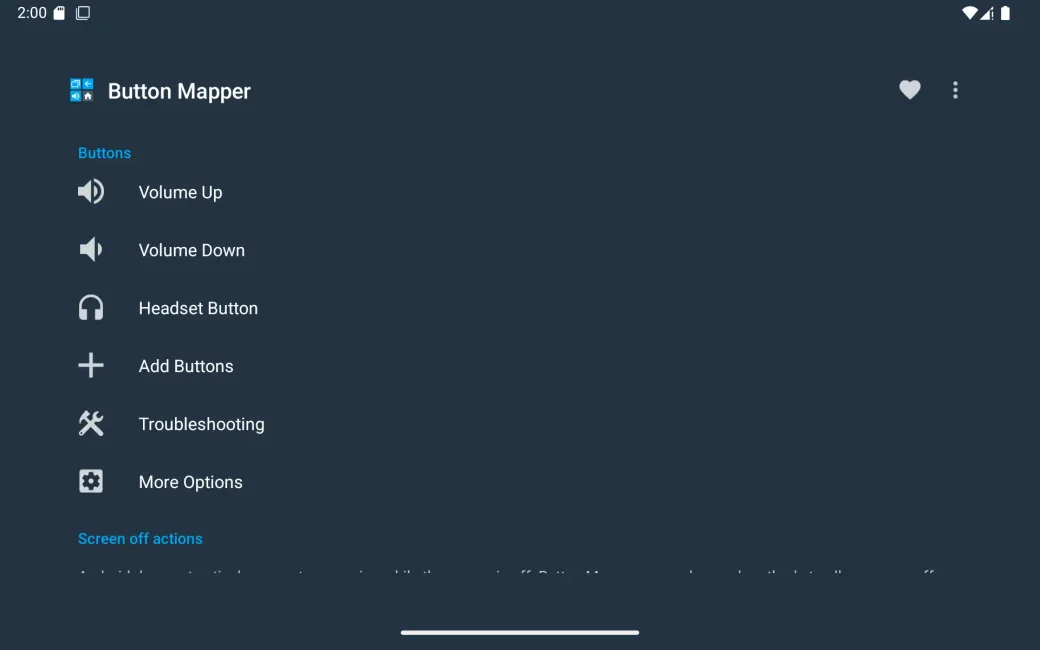
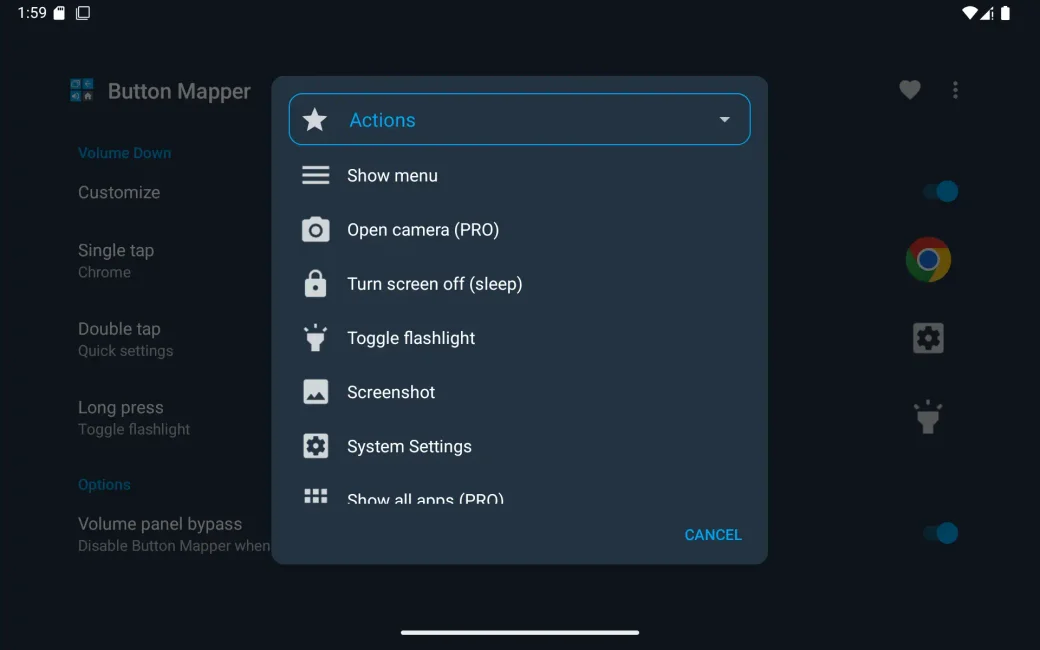
ボタンマッパーを使用すると、カスタムアクションをボリュームボタンやその他のハードウェアボタンに簡単に再マッピングできます。ボタンをリマップして、アプリ、ショートカット、カスタムアクションを1回、2回、または長押しで起動します。
ボタンマッパーは、ボリュームボタン、一部のアシストボタン、静電容量のホーム、バック、最近のアプリのキーなど、ほとんどの物理キーまたは静電容量キーおよびボタンを再マッピングできます。ボタンマッパーは、多くのゲームパッド、リモコン、その他の周辺機器のボタンを再マップすることもできます。
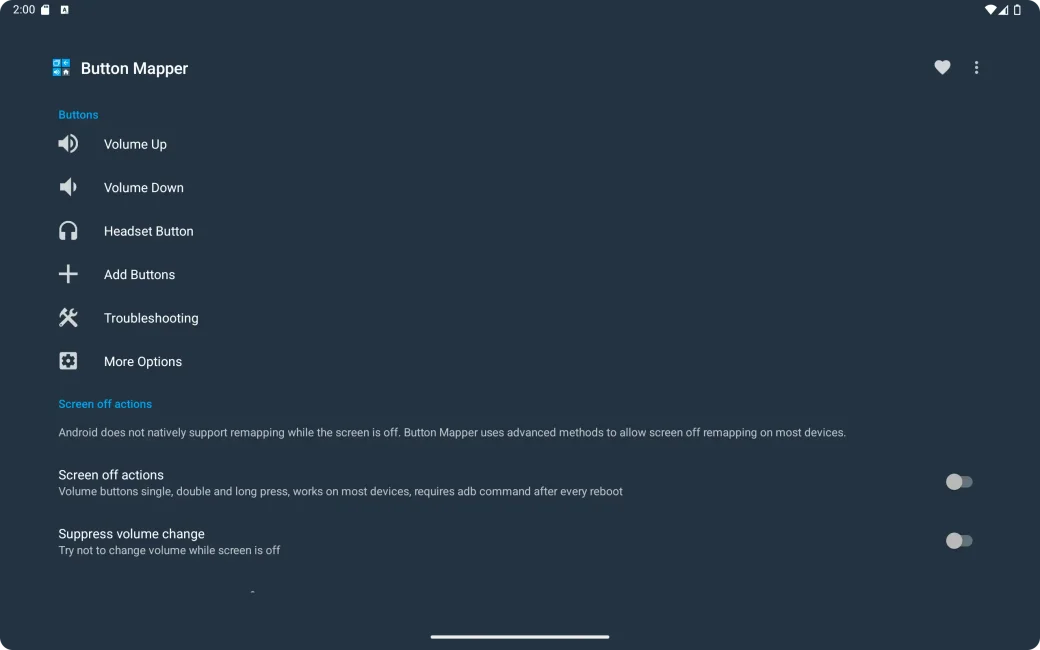
ほとんどのアクションではルートは必要ありませんが、ルート化されていない場合、接続されたPCからのadbコマンドが必要なアクションもあります。デバイスがルート権限を取得されているか、adbコマンドを実行しない限り、画面がオフの場合、ボタンマッパーは機能しません。
ボタンマッパーを使用して実行できる再マッピングの例をいくつか示します。
-長押しして懐中電灯を切り替えます
-テレビのリモコンを再マッピング
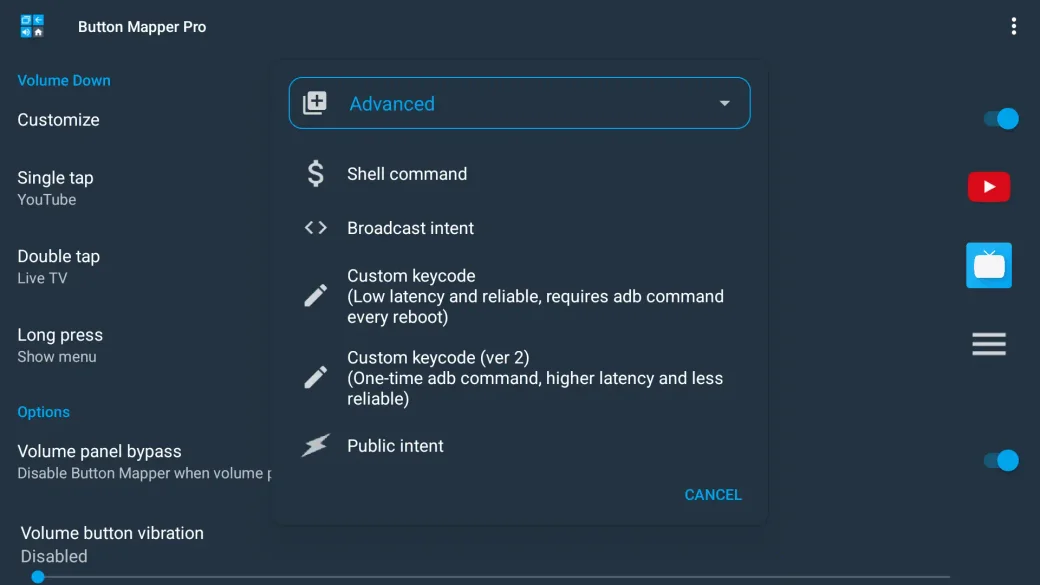
-押して、カスタムインテント、スクリプト、またはコマンドをブロードキャストします
-長押ししてカメラを開き、写真を撮ります
-ダブルタップしてお気に入りのアプリまたはショートカットを起動します
-ダブルタップして通知を開きます
-背中と最近のアプリのキーを入れ替えます(容量ボタンのみ!)
-音量ボタンを使用して画面の明るさを調整します
-長押しすると、「サイレント」モードに切り替わります
-その他
プロバージョンでロック解除された追加機能:
-キーコードのシミュレーション(adbコマンドまたはrootが必要)
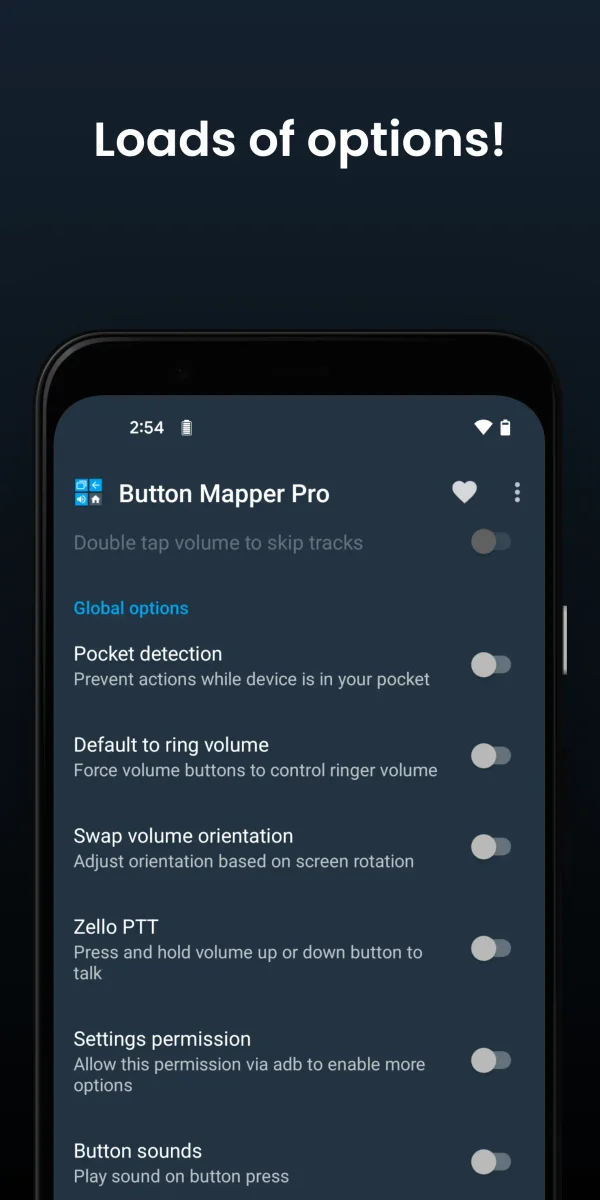
-方向変更時に音量キーを入れ替え
-デフォルトで、パイ以降の音量を鳴らす
-ポケット検出
-テーマ
-戻るボタンと最近のボタンを変更する
-ボタンを押したり長押ししたりしたときの触覚フィードバック(振動)のカスタマイズ
ボタンまたはキーにマップできるアクション:
-アプリやショートカットを起動する
-ボタンを無効にする
-ブロードキャストインテント(PRO)
-スクリプトの実行(PRO)
-カメラシャッター
-画面をオフにする
-懐中電灯を切り替え
-クイック設定
-通知を表示
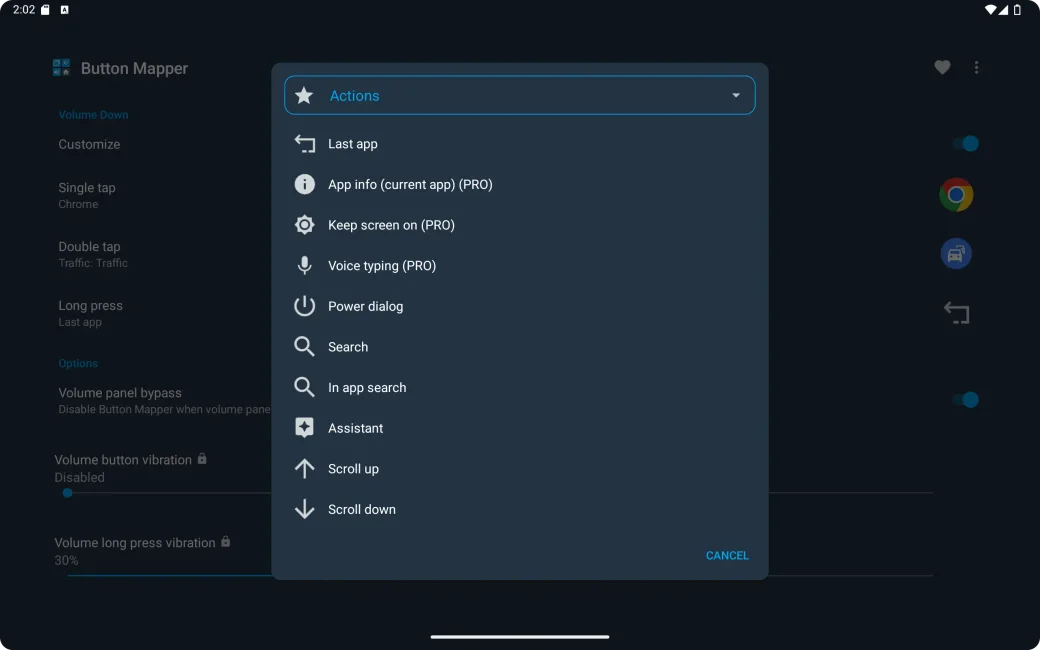
-電源ダイアログ
-スクリーンショットを撮ります
-音楽:前/次のトラックと再生/一時停止
-音量またはミュートを調整する
-最後のアプリの切り替え
-トグルは邪魔しません
-明るさを調整する
-Now on Tap(ルート)
-メニューボタン(ルート)
-カスタムキーコードを選択(ルートとPRO)
-rootコマンド(rootおよびPRO)
-WiFiの切り替え
-Bluetoothの切り替え
-回転を切り替え
-クリア通知
-画面を分割
-上下にスクロール(ルート)
-などなど...
サポートされているボタン:
-物理的な家、戻る、最近のアプリ/メニューボタン
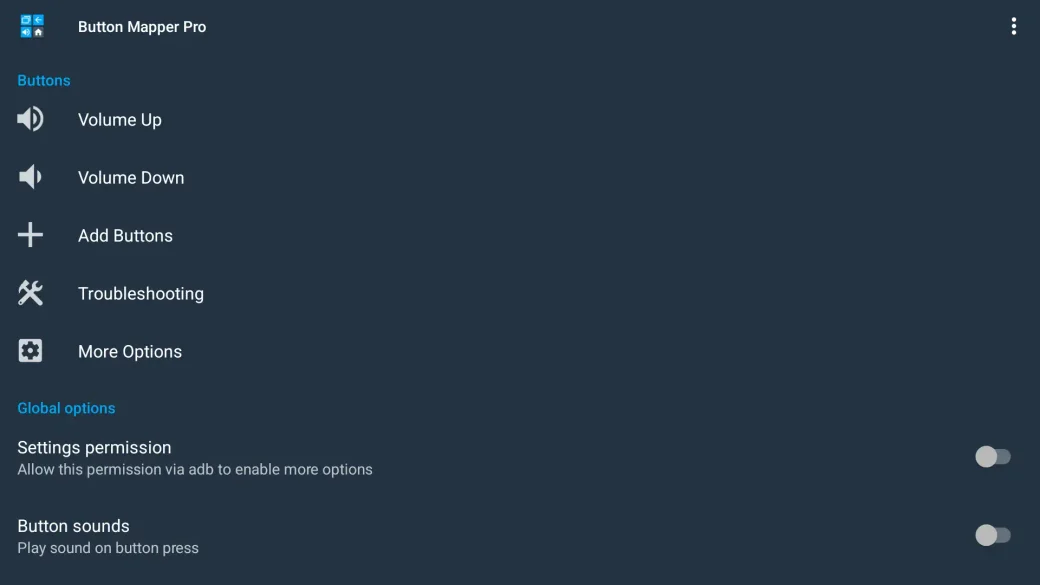
-ボリュームアップ
-ボリュームダウン
-ほとんどのカメラボタン
-多くのヘッドセットボタン
-カスタムボタン:スマートフォン、ヘッドフォン、ゲームパッド、テレビのリモコン、その他の周辺機器に他のボタン(アクティブ、ミュートなど)を追加します
追加オプション:
-長押しまたはダブルタップの時間を変更する
-ダブルタップ操作を改善するための最初のボタン押下の遅延
-特定のアプリの使用中はボタンマッパーを無効にする
-さらに多くのカスタマイズ
トラブルシューティング:
-Button Mapperアクセシビリティサービスが有効になっており、バックグラウンドで実行できることを確認してください
-ボタンマッパーは、画面上のボタン(ソフトキーやナビゲーションバーなど)または電源ボタンでは機能しません。
-アプリに表示されるオプションは、お使いの携帯電話で利用可能なボタンによって異なります。すべての電話にホーム、戻る、および最近のボタンがあるわけではありません。
このアプリは、ユーザー補助サービスを使用しています。アクセシビリティは、デバイスの物理ボタンまたは静電容量ボタンが押されたことを検出するために使用されるため、ニーズに合わせてカスタムアクションに再マッピングできます。入力内容の確認には使用されません。 Button Mapperは、お客様の個人情報を収集または共有することはありません。安全であり、お客様のプライバシーは尊重されます。
このアプリは、デバイス管理者権限を使用します。 (BIND_DEVICE_ADMIN)
この許可は、「画面をオフにする」アクションが選択されている場合に画面をロックするために使用されます。この権限を削除するには、ボタンマッパーを開き、メニュー(右上隅にある3つのドット)をクリックして、[アンインストール]を選択します。
原文を表示
Button Mapper makes it easy to remap custom actions to your volume buttons and other hardware buttons. Remap buttons to launch any app, shortcut or custom action with a single, double press or long press.
Button Mapper can remap most physical or capacitive keys and buttons, such as volume buttons, some assist buttons, and capacitive home, back and recent apps keys. Button Mapper can also remap buttons on many gamepads, remotes and other peripheral devices.
Root is not required for most actions, however some require an adb command from a connected PC if not rooted. Button Mapper does not work when the screen is off unless your device is rooted or you run an adb command.
A few examples of remapping you can do with Button Mapper:
-long press to toggle your flashlight
-remap your TV remote control
-press to broadcast custom intents, scripts or commands
-long press to open camera and take a photo
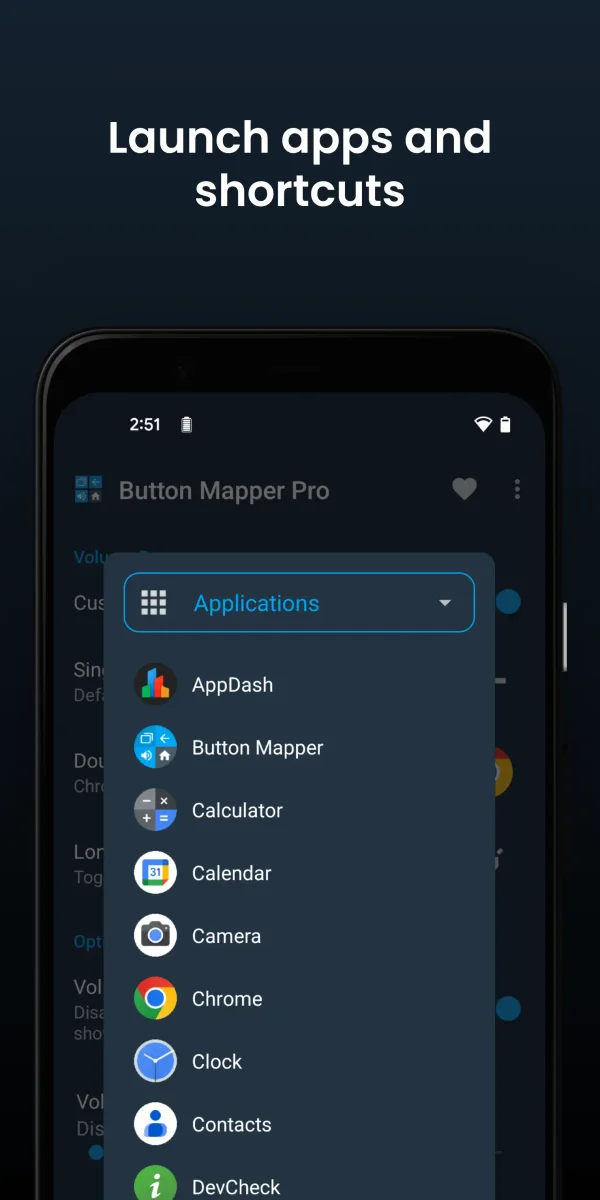
-double tap to launch your favorite app or shortcut
-double tap to open your notifications
-swap your back and recent apps keys (capacitive buttons only!)
-use your volume buttons to adjust screen brightness
-long press to toggle "do not disturb" mode
-and much more
Additional features unlocked in the pro version:
-Simulate keycodes (requires adb command or root)
-Swap volume keys on orientation change
-Default to ring volume on Pie or later
-Pocket detection
-Themes
-Change back and recents buttons
-Customization of haptic feedback (vibration) on button press and long press
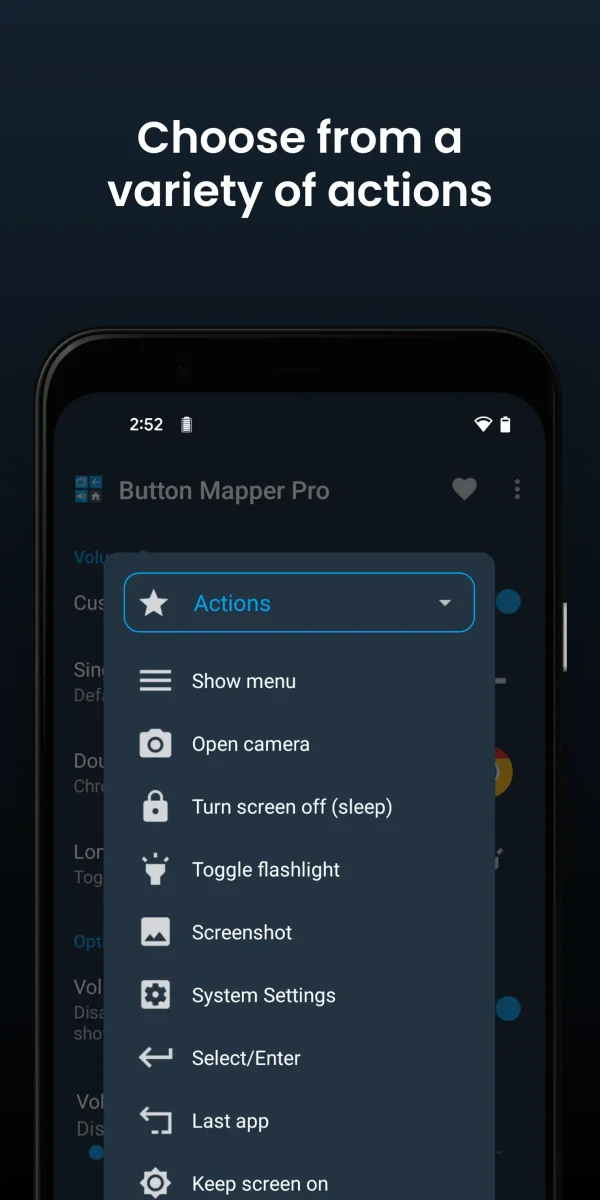
Actions that can be mapped to buttons or keys:
-Launch any app or shortcut
-Disable the button
-Broadcast intents (PRO)
-Run scripts (PRO)
-Camera shutter
-Turn screen off
-Toggle flashlight
-Quick settings
-Show notifications
-Power dialog
-Take screenshot
-Music: previous/next track and play/pause
-Adjust volume or mute
-Last app switch
-Toggle do not disturb
-Adjust brightness
-Now on tap (root)
-Menu button (root)
-Choose custom keycode (root and PRO)
-Root command (root and PRO)
-Toggle WiFi
-Toggle Bluetooth
-Toggle rotation
-Clear notifications
-Split screen
-Scroll up/down (root)
-And many more...
Buttons supported:
-Physical home, back and recent apps/menu buttons
-Volume up
-Volume down
-Most camera buttons
-Many headset buttons
-Custom buttons: add other buttons (active, mute, etc) on your phone, headphones, gamepads, TV remote and other peripheral devices
Additional options:
-change the long press or double tap duration
-delay initial button press for better double tap operation
-disable Button Mapper while using specific apps
-plus many more customizations
Troubleshooting:
-Make sure Button Mapper accessibility service is enabled and allowed to run in the background
-Button Mapper does not work with onscreen buttons (such as soft keys or the navigation bar) or the power button.
-The options shown in the app depend on the buttons available on your phone. Not all phones have home, back and recents buttons!
This app uses Accessibility services. Accessibility is used to detect when the physical or capacitive buttons are pressed on your device so they can be remapped to custom actions to accommodate your needs. It is not used to see what you type. Button Mapper does not collect or share any of your personal information, it is safe and your privacy is respected.
This app uses the Device Administrator permission. (BIND_DEVICE_ADMIN)
This permission is used to lock the screen if the "Turn screen off" action is chosen. If you want to remove this permission, open Button Mapper, click on the menu (three dots in the upper right corner) and select "Uninstall"
データ セーフティ
このアプリが収集・共有するデータについて、flar2がGoogle Playで申告している内容です。
- 第三者と共有されるデータはありません詳しくは、デベロッパーが共有を申告する方法についての説明をご覧ください
- データは収集されません詳しくは、デベロッパーが収集を申告する方法についての説明をご覧ください
新機能
2026/10/23
4.09:
-bug fixes and optimizations
4.08:
-fix flashlight toggle
-other minor bug fixes
4.07:
-fix skip tracks on Xiaomi/Poco
-fix screenshot and flashlight notifications
-many other minor bug fixes
-update translations
4.05/4.06:
-modernize and update code
-improve backup/restore
-improve shell command, intent, and http actions
-remap moto AI key
-UI updates and improvements
-optimize and fix bugs
-update translations
開発元の連絡先
- ウェブサイトbuttonmapper.com
- メールasegaert@gmail.com
- プライバシーポリシーbuttonmapper.com
- 住所9093 West Ridge Line Blenheim, ON N0P 1A0 Canada
情報
- 提供元
- flar2
- カテゴリ
- カスタマイズ
- 更新日
- 2026/10/23
- リリース
- 2016/10/23
- 対象年齢
- 3 歳以上
- 価格
- 無料
- アプリ内課金
- ¥100~¥1,980/アイテム
- パッケージ名
- flar2.homebutton
類似のアプリ
-
 Volume Styles - カスタムコントロール
カスタマイズ
-
 Gboard - Google キーボード
ツール
-
 Typewise Custom Keyboard
カスタマイズ
-
 YouTube for Android TV
エンタメ
-
 CXファイルエクスプローラ
ツール
-
 Xiaomi Home
ライフスタイル
-
 Folder Widget - Large Folders
カスタマイズ
-
 LocalSend: Transfer Files
ツール
-
 Good Lock
ツール
-
 Microsoft SwiftKey AI キーボード
カスタマイズ
-
 Touch Screen Test
ツール
-
 TeamViewer QuickSupport
仕事効率化