Touch Screen Test
Microsys Com Ltd.- Rating 3+Batasan usia
- Alat Kategori
- 26/6/2026Diperbarui
- GratisHarga
Tertaut ke halaman resmi com.microsys.TouchScreenTest di Google Play. Terakhir diperiksa pada 20/11/2026.

Tangkapan layar
Tentang aplikasi ini
Terjemahan otomatis oleh Google. Bahasa asli: Inggris (Amerika Serikat).
Tes cepat untuk menilai fungsionalitas layar sentuh smartphone.
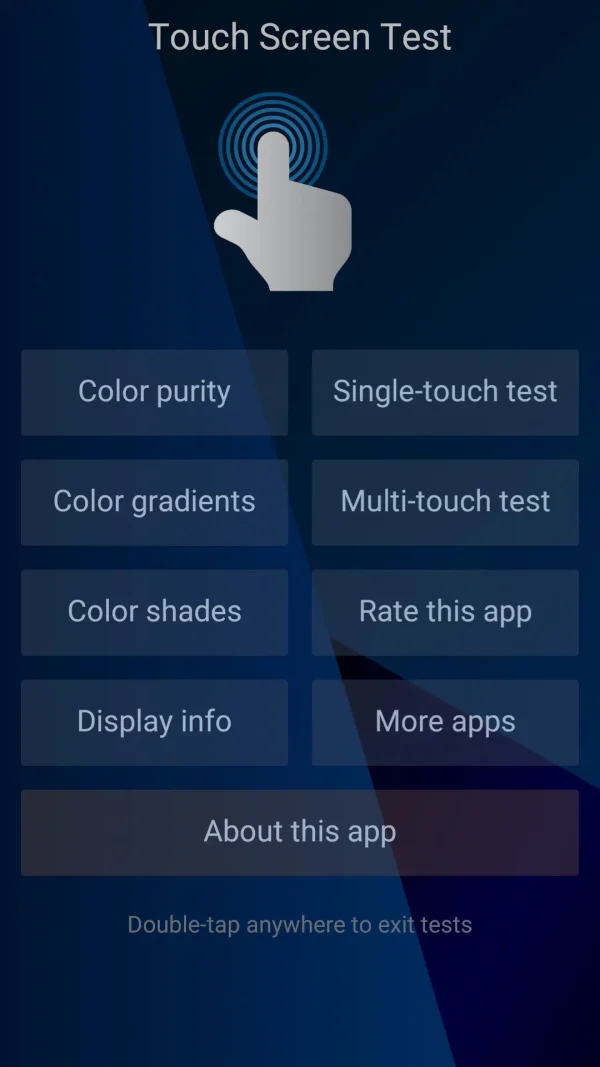
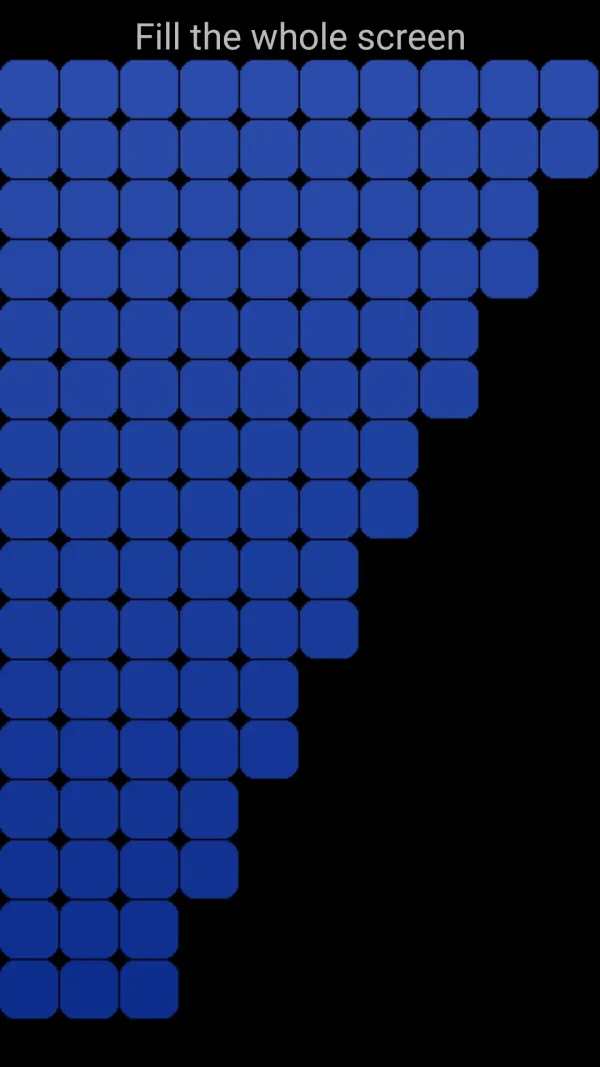
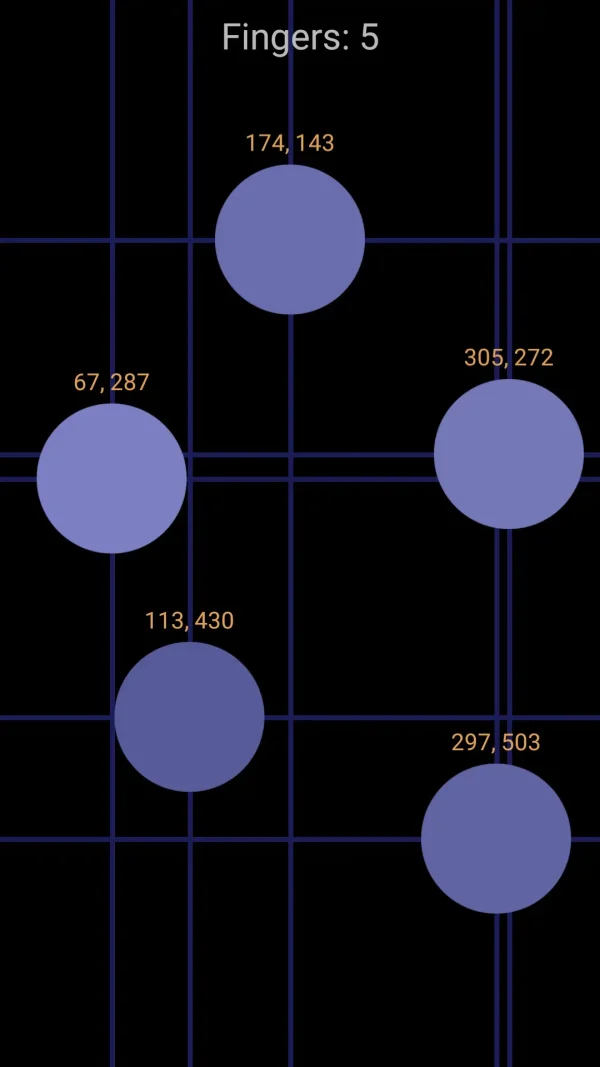
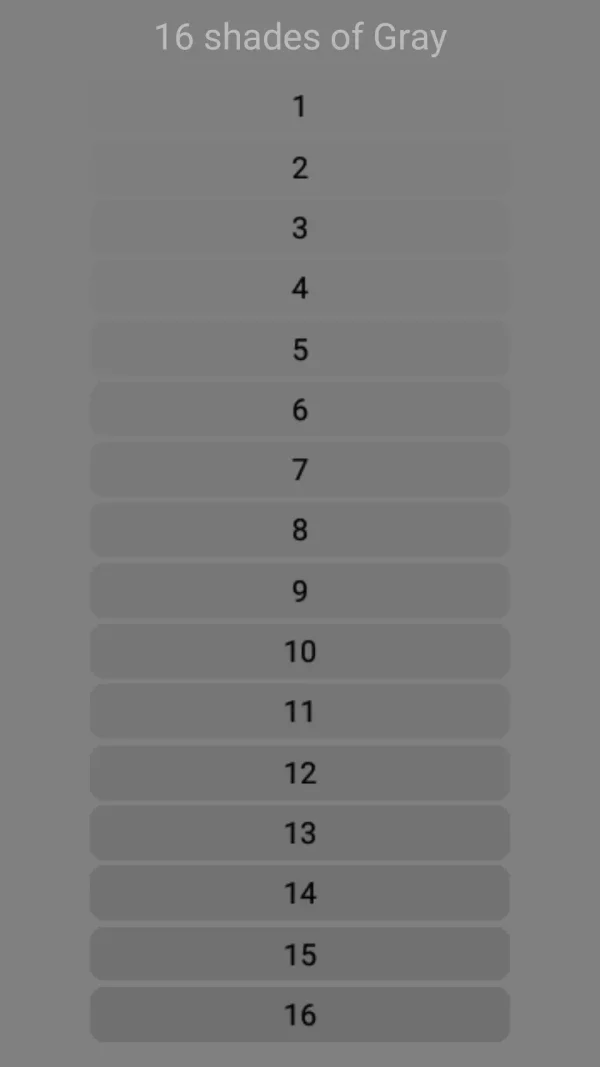
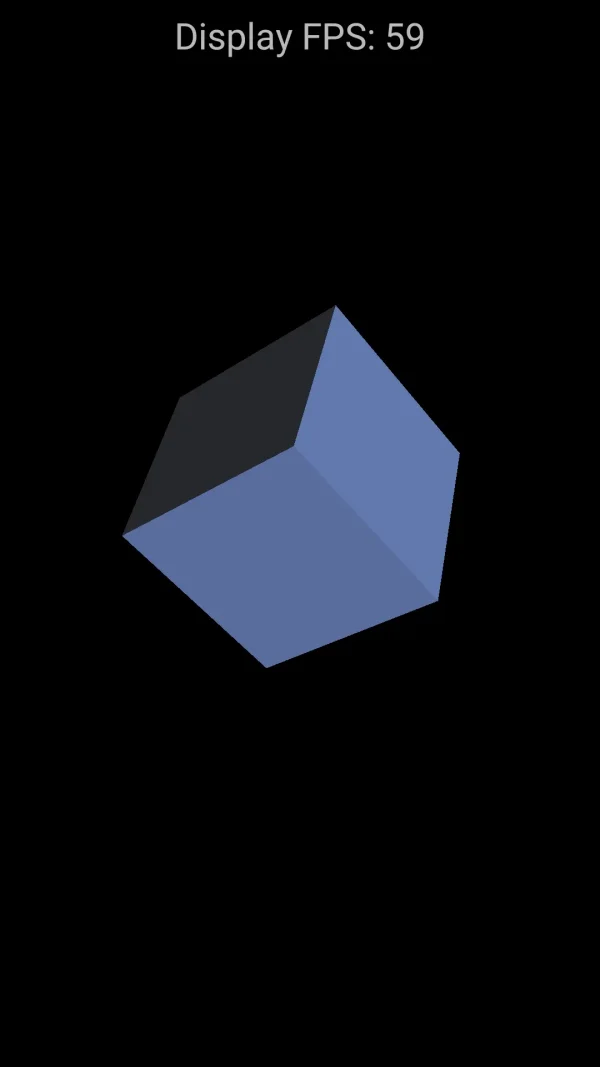
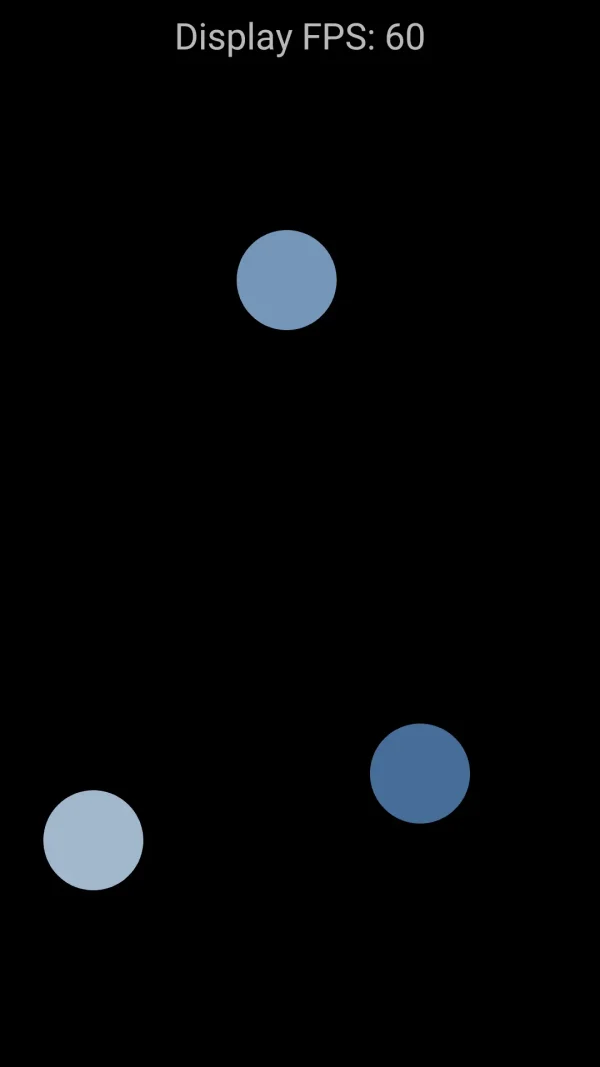
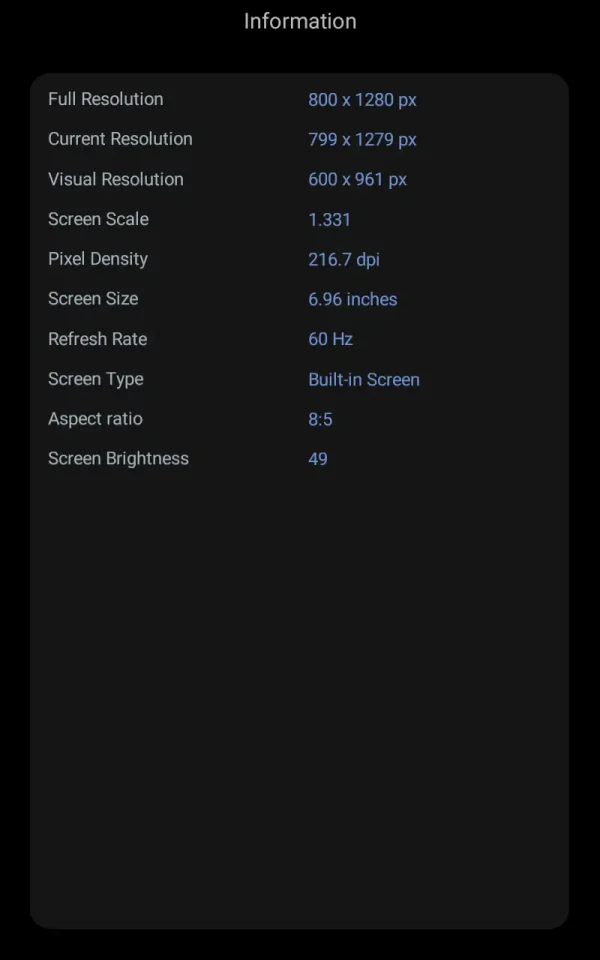
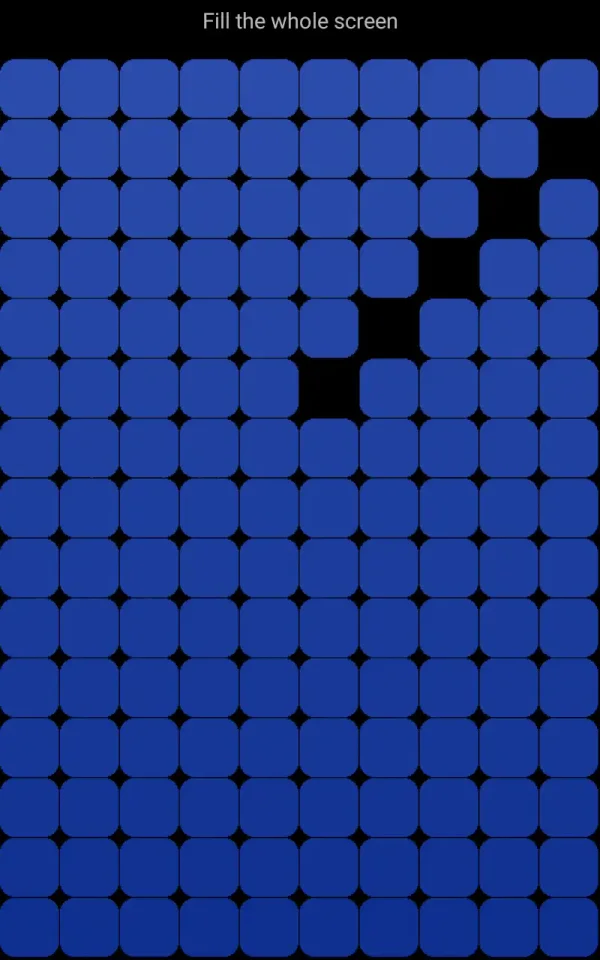
Ada tiga tes terkait warna (kemurnian, gradien, dan corak) dan dua tes terkait sentuhan (tunggal dan multisentuh). Tombol Info tampilan membuka halaman yang berisi data tentang resolusi layar, kerapatan piksel, rasio aspek, dan kecerahan saat ini. Tergantung pada model ponsel Anda, tes ini dapat membantu Anda memutuskan, misalnya, apakah mode kenyamanan mata harus diaktifkan untuk mencegah ketegangan mata, apakah tingkat kecerahan memerlukan beberapa penyesuaian atau mengetahui apakah sensitivitas sentuhan masih bagus di seluruh layar. permukaan. Tes warna dan Informasi memerlukan satu ketukan untuk setiap halaman. Bagaimanapun, Anda dapat keluar kapan saja dari tes saat ini dengan ketuk dua kali di suatu tempat di layar. Tes sekali sentuh selesai ketika seluruh layar diisi dengan persegi panjang biru - termasuk area yang ditempati oleh pesan teks atas. Jika layar sentuh terbukti berfungsi dengan baik, uji Multi-sentuh membantu Anda memeriksa apakah beberapa jari (maksimal sepuluh) dapat digunakan secara bersamaan untuk membuat gerakan multi-jari di aplikasi Anda. Terakhir, dua pengujian animasi menunjukkan kecepatan bingkai tampilan Anda (dalam Frames Per Second) sementara sebuah kubus atau beberapa persegi panjang bergerak di seluruh layar.
Fitur
-- tes komprehensif untuk layar sentuh
-- aplikasi gratis, tanpa iklan, tanpa batasan
-- tidak perlu izin
-- orientasi tegak
-- kompatibel dengan sebagian besar tablet dan ponsel cerdas
Tampilkan teks asli
There are three color-related tests (purity, gradients and shades) and two touch-related ones (single and multi-touch). The Display info button opens a page that contains data about the screen resolution, pixel density, aspect ratio and current brightness. Depending on your phone model, these tests can help you decide, for example, if the eye comfort mode must be enabled to prevent eye strain, if the brightness level requires some adjustment or find out if the touch sensitivity is still good all over the screen's surface. The color tests and Information require one tap for every page. Anyway, you can exit anytime from the current test with a double-tap somewhere on the screen. The Single-touch test is complete when the whole screen is filled with blue rectangles - including the area occupied by the upper text message. If the touch screen proved to function properly, the Multi-touch test helps you check if several fingers (maximum ten) can be used simultaneously to make multi-finger gestures in your apps. Finally, two animation tests indicate the frame rate of your display (in Frames Per Second) while a cube or a few rectangles move all over the screen.
Features
-- comprehensive tests for touch screens
-- free application, no ads, no limitations
-- no permission required
-- portrait orientation
-- compatible with most tablets and smartphones
Keamanan data
Yang dinyatakan Microsys Com Ltd. di Google Play tentang data yang dikumpulkan dan dibagikan aplikasi ini.
- Tidak ada data yang dibagikan kepada pihak ketigaPelajari lebih lanjut cara developer menyatakan pembagian data
- Tidak ada data yang dikumpulkanPelajari lebih lanjut cara developer menyatakan pengumpulan data
Yang baru
Versi 10.3.0 · 26/6/2026
- 'Text to speech' option
- 'Back button' option
- Device information added
- Color lines test added
- Sounds option added
- Exit command added
- More display information
- Up to 10 simultaneous touches
- Color Shades test was added
- 2D and 3D tests with FPS counters
Kontak pengembang
- Situs webmicrosys.ro
- Emailinfo@microsys.ro
- Kebijakan Privasimicrosys.ro
- AlamatSTR. DOAMNA GHICA NR. 6 BL. 3 SC. C ET. 10 AP. 119, SECTORUL 2 022832 Bucuresti Romania
Informasi
- Ditawarkan oleh
- Microsys Com Ltd.
- Kategori
- Alat
- Versi
- 10.3.0
- Diperbarui
- 26/6/2026
- Dirilis
- 16/1/2021
- Memerlukan
- Android 6.0 atau yang lebih baru
- Batasan usia
- Rating 3+
- Harga
- Gratis
- Nama paket
- com.microsys.TouchScreenTest
Aplikasi serupa
-
 AppDash: App Manager & Backup
Alat
-
 Hik-Partner Pro (Formerly HPC)
Alat
-
 Taskbar
Alat
-
 Lotus Lantern
Alat
-
 Freedom Street Garage
Belanja
-
 MacroDroid - Otomatisasi
Alat
-
 Volume Styles - Kontrol Kustom
Personalisasi
-
 Remote Mouse: Kontrol komputer
Alat
-
 Phone Dialer & Contacts: drupe
Komunikasi
-
 Deleted Photo & Video Recovery
Alat
-
 App Lock: Fingerprint, Pattern
Produktivitas
-
 Screen Recorder Unlimited
Alat