Foxit PDF Editor
Foxit Software Inc.Pembelian dalam aplikasi
- Rating 3+Batasan usia
- ProduktivitasKategori
- 26/10/2026Diperbarui
- GratisHarga
Tertaut ke halaman resmi com.foxit.mobile.pdf.lite di Google Play. Terakhir diperiksa pada 20/11/2026.

Tangkapan layar
Tentang aplikasi ini
Terjemahan otomatis oleh Google. Bahasa asli: Inggris (Amerika Serikat).
Editor PDF yang mudah digunakan yang memungkinkan Anda melihat, memberi anotasi, dan melindungi PDF.
Mencari editor PDF serbaguna yang dapat Anda gunakan kapan saja, di mana saja? Kunjungi aplikasi seluler Foxit PDF Editor. Editor PDF yang mudah digunakan ini – dipercaya oleh ratusan juta orang – memungkinkan Anda melihat, mengedit, dan membuat anotasi file PDF di perangkat Android saat bepergian. Aplikasi ini juga menawarkan fitur berbasis langganan tingkat lanjut, termasuk Asisten AI kami, pengenalan karakter optik (OCR), konversi catatan tulisan tangan, dan banyak lagi.
Temukan kemampuan Foxit PDF Editor:
• Andal: 100% sesuai dengan ekosistem PDF Anda saat ini.
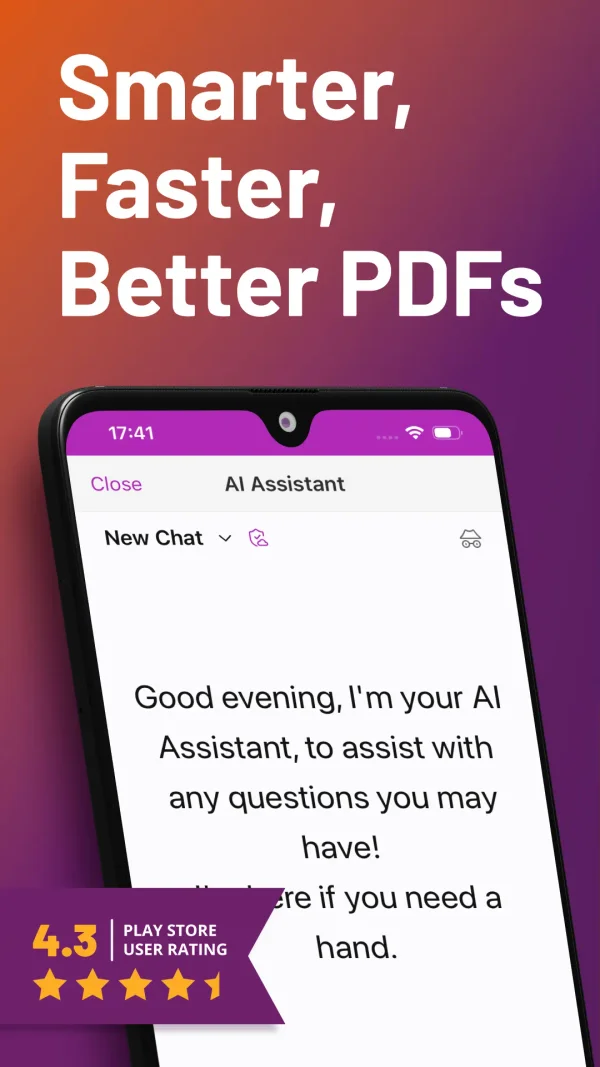
• Efisien: Biarkan Asisten AI kami yang bekerja untuk Anda.
• Ringan: Tidak menghabiskan sumber daya perangkat Anda.
• Cepat: Akses instan ke PDF tanpa penundaan.
• Aman: Fitur perlindungan file yang kuat untuk melindungi informasi sensitif.
• Kolaboratif: Pertahankan kendali penuh atas konten Anda saat bekerja dengan orang lain..
• Mendukung: Akses layanan pelanggan 24/7 melalui obrolan dukungan.
• Multi-Bahasa: Dukungan untuk 12 bahasa untuk kegunaan global.
Apa yang ditawarkan Foxit PDF Editor kepada Anda:
Memanfaatkan AI pada file PDF
• Ringkaslah dokumen tersebut
• Ringkaslah teks tersebut
• Terjemahkan teksnya
• Meningkatkan penulisan teks
• Mendefinisikan dan memperjelas teks
• Memperbaiki ejaan dan tata bahasa teks
• Ngobrol tentang dokumen
• Perintah editor PDF yang cerdas
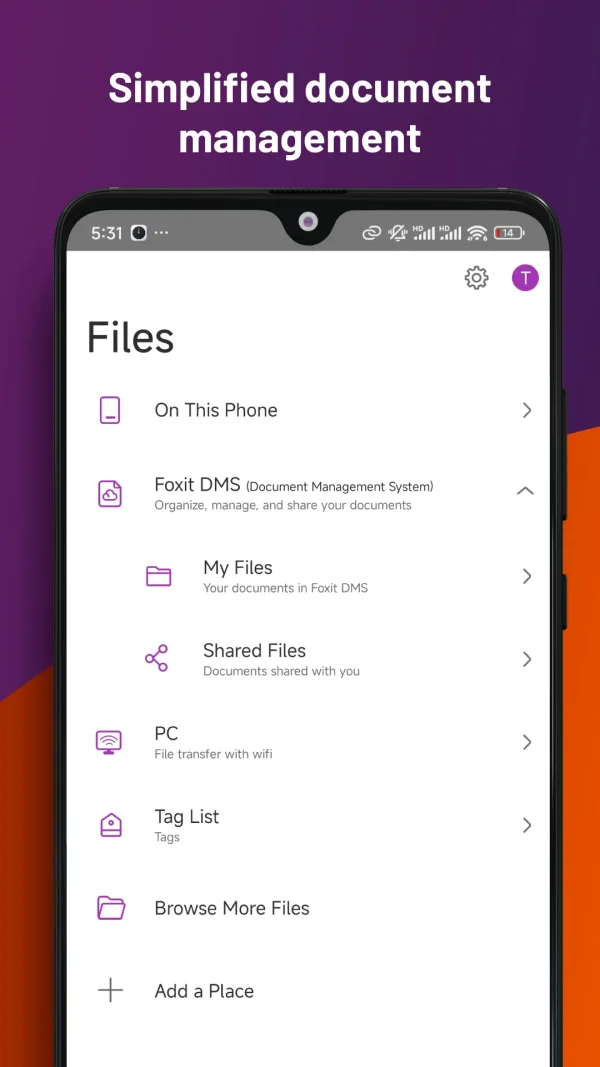
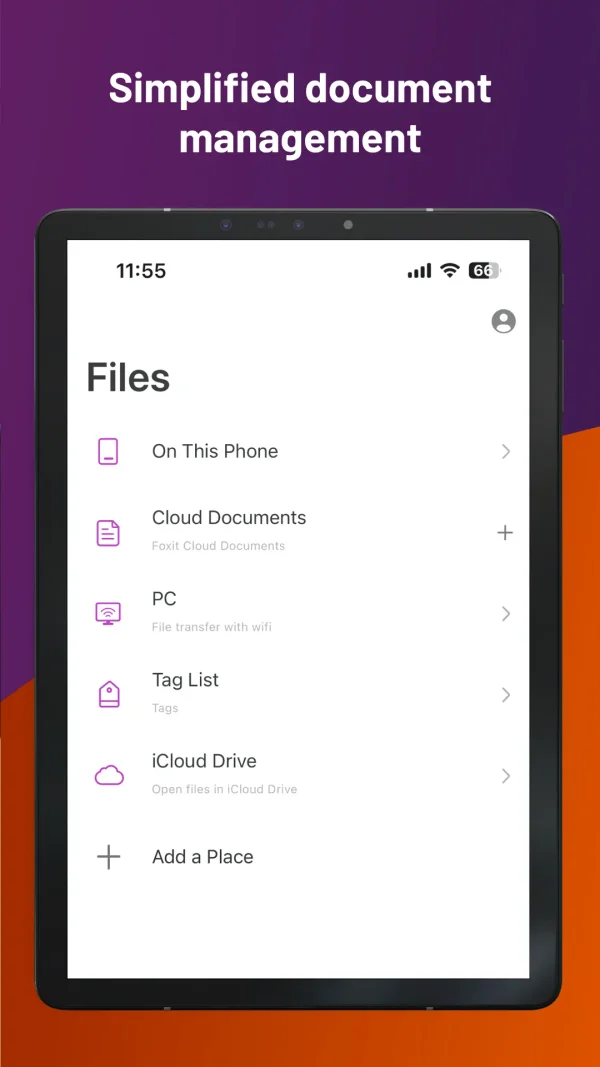
Lihat dan kelola file PDF
• Reflow file PDF agar mudah dilihat
• Mengonversi teks pindaian dan catatan tulisan tangan menjadi teks digital*
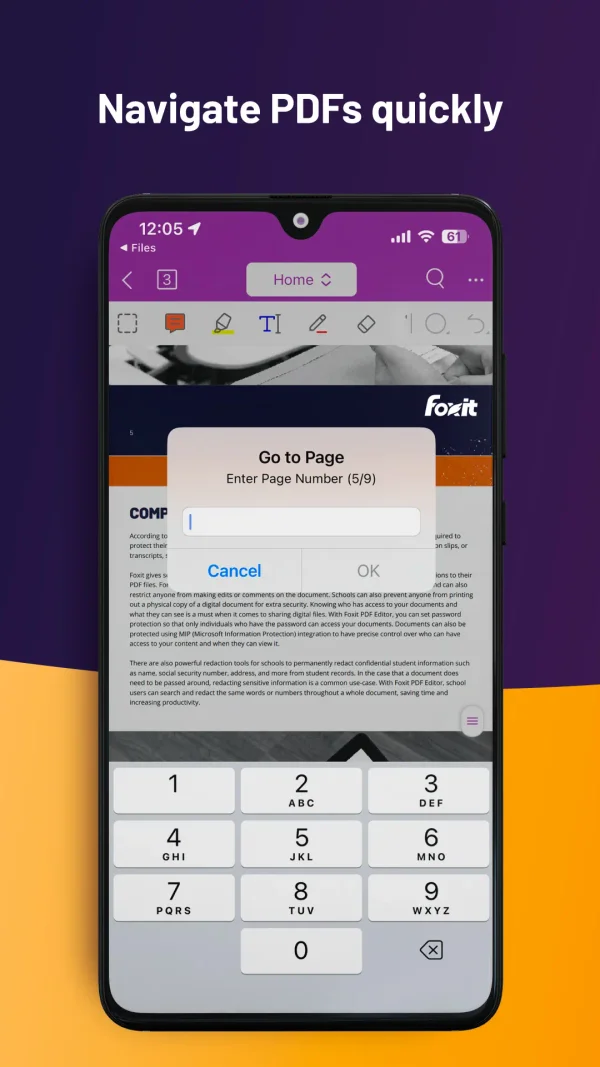
• Navigasi dokumen yang mudah dengan fitur manajemen bookmark
• Cari teks dalam dokumen PDF Anda
• Mendukung antarmuka dokumen bertab (hanya untuk tablet)
• Mendukung untuk membaca PDF dengan suara keras
• Ganti nama, pindahkan, salin, atau hapus file PDF
Berkolaborasi dan berbagi file PDF
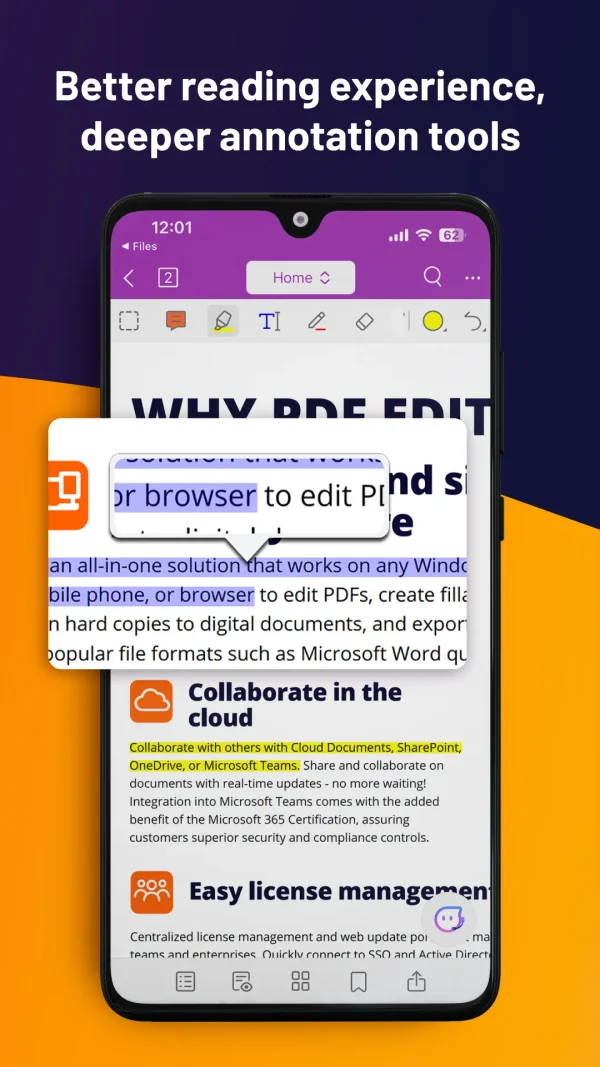
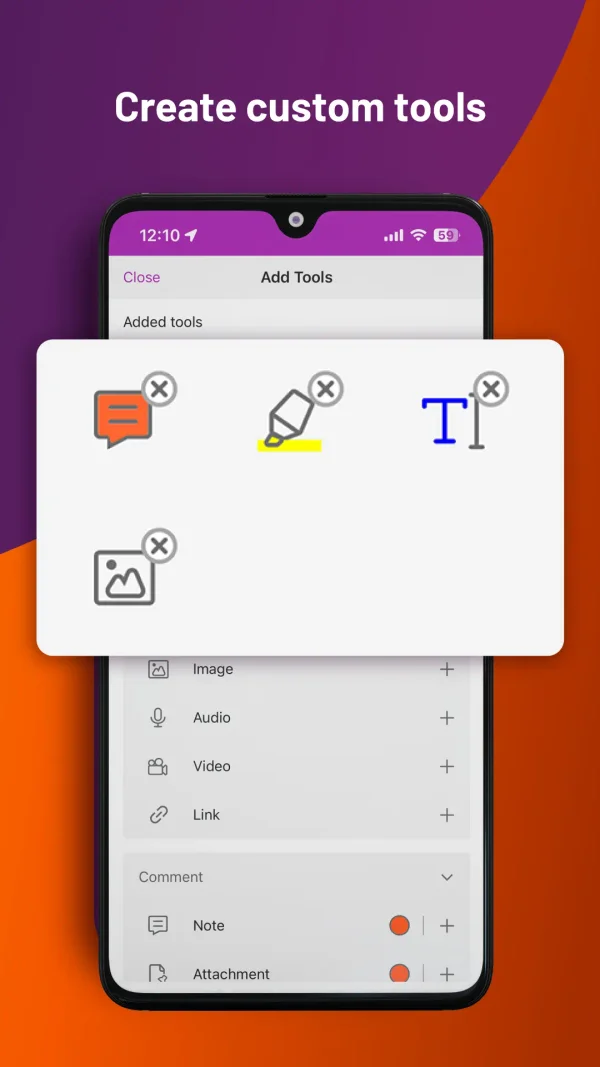
• Tambahkan anotasi dan stempel ke file PDF
• Bagikan file PDF dan tangkapan layar dari dalam aplikasi
• Bagikan banyak file di desktop dan perangkat Android Anda melalui Wi-Fi
• Menyimpan, menyinkronkan, dan mengakses file PDF di layanan cloud populer (Google Drive, OneDrive, dll.)
Membuat dan mengonversi PDF
• Membuat PDF kosong dari awal*
• Membuat PDF dari file Microsoft Office, gambar, teks, dan HTML*
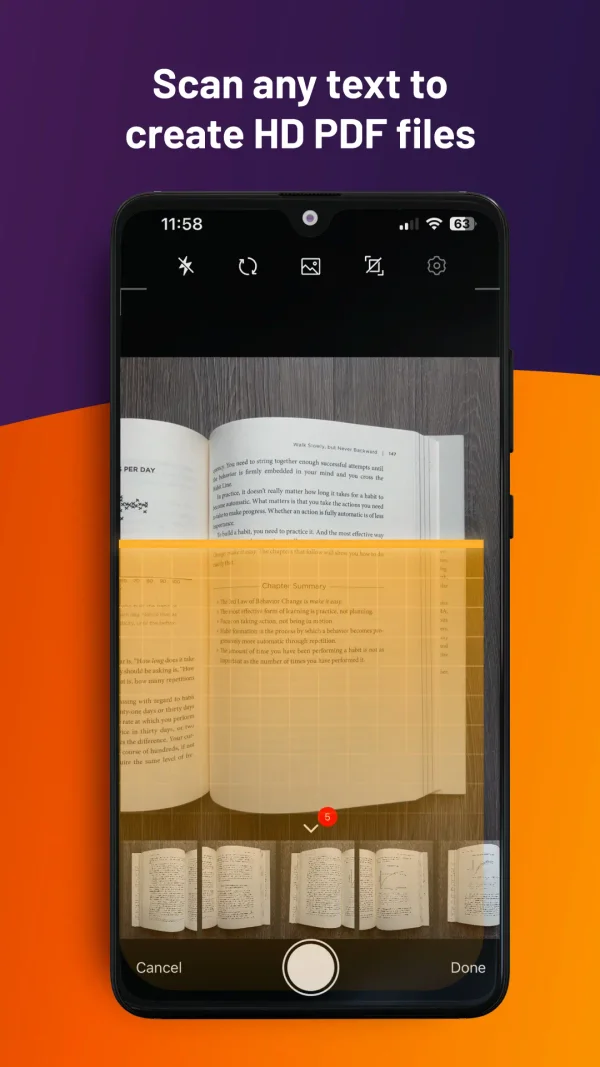
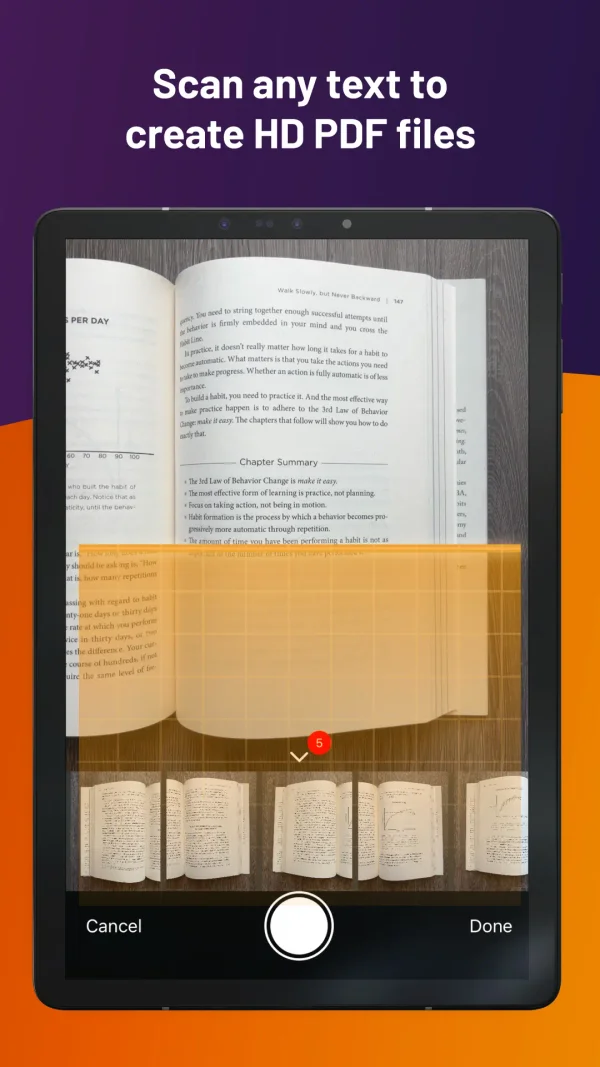
• Pindai dan ubah dokumen kertas menjadi PDF
• Konversi PDF ke file Microsoft Office, gambar, teks, atau HTML*
• Gabungkan PDF untuk membuat PDF baru*
Edit file PDF
• Menyisipkan audio, video, atau hyperlink ke PDF*
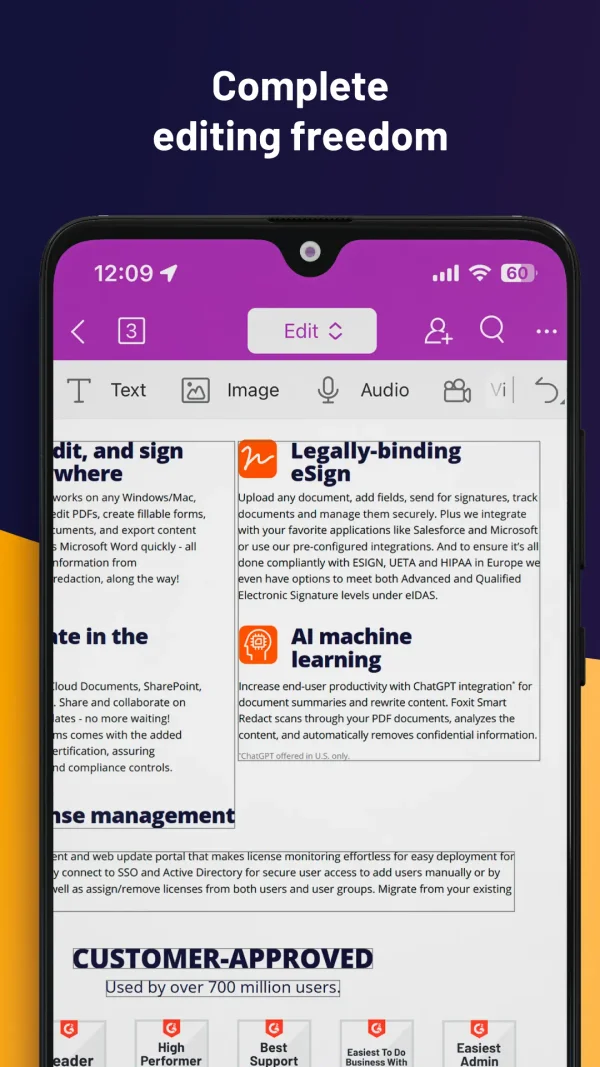
• Tambahkan/edit objek teks dan gambar dalam PDF*
• Mengedit properti dokumen*
• Optimalkan dokumen PDF*
• Mengatur ulang halaman PDF (Tambah*, menghapus, memutar, atau mengekstrak* halaman)
Bekerja pada formulir PDF
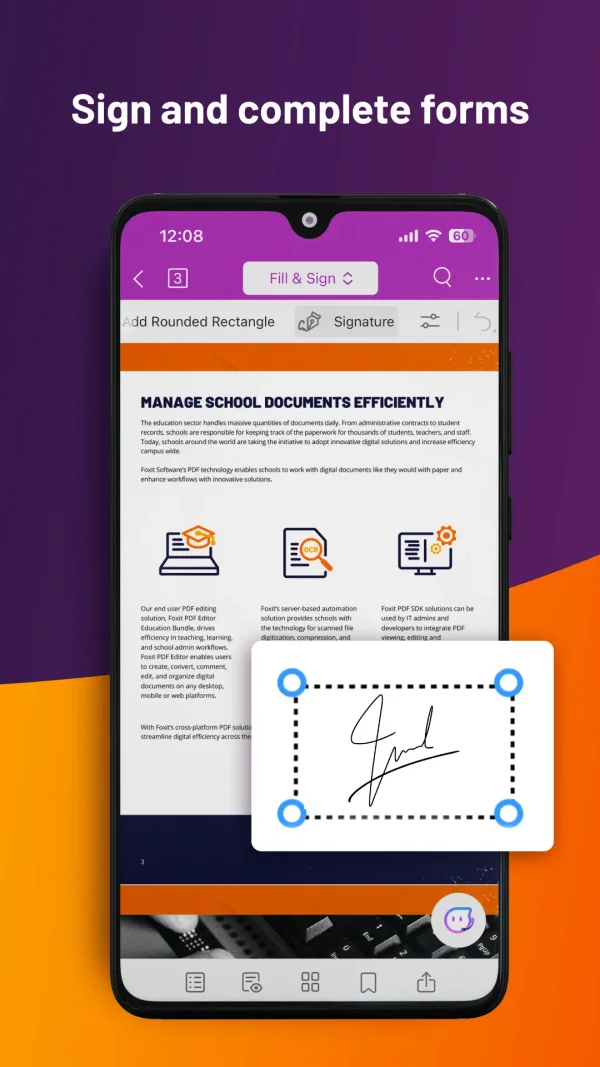
• Isi dan simpan formulir PDF
• Impor dan ekspor data formulir
• Kirim formulir PDF melalui HTTP, FTP, atau Email
• Mengerjakan formulir XFA*
Tanda tangani dan lindungi PDF
• Tambahkan tanda tangan tulisan tangan ke PDF
• Menandatangani dokumen PDF dengan sertifikat digital yang ada*
• Lindungi file PDF dengan kata sandi dan Perlindungan Informasi Microsoft*
• Lindungi informasi PDF dengan redaksi*
Fitur yang ditandai dengan tanda bintang (*) adalah fitur lanjutan berdasarkan langganan melalui pembelian dalam aplikasi. Untuk mengaktifkan fitur lanjutan, Anda harus membuat akun Foxit dan berlangganan Foxit PDF Editor. Setelah berlangganan, cukup masuk dengan akun Foxit Anda dan fitur-fitur lanjutan akan tersedia.
Syarat dan Ketentuan: Anda harus mematuhi Ketentuan Penggunaan dan Kebijakan Privasi Foxit (https://appstore.foxitsoftware.com/appstore/license) saat menggunakan aplikasi ini.
Punya masukan? Anda dapat menghubungi kami di alamat berikut: https://www.foxit.com/support/ticket.html
Ikuti Foxit di Facebook dan Twitter!
https://www.facebook.com/foxitsoftware
https://twitter.com/foxitsoftware
Tampilkan teks asli
Looking for a versatile PDF editor that you can use anytime, anywhere? Look no further than Foxit PDF Editor mobile app. This easy-to-use PDF editor – trusted by hundreds of millions – allows you to view, edit, and annotate PDF files on Android devices while on the go. The app also offers advanced subscription-based features, including our AI Assistant, optical character recognition (OCR), handwritten notes conversion, and more.
Discover the capabilities of Foxit PDF Editor:
• Reliable: 100% compliant with your current PDF ecosystem.
• Efficient: Let our AI Assistant do the work for you.
• Lightweight: Doesn’t exhaust your device resources.
• Fast: Instant access to PDFs with no delays.
• Secure: Robust file protection features to safeguard sensitive information.
• Collaborative: Maintain full control of your content while working with others..
• Supportive: Access 24/7 customer service via support chat.
• Multi-Language: Support for 12 languages for global usability.
What Foxit PDF Editor can offer to you:
Utilize AI on PDF files
• Summarize the document
• Summarize the text
• Translate the text
• Enhance the writing of the text
• Define and clarify the text
• Fix spelling and grammar of the text
• Chat about the document
• Smart PDF editor commands
View and manage PDF files
• Reflow PDF files for easy viewing
• Convert scanned text and handwritten notes into digital text*
• Easy document navigation with bookmark management features
• Search for text within your PDF document
• Supports tabbed document interface (for tablet only)
• Supports to read the PDF out loud
• Rename, move, copy, or delete PDF file(s)
Collaborate and share PDF files
• Add annotations and stamps to PDF files
• Share PDF files and screenshots from within the application
• Share multiple files across your desktop and Android device via Wi-Fi
• Save, synchronize, and access PDF files in popular cloud services (Google Drive, OneDrive, etc.)
Create and convert PDFs
• Create blank PDFs from scratch*
• Create PDFs from Microsoft Office, image, text, and HTML files*
• Scan and convert paper documents to PDFs
• Convert PDFs to Microsoft Office, image, text, or HTML files*
• Combine PDFs to create a new PDF*
Edit PDF files
• Insert audios, videos, or hyperlinks to PDFs*
• Add/edit text and image objects in PDFs*
• Edit document properties*
• Optimize PDF documents*
• Reorganize PDF pages (Add*, delete, rotate, or extract* pages)
Work on PDF forms
• Fill out and save PDF forms
• Import and export form data
• Submit PDF forms via HTTP, FTP, or Email
• Work on XFA forms*
Sign and protect PDFs
• Add handwritten signatures to PDFs
• Sign PDF documents with an existing digital certificate*
• Protect PDF files with password and Microsoft Information Protection*
• Protect PDF information with redaction*
The features marked with the asterisk (*) are advanced features based on subscription through in-app purchase. To activate the advanced features, you should create a Foxit account and subscribe to Foxit PDF Editor. After subscription, just sign in with your Foxit account and the advanced features will be available.
Terms and Conditions: You must comply with the Foxit-Terms of Use and Privacy Policy (https://appstore.foxitsoftware.com/appstore/license) when using this app.
Have feedback? You can contact us at the following address: https://www.foxit.com/support/ticket.html
Follow Foxit on Facebook and Twitter!
https://www.facebook.com/foxitsoftware
https://twitter.com/foxitsoftware
Keamanan data
Yang dinyatakan Foxit Software Inc. di Google Play tentang data yang dikumpulkan dan dibagikan aplikasi ini.
- Tidak ada data yang dibagikan kepada pihak ketigaPelajari lebih lanjut cara developer menyatakan pembagian data
- Aplikasi ini dapat mengumpulkan jenis data berikutLokasi, Info pribadi, dan 2 lainnya
- Data dienkripsi saat dalam pengiriman
- Anda dapat meminta agar data dihapus
Yang baru
Versi 2026.6.0.1026.0325 · 26/10/2026
• Enhanced AI Bookmarks
• Enhanced Smart Podcast and Read Aloud
• AI Chat History
• Improved Sticky Note Comments: Keep PDF content visible while creating, editing, or replying to sticky note comments.
• Enhanced Page Extraction: Extract selected pages into a new PDF, with the option to flatten annotations and automatically open the new file.
• Enhanced Enterprise Cloud Storage Controls: Use Microsoft Intune to disable unapproved cloud integrations.
Kontak pengembang
- Situs webfoxit.com
- EmailAndroidsupport@foxitsoftware.com
- Kebijakan Privasifoxit.com
- Alamat39355 California St Ste 302 Fremont, CA 94538 United States
Informasi
- Ditawarkan oleh
- Foxit Software Inc.
- Kategori
- Produktivitas
- Versi
- 2026.6.0.1026.0325
- Diperbarui
- 26/10/2026
- Dirilis
- 18/1/2013
- Memerlukan
- Android 9 atau yang lebih baru
- Batasan usia
- Rating 3+
- Harga
- Gratis
- Pembelian dalam aplikasi
- Rp 16.000 - Rp 2.290.000 per item
- Nama paket
- com.foxit.mobile.pdf.lite
Aplikasi serupa
-
 PDF Reader(KDAN PDF): Edit PDF
Bisnis
-
 Pembaca Semua File Dokumen
Produktivitas
-
 Catatan: Folder Warna & Daftar
Produktivitas
-
 pdfFiller Edit, isi PDF
Produktivitas
-
 Pembaca PDF & Editor: Xodo
Produktivitas
-
 Docusign - Upload & Sign Docs
Produktivitas
-
 Pemindai PDF Plus - Scanner
Produktivitas
-
 PDF:Gabung, Scan, Tanda Tangan
Produktivitas
-
 Orion Notes: Handwrite & PDFs
Produktivitas
-
 Pembaca PDF & Editor - Falcon
Produktivitas
-
 Goodnotes: AI Notes, docs, PDF
Produktivitas
-
 UpNote - notes, diary, journal
Produktivitas