Foxit PDF Editor
Foxit Software Inc.アプリ内課金
- 3 歳以上対象年齢
- 仕事効率化カテゴリ
- 2026/10/26更新日
- 無料価格
com.foxit.mobile.pdf.liteのGoogle Play公式ページにリンクしています。最終確認:2026/11/20。

Foxit PDF Editorは現在Google Playで入手できない可能性があります
前回の確認時、ストアのページにアクセスできませんでした。リンク先は引き続きGoogle Playの公式ページです。
スクリーンショット
このアプリについて
An easy-to-use PDF editor which allows you to view, annotate, and protect PDF
Looking for a versatile PDF editor that you can use anytime, anywhere? Look no further than Foxit PDF Editor mobile app. This easy-to-use PDF editor – trusted by hundreds of millions – allows you to view, edit, and annotate PDF files on Android evices while on the go. The app also offers advanced subscription-based features, including our AI Assistant, optical character recognition (OCR), handwritten notes conversion, and more.
Discover the capabilities of Foxit PDF Editor:
• Reliable: 100% compliant with your current PDF ecosystem.
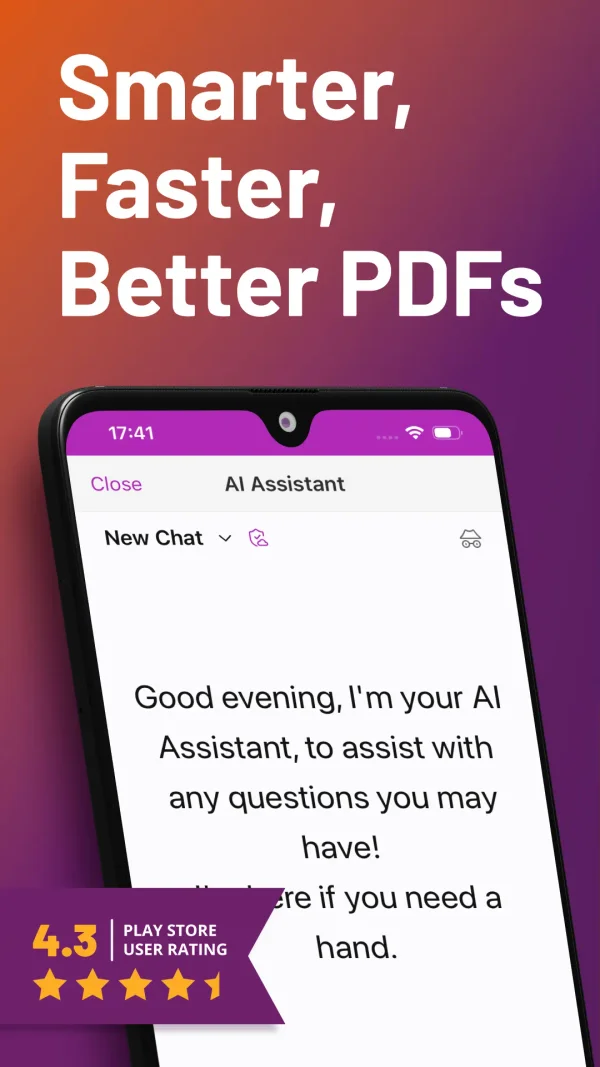
• Efficient: Let our AI Assistant do the work for you.
• Lightweight: Doesn’t exhaust your device resources.
• Fast: Instant access to PDFs with no delays.
• Secure: Robust file protection features to safeguard sensitive information.
• Collaborative: Maintain full control of your content while working with others..
• Supportive: Access 24/7 customer service via support chat.
• Multi-Language: Support for 12 languages for global usability.
What Foxit PDF Editor can offer to you:
Utilize AI on PDF files
• Summarize the document
• Summarize the text
• Translate the text
• Enhance the writing of the text
• Define and clarify the text
• Fix spelling and grammar of the text
• Chat about the document
• Smart PDF editor commands
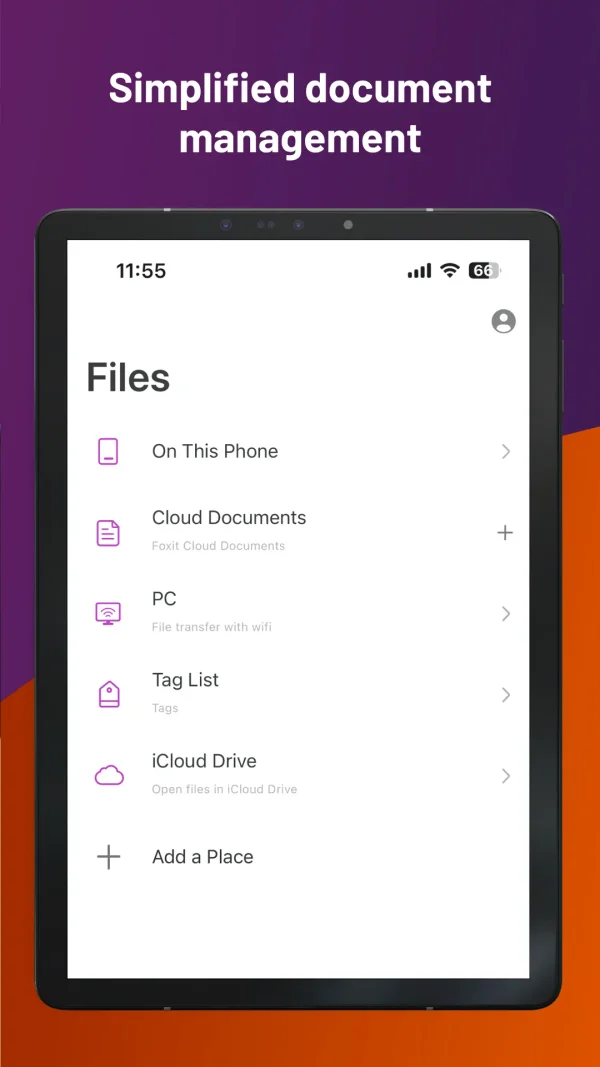
View and manage PDF files
• Reflow PDF files for easy viewing
• Convert scanned text and handwritten notes into digital text*
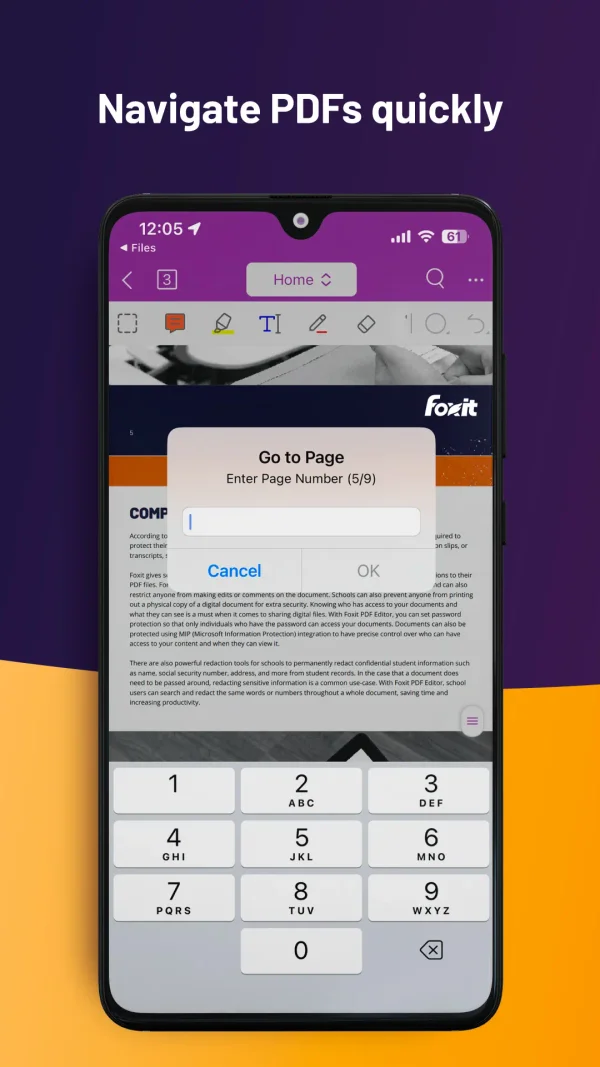
• Easy document navigation with bookmark management features
• Search for text within your PDF document
• Supports tabbed document interface (for tablet only)
• Supports to read the PDF out loud
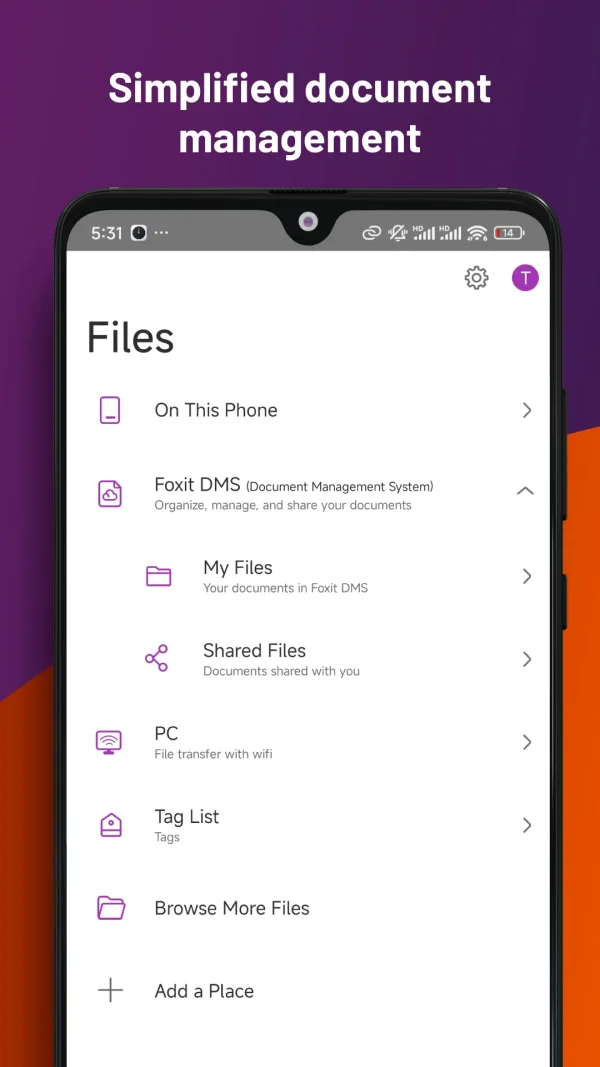
• Rename, move, copy, or delete PDF file(s)
Collaborate and share PDF files
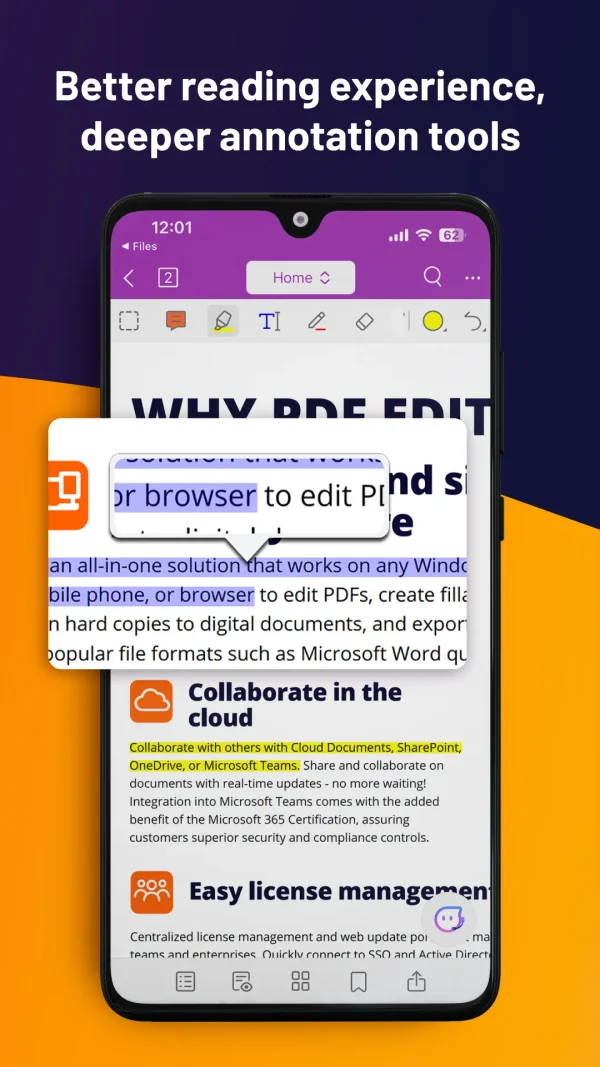
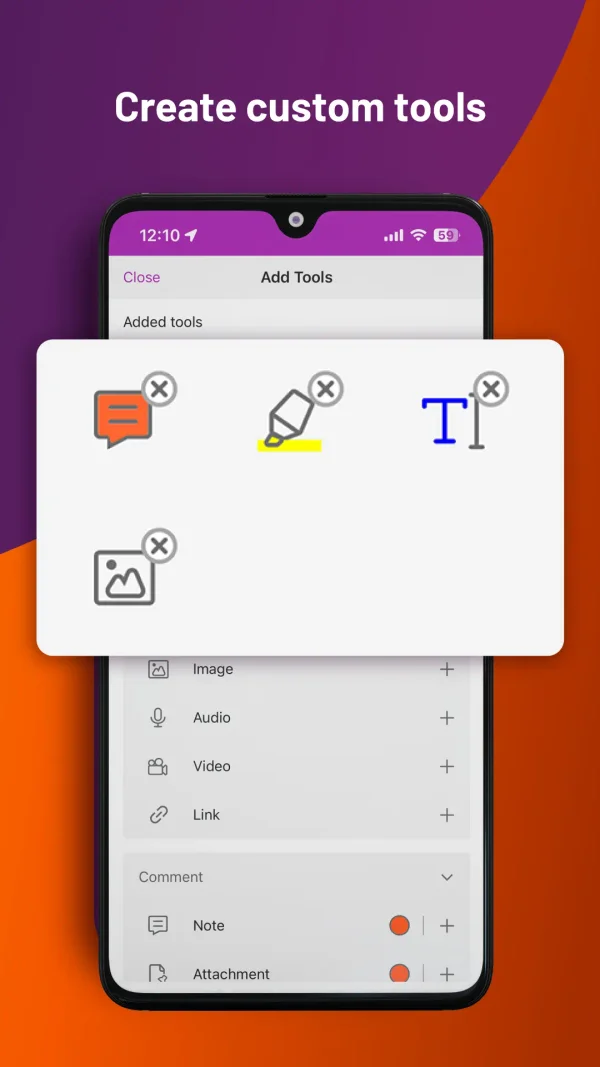
• Add annotations and stamps to PDF files
• Share PDF files and screenshots from within the application
• Share multiple files across your desktop and Android device via Wi-Fi
• Save, synchronize, and access PDF files in popular cloud services (Google Drive, OneDrive, etc.)
Create and convert PDFs
• Create blank PDFs from scratch*
• Create PDFs from Microsoft Office, image, text, and HTML files*
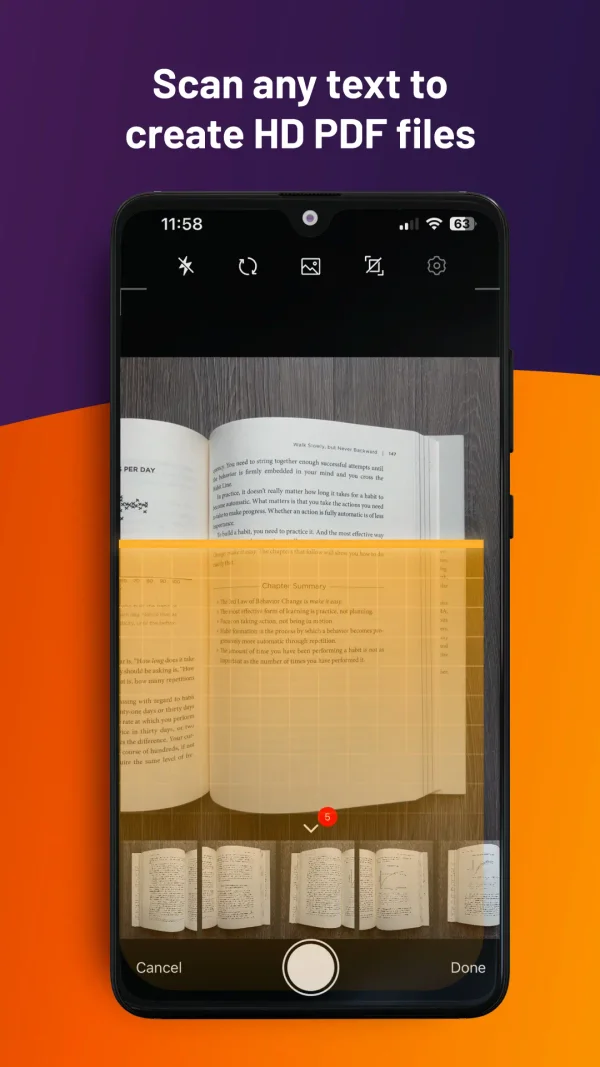
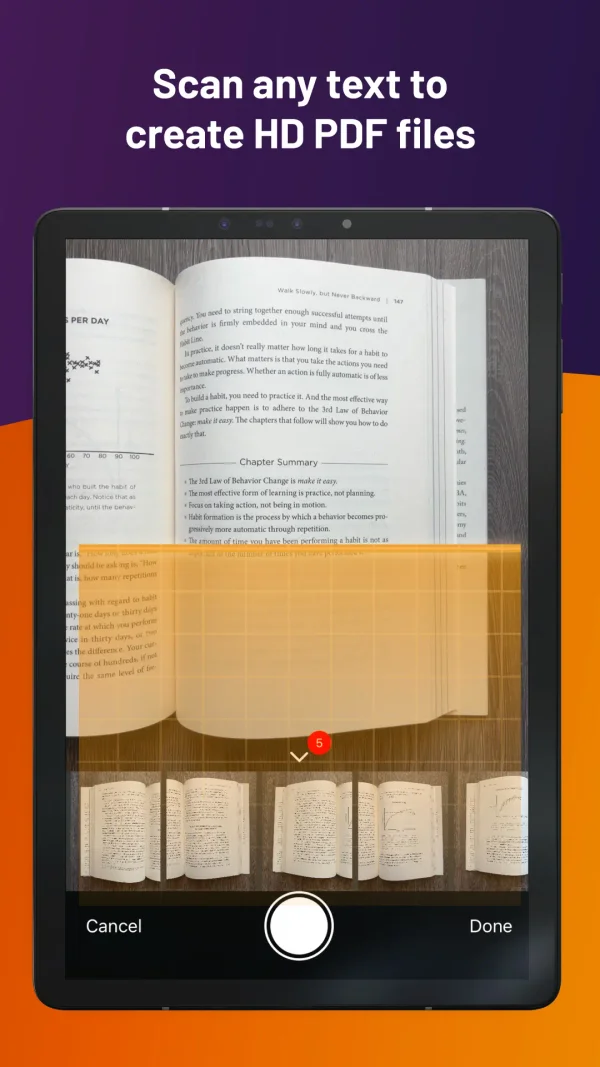
• Scan and convert paper documents to PDFs
• Convert PDFs to Microsoft Office, image, text, or HTML files*
• Combine PDFs to create a new PDF*
Edit PDF files
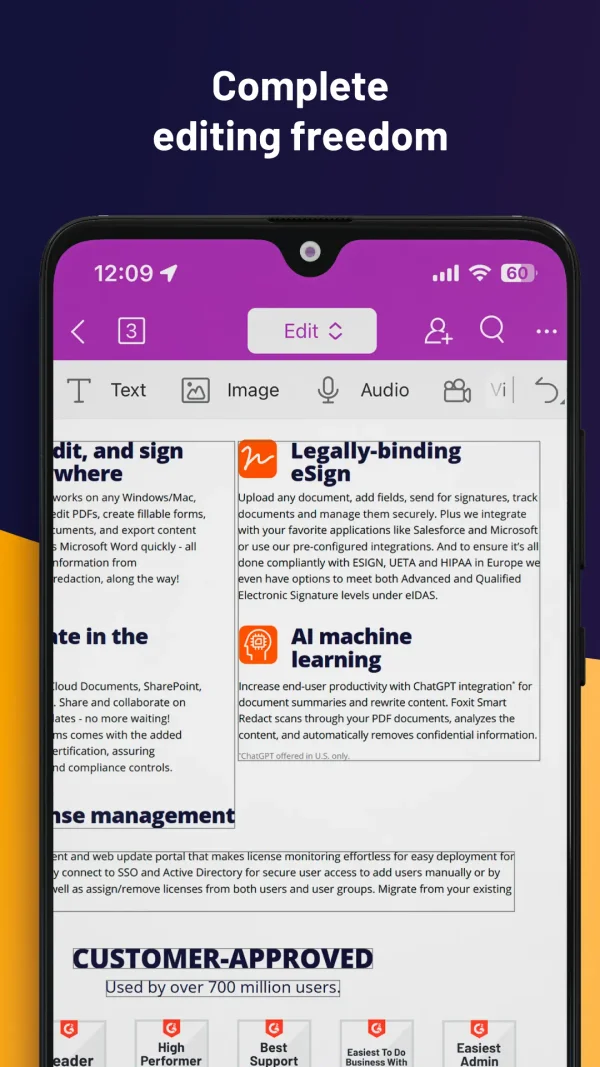
• Insert audios, videos, or hyperlinks to PDFs*
• Add/edit text and image objects in PDFs*
• Edit document properties*
• Optimize PDF documents*
• Reorganize PDF pages (Add*, delete, rotate, or extract* pages)
Work on PDF forms
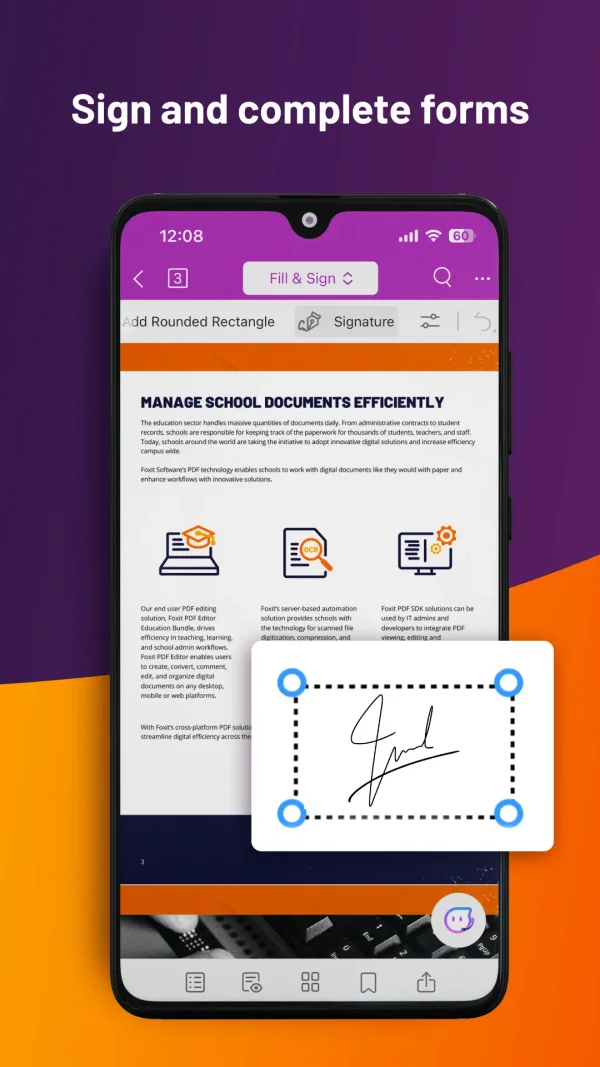
• Fill out and save PDF forms
• Import and export form data
• Submit PDF forms via HTTP, FTP, or Email
• Work on XFA forms*
Sign and protect PDFs
• Add handwritten signatures to PDFs
• Sign PDF documents with an existing digital certificate*
• Protect PDF files with password and Microsoft Information Protection*
• Protect PDF information with redaction*
The features marked with the asterisk (*) are advanced features based on subscription through in-app purchase. To activate the advanced features, you should create a Foxit account and subscribe to Foxit PDF Editor. After subscription, just sign in with your Foxit account and the advanced features will be available.
In-app purchase details
• A subscription to Foxit PDF Editor is $10.99 per year.
• The fee will be charged to your Google Play account at the time of purchase confirmation.
• Subscription automatically renews unless the auto-renew feature is turned off at least 24 hours before the end of the current period.
Terms and Conditions: You must comply with the Foxit-Terms of Use and Privacy Policy (https://appstore.foxitsoftware.com/appstore/license) when using this app.
Have feedback? You can contact us at the following address: https://www.foxit.com/support/ticket.html
Follow Foxit on Facebook and Twitter!
https://www.facebook.com/foxitsoftware
https://twitter.com/foxitsoftware
データ セーフティ
このアプリが収集・共有するデータについて、Foxit Software Inc.がGoogle Playで申告している内容です。
- 第三者と共有されるデータはありません詳しくは、デベロッパーが共有を申告する方法についての説明をご覧ください
- このアプリは以下の種類のデータを収集することがあります位置情報、個人情報、他 2 件
- データは送信中に暗号化されます
- データを削除するようリクエストできます
新機能
バージョン 2026.6.0.1026.0325 · 2026/10/26
• Enhanced AI Bookmarks
• Enhanced Smart Podcast and Read Aloud
• AI Chat History
• Improved Sticky Note Comments: Keep PDF content visible while creating, editing, or replying to sticky note comments.
• Enhanced Page Extraction: Extract selected pages into a new PDF, with the option to flatten annotations and automatically open the new file.
• Enhanced Enterprise Cloud Storage Controls: Use Microsoft Intune to disable unapproved cloud integrations.
開発元の連絡先
- ウェブサイトfoxit.com
- メールAndroidsupport@foxitsoftware.com
- プライバシーポリシーfoxit.com
- 住所39355 California St Ste 302 Fremont, CA 94538 United States
情報
- 提供元
- Foxit Software Inc.
- カテゴリ
- 仕事効率化
- バージョン
- 2026.6.0.1026.0325
- 更新日
- 2026/10/26
- リリース
- 2013/1/18
- 必要条件
- Android 9以降
- 対象年齢
- 3 歳以上
- 価格
- 無料
- アプリ内課金
- ¥160~¥6,300/アイテム
- パッケージ名
- com.foxit.mobile.pdf.lite
類似のアプリ
-
 PDF Reader(KDAN PDF): 閲覧・編集PDF
ビジネス
-
 ドキュメントビューアー:エクセル、ワ-ド、PDF
仕事効率化
-
 カラーフォルダ付きノート
仕事効率化
-
 pdfFiller PDFの編集、記入、署
仕事効率化
-
 Xodo PDF リーダー&エディター
仕事効率化
-
 Docusign
仕事効率化
-
 PDF スキャナー Plus: スキャンアプリとPDF 変換
仕事効率化
-
 PDF結合:スキャン、署名、編集
仕事効率化
-
 Orion Notes: Handwrite & PDFs
仕事効率化
-
 PDFリーダー&編集 - Falcon
仕事効率化
-
 Goodnotes: AI ノート、ドキュメント、PDF
仕事効率化
-
 UpNote: メモ、日記、やる事
仕事効率化