Foxit PDF Editor
Foxit Software Inc.Mua hàng trong ứng dụng
- 3 tuổi trở lênĐộ tuổi
- Năng suấtDanh mục
- 26/10/2026Cập nhật
- Miễn phíGiá
Dẫn đến trang Google Play chính thức của com.foxit.mobile.pdf.lite. Kiểm tra lần cuối: 20/11/2026.

Ảnh chụp màn hình

Thông tin về ứng dụng này
Bản dịch tự động của Google. Ngôn ngữ gốc: Tiếng Anh (Hoa Kỳ).
Trình chỉnh sửa PDF dễ sử dụng cho phép bạn xem, chú thích và bảo vệ các tệp PDF.
Bạn đang tìm kiếm một trình chỉnh sửa PDF đa năng mà bạn có thể sử dụng mọi lúc, mọi nơi? Không cần tìm đâu xa ngoài ứng dụng di động Foxit PDF Editor. Trình chỉnh sửa PDF dễ sử dụng này – được hàng trăm triệu người tin cậy – cho phép bạn xem, chỉnh sửa và chú thích các tệp PDF trên thiết bị Android khi đang di chuyển. Ứng dụng này cũng cung cấp các tính năng nâng cao dựa trên đăng ký, bao gồm Trợ lý AI của chúng tôi, nhận dạng ký tự quang học (OCR), chuyển đổi ghi chú viết tay, v.v.
Khám phá các khả năng của Foxit PDF Editor:
• Đáng tin cậy: Tuân thủ 100% với hệ sinh thái PDF hiện tại của bạn.
• Hiệu quả: Hãy để Trợ lý AI của chúng tôi thực hiện công việc cho bạn.
• Nhẹ: Không làm cạn kiệt tài nguyên thiết bị của bạn.
• Nhanh: Truy cập ngay vào các tệp PDF mà không bị chậm trễ.
• Bảo mật: Tính năng bảo vệ tập tin mạnh mẽ để bảo vệ thông tin nhạy cảm.
• Cộng tác: Duy trì toàn quyền kiểm soát nội dung của bạn trong khi làm việc với người khác..
• Hỗ trợ: Tiếp cận dịch vụ khách hàng 24/7 thông qua trò chuyện hỗ trợ.
• Đa ngôn ngữ: Hỗ trợ 12 ngôn ngữ để sử dụng toàn cầu.
Những gì Foxit PDF Editor có thể cung cấp cho bạn:
Sử dụng AI trên file PDF
• Tóm tắt tài liệu
• Tóm tắt văn bản
• Dịch văn bản
• Tăng cường khả năng viết văn bản
• Xác định và làm rõ văn bản
• Sửa lỗi chính tả và ngữ pháp của văn bản
• Trò chuyện về tài liệu
• Các lệnh soạn thảo PDF thông minh
Xem và quản lý tập tin PDF
• Chỉnh lại tập tin PDF để dễ xem
• Chuyển đổi văn bản được quét và ghi chú viết tay thành văn bản kỹ thuật số*
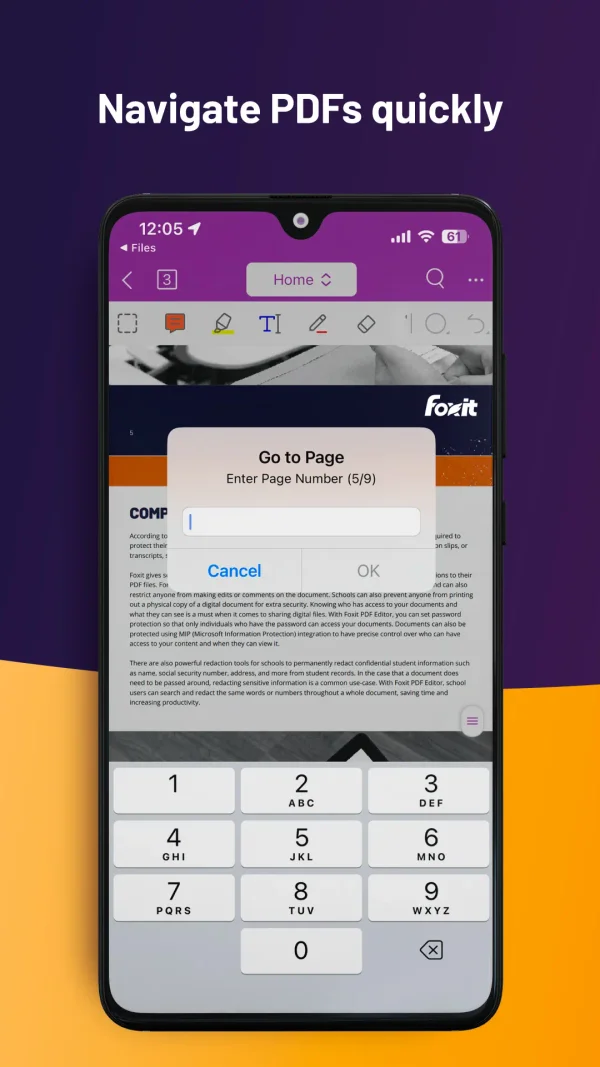
• Dễ dàng điều hướng tài liệu với các tính năng quản lý dấu trang
• Tìm kiếm văn bản trong tài liệu PDF của bạn
• Hỗ trợ giao diện tài liệu theo thẻ (chỉ dành cho máy tính bảng)
• Hỗ trợ đọc to PDF
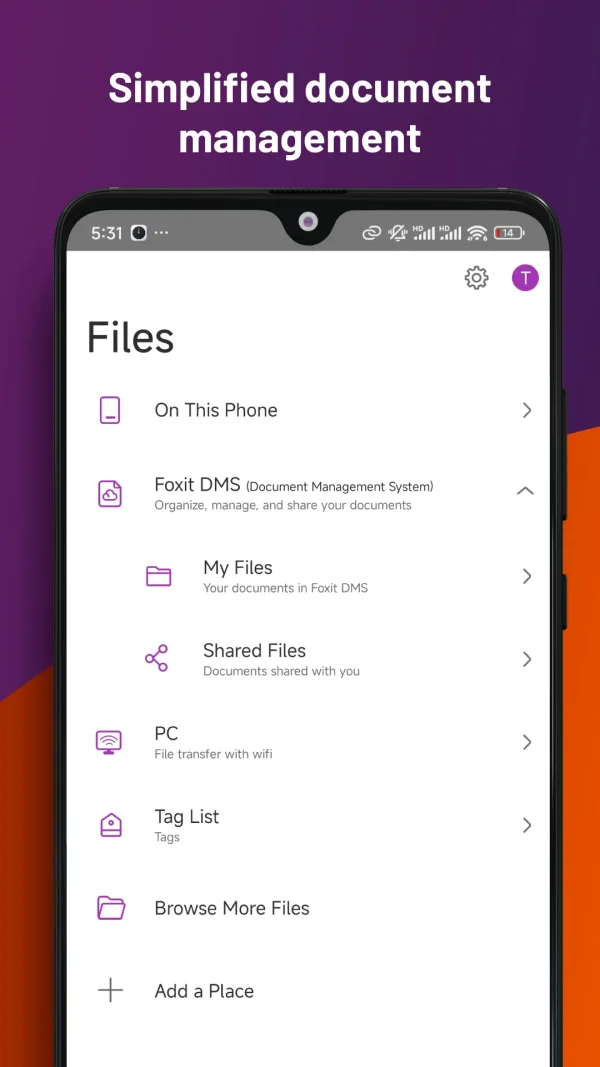
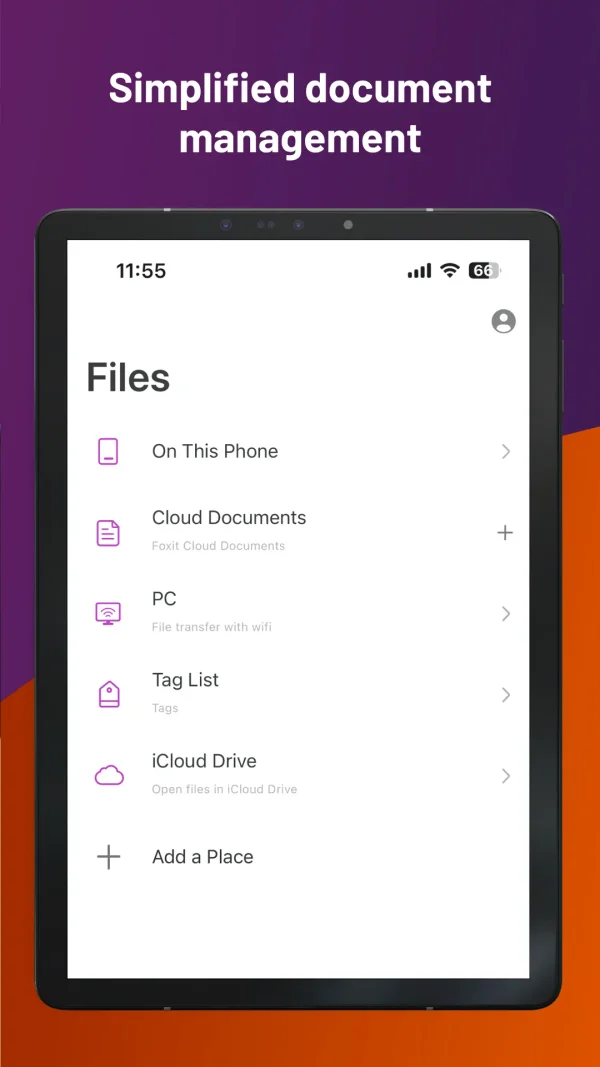
• Đổi tên, di chuyển, sao chép hoặc xóa (các) tệp PDF
Cộng tác và chia sẻ tệp PDF
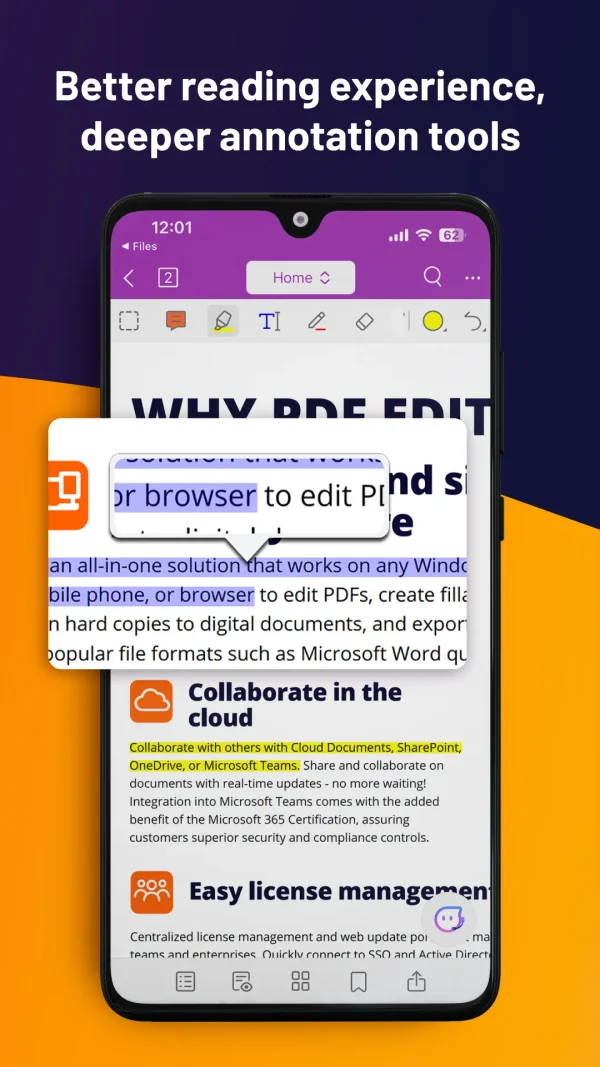
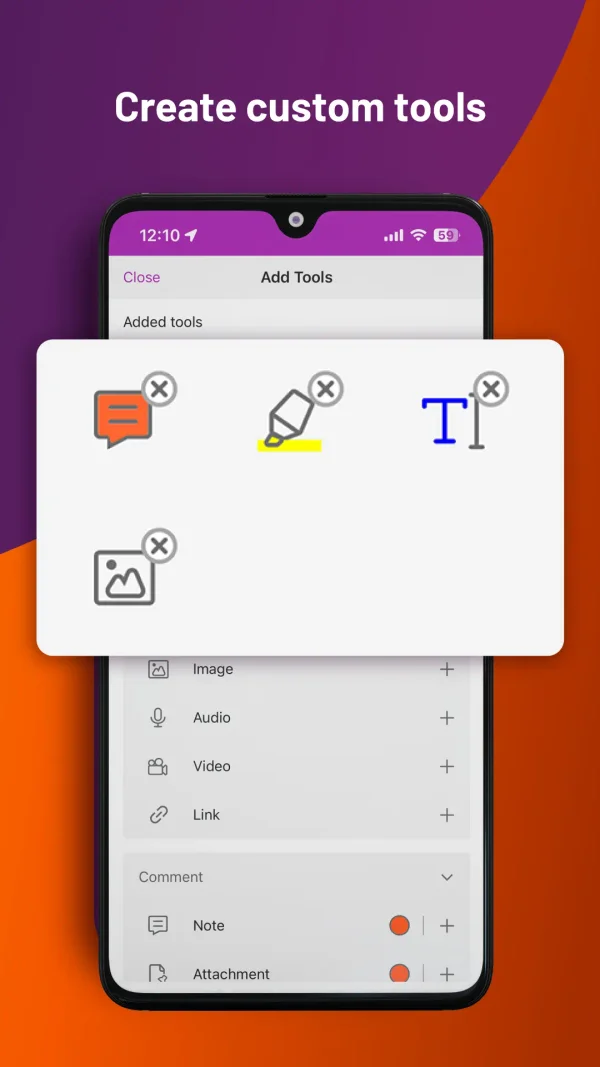
• Thêm chú thích và tem vào tệp PDF
• Chia sẻ tệp PDF và ảnh chụp màn hình từ trong ứng dụng
• Chia sẻ nhiều tệp trên máy tính để bàn và thiết bị Android của bạn qua Wi-Fi
• Lưu, đồng bộ hóa và truy cập các tệp PDF trong các dịch vụ đám mây phổ biến (Google Drive, OneDrive, v.v.)
Tạo và chuyển đổi PDF
• Tạo các tệp PDF trống từ đầu*
• Tạo tệp PDF từ Microsoft Office, hình ảnh, văn bản và tệp HTML*
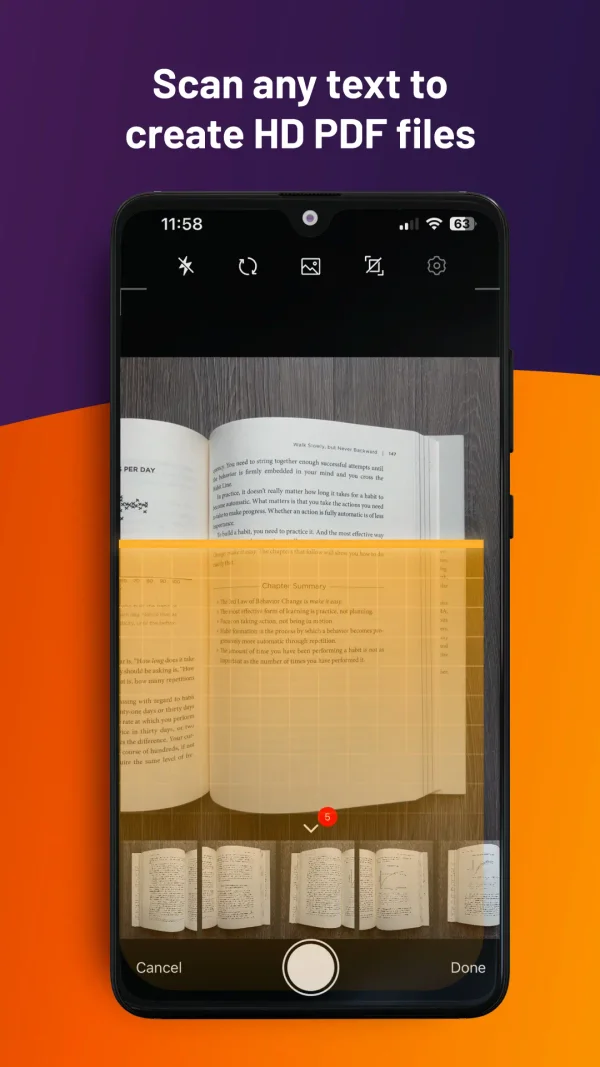
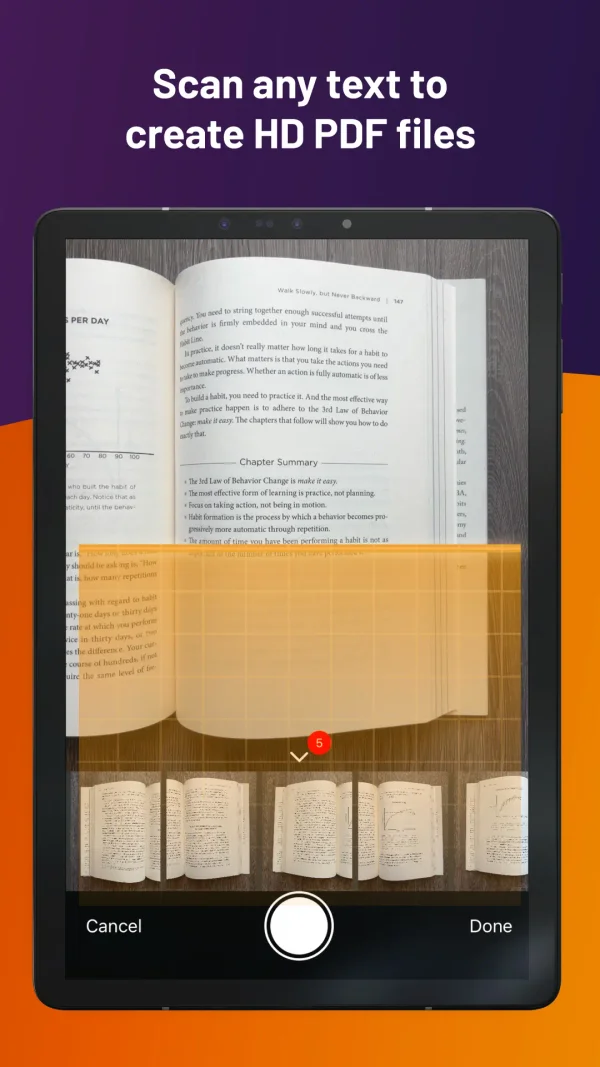
• Quét và chuyển đổi tài liệu giấy sang PDF
• Chuyển đổi tệp PDF sang tệp Microsoft Office, hình ảnh, văn bản hoặc HTML*
• Kết hợp các tệp PDF để tạo một tệp PDF mới*
Chỉnh sửa tập tin PDF
• Chèn âm thanh, video hoặc siêu liên kết vào tệp PDF*
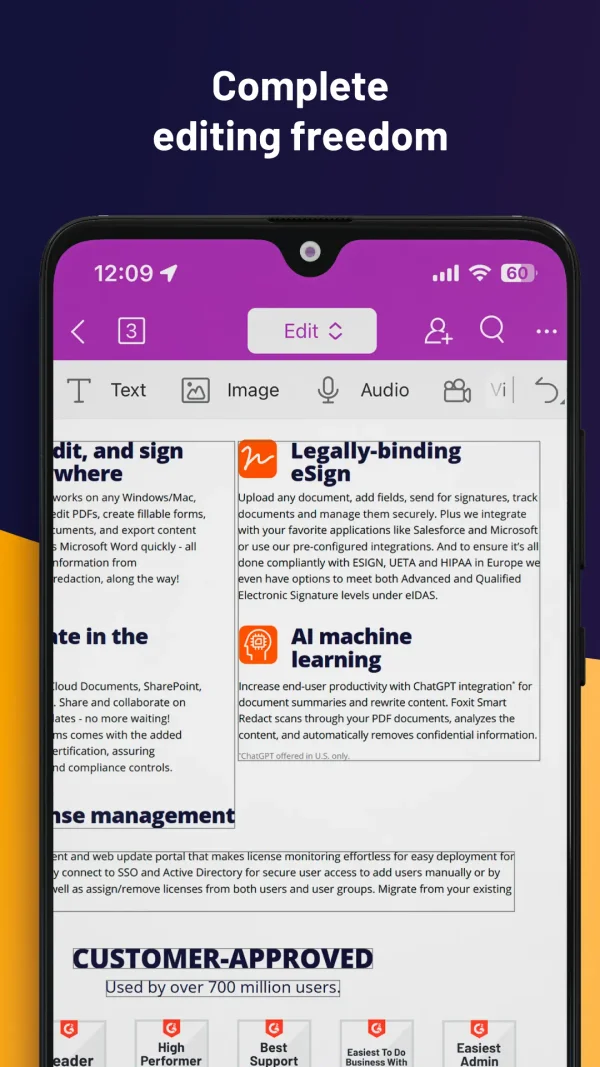
• Thêm/chỉnh sửa các đối tượng văn bản và hình ảnh trong tệp PDF*
• Chỉnh sửa thuộc tính tài liệu*
• Tối ưu hóa tài liệu PDF*
• Sắp xếp lại các trang PDF (Thêm*, xóa, xoay hoặc trích xuất* trang)
Làm việc trên các biểu mẫu PDF
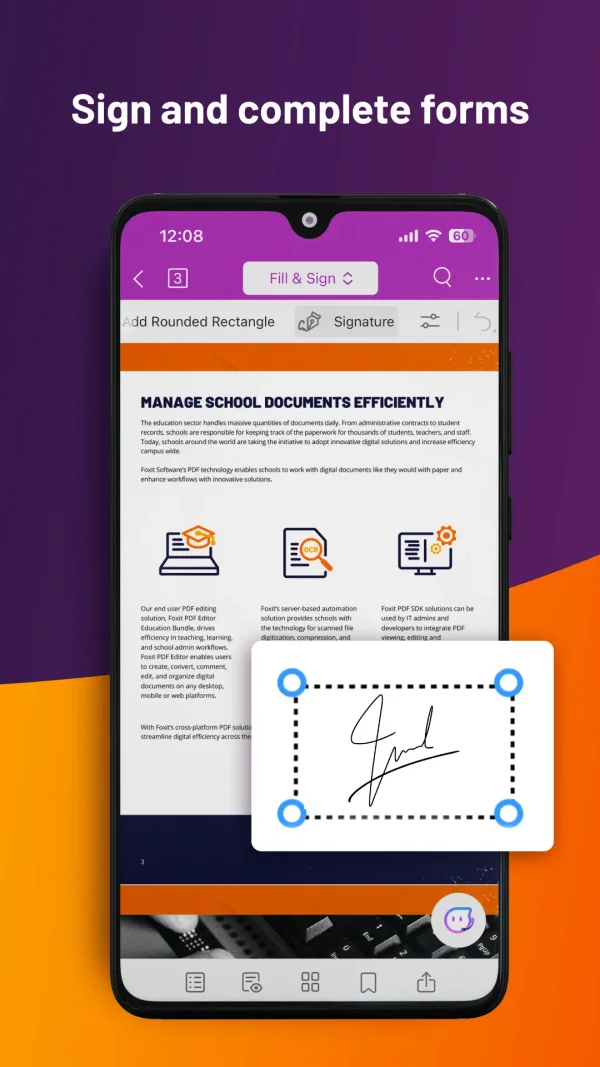
• Điền và lưu biểu mẫu PDF
• Nhập và xuất dữ liệu biểu mẫu
• Gửi biểu mẫu PDF qua HTTP, FTP hoặc Email
• Làm việc trên biểu mẫu XFA*
Ký và bảo vệ các tệp PDF
• Thêm chữ ký viết tay vào tệp PDF
• Ký tài liệu PDF bằng chứng chỉ kỹ thuật số hiện có*
• Bảo vệ tệp PDF bằng mật khẩu và Bảo vệ thông tin của Microsoft*
• Bảo vệ thông tin PDF bằng tính năng biên tập*
Các tính năng được đánh dấu hoa thị (*) là các tính năng nâng cao dựa trên đăng ký thông qua mua hàng trong ứng dụng. Để kích hoạt các tính năng nâng cao, bạn nên tạo tài khoản Foxit và đăng ký Foxit PDF Editor. Sau khi đăng ký, chỉ cần đăng nhập bằng tài khoản Foxit của bạn và các tính năng nâng cao sẽ có sẵn.
Điều khoản và Điều kiện: Bạn phải tuân thủ Chính sách quyền riêng tư và Điều khoản sử dụng của Foxit (https://appstore.foxitsoftware.com/appstore/license) khi sử dụng ứng dụng này.
Có phản hồi? Bạn có thể liên hệ với chúng tôi theo địa chỉ sau: https://www.foxit.com/support/ticket.html
Theo dõi Foxit trên Facebook và Twitter!
https://www.facebook.com/foxitsoftware
https://twitter.com/foxitsoftware
Hiện văn bản gốc
Looking for a versatile PDF editor that you can use anytime, anywhere? Look no further than Foxit PDF Editor mobile app. This easy-to-use PDF editor – trusted by hundreds of millions – allows you to view, edit, and annotate PDF files on Android devices while on the go. The app also offers advanced subscription-based features, including our AI Assistant, optical character recognition (OCR), handwritten notes conversion, and more.
Discover the capabilities of Foxit PDF Editor:
• Reliable: 100% compliant with your current PDF ecosystem.
• Efficient: Let our AI Assistant do the work for you.
• Lightweight: Doesn’t exhaust your device resources.
• Fast: Instant access to PDFs with no delays.
• Secure: Robust file protection features to safeguard sensitive information.
• Collaborative: Maintain full control of your content while working with others..
• Supportive: Access 24/7 customer service via support chat.
• Multi-Language: Support for 12 languages for global usability.
What Foxit PDF Editor can offer to you:
Utilize AI on PDF files
• Summarize the document
• Summarize the text
• Translate the text
• Enhance the writing of the text
• Define and clarify the text
• Fix spelling and grammar of the text
• Chat about the document
• Smart PDF editor commands
View and manage PDF files
• Reflow PDF files for easy viewing
• Convert scanned text and handwritten notes into digital text*
• Easy document navigation with bookmark management features
• Search for text within your PDF document
• Supports tabbed document interface (for tablet only)
• Supports to read the PDF out loud
• Rename, move, copy, or delete PDF file(s)
Collaborate and share PDF files
• Add annotations and stamps to PDF files
• Share PDF files and screenshots from within the application
• Share multiple files across your desktop and Android device via Wi-Fi
• Save, synchronize, and access PDF files in popular cloud services (Google Drive, OneDrive, etc.)
Create and convert PDFs
• Create blank PDFs from scratch*
• Create PDFs from Microsoft Office, image, text, and HTML files*
• Scan and convert paper documents to PDFs
• Convert PDFs to Microsoft Office, image, text, or HTML files*
• Combine PDFs to create a new PDF*
Edit PDF files
• Insert audios, videos, or hyperlinks to PDFs*
• Add/edit text and image objects in PDFs*
• Edit document properties*
• Optimize PDF documents*
• Reorganize PDF pages (Add*, delete, rotate, or extract* pages)
Work on PDF forms
• Fill out and save PDF forms
• Import and export form data
• Submit PDF forms via HTTP, FTP, or Email
• Work on XFA forms*
Sign and protect PDFs
• Add handwritten signatures to PDFs
• Sign PDF documents with an existing digital certificate*
• Protect PDF files with password and Microsoft Information Protection*
• Protect PDF information with redaction*
The features marked with the asterisk (*) are advanced features based on subscription through in-app purchase. To activate the advanced features, you should create a Foxit account and subscribe to Foxit PDF Editor. After subscription, just sign in with your Foxit account and the advanced features will be available.
Terms and Conditions: You must comply with the Foxit-Terms of Use and Privacy Policy (https://appstore.foxitsoftware.com/appstore/license) when using this app.
Have feedback? You can contact us at the following address: https://www.foxit.com/support/ticket.html
Follow Foxit on Facebook and Twitter!
https://www.facebook.com/foxitsoftware
https://twitter.com/foxitsoftware
An toàn dữ liệu
Những gì Foxit Software Inc. khai báo trên Google Play về dữ liệu mà ứng dụng này thu thập và chia sẻ.
- Không chia sẻ dữ liệu với bên thứ baTìm hiểu thêm về cách nhà phát triển khai báo thông tin về hoạt động chia sẻ dữ liệu
- Ứng dụng này có thể thu thập những loại dữ liệu sau đâyVị trí, Thông tin cá nhân và 2 loại dữ liệu khác
- Dữ liệu được mã hóa trong khi chuyển
- Bạn có thể yêu cầu xóa dữ liệu
Có gì mới
Phiên bản 2026.6.0.1026.0325 · 26/10/2026
• Enhanced AI Bookmarks
• Enhanced Smart Podcast and Read Aloud
• AI Chat History
• Improved Sticky Note Comments: Keep PDF content visible while creating, editing, or replying to sticky note comments.
• Enhanced Page Extraction: Extract selected pages into a new PDF, with the option to flatten annotations and automatically open the new file.
• Enhanced Enterprise Cloud Storage Controls: Use Microsoft Intune to disable unapproved cloud integrations.
Liên hệ nhà phát triển
- Trang webfoxit.com
- E-mailAndroidsupport@foxitsoftware.com
- Chính sách quyền riêng tưfoxit.com
- Địa chỉ39355 California St Ste 302 Fremont, CA 94538 United States
Thông tin
- Cung cấp bởi
- Foxit Software Inc.
- Danh mục
- Năng suất
- Phiên bản
- 2026.6.0.1026.0325
- Cập nhật
- 26/10/2026
- Phát hành
- 18/01/2013
- Yêu cầu
- Android 9 trở lên
- Độ tuổi
- 3 tuổi trở lên
- Giá
- Miễn phí
- Mua hàng trong ứng dụng
- 26.000 ₫ - 3.650.000 ₫ mỗi mặt hàng
- Tên gói
- com.foxit.mobile.pdf.lite
Ứng dụng tương tự
-
 PDF Reader(KDAN PDF): Edit PDF
Doanh nghiệp
-
 Trình Đọc Office, Đọc Văn Bản
Năng suất
-
 Ghi chú: Thư mục màu & Việc
Năng suất
-
 pdfFiller Edit Sign & Fill PDF
Năng suất
-
 PDF Editor & Reader App | Xodo
Năng suất
-
 Docusign - Upload & Sign Docs
Năng suất
-
 Máy Quét PDF - Quét Văn Bản
Năng suất
-
 PDF Merge: Scan, Sign & Edit
Năng suất
-
 Orion Notes: Handwrite & PDFs
Năng suất
-
 Đọc PDF & Chỉnh sửa - Falcon
Năng suất
-
 Goodnotes: AI Notes, docs, PDF
Năng suất
-
 UpNote - Ghi chú, nhật ký
Năng suất