Touch Screen Test
Microsys Com Ltd.- EveryoneAge rating
- ToolsCategory
- Jun 26, 2026Updated
- FreePrice
Links to the official Google Play listing of com.microsys.TouchScreenTest. Last checked on Nov 20, 2026.

Screenshots
About this app
Quick tests to assess the functionality of a smartphone touchscreen.
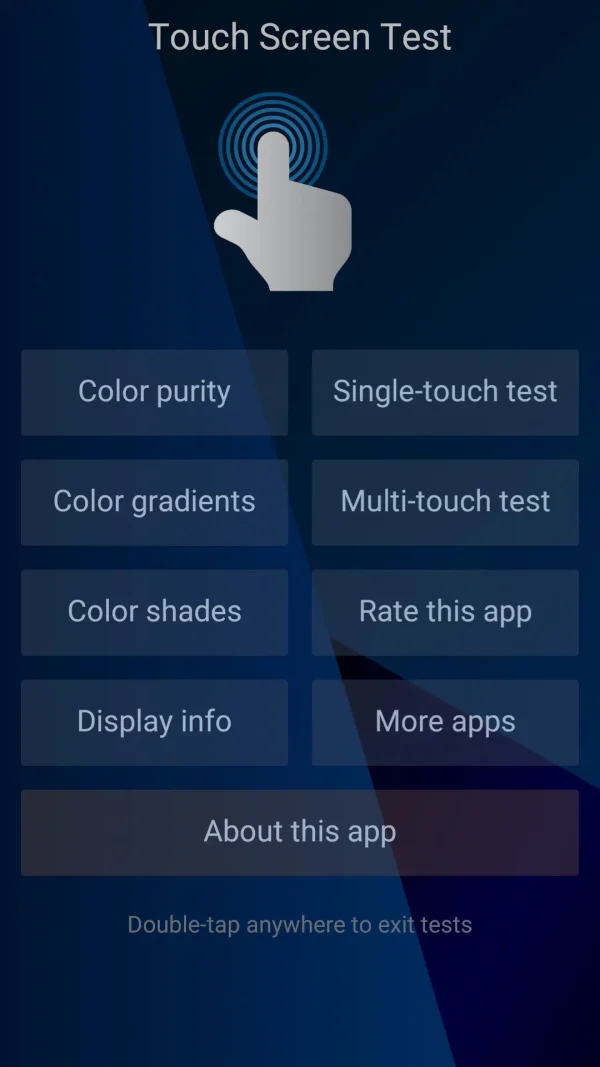
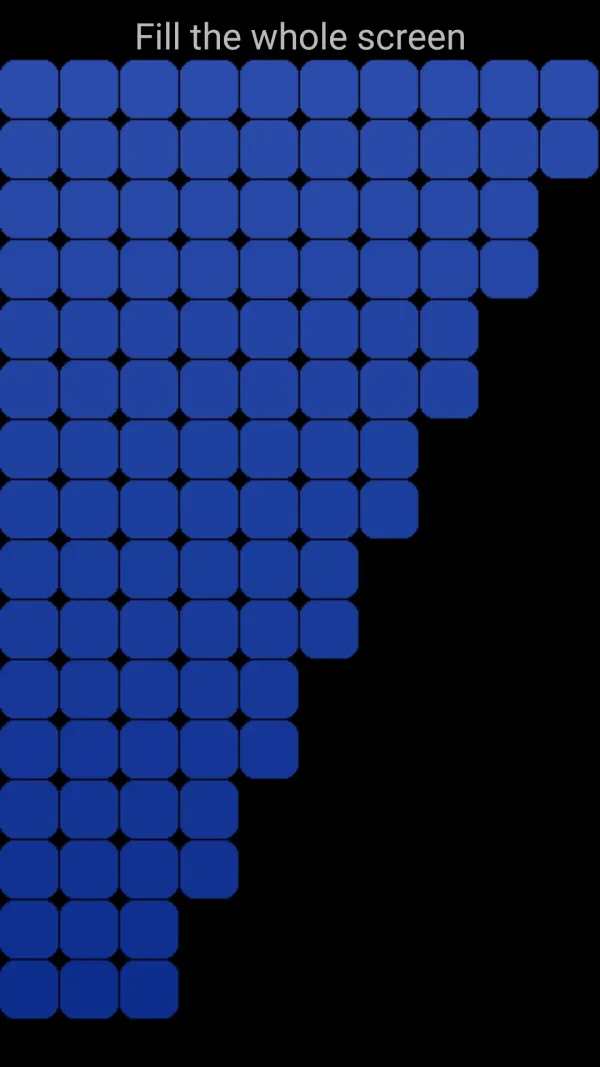
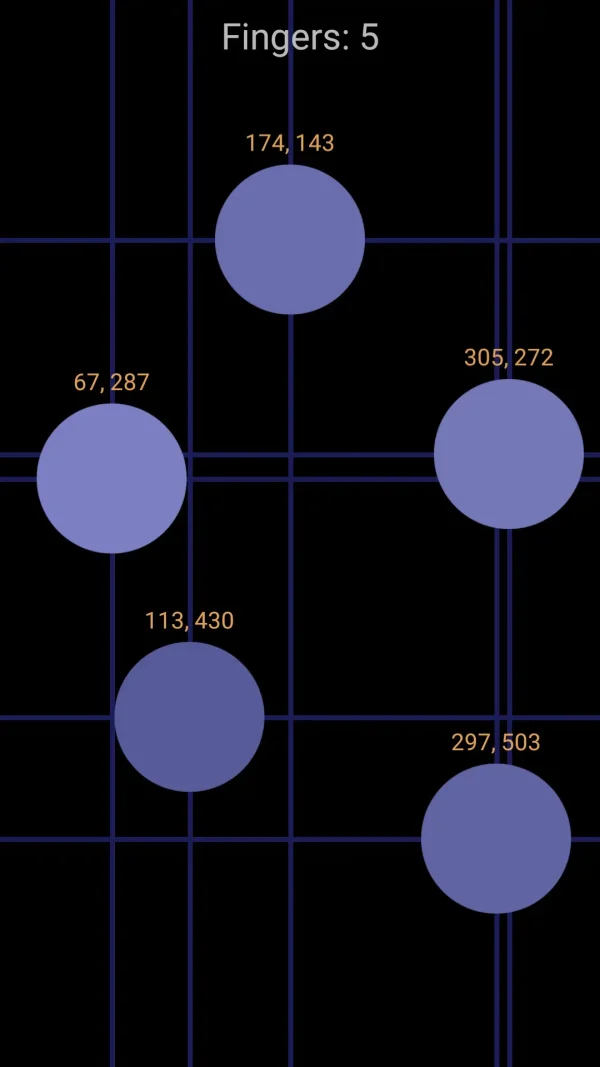
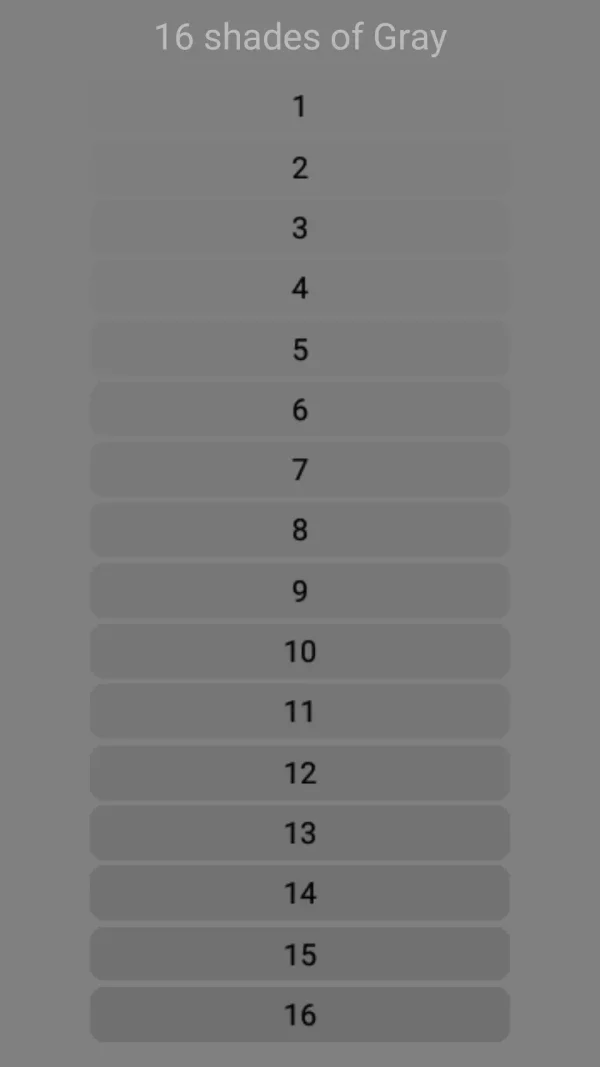
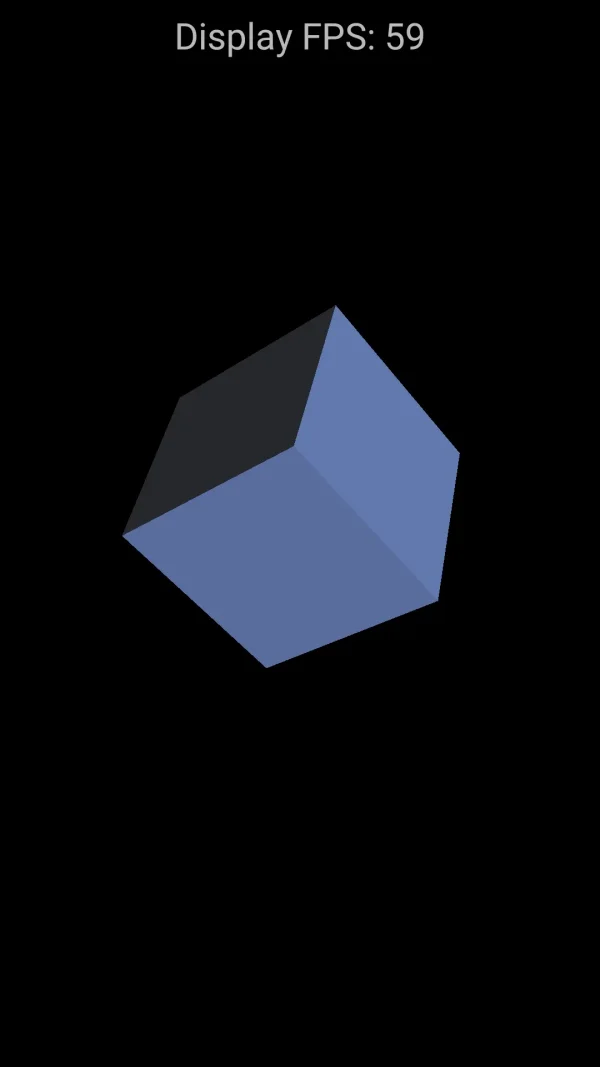
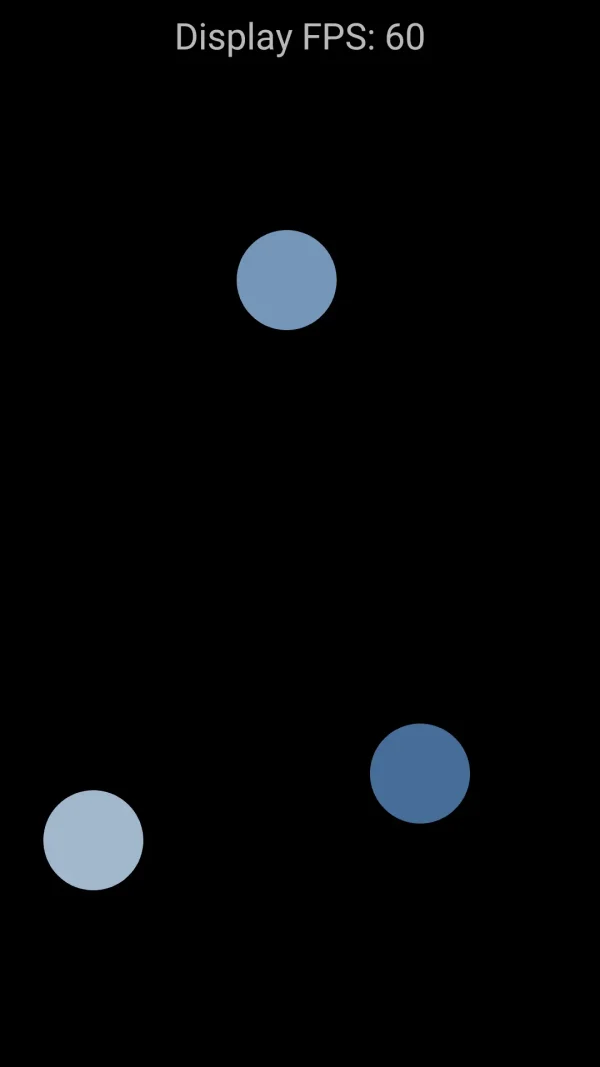
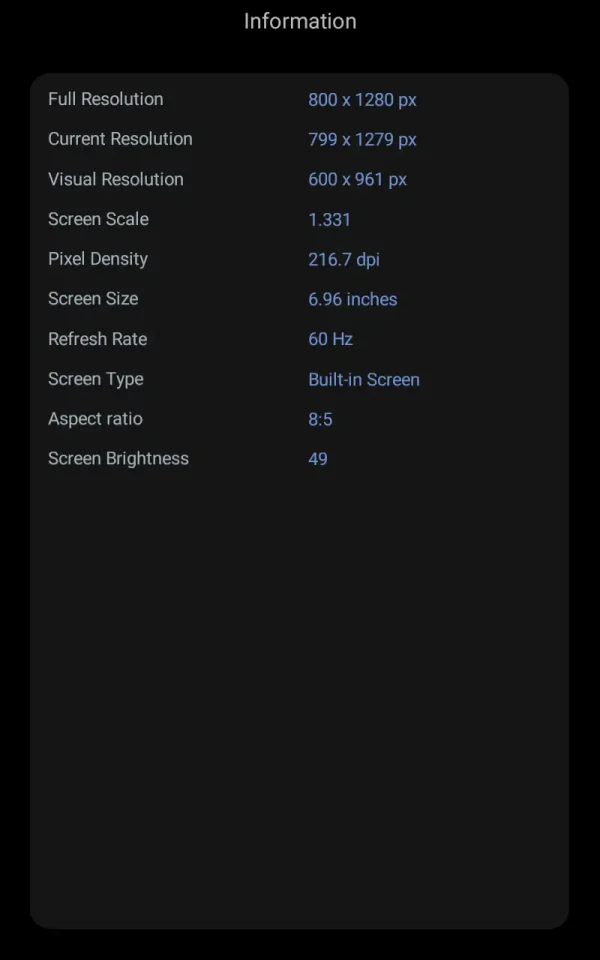
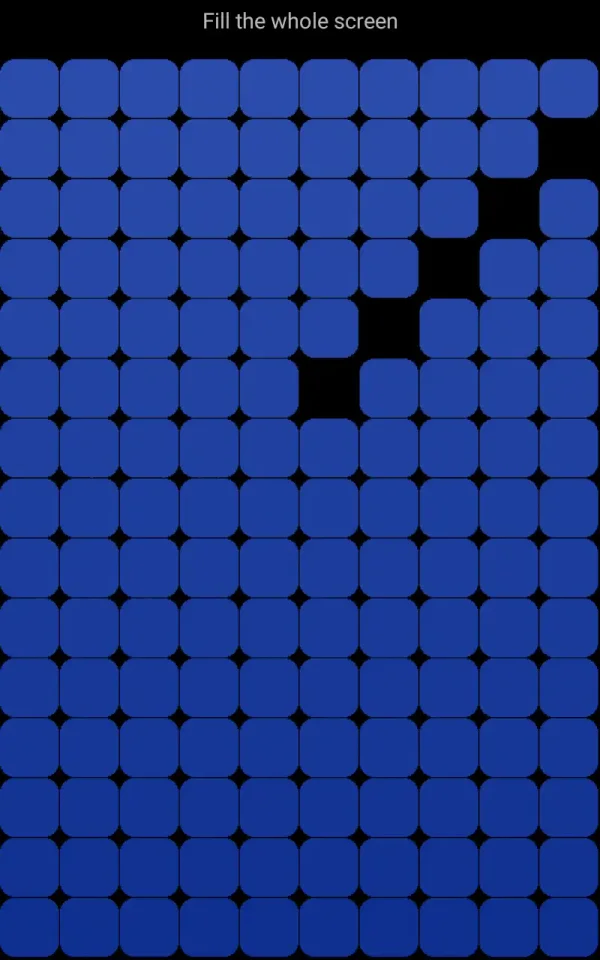
There are three color-related tests (purity, gradients and shades) and two touch-related ones (single and multi-touch). The Display info button opens a page that contains data about the screen resolution, pixel density, aspect ratio and current brightness. Depending on your phone model, these tests can help you decide, for example, if the eye comfort mode must be enabled to prevent eye strain, if the brightness level requires some adjustment or find out if the touch sensitivity is still good all over the screen's surface. The color tests and Information require one tap for every page. Anyway, you can exit anytime from the current test with a double-tap somewhere on the screen. The Single-touch test is complete when the whole screen is filled with blue rectangles - including the area occupied by the upper text message. If the touch screen proved to function properly, the Multi-touch test helps you check if several fingers (maximum ten) can be used simultaneously to make multi-finger gestures in your apps. Finally, two animation tests indicate the frame rate of your display (in Frames Per Second) while a cube or a few rectangles move all over the screen.
Features
-- comprehensive tests for touch screens
-- free application, no ads, no limitations
-- no permission required
-- portrait orientation
-- compatible with most tablets and smartphones
Data safety
What Microsys Com Ltd. declares on Google Play about the data this app collects and shares.
- No data shared with third partiesLearn more about how developers declare sharing
- No data collectedLearn more about how developers declare collection
What’s new
Version 10.3.0 · Jun 26, 2026
- 'Text to speech' option
- 'Back button' option
- Device information added
- Color lines test added
- Sounds option added
- Exit command added
- More display information
- Up to 10 simultaneous touches
- Color Shades test was added
- 2D and 3D tests with FPS counters
Developer contact
- Websitemicrosys.ro
- Emailinfo@microsys.ro
- Privacy policymicrosys.ro
- AddressSTR. DOAMNA GHICA NR. 6 BL. 3 SC. C ET. 10 AP. 119, SECTORUL 2 022832 Bucuresti Romania
Information
- Offered by
- Microsys Com Ltd.
- Category
- Tools
- Version
- 10.3.0
- Updated
- Jun 26, 2026
- Released
- Jan 16, 2021
- Requires
- Android 6.0 or later
- Age rating
- Everyone
- Price
- Free
- Package name
- com.microsys.TouchScreenTest
Similar apps
-
 AppDash: App Manager & Backup
Tools
-
 Hik-Partner Pro (Formerly HPC)
Tools
-
 Taskbar
Tools
-
 Lotus Lantern
Tools
-
 Freedom Street Garage
Shopping
-
 MacroDroid - Device Automation
Tools
-
 Volume Styles - Custom control
Personalization
-
 Remote Mouse
Tools
-
 Phone Dialer & Contacts: drupe
Communication
-
 Deleted Photo & Video Recovery
Tools
-
 App Lock: Fingerprint, Pattern
Productivity
-
 Screen Recorder Unlimited
Tools