Touch Screen Test
Microsys Com Ltd.- 3 歳以上対象年齢
- ツールカテゴリ
- 2026/6/26更新日
- 無料価格
com.microsys.TouchScreenTestのGoogle Play公式ページにリンクしています。最終確認:2026/11/20。

スクリーンショット
このアプリについて
Googleによる英語 (アメリカ合衆国)からの自動翻訳です。
スマートフォンのタッチスクリーンの機能を評価するためのクイックテスト。
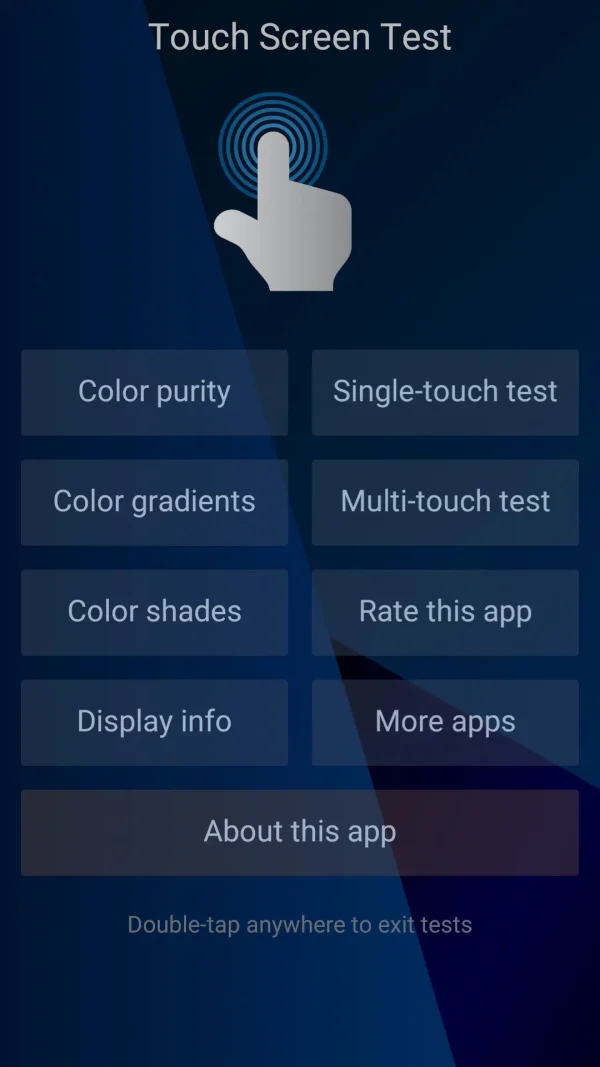
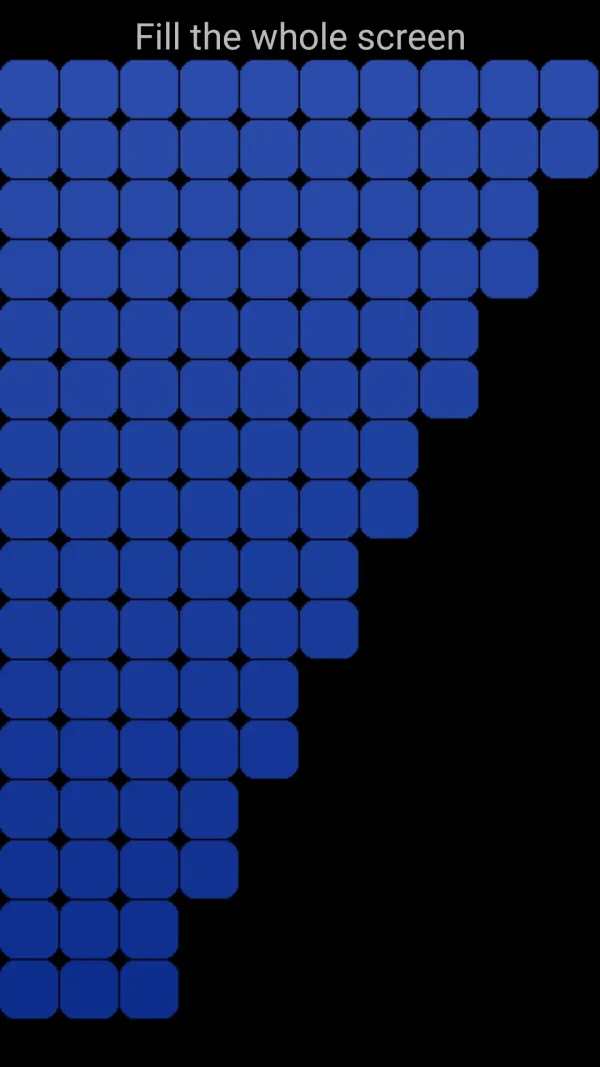
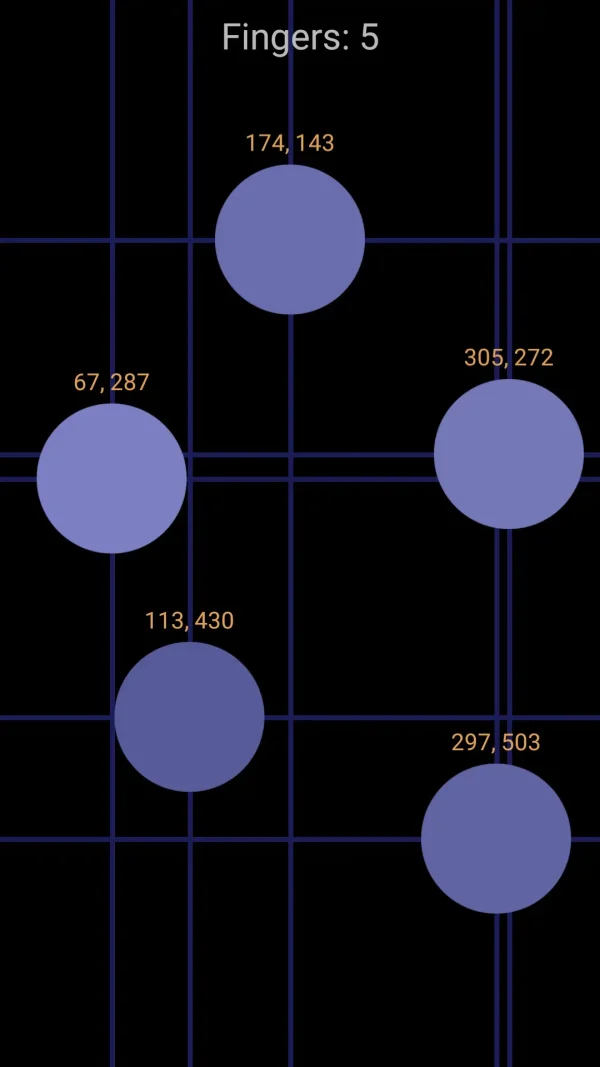
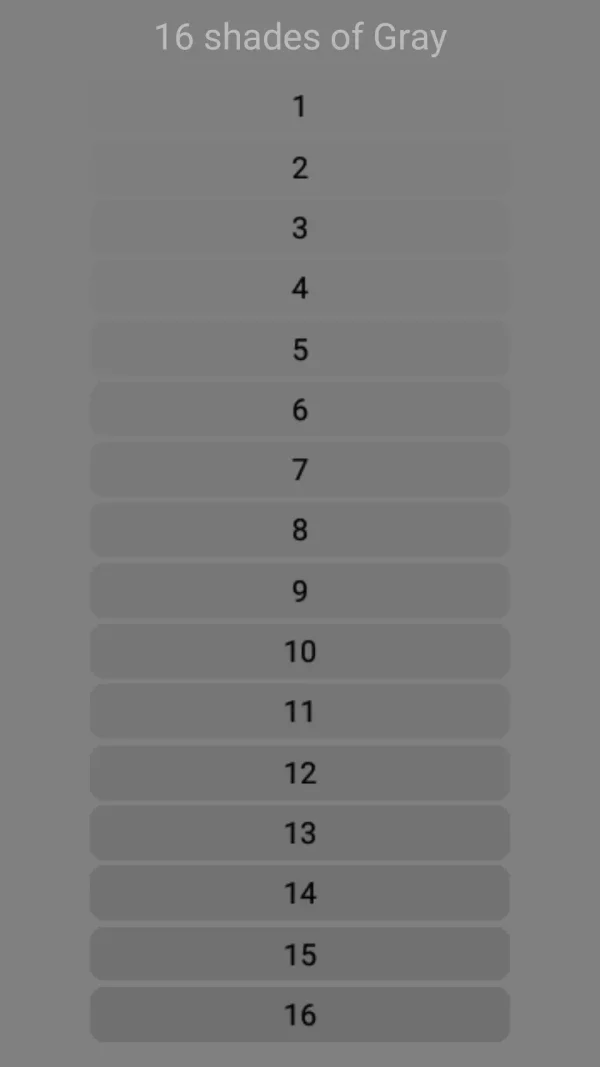
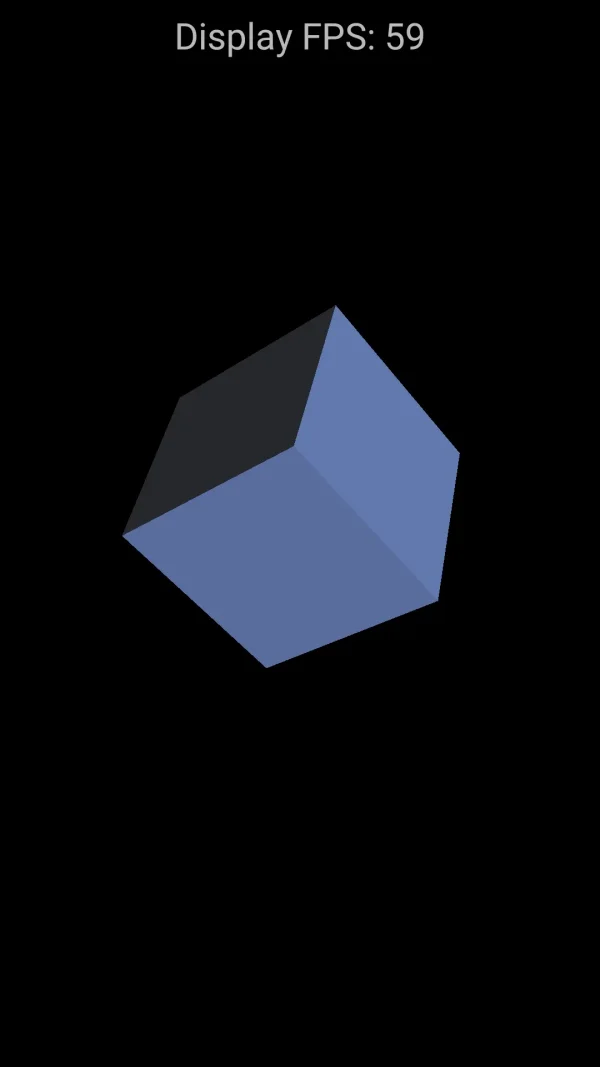
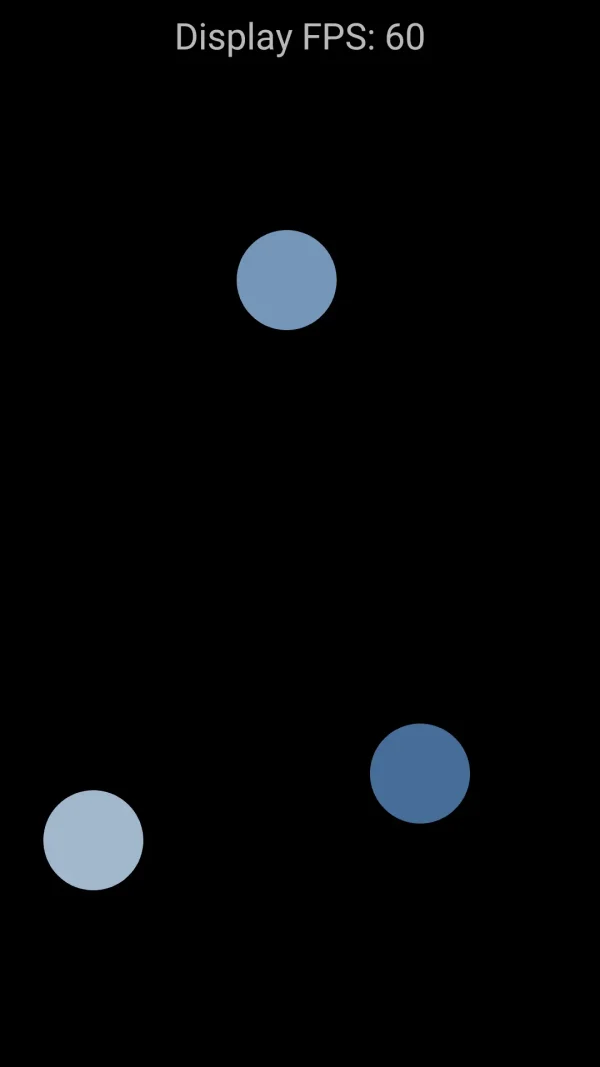
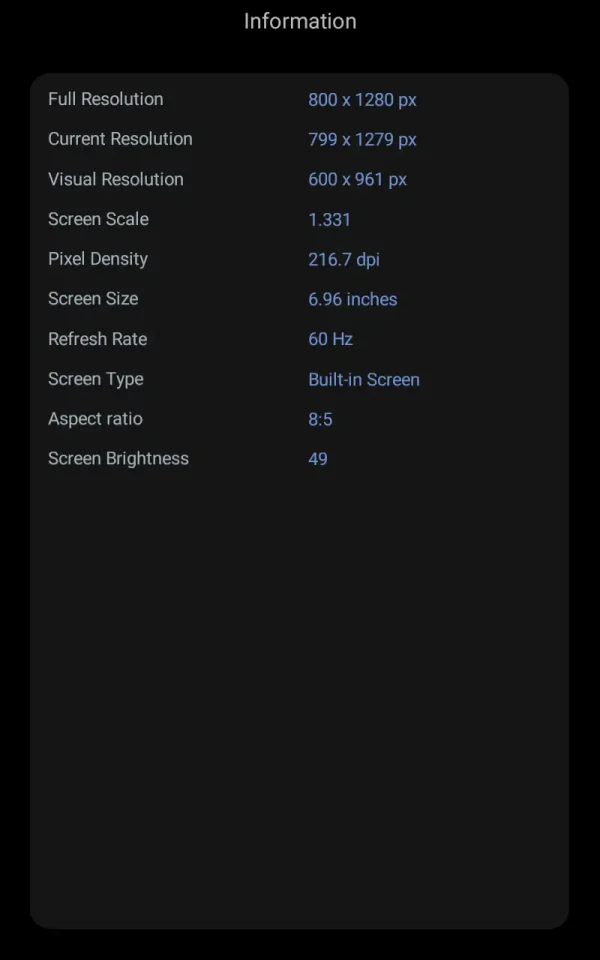
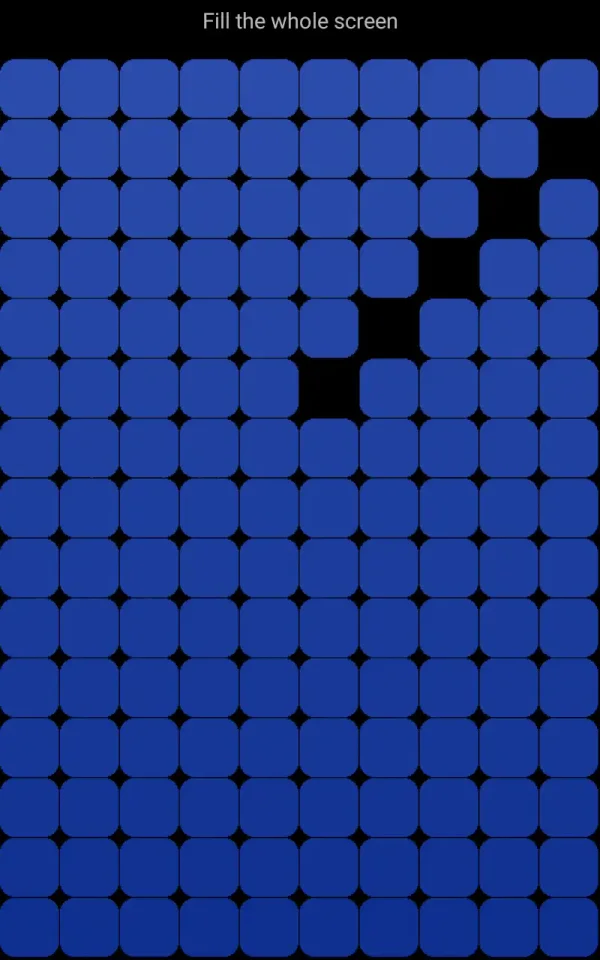
3つの色関連のテスト(純度、グラデーション、色合い)と2つのタッチ関連のテスト(シングルタッチとマルチタッチ)があります。 [情報の表示]ボタンは、画面の解像度、ピクセル密度、アスペクト比、現在の明るさに関するデータを含むページを開きます。お使いの携帯電話のモデルに応じて、これらのテストは、たとえば、目の疲れを防ぐために目の快適モードを有効にする必要があるかどうか、明るさのレベルを調整する必要があるかどうか、または画面全体でタッチ感度がまだ良好かどうかを確認するのに役立ちます水面。カラーテストと情報は、ページごとに1回タップする必要があります。とにかく、画面のどこかをダブルタップすることで、現在のテストをいつでも終了できます。上部のテキストメッセージが占める領域を含め、画面全体が青い長方形でいっぱいになると、シングルタッチテストが完了します。タッチスクリーンが適切に機能することが証明された場合、マルチタッチテストは、複数の指(最大10本)を同時に使用してアプリでマルチフィンガージェスチャを実行できるかどうかを確認するのに役立ちます。最後に、2つのアニメーションテストで、立方体またはいくつかの長方形が画面全体を移動している間のディスプレイのフレームレート(フレーム/秒)が示されます。
特徴
-タッチスクリーンの包括的なテスト
-無料のアプリケーション、広告なし、制限なし
-許可は必要ありません
-縦向き
-ほとんどのタブレットやスマートフォンと互換性があります
原文を表示
There are three color-related tests (purity, gradients and shades) and two touch-related ones (single and multi-touch). The Display info button opens a page that contains data about the screen resolution, pixel density, aspect ratio and current brightness. Depending on your phone model, these tests can help you decide, for example, if the eye comfort mode must be enabled to prevent eye strain, if the brightness level requires some adjustment or find out if the touch sensitivity is still good all over the screen's surface. The color tests and Information require one tap for every page. Anyway, you can exit anytime from the current test with a double-tap somewhere on the screen. The Single-touch test is complete when the whole screen is filled with blue rectangles - including the area occupied by the upper text message. If the touch screen proved to function properly, the Multi-touch test helps you check if several fingers (maximum ten) can be used simultaneously to make multi-finger gestures in your apps. Finally, two animation tests indicate the frame rate of your display (in Frames Per Second) while a cube or a few rectangles move all over the screen.
Features
-- comprehensive tests for touch screens
-- free application, no ads, no limitations
-- no permission required
-- portrait orientation
-- compatible with most tablets and smartphones
データ セーフティ
このアプリが収集・共有するデータについて、Microsys Com Ltd.がGoogle Playで申告している内容です。
- 第三者と共有されるデータはありません詳しくは、デベロッパーが共有を申告する方法についての説明をご覧ください
- データは収集されません詳しくは、デベロッパーが収集を申告する方法についての説明をご覧ください
新機能
バージョン 10.3.0 · 2026/6/26
- 'Text to speech' option
- 'Back button' option
- Device information added
- Color lines test added
- Sounds option added
- Exit command added
- More display information
- Up to 10 simultaneous touches
- Color Shades test was added
- 2D and 3D tests with FPS counters
開発元の連絡先
- ウェブサイトmicrosys.ro
- メールinfo@microsys.ro
- プライバシーポリシーmicrosys.ro
- 住所STR. DOAMNA GHICA NR. 6 BL. 3 SC. C ET. 10 AP. 119, SECTORUL 2 022832 Bucuresti Romania
情報
- 提供元
- Microsys Com Ltd.
- カテゴリ
- ツール
- バージョン
- 10.3.0
- 更新日
- 2026/6/26
- リリース
- 2021/1/16
- 必要条件
- Android 6.0以降
- 対象年齢
- 3 歳以上
- 価格
- 無料
- パッケージ名
- com.microsys.TouchScreenTest
類似のアプリ
-
 AppDash: App Manager & Backup
ツール
-
 Hik-Partner Pro (Formerly HPC)
ツール
-
 Taskbar
ツール
-
 ムーンライト
ツール
-
 Freedom Street Garage
ショッピング
-
 MacroDroid - デバイス自動化
ツール
-
 Volume Styles - カスタムコントロール
カスタマイズ
-
 Remote Mouse: マウス・キーボード
ツール
-
 連絡先 & 電話 + スパム通話をブロック - drupe
通信
-
 Deleted Photo & Video Recovery
ツール
-
 App Lock: Fingerprint, PIN
仕事効率化
-
 Screen Recorder Unlimited
ツール