agent.run
Cloud Agents on iPhone & iPad
Dirancang untuk iPhone, iPad, iPod touch
Gratis · Pembelian dalam aplikasi
- Batasan usia17+
- KategoriKegunaan
- Pengembang深圳顺驰电子科技有限公司
- BahasaInggris+ 1 lainnya
- Ukuran43,6 MB
Tertaut ke halaman resmi App Store
Download.org tidak menyimpan file agent.run apa pun. Tombol ini membuka halaman aplikasi di App Store, tempat 深圳顺驰电子科技有限公司 menerbitkannya. Halaman terakhir diperiksa pada 25/11/2026.
Tangkapan layar




Tentang
Pengembang belum menyediakan teks ini dalam bahasa Anda.
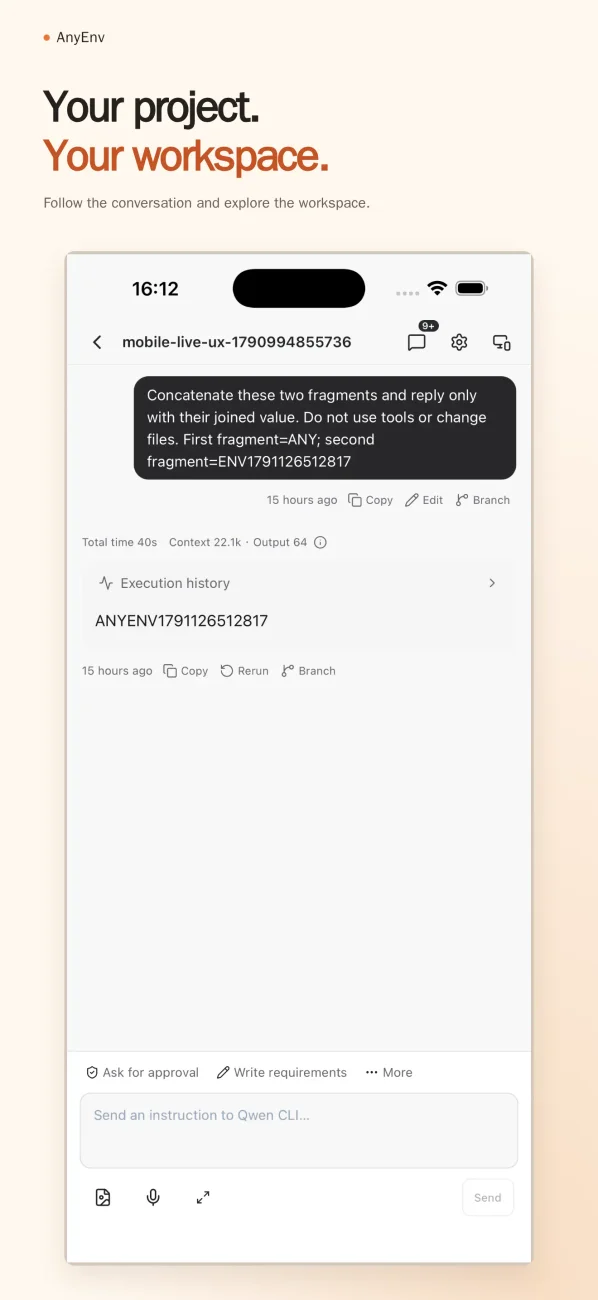
agent.run is an AI coding workspace in the cloud. Describe what you want to build, and let AI help you write, change and understand code. Projects run in cloud sandboxes, so your computer does not need to stay busy. From your iPhone or iPad, you can open a workspace, guide an agent, and follow previews, deployments and usage.
Start with a request in your own words. Launch a task from Explore, or use planning mode to analyze your goal and create an engineering plan before you approve execution. Build a new project, improve a feature, fix a problem, or break a larger idea into manageable tasks.
Choose from multiple coding agents, including Auto, Codex, Claude Code, Cursor Agent, Qwen CLI, OpenCode, Qoder CLI, CodeBuddy Code and Trae Agent. Availability depends on your account configuration. Send instructions, review sensitive actions, add context, or branch from an earlier message to continue in a new direction.
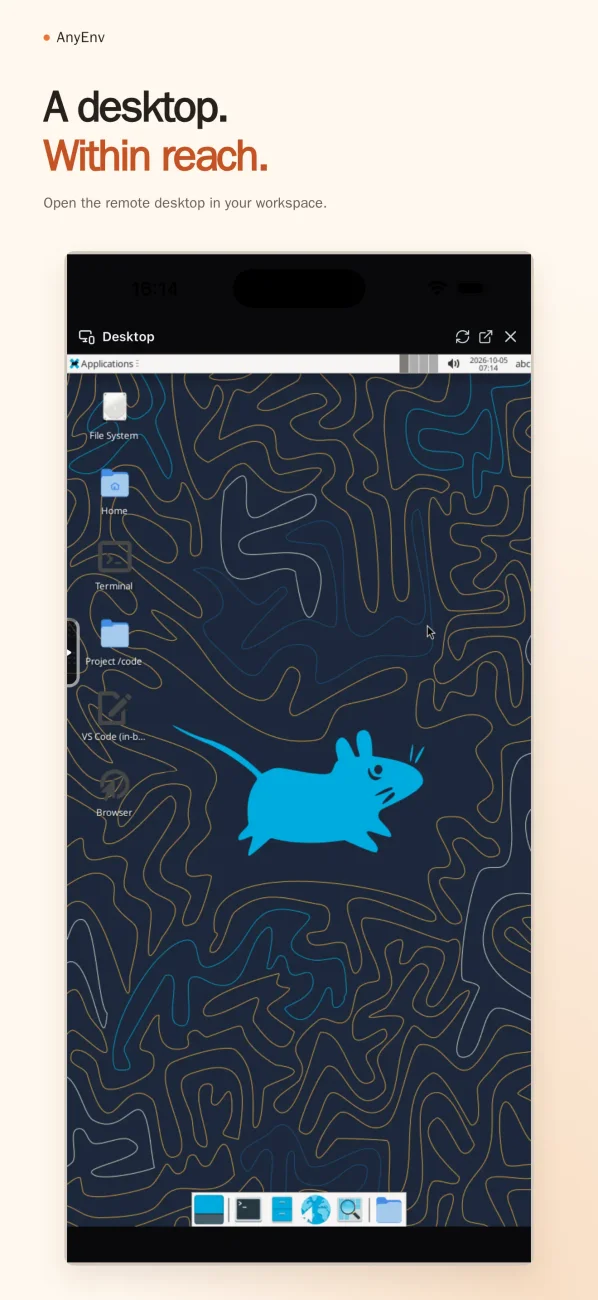
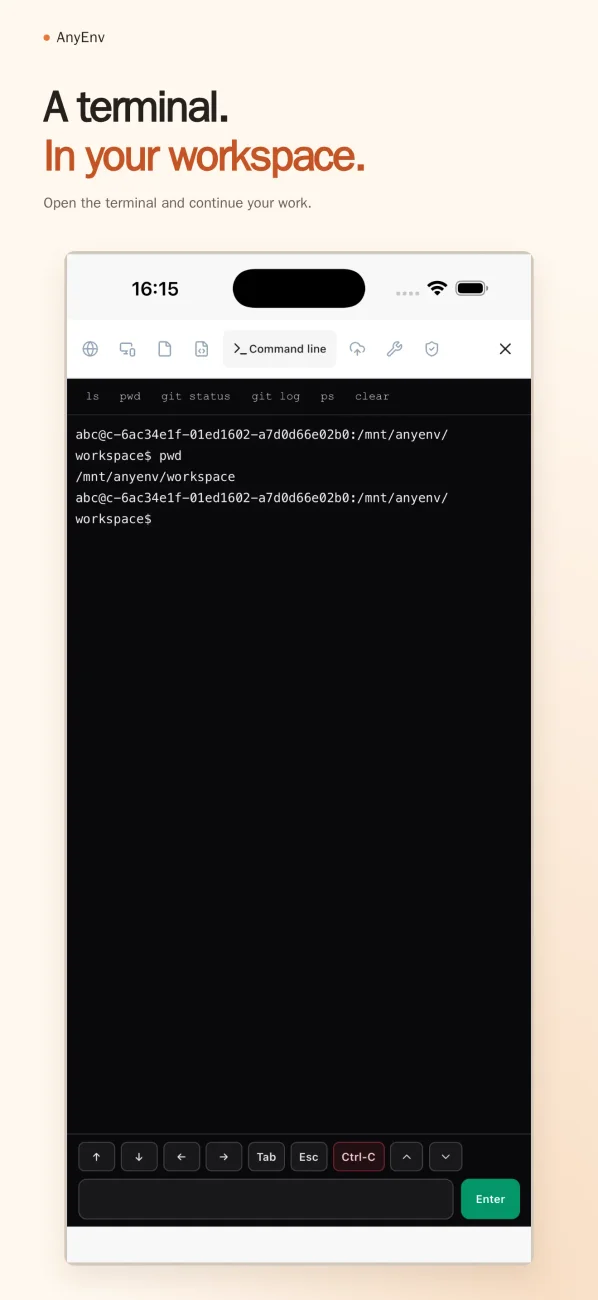
Open a browser preview, terminal or remote desktop when you need to inspect your work. Workspace preparation, startup and recovery states are shown as they happen. Continue on your computer through the browser or desktop client. Save checkpoints at important stages and roll back when you need an earlier project state.
Prefer working on your own computer? Connect a local device and workspace through agent.run CLI, then use your phone to manage local agent or CLI sessions. Send instructions, check progress and respond to requests for confirmation while you are away from your desk. Your connected computer must remain online.
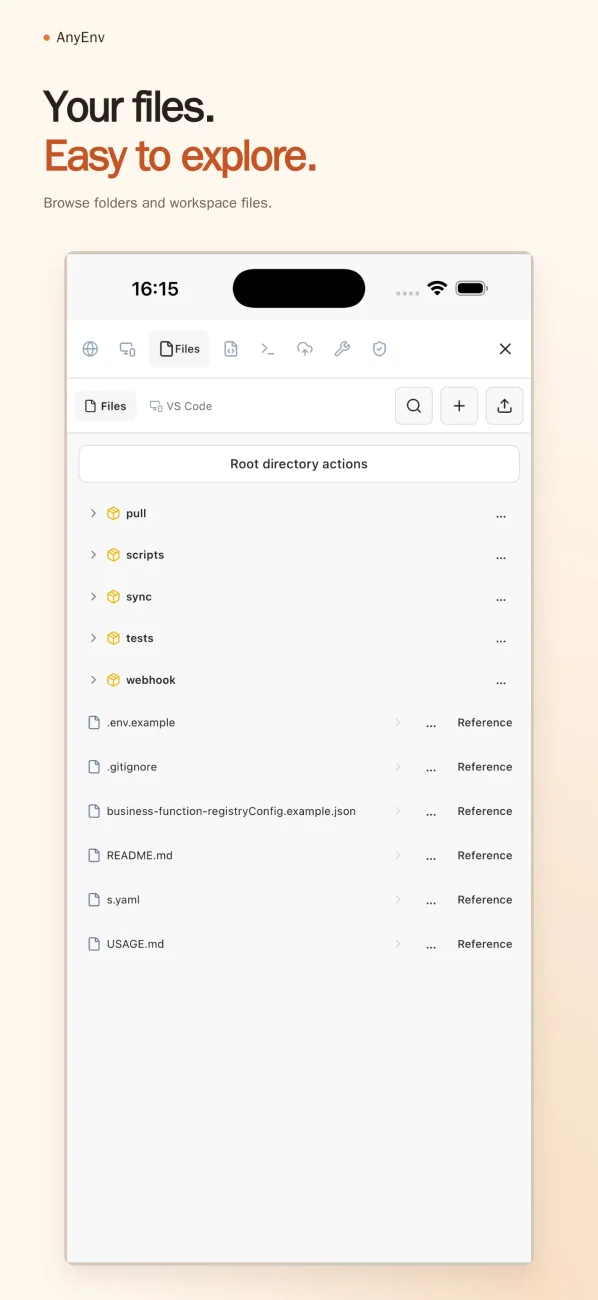
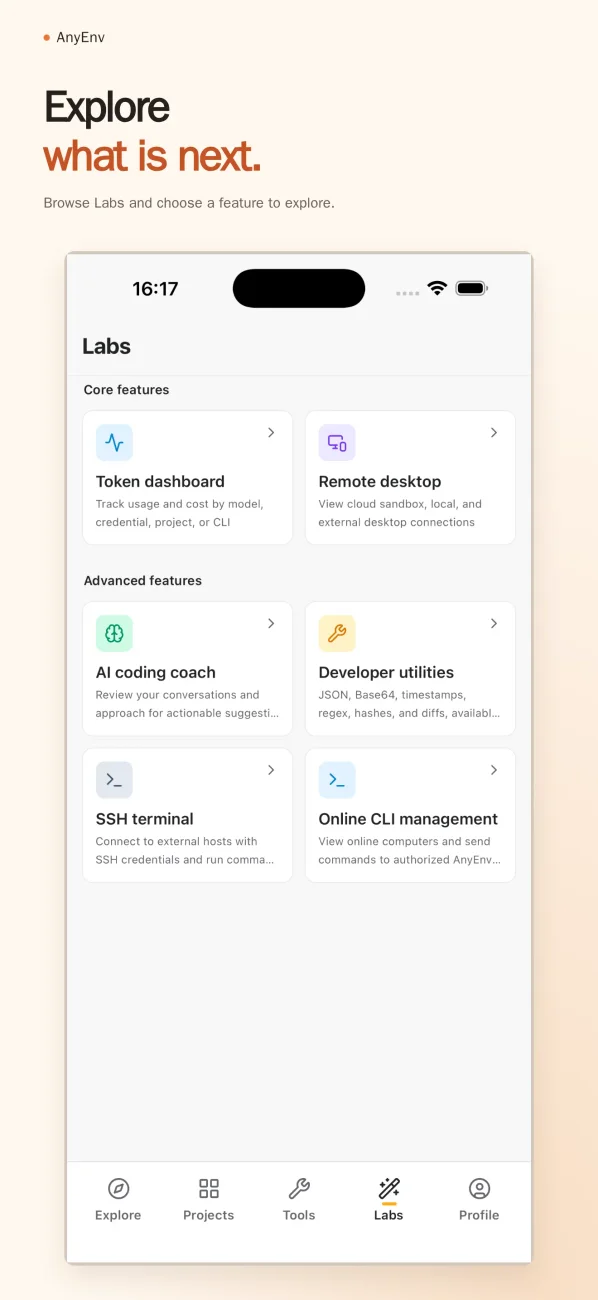
Manage everyday development in one place. Check project progress and Git connections, organize work in task boards and lists, collect issues, review deployment settings and track release results. Manage integrations for Git, models and cloud services through tools and credentials. Purchase Coffee Beans through Apple In-App Purchase to cover model, cloud sandbox and deployment usage, and review your balance and itemized charges.
Use iPhone for quick updates on the go. On iPad, portrait mode provides more room to browse, while wide and landscape layouts offer a workspace with multiple panels for conversations and previews.
Before you use platform-provided AI services, agent.run discloses the actual recipient and requests your consent. You can decline or withdraw consent later. When you use your own credentials, data is sent to the service you configure. Your code, projects and conversations are used for the features you choose to use, and agent.run does not use them to train models. Third-party providers may have their own data policies.
Yang baru
Versi 1.1.146 · 24/11/2026
Improved Workbench session switching and refresh controls, simplified the session shortcut on tablets, and refined remote desktop gestures.
Privasi aplikasi
Yang dinyatakan 深圳顺驰电子科技有限公司 di App Store tentang cara aplikasi ini menangani data.
-
Data yang ditautkan dengan Anda
Dapat dikumpulkan dan ditautkan dengan identitas Anda.
- Pembelian
- Info kontak
- Konten pengguna
- Pengenal
- Data penggunaan
- Diagnostik
Praktik privasi dapat bervariasi, misalnya berdasarkan fitur yang Anda gunakan atau usia Anda.
Informasi
- Penjual
- Shenzhen Shunchi Electronic Science & Technology Co., Ltd.
- Kategori
- Kegunaan
- Versi
- 1.1.146
- Diperbarui
- 24/11/2026
- Dirilis
- 3/10/2026
- Ukuran
- 43,6 MB
- Memerlukan
- iOS 15.1 atau yang lebih baru
- Batasan usia
- 17+
- Harga
- Gratis
- Pembelian dalam aplikasi
- Ya
- Bahasa
- Inggris, Tionghoa Sederhana
- Hak cipta
- © 2026 深圳顺驰电子科技有限公司