- 対象年齢17+
- カテゴリユーティリティ
- 開発元深圳顺驰电子科技有限公司
- 言語英語ほか1言語
- サイズ43.6 MB
App Storeの公式ページにリンクしています
Download.orgはagent.runのファイルを一切ホストしていません。ボタンを押すと、深圳顺驰电子科技有限公司が公開しているApp Storeのアプリページが開きます。ページの最終確認:2026/11/25。
スクリーンショット




概要
開発元はこのテキストをお使いの言語で提供していません。
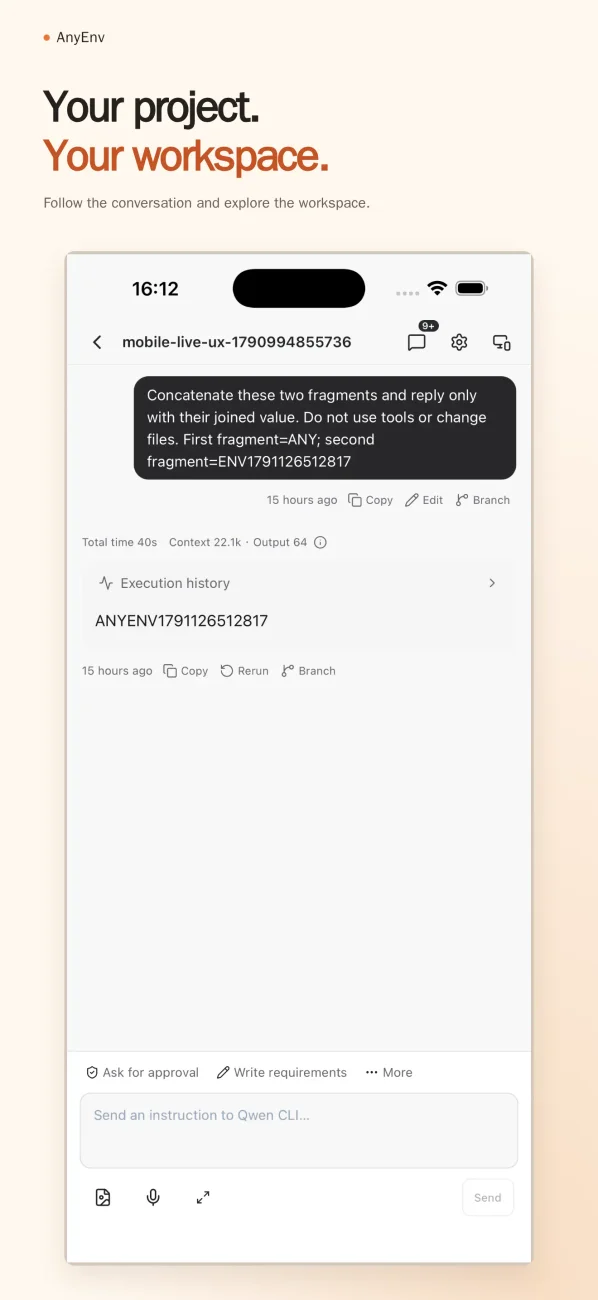
agent.run is an AI coding workspace in the cloud. Describe what you want to build, and let AI help you write, change and understand code. Projects run in cloud sandboxes, so your computer does not need to stay busy. From your iPhone or iPad, you can open a workspace, guide an agent, and follow previews, deployments and usage.
Start with a request in your own words. Launch a task from Explore, or use planning mode to analyze your goal and create an engineering plan before you approve execution. Build a new project, improve a feature, fix a problem, or break a larger idea into manageable tasks.
Choose from multiple coding agents, including Auto, Codex, Claude Code, Cursor Agent, Qwen CLI, OpenCode, Qoder CLI, CodeBuddy Code and Trae Agent. Availability depends on your account configuration. Send instructions, review sensitive actions, add context, or branch from an earlier message to continue in a new direction.
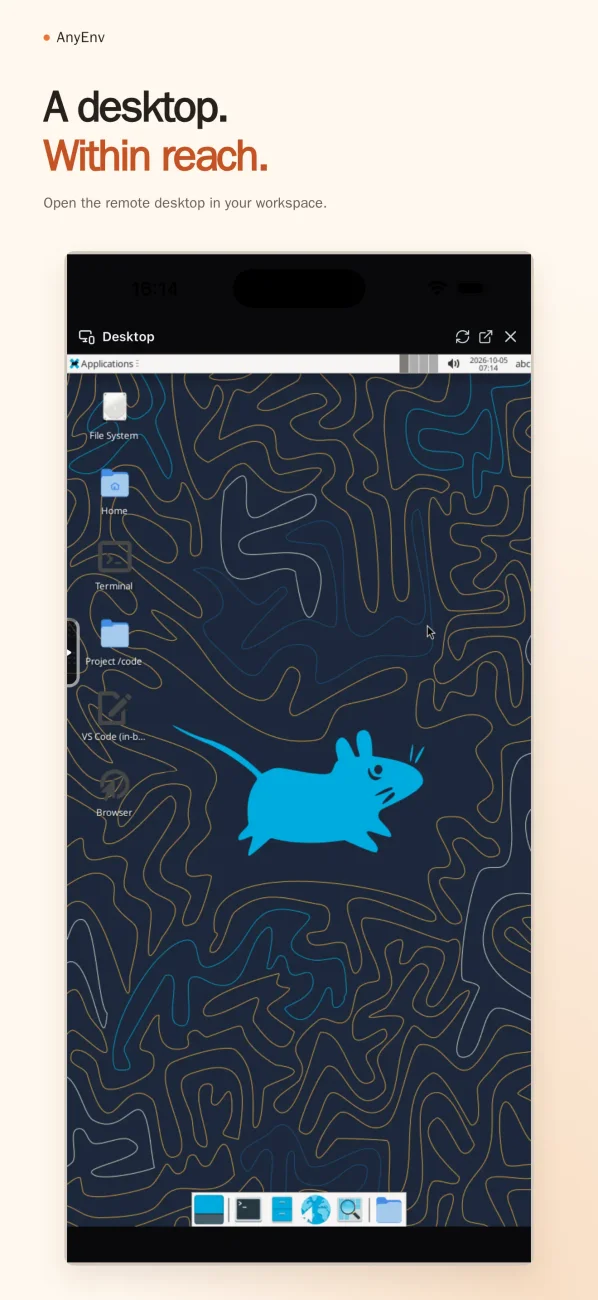
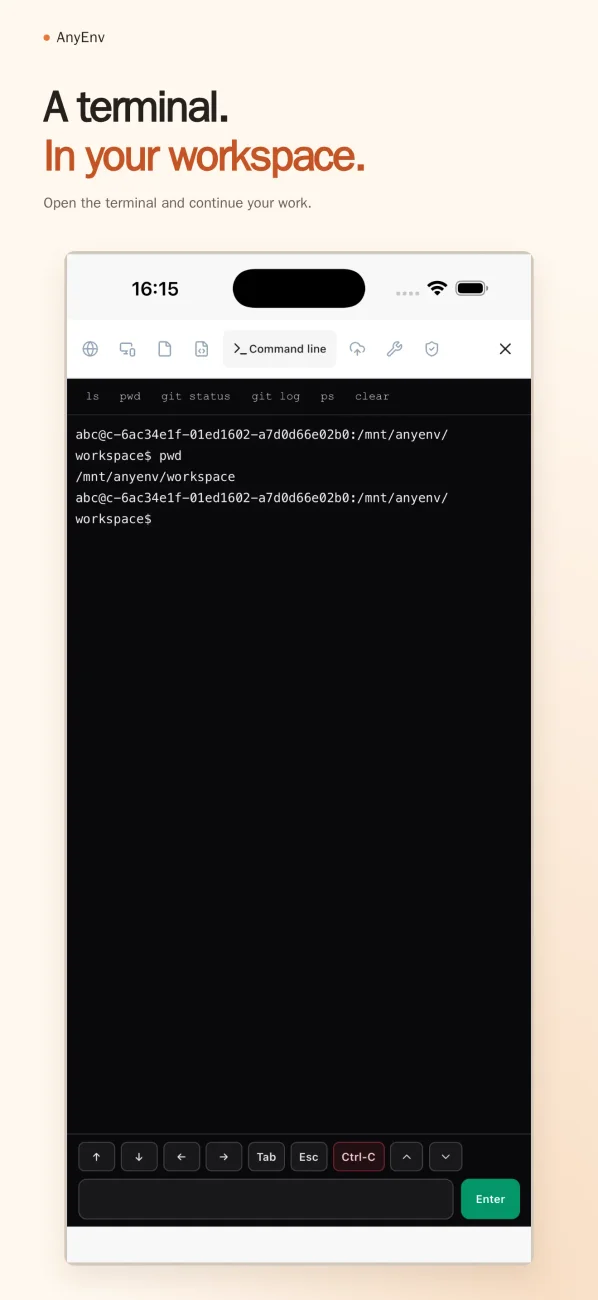
Open a browser preview, terminal or remote desktop when you need to inspect your work. Workspace preparation, startup and recovery states are shown as they happen. Continue on your computer through the browser or desktop client. Save checkpoints at important stages and roll back when you need an earlier project state.
Prefer working on your own computer? Connect a local device and workspace through agent.run CLI, then use your phone to manage local agent or CLI sessions. Send instructions, check progress and respond to requests for confirmation while you are away from your desk. Your connected computer must remain online.
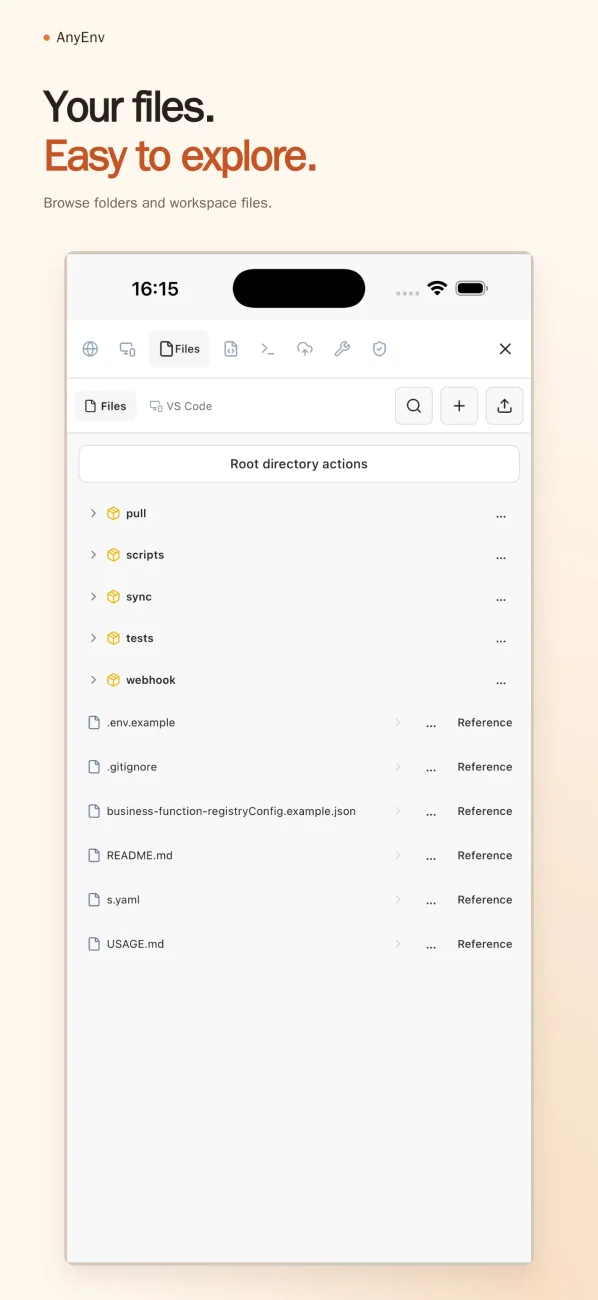
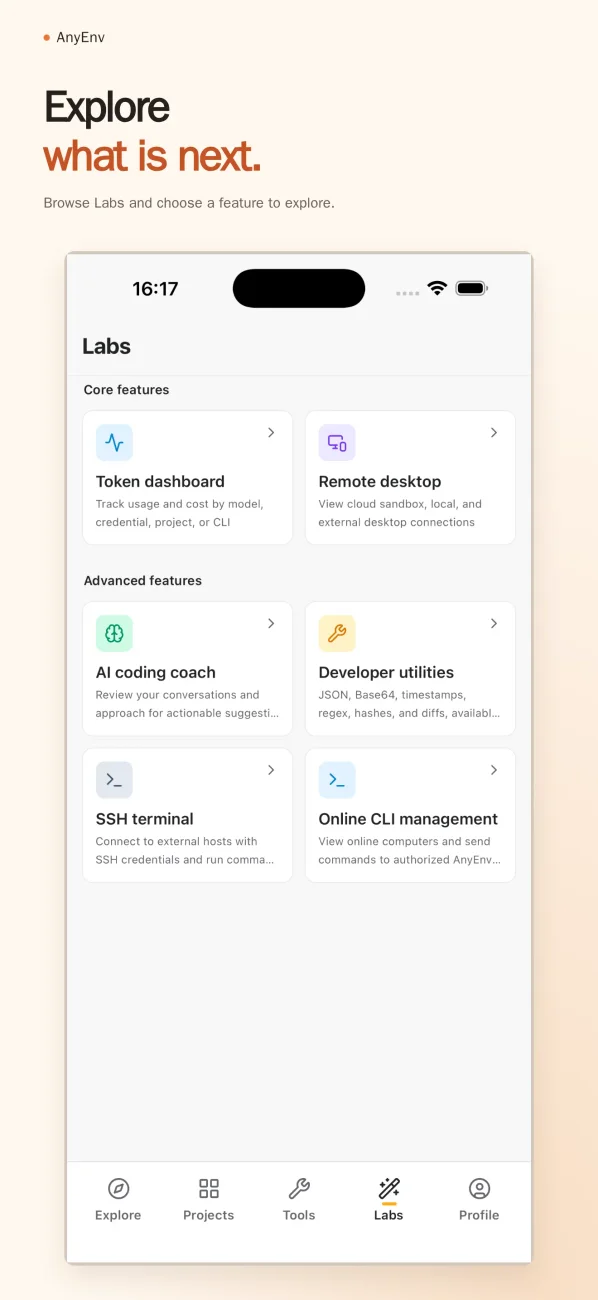
Manage everyday development in one place. Check project progress and Git connections, organize work in task boards and lists, collect issues, review deployment settings and track release results. Manage integrations for Git, models and cloud services through tools and credentials. Purchase Coffee Beans through Apple In-App Purchase to cover model, cloud sandbox and deployment usage, and review your balance and itemized charges.
Use iPhone for quick updates on the go. On iPad, portrait mode provides more room to browse, while wide and landscape layouts offer a workspace with multiple panels for conversations and previews.
Before you use platform-provided AI services, agent.run discloses the actual recipient and requests your consent. You can decline or withdraw consent later. When you use your own credentials, data is sent to the service you configure. Your code, projects and conversations are used for the features you choose to use, and agent.run does not use them to train models. Third-party providers may have their own data policies.
新機能
バージョン 1.1.146 · 2026/11/24
Improved Workbench session switching and refresh controls, simplified the session shortcut on tablets, and refined remote desktop gestures.
アプリのプライバシー
このアプリのデータの取り扱いについて、深圳顺驰电子科技有限公司がApp Storeで申告している内容です。
-
ユーザーに関連付けられたデータ
収集され、ユーザーの識別情報に関連付けられる場合があります。
- 購入
- 連絡先情報
- ユーザーコンテンツ
- ID
- 使用状況データ
- 診断
プライバシーの取り扱いは、ご利用の機能やお客様の年齢などに応じて異なる場合があります。
情報
- 販売元
- Shenzhen Shunchi Electronic Science & Technology Co., Ltd.
- カテゴリ
- ユーティリティ
- バージョン
- 1.1.146
- 更新日
- 2026/11/24
- リリース
- 2026/10/3
- サイズ
- 43.6 MB
- 必要条件
- iOS 15.1以降
- 対象年齢
- 17+
- 価格
- 無料
- アプリ内課金
- あり
- 言語
- 英語, 簡体字中国語
- 著作権
- © 2026 深圳顺驰电子科技有限公司