
agent.run
Cloud Agents on iPhone & iPad
Designed for iPhone, iPad, iPod touch
In-app purchases
- Age rating17+
- CategoryUtilities
- Developer深圳顺驰电子科技有限公司
- LanguagesEnglish+ 1 more
- Size43.6 MB
Links to the official App Store page
Download.org hosts no file of agent.run. The button opens its official App Store page, published by 深圳顺驰电子科技有限公司. Listing last checked on Nov 25, 2026.
Screenshots




About
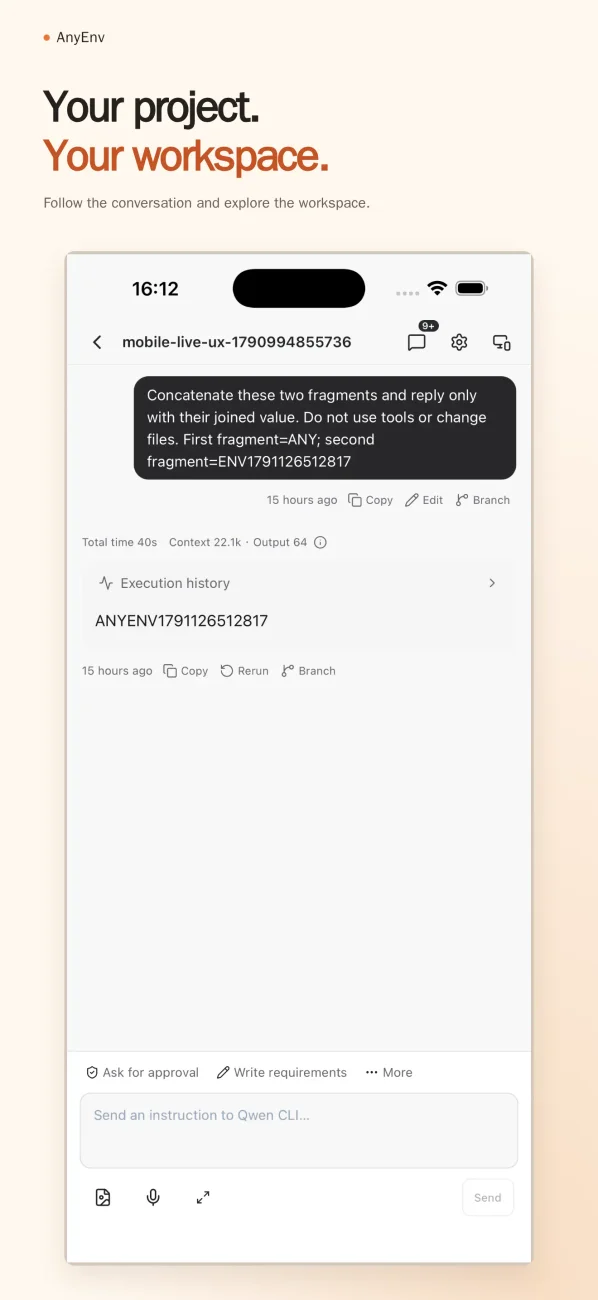
agent.run is an AI coding workspace in the cloud. Describe what you want to build, and let AI help you write, change and understand code. Projects run in cloud sandboxes, so your computer does not need to stay busy. From your iPhone or iPad, you can open a workspace, guide an agent, and follow previews, deployments and usage.
Start with a request in your own words. Launch a task from Explore, or use planning mode to analyze your goal and create an engineering plan before you approve execution. Build a new project, improve a feature, fix a problem, or break a larger idea into manageable tasks.
Choose from multiple coding agents, including Auto, Codex, Claude Code, Cursor Agent, Qwen CLI, OpenCode, Qoder CLI, CodeBuddy Code and Trae Agent. Availability depends on your account configuration. Send instructions, review sensitive actions, add context, or branch from an earlier message to continue in a new direction.
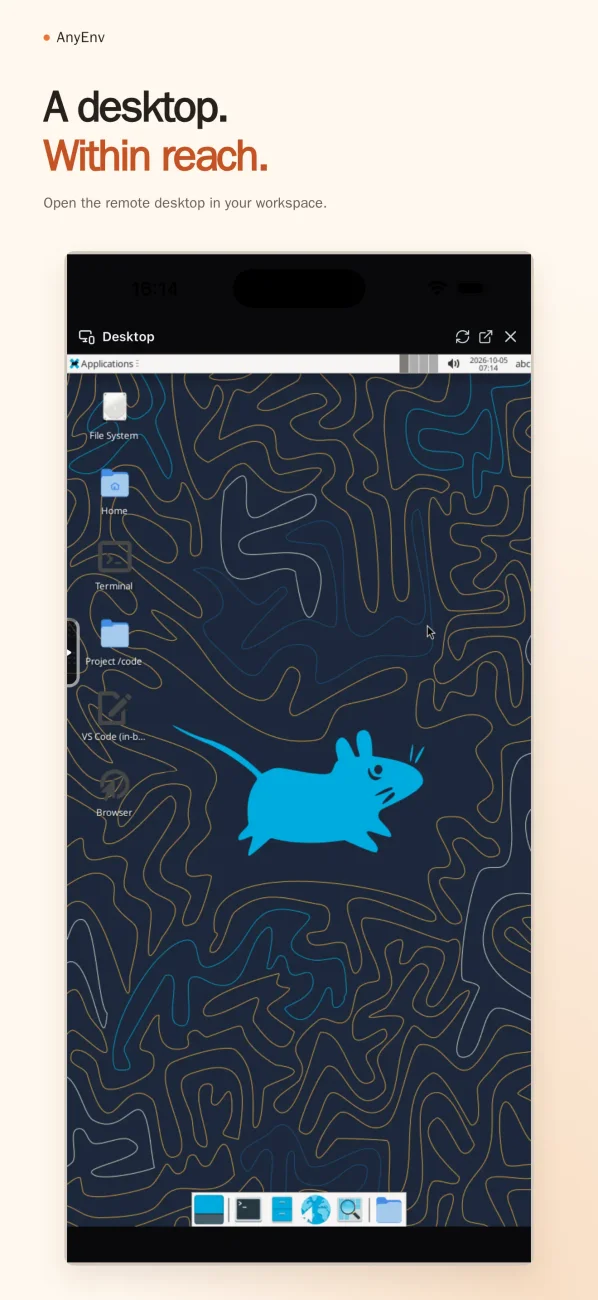
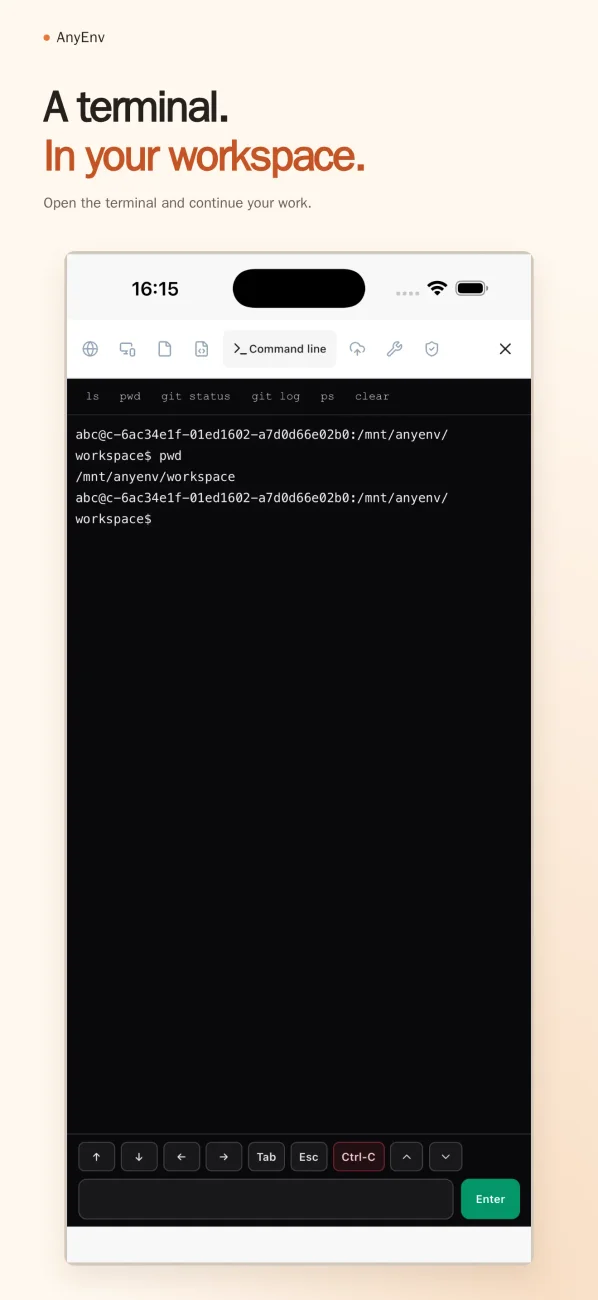
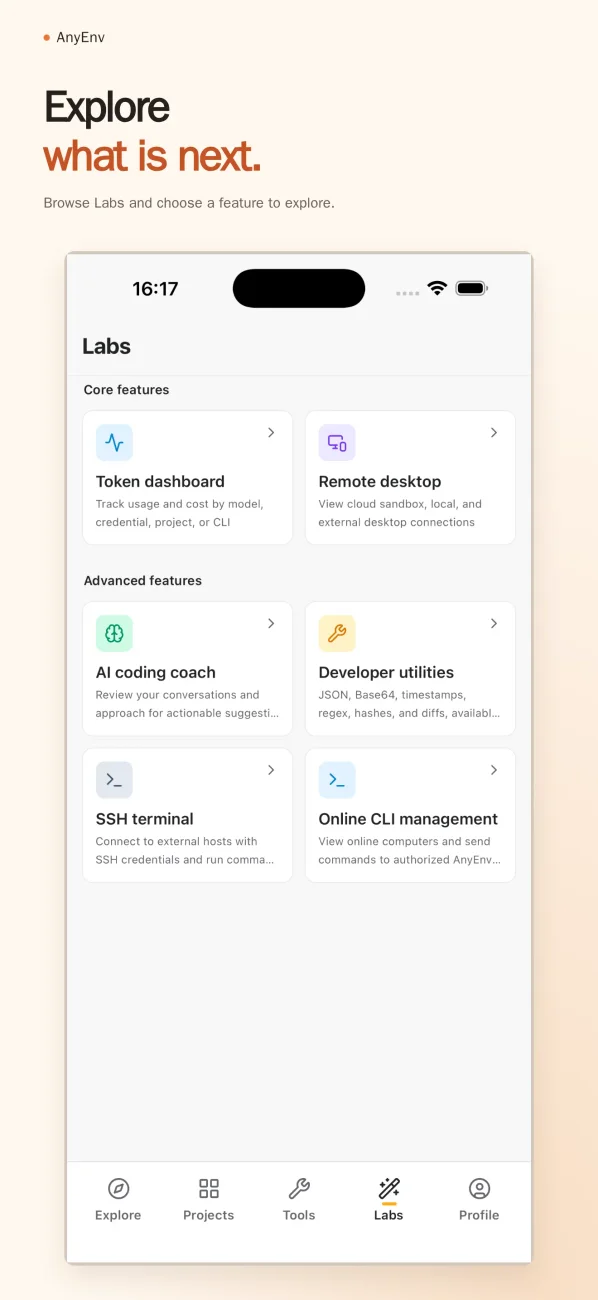
Open a browser preview, terminal or remote desktop when you need to inspect your work. Workspace preparation, startup and recovery states are shown as they happen. Continue on your computer through the browser or desktop client. Save checkpoints at important stages and roll back when you need an earlier project state.
Prefer working on your own computer? Connect a local device and workspace through agent.run CLI, then use your phone to manage local agent or CLI sessions. Send instructions, check progress and respond to requests for confirmation while you are away from your desk. Your connected computer must remain online.
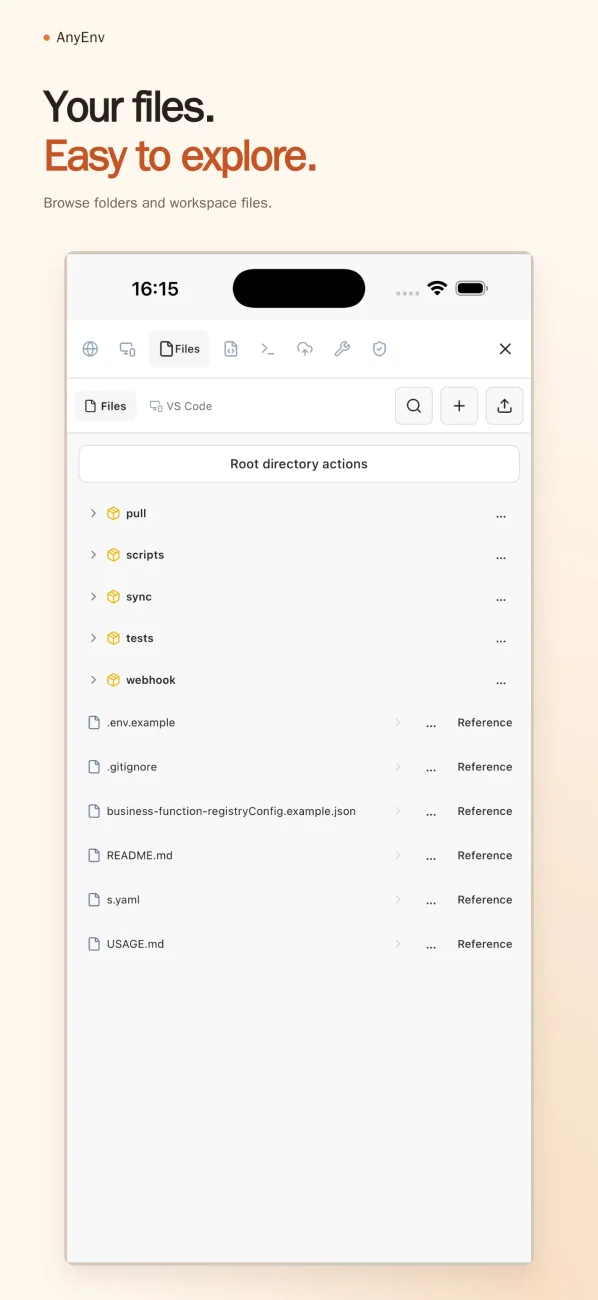
Manage everyday development in one place. Check project progress and Git connections, organize work in task boards and lists, collect issues, review deployment settings and track release results. Manage integrations for Git, models and cloud services through tools and credentials. Purchase Coffee Beans through Apple In-App Purchase to cover model, cloud sandbox and deployment usage, and review your balance and itemized charges.
Use iPhone for quick updates on the go. On iPad, portrait mode provides more room to browse, while wide and landscape layouts offer a workspace with multiple panels for conversations and previews.
Before you use platform-provided AI services, agent.run discloses the actual recipient and requests your consent. You can decline or withdraw consent later. When you use your own credentials, data is sent to the service you configure. Your code, projects and conversations are used for the features you choose to use, and agent.run does not use them to train models. Third-party providers may have their own data policies.
What’s new
Version 1.1.146 · Nov 24, 2026
Improved Workbench session switching and refresh controls, simplified the session shortcut on tablets, and refined remote desktop gestures.
App privacy
What 深圳顺驰电子科技有限公司 declares on the App Store about how this app handles data.
-
Data linked to you
May be collected and linked to your identity.
- Purchases
- Contact info
- User content
- Identifiers
- Usage data
- Diagnostics
Privacy practices may vary, for example with the features you use or your age.
Information
- Seller
- Shenzhen Shunchi Electronic Science & Technology Co., Ltd.
- Category
- Utilities
- Version
- 1.1.146
- Updated
- Nov 24, 2026
- Released
- Oct 3, 2026
- Size
- 43.6 MB
- Requires
- iOS 15.1 or later
- Age rating
- 17+
- In-app purchases
- Yes
- Languages
- English, Simplified Chinese
- Copyright
- © 2026 深圳顺驰电子科技有限公司
You might also like
-
 DTworkeasyUtilities
-
 PocketSQLMySQL Management in Pocket
-
 ClawkeYour Personal AI Workspace
-
 NeNote - 星图语音笔记&灵感捕捉&闪念随手记Utilities
-
 Nex-BridgeConnect Local AI Agents
-
 Prox Deck: Proxmox VE ClientVM, LXC, SSH & VNC Manager
-
 Manbily LinkUtilities
-
 Qinote - App DevelopmentLearning Tutorial
-
 ReplyHer: AI Texting AssistantAI replies for Chinese chats