Annovate
Voice annotations for images
Dirancang untuk iPhone, iPad
Gratis · Pembelian dalam aplikasi
- Batasan usia4+
- KategoriProduktivitas
- PengembangNelson Taruc
- BahasaInggris
- Ukuran3,6 MB
Tertaut ke halaman resmi App Store
Download.org tidak menyimpan file Annovate apa pun. Tombol ini membuka halaman aplikasi di App Store, tempat Nelson Taruc menerbitkannya. Halaman terakhir diperiksa pada 13/11/2026.
Tangkapan layar

Tentang
Pengembang belum menyediakan teks ini dalam bahasa Anda.
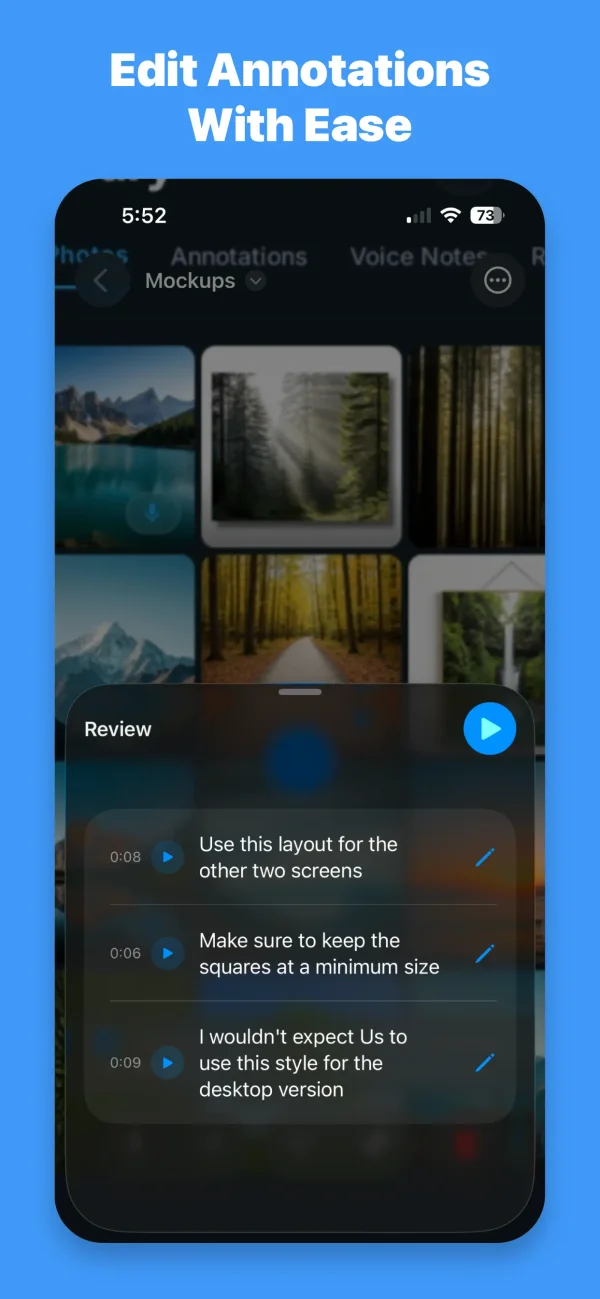
Annovate lets you add voice or text annotations directly to any image or markdown/plain text file (.md or .txt). Tap to place a numbered marker, record your thoughts, and share annotated images with easily editable voice-to-text transcripts.
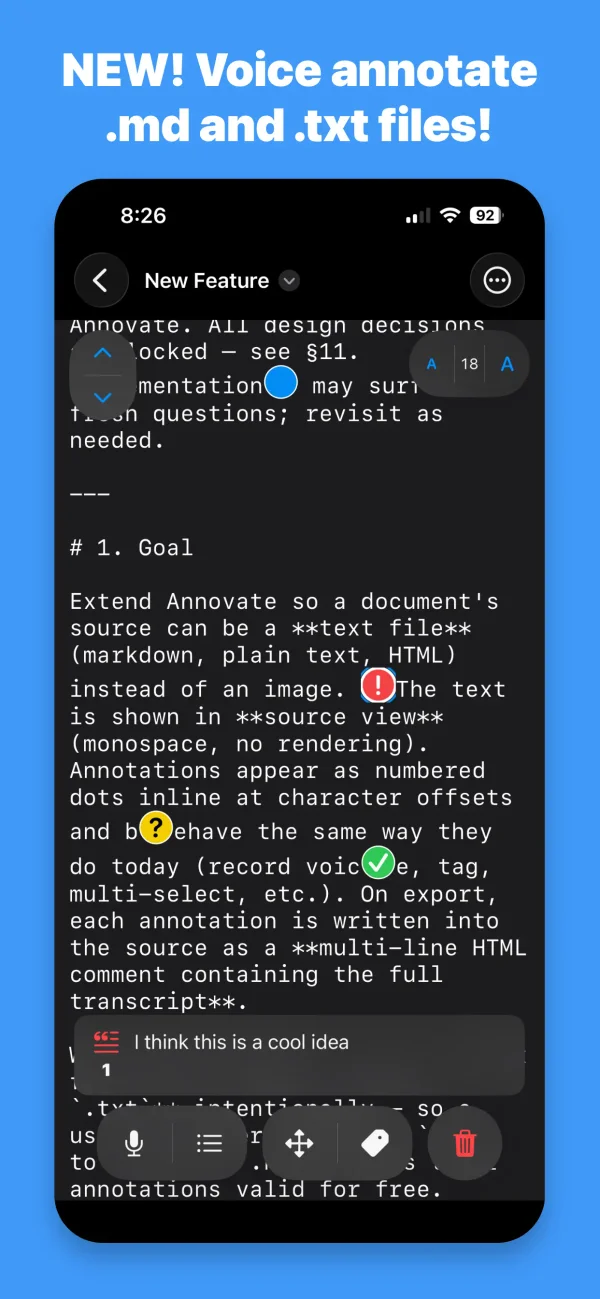
I built Annovate to give design feedback on my phone without having to type, and to easily edit before sharing with others. With the new 2.0 version, I can now review markdown and plain text files on the go, without needing to type. The annotations save into the text as inline comments. Export your text into a new file for later review.
While other annotation apps are loaded with features and are difficult to use while mobile, Annovate is optimized for quick annotations, anytime and anywhere.
How It Works
1. Import any image from your photo library or files OR a markdown or plain text file (.md or .txt)
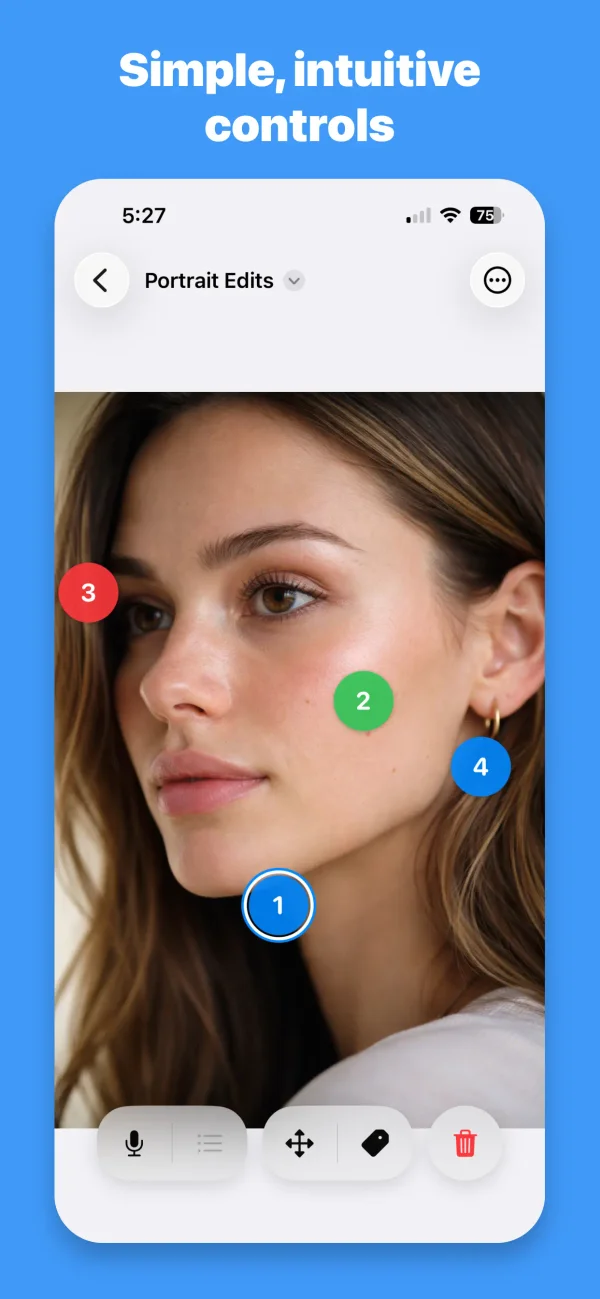
2. Tap anywhere to place a numbered annotation
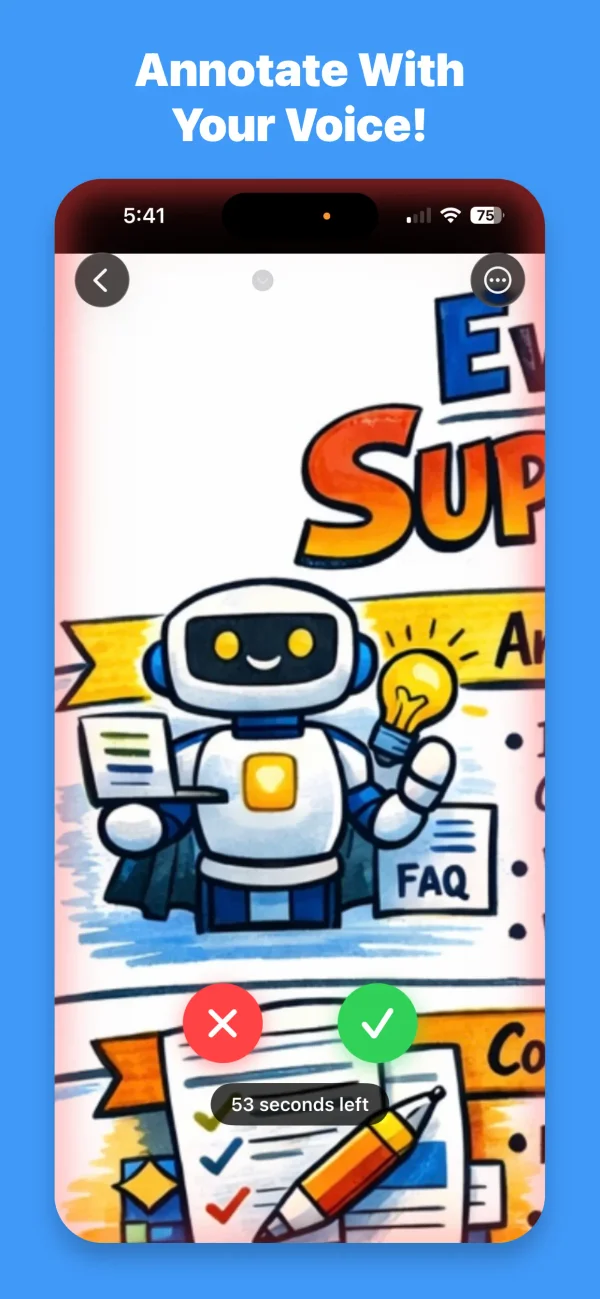
3. Tap the record button to capture multiple voice notes (up to 60 seconds per note)
4. On-device speech recognition automatically transcribes your audio
5. Easily edit your transcript and listen to voice notes
6. Share your Annovate document with other users, or export as PDF if an image
7. For text-based Annovate documents, you can export your text with your annotations embedded as inline comments
Use Cases
- Give design feedback on mockups and wireframes
- Mark up markdown files while on the go, then export and share with others
- Mark up photos to document feedback for edits or issues
- Annotate photos from your photo library or files
- Provide critique and revision notes for any image or plain text file
- Take a screen shot of a map, then annotate image for step by step direction
- Take a picture of a paper checklist, then annotate image with completion checkmarks
Key Features
- Voice recording with automatic transcription
- On-device speech recognition for complete privacy
- Unlimited audio clips per annotation
- Smart move mode allows for precise placement of markers
- Tag annotations as alert, resolved, or question
- PDF export with numbered transcript list
- Native document format with AirDrop sharing
- Smooth pinch-to-zoom and pan navigation
Pricing
All features are available in the free version, with up to 3 annotations per document.
Upgrade with one-time purchases, only when you need more annotations.
Basic: 10 annotations per document
Pro: 99 annotations per document
Yang baru
Versi 2.0 · 6/5/2026
NEW FOR 2.0: You can now annotate plain text files (.md or .txt)!
Privasi aplikasi
Yang dinyatakan Nelson Taruc di App Store tentang cara aplikasi ini menangani data.
-
Data tidak dikumpulkan
Pengembang tidak mengumpulkan data apa pun dari aplikasi ini.
Praktik privasi dapat bervariasi, misalnya berdasarkan fitur yang Anda gunakan atau usia Anda.
Informasi
- Penjual
- Nelson Taruc
- Kategori
- Produktivitas
- Versi
- 2.0
- Diperbarui
- 6/5/2026
- Dirilis
- 21/2/2026
- Ukuran
- 3,6 MB
- Memerlukan
- iOS 26.2 atau yang lebih baru
- Batasan usia
- 4+
- Harga
- Gratis
- Pembelian dalam aplikasi
- Ya
- Bahasa
- Inggris
- Hak cipta
- © 2026 Nelson Taruc
Mungkin Anda juga suka
-
 NoteLens: Photo & Voice MemosProduktivitas
-
 Audio Timestamp MarkerTandai gelombang, cari cepat
-
 MarkUp - Word, Markdown, LaTeXProduktivitas
-
 PhotoReport — Photo ReportsProduktivitas
-
 MRU4uProduktivitas
-
 Instant Prompter: TeleprompterProduktivitas
-
 XNote AIProduktivitas
-
 XPSViewProduktivitas
-
 Photo Markup - Draw on PhotosImage Annotation & Marker Tool
-
 fileee - for your paperworkProduktivitas