
AutoAlign: Scan & Straighten
AI Scanner: Ask Your Documents
Dirancang untuk iPhone, iPad
Gratis · Pembelian dalam aplikasi
- Batasan usia4+
- KategoriFoto & Video
- PengembangOsama Mazhar
- BahasaInggris+ 6 lainnya
- Ukuran78,5 MB
Tertaut ke halaman resmi App Store
Download.org tidak menyimpan file AutoAlign: Scan & Straighten apa pun. Tombol ini membuka halaman aplikasi di App Store, tempat Osama Mazhar menerbitkannya. Halaman terakhir diperiksa pada 22/11/2026.
Tangkapan layar
Tentang
Pengembang belum menyediakan teks ini dalam bahasa Anda.
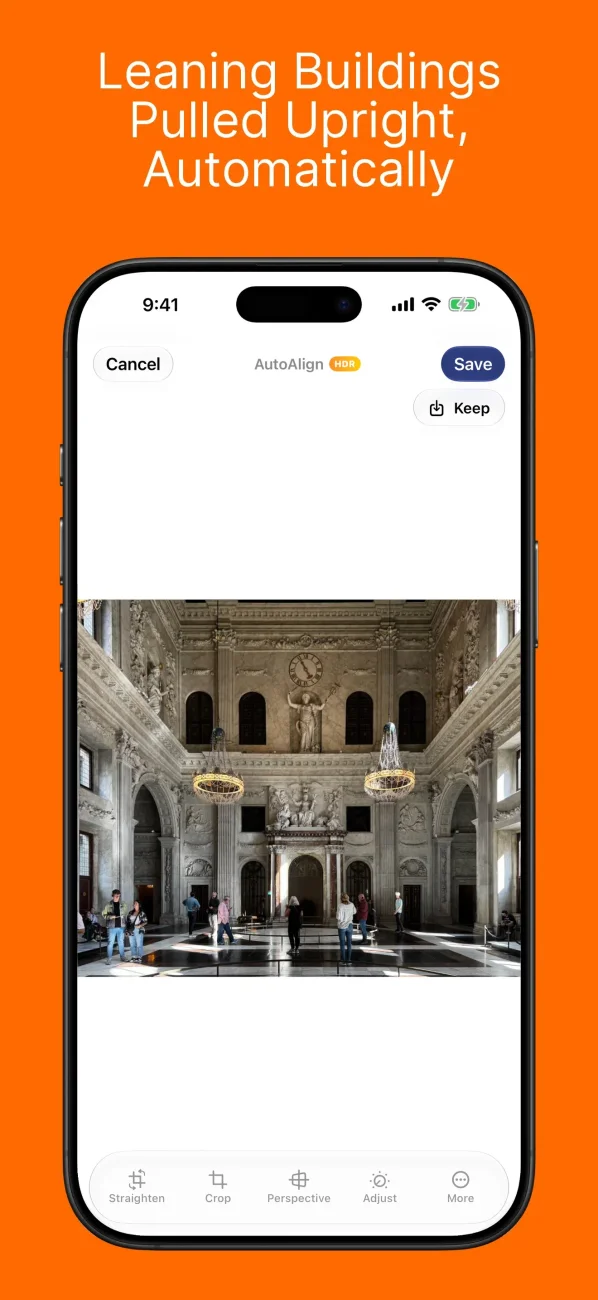
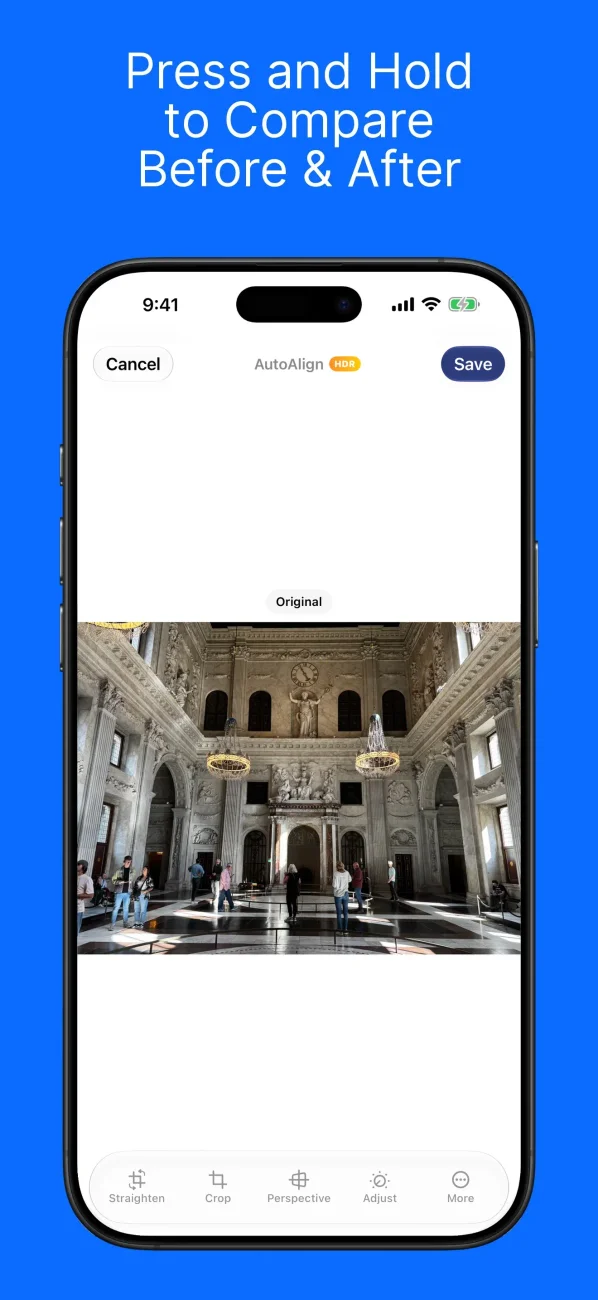
Straighten leaning buildings in one tap, scan your documents, and ask them anything, privately on your iPhone.
STRAIGHTEN
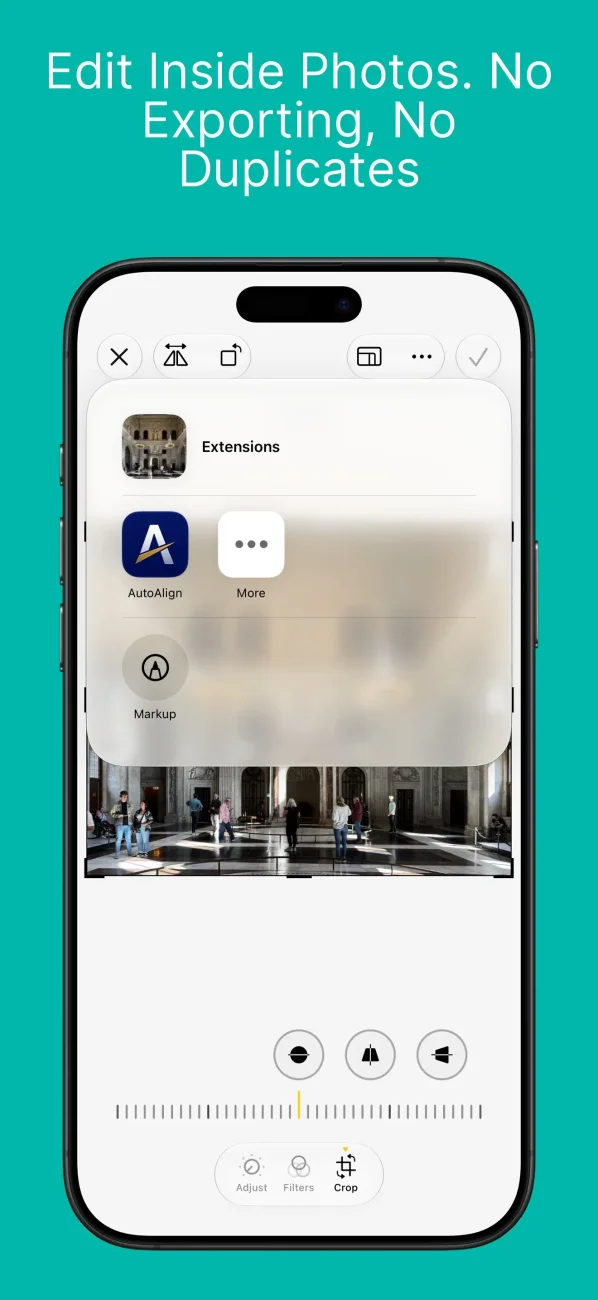
• AutoAlign measures the angle a photo was taken at and reverses it, so walls stand straight without a stretched look. Full correction, or verticals only.
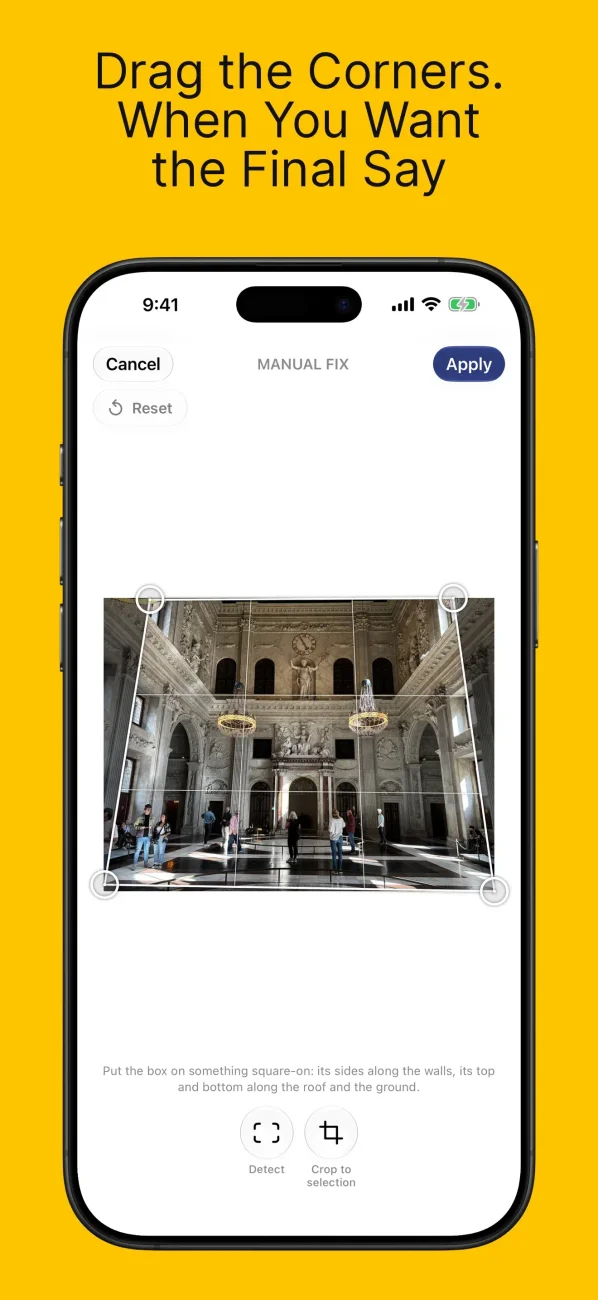
• Billboards, posters, whiteboards and artwork straighten too. With Manual Fix, drag four corners onto anything.
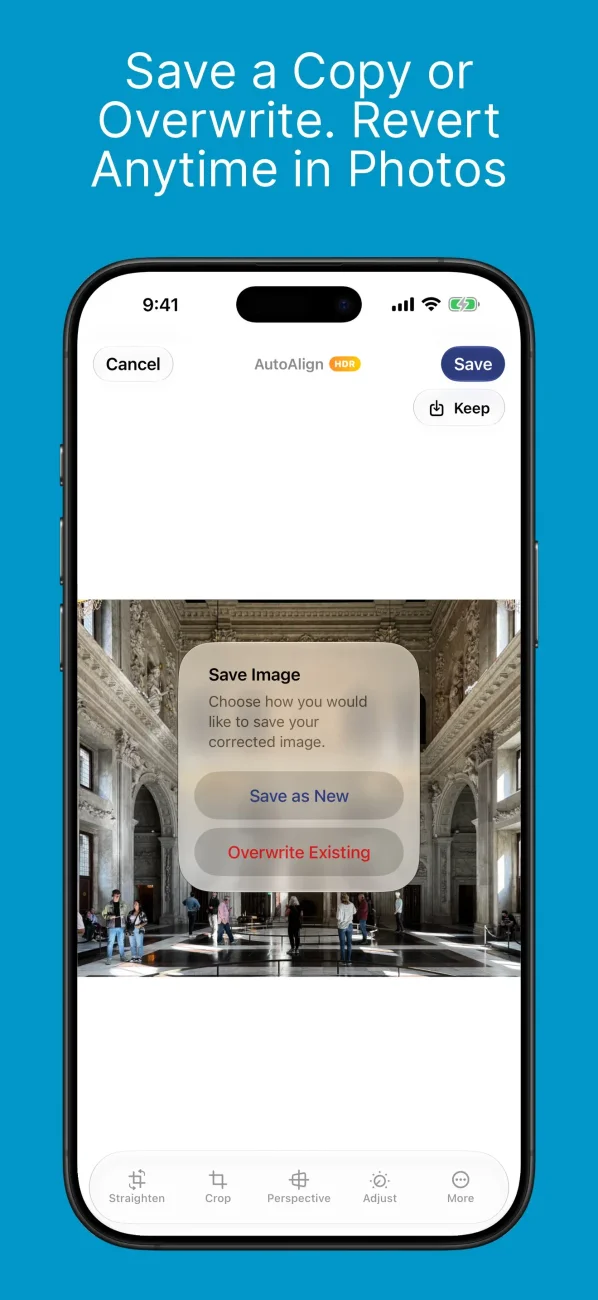
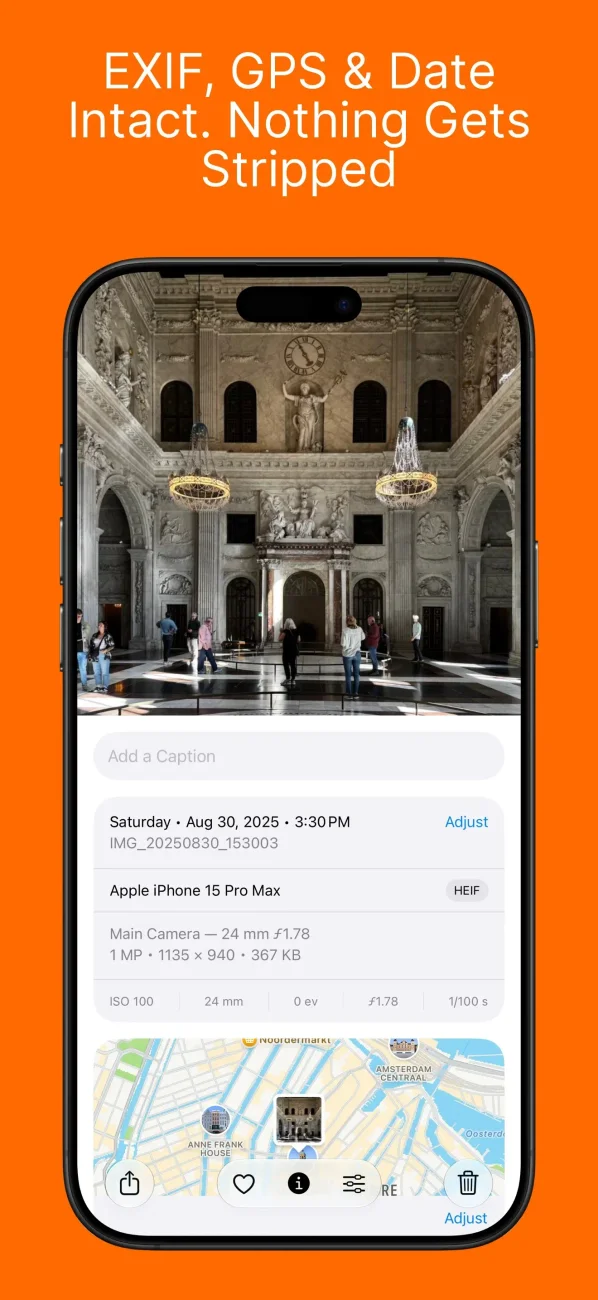
• Keeps HDR, EXIF, GPS and your original, and every edit can be reverted in Photos. Works inside the Photos app.
DOCUMENTS
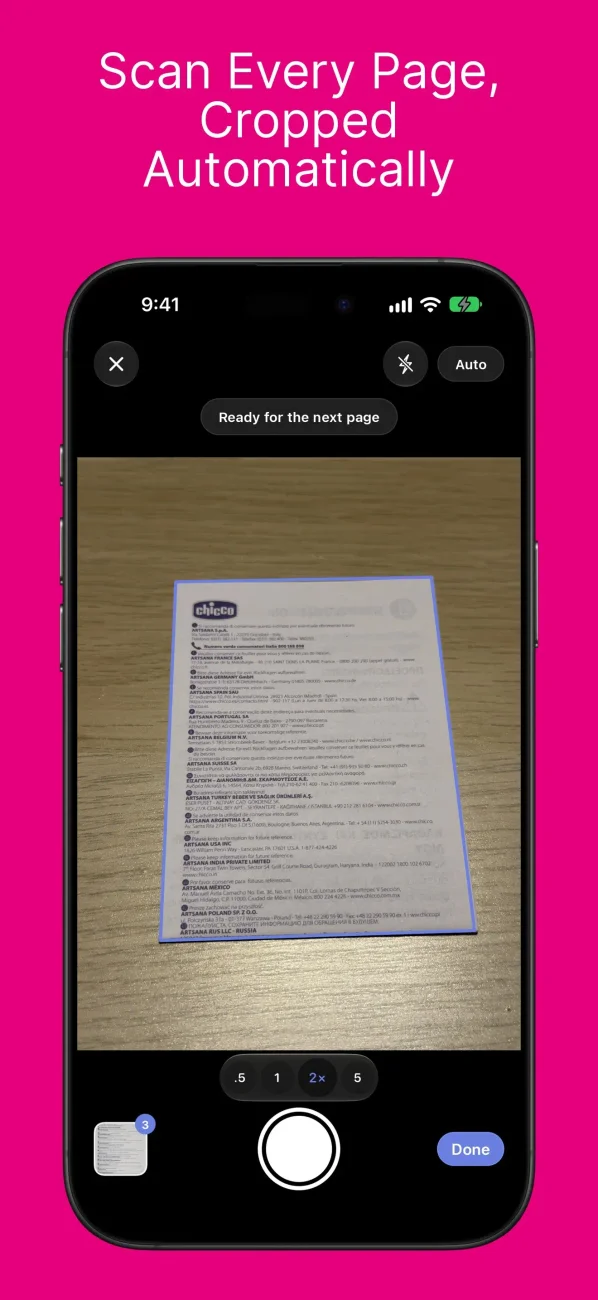
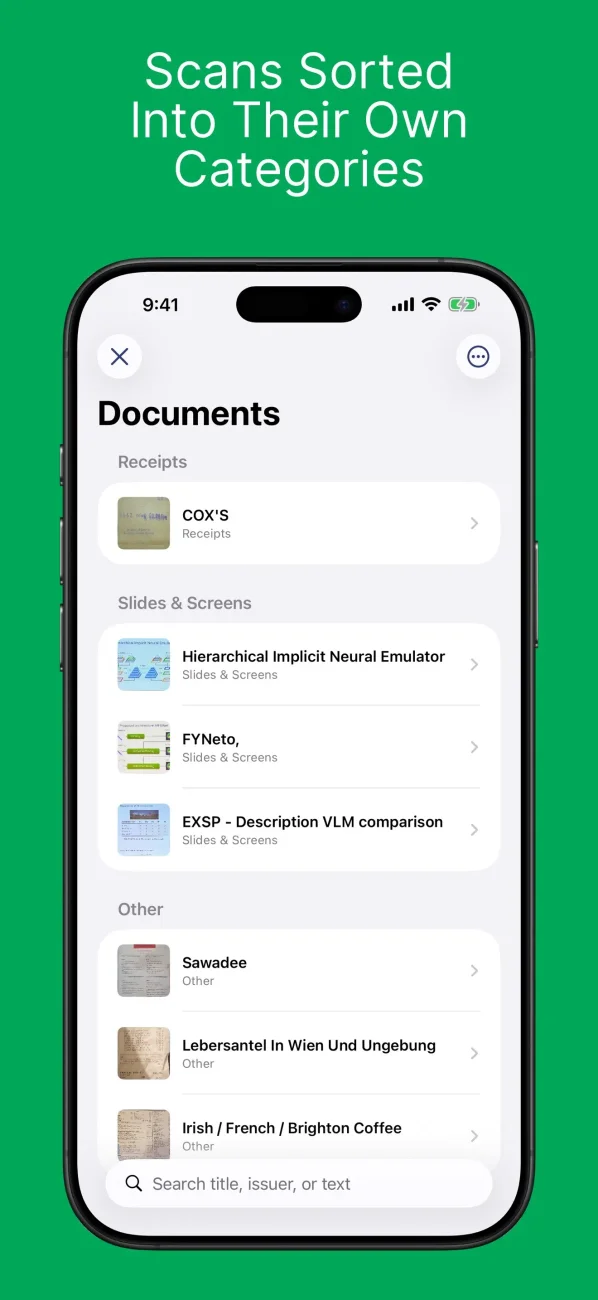
• Scan receipts, letters, cards and slides, one shot per page. Each page is found, cropped, straightened and filed by type, with a title from Apple Intelligence.
• Search any word on the page, in the app or from Spotlight. Share as a searchable PDF. Date, place and camera stay on every page.
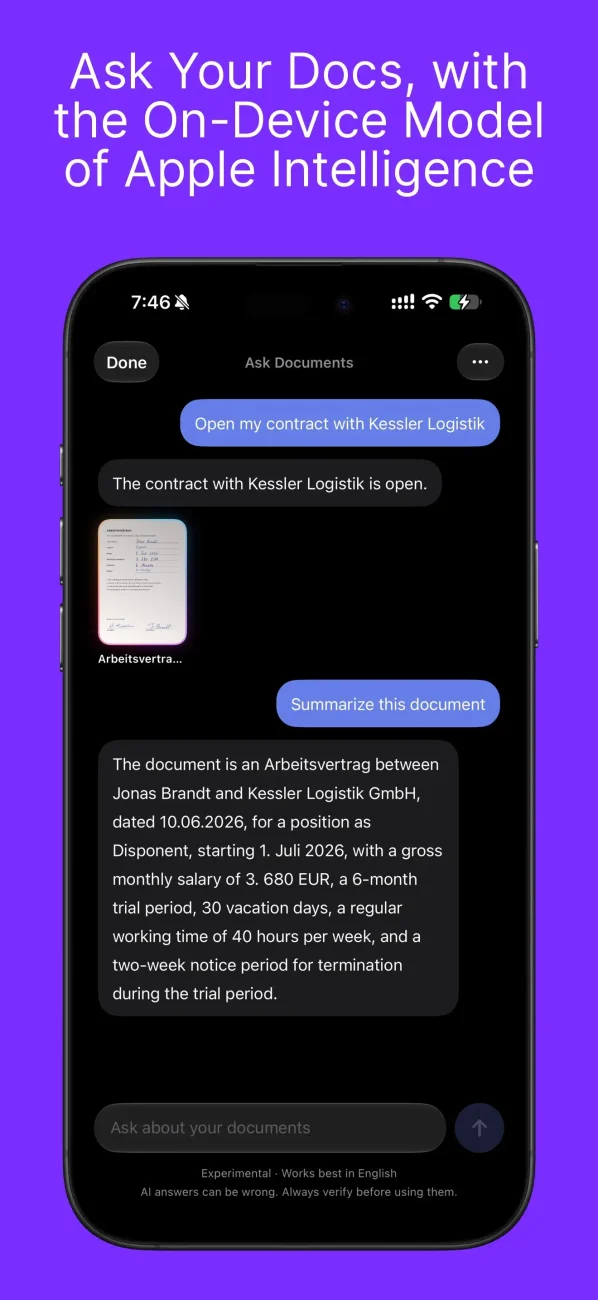
ASK DOCUMENTS, ON YOUR iPHONE (EXPERIMENTAL)
Ask in your own words, like "what was the total on the Hofer receipt?" The on-device model of Apple Intelligence answers and shows the document it used. Smart Search finds the right documents by meaning, and even by what a photo shows, with a search model that runs on your iPhone. Nothing is sent anywhere.
Needs a device with Apple Intelligence turned on. Smart Search needs iOS 26.4; its model downloads once after install, and search uses keywords until it arrives. Works best in English.
PRIVATE BY DESIGN
No account, no tracking, no analytics.
FREE AND PREMIUM
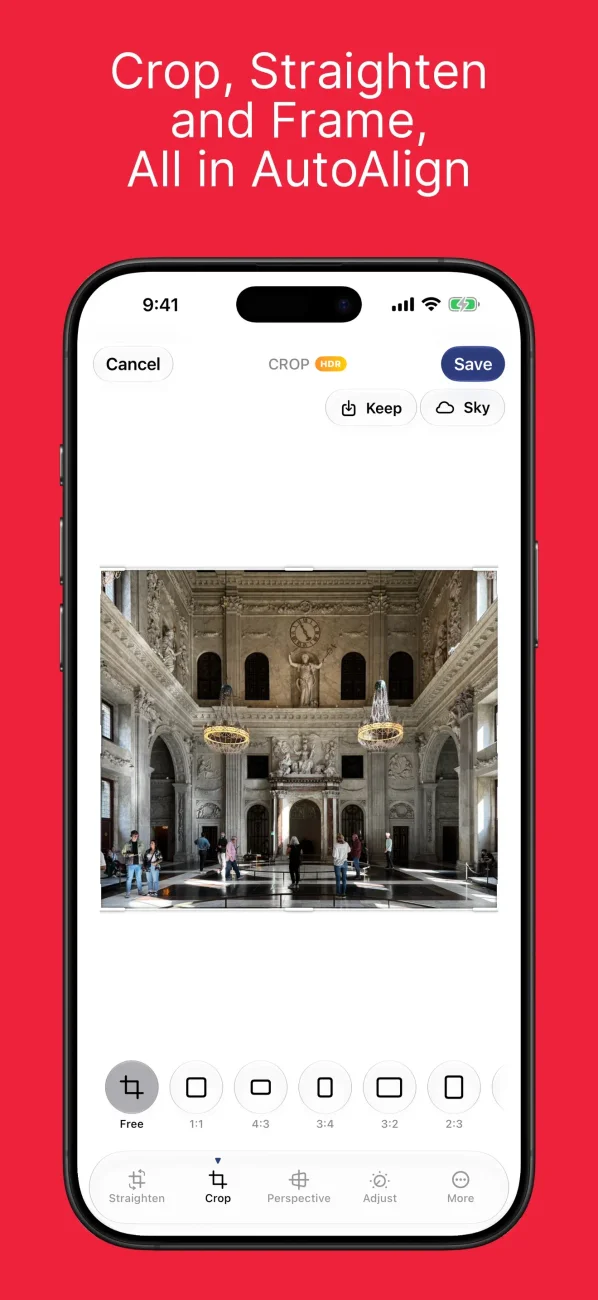
Free: the full correction, Manual Fix, cropping, and up to 4 documents. Exports carry a watermark and save at reduced resolution.
Premium: full-resolution and HDR export, no watermark, unlimited documents. Monthly, yearly, or a one-time purchase.
English, العربية, Deutsch, Español, Français, Nederlands, 简体中文.
Learn more: orbitaar.com/auto-align.html
Terms: orbitaar.com/autoalign/terms-of-use.html
Yang baru
Versi 4.5 · 20/11/2026
• More accurate straightening: people in the photo no longer throw it off, and Full no longer skews photos taken face-on.
• Manual Fix: choose Full or Vertical only.
• Portrait: photos taken in Photo mode keep their depth, so after straightening you can still turn on Portrait in Photos and change its depth of field.
• Fixed: on a Mac, saved photos could lose their HDR.
• Fixed: on a Mac, AutoAlign could close by itself when you switched to another app after straightening a photo.
Privasi aplikasi
Yang dinyatakan Osama Mazhar di App Store tentang cara aplikasi ini menangani data.
-
Data tidak dikumpulkan
Pengembang tidak mengumpulkan data apa pun dari aplikasi ini.
Praktik privasi dapat bervariasi, misalnya berdasarkan fitur yang Anda gunakan atau usia Anda.
Informasi
- Penjual
- Osama Mazhar
- Kategori
- Foto & Video
- Versi
- 4.5
- Diperbarui
- 20/11/2026
- Dirilis
- 26/9/2025
- Ukuran
- 78,5 MB
- Memerlukan
- iOS 17.0 atau yang lebih baru
- Batasan usia
- 4+
- Harga
- Gratis
- Pembelian dalam aplikasi
- Ya
- Bahasa
- Inggris, Arab, Belanda, Prancis, Jerman, Tionghoa Sederhana, Spanyol
- Hak cipta
- © 2026 Osama Mazhar
Mungkin Anda juga suka
-
 ImageFlux: Multiple ExposureFoto & Video
-
 Cameratio: CompositionsFoto & Video
-
 Odays:Relive & Tidy PhotosFoto & Video
-
 Screen CaptureFoto & Video
-
 Video Edit Tools. Video EditorFoto & Video
-
 Video Compressor - ResizerFoto & Video
-
 Video Kompresor - ShrinkItKompres Video
-
 Tripix Cam: Kamera Timer FotoFoto otomatis tanpa sentuh
-
 HEIC Converter: JPG, TIFF, PDFFoto & Video
-
 Screenshot: Bingkai & MockupLatar, bayangan, video