
AutoAlign: Scan & Straighten
AI Scanner: Ask Your Documents
Được thiết kế cho iPhone, iPad
Miễn phí · Mua hàng trong ứng dụng
- Độ tuổi4+
- Danh mụcẢnh & Video
- Nhà phát triểnOsama Mazhar
- Ngôn ngữTiếng Anh+ 6 ngôn ngữ khác
- Kích thước78,5 MB
Liên kết đến trang App Store chính thức
Download.org không lưu trữ tệp nào của AutoAlign: Scan & Straighten. Nút này mở trang ứng dụng trên App Store, nơi Osama Mazhar phát hành ứng dụng. Trang được kiểm tra lần cuối: 22/11/2026.
Ảnh chụp màn hình
Giới thiệu
Nhà phát triển chưa cung cấp nội dung này bằng ngôn ngữ của bạn.
Straighten leaning buildings in one tap, scan your documents, and ask them anything, privately on your iPhone.
STRAIGHTEN
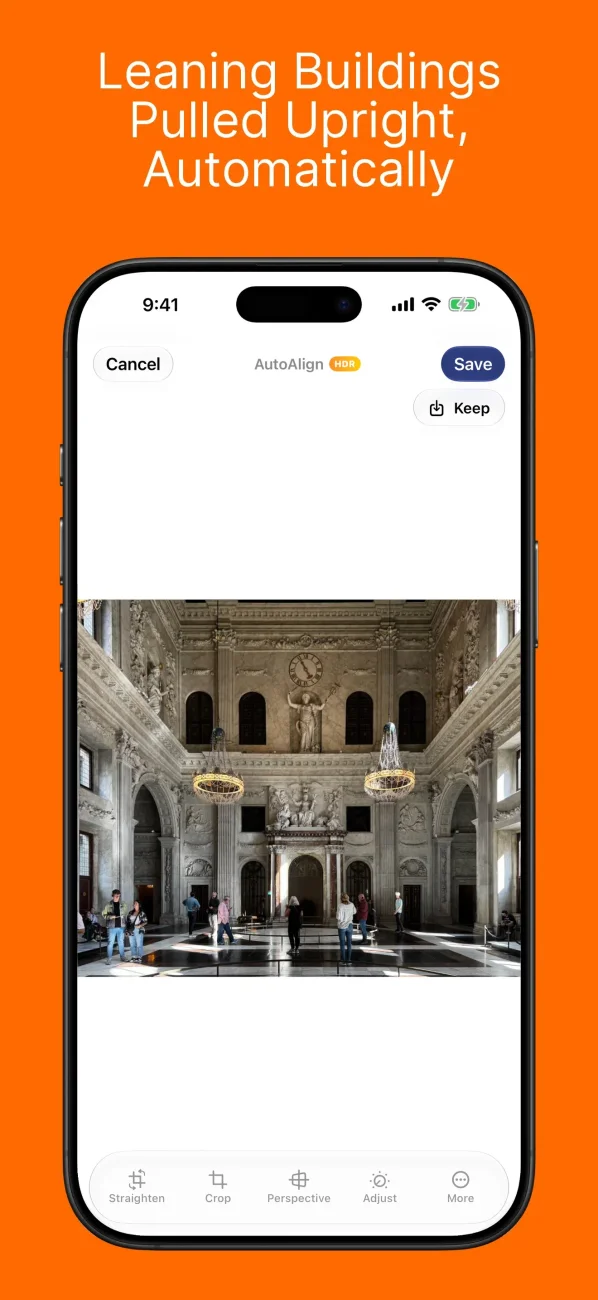
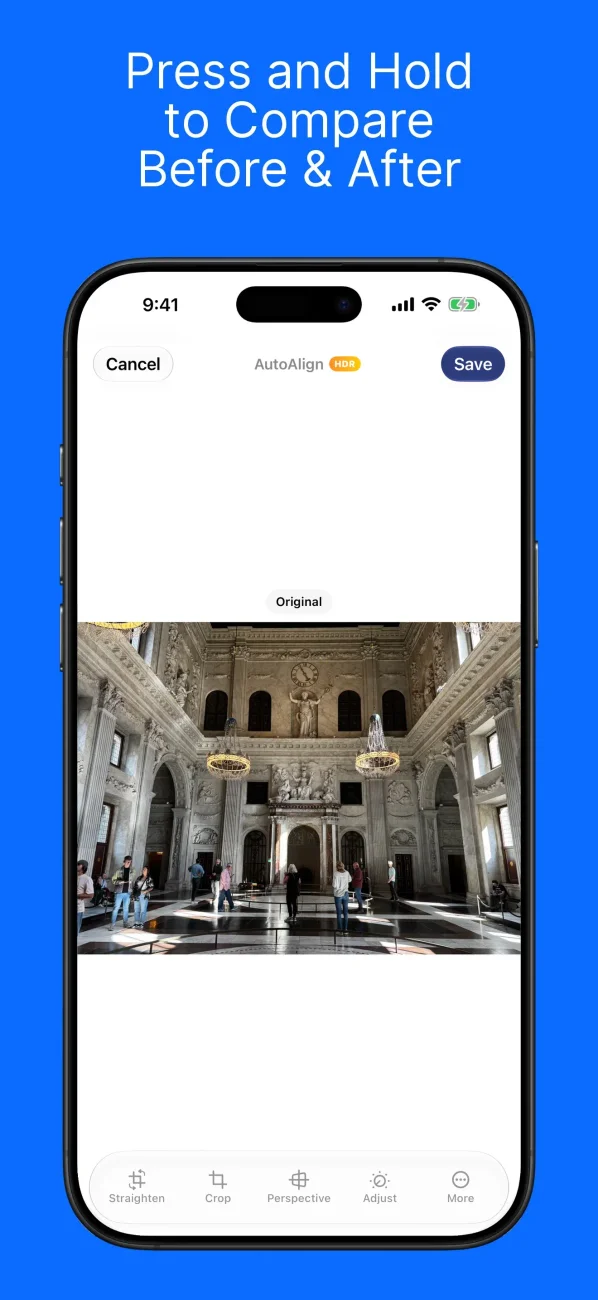
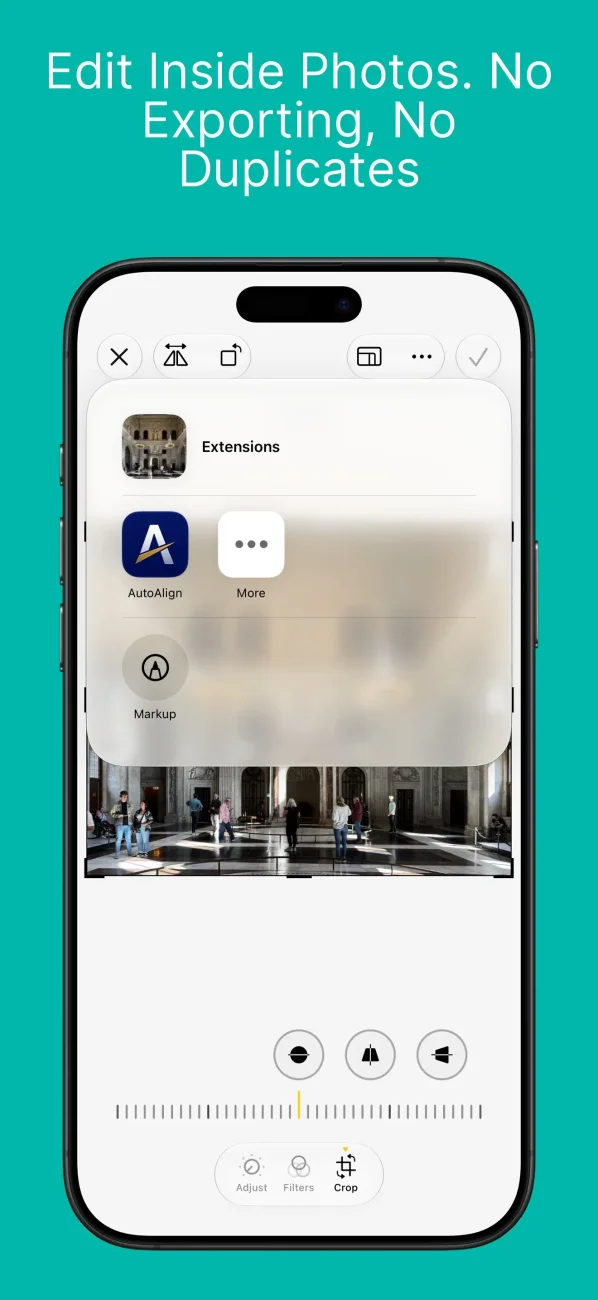
• AutoAlign measures the angle a photo was taken at and reverses it, so walls stand straight without a stretched look. Full correction, or verticals only.
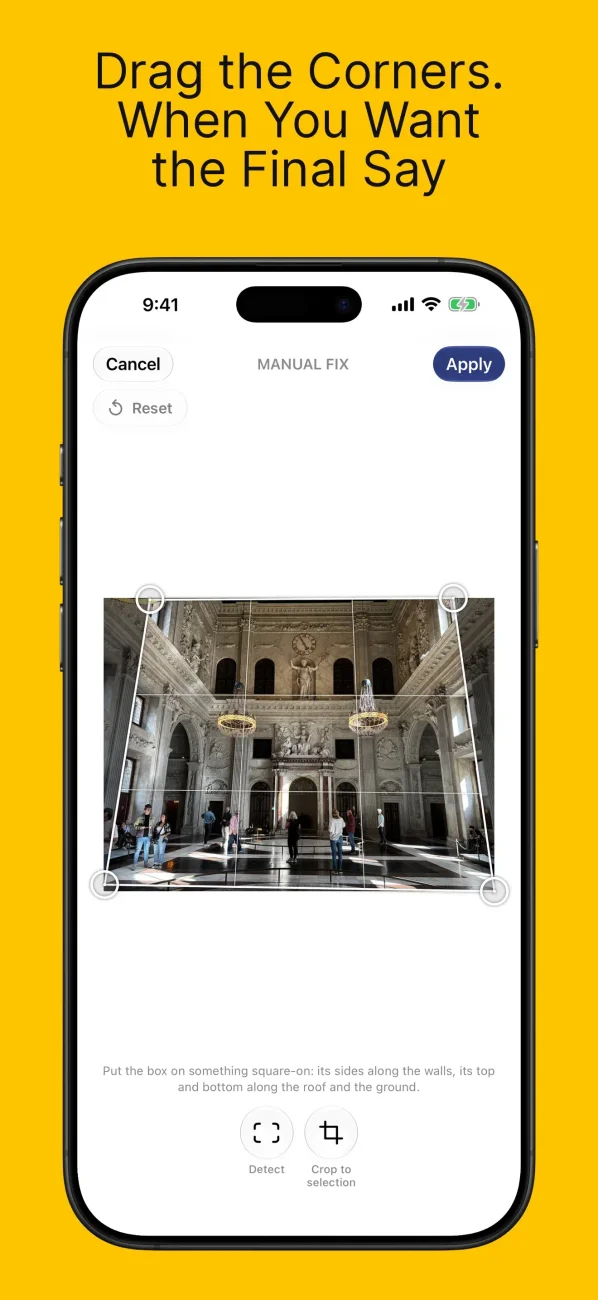
• Billboards, posters, whiteboards and artwork straighten too. With Manual Fix, drag four corners onto anything.
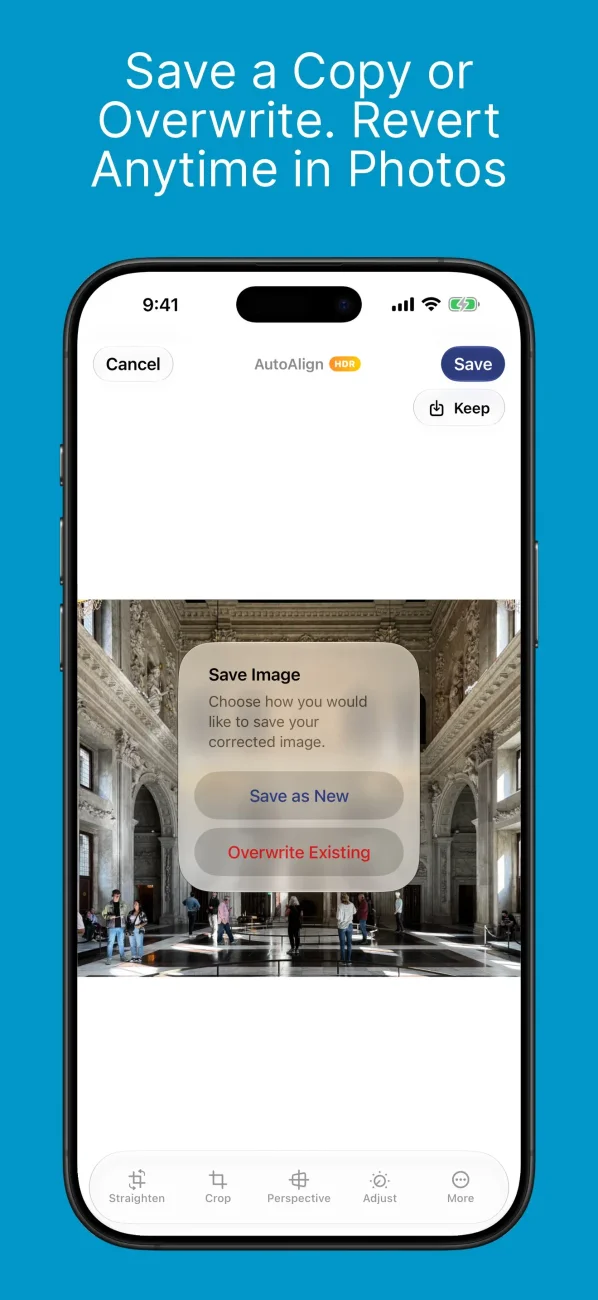
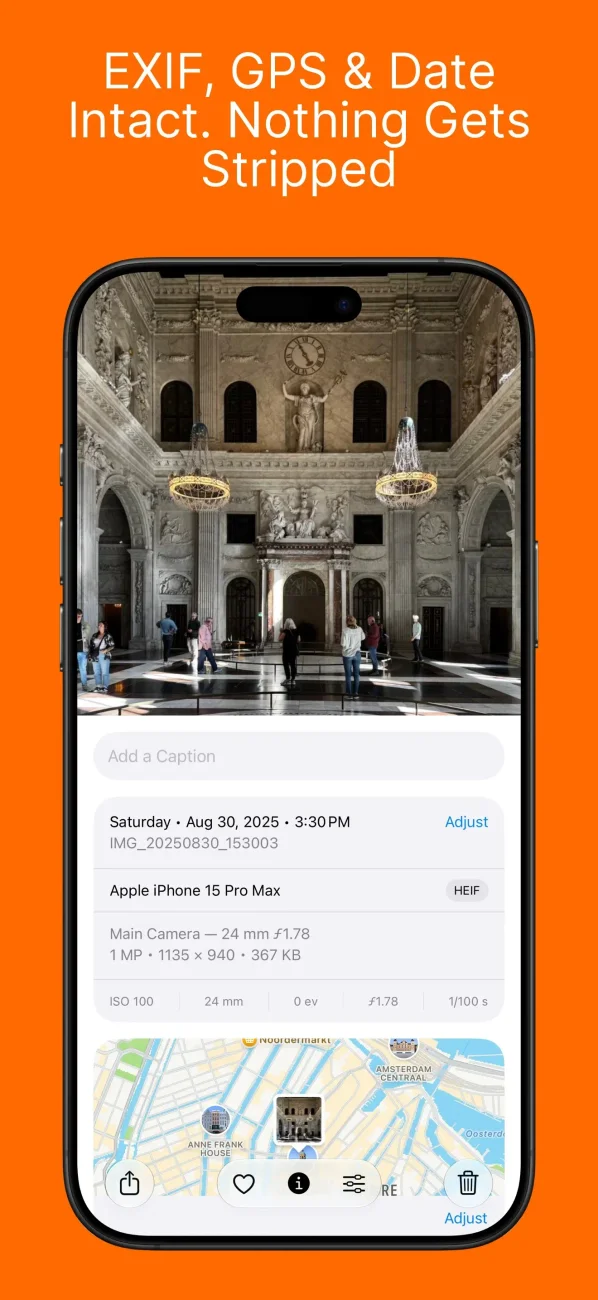
• Keeps HDR, EXIF, GPS and your original, and every edit can be reverted in Photos. Works inside the Photos app.
DOCUMENTS
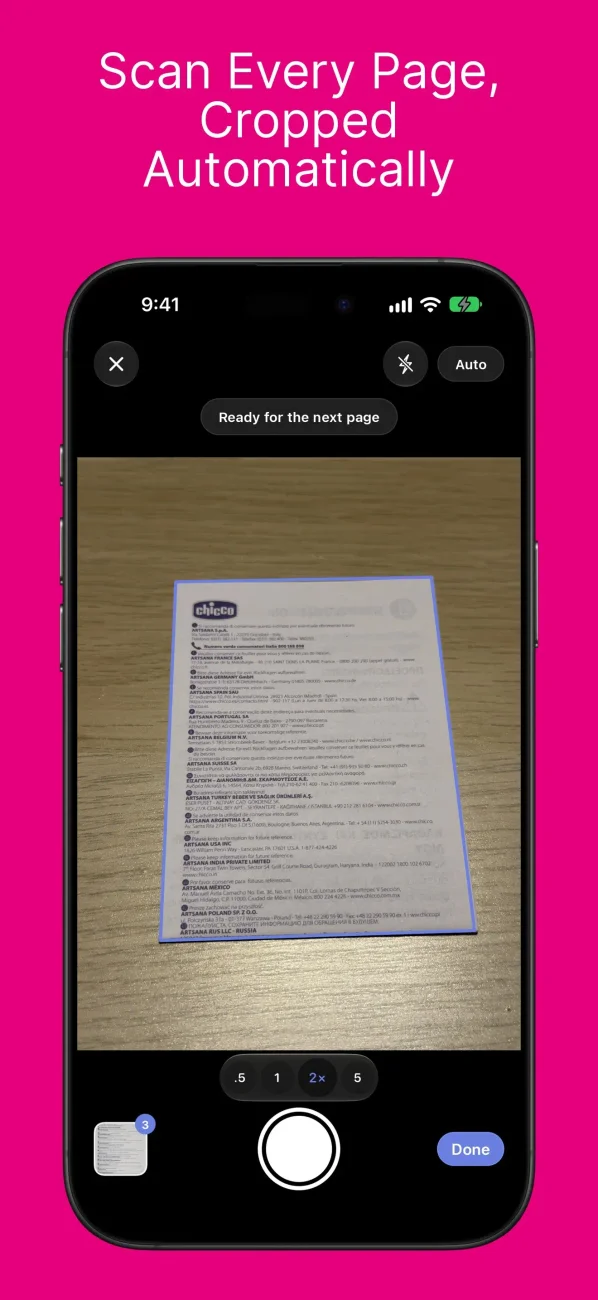
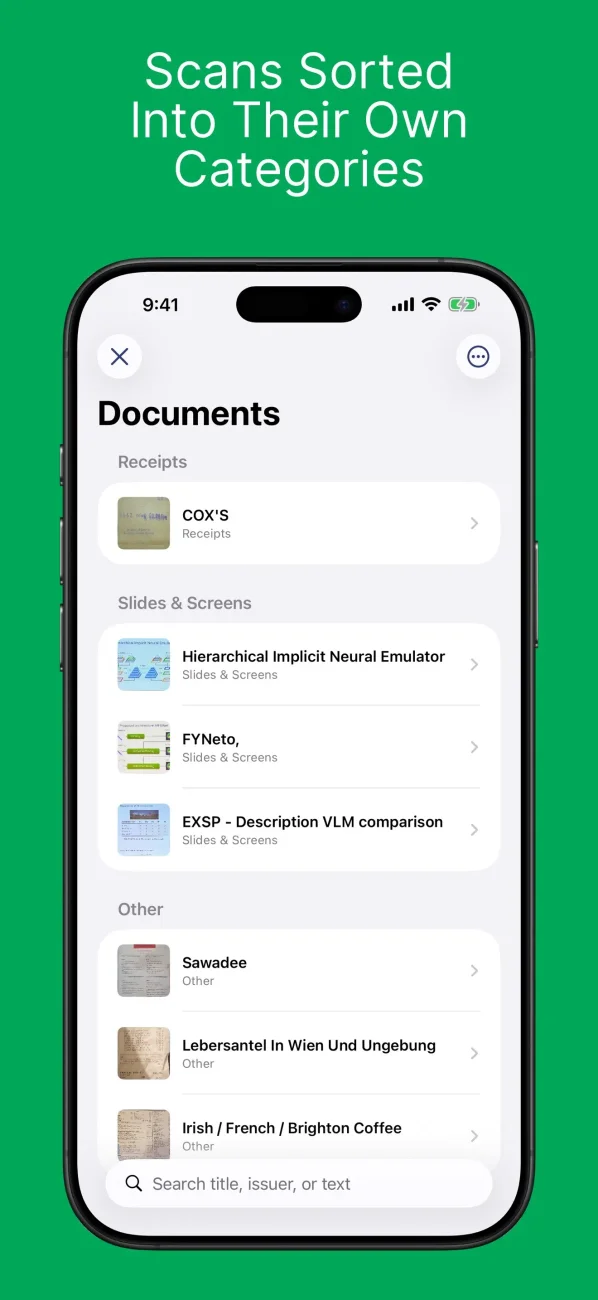
• Scan receipts, letters, cards and slides, one shot per page. Each page is found, cropped, straightened and filed by type, with a title from Apple Intelligence.
• Search any word on the page, in the app or from Spotlight. Share as a searchable PDF. Date, place and camera stay on every page.
ASK DOCUMENTS, ON YOUR iPHONE (EXPERIMENTAL)
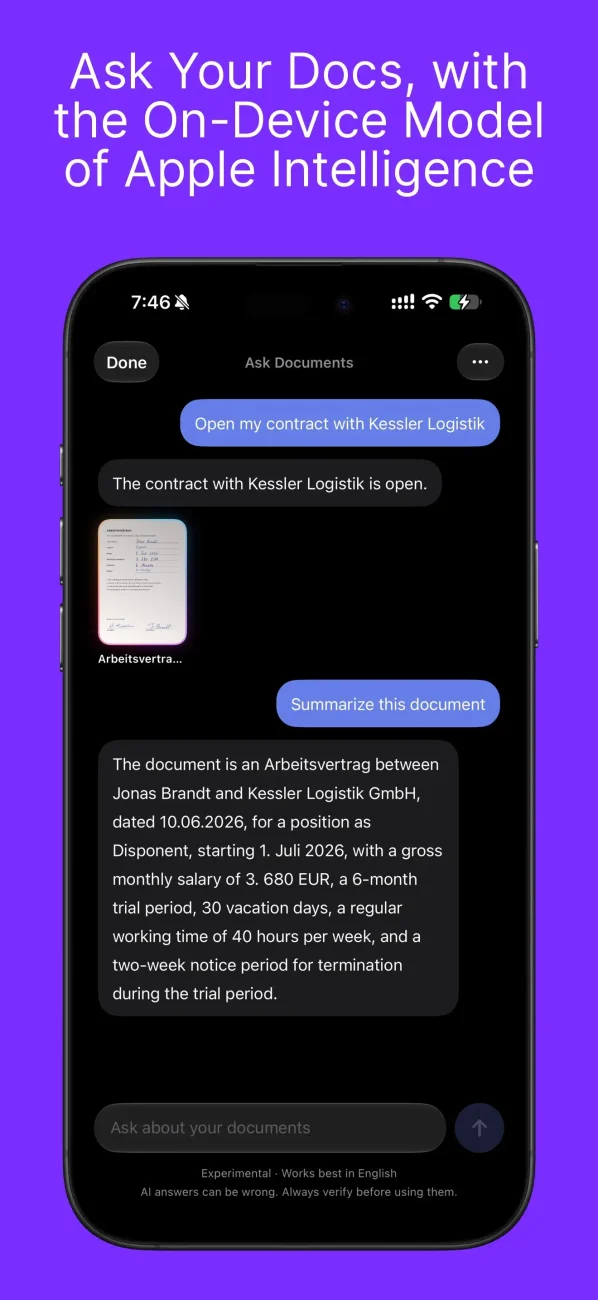
Ask in your own words, like "what was the total on the Hofer receipt?" The on-device model of Apple Intelligence answers and shows the document it used. Smart Search finds the right documents by meaning, and even by what a photo shows, with a search model that runs on your iPhone. Nothing is sent anywhere.
Needs a device with Apple Intelligence turned on. Smart Search needs iOS 26.4; its model downloads once after install, and search uses keywords until it arrives. Works best in English.
PRIVATE BY DESIGN
No account, no tracking, no analytics.
FREE AND PREMIUM
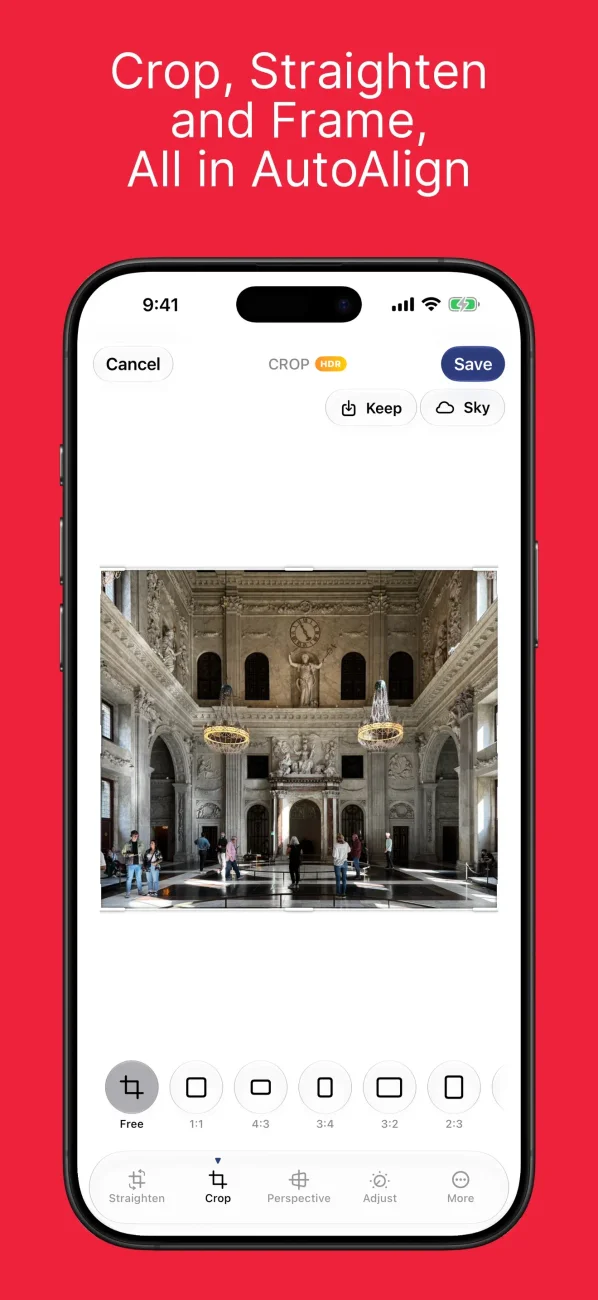
Free: the full correction, Manual Fix, cropping, and up to 4 documents. Exports carry a watermark and save at reduced resolution.
Premium: full-resolution and HDR export, no watermark, unlimited documents. Monthly, yearly, or a one-time purchase.
English, العربية, Deutsch, Español, Français, Nederlands, 简体中文.
Learn more: orbitaar.com/auto-align.html
Terms: orbitaar.com/autoalign/terms-of-use.html
Có gì mới
Phiên bản 4.5 · 20/11/2026
• More accurate straightening: people in the photo no longer throw it off, and Full no longer skews photos taken face-on.
• Manual Fix: choose Full or Vertical only.
• Portrait: photos taken in Photo mode keep their depth, so after straightening you can still turn on Portrait in Photos and change its depth of field.
• Fixed: on a Mac, saved photos could lose their HDR.
• Fixed: on a Mac, AutoAlign could close by itself when you switched to another app after straightening a photo.
Quyền riêng tư của ứng dụng
Những gì Osama Mazhar khai báo trên App Store về cách ứng dụng này xử lý dữ liệu.
-
Dữ liệu không được thu thập
Nhà phát triển không thu thập bất kỳ dữ liệu nào từ ứng dụng này.
Phương thức đảm bảo quyền riêng tư có thể khác nhau, chẳng hạn như tuỳ theo các tính năng bạn sử dụng hoặc độ tuổi của bạn.
Thông tin
- Người bán
- Osama Mazhar
- Danh mục
- Ảnh & Video
- Phiên bản
- 4.5
- Cập nhật
- 20/11/2026
- Phát hành
- 26/09/2025
- Kích thước
- 78,5 MB
- Yêu cầu
- iOS 17.0 trở lên
- Độ tuổi
- 4+
- Giá
- Miễn phí
- Mua hàng trong ứng dụng
- Có
- Ngôn ngữ
- Tiếng Anh, Tiếng Ả Rập, Tiếng Hà Lan, Tiếng Pháp, Tiếng Đức, Tiếng Trung Giản thể, Tiếng Tây Ban Nha
- Bản quyền
- © 2026 Osama Mazhar
Có thể bạn cũng thích
-
 ImageFlux: Phơi Sáng KépGhép ảnh, chỉnh sửa ảnh & RAW
-
 Cameratio: CompositionsẢnh & Video
-
 Odays:Relive & Tidy PhotosẢnh & Video
-
 Screen CaptureẢnh & Video
-
 Video Edit Tools. Video EditorẢnh & Video
-
 Video Compressor - ResizerẢnh & Video
-
 Video Compressor - ShrinkItẢnh & Video
-
 Tripix Cam: Camera Hẹn GiờTự chụp ảnh, không cần chạm
-
 HEIC Converter: JPG, TIFF, PDFẢnh & Video
-
 Ảnh Chụp Màn Hình: KhungNền, bóng đổ và video