
AutoAlign: Scan & Straighten
AI Scanner: Ask Your Documents
iPhone, iPad için tasarlandı
Ücretsiz · Uygulama içi satın alma
- Yaş sınırı4+
- KategoriFotoğraf ve Video
- GeliştiriciOsama Mazhar
- Dillerİngilizce+ 6 dil daha
- Boyut78,5 MB
Resmi App Store sayfasına bağlanır
Download.org, AutoAlign: Scan & Straighten için hiçbir dosya barındırmaz. Düğme, uygulamanın App Store üzerindeki sayfasını açar; uygulamayı orada Osama Mazhar yayınlar. Sayfanın son kontrolü: 22.11.2026.
Ekran görüntüleri
Hakkında
Geliştirici bu metni dilinizde sunmamış.
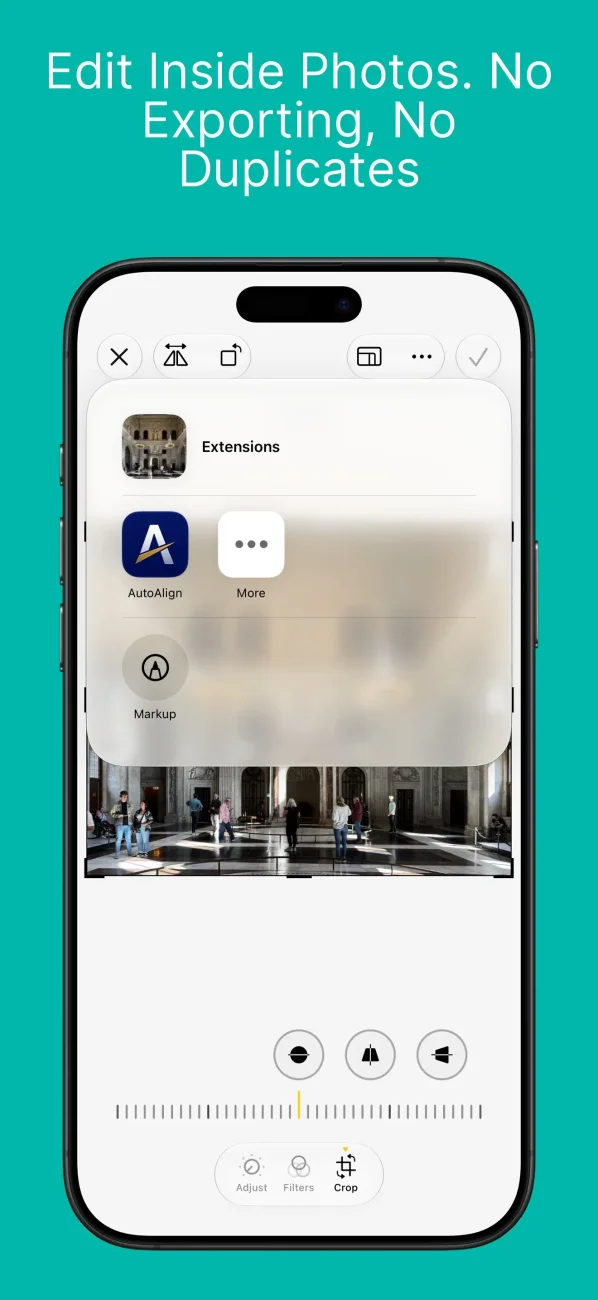
Straighten leaning buildings in one tap, scan your documents, and ask them anything, privately on your iPhone.
STRAIGHTEN
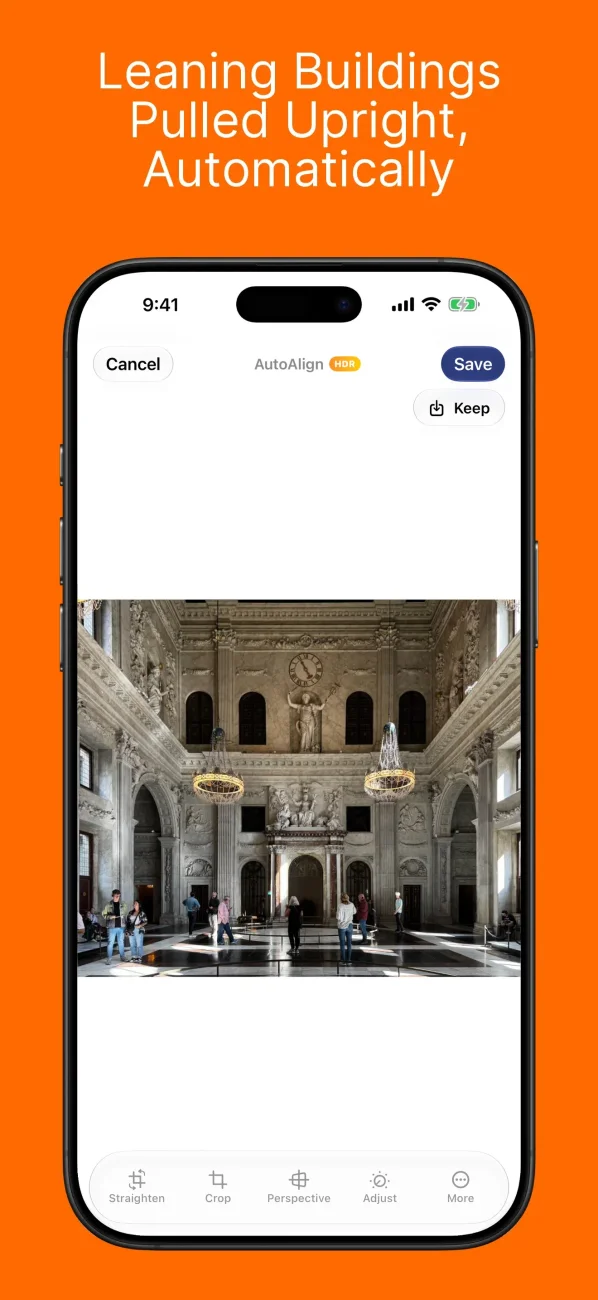
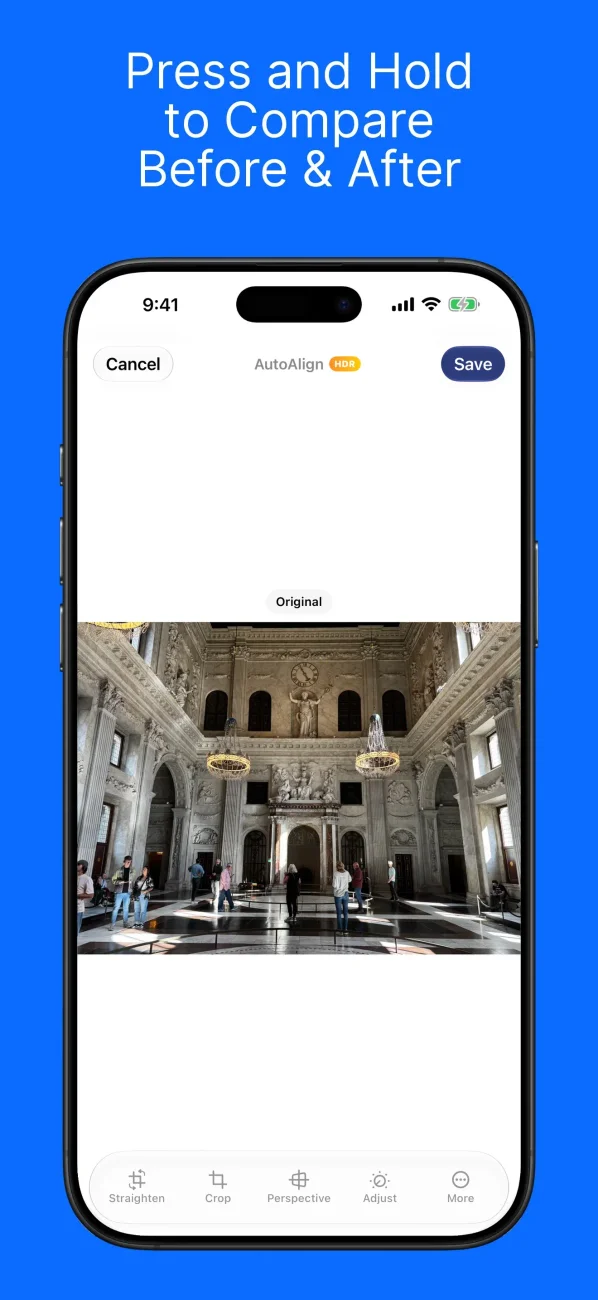
• AutoAlign measures the angle a photo was taken at and reverses it, so walls stand straight without a stretched look. Full correction, or verticals only.
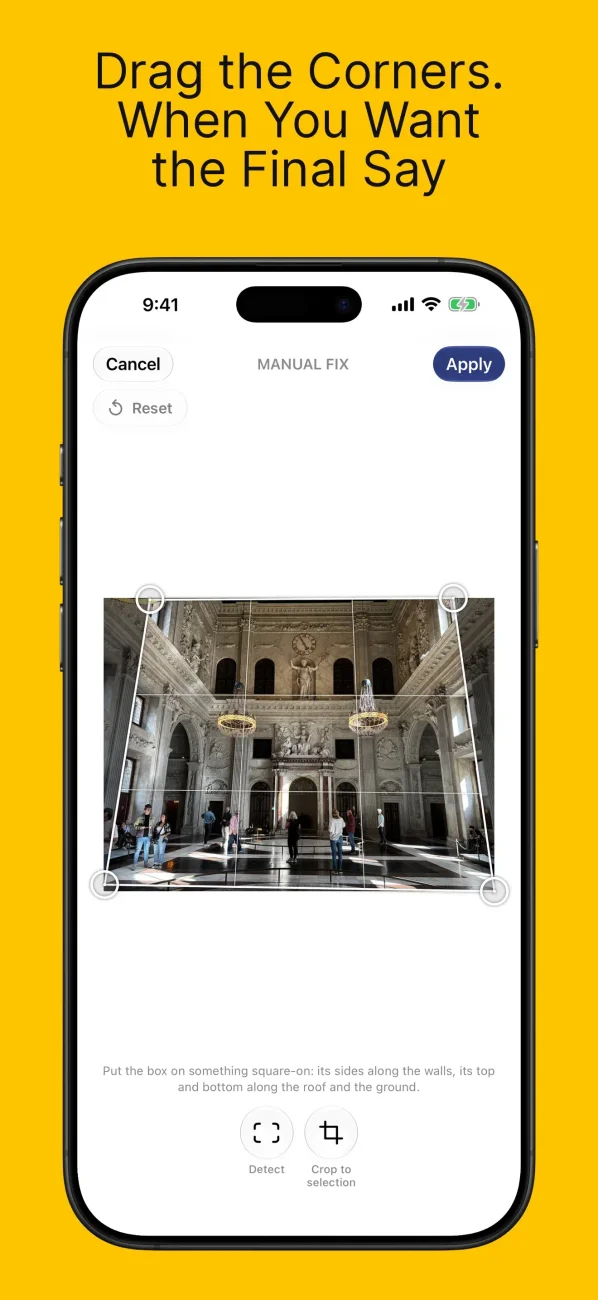
• Billboards, posters, whiteboards and artwork straighten too. With Manual Fix, drag four corners onto anything.
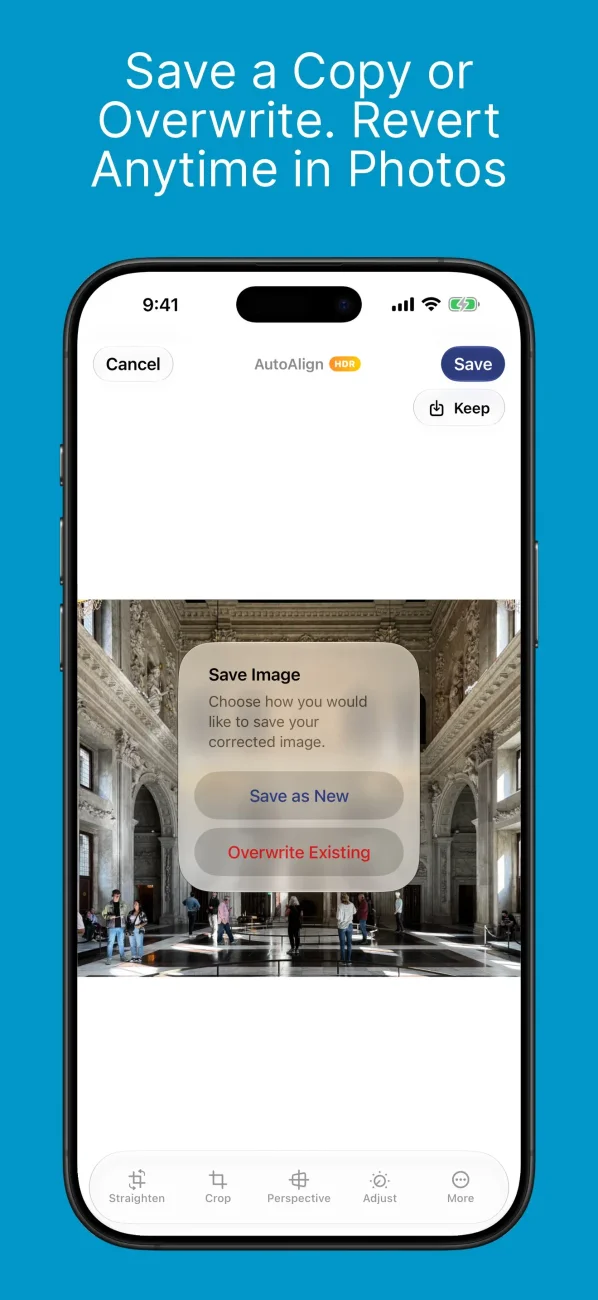
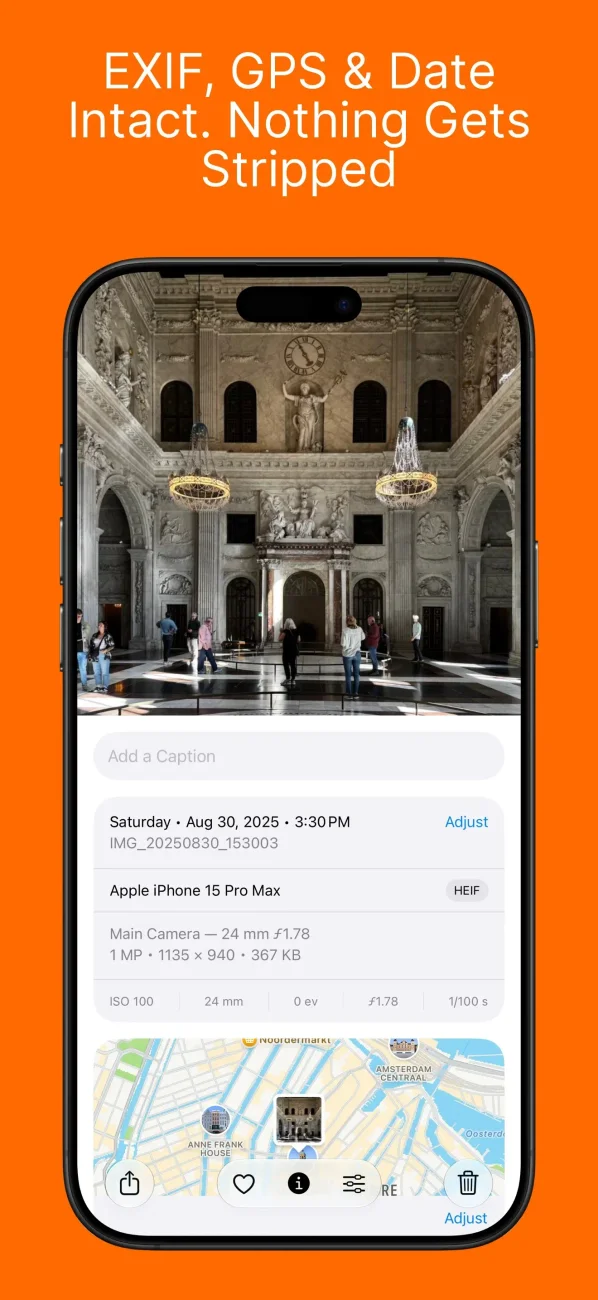
• Keeps HDR, EXIF, GPS and your original, and every edit can be reverted in Photos. Works inside the Photos app.
DOCUMENTS
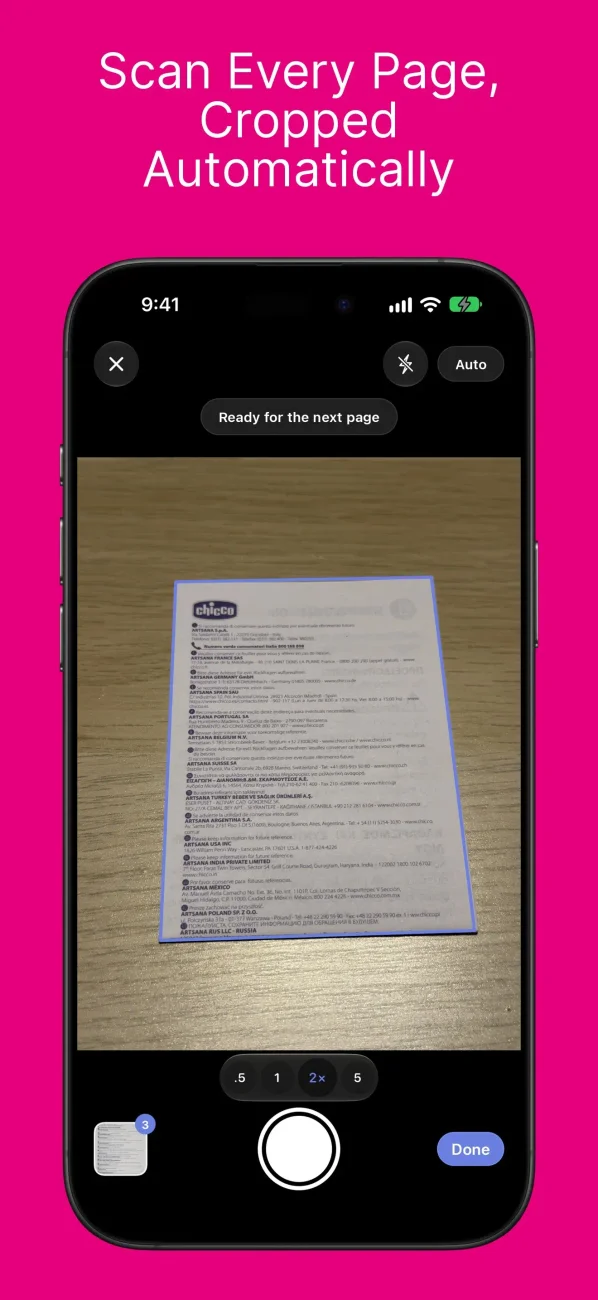
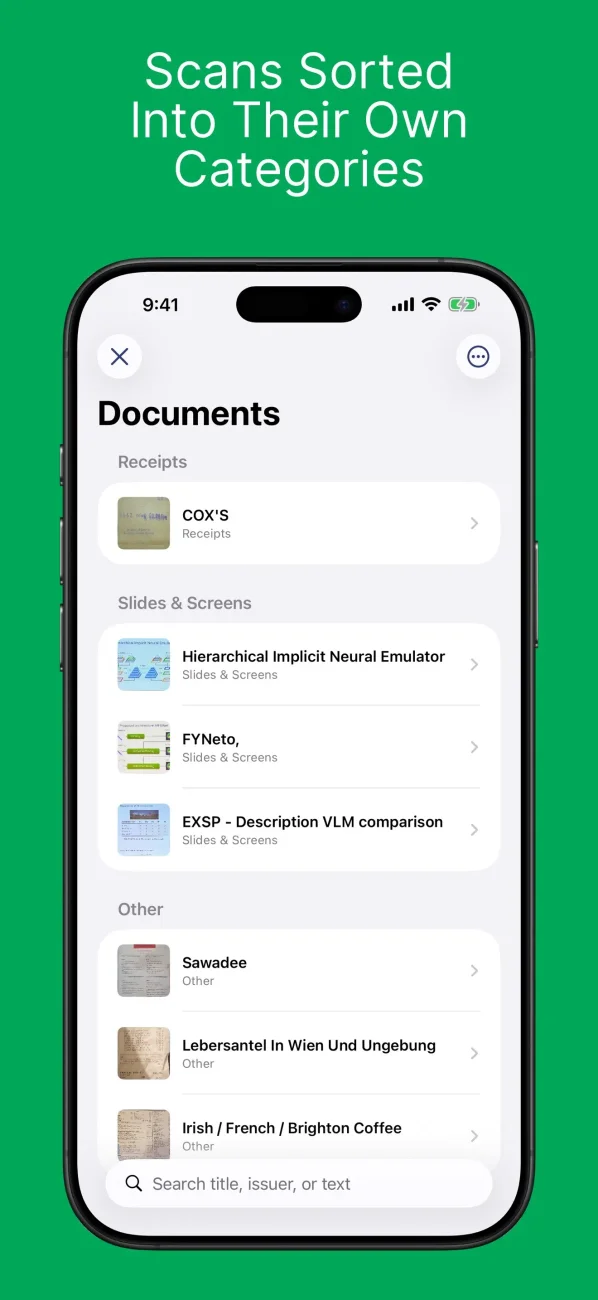
• Scan receipts, letters, cards and slides, one shot per page. Each page is found, cropped, straightened and filed by type, with a title from Apple Intelligence.
• Search any word on the page, in the app or from Spotlight. Share as a searchable PDF. Date, place and camera stay on every page.
ASK DOCUMENTS, ON YOUR iPHONE (EXPERIMENTAL)
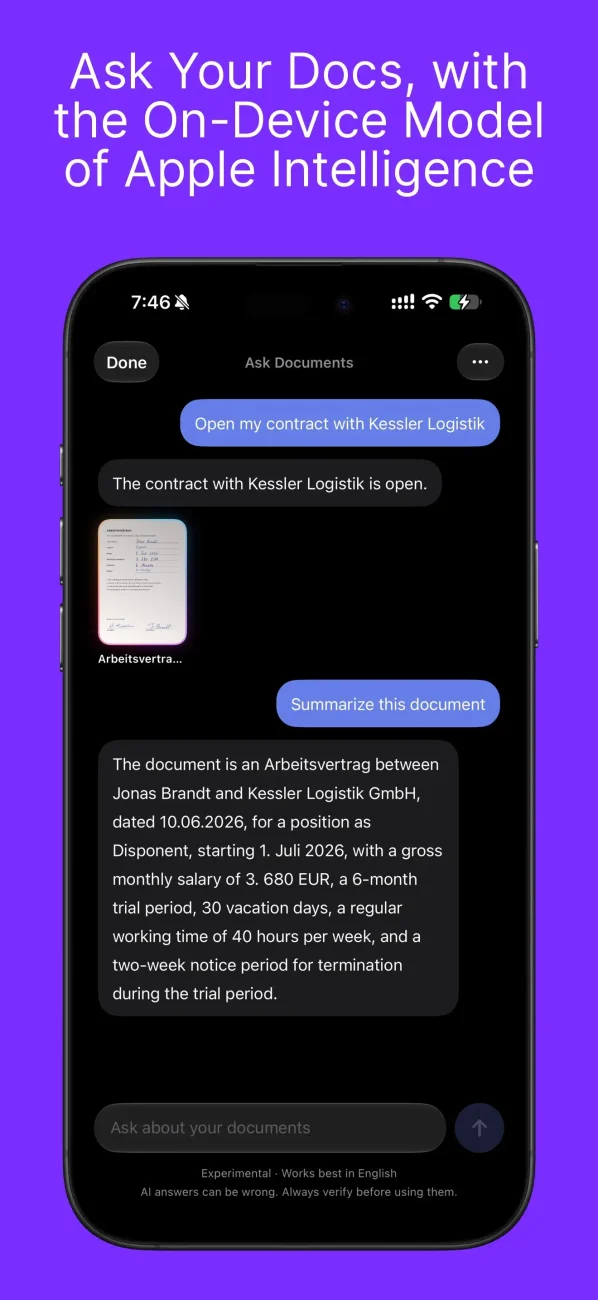
Ask in your own words, like "what was the total on the Hofer receipt?" The on-device model of Apple Intelligence answers and shows the document it used. Smart Search finds the right documents by meaning, and even by what a photo shows, with a search model that runs on your iPhone. Nothing is sent anywhere.
Needs a device with Apple Intelligence turned on. Smart Search needs iOS 26.4; its model downloads once after install, and search uses keywords until it arrives. Works best in English.
PRIVATE BY DESIGN
No account, no tracking, no analytics.
FREE AND PREMIUM
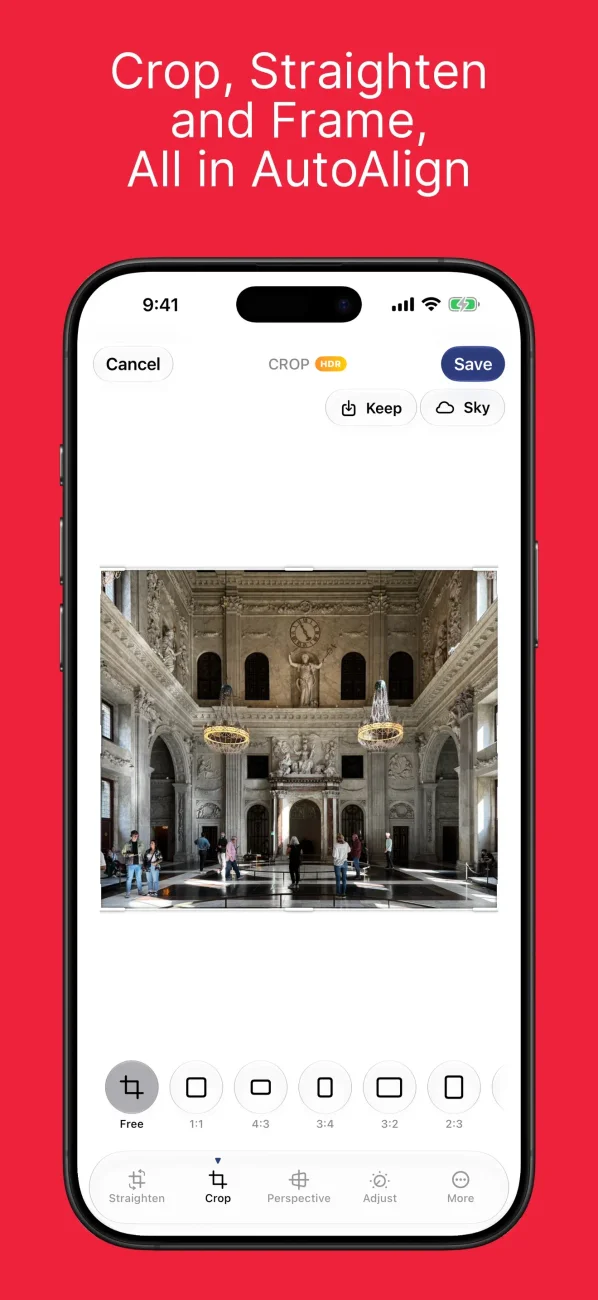
Free: the full correction, Manual Fix, cropping, and up to 4 documents. Exports carry a watermark and save at reduced resolution.
Premium: full-resolution and HDR export, no watermark, unlimited documents. Monthly, yearly, or a one-time purchase.
English, العربية, Deutsch, Español, Français, Nederlands, 简体中文.
Learn more: orbitaar.com/auto-align.html
Terms: orbitaar.com/autoalign/terms-of-use.html
Yenilikler
Sürüm 4.5 · 20.11.2026
• More accurate straightening: people in the photo no longer throw it off, and Full no longer skews photos taken face-on.
• Manual Fix: choose Full or Vertical only.
• Portrait: photos taken in Photo mode keep their depth, so after straightening you can still turn on Portrait in Photos and change its depth of field.
• Fixed: on a Mac, saved photos could lose their HDR.
• Fixed: on a Mac, AutoAlign could close by itself when you switched to another app after straightening a photo.
Uygulama gizliliği
Bu uygulamanın verileri nasıl işlediği hakkında Osama Mazhar tarafından App Store üzerinde yapılan beyan.
-
Veri toplanmıyor
Geliştirici bu uygulamadan hiçbir veri toplamıyor.
Gizlilik uygulamaları, örneğin kullandığınız özelliklere veya yaşınıza göre değişiklik gösterebilir.
Bilgiler
- Satıcı
- Osama Mazhar
- Kategori
- Fotoğraf ve Video
- Sürüm
- 4.5
- Güncellendi
- 20.11.2026
- Yayın tarihi
- 26.09.2025
- Boyut
- 78,5 MB
- Gereksinim
- iOS 17.0 veya sonrası
- Yaş sınırı
- 4+
- Fiyat
- Ücretsiz
- Uygulama içi satın alma
- Evet
- Diller
- İngilizce, Arapça, Hollandaca, Fransızca, Almanca, Basitleştirilmiş Çince, İspanyolca
- Telif hakkı
- © 2026 Osama Mazhar
Bunları da beğenebilirsiniz
-
 ImageFlux: Çoklu PozlamaÇift pozlama & RAW harmanlama
-
 Cameratio: CompositionsFotoğraf ve Video
-
 Odays: Kolay Foto TemizleyiciKaydırarak albümünü düzenle
-
 Screen CaptureFotoğraf ve Video
-
 Video Edit Tools. Video EditorFotoğraf ve Video
-
 Video Compressor - ResizerFotoğraf ve Video
-
 Video Sıkıştırıcı - ShrinkItVideoları Sıkıştır
-
 Tripix Cam: Zamanlayıcı KameraElleri kullanmadan oto çekim
-
 HEIC Converter: JPG, TIFF, PDFFotoğraf ve Video
-
 Ekran Görüntüsünü ÇerçeveleArka plan, gölge ve video