- Batasan usia17+
- KategoriKegunaan
- PengembangOsamu Noguchi
- BahasaJepang+ 1 lainnya
- Ukuran32,5 MB
Tertaut ke halaman resmi App Store
Download.org tidak menyimpan file Caverno apa pun. Tombol ini membuka halaman aplikasi di App Store, tempat Osamu Noguchi menerbitkannya. Halaman terakhir diperiksa pada 10/11/2026.
Tangkapan layar
Tentang
Pengembang belum menyediakan teks ini dalam bahasa Anda.
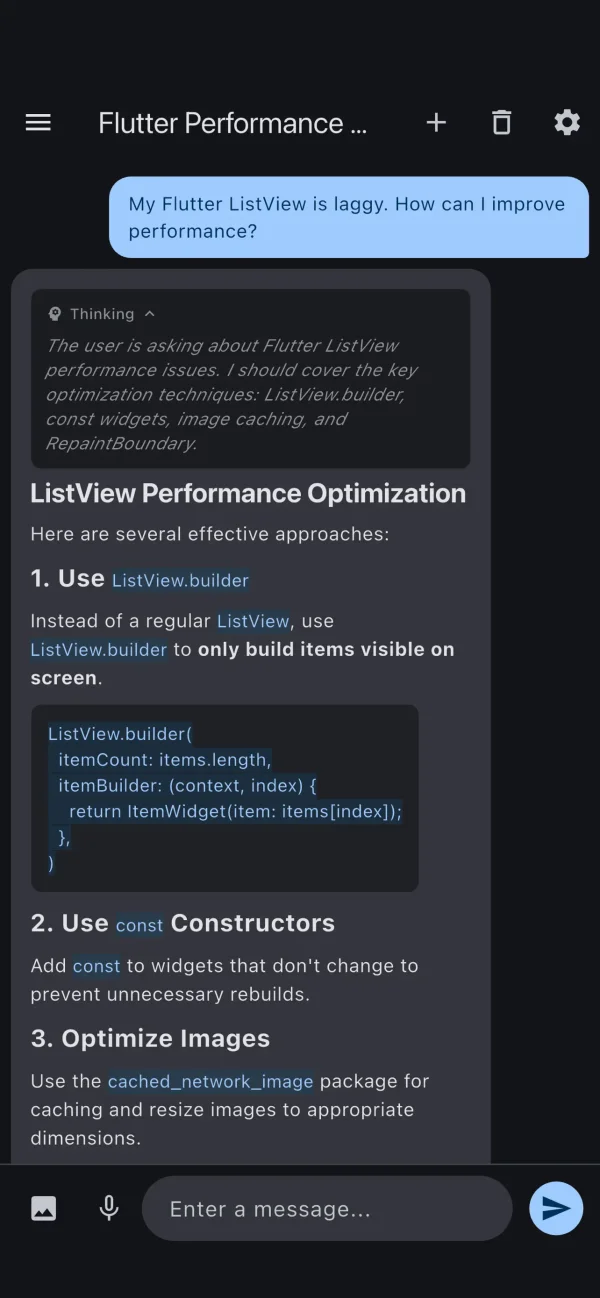
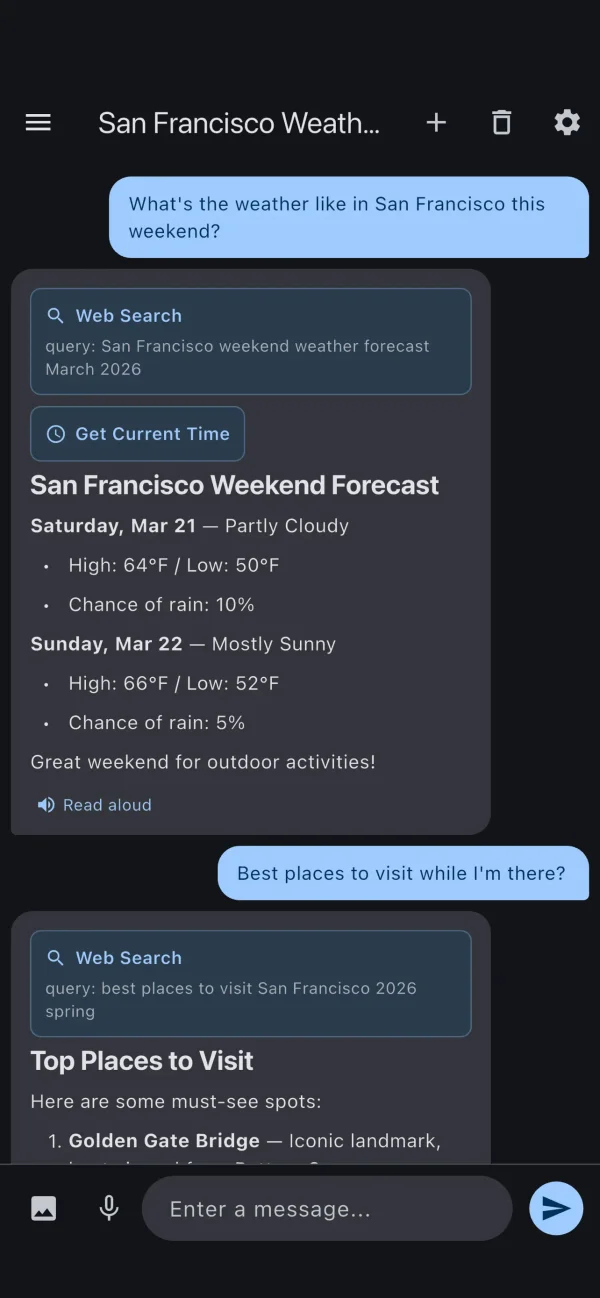
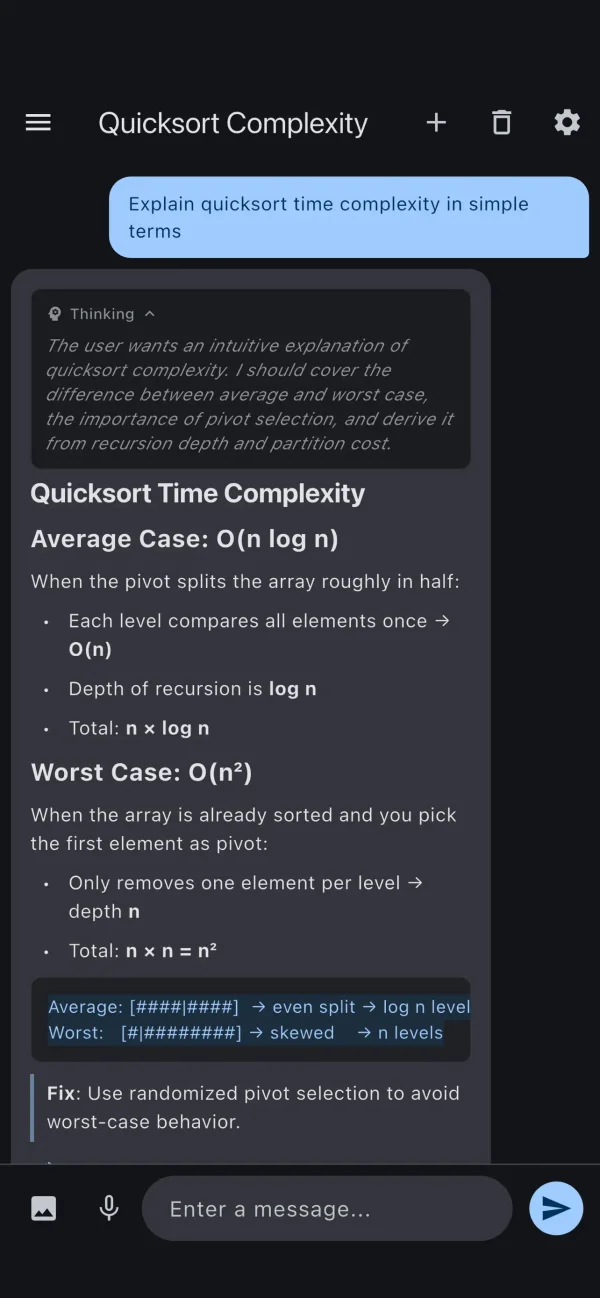
Caverno is a powerful chat client for locally-hosted LLMs. Connect to Ollama, LM Studio, vLLM, or any OpenAI-compatible API endpoint and start chatting — no cloud required.
KEY FEATURES
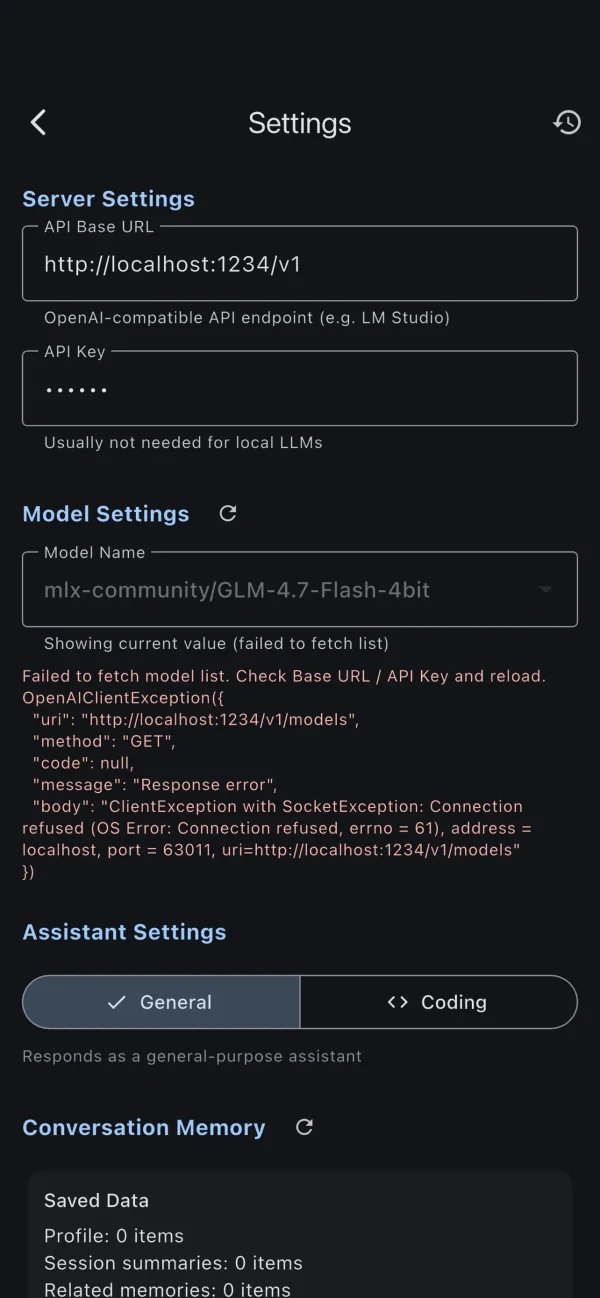
• Any OpenAI-Compatible Server
Connect to your own LLM running on localhost or your local network. Supports any endpoint that speaks the OpenAI API format.
• Tool Calling (MCP Protocol)
Extend your AI with real-time tools — web search, calculator, code execution, and more. Caverno uses the Model Context Protocol to let your LLM take actions.
• Session Memory
Your assistant remembers your preferences, constraints, and context across conversations. Memory is stored locally and fully under your control.
• Voice In & Out
Speak your messages and have responses read aloud. Configurable speech rate and auto-read options.
• Image Attachments
Attach photos from your library to include visual context in your conversations.
• Multiple Conversations
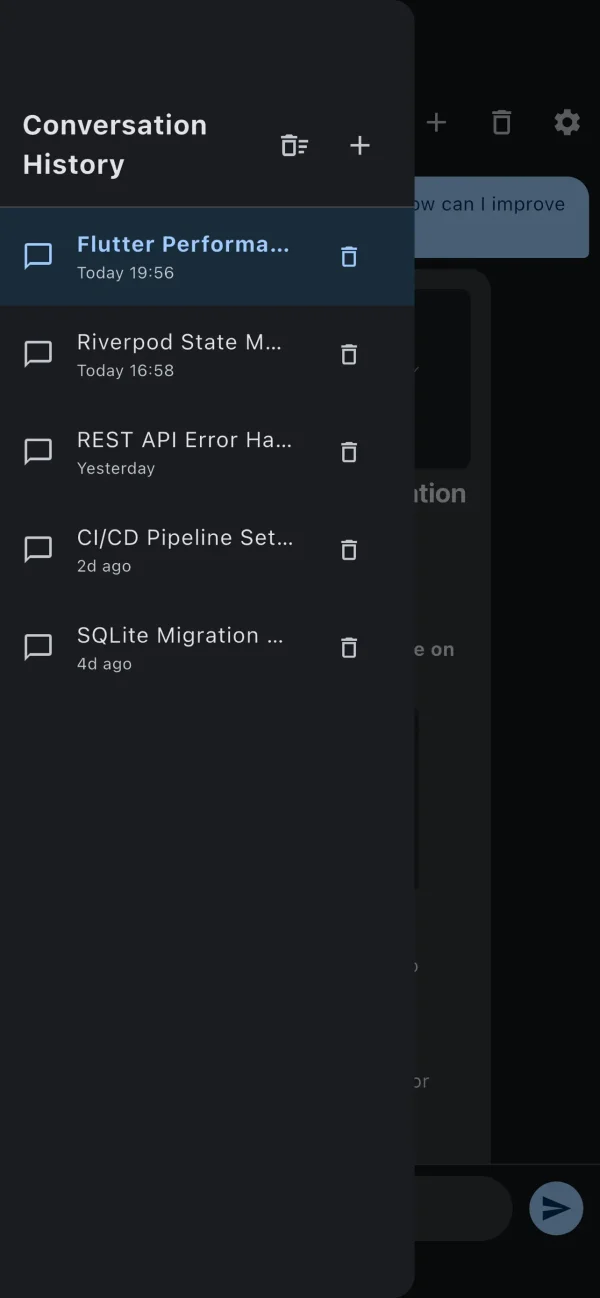
Create, switch, and manage separate chat threads. All conversations are persisted locally.
• Assistant Modes
Switch between General and Coding modes for different response styles tailored to your task.
• Privacy First
No account required. No data sent to third parties. All conversations and memory stay on your device — the only network connection is to the server you configure.
GETTING STARTED
1. Install an OpenAI-compatible LLM server (Ollama, LM Studio, etc.)
2. Open Caverno and go to Settings
3. Enter your server URL and select a model
4. Start chatting!
Caverno is designed for developers, AI enthusiasts, and anyone who wants full control over their AI assistant.
Yang baru
Versi 1.3.0 · 3/4/2026
This update brings several improvements to the chat experience. You can now attach CSV, TXT, JSON, and Markdown files, and paste images directly into the chat input. We also added one-tap copying for code blocks and improved visibility into token usage during conversations.
Privasi aplikasi
Yang dinyatakan Osamu Noguchi di App Store tentang cara aplikasi ini menangani data.
-
Data yang tidak ditautkan dengan Anda
Dapat dikumpulkan, tetapi tidak ditautkan dengan identitas Anda.
- Diagnostik
Praktik privasi dapat bervariasi, misalnya berdasarkan fitur yang Anda gunakan atau usia Anda.
Informasi
- Penjual
- Osamu Noguchi
- Kategori
- Kegunaan
- Versi
- 1.3.0
- Diperbarui
- 3/4/2026
- Dirilis
- 1/4/2026
- Ukuran
- 32,5 MB
- Memerlukan
- iOS 26.0 atau yang lebih baru
- Batasan usia
- 17+
- Harga
- Gratis
- Bahasa
- Jepang, Inggris
- Hak cipta
- © 2026 Osamu Noguchi