
- Age rating17+
- CategoryUtilities
- DeveloperOsamu Noguchi
- LanguagesJapanese+ 1 more
- Size32.5 MB
Links to the official App Store page
Download.org hosts no file of Caverno. The button opens its official App Store page, published by Osamu Noguchi. Listing last checked on Nov 10, 2026.
Screenshots
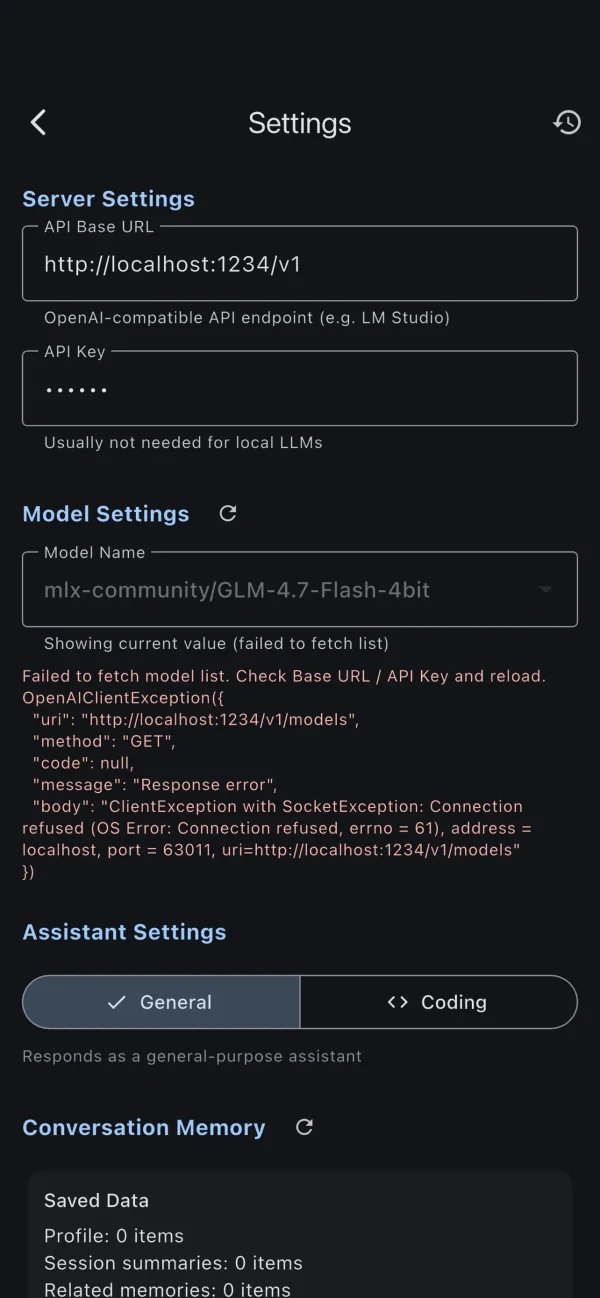
About
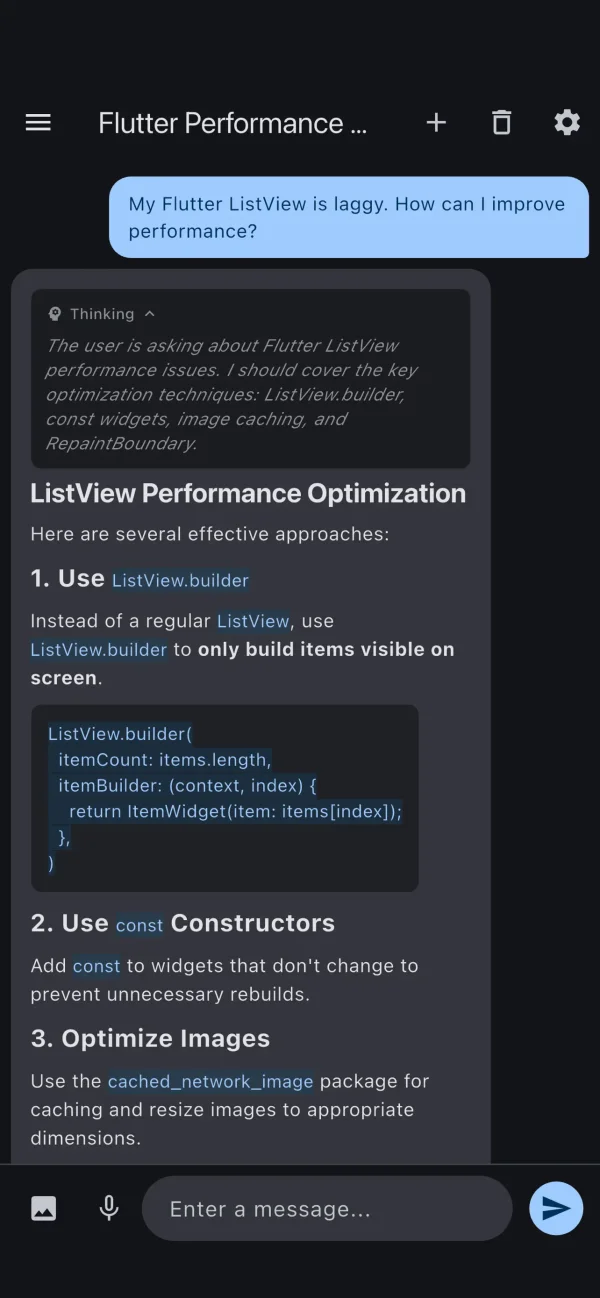
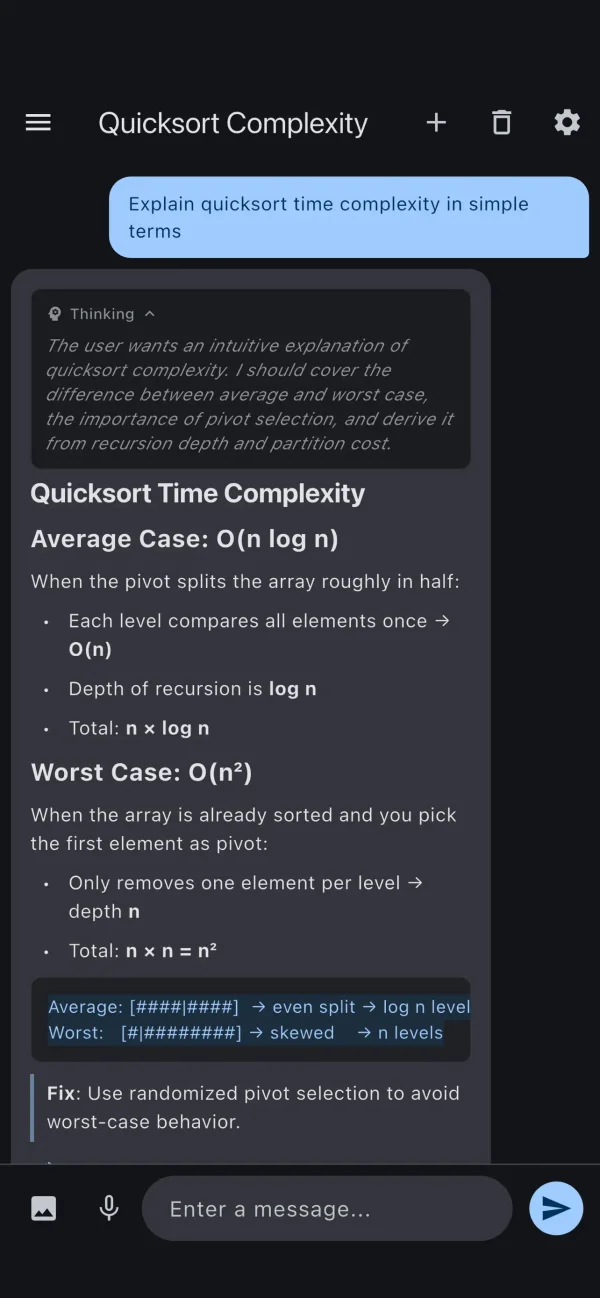
Caverno is a powerful chat client for locally-hosted LLMs. Connect to Ollama, LM Studio, vLLM, or any OpenAI-compatible API endpoint and start chatting — no cloud required.
KEY FEATURES
• Any OpenAI-Compatible Server
Connect to your own LLM running on localhost or your local network. Supports any endpoint that speaks the OpenAI API format.
• Tool Calling (MCP Protocol)
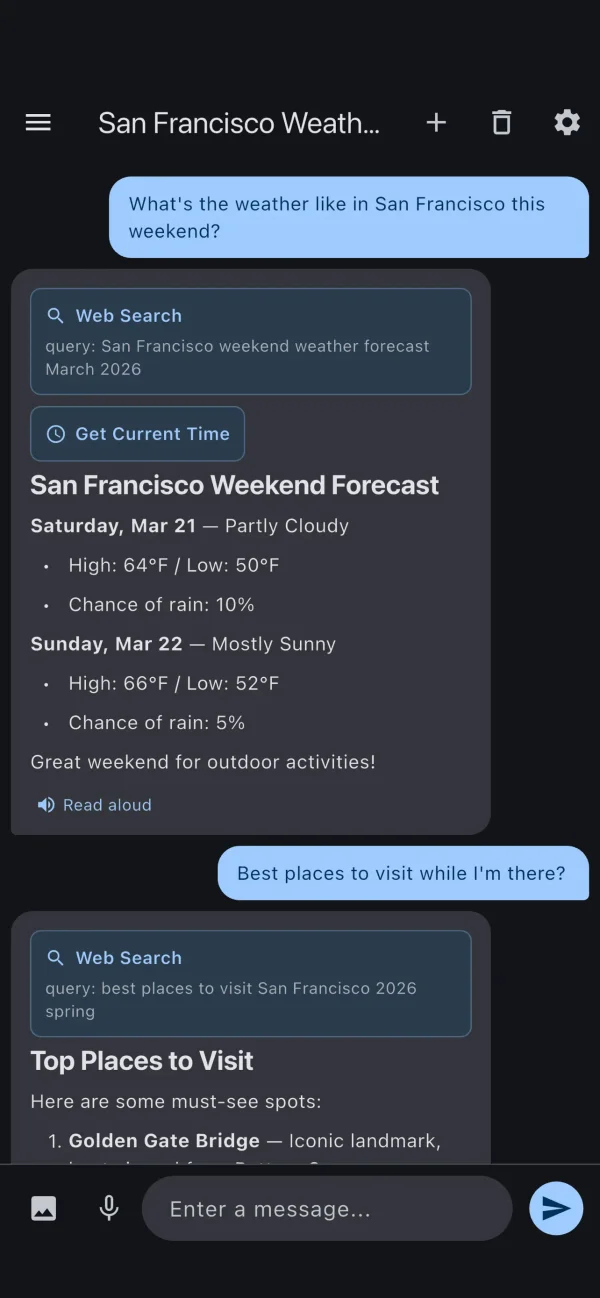
Extend your AI with real-time tools — web search, calculator, code execution, and more. Caverno uses the Model Context Protocol to let your LLM take actions.
• Session Memory
Your assistant remembers your preferences, constraints, and context across conversations. Memory is stored locally and fully under your control.
• Voice In & Out
Speak your messages and have responses read aloud. Configurable speech rate and auto-read options.
• Image Attachments
Attach photos from your library to include visual context in your conversations.
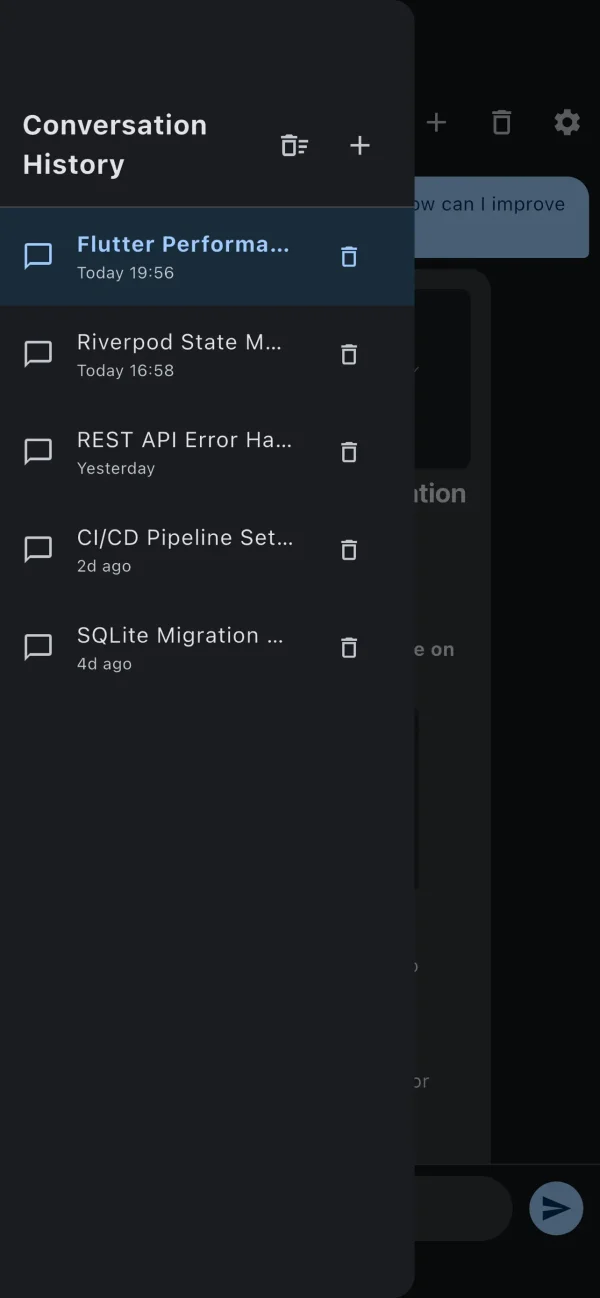
• Multiple Conversations
Create, switch, and manage separate chat threads. All conversations are persisted locally.
• Assistant Modes
Switch between General and Coding modes for different response styles tailored to your task.
• Privacy First
No account required. No data sent to third parties. All conversations and memory stay on your device — the only network connection is to the server you configure.
GETTING STARTED
1. Install an OpenAI-compatible LLM server (Ollama, LM Studio, etc.)
2. Open Caverno and go to Settings
3. Enter your server URL and select a model
4. Start chatting!
Caverno is designed for developers, AI enthusiasts, and anyone who wants full control over their AI assistant.
What’s new
Version 1.3.0 · Apr 3, 2026
This update brings several improvements to the chat experience. You can now attach CSV, TXT, JSON, and Markdown files, and paste images directly into the chat input. We also added one-tap copying for code blocks and improved visibility into token usage during conversations.
App privacy
What Osamu Noguchi declares on the App Store about how this app handles data.
-
Data not linked to you
May be collected but is not linked to your identity.
- Diagnostics
Privacy practices may vary, for example with the features you use or your age.
Information
- Seller
- Osamu Noguchi
- Category
- Utilities
- Version
- 1.3.0
- Updated
- Apr 3, 2026
- Released
- Apr 1, 2026
- Size
- 32.5 MB
- Requires
- iOS 26.0 or later
- Age rating
- 17+
- Languages
- Japanese, English
- Copyright
- © 2026 Osamu Noguchi
You might also like
-
 EnigmusPrivate on-device LLM chat.
-
 My NAS ManagerNAS monitor & file manager
-
 Luminary AIPrivate on-device AI chat
-
 Auth Sync: Safe & Secure 2FAGenerate & sync TOTP codes
-
 Baseguard - Overlay NetworkYour own internet in 2 minutes
-
 Roroleeai claw
-
 LLM Bridge - Multi LLM ClientChat with your own Ollama
-
 Minoo - Private NotesOrganised, Focused, Private.
-
 FlowMountMount, sync, and manage
-
 IonClaw AI Agent OrchestratorBuild and Control AI Agents