cFormula
Customize Your Math Formulas
Dirancang untuk iPhone, iPad, iPod touch
Gratis · Pembelian dalam aplikasi
- Batasan usia4+
- KategoriProduktivitas
- Pengembang疆 边
- BahasaInggris+ 6 lainnya
- Ukuran12,9 MB
Tertaut ke halaman resmi App Store
Download.org tidak menyimpan file cFormula apa pun. Tombol ini membuka halaman aplikasi di App Store, tempat 疆 边 menerbitkannya. Halaman terakhir diperiksa pada 19/11/2026.
Tangkapan layar
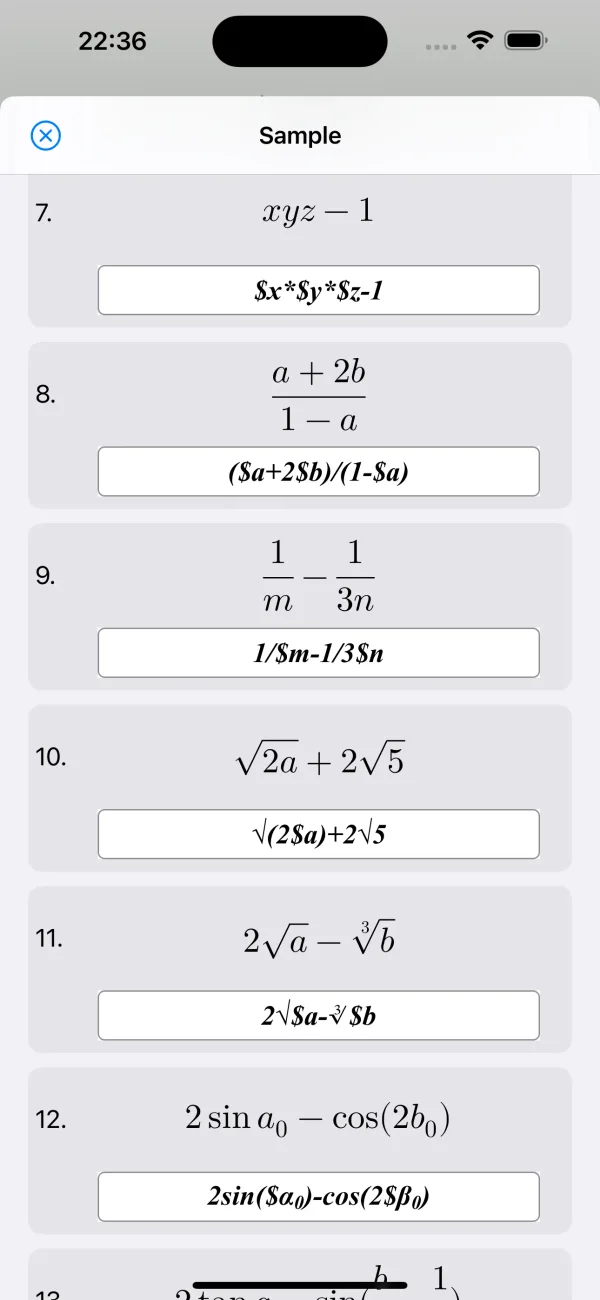
Tentang
Pengembang belum menyediakan teks ini dalam bahasa Anda.
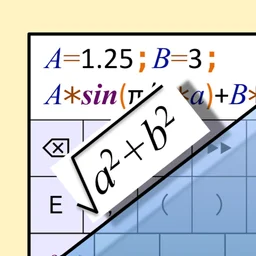
Customize formulas and calculate at any time.
I want to calculate using formulas, but most apps have built-in formulas. There are countless formulas in the world, and it is not easy to find the formula you need to use.
Now you can create your own formula within 1 minute.
Just 3 steps:
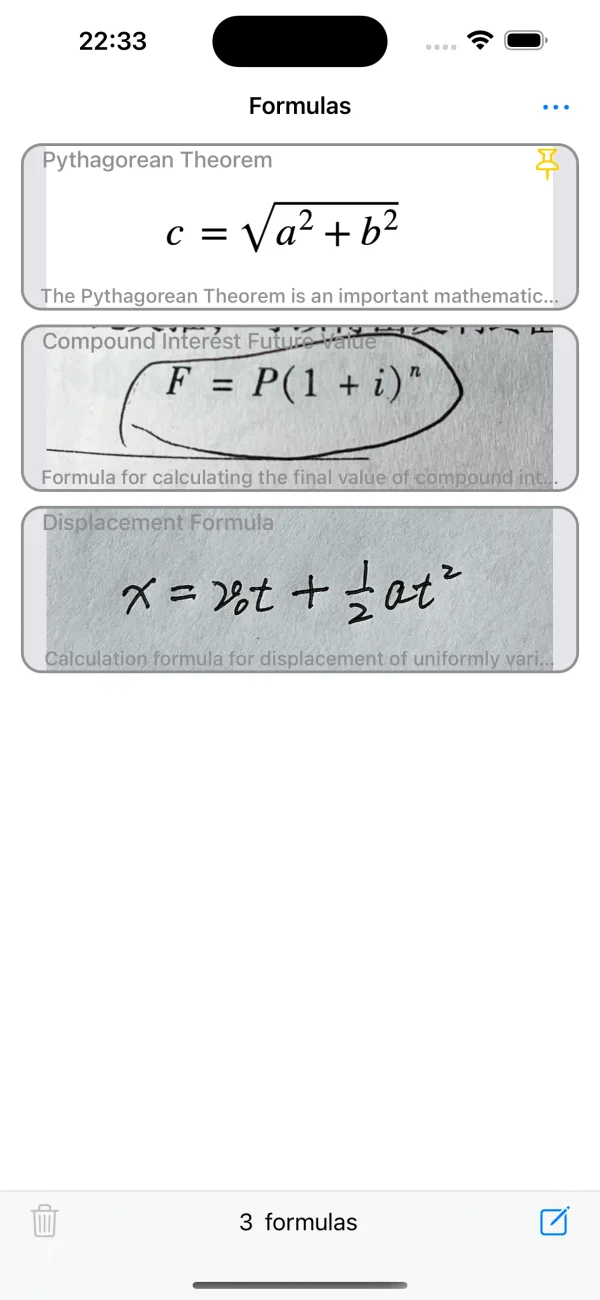
1. Take a photo or select a formula image in the album.
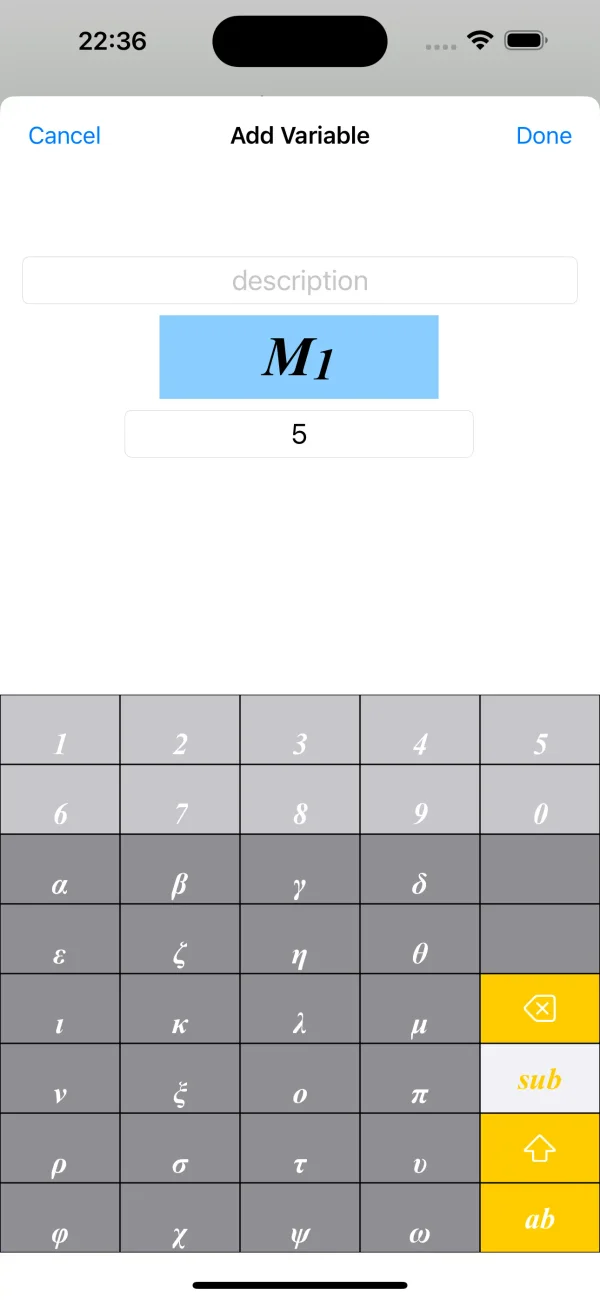
2. Add variables.
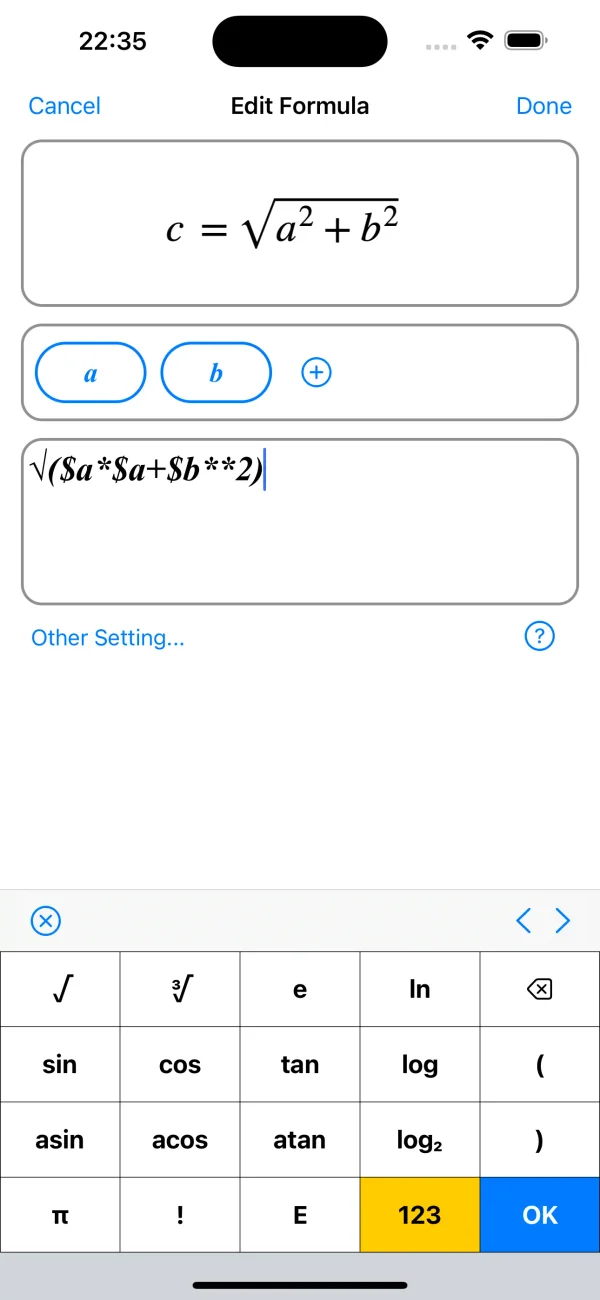
3. Enter an expression containing variables.
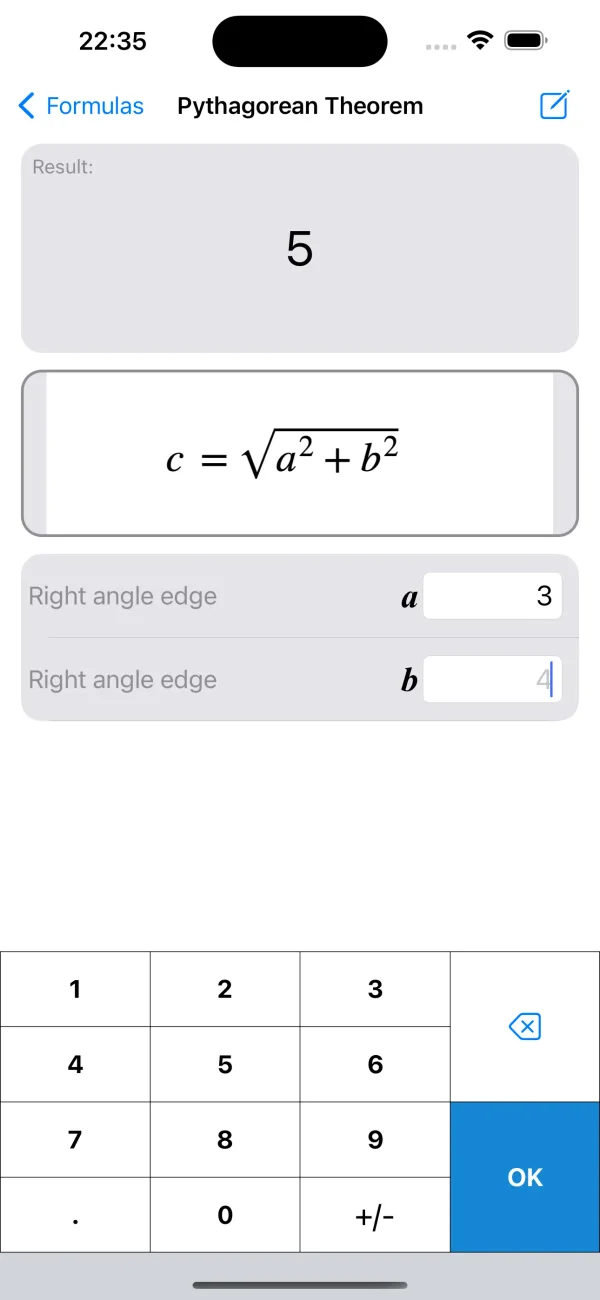
The formula creation is completed, and the calculation is completed instantly by inputting the numerical value of the variable.
【 Main functions 】
——Take pictures and crop them.
——Select an image and crop it.
——Set formula variables, support uppercase and lowercase letters in English and Latin, and support subscripts.
——A dedicated keyboard for expression input, simple and easy to use.
——Check the expression and prompt for incorrect positions.
——Number specific keyboard, clear and easy to use.
——Supports angle or radian calculation settings.
——Supports calculations such as arithmetic, exponent (power), root, trigonometric function, logarithm, etc.
——Support Scientific notation and factorial calculation.
——Supports constant inputs such as e and π.
——ICloud cloud synchronization creates formulas that are shared across multiple devices and can be used anytime.
——Support restoring after deletion. The deleted formula will be permanently deleted after 30 days.
Tip:
1. The simplest formula is to have no images, no variables, and only expressions. You can use it to calculate mathematical formulas with fractions and multiple parentheses. Can be used all at once, next time clear the expression and input a new one.
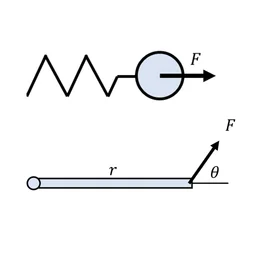
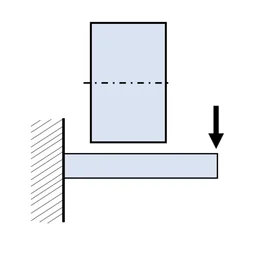
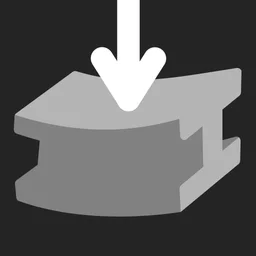
2. The image of the formula is used to compare the input variable values during use. You can take photos of formulas on books, computer screens, or handwrite them. You can also use other software to edit screenshots of formulas.
3. The dedicated keyboard for expression input is for convenience and ease of use. You can also paste functions that the keyboard does not support in the expression input box, which may bring surprises.
Yang baru
Versi 1.1 · 29/10/2024
Fix bugs
Privasi aplikasi
Yang dinyatakan 疆 边 di App Store tentang cara aplikasi ini menangani data.
-
Data yang digunakan untuk melacak Anda
Dapat digunakan untuk melacak Anda di aplikasi dan situs web milik perusahaan lain.
- Lokasi
- Pengenal
- Data penggunaan
-
Data yang tidak ditautkan dengan Anda
Dapat dikumpulkan, tetapi tidak ditautkan dengan identitas Anda.
- Lokasi
- Pengenal
- Data penggunaan
- Diagnostik
Praktik privasi dapat bervariasi, misalnya berdasarkan fitur yang Anda gunakan atau usia Anda.
Informasi
- Penjual
- 疆 边
- Kategori
- Produktivitas
- Versi
- 1.1
- Diperbarui
- 29/10/2024
- Dirilis
- 21/1/2024
- Ukuran
- 12,9 MB
- Memerlukan
- iOS 13.0 atau yang lebih baru
- Batasan usia
- 4+
- Harga
- Gratis
- Pembelian dalam aplikasi
- Ya
- Bahasa
- Inggris, Prancis, Jerman, Jepang, Tionghoa Sederhana, Spanyol, Tionghoa Tradisional
- Hak cipta
- © 2024 BianJiang